A3 output that handles longer office jobs
This plan is built around an A3 multifunction machine with automatic duplexing, so teams can print on both sides without flipping sheets by hand. It is a practical fit for finance packs, school packs, architectural markups, council submissions and office booklets that run beyond the basic A4 memo.
The machine family in this plan is generally suited to mixed office use, with copy, print, scan and fax functions depending on the model selected. Some offices need mono output for internal paperwork and forms, others need colour for client-facing packs, maps or charts. The right setup depends on page volumes, how often A3 is used, and whether scanning to message is part of the daily routine.
- A4 and A3 paper support for mixed office documents
- Automatic duplex printing for reports, packs and handouts
- Mono or colour options, depending on the print mix
- Copy, print and scan functions in one unit
- Scan-to-message and network printing where required
Where the Duplex A3 Plan fits well
This plan works neatly in Midrand offices, Sandton teams, law practices, schools, training centres and branches that print more than the odd page now and then. It also suits businesses that need one central device instead of several benchtop printers scattered around the floor, which usually makes metre checks and toner control easier.
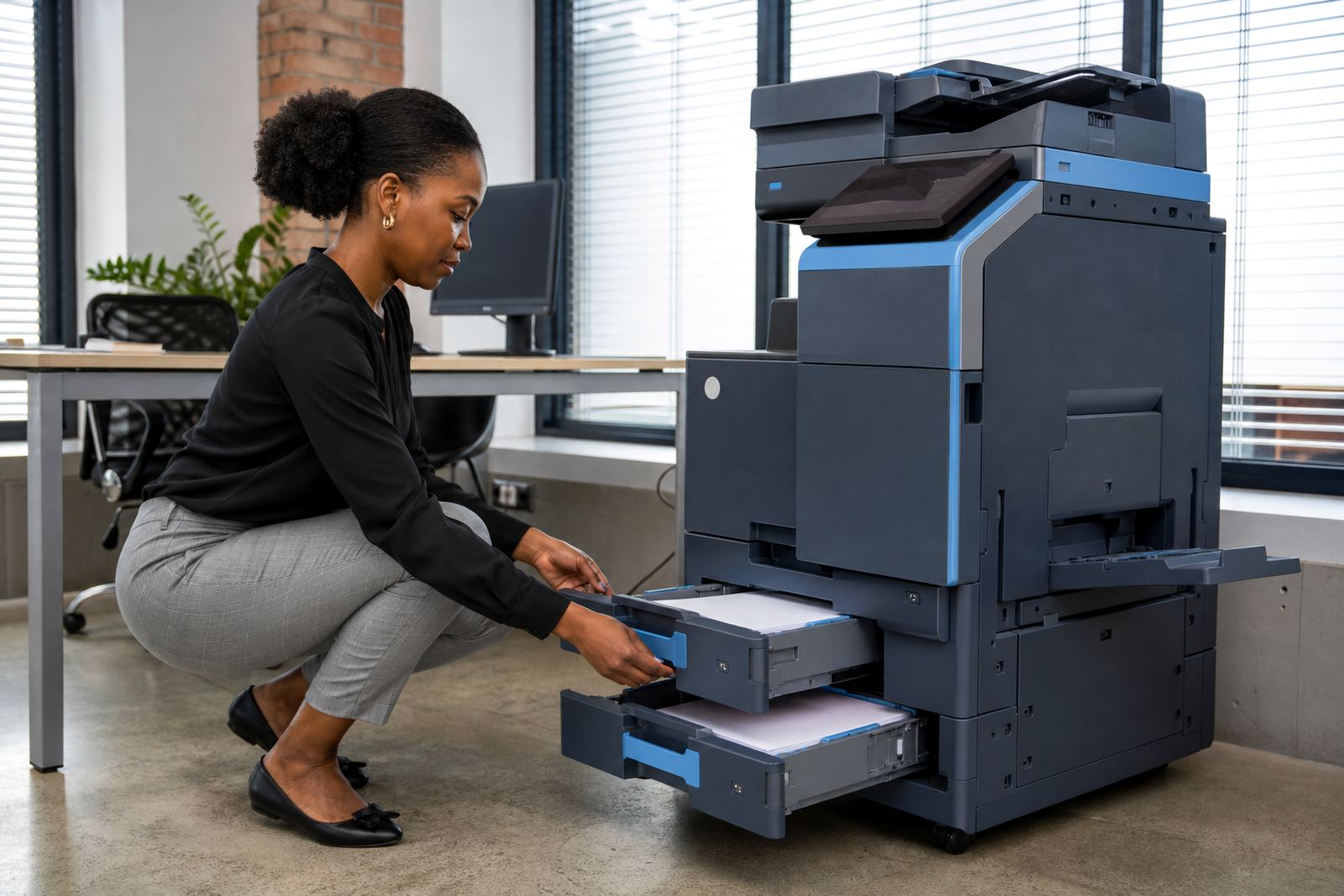
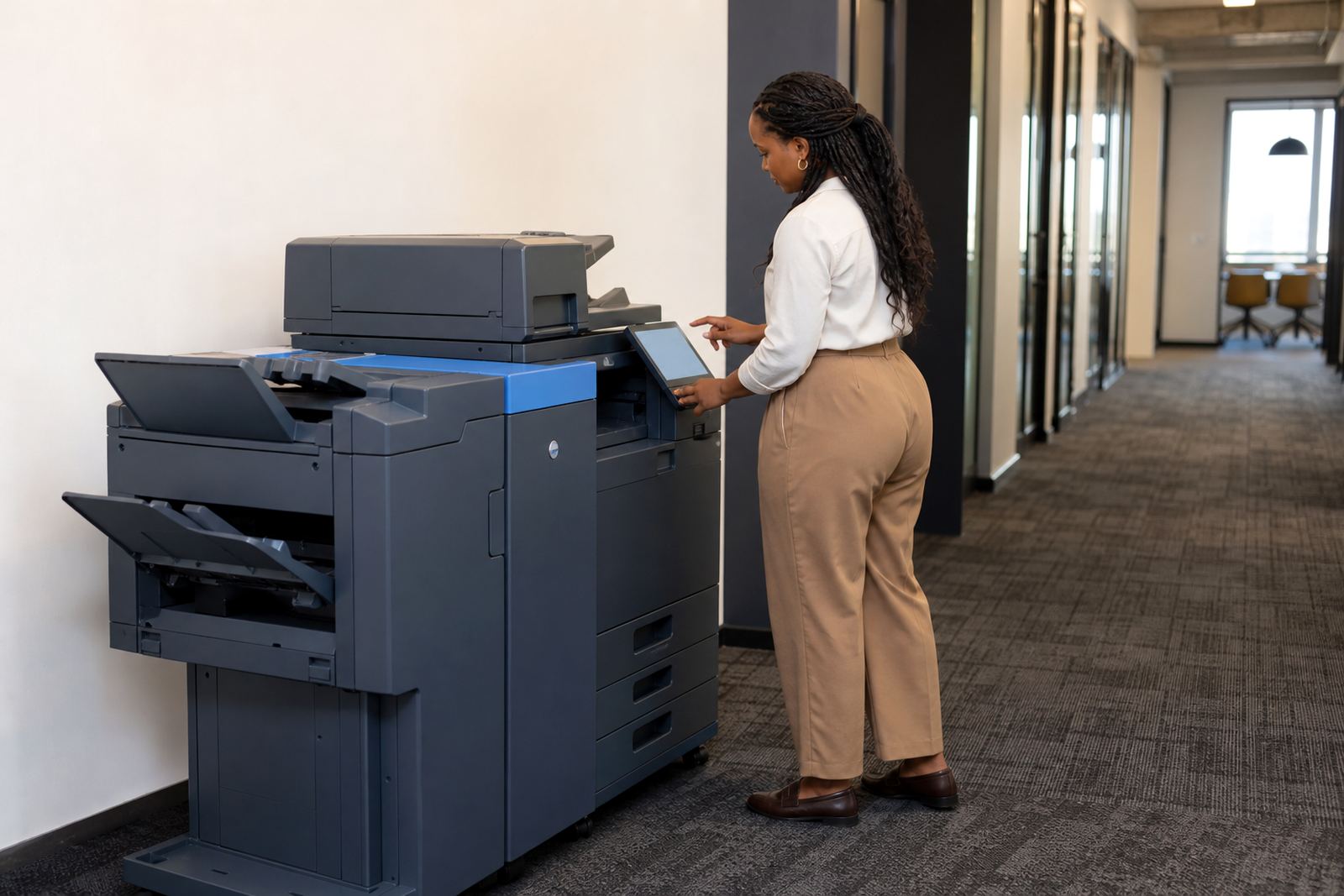
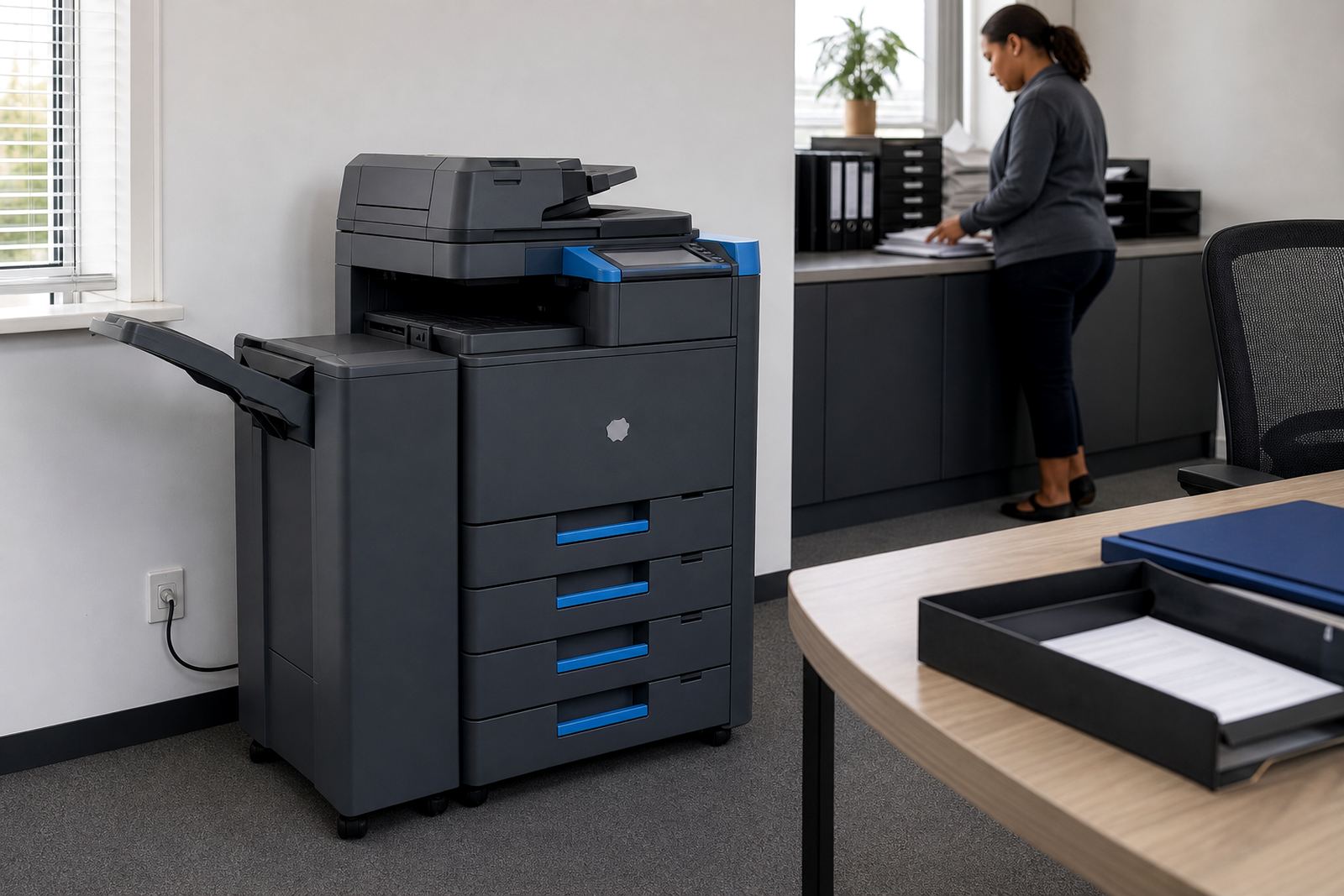
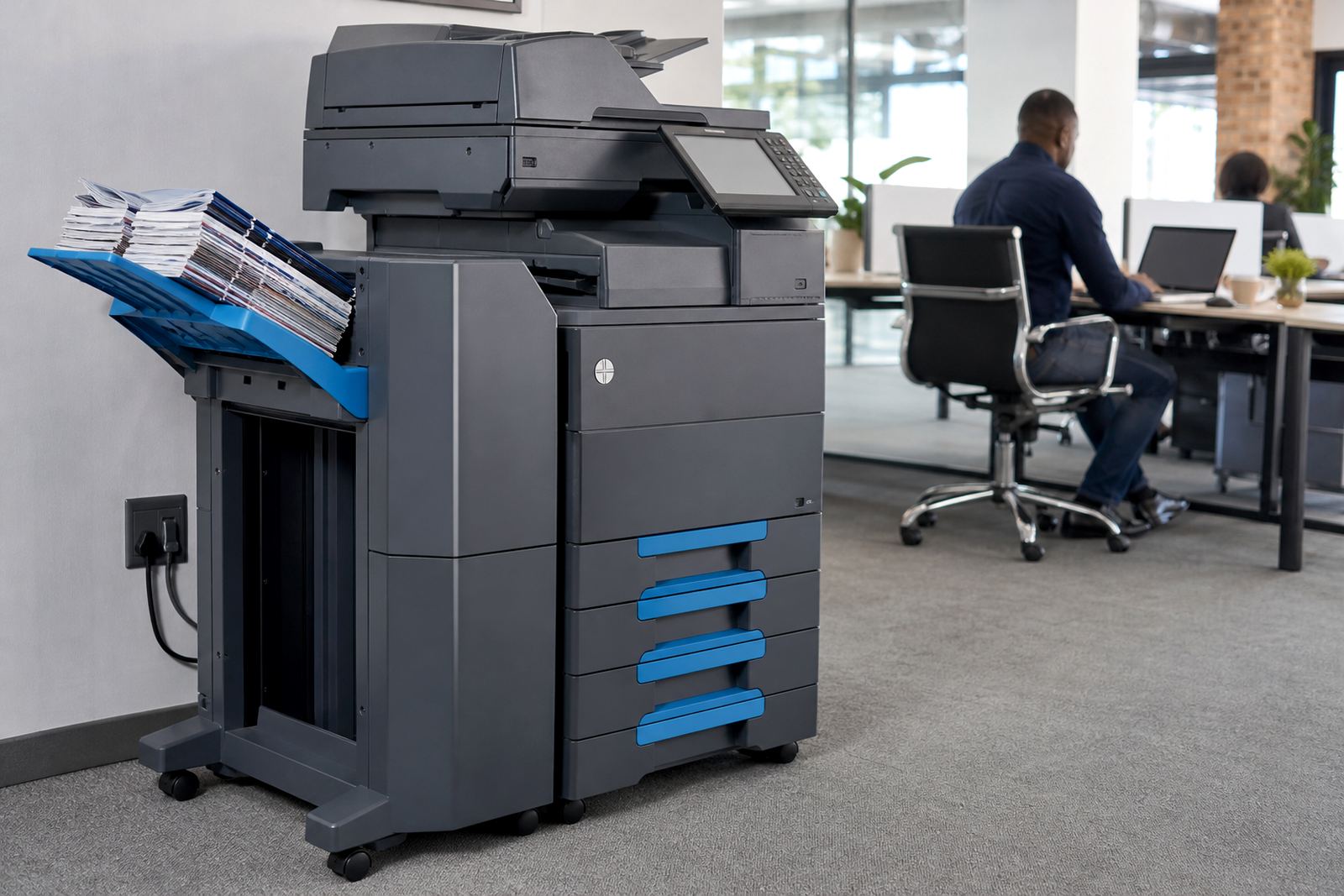
Because A3 devices are larger than a standard benchtop machine, placement matters. The unit needs a level floor space, proper clearance around the panels and a power point close enough for safe setup. If the office uses network printing, the machine can be added to the local network and set for secure print, user codes or department control. In busier spaces, that helps stop pages sitting in the tray where anyone can lift them.
For teams with regular packs, the duplex function cuts paper use and keeps folders neater. It is also useful where documents have to stay thin enough for filing. The plan can include user handover, so staff know how to choose A4 or A3, switch between mono and colour jobs, and clear a basic paper jam without turning the room upside down.
- Offices with steady internal printing
- Schools needing handouts, test packs and notices
- Practices that print forms and patient or client records
- Branches that want one managed device instead of several small units
Rental, clicks and toner in one managed plan
The Duplex A3 Plan is arranged as a managed print rental, not a machine purchase. That means there is a monthly rental element for the equipment itself, then click charges based on metre readings. In practice, offices get a cleaner view of their print spend because the count on the machine tells the story, not guesswork from half-used toner boxes in a store room.
Toner is included in the plan arrangement, together with the normal consumables needed for day-to-day output. Metre reading support keeps billing tied to real usage, which is helpful where one department prints a heavy colour pack and another only runs black and white forms. If the office changes its print pattern over time, the fleet can be reviewed and the plan adjusted to suit the actual load.
We also manage machine swaps at the end of term where a better fit is needed, or when the office grows and the first device is no longer enough. That can mean moving from mono to colour, shifting from A4 only to A3, or changing the speed rating so queues do not build at month end.
- Monthly rental for the device
- Metre-based click billing for print usage
- Toner included in the managed plan
- Fleet review support when volumes change
- End-term swaps where the office needs a different setup
Installation and setup on the office floor
Fitting a duplex A3 machine is not a box-drop exercise. The installation needs enough space for paper trays, side access for maintenance and a sensible route to the power supply. If the unit is networked, the printer and scan settings are set up so staff can send jobs cleanly from their computers and scan documents straight into message folders.
Our installation work can include machine relocation, especially when an office is moving within the same building or across a Johannesburg, Pretoria or Centurion address. We also handle user handover so the team knows how to load paper, pick the correct tray, read the counter and use secure print where staff need a little more control over sensitive pages.
Good setup saves a lot of ordinary trouble later. A tray set too tight, the wrong paper size chosen or a network name entered badly can slow an entire department. A tidy installation reduces those small problems and keeps the machine ready for the real work that lands every morning.
- Network setup for print and scan functions
- Scan-to-message configuration for office workflows
- Secure print setup for private documents
- Machine relocations within the same premises or to a new branch
- User handover for the staff who will run it daily
Care that keeps the machine earning its place
A managed A3 machine needs ordinary care, not dramatic attention. Paper should be stored dry and flat, especially in coastal towns like Durban and Cape Town where humidity can curl sheets and leave them feeding badly. The glass should stay clean for sharp scans, and the feeder rollers need checking when the machine starts pulling more than one page at a time.
On-site servicing handles breakdowns, paper feed issues and general wear. In office print rooms, the trouble is often ordinary stuff, like a worn roller, dirty sensors or a setting changed by accident. That is why a service plan is useful, because the machine stays part of the working floor rather than becoming a blocked corner with a flashing light and a pile of unsent jobs.
For offices in Bloemfontein, Midrand and the surrounding routes, we also support metre reading and toner supply so the device does not drift out of control. A well-kept printer costs less time, less paper and fewer interruptions, even when several people are using it from the same network.
What to confirm when you order this plan
Before a Duplex A3 Plan is set up, it helps to pin down the office pattern rather than just the machine size. A good brief includes whether you need mono or colour output, how many A3 sheets leave the tray in a normal week, and whether scan-to-message or secure print is essential.
It also helps to note where the machine will sit, what power point is available, and whether the office wants a single shared device or a small fleet across several rooms. If the unit needs to move between floors or branches later, that should be mentioned at the start so the setup suits the route and access points.
Our contact form can be used to pass on the details for a Duplex A3 rental plan. The clearer the job size, the more neatly the rental, click rate and support arrangement can be matched to the office pattern.
- Mono or colour requirement
- A4 only or A4 plus A3 paper use
- Estimated monthly print and copy volume
- Scan-to-message, secure print and other user features needed
- Office location, access and machine placement
Key facts
| Format | A3 multifunction rental with A4 support |
|---|---|
| Print type | Mono or colour, depending on the setup |
| Functions | Print, copy, scan and optional fax |
| Billing model | Monthly rental plus metre-based click charges |
| Paper handling | Single and duplex output for forms and booklets |
| Support | Toner supply, metre reading support and on-site servicing |