Two paper paths, one steady office rhythm
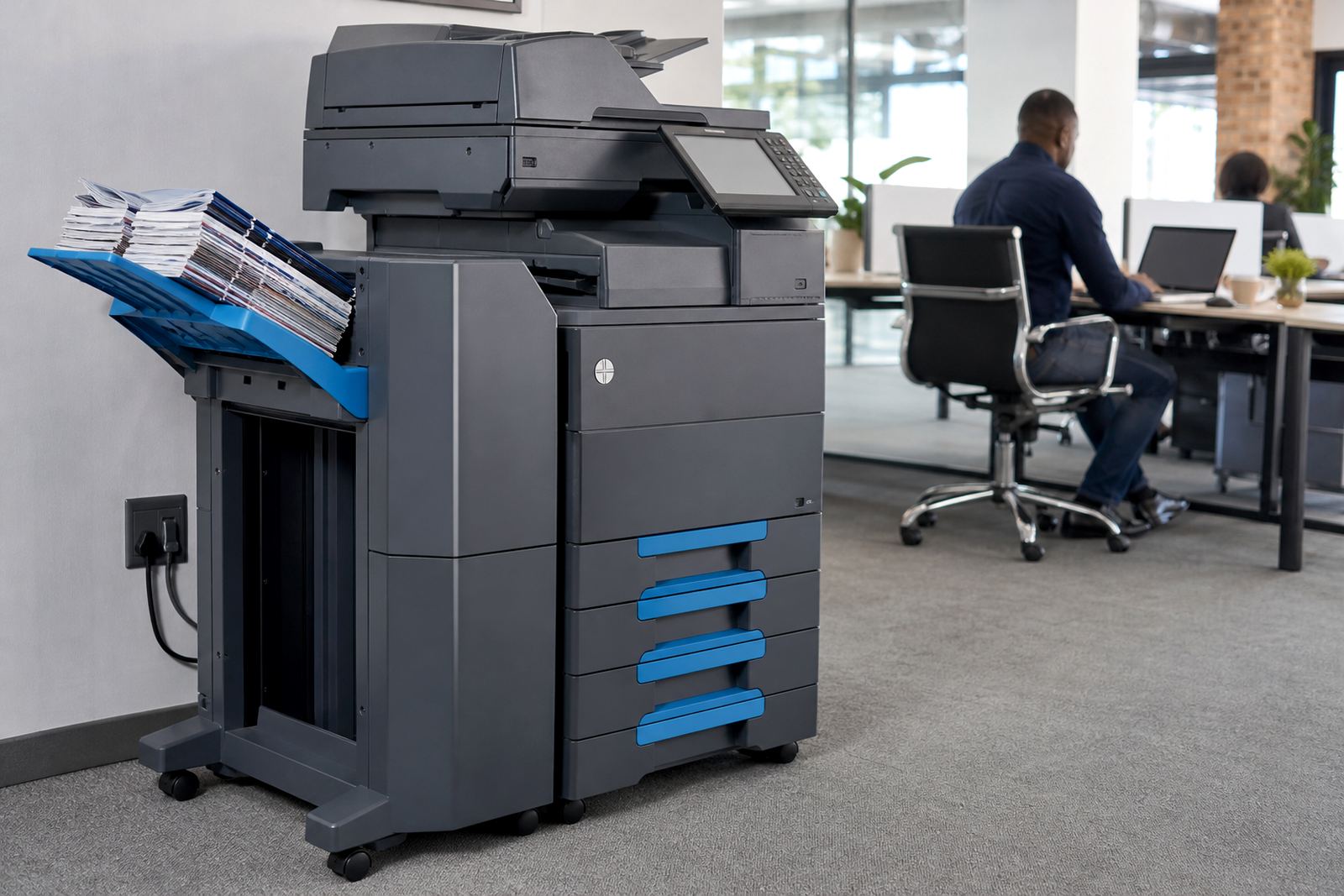
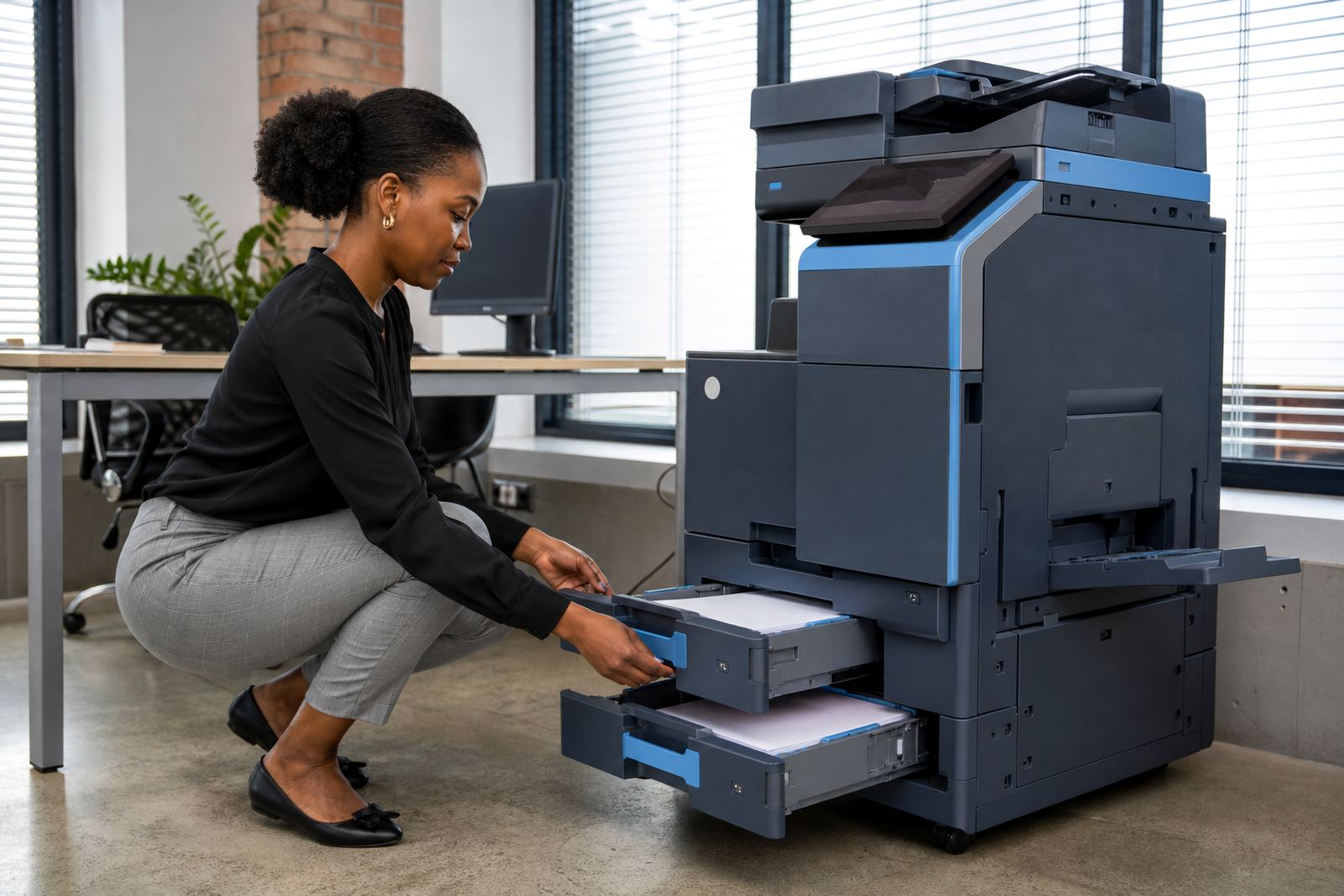
A dual tray A4 rental machine is set up with two separate paper sources, usually a main tray and a second tray for letterhead, coloured stock or a different paper weight. That arrangement helps when invoices, quotations, forms and internal paperwork all move through the same machine, because staff do not need to reload paper for every document type.
In a busy office, the useful part is not the tray count on its own, it is the way the machine handles day-to-day switching. One tray can hold plain white paper for general printing while the other carries branded letterhead or pre-printed pages. The machine then selects the right source according to the print job, which keeps output neater and cuts down on hand sorting.
These units are often chosen for A4 work where space is tighter but the print mix still changes often. They suit firms that need mono and colour output, scanning, copying and secure print options on the same floor. For teams with branches in Johannesburg, Pretoria, Durban, Cape Town or Bloemfontein, a dual tray unit can sit inside a managed print plan that tracks metre readings and toner use without forcing a purchase upfront.
A4 sizes, tray options and the print mix it handles
The dual tray A4 setup is built around the paper sizes most offices use every week. Standard A4 remains the main format, while the extra tray lets you keep one paper type ready for more formal documents. Some offices ask for the second source to carry thicker stock or a different finish, and others use it for a separate colour of paper where filing or internal routing needs a visual cue.
- A4 plain paper for contracts, letters and daily office work
- Letterhead or pre-printed paper in a second tray
- Mono printing for internal notes and lower-cost pages
- Colour printing for charts, proposals and client packs
- Copy, scan and message functions on one floor unit
- Secure print setup for documents that should not sit in the tray
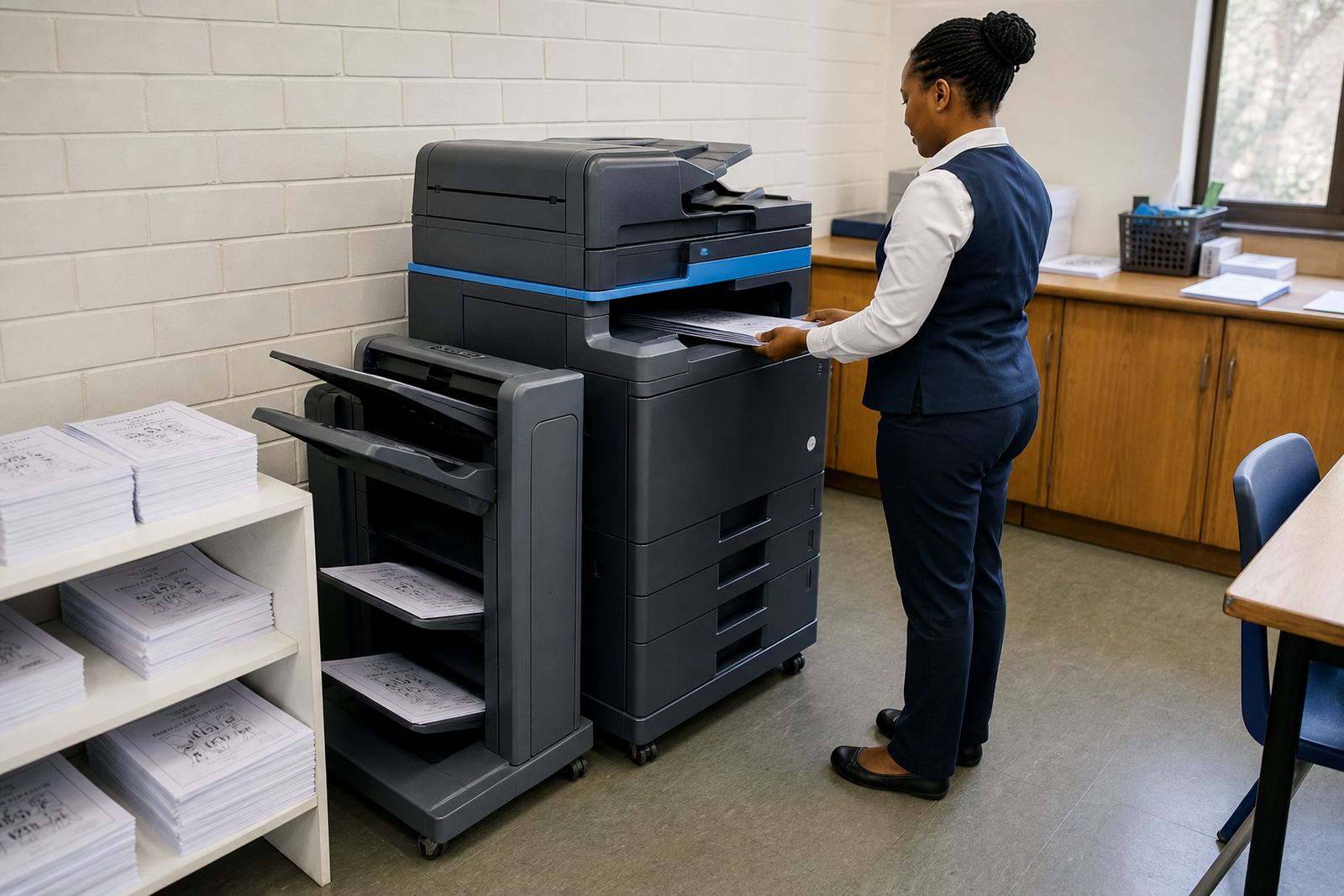
Where a business prints only one type of document all day, a single tray may be enough. Dual tray machines become useful once different paper stocks need to live in the same office without constant manual swaps. That is often the case in practices, schools, property offices and professional teams that produce both public-facing and internal paperwork.
Where this rental format fits best
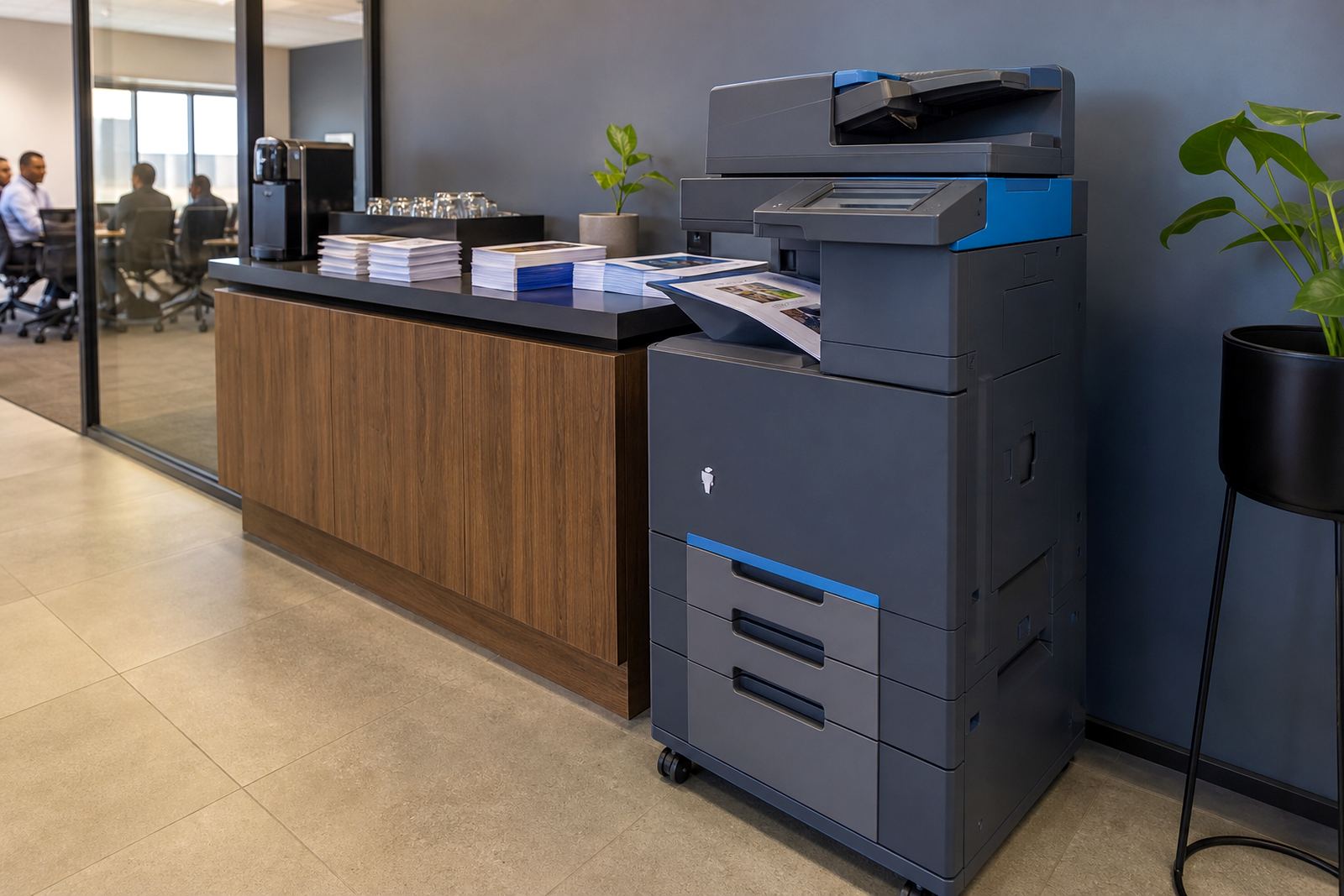
This product suits offices that want A4 output with a cleaner paper routine and less manual handling. It works well for reception counters, accounts teams, small admin departments and satellite branches where people share one device for print, copy and scan. The extra tray also helps when a company wants letterhead ready for formal correspondence but still needs plain paper for everyday documents.
In managed print use, the machine is billed by monthly rental plus click charges linked to metre readings, so the paper setup becomes part of the wider workflow. That is useful where print volumes vary from month to month, because the office is not locked into a purchase that may be too small or too large for the actual load. Offices in Halfway House, Sandton, Centurion and other business districts often ask for this kind of arrangement when they want less admin around supplies and service calls.
- Mixed print runs with plain paper and letterhead
- Teams that need mono and colour on one device
- Offices that scan to message and archive digitally
- Reception areas that must keep documents moving
- Branches that prefer metre-based billing and toner included
Installation, network setup and the small fittings that matter
A dual tray A4 machine needs the right placement, a stable power point and enough space for paper access, side covers and service access. During installation the unit is fitted to the office network where required, and scan to message can be set up for the staff who handle outgoing documents. Secure print settings can also be added so that confidential pages only release when a user is present at the machine.
The paper trays should be loaded with the correct paper weight and kept aligned, especially where one tray holds letterhead or heavier stock. If the office relocates or the floor plan changes, the machine can be moved, reinstalled and checked again so the trays, network settings and user functions still work properly. In some buildings there are access rules for lift use, loading bays or reception drop-off points, so those details matter before the unit lands on site.
A good fit also depends on whether the office wants automatic paper source switching or manual selection by the user. In mixed environments, the automatic option saves time and avoids prints landing on the wrong stock. For larger teams, the user handover should cover how to choose the tray, how to clear a paper jam, and what to do when the machine asks for toner or service attention.
Care, toner and metre readings on a real office floor
Managed print care is less about dramatic servicing and more about keeping the machine consistent. Toner supply is tracked against the agreed plan, metre readings are checked for billing, and on-site servicing handles wear, feed issues and faults that show up during normal use. Where the office prints on both plain paper and letterhead, tray maintenance matters because the paper mix can affect pickup rollers and feed reliability.
Operators should keep the trays tidy, use the correct paper size guides and avoid overfilling. Dust, humidity and rough handling can affect paper feed, especially in coastal areas where office conditions shift through the year. If the printer is shared by several people, secure print settings and clear user rules help reduce stray pages and mixed jobs at the tray.
- Check tray guides whenever paper stock changes
- Use the right paper weight for each source
- Keep the machine area clear for service access
- Record metre readings when requested for billing
- Report feed faults before paper damage spreads
- Keep toner drawers and covers closed after use
Details to confirm before the machine is allocated
To match the right dual tray A4 rental to an office, a few practical details need to be settled. The first is whether the main requirement is mono or colour, because that affects running cost and the way staff use the device. The second is the paper mix, especially if one tray must carry letterhead, labels or heavier paper.
It also helps to know the monthly print volume, whether scan to message is needed, and whether secure print should be active for private documents. If the office needs the machine to move later, the relocation point should be noted early, since access, cabling and network setup can change from one floor to another. End term swaps are also easier to plan when the paper use and user count are properly recorded from the start.
When the order is being prepared, useful details include the office town, the machine location, the number of users, whether the trays will carry different paper stocks, and if the team wants installation, network setup or user handover included. That gives the rental plan a proper fit rather than a generic unit that only works on paper.
How the rental plan is run through Go-Printers Rental
Go-Printers Rental handles office multifunction printers and copiers on managed print plans from Halfway House, Midrand, with service across Johannesburg, Pretoria, Durban, Cape Town, Bloemfontein, Centurion and Sandton. The team includes operations, service coordination, accounts, field support and client care, so the rental is handled as one office function rather than a loose machine drop-off.
A dual tray A4 unit can sit inside that plan with toner supply, metre reading support, breakdown response, machine relocations and end term swaps where needed. It is a practical format for offices that want mixed paper handling and predictable billing without taking on the cost of ownership. For many teams, that is the point where the printer stops being a loose expense and becomes part of the daily office system.
Key facts
| Format | A4 multifunction printer rental |
|---|---|
| Paper sources | Dual trays for mixed paper use |
| Output modes | Mono and colour options available |
| Functions | Print, copy, scan and secure print |
| Billing | Monthly rental plus metre-based click charges |
| Support | Toner supply, on-site servicing and metre reading support |