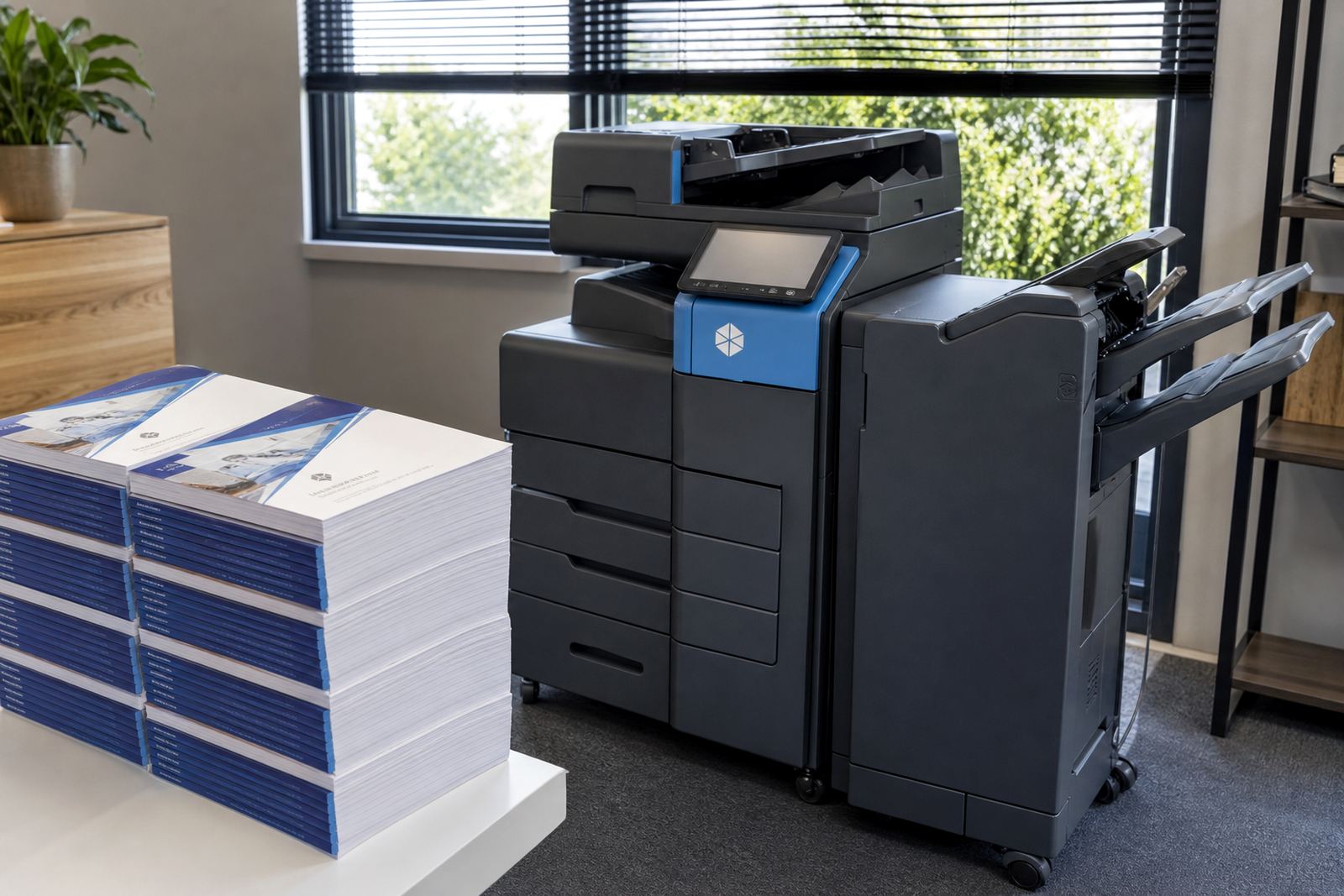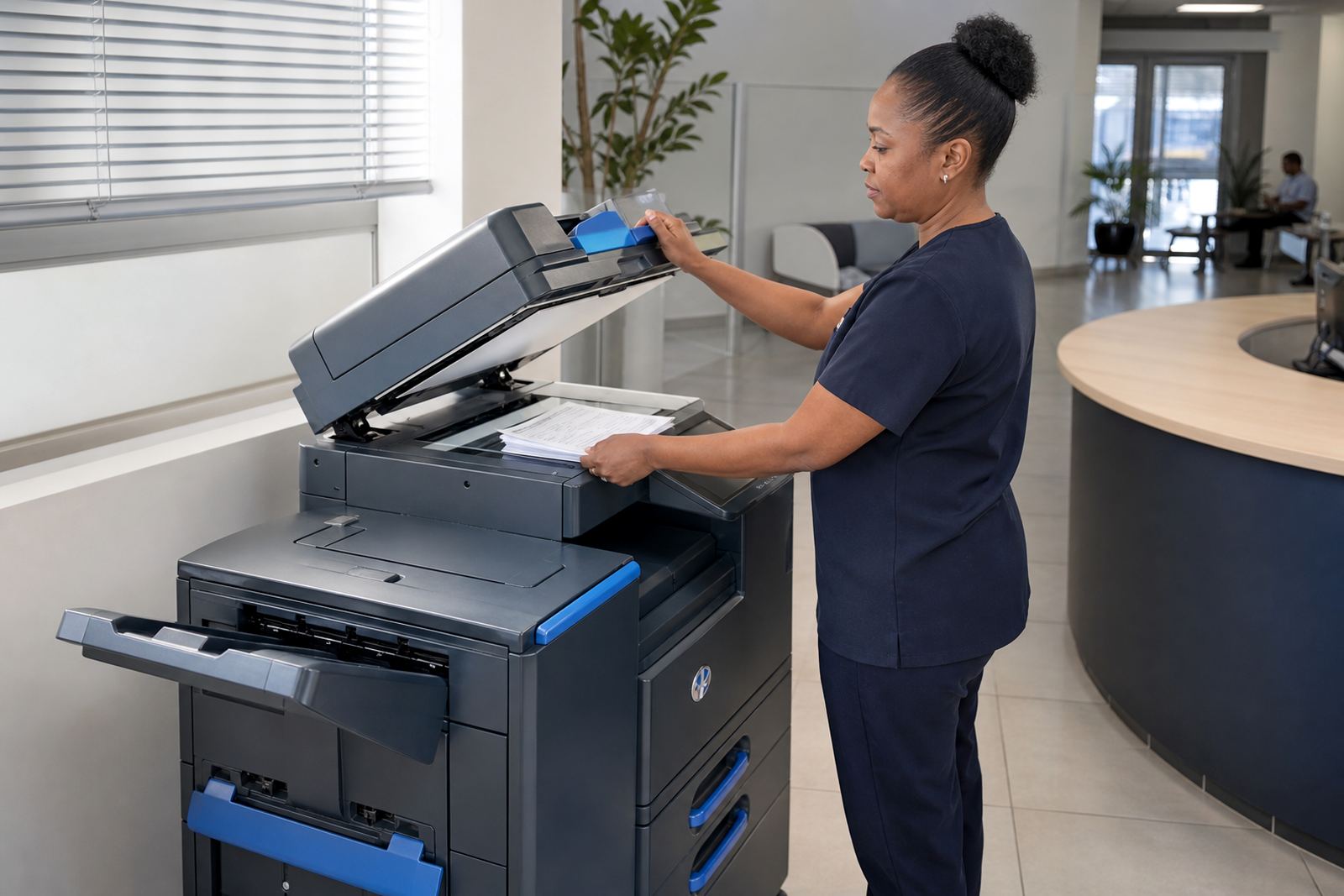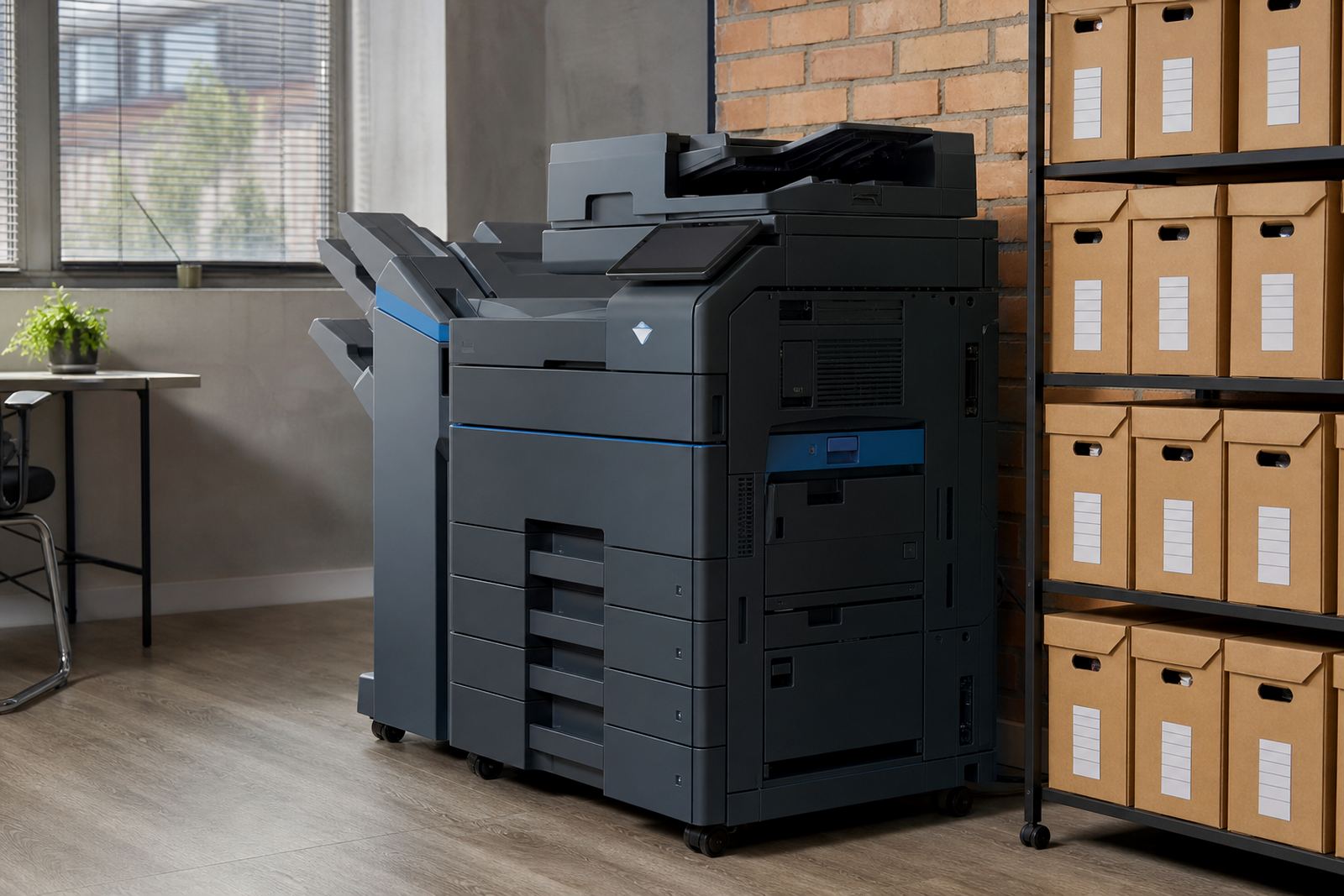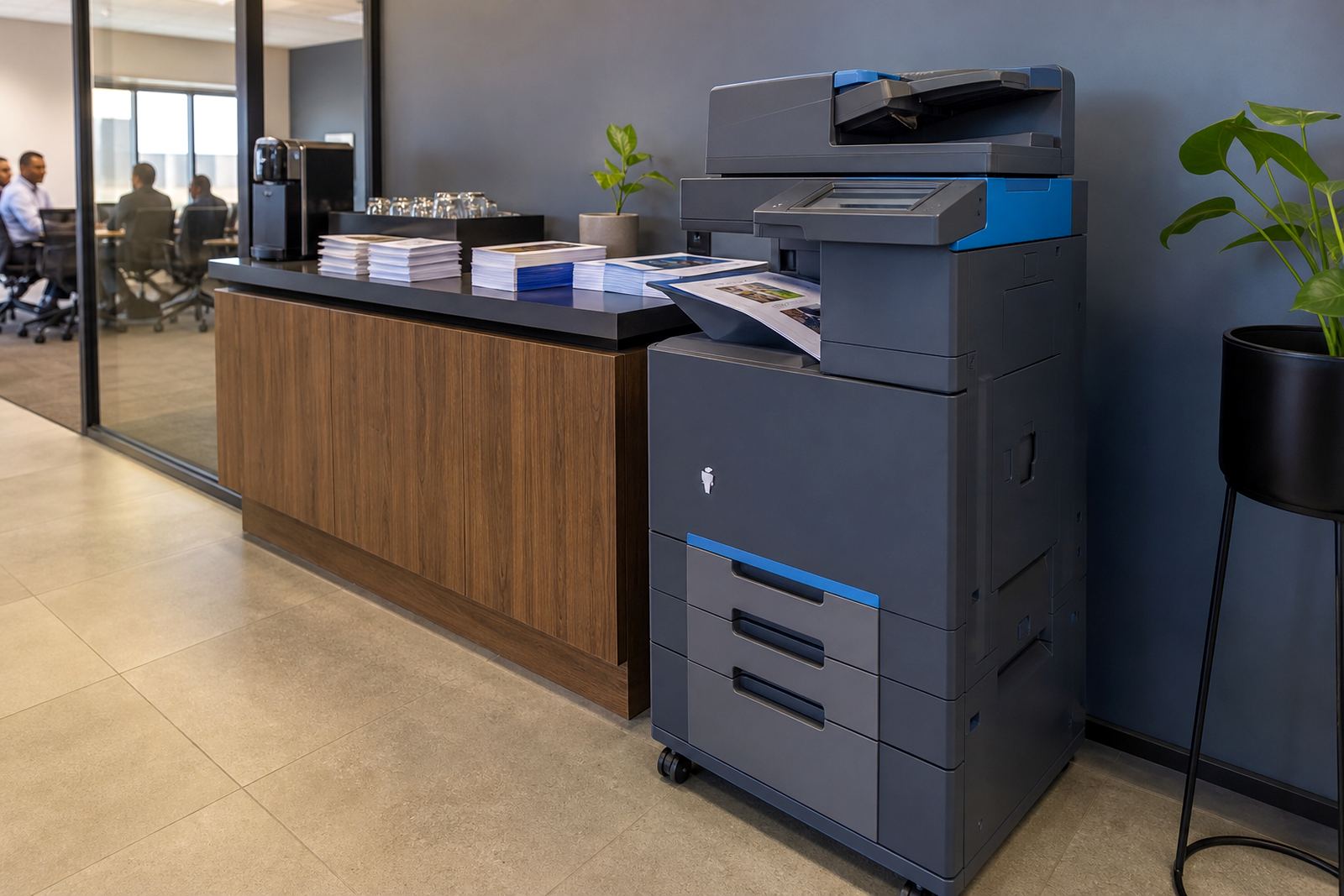
A3 colour units built for office paper flow
An A3 colour multifunction machine gives a team the reach to print across A4 and A3 sizes from one unit, then copy, scan and send documents from the same control panel. It works well where staff handle presentations, site plans, committee packs, spreadsheets and colour handouts that need sharper layout than a small benchtop printer can manage.
Most offices rent these machines on a managed print plan with a monthly rental and click charges linked to use. Toner is supplied as part of the arrangement, metre readings keep billing accurate and servicing is tied to the machine rather than the staff having to chase consumables piecemeal.
- Print, copy and scan from one A3 colour device
- Mono and colour billing options for mixed offices
- Duplex printing for two sided documents
- Network printing for shared workgroups
Size, speed and finishing choices that matter
A3 colour office machines are usually selected by monthly print volume, paper size and the mix of colour against black and white output. A busy reception, HR office, training room or finance team may only need modest colour use, while a design studio or school admin office may need higher duty cycles and faster first page output.
Common options include paper trays for mixed sizes, automatic duplex, scan to message, address book scanning and secure print for confidential work. Some offices also add stapling or a second tray for letterheads, which keeps daily printing cleaner when several people share the same unit.
- A4 and A3 paper handling from one device
- Mono and full colour print modes
- Secure release printing for private documents
- Scan to send us a message for digital filing and sharing
Where this rental fits best
This product suits offices that need a dependable colour machine without the capital outlay of purchase. It fits law firms, practices, schools, property teams, architects, accountants and branch offices that print notices, brochures, forms and internal packs in a regular pattern.
It also works well where multiple users need one central device rather than several small printers scattered around the office. In Midrand, Sandton, Centurion and the wider Gauteng office belt, shared machines often reduce consumable waste and make metre checking far easier for the accounts side.
- Shared offices with 5 to 50 users
- Teams printing notices, reports and presentations
- Sites that want one managed printer point
- Offices needing larger colour formats now and then
Setup and fitting on site
An A3 multifunction copier needs a sensible position, a stable table or floor stand, mains power and network access if the office wants shared printing. During installation, the unit is placed, tested, connected to the network and set up for the paper sizes the team uses most often.
Where scan to message or secure print is part of the plan, those features are added during setup so the office can use them from day one. If the machine is moving from one floor to another or from one branch to another, relocation work also covers packing, transport, reinstallation and the final test print.
- Network setup for shared office printing
- Scan to message and secure print setup
- Machine relocations between floors or branches
- User handover for the people who print most often
Care, toner and metre control
Managed print means the office does not have to keep guessing when toner will run low or when service attention is due. Metre readings track usage, toner supply is planned around actual pages printed and on-site servicing handles jams, image quality issues and parts replacement when needed.
For colour machines, regular care also includes keeping paper dry, using the right grammage for the tray and avoiding heavy dust build-up around feed paths. In coastal cities like Durban and Cape Town, paper storage matters a lot because humidity can curl sheets and affect feed reliability if reams are left open too long.
- Toner supply included in the plan
- Metre reading support for billing accuracy
- On-site servicing for faults and worn parts
- Breakdown response for urgent machine stoppages
Details to pin down before the quote is issued
For an A3 colour rental, the office should be clear on expected monthly volume, how much of that volume is colour, and whether the team prints more A4 or A3 sheets. It helps to note whether the work is mostly internal admin, client facing packs or documents that must stay confidential.
The other practical points are paper size mix, finishing needs, number of users, network access and whether the office wants scan to message, secure print or end of term swaps built into the agreement. If the branch is in Johannesburg, Pretoria, Durban, Cape Town or Bloemfontein, site access and delivery points should be straightforward for installation and future servicing.
- Monthly page volume and colour mix
- A4 or A3 paper preference
- Number of users sharing the machine
- Need for scan to message, secure print or swaps
Key facts
| Product type | A3 colour multifunction office printer rental |
|---|---|
| Paper sizes | A4 and A3 |
| Functions | Print, copy, scan and network sharing |
| Billing model | Monthly rental plus metre-based click charges |
| Consumables | Toner included on managed print plans |
| Support | On-site servicing, metre reading support and end of term swaps |