Punch-ready sets for filing rooms and admin teams
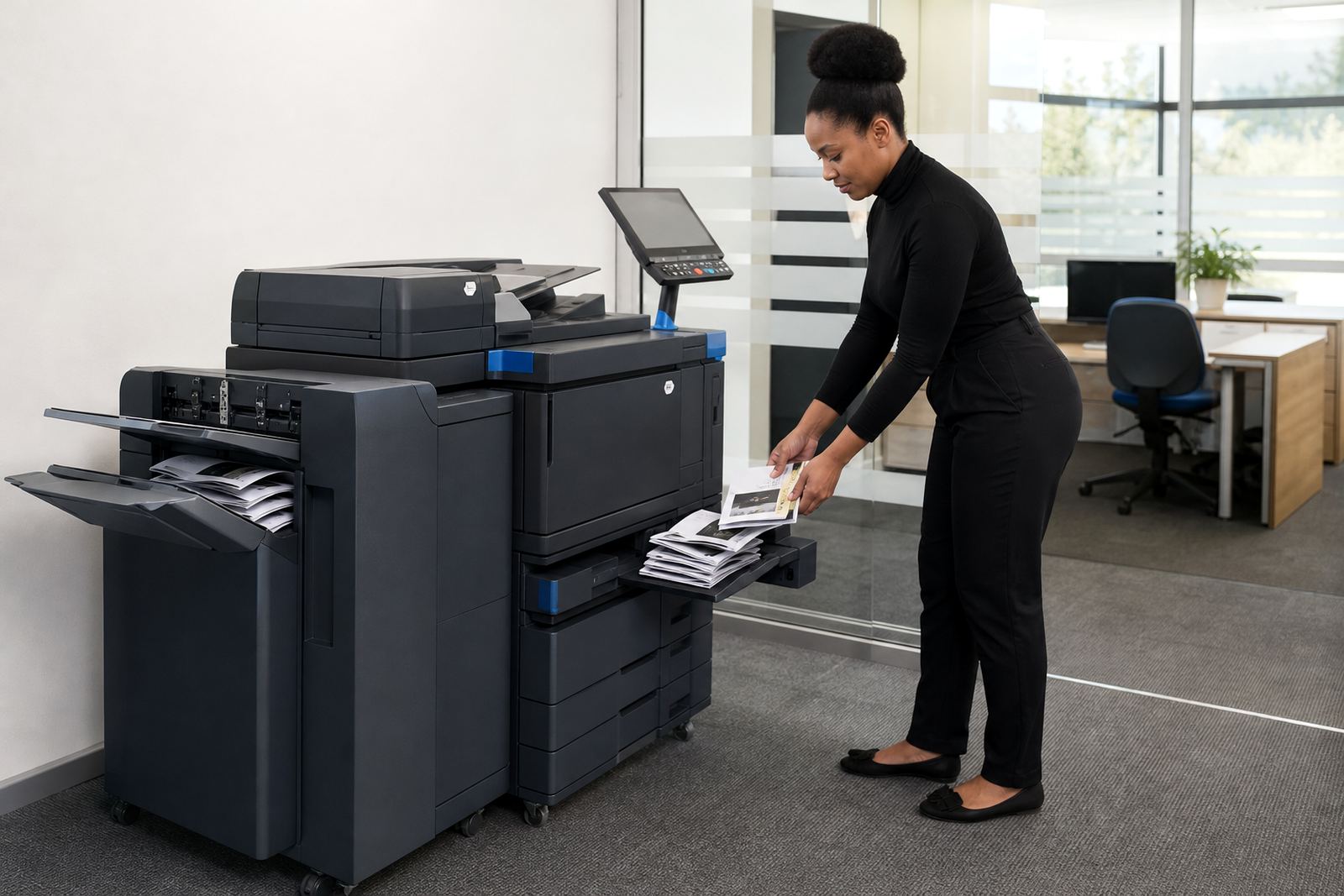
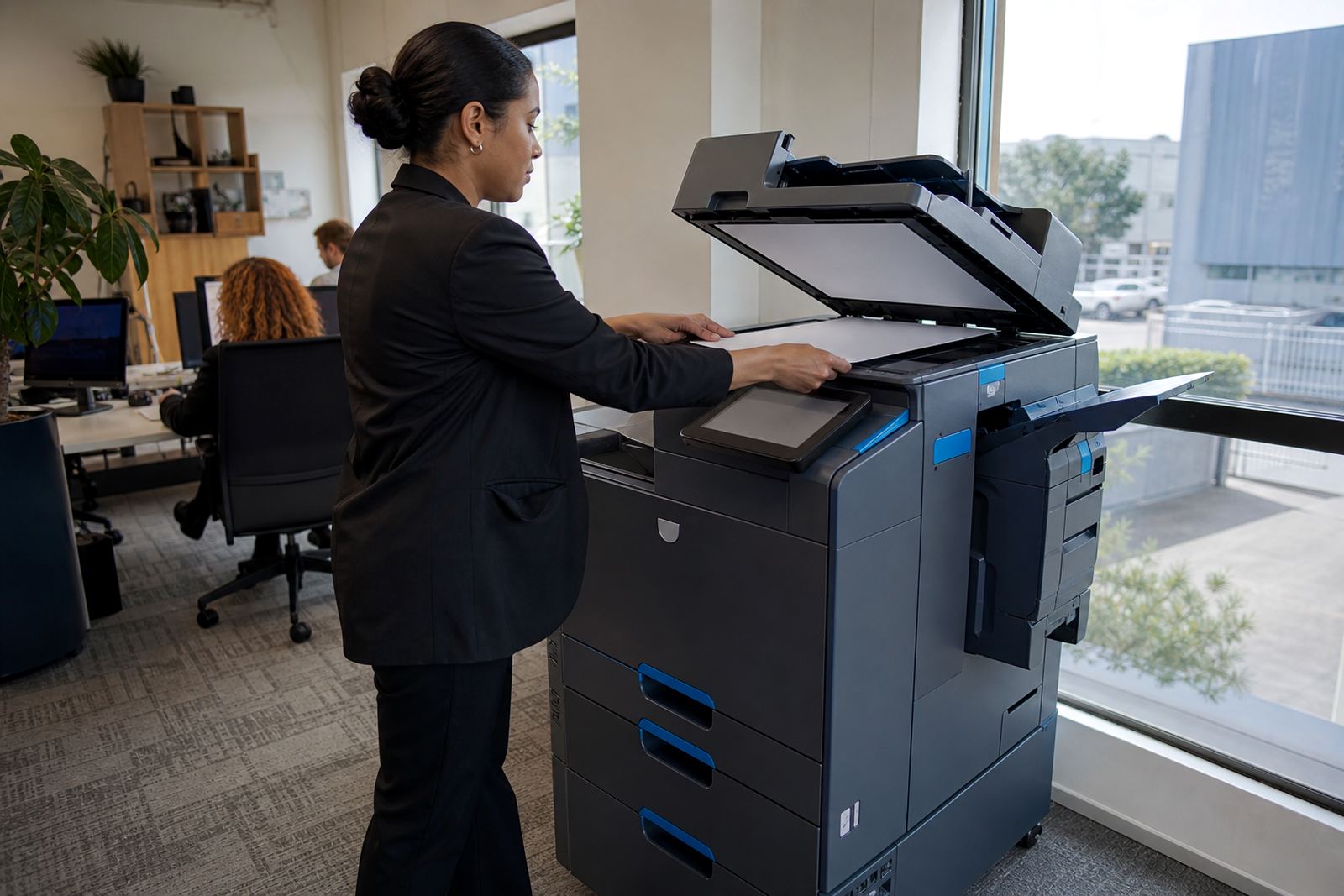
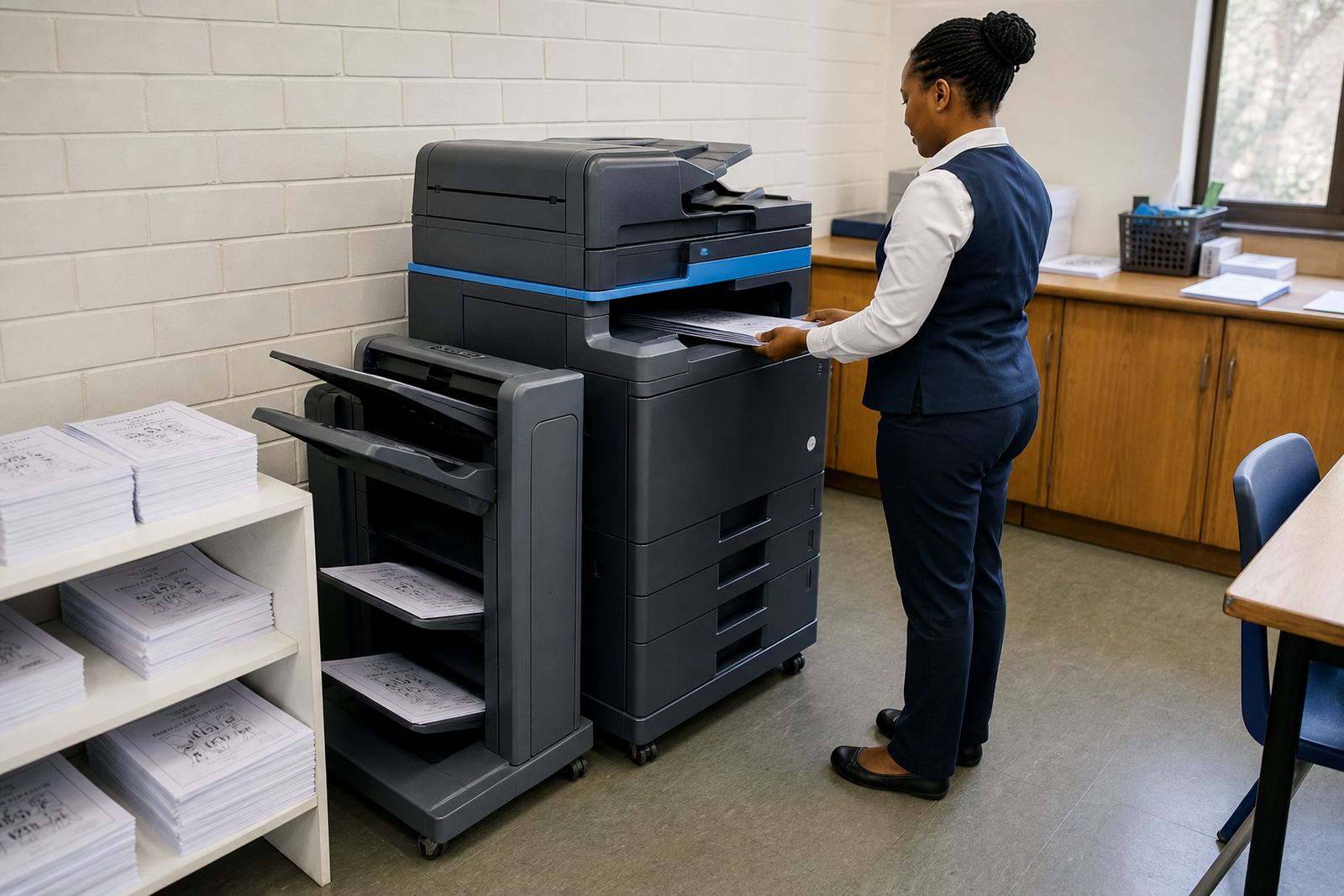
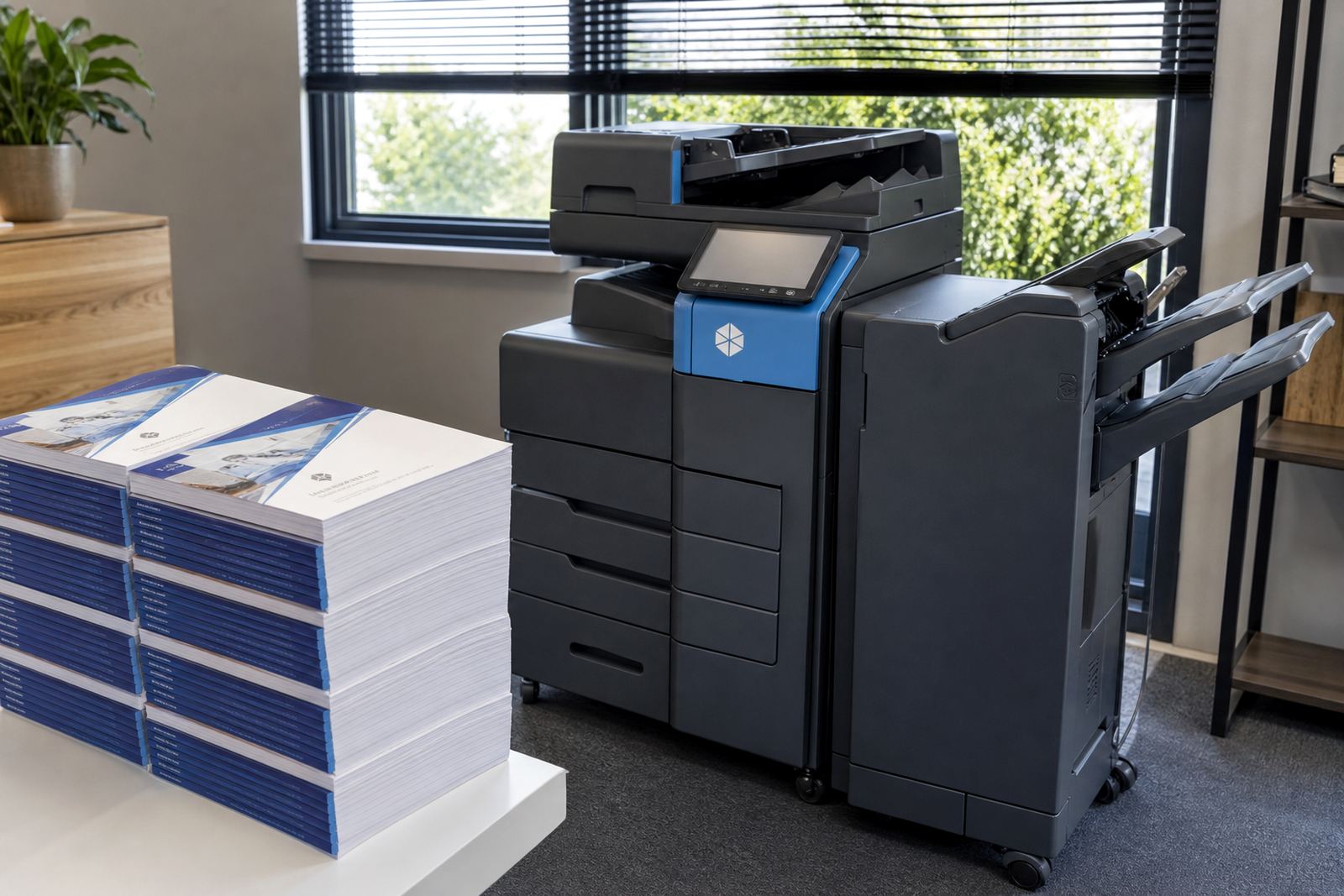
This plan is built for offices that work with bound packs, committee papers, HR records, training notes and finance files that must move into lever-arch folders or box files with tidy punched edges. A multifunction machine with punching capability handles the print, copy and scan work, then adds the hole pattern in the same run so pages are ready for filing without a separate puncher at the end of the table.
It is a practical fit for schools, medical rooms, accounting practices, property offices and municipal support teams that process repeat paperwork through the week. In Halfway House, Midrand and across Johannesburg, Pretoria, Durban, Cape Town and Bloemfontein, the set-up is usually chosen where teams want predictable monthly rental, toner included and metre-based billing tied to actual use.
The finish is cleaner than hand punching and better for high page counts, especially where documents are swapped between departments and need to stay aligned. For offices that manage both mono and colour output, the rental can be matched to the document mix instead of forcing one machine to carry every job in the same way.
Machine sizes and finish options that fit real office volumes
Hole punch plans are normally paired with A4 or A3 multifunction machines, depending on the format that passes through your office most often. A4 suits standard letters, invoices, meeting packs and medical administration, while A3 helps with drawings, spreadsheets, training handouts and broader reports that still need filing in punched sets. Where needed, the machine can be set up for mono printing only or for colour use when presentation copies or internal charts matter.
The finishing setup may support two-hole or four-hole punching, depending on the filing style used in your office. Some teams want the punch aligned for standard South African archive folders, others need a pattern that suits imported binders or internal record books. The detail matters because a mismatch can leave stacks that look neat on the tray but do not sit properly in the file spine.
- A4 or A3 format for everyday office documents
- Mono or colour output matched to document use
- Two-hole or four-hole punching where the finisher allows it
- Scan to send us a message for record sending and distribution
- Secure print for controlled release at the device
- Metre-based billing for tracked use over the rental period
Where punch finishing earns its keep
This plan suits sites where the stack matters as much as the printout. A practice may need patient packs filed in order, a school may keep class packs and administration records in long runs, and an accounts team may archive purchase folders, payroll files or month-end packs that move from counter to file cabinet without extra handling. The punch function cuts down on loose paper handling and keeps pages lined up for staff who still work with physical filing systems.
It also helps where different people print from the same network and need the same filing outcome every time. When the machine is used for scan to message, the office can send digital copies out and keep a punched paper set on site for recordkeeping. That combination is useful in offices where documents are both stored digitally and kept in hard copy for compliance or internal reference.
Some teams use the punch only on specific runs, such as board packs, meeting minutes or statutory folders, while the rest of the printing stays plain. That makes the plan a sensible middle ground for offices that do not need a dedicated finishing room but still want better control over how sets leave the printer tray.
Installation, fitting and network set-up on site
Fitting a punch-enabled multifunction machine usually starts with delivery into the office, placement near power and network points, and a check on floor space around the unit. A3 devices with finishing trays need enough room for access at the front and side, and the folder path must stay clear so pages can move freely into the punch section. The installation team also checks that the machine sits level, because uneven placement can affect paper feed and the way punched sets land in the tray.
Network setup covers printing from office computers, scan to message destinations and secure print release for staff who collect sensitive work at the device. Where a site has multiple users, the print queue and permissions are usually set so departments do not mix confidential files with general admin work. Metre reading support is part of the plan too, since monthly billing depends on accurate counts from the machine and the service log.
- Device installation and positioning on site
- Network setup for print and scan functions
- Secure print setup for controlled document release
- Scan to message setup for digital filing
- Machine relocation support when an office moves rooms
- User handover so staff know the tray, panel and file path
Care, servicing and what keeps punched output tidy
Punch modules need the same steady care as the rest of the printer path. Dust in the paper feed, worn rollers, misaligned trays or curled sheets can make the hole pattern drift or leave rough edges on a set. In humid coastal conditions around Durban and Cape Town, paper storage also matters because damp stock can curl and affect how neatly the pages punch. Offices that keep cartons in a dry store room usually see cleaner sets and fewer feed issues.
On-site servicing covers the machine, the punch unit and the print path, while toner supply keeps output moving without the office having to hold spare cartridges on the shelf. If the set starts to misfeed, jams in the finishing path or shows irregular holes, the technician checks the feed, sensors and punch mechanism as part of the breakdown response. For longer rental periods, a fleet review may also help decide whether the current machine still suits the page count or whether an end term swap makes more sense.
Good housekeeping helps too. Staff should clear finished sets from the tray, keep the output area free of staples or stray clips and use the correct paper weight for the machine. Heavy stock that is outside the rated range can strain the punch section, while paper that is too light may tear around the holes. A clean device and the right paper weight keep the punch line neat from the first page to the last.
Ordering details worth pinning down first
When a Hole Punch Plan is requested, the office should note the page sizes used, whether output is mono or colour, the expected monthly volume and the filing pattern required after printing. It also helps to confirm whether the team wants A4 only or a machine that can handle A3 jobs as well. That detail affects the rental fit, the metre band and the style of finisher attached to the unit.
It is also worth identifying the users who will handle secure print, scan to message and the filing workflow. If the office needs machine relocations, a future end term swap or a handover after staff changes, those notes help shape the service plan before installation. Our contact form is the place clients use to send the job brief, and the team can then match the machine to the filing load, the site size and the layout of the office.
- Paper size: A4, A3 or both
- Output type: mono, colour or mixed use
- Expected page volume and filing frequency
- Two-hole or four-hole filing preference
- Need for secure print and scan to message
- Site location and access for installation or relocation
Rental terms that suit a moving office
The hole punch plan can sit inside a managed print agreement, with monthly rental covering the device and click charges covering the pages run through it. That structure works well where an office wants predictable equipment cost and no large purchase at the start. Toner is included in the managed approach, and metre readings keep billing linked to actual use rather than rough estimates.
For businesses in Sandton, Centurion and the wider Midrand area, this can be a cleaner way to handle office print where filing work changes during the year. One month may bring more board packs, another may lean toward routine admin and scans, so the plan can be shaped around the real mix instead of a fixed purchase that sits underused. The aim is a machine that punches neatly, prints clearly and stays ready for the next stack of files.
Key facts
| Product type | Office multifunction printer and copier rental with punch finishing |
|---|---|
| Format options | A4 and A3 machines |
| Output modes | Mono or colour |
| Finishing | Two-hole or four-hole punching where supported |
| Billing model | Monthly rental plus metre-based click charges |
| Included service | Toner supply, on-site servicing, metre reading support, breakdown response |