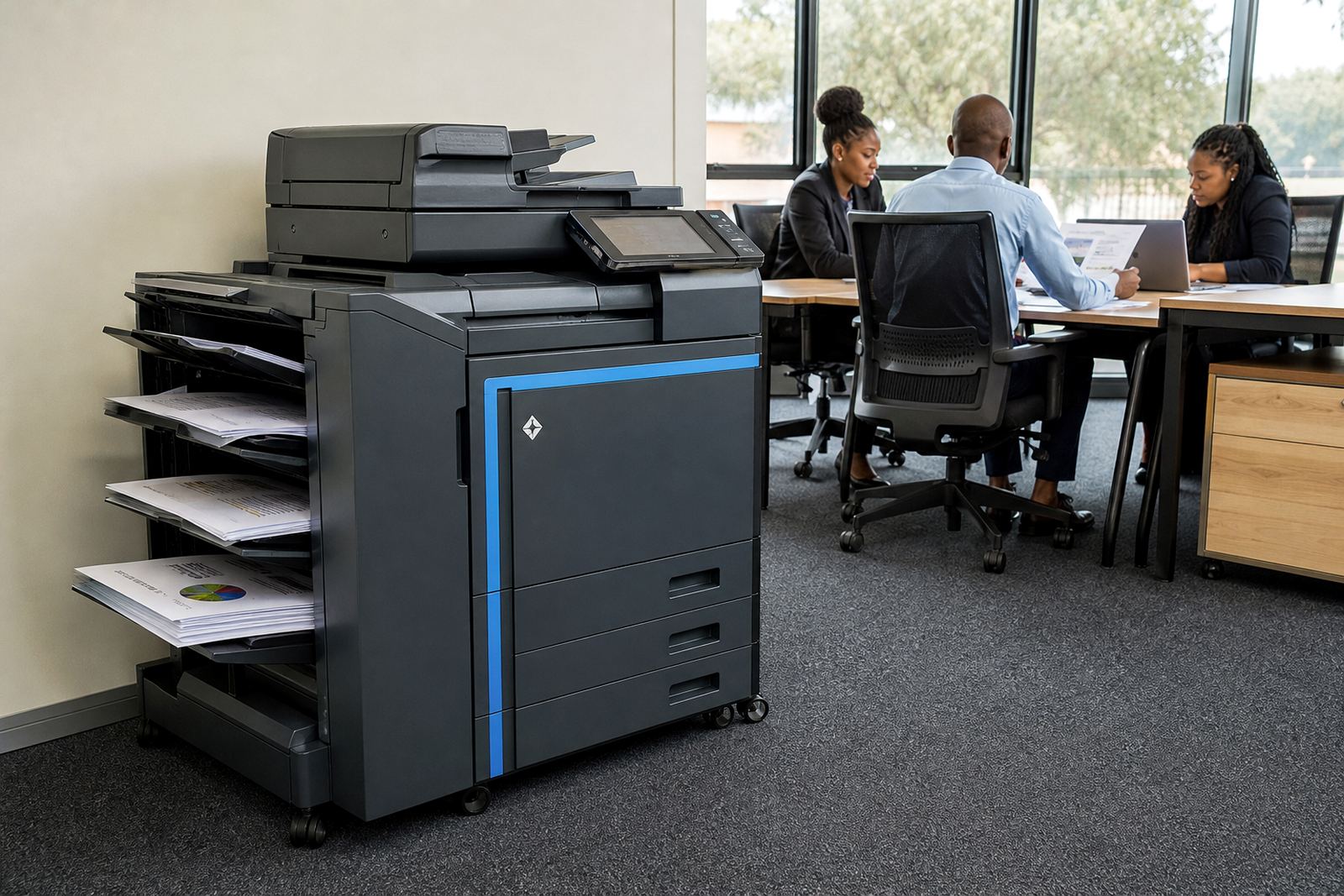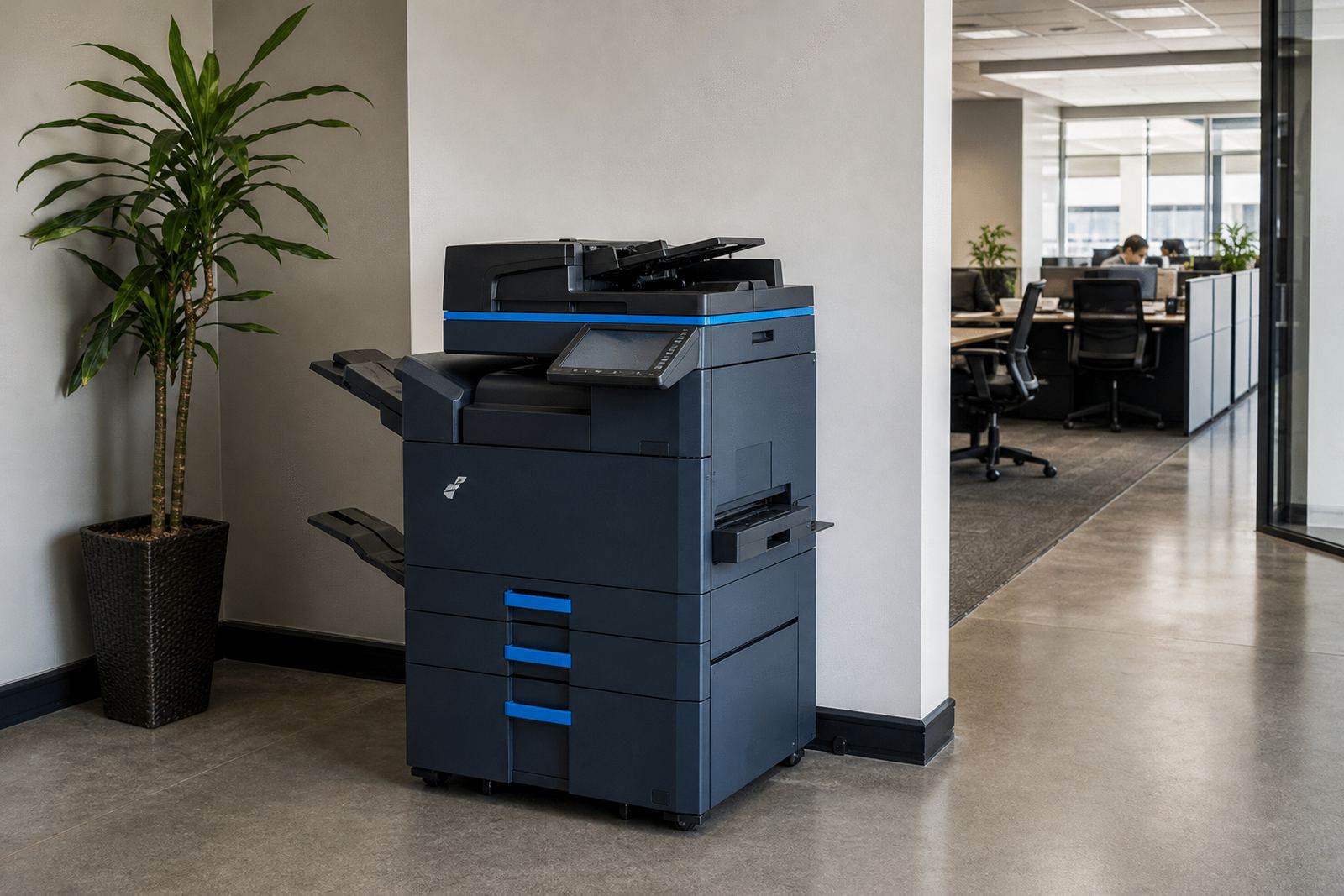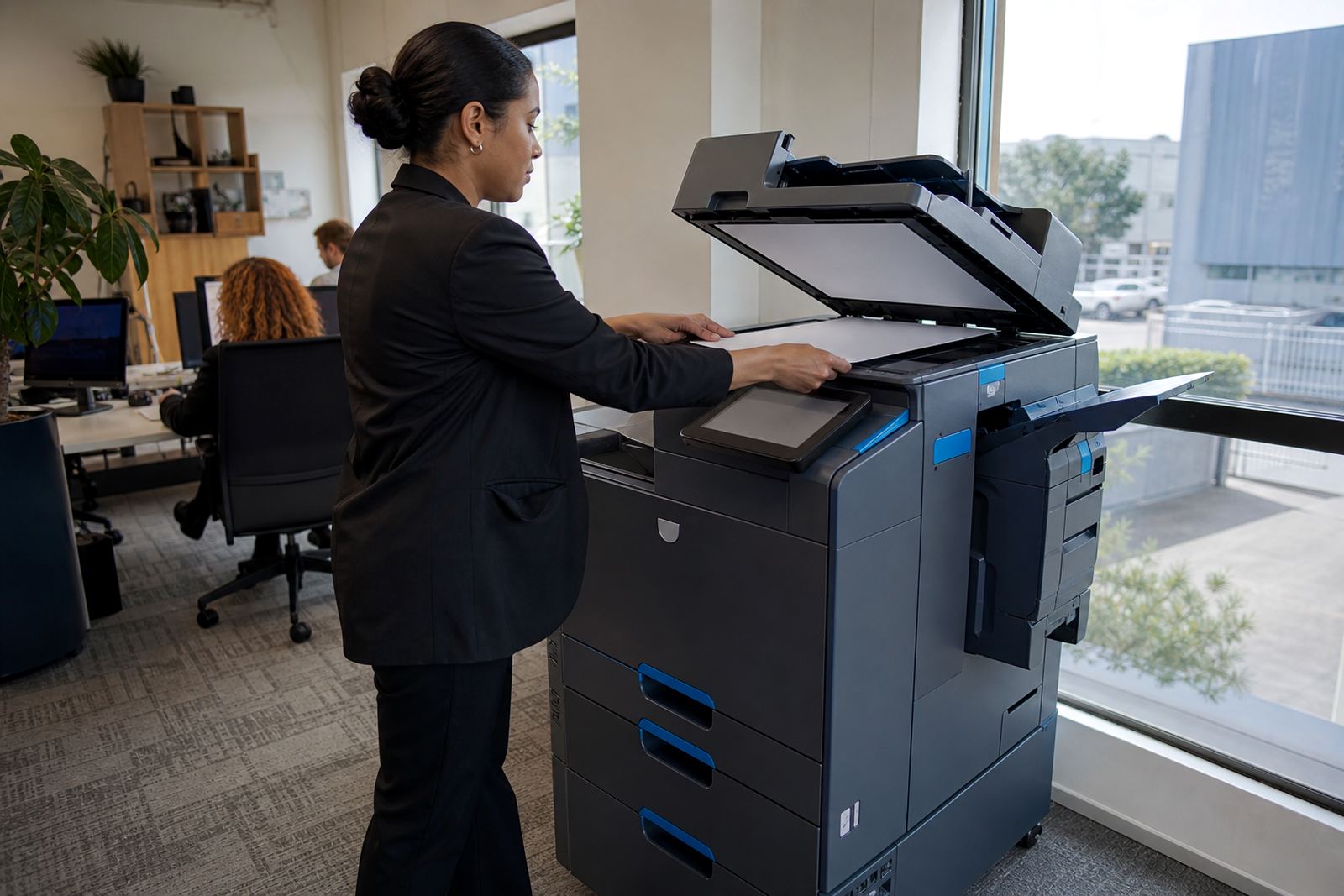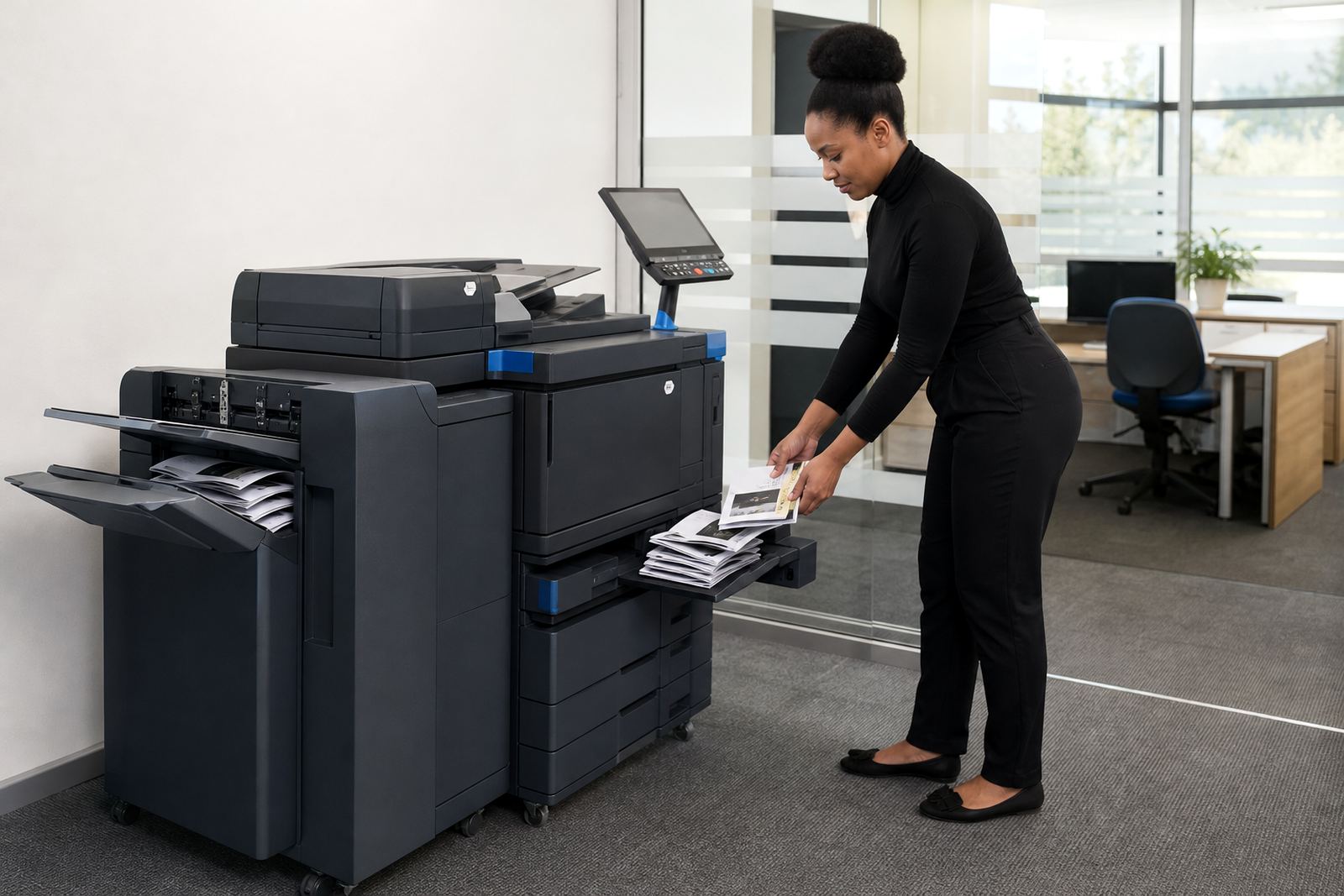
Built for folded packs, not loose pages alone
This plan is for offices that produce training packs, audit packs, board packs and internal booklets where page order, margins and finishing matter. The machine set is usually a higher specification multifunction copier with A4 and A3 handling, duplex printing, copy, scan and document feed functions, plus booklet-style output where the layout and finishing options allow it.
In a managed print setup, you pay a monthly rental for the device and click charges on the metre count. Toner is included under the plan, so the supply side sits with the rental agreement and the office keeps one clear operating line instead of mixing machine ownership, consumables and repairs.
- Suitable for mono or colour output, depending on the document mix
- Handles folded internal packs, manuals and short-run handouts
- Works well where print volumes are steady across the month
- Useful when the office wants one device to copy, scan and print
Sizes and finishing choices that matter
Booklet work starts with the right paper path. We look at whether the office needs A4 only, or a machine that also takes A3 sheets for imposed booklet layouts. For some teams the brief is mainly mono packs with clean text pages, while others need colour charts, forms and dividers that still fold neatly without uneven registration.
Common options include automatic duplex printing, an automatic document feeder, secure print release, scan to message and document collation support. If the office wants saddle-style booklet output or similar folded sets, we confirm the finishing path and whether the machine should sit with a folder, stapling unit or manual finishing process depending on the volume.
- A4 for standard office packs and shorter internal booklets
- A3 for larger spreads, cover sheets and imposed pages
- Mono for text-heavy packs and lower click costs
- Colour for branded packs, charts and internal presentations
Where this plan fits best in South African offices
Halfway House, Midrand offices often use this plan for admin rooms, finance teams, HR packs and proposal counters where the machine must keep pace with recurring print cycles. It also suits schools, clinics, professional practices and branch offices that need dependable booklet output without tying cash up in an owned copier.
Across Johannesburg, Pretoria, Sandton and Centurion, the plan works where staff share one primary machine and need scan to message, user control and secure print on the same device. In Durban, Cape Town and Bloemfontein, the same model helps where humidity, dust or heavier foot traffic call for regular servicing and careful toner management, especially on devices that run every week without much downtime.
- Internal packs and training notes
- Client proposals, tender bundles and meeting packs
- School admin and exam support print runs
- Practice forms, schedules and patient information packs
Installation, network setup and user handover
These machines need proper fitting from the start because booklet output depends on paper settings, network settings and the way the office users send jobs. Installation usually includes device placement, power connection, print driver setup, scan to message setup and secure print setup where the office wants release codes or user authentication.
Our team can also handle machine relocations and end term swaps when a branch changes layout or the volume profile shifts. If the office has a server room, shared staff area or reception print point, the setup should match the traffic flow so the device is easy to use and not crowded into a narrow corner.
- Device installation and network setup
- Scan to message configuration for shared inboxes
- Secure print setup for controlled release of jobs
- User handover for staff who will run the machine daily
Metre billing, toner supply and servicing rhythm
The managed print side is what keeps this plan predictable. We read the metre, track the click count and manage toner supply under the agreement, so the office sees how the machine is being used and what the monthly print pattern looks like. That is important on booklet work, because the jobs are often longer runs with the odd reprint when a page order changes.
On-site servicing covers maintenance, breakdown response and parts attention where needed. A good booklet machine should feed cleanly, fold consistently and keep the scan path clear, especially if staff are loading mixed paper stocks or using colour documents with heavier coverage. Routine cleaning around rollers, trays and the scanner glass goes a long way in keeping the output tidy.
- Metre reading support for billing accuracy
- Toner supply built into the plan
- On-site servicing for faults and wear items
- Breakdown response for print stoppages and feed issues
What to confirm before the order goes live
Before we place the device, we confirm the page mix, expected monthly volume, mono versus colour split and whether the office needs A4 only or an A4 and A3 unit. We also look at the sort of booklet finishing needed, because a simple folded pack is not the same as a fully collated internal manual with covers and divider pages.
The office should also confirm where the machine will sit, who will use it, and whether the workflow needs one shared print queue or multiple user accounts. If there are branch moves or changing teams in places like Sandton or Pretoria, that helps us set the right handover and relocation plan from the outset.
- Monthly print volume and typical job size
- Mono or colour requirement
- A4 only, or A4 and A3 handling
- Scan to message, secure print and user access needs
- Finishing style for folded booklets and packs
A rental plan that keeps the paperwork moving
Booklet Plan works where the office needs more than a basic printer and wants the copy room to carry a heavier load without owning the machine. It brings together the rental, click billing, toner supply and servicing in one managed arrangement, so the print room stays useful for internal packs, training material and regular office documents.
For teams in Midrand and other major centres, the value is in having a machine that fits the document flow rather than forcing the office to work around a small benchtop printer. When the page count rises and the booklet work becomes routine, the right device setup makes day-to-day printing less awkward and easier to keep under control.
Key facts
| Plan type | Managed office multifunction printer rental for booklet and pack output |
|---|---|
| Machine format | A4 and A3 multifunction copier options |
| Print mode | Mono or colour, depending on document mix |
| Billing model | Monthly rental plus metre-based click charges |
| Consumables | Toner included under the rental plan |
| Included services | Installation, network setup, servicing, metre support, relocations and end term swaps |