Built for shared A4 colour traffic
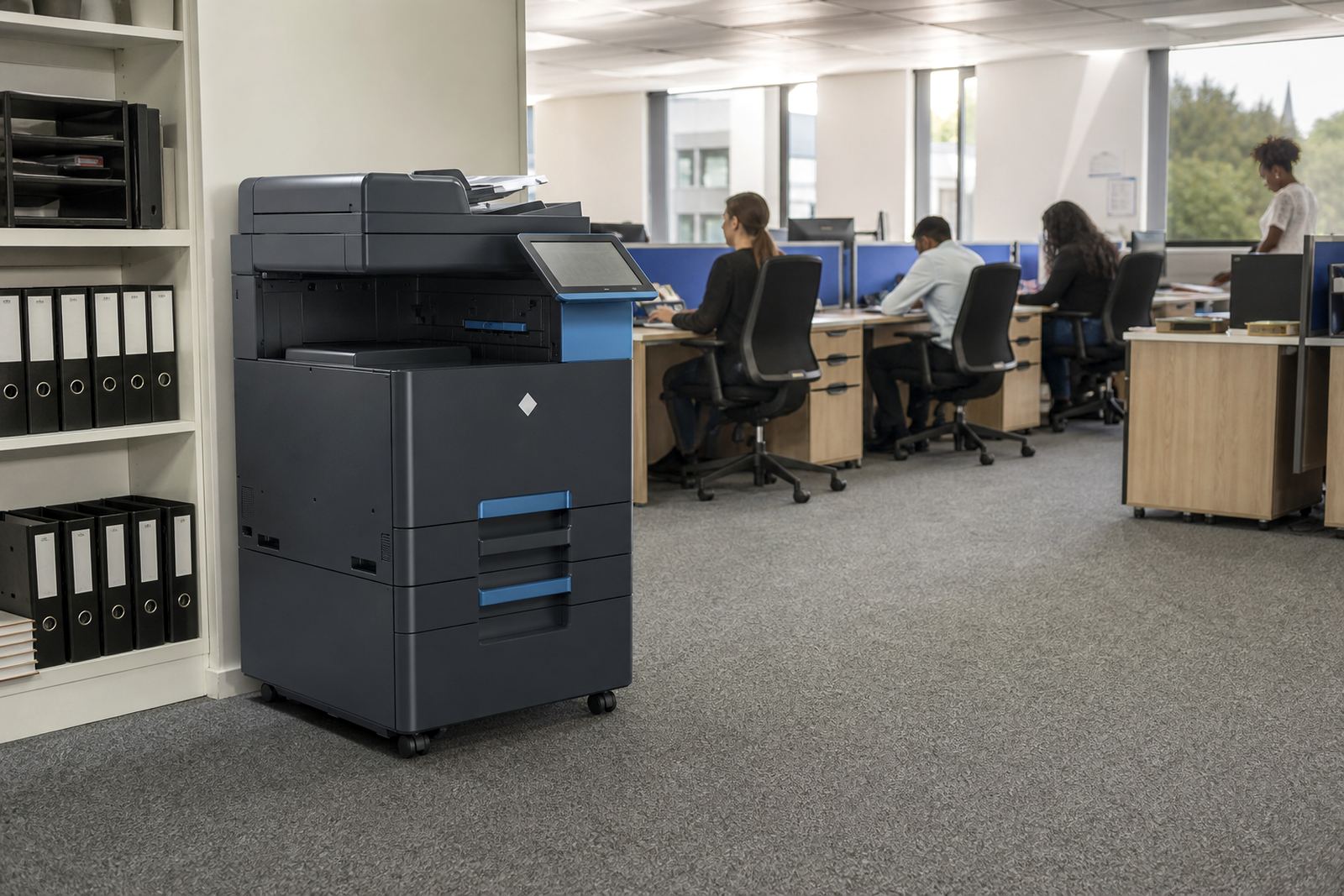
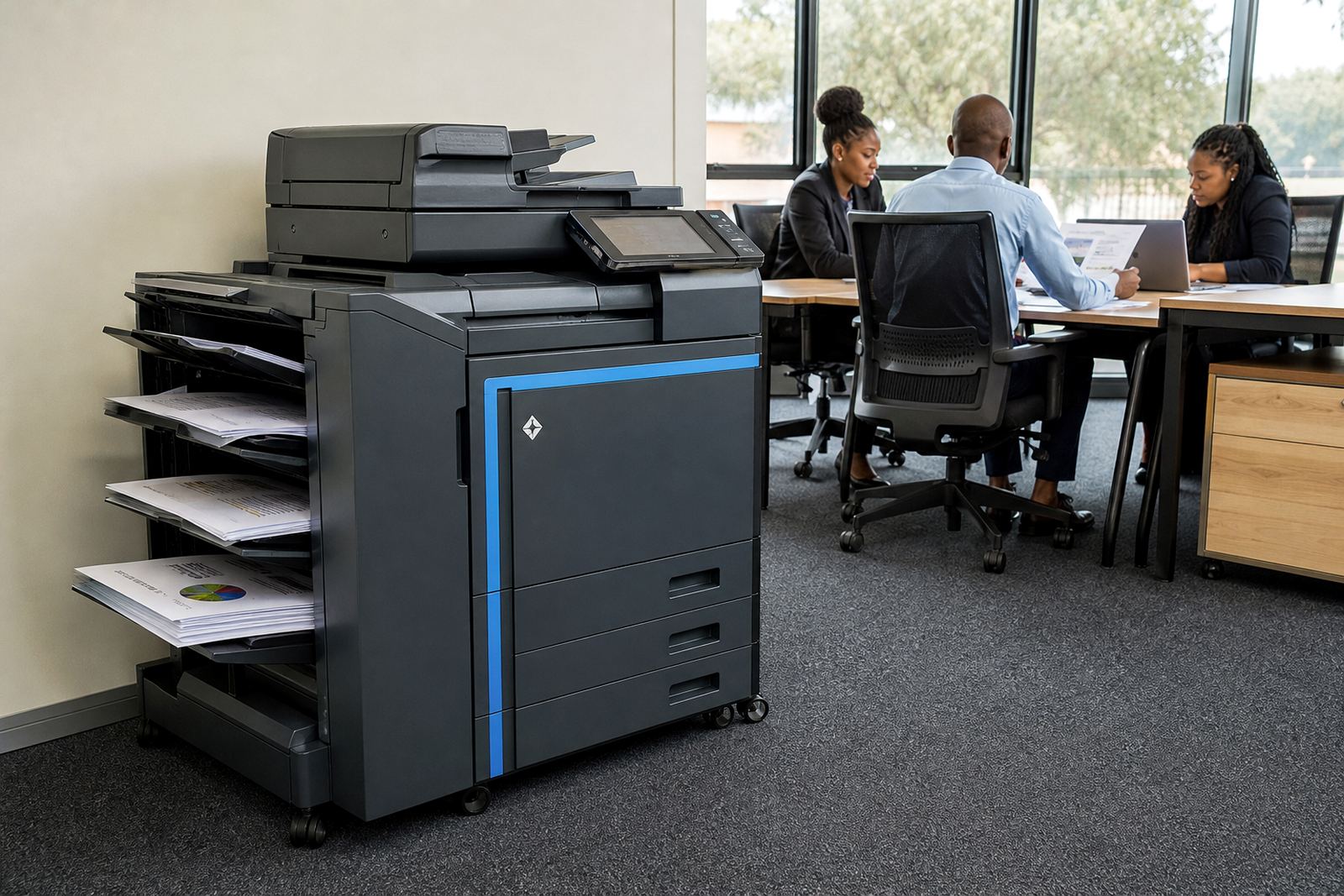
This machine sits in the middle of a small to medium office and handles mixed daily use, from invoices and reports to training notes and internal packs. It is the sort of unit that works well when several people print through the same queue and need colour for charts, logos or client-facing pages.
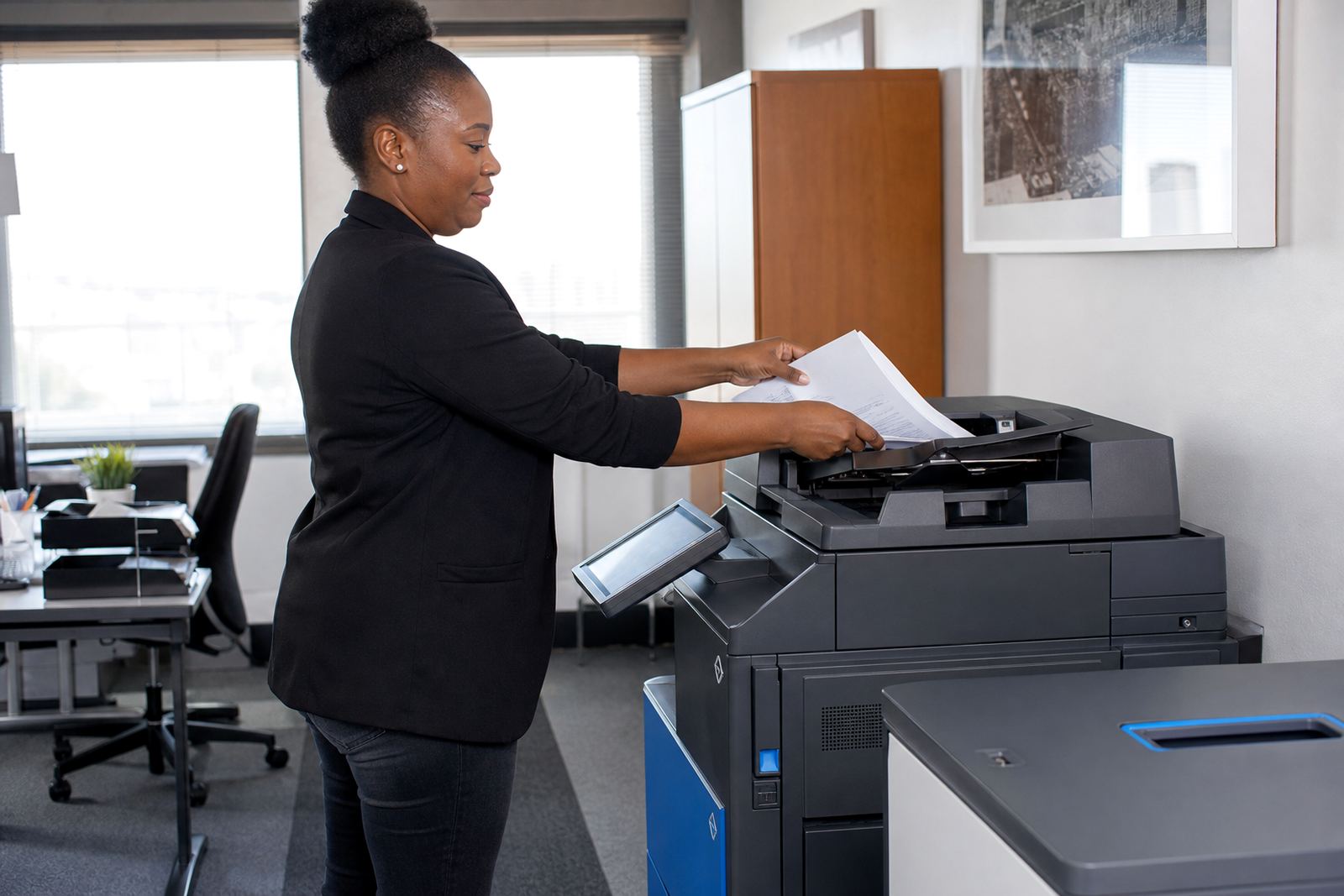
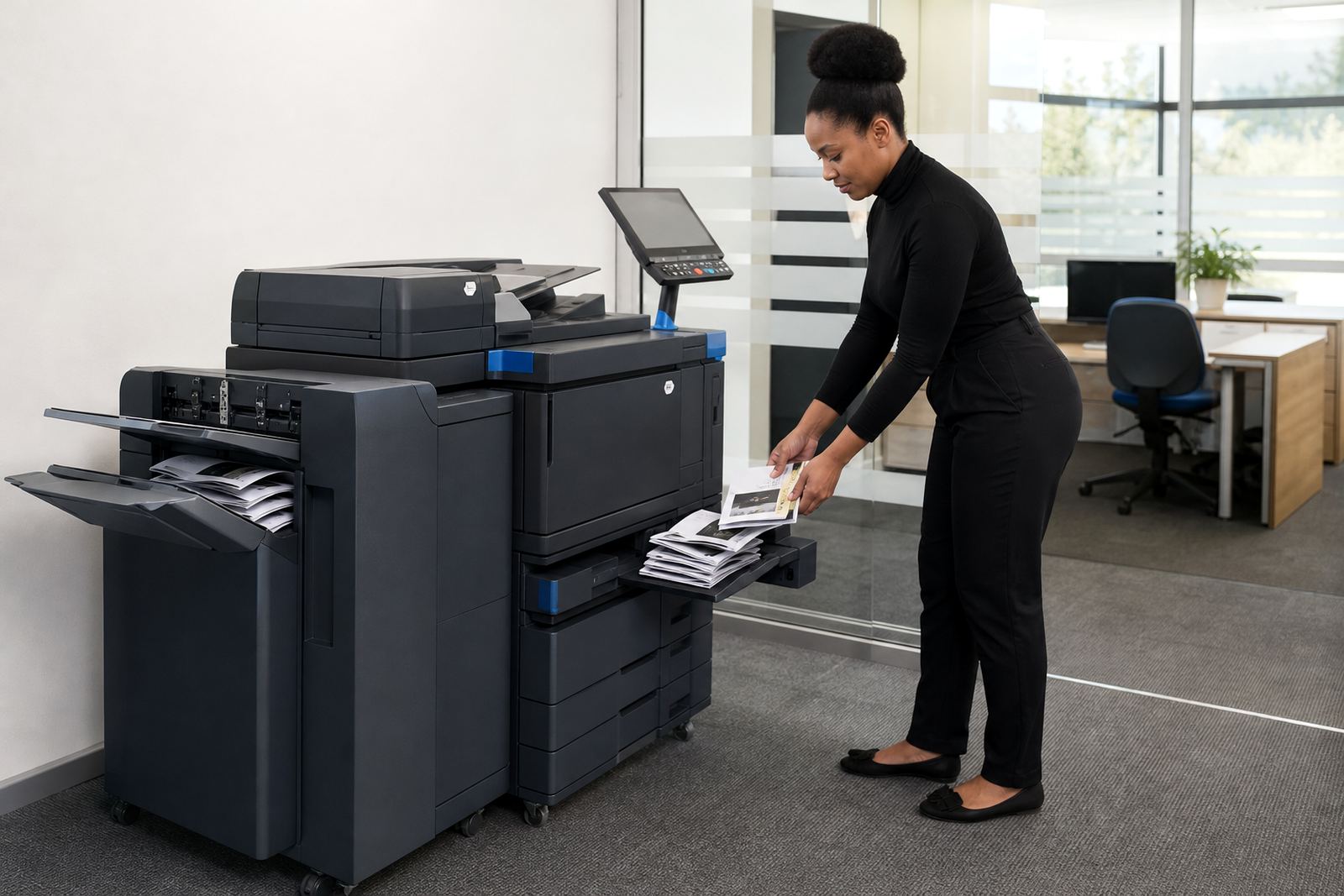
It is usually specified as an A4 multifunction unit, so print, copy and scan sit in one cabinet. Depending on the workflow, the setup can include duplex printing, automatic document feeding, network print access, scan to message, scan to folder and secure print release for staff with confidential jobs.
Size, speed and finish choices
The right model depends on how many users share it and whether the office leans toward black-and-white pages or colour-heavy work. A mono-heavy team may keep colour for the odd presentation pack, while a sales or admin office often needs reliable colour output through the week.
- A4 only formats for standard office pages, letters and forms
- Print speed matched to shared use, from modest office volumes to busier front-counter work
- Single or double-sided printing to cut paper use
- Automatic feed options for multipage copying and scanning
- Network setup for a few users or a larger departmental queue
The cabinet footprint should suit the room, with enough space for paper trays, access panels and the output area. In tighter offices, the placement matters nearly as much as the specification because staff need to load paper, clear jams and collect pages without blocking a passage.
How the managed print plan is structured
Our rental plans are set up around monthly rental and click charges, with toner included and metre readings used to track use. That keeps the office from carrying the upfront cost of buying a machine outright, while the monthly structure stays tied to actual printing volumes.
In practical terms, the rental covers the machine, toner supply and service support, while the click charge follows the number of pages printed. For offices that want clearer budgeting, this split is useful because the page count is visible and the supply side stays under control. It also helps when one branch prints more than another and the fleet needs a fair split.
- Monthly rental for the machine itself
- Metre-based billing for actual usage
- Toner supply included under the plan
- On-site servicing for faults, wear items and routine checks
- End-of-term swaps when the office needs a different fit
Where this machine fits in real offices
The A4 Colour Workgroup suits a reception area, accounts room, school office, legal practice or small branch where a single shared machine has to handle many job types. It also suits teams that scan signed forms, send pages through our contact form and need secure release for sensitive material.
In Midrand, Sandton and Centurion, the pattern is often a central office machine with a few high-use departments around it. In Johannesburg, Pretoria, Durban, Cape Town and Bloemfontein, the same unit can sit on a managed plan where relocations, user handover and fleet review keep the setup aligned with the office size.
- Shared admin departments with varied print types
- Professional offices that scan contracts and forms
- Schools with steady copy and notice printing
- Branch offices that need one controlled device instead of several benchtop printers
Installation, network setup and user handover
A proper fit starts with the network and the room layout. The printer needs a stable place, a power point in reach and network access where the office wants users to print, copy and scan from their own stations or through a shared queue.
Our team handles device installation, network setup, scan to message setup and secure print setup, then follows through with user handover so staff know how to load paper, pick the right tray and release protected jobs. If the machine has to move to another room or branch later, machine relocations can be arranged under the same support plan.
- Network connection and print queue setup
- Scan destination settings for message or folders
- Secure print rules for private documents
- Placement that leaves room for tray access and servicing
- Handover for admin teams and everyday users
Care, toner flow and service work
Managed print only works well when toner supply, metre reading support and servicing stay organised. That means the office does not need to chase consumables separately or guess when the next top-up is due, because the plan follows the actual machine use.
On-site servicing covers the ordinary faults that slow a shared office down, from feed issues to image quality checks and worn parts. Breakdown response, toner supply and metre reading support sit together because a copier in daily use needs all three to stay dependable. When the office changes layout or staff numbers, the fleet review can guide whether the same machine still fits or whether an end-term swap makes more sense.
Order details to confirm before the machine lands
To size the A4 Colour Workgroup properly, it helps to confirm the monthly page volume, the split between mono and colour and how many staff members will print to it. It is also useful to know whether the office wants scan to message, secure print, copying from the feeder or duplex as a standard setting.
The team at our Halfway House, Midrand base works with offices, schools and practices across South Africa, with support in Johannesburg, Pretoria, Durban, Cape Town, Bloemfontein, Centurion and Sandton. For rental planning, the office address, floor access, user count and any relocation point matter just as much as the machine choice.
- Estimated monthly print volume
- Mono and colour split
- Need for scanning, copying or secure release
- Room location and access for installation
- Any future move, swap or branch handover
Key facts
| Format | A4 multifunction workgroup printer and copier |
|---|---|
| Functions | Print, copy, scan, scan to message, secure print |
| Colour mode | Mono and colour print options |
| Billing | Monthly rental plus metre-based click charges |
| Support | Toner supply, on-site servicing and metre reading support |
| Typical fit | Shared office, school office, practice or branch team |