A shared machine that sits in the working flow
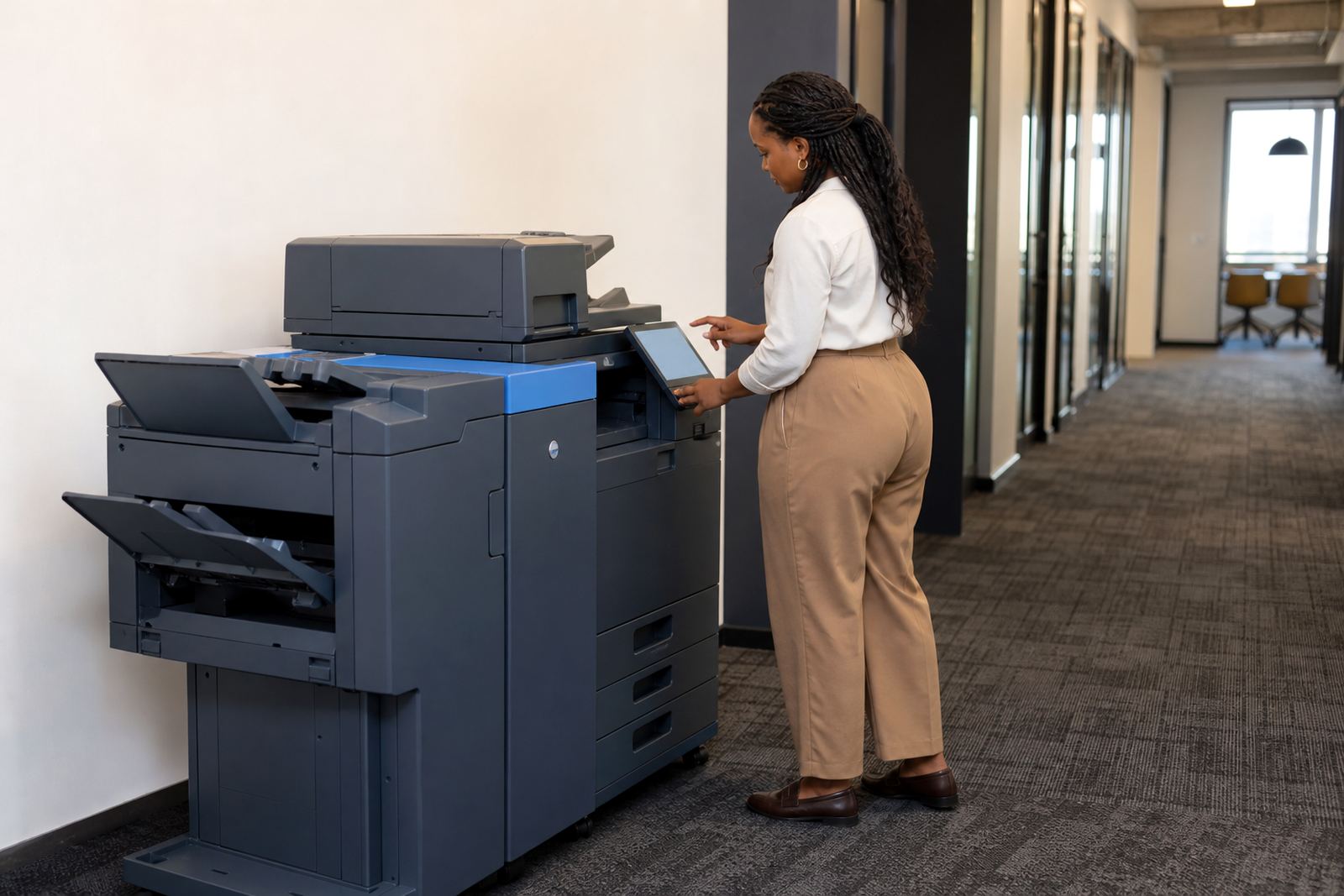
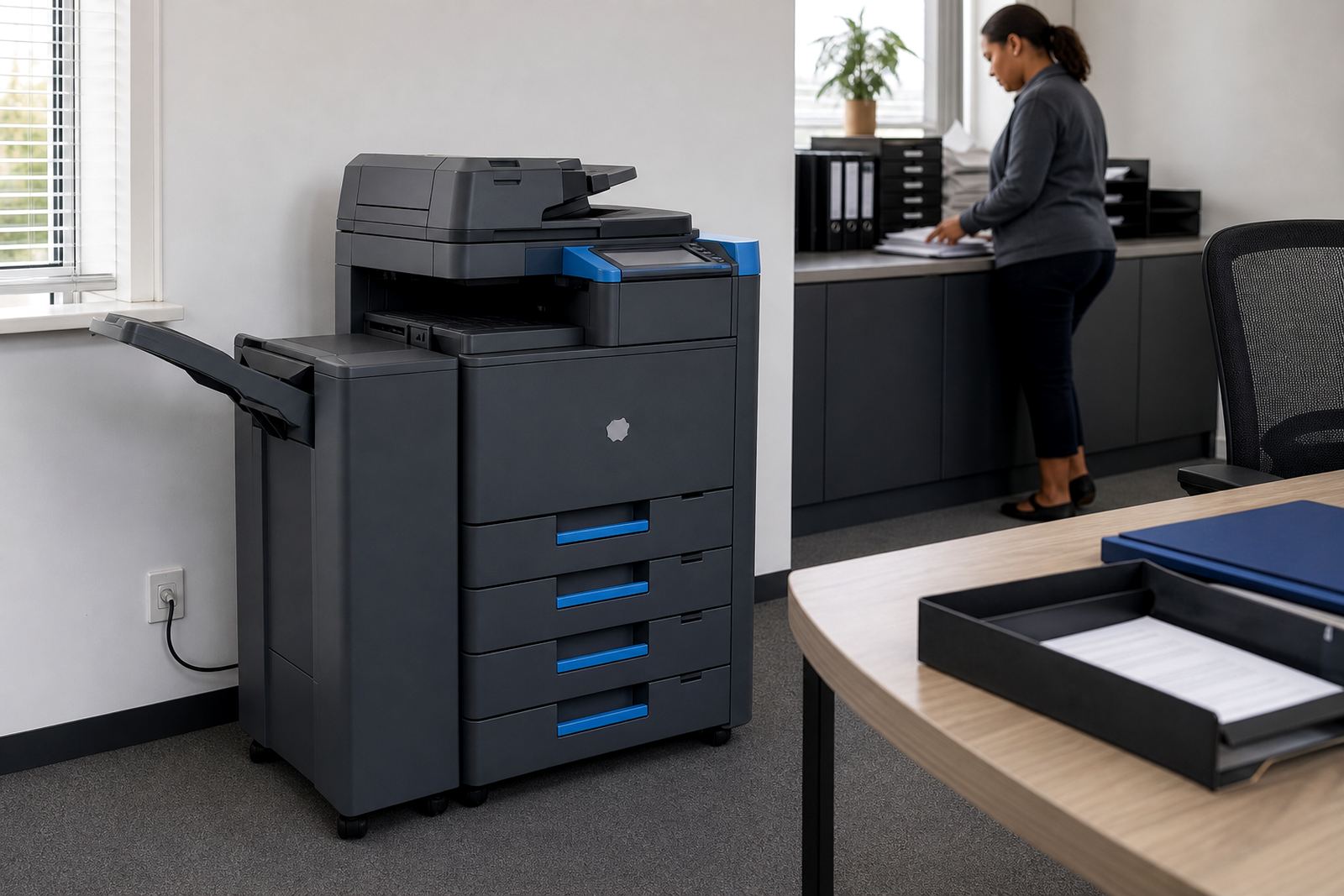
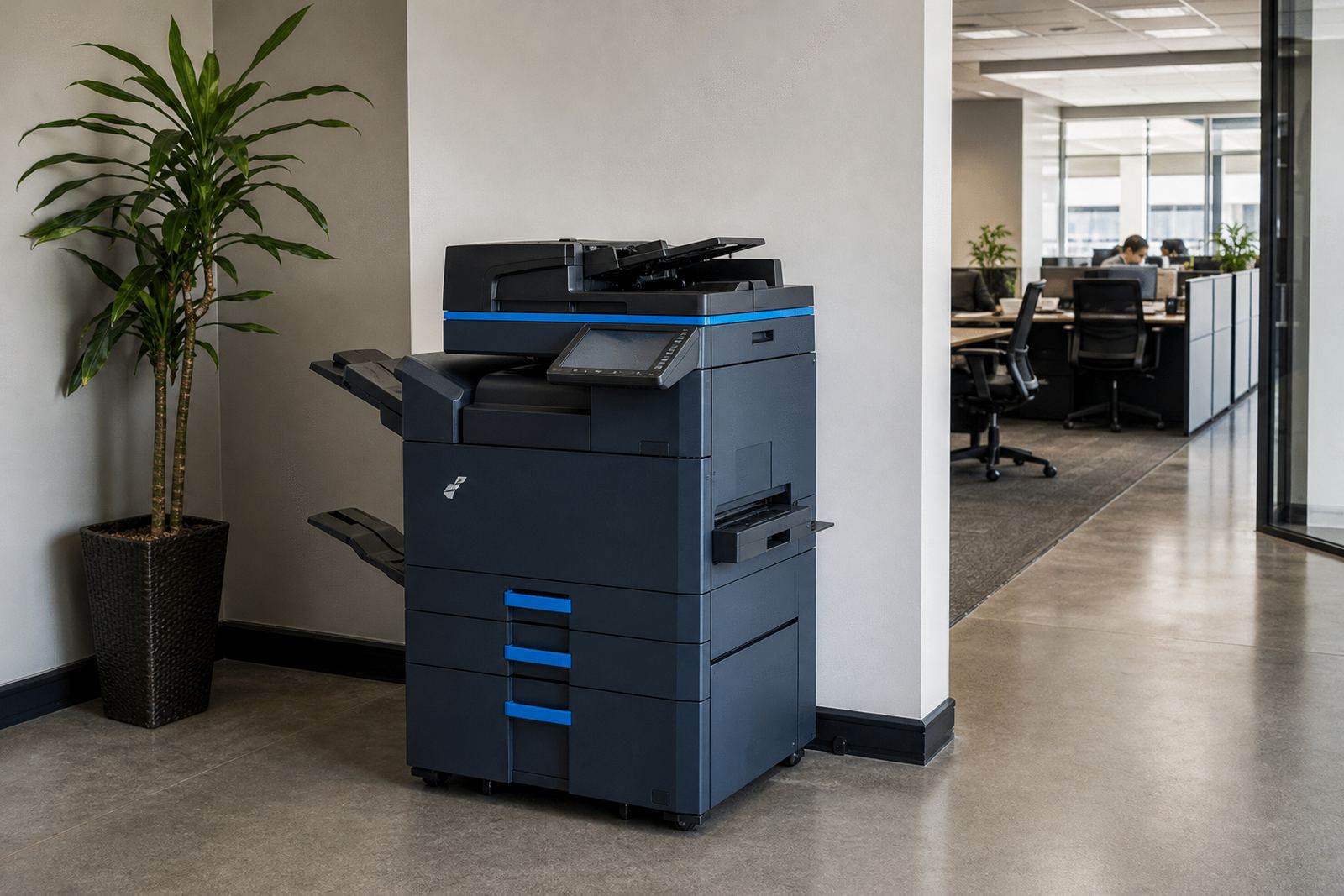
The Networked Floor Unit is a floor-standing multifunction printer or copier set up for routine office use across a small to medium team. It brings printing, copying and scanning into one place, with the machine connected to the office network so staff can send jobs from desktops, laptops or scan directly to email addresses and folders where the setup allows it.
This format works well where a single device needs to handle mixed duty through the day. Mono output suits high-volume text files, invoices and reports, while colour is better for presentations, training packs and client-facing documents. The machine is rented on a managed print plan, so the monthly rental and the click charge are set out separately, with toner included under the plan and metre readings used for billing.
Sizes, paper handling and output choice
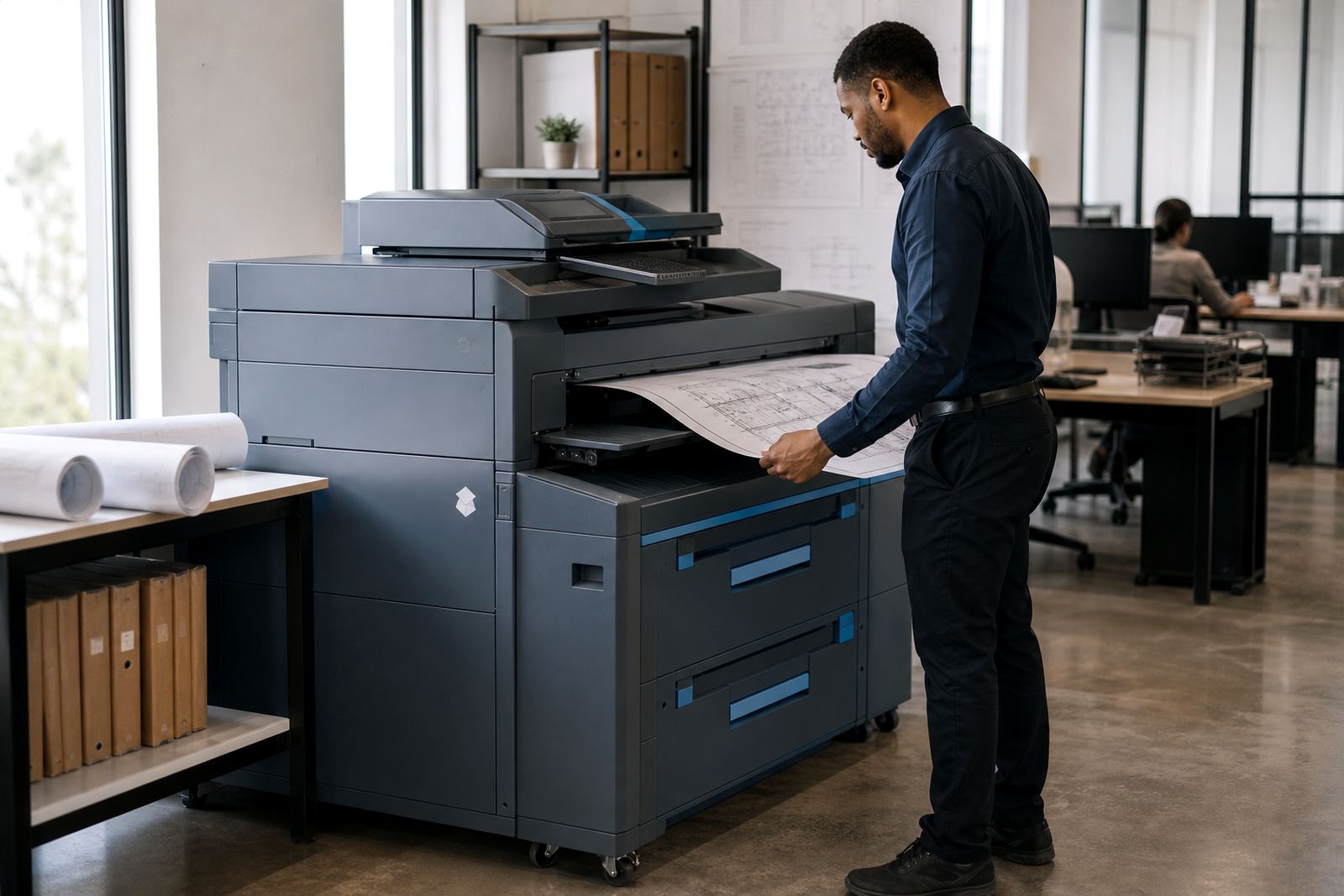
Most floor units are selected around paper size, speed and finishing rather than looks. A4 machines fit general office use, while A3 models help when plans, spreadsheets or wider layouts need to be copied or printed without cutting pages down. Tray capacity matters too, especially for practices and schools that print in bursts and do not want staff refilling paper every hour.
- A4 or A3 print and copy output
- Mono or full colour configuration
- Single or multiple paper trays
- Automatic document feeder for stacked scanning
- Duplex printing for double-sided pages
- Scan-to-message and scan-to-folder setup where required
Some offices need a straightforward mono floor unit with a simple scan path, others need colour plus secure release so confidential pages do not sit open on the tray. The right spec depends on print volume, who uses the device and whether the office runs one shared queue or several departments.
Where this rental format fits best
A networked floor unit suits places that run regular documents and need a central machine rather than several smaller benchtop printers. It is common in Johannesburg and Sandton offices, Centurion branches, Pretoria admin teams, Durban reception areas and Cape Town professional rooms where staff print from shared systems all day.
It also fits schools, medical rooms, legal practices, accounting firms and property offices that want metre-based billing and a service plan tied to actual use. The machine can be set for secure print where staff collect pages only after entering a code, which helps in open-plan spaces and shared reception areas.
Where a site has multiple departments, the floor unit can be set up with user controls, network permissions and separate scan destinations. That keeps the device practical for daily work instead of turning it into a loose catch-all printer that nobody monitors properly.
What installation covers on site
Fitting a networked floor unit means more than rolling it into position. The machine needs space, a stable power point, network access and room for paper loading, access panels and door clearance. If the office wants scan-to-message, secure print or user codes, those settings need to be loaded and tested before the unit goes live.
- Placement in a dry, level area with enough clearance
- Connection to mains power and office network points
- Driver setup on user computers or server-based queues
- Scan-to-message, folder paths and address book setup
- Secure print and access code configuration where needed
- Basic user handover for paper jams, toner checks and resets
For businesses with more than one branch, the installation can be duplicated across sites so the settings stay consistent. If the machine is being swapped at end of term, the handover usually includes removal of the older unit, position of the new one and transfer of the usual print settings where the office structure allows it.
Care, servicing and day-to-day handling
Floor units last longer when they are used with the correct paper, kept free of dust and given proper attention when a warning light appears. Toner supply is included under the managed plan, and metre reading support keeps billing aligned with actual output rather than estimates. That helps offices plan monthly running costs without guessing how much the device has done.
On-site servicing covers common office problems such as feed issues, image quality faults, scan errors and parts wear. Breakdown response is part of the plan where the machine needs hands-on attention, and machine relocations can be arranged when a team moves within Halfway House, Midrand or out to another branch area. The important thing is that the unit is kept in working order and not left to limp through busy weeks.
Good handling also means one staff member knows who to call when trays empty, toner runs low or scan destinations change. That avoids confusion at reception, especially in offices where several people print from different systems.
Details that should be set before the unit is issued
Before a floor unit is assigned to a site, the office needs to confirm the basics that shape the rental and the metre charges. Mono or colour, A4 or A3, expected print volume and the number of users all affect the machine selection. The office should also note whether secure print is needed, whether scans must go to message or shared folders and whether the machine will sit on one floor or move between rooms.
- Mono or colour output
- A4 or A3 paper handling
- Estimated monthly print volume
- Number of users or departments
- Need for scan-to-message or secure release
- Whether relocation or end-term swap support is likely
In offices with high use, the billing structure often combines a base rental with a click charge for pages used. That keeps the arrangement clear when compared with buying a machine outright and managing toner, servicing and repairs separately. Our contact form is used for the enquiry details, and the team can then match the machine to the site layout and print pattern.
Key facts
| Product type | Shared floor-standing multifunction printer or copier |
|---|---|
| Paper size | A4 or A3 depending on office need |
| Output modes | Mono or colour |
| Billing | Monthly rental plus metre-based click charges |
| Included supply | Toner under the managed print plan |
| Core functions | Print, copy, scan, secure print, scan-to-message |