When A4 feels tight and A3 earns its keep
An A3 mono office machine suits teams that print in larger format but still want a single unit to copy, print, scan and send documents from the same workstation or central print point. It is a practical fit for admin rooms, finance teams, legal practices, consulting offices, schools and project teams that need bigger sheets for layouts, schedules, registers or marked-up working copies. Mono output keeps the running pattern straightforward when colour is not part of the job.
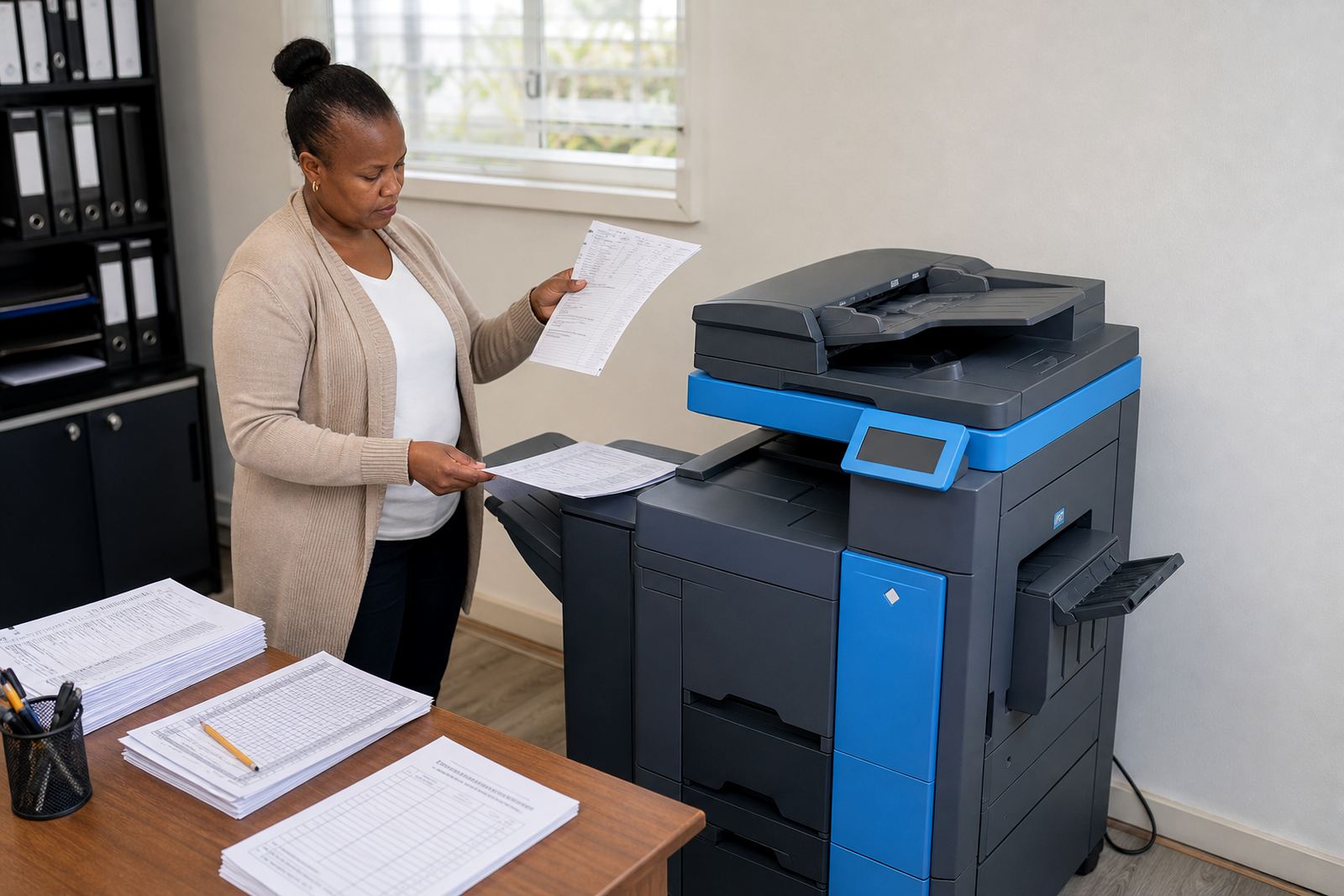
In day-to-day use, the machine handles the ordinary office mix: letters on A4, spreadsheets on A3, scanned packs sent to message, and secure release where several staff share one unit. The point is not only paper size. It is the way one device can reduce the number of separate machines sitting in a passage or copy room, while still giving the office a proper workhorse for heavier print volumes.
For managed print planning, mono A3 units are often chosen where people want predictable monthly rental, clear click charges and toner included in the plan. That structure helps with budgeting and keeps the consumables side in one place rather than spread across separate buys.
Paper path, output range and the choices that matter
A3 mono multifunction machines are usually specified around paper size, monthly volume and finish options rather than appearance. The right fit depends on whether the office needs A3 printing only sometimes, or whether A3 is part of normal daily work. Tray capacity matters too, because a larger tray set cuts down on constant refilling when reception, accounts or a shared admin team is sending out bigger batches.
Most offices will want to confirm the following points before a rental is set:
- A4 and A3 support for print, copy and scan
- Mono output only, with no colour unit included
- Scan to message and scan to folder setup if needed
- Secure print for shared offices and sensitive records
- Single tray or multi-tray configuration
- Network connection points and user count
On larger installations, an office may also ask for two-sided printing, higher paper capacity, and user access controls. Those items affect how the machine is placed and set up, and they are worth matching to the actual print pattern rather than guessing on the day.
How the rental plan is usually put together
An A3 mono rental normally has two parts. The first is the monthly rental for the machine itself. The second is the click charge linked to metre readings, which covers the pages actually produced under the managed print plan. That approach is common where a business wants toner supply, servicing and ongoing use wrapped into one working arrangement instead of buying the machine outright.
Our team supports metre reading collection, toner supply and service visits as part of the plan, so the office does not have to manage those parts separately. If a machine is moved, swapped at end of term, or relocated between floors or branches, the handling needs to be logged properly because A3 units are heavier than a basic benchtop printer and can also need a fresh network setup after the move.
- Monthly rental for the device
- Metre-based click billing for actual usage
- Toner included in the managed plan
- Service visits for faults and wear items
- End-term swap options for changing office needs
- Machine relocations when an office layout changes
For offices in Halfway House, Midrand and surrounding business nodes, that plan structure helps keep the print room predictable. It also makes it easier to compare mono A3 usage against separate copier and printer ownership, especially where several staff share the same output device.
Installation points that save trouble later
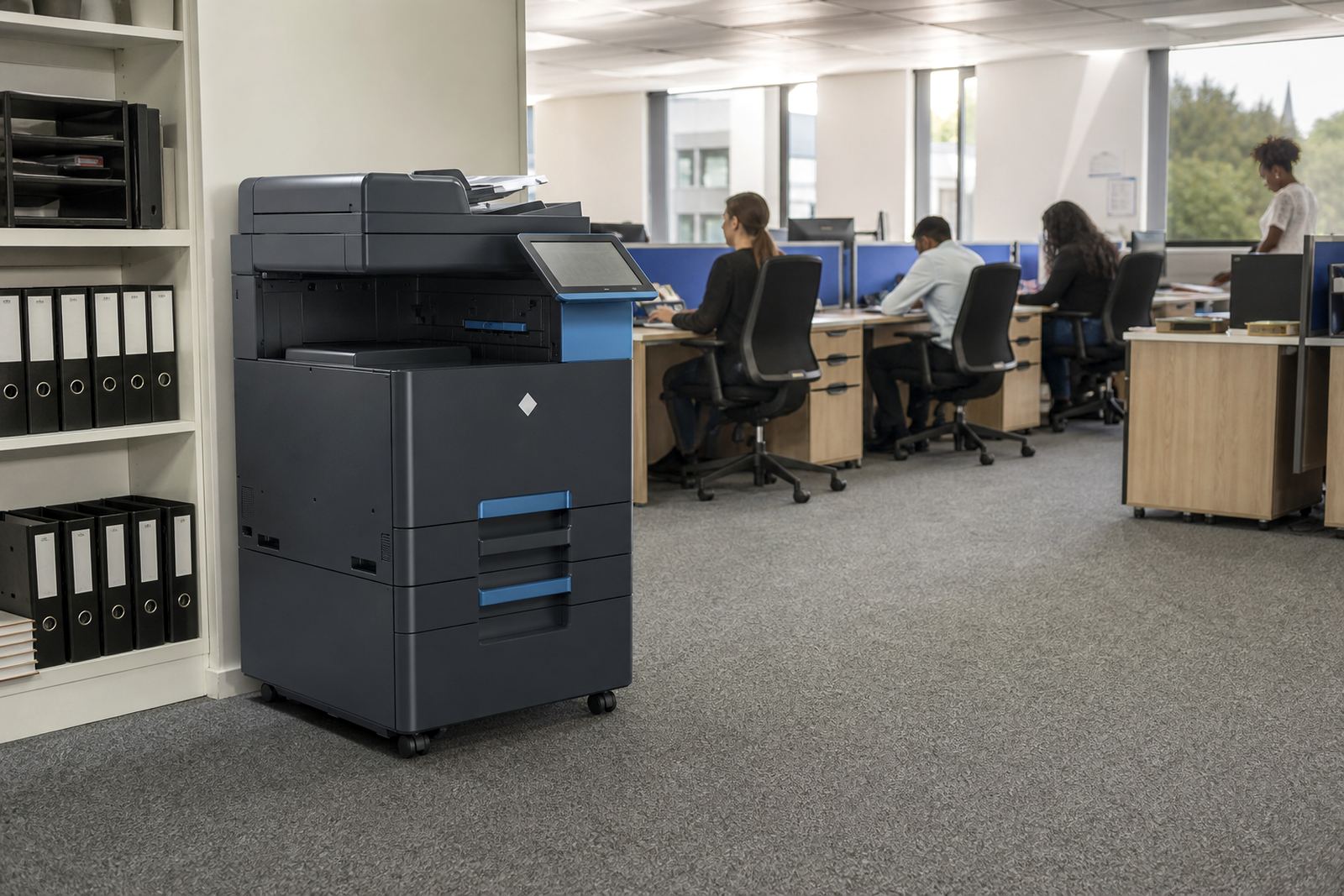
Fitting an A3 mono unit is not only a matter of plugging it in. The machine needs a stable position, enough space for trays and access panels, and a network point where scan and print functions can be commissioned properly. If the device will sit in a shared office, reception area or archive room, there should be enough clearance for paper loading and service access without dragging the unit around every time a tray empties.
Power supply needs to be sensible too. Like most office multifunction machines, the unit must be placed where the electrical feed is dependable and not crowded by loose adaptors or overloaded sockets. If the office has structured cabling, that makes scan to message and secure print setup cleaner. We also look at the user handover so staff know how to load paper, clear a basic jam and release held jobs from the panel.
A relocation inside the same building may need a network reset, metre note and a fresh check of the scan destination settings. In a busy office, that sort of detail is what keeps the machine useful rather than just physically present.
Keeping mono output steady in a shared office
Mono machines are often chosen because the running pattern is easier to control when several people use the same unit. The office still needs a basic care routine, though. Paper should be stored dry and flat, especially in coastal towns where humidity can curl sheets and cause feeding problems. Toner alerts, drum condition and paper path cleaning all matter when the machine is handling bulk pages and A3 sheets in the same week.
Our on-site servicing covers common breakdowns, while breakdown response is there for faults that interrupt work or leave the office stuck with a queue of documents. A sensible routine also includes metre reading support and a quick check on user habits, because some paper waste comes from settings that no one has reviewed for months. Secure print is useful in shared offices too, since it reduces the chance of confidential pages sitting in the output tray.
- Store paper away from damp, open windows and direct heat
- Use the correct tray for A3 and heavier stock
- Keep scan destinations updated when staff change
- Check secure print codes and user permissions
- Log repeated jams so they can be traced properly
Where this format usually fits best
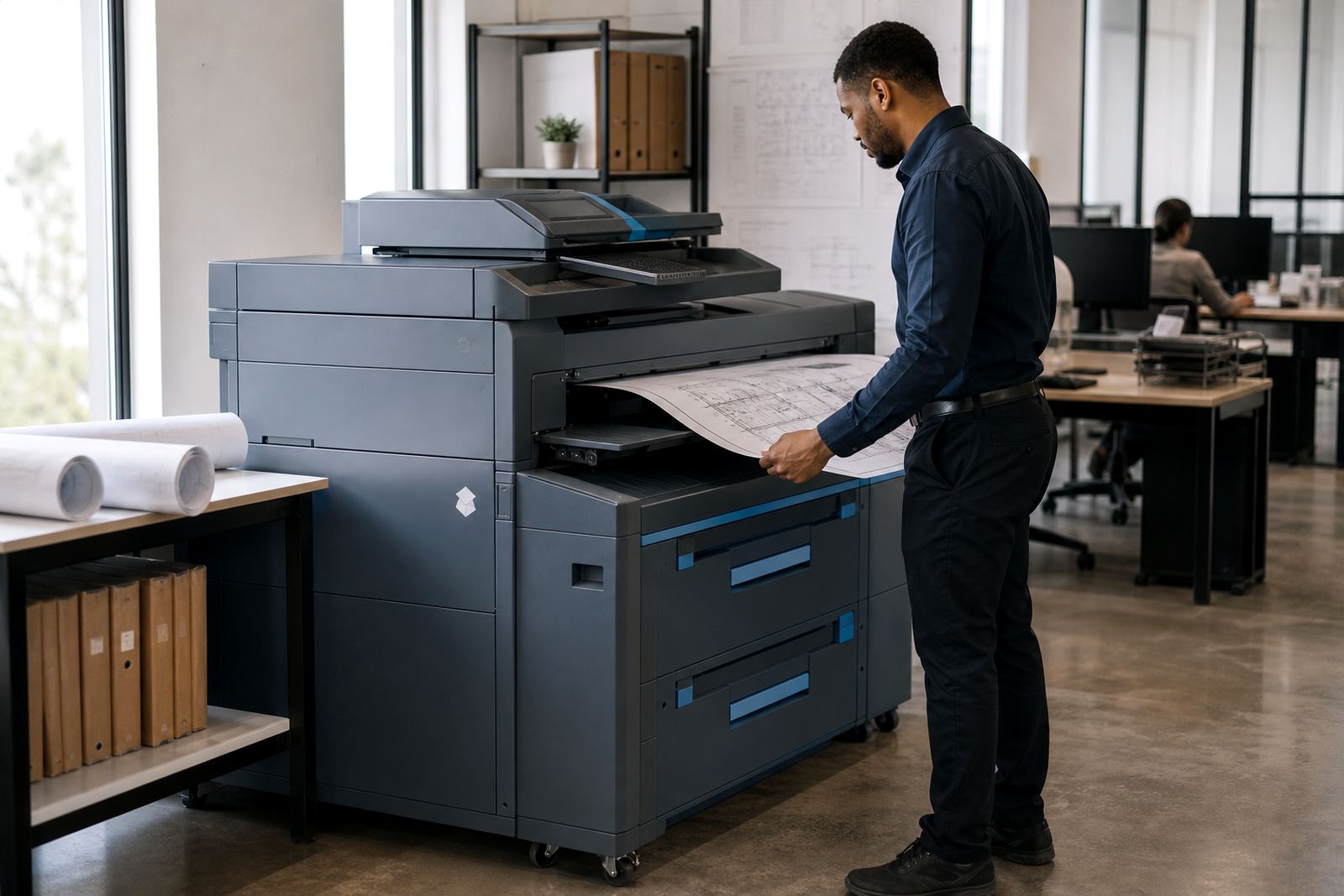
A3 mono office rental suits organisations that need size more than colour. That includes engineering offices, attorneys, consultants, schools, public-facing admin teams and practices that print large registers or forms on a steady basis. It also works where an office wants one central machine to handle copying, scanning and document output, instead of scattering smaller units through several rooms.
The machine can be set up for a team in Johannesburg, Pretoria, Durban, Cape Town or Bloemfontein, with the same basic managed print approach adjusted to local use. In larger offices, a fleet review may show that one A3 mono unit is best kept for heavy use, while smaller A4 devices handle ordinary counter-side printing. That split can reduce traffic at the central machine and keep the larger unit focused on the work it handles best.
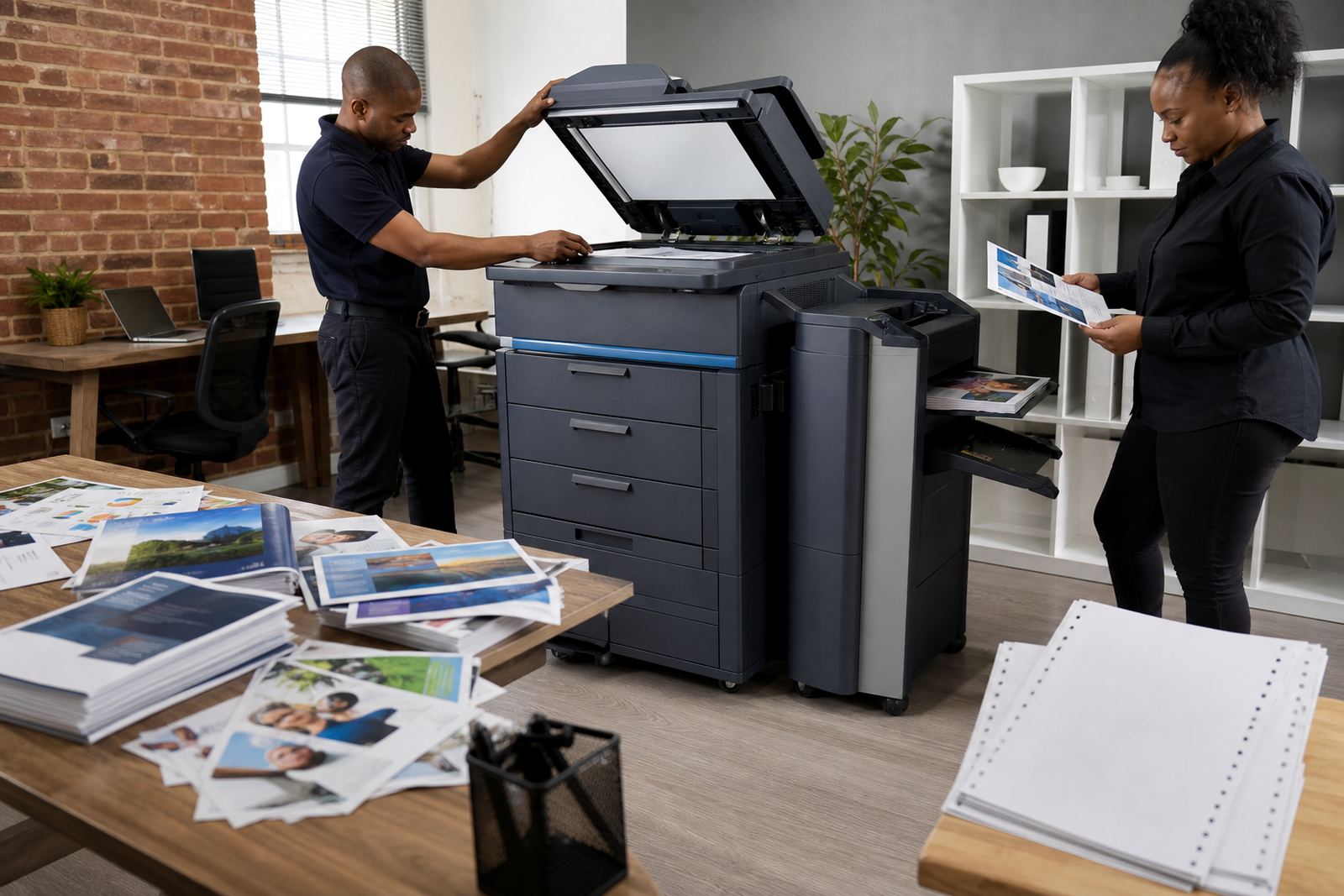
For some offices, the deciding factor is not volume alone but the type of document. A3 works well for layout proofing, tabular reports, plans, training packs and internal sign-off sheets. When the office knows those jobs are part of the week, the machine earns its place quickly.
The details to have ready before the machine is set up
When ordering an A3 mono machine, it helps to be clear about paper size, user count and the office routine around scanning and secure release. The team should also know whether the device will stand in a branch office, a shared admin room or a main print area. Those details affect tray choice, network setup and the amount of handover required.
Useful details include your monthly page pattern, whether you need A3 every day or only for specific jobs, and whether the office needs machine relocation support or a later end-term swap. If the copier will serve more than one department, metre reading support and a simple user guide become part of the setup from the start. Our contact form is the place to send those details when the office wants the right mono A3 arrangement rather than a generic machine off the shelf.
For businesses across South Africa, the point is practical: one machine should match the paper size, the monthly usage and the way the office actually works. If those line up, the rental plan stays manageable and the output stays consistent.
Key facts
| Product type | A3 mono multifunction office printer and copier rental |
|---|---|
| Functions | Print, copy, scan and network document handling |
| Paper size | A4 and A3 |
| Output | Monochrome only |
| Billing model | Monthly rental plus metre-based click charges |
| Included support | Toner supply, on-site servicing, metre reading support and end-term swaps |