Built for shared colour work, not light home use
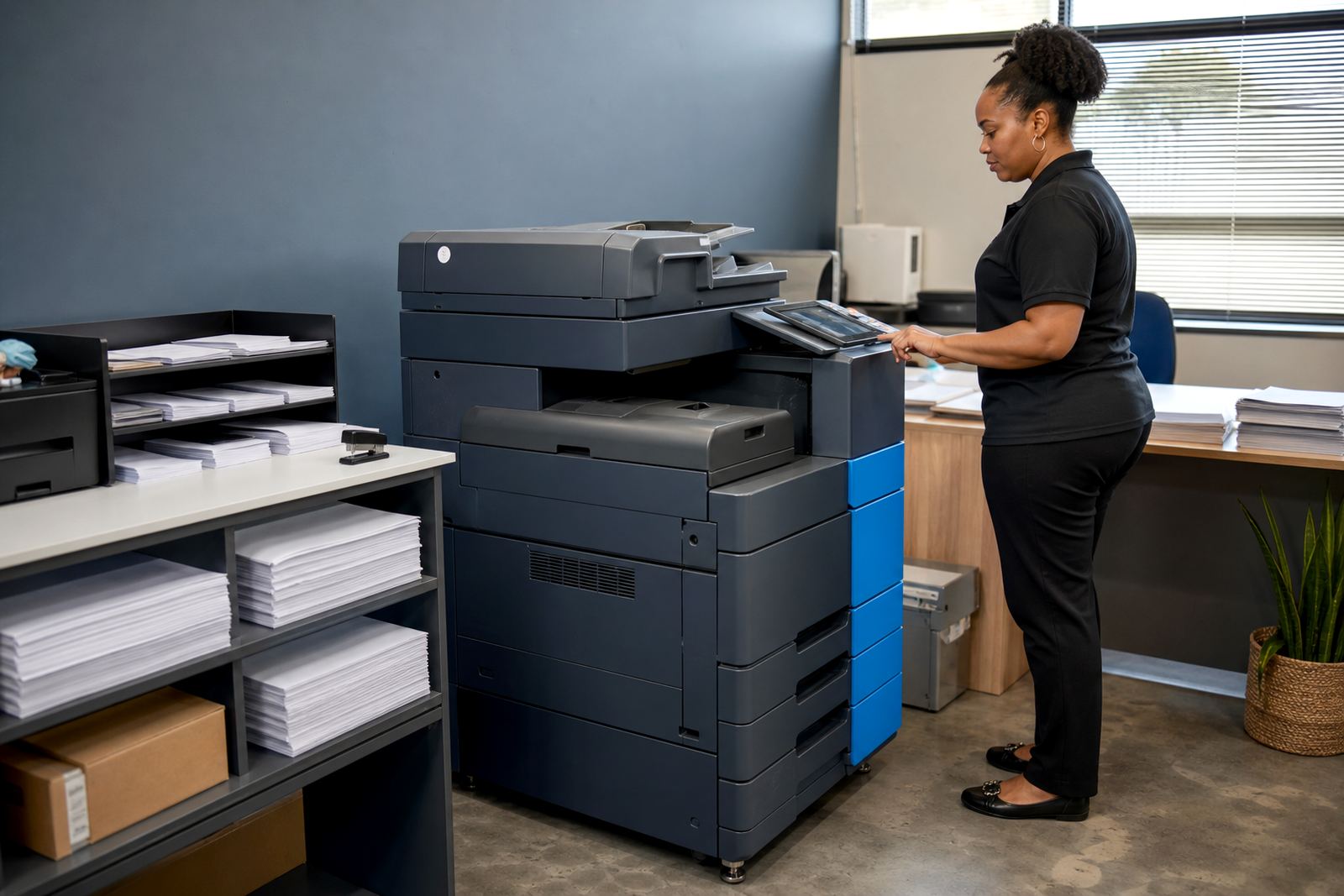
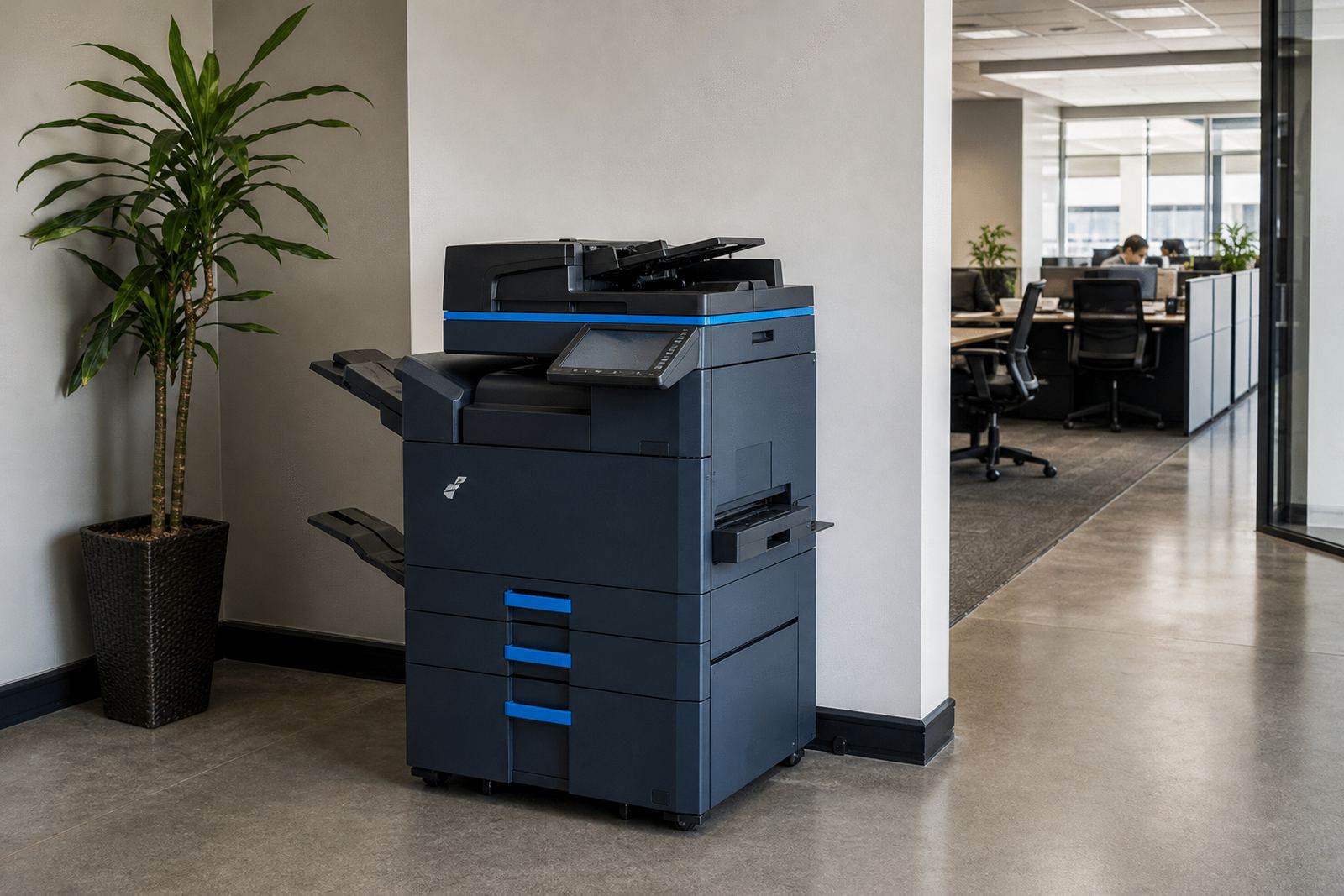
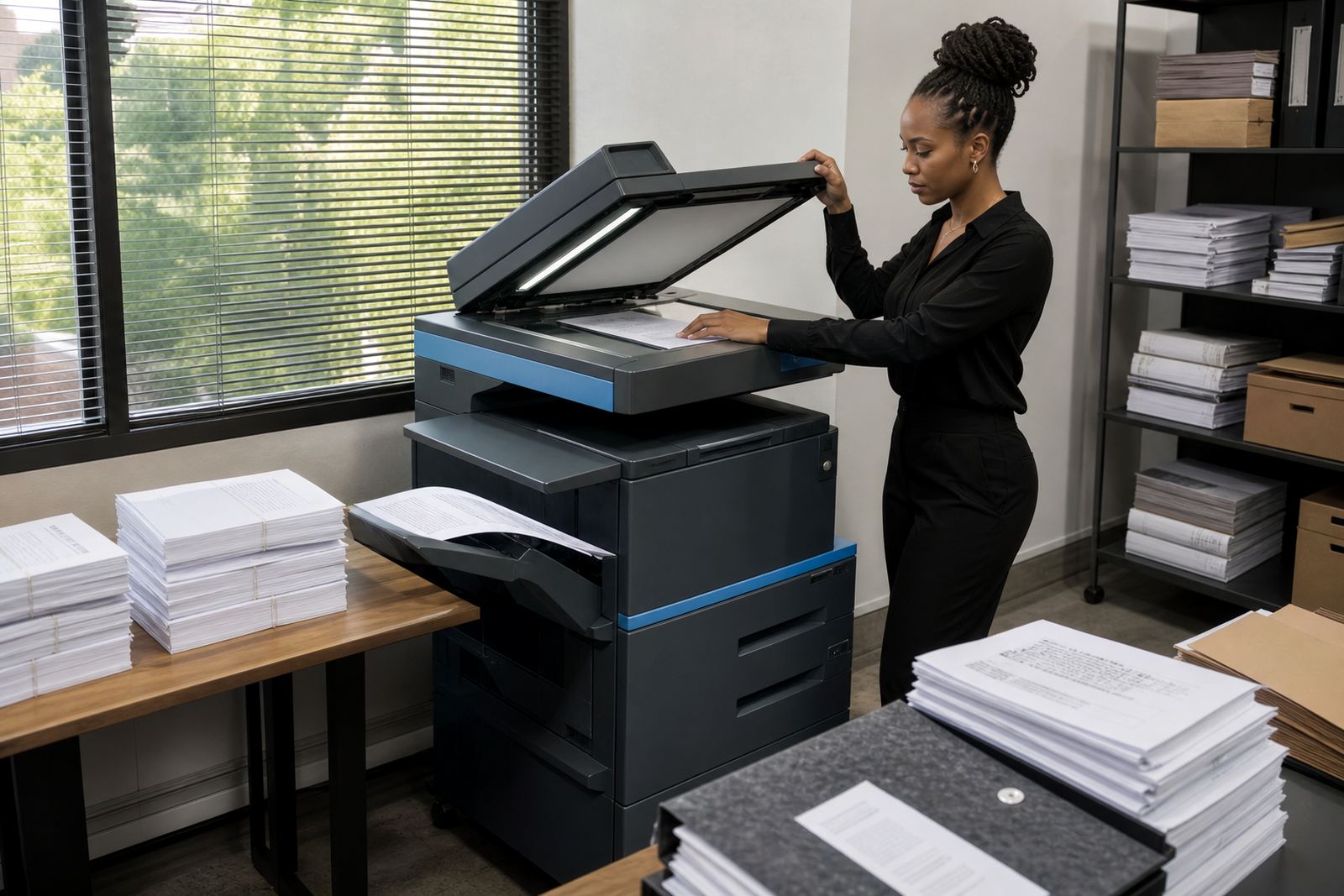
An A3 colour department machine handles mixed office work in one unit, so staff can print board packs, training notes, pricing sheets, copy signed documents and scan files without running between different devices. It is the sort of machine that suits reception areas, finance teams, HR counters and branch offices where the monthly duty is steady and the paper sizes vary through the week.
For most offices, the useful part is not only colour output, it is the combination of A4 and A3 handling, automatic double-sided printing, copying and scan functions in a single footprint. That saves floor space and keeps the workflow calmer when several people share the same machine, especially where jobs are tracked by department and not by one user alone.
- Print, copy and scan in one shared unit
- A4 and A3 paper handling for mixed office work
- Mono and colour use on one managed plan
- Suited to reports, proposals, plans and internal handouts
Size ranges and options that matter on the floor
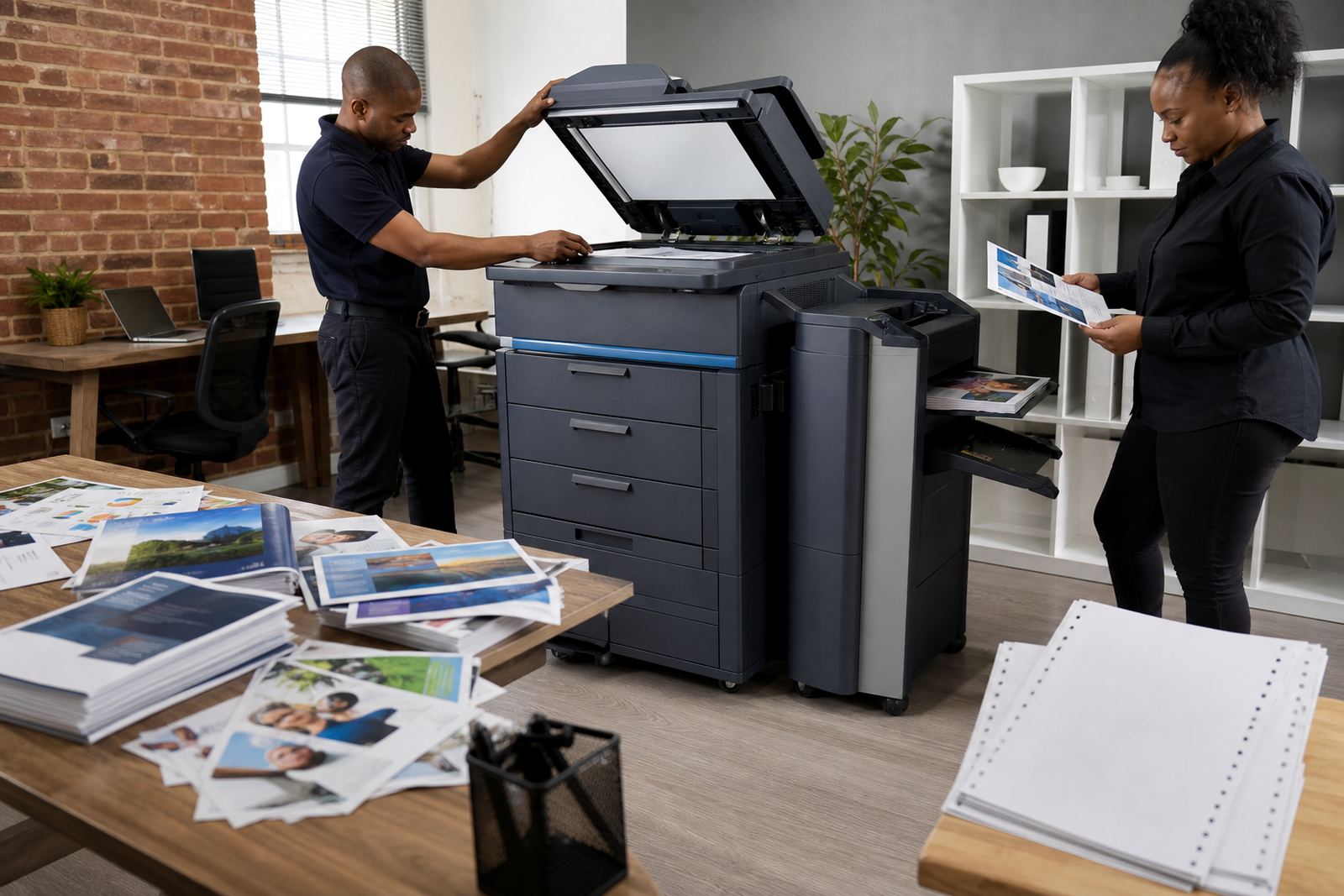
A3 colour units are chosen by paper handling and throughput rather than just appearance. A practical office setup may include a standard paper tray bank, a bypass tray for mixed sizes, and a finisher for stapled sets where staff prepare packs for meetings or training. Some teams prefer a faster device with a larger paper capacity, while others need a tighter footprint for a smaller room or corridor office.
The right setup also depends on how often the team uses colour. If most output is black and white, but colour is needed for charts, plans or branded pages, a colour machine can still make sense when the billing is set correctly. If colour pages are constant all month, the plan needs to match that pattern from the start rather than treating colour as an occasional extra.
- Paper sizes: A4 and A3
- Mono and colour billing can be set differently
- Optional tray capacity for higher paper volume
- Finishing options for stapled or sorted sets
- Network printing for shared office use
Managed print terms that keep the numbers clear
Office rental works best when the monthly rental, click charges and toner supply are all explained together. The rental covers the machine on site, while the click charge tracks each page or impression printed. That structure suits offices that want less capital tied up in equipment and a clearer line between fixed costs and actual usage.
Metre readings matter because they show what the machine has really produced. On a managed print plan, the reading is used for billing and for spotting when usage climbs outside the expected range. That is useful in schools, medical rooms and legal or accounting offices where print volume can jump during month-end, admissions or filing periods.
- Monthly rental plus click charges
- Toner included under the managed plan
- Metre-based billing for actual usage
- Suitable for offices avoiding upfront purchase cost
- Useful where print volume moves through the month
Where this machine fits in South African offices
An A3 colour department machine is a good fit for mid-sized offices in Halfway House, Midrand, Sandton, Centurion and Johannesburg where several staff members share one print point. It also suits Pretoria practices, Durban branch teams, Cape Town admin rooms and Bloemfontein offices that need a dependable mix of document handling and colour output without buying the hardware outright.
Schools use these machines for notices, worksheets, reports and admin packs. Practices use them for patient files, forms, referral letters and scanned records. In each case the machine should match the daily queue, the paper sizes used and the number of people who will send jobs to it at the same time.
- Office admin teams
- Schools and training centres
- Medical, legal and accounting practices
- Branch offices with shared print queues
Installation, network setup and user handover
Fitting an A3 colour machine is more than parking it in a corner. The unit needs the right power point, network access, space for trays and access for service work. Our installation service covers delivery, placing the machine, network setup, scan-to-message setup and secure print setup where confidential jobs need a code or user release at the device.
User handover matters because the team has to know where to load paper, how to release held jobs and how to scan to the right email address or folder. If the office moves the machine later, we handle relocations and set-up changes so the print path stays usable after the move.
- Device installation and network setup
- Scan-to-message setup and secure print setup
- Machine relocations when offices shift
- User handover for shared teams and reception areas
Care, servicing and the signs to flag early
Office machines last longer when toner, paper, rollers and firmware checks are handled on a schedule instead of waiting for a breakdown. On-site servicing covers jams, image quality faults, paper feed issues and general wear that builds up in shared devices. Where humidity or heavy traffic affects the room, paper storage and tray handling need a bit more care to avoid curl or feed trouble.
Breakdown response and toner supply are part of the same service rhythm. If a department prints packs in bulk or scans all day, it helps to keep spare paper on hand, confirm the correct size settings and note any changes in department use. The machine works better when the usage pattern is steady and the metre reading support stays current.
- On-site servicing for feed and print faults
- Toner supply matched to the machine and usage
- Metre reading support for billing control
- Fleet review for offices with more than one device
- End term swaps when the plan or volume changes
Details to confirm before the machine is placed
When ordering an A3 colour department machine, the important details are practical ones: A4 or A3 output, mono-only or colour-heavy usage, estimated monthly volume, how many people will use it, and whether secure print or scan-to-message is needed from the start. The office should also confirm where the machine will stand, what power and network access is available, and whether the machine needs to sit near the main admin area or a shared corridor space.
If the office expects a change in volume during the year, the rental plan should allow for a fleet review or end-term swap rather than forcing the same device to carry the wrong workload. That is often the difference between a machine that keeps pace and one that keeps being called on for the wrong kind of job.
- Paper size and colour requirement
- Expected monthly print volume
- Need for scan-to-message or secure print
- Space, power and network access
- Plans for swaps, relocation or growth
Key facts
| Function | Print, copy, scan |
|---|---|
| Paper size | A4 and A3 |
| Output type | Mono and colour |
| Billing | Monthly rental plus click charges |
| Toner | Included on managed print plans |
| Support | On-site servicing and metre reading support |