Built for colour pages that keep moving
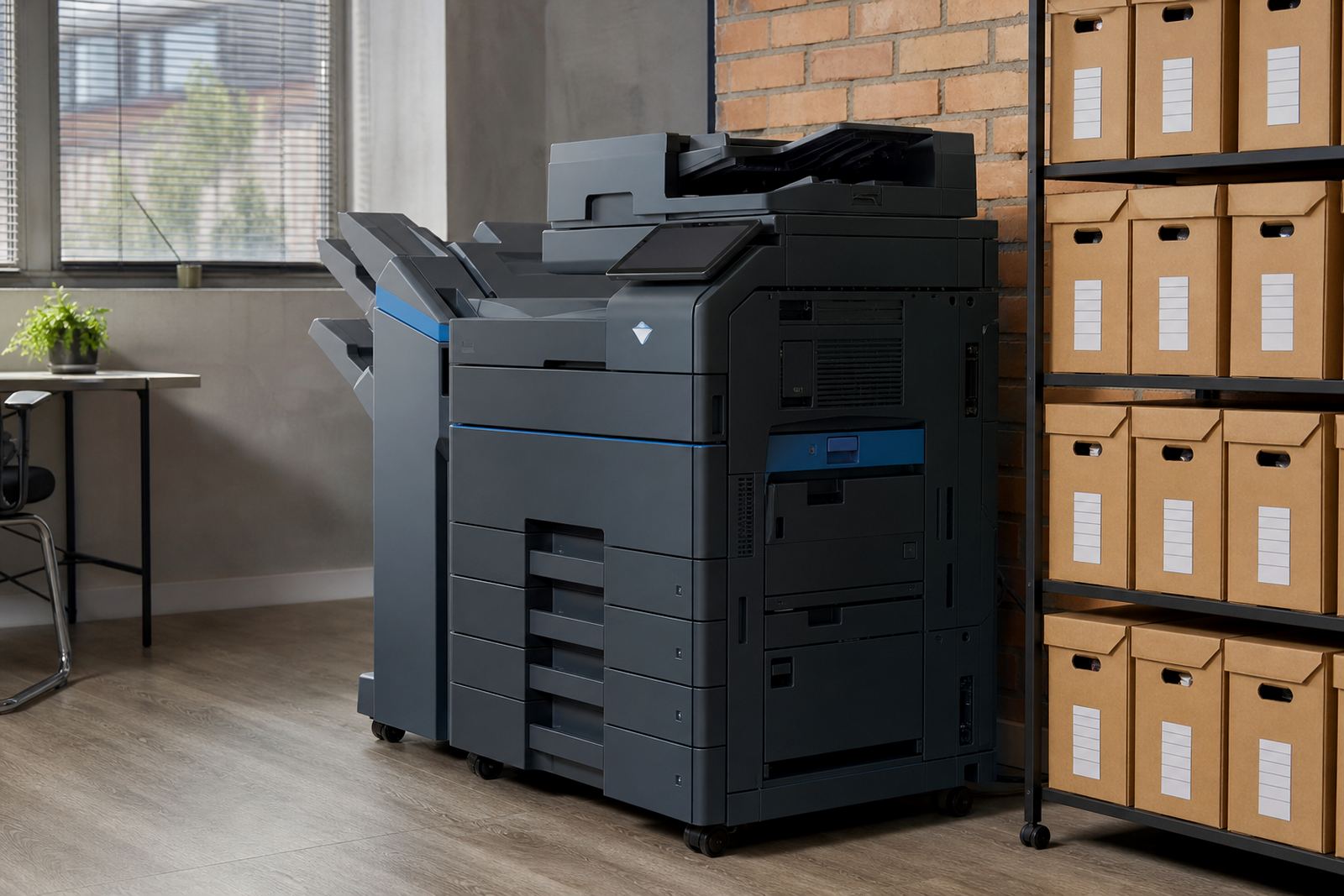
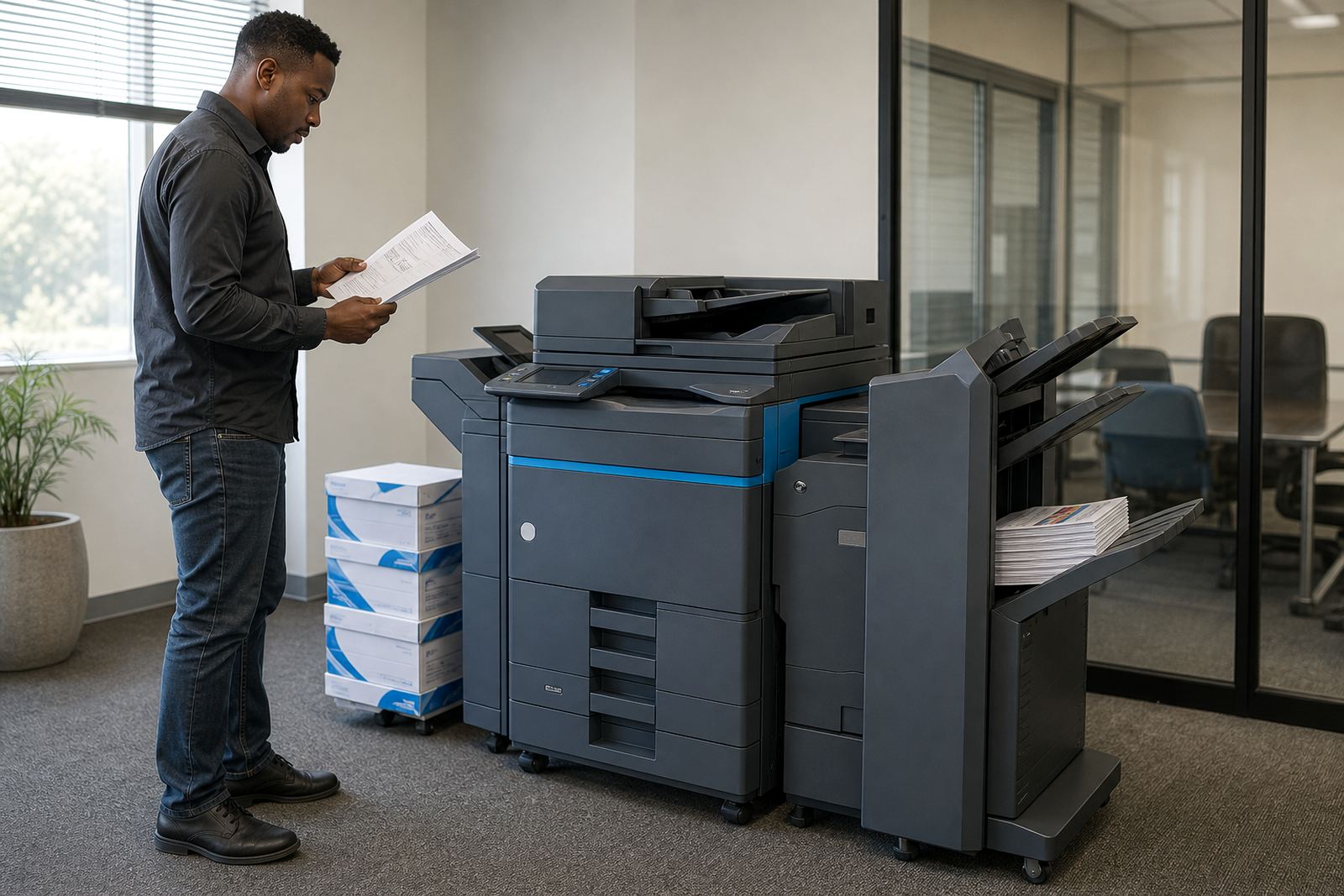
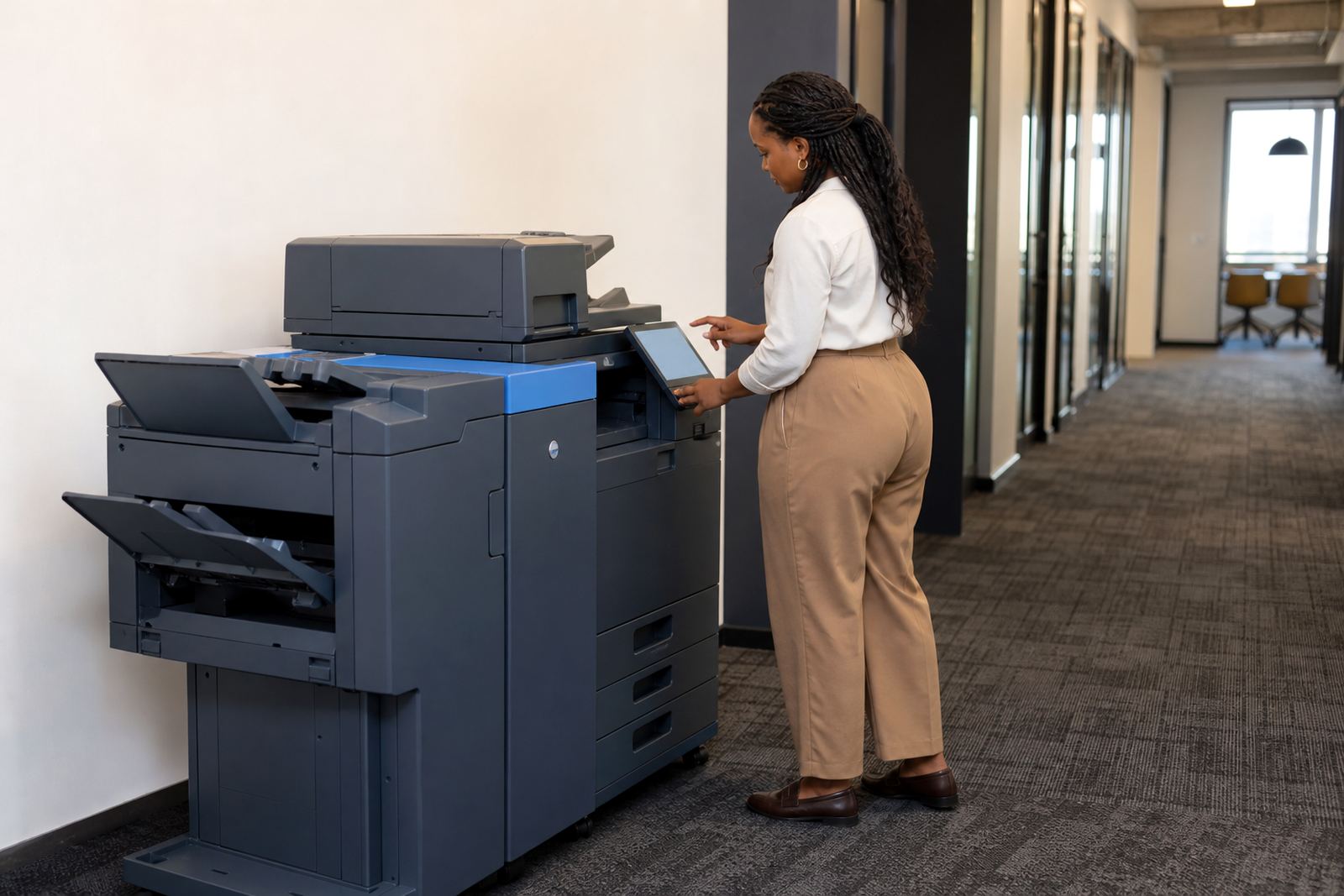
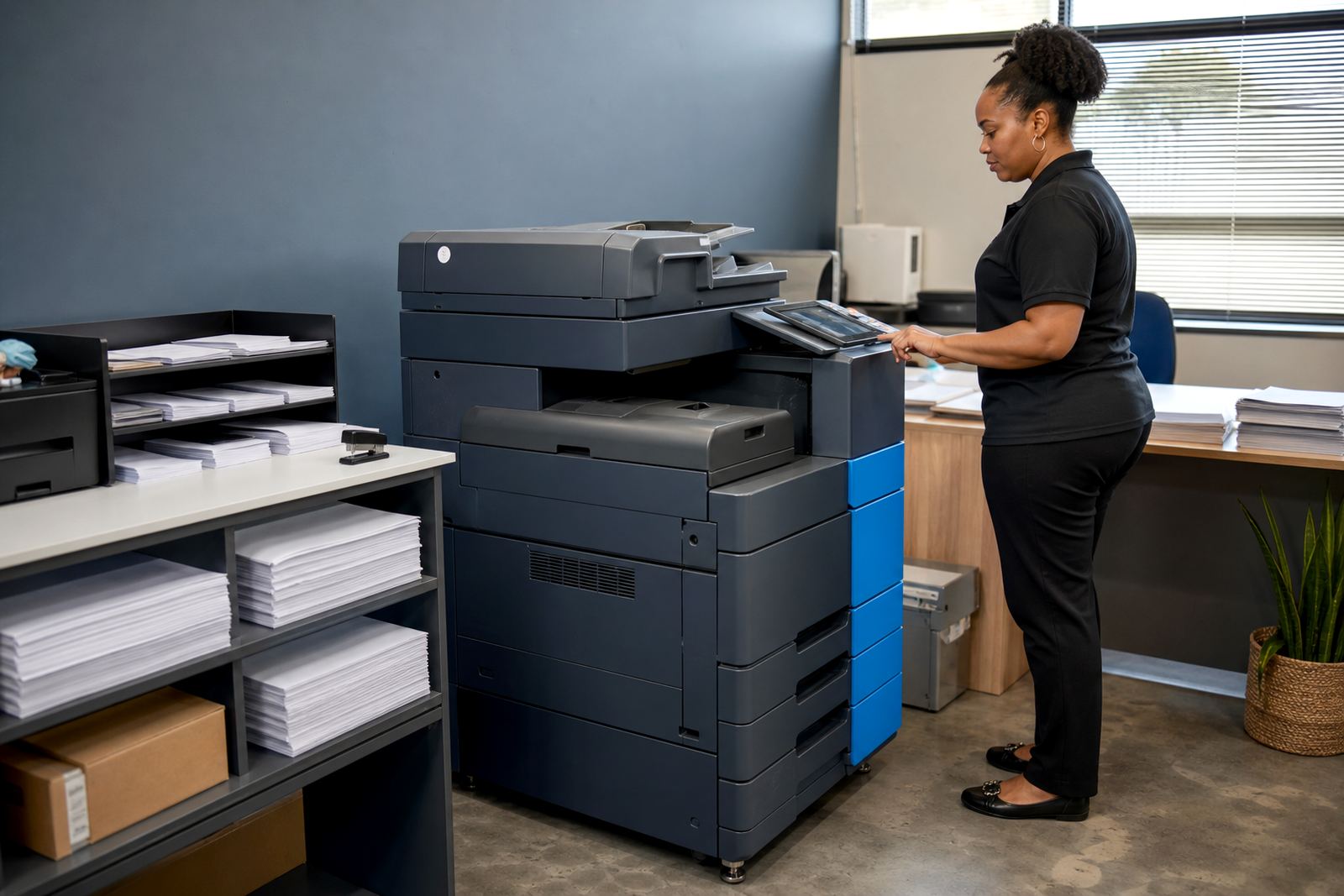
This rental tier is for offices that do not treat colour as an occasional extra. It fits teams that print proposals, training packs, marketing inserts, school admin packs and internal reports through the month, then scan and send documents from the same machine. The idea is to keep the equipment on a managed print plan so the office is not carrying the full purchase cost, cartridge orders and ad hoc repairs on its own.
The machines in this class are office multifunction printers with copy, print and scan functions, usually set up as A4 units and sometimes paired into an A3 environment where the workflow needs larger originals. Colour output is counted per metre reading, with monthly rental and click charges structured around the expected volume. Monochrome pages and colour pages are billed differently, which matters when a team prints a mix of internal notes and external-facing material.
- Suited to steady monthly colour output
- Works well for copy, print and scan workflows
- Common in admin offices, schools, practices and branch teams
- Can be set up for secure print and scan-to-message use
A4 size, colour duty and the way volume is counted
A4 colour high volume devices are chosen for their speed, paper handling and lower running friction in busy offices. The standard paper size is 210 mm by 297 mm, and most teams use trays loaded with plain paper, letterhead or lighter coloured stock where the workflow allows it. Some offices want one tray for everyday office paper and another for forms or preprinted stock, especially where scanning and copying happen all day.
On a managed plan, the office pays a monthly rental for the machine and click charges based on metre readings. That keeps toner supply, servicing and the usage pattern tied together instead of leaving the office to guess what the next supply run will cost. If the team prints mostly colour brochures or client-facing packs the click structure will look very different from an office that uses colour for charts, stamps and highlighted sections only.
- A4 paper handling for everyday office output
- Colour click rates suit higher visual content
- Separate billing can apply to mono and colour pages
- Metre readings keep usage clear for accounts teams
Where this setup fits best in South African offices
These rentals suit workplaces that need reliable colour without buying a machine outright. Medical rooms, legal practices, training providers, estate offices, school admin teams and growing firms with branch paperwork all use this format for steady document movement. In Midrand, Sandton and Centurion the pattern is often the same: several users, a steady stream of forms and short deadline work that depends on the machine staying available.
A4 colour high volume is also useful when the office wants one unit to carry multiple jobs. Staff can print a proposal, scan signed pages to message, copy ID documents and use secure print for sensitive work without walking to a separate device. If the office has more than one floor or a shared reception area, a machine in the right spot can cut down on queues and repeated trips to collect pages.
- Busy admin floors with many daily users
- Offices needing a single shared machine for several tasks
- Teams that scan signed pages and send them out straightaway
- Sites where secure print helps with private records
Installation, network work and user handover
Fitting an office multifunction printer usually means placing the unit on a level surface, connecting power, joining the network and setting the scan destinations that staff use most often. Scan to message needs the right mailbox settings, and secure print is set up so confidential pages are released only when the user enters a code or badge at the machine. That matters in offices where client records, results or financial forms move through the same device.
Our team also handles machine relocations, so a move from one office to another can be managed without losing the page counters or user settings that the team relies on. When the setup is complete, the handover needs to be clear enough for reception staff, administrators and branch users to work from the same process. If the office has a mixed print environment, a fleet review can show whether one A4 colour machine is enough or whether the workflow needs a second unit for black and white work.
- Power, network and scan settings are part of the fit
- Secure print protects sensitive office documents
- Machine relocations keep the same workflow in a new space
- Fleet review can right-size the office print mix
Toner, servicing and the way the plan is managed
Toner supply is part of the rental arrangement, so the office is not left scrambling for cartridges when page counts rise. On-site servicing keeps the machine in work, with breakdown response arranged through the service side of the plan when a feeder, tray, scanner section or print path needs attention. The monthly billing model works best when the metre reading is kept accurate and the office reports any fault before it grows into a longer interruption.
For colour devices in a busy setting, regular care matters. Paper dust, mixed stock and high traffic around the machine can create small stoppages that are easy to miss at first. Cleaning the feed areas, checking for worn rollers and keeping the network settings neat all help the unit stay dependable. Offices in coastal cities like Durban and Cape Town also need a sensible placement plan so humidity and salty air do not add unnecessary wear to the machine area.
- Toner supply is included under the managed plan
- On-site servicing supports everyday office use
- Metre reading support keeps billing aligned to real usage
- Placement and routine care affect long-term performance
Details to confirm before the unit is assigned
Before a high volume A4 colour unit is allocated, the office should confirm the monthly colour count, the share of black and white pages, the number of users and whether the team needs secure print or scan to message from day one. It also helps to know whether the office wants only A4 or a combination that includes A3 for bigger originals, because the paper path and finishing options change the setup.
It is also worth matching the machine to the way the office handles documents. Some teams want faster walk-up copying at reception, while others care more about network printing from multiple workstations. A branch office in Pretoria may need different usage patterns from a legal team in Sandton or a school admin room in Bloemfontein, so the final plan should reflect the real document flow rather than a rough guess.
- Monthly colour and mono page mix
- Number of users and workstations
- A4 only or A4 plus A3 requirement
- Need for secure print, scan to message and copying volume
Key facts
| Product type | A4 colour multifunction printer rental |
|---|---|
| Billing model | Monthly rental plus metre-based click charges |
| Functions | Print, copy, scan and office sharing |
| Typical setup | Network printing, scan to message, secure print |
| Service support | Toner supply, metre reading support, on-site servicing |
| Area covered | Halfway House, Johannesburg, Pretoria, Durban, Cape Town, Bloemfontein, Centurion and Sandton |