A3 Control At The MFP, Not At The Tray
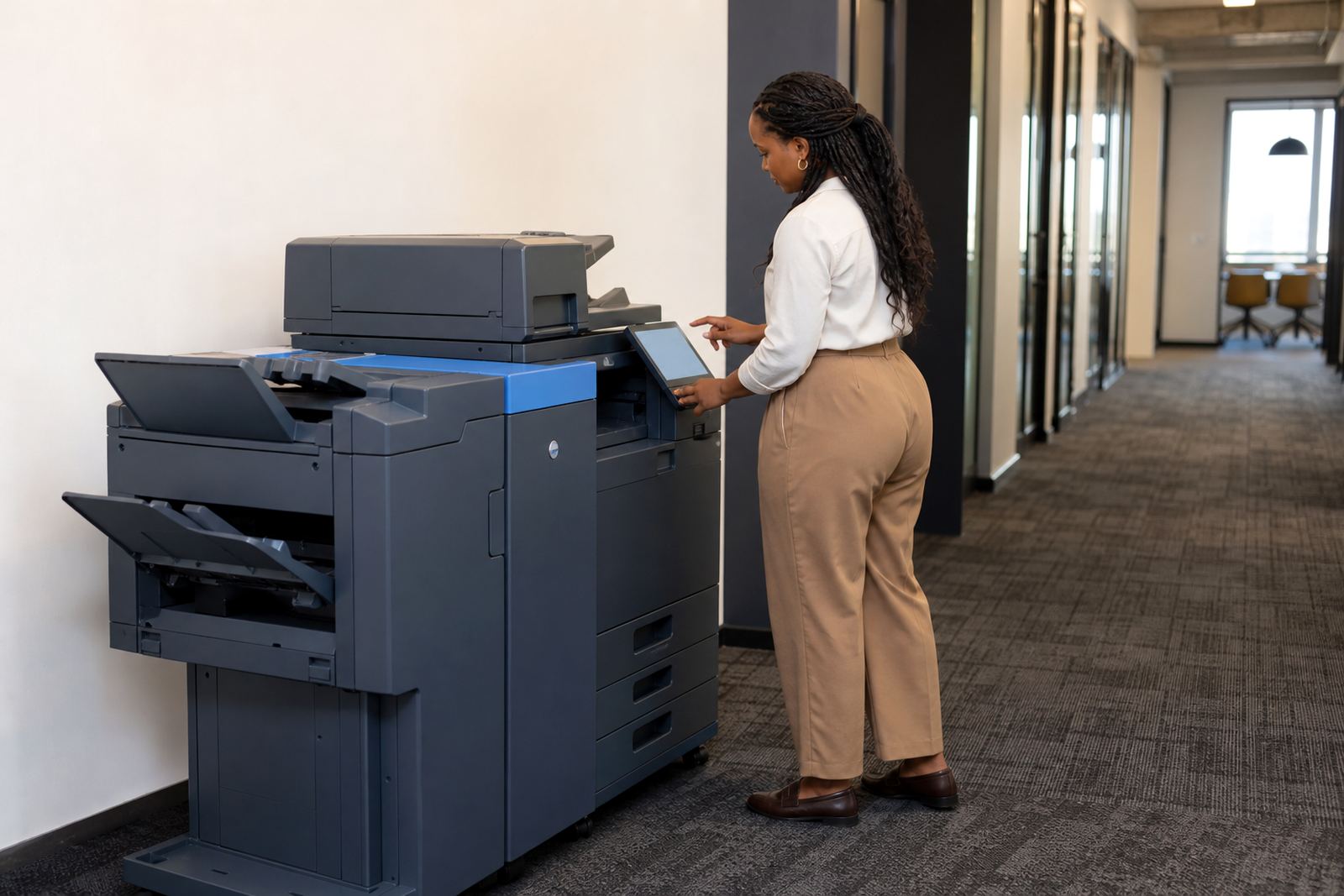
Secure print changes the way an A3 office machine is used day to day. A user sends a job from a computer or laptop, then the document waits in the machine queue until the correct person is at the panel. That helps in shared spaces where client files, HR packs, tenders and internal reports can not sit on the output tray for anyone to pick up.
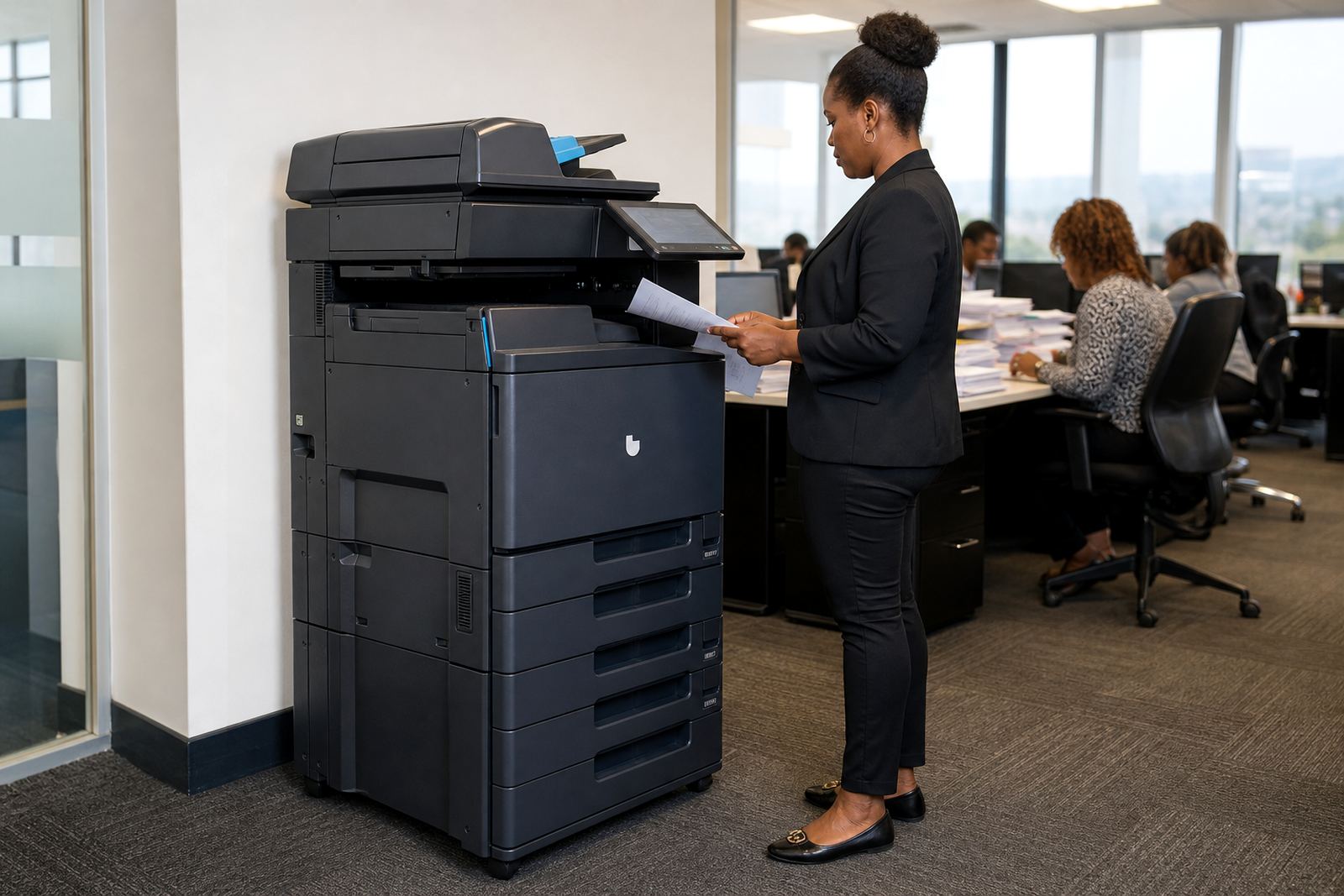
Our A3 multifunction rental options cover print, copy, scan and document handling from one floorstanding unit. In many offices the machine sits in a central passage or shared admin area, with user access controlled by PIN, card or release code depending on the setup. It is a practical fit for Johannesburg, Pretoria, Sandton and Centurion offices where more than one team uses the same device during the day.
The usual setup includes secure print queues, user permissions, scan to message, address book loading and basic audit settings. For larger offices, a second device may be set up as a lower-volume back-up or a departmental unit so the main machine does not carry every task.
Sizes, Duty Cycles And Output Choices
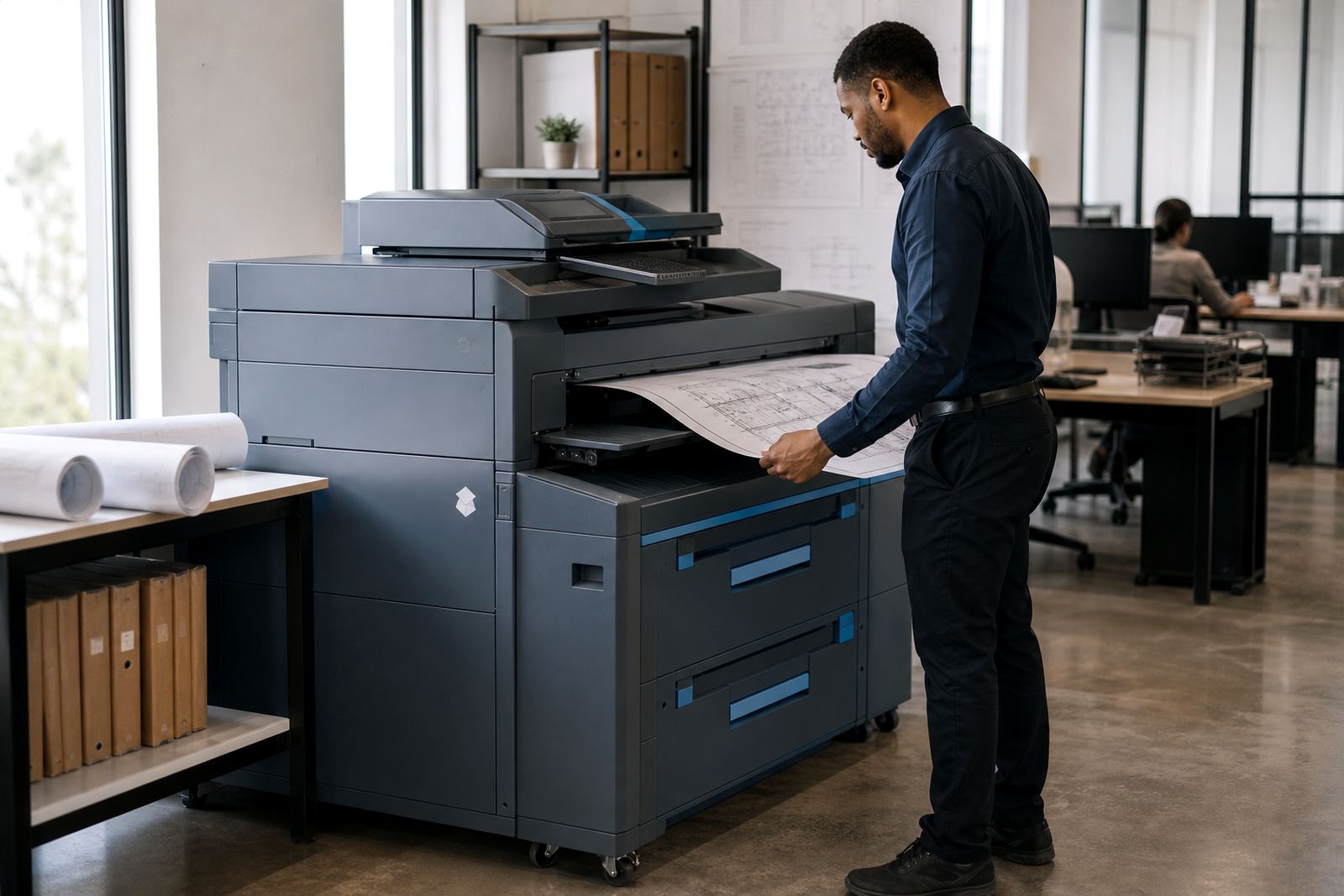
A3 multifunction machines are chosen for mixed office work, not just for oversized copies. They handle A4 as the everyday format and A3 when plans, spreadsheets, drawings or layouts need a wider page. Mono units suit offices that mainly print forms and correspondence, while colour units are better where charts, proposals and branded packs need clearer presentation.
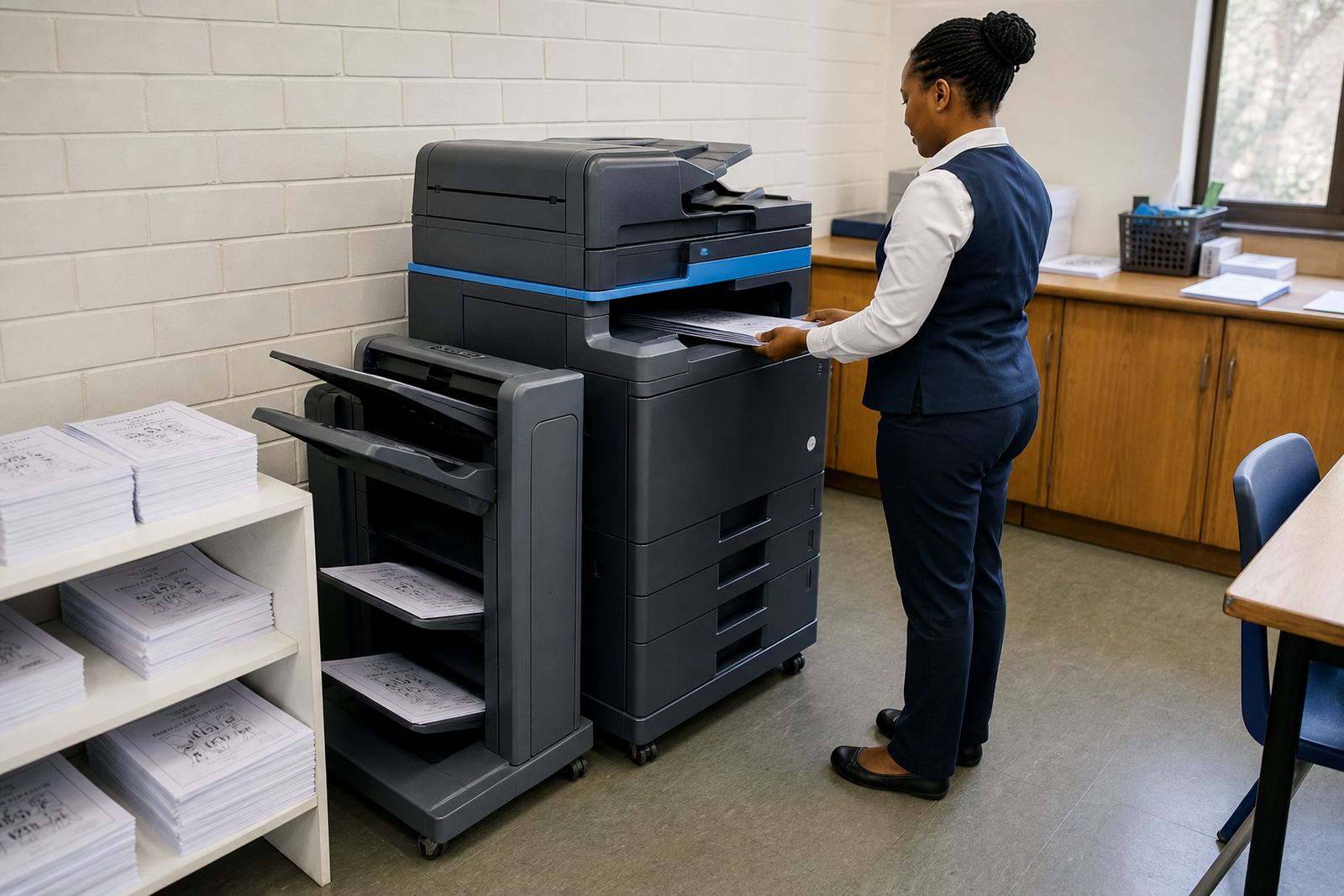
Speed and paper handling matter as much as the print quality. In a managed print plan we usually look at monthly volume, the number of users, finishing needs and how often scan workflows are used. Some teams need a compact A3 unit for around a dozen staff, others need a heavier-duty device with larger trays, duplexing and a finisher for stapled sets.
- A4 and A3 print sizes from one device
- Mono or colour output depending on office use
- Print, copy and scan functions in one machine
- Duplex printing for double-sided jobs
- Automatic document feeder for mixed-page packs
- Secure release options for confidential files
How The Rental Plan Usually Works
The rental side covers the machine itself, while the click charge covers the pages that move through it. In practice that means the office pays a monthly rental for the equipment and a rate per printed page or copy, with toner included under the plan. It keeps budgeting tied to actual use instead of a large purchase upfront.
Metre readings are part of the process, because billing follows page counts rather than guesswork. We use the readings to track usage, plan consumables and keep the account aligned with what the machine is actually doing. For offices with a steady print pattern, this makes monthly admin much easier to manage.
Managed print also helps when machines are shared across departments. The account can cover toner supply, routine servicing, wear parts and callouts that are part of normal machine care. Where needed, we can review whether a mono A3 unit or colour A3 unit makes more sense after a few billing cycles.
- Monthly rental for the device
- Click charges based on metre readings
- Toner supplied under the plan
- Servicing included for ordinary wear and usage
- Usage review for changing office demand
Fitting The Machine Into Your Office Routine
Installation needs more than a plug point and a corner. An A3 multifunction machine needs space for the body, paper trays, side access and a sensible route for people to collect prints without crowding the queue. It also needs network setup if the office wants shared printing, scan to message, address books and secure release working properly.
For a new installation we look at the office layout, power position, network access and where the machine will be used most. In larger buildings across Midrand, Pretoria and Cape Town, this often means planning the device near admin, finance or reception rather than hiding it in a store room. The goal is smoother movement around the machine and fewer interruptions for users.
When the machine is relocated, the same checks apply. Paper trays, cabling, network details and user profiles all need to land in the right place. If a site is changing floors or moving to a new office, the handover should include the secure print settings, scan destinations and any user logins that need to stay intact.
What Helps A Secure Print Setup Run Well
Secure print works best when the office keeps the machine tidy and the settings simple enough for staff to follow. Clear user rules matter, especially where several departments share one device. If people send print jobs and then collect them later, the queue should be organised so old jobs do not pile up or confuse the next person at the panel.
Regular servicing keeps rollers, feeds and scan sections in shape. Toner quality, paper storage and clean access around the machine all affect the print result. In coastal areas such as Durban and Cape Town, humidity can affect paper handling, so paper should stay boxed and dry, and trays should be loaded carefully to avoid curls and jams.
- Keep paper sealed until it is loaded
- Use correct user permissions for secure release
- Clear unused jobs from the queue where needed
- Store scan destinations and email addresses properly
- Book servicing when feed faults or image issues appear
For offices that scan contracts, client forms or internal records, the secure print setup can sit alongside scan to message folders, address books and user limits. That keeps the machine useful without letting confidential paperwork sit out in the open.
Details To Confirm Before A Secure Print Quote
When we quote for Secure Print A3, the key details are the monthly print volume, whether the office needs mono or colour, and how many users will send jobs to the machine. It also helps to know if the office wants A4 only most of the time, or if A3 is needed for drawings, spreadsheets or larger layouts on a regular basis.
Other useful points are paper size, finishing needs, network access, scan to message setup and whether the machine will be shared across one floor or several. If the office wants secure release by PIN or card, that should be set out at the start so the installation, user handover and billing structure all line up properly.
Our contact form is the cleanest way to send those details, especially if the office has more than one branch or wants the machine moved later on. That lets us line up the rental structure, toner supply, on-site servicing and end-of-term swap options around the same account and site history.
- Expected monthly print and copy volume
- Mono or colour preference
- A4 only or A3 use as well
- Number of users and departments sharing the device
- Secure print method: PIN, card or release code
- Need for scan to message, duplexing or finishing
Key facts
| Format | A4 and A3 multifunction rental |
|---|---|
| Functions | Print, copy, scan and secure release |
| Billing | Monthly rental plus metre-based click charges |
| Consumables | Toner included under the managed plan |
| Options | Mono or colour, duplex, finishing, scan to message |
| Support | On-site servicing, breakdown response and end-term swaps |