Built for long black and white runs
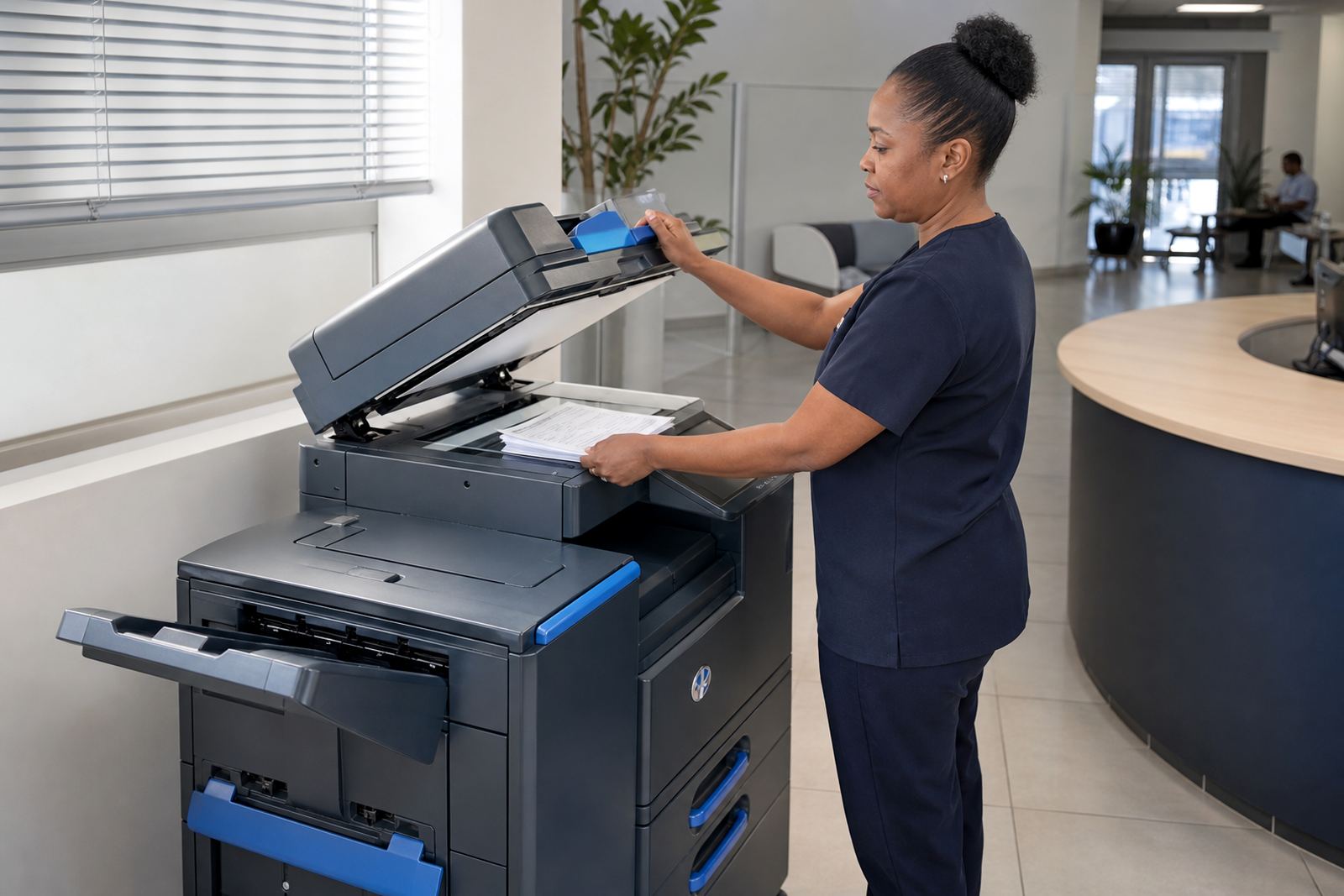
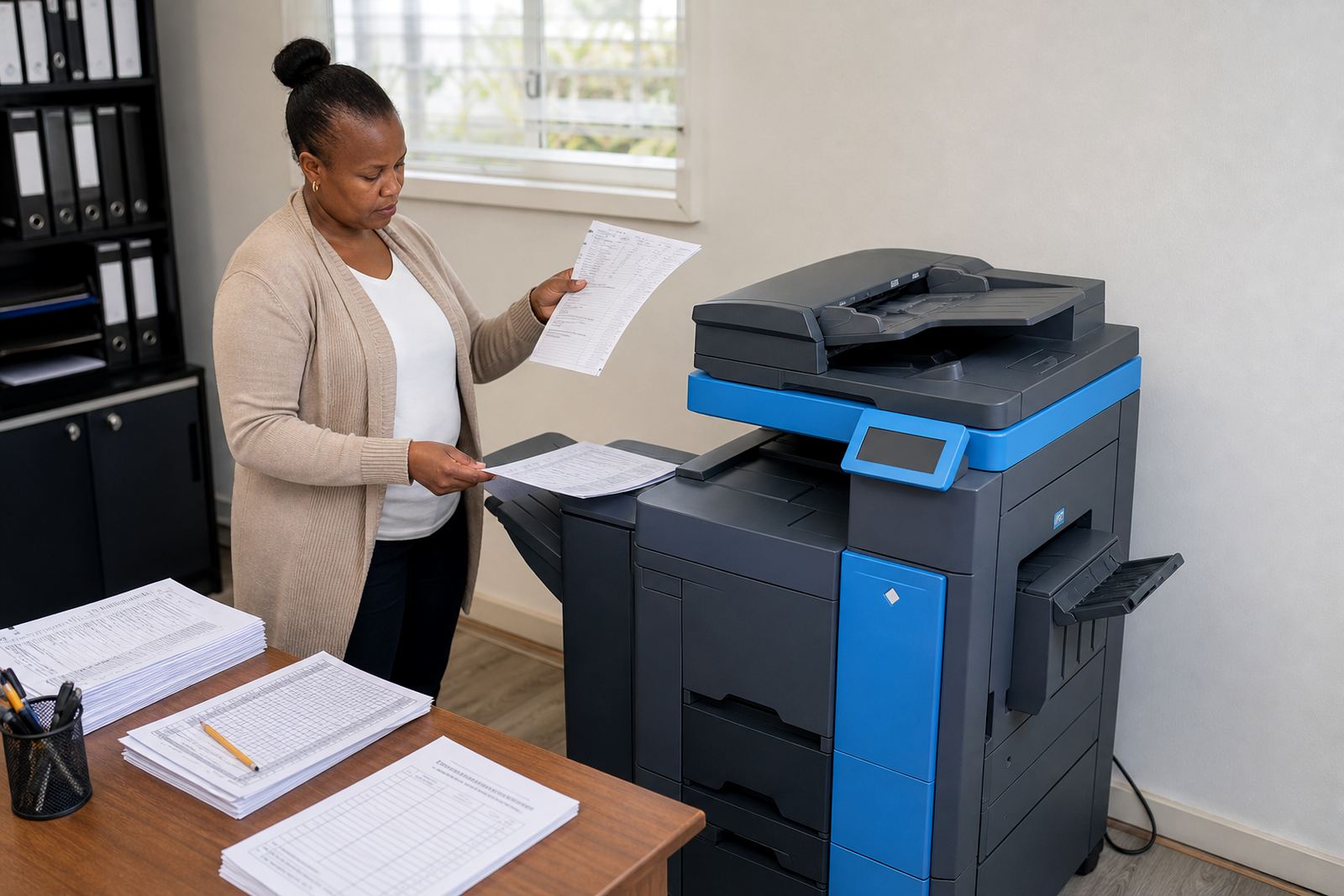
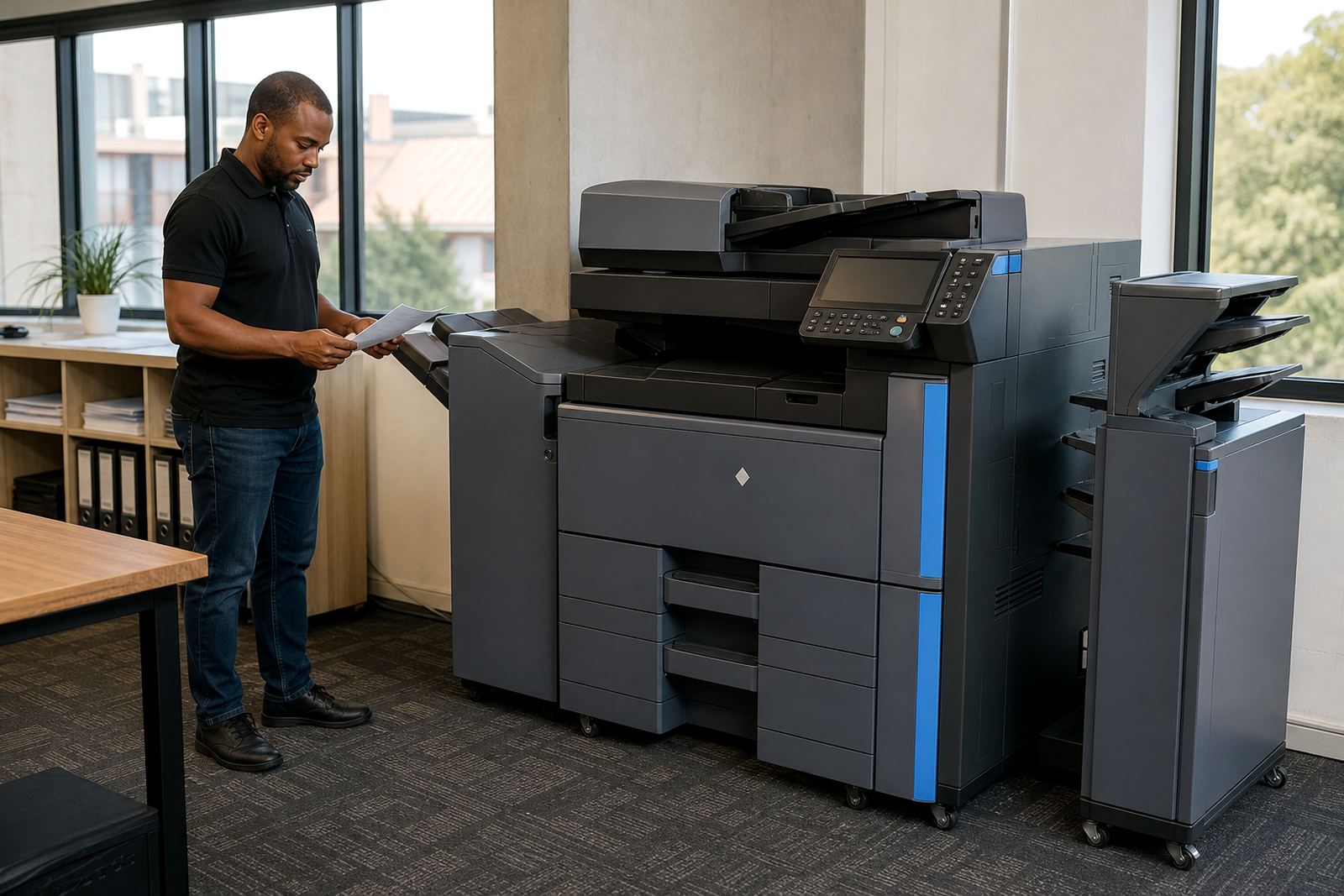
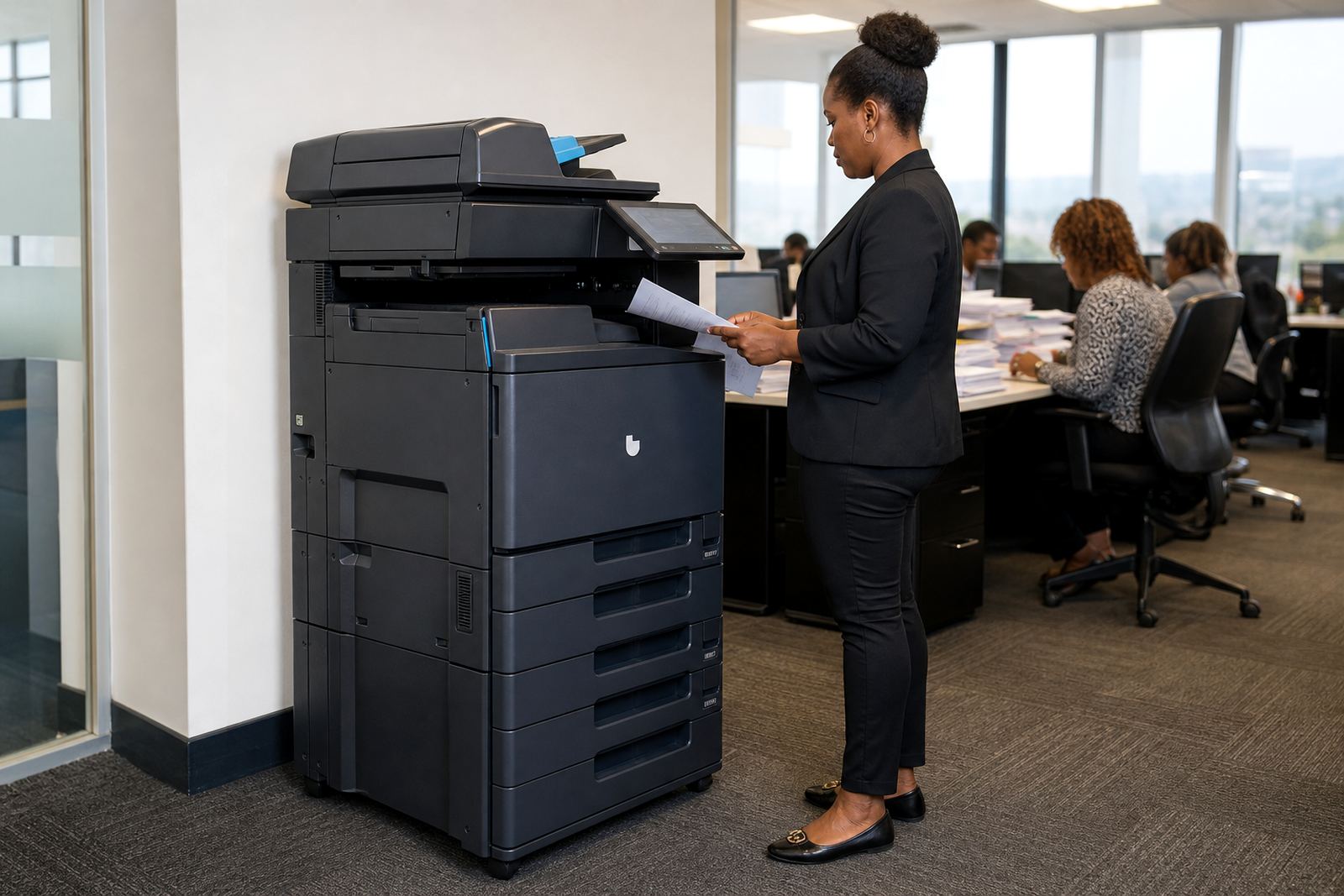
This category covers higher duty A4 multifunction copiers for teams that print reports, invoices, statements, learner packs and admin batches in black only. The machines are sized for heavier daily use than a light office benchtop unit, with stronger paper handling and a more practical duty cycle for shared workspaces.
Most offices use this format when a small benchtop unit starts slowing the queue, feeding poorly or asking for too many cartridge changes. A mono fleet is also easier to budget for when the bulk of pages are text based and the copies need to stay sharp, clean and legible.
Paper sizes and configuration choices
A4 is the core format, but many of these machines also handle A5, legal length paper and custom document settings through the tray and bypass feed. Some offices want a single tray for smaller teams, while others need extra paper capacity for larger admin volumes and less tray topping up during the day.
- Print, copy, scan and often message functions in one unit
- Single tray or multi tray setup depending on paper use
- Duplex printing for two sided output where required
- Network print support for shared office workstations
- Optional secure print release for confidential documents
For practices and firms handling payroll, client files or internal records, secure release matters because pages stay in the queue until a user enters a code or taps the machine at the panel.
Where this machine earns its place
An A4 mono high volume unit suits accounting rooms, legal teams, schools, medical practices, warehouses, branch offices and admin departments that keep a steady flow of paperwork moving. Johannesburg and Pretoria offices often use them for shared back office printing, while Durban and Cape Town sites may want stronger protection against humidity related paper curl and toner storage issues.
It also works well where staff scan to message, scan to folder or copy set after set of standard forms. If the output is mostly black text, line drawings and simple internal forms, mono keeps the running cost cleaner than a colour fleet that is used only for occasional pages.
Monthly rental, click charges and toner cover
Managed print plans usually separate the machine rental from the per page click charge. The monthly rental covers the use of the device and the agreed service structure, while clicks track actual page output through metre readings so the office only pays for what is printed.
Toner supply is included on managed plans, which helps office managers avoid sudden cartridge purchases and awkward stock shortfalls. On most setups, the metre reading, toner use and service record are tied together so the fleet stays easy to follow at month end.
- Monthly rental for the machine itself
- Mono click charge based on page output
- Toner included as part of the managed plan
- Service and maintenance covered through the agreement
- End of term swap options for changing office demand
Installation, setup and user handover
These units normally need proper placement on a level floor or stand, network connection and a power point close to the intended work area. For offices with several users, installation can include network setup, scan to message configuration and secure print setup so the machine fits the way the team already works.
Our field team also handles relocation when an office moves a machine between branches or wants the copier moved within the same site. Where a department changes from open access printing to controlled release, the user handover matters because staff need the right process for releasing jobs, clearing jams and checking paper size settings.
Service habits that keep output steady
High volume printers need routine care, not just a quick visit when a fault shows up. Feed rollers, imaging parts, paper sensors and trays need inspection over time, especially where a machine works hard every week. In some offices the first warning sign is not a total breakdown, it is a slow feed, faded text or repeated misfeeds.
Our on-site servicing, breakdown response and metre reading support are set up for that kind of working environment. A machine that is used heavily in Halfway House, Midrand or Sandton needs attention that fits real office use, especially where multiple staff members send jobs across the network and paper stock turns quickly.
- Scheduled checks on paper path and feed components
- Cleaning of scan glass, rollers and internal dust points
- Firmware and configuration support where needed
- Replacement of worn parts during the service cycle
- Support for end term swaps when the print volume changes
Care also includes training staff on the basics that save time, such as correct paper loading, clearing a simple jam and using the right tray for the page size. Small habits matter when the machine is expected to keep up with several departments at once.
Key facts
| Format | A4 multifunction mono copier for shared office use |
|---|---|
| Functions | Print, copy, scan and message on networked offices |
| Typical use | Higher black and white volumes with steady daily output |
| Billing model | Monthly rental plus metre based click charges |
| Consumables | Toner included under the managed print plan |
| Service cover | On-site servicing, breakdown response and metre reading support |