Reception work that needs fewer interruptions
This plan suits medical rooms, dental reception areas, veterinary practices and smaller group rooms that print every day but do not want to buy a machine outright. The setup covers day sheets, referral letters, claim copies, consent forms and scanned records, with mono or colour output depending on the counter flow and the amount of patient-facing paperwork.
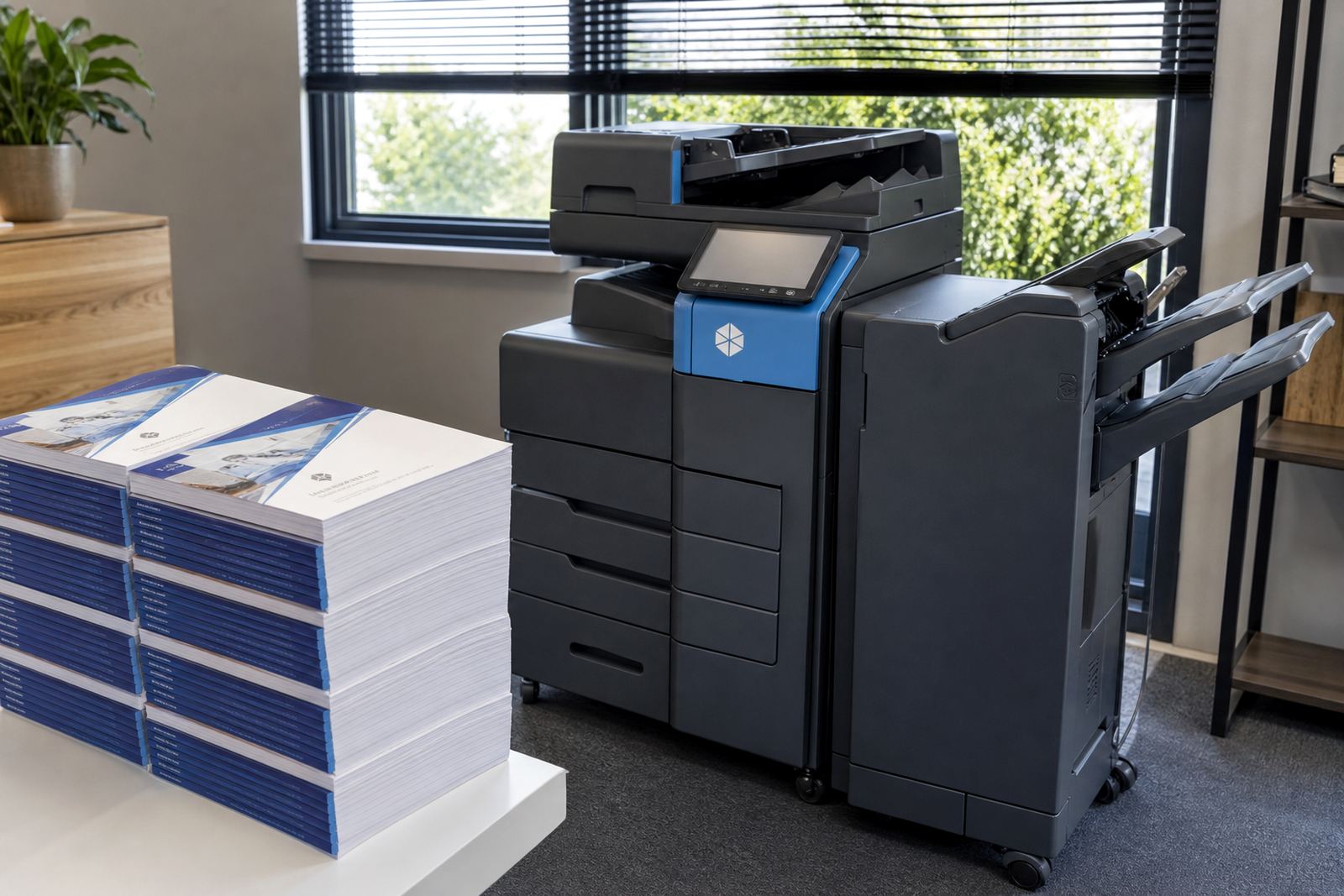
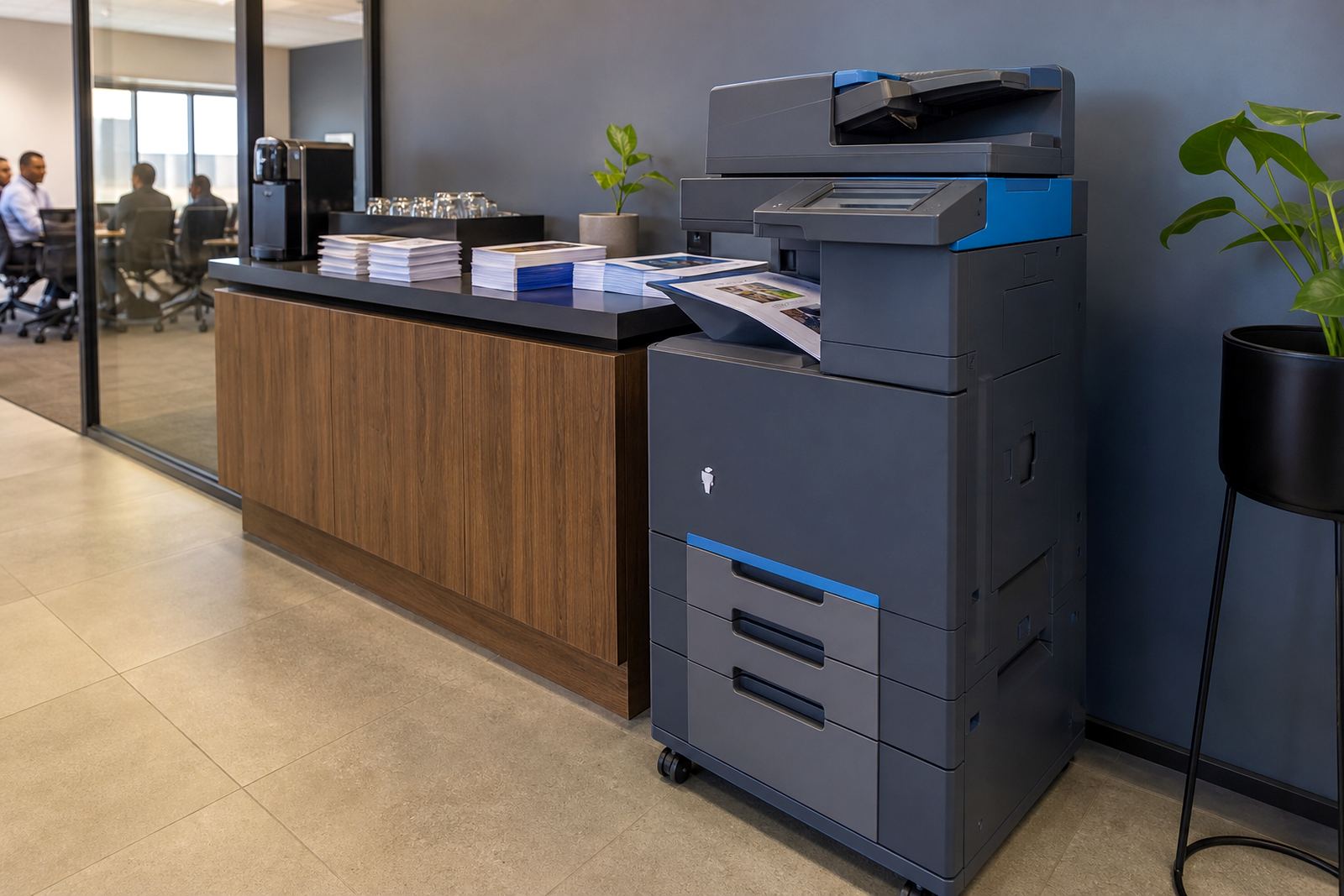
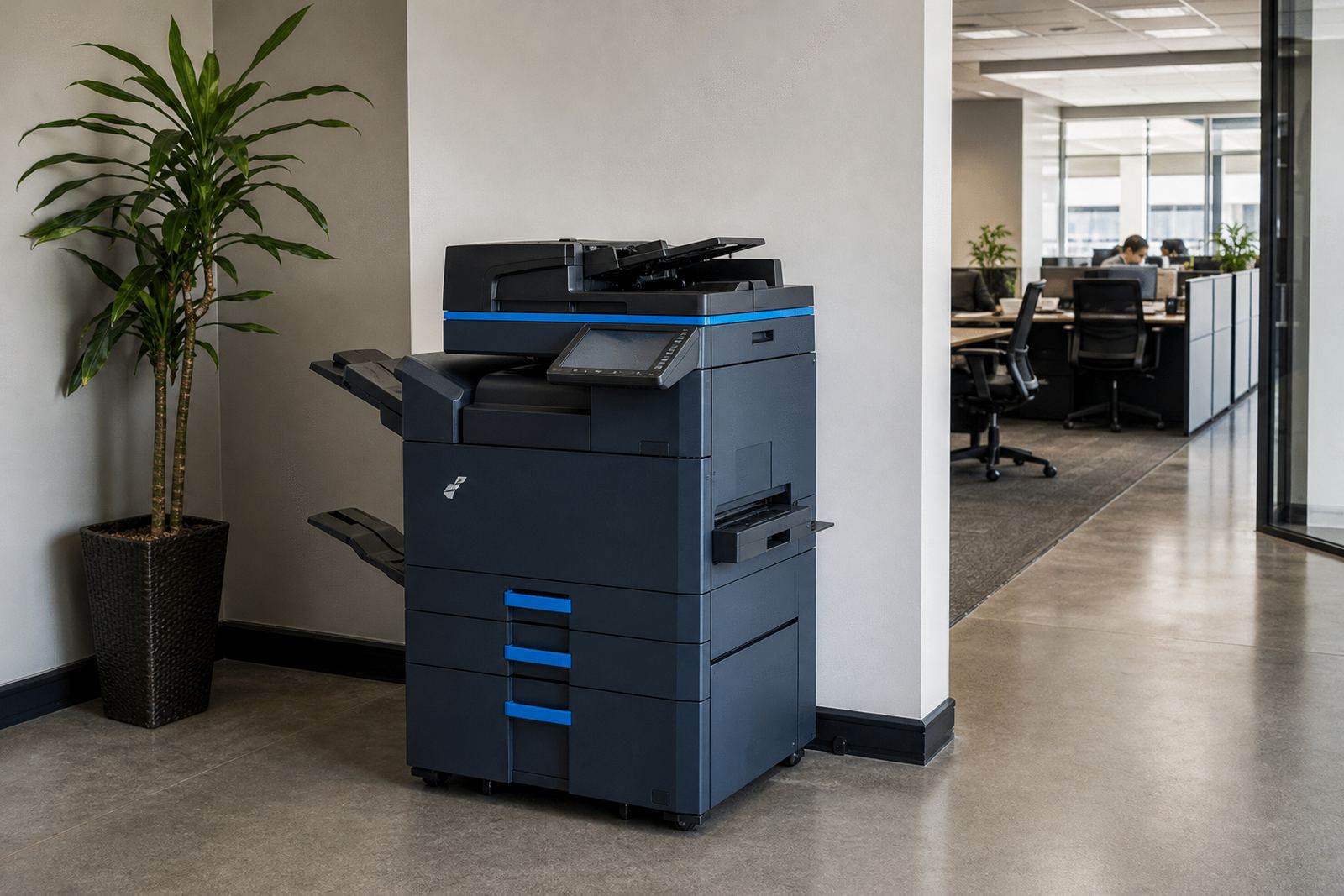
The machine is usually chosen as an A4 unit for tighter counters, or an A3 multifunction model where larger referral packs, folders and internal notices are common. Standard functions include print, copy, scan to message and network scanning. Secure print can be added where reception paperwork passes through several hands and sensitive pages should wait for release at the device.
- A4 or A3 multifunction format
- Mono or colour output
- Print, copy and scan functions
- Secure print for sensitive forms
- Scan to send us a message for referrals and records
What the clinic admin plan includes
The rental is structured around monthly device use and click charges for pages run through the machine. Toner is included in the plan, so the usual consumable issue stays within the contract rather than becoming a separate purchase every few weeks. Metre readings are used to keep billing accurate, which suits practices that want clearer control over paper flow and monthly spend.
When the device needs attention, on-site servicing is part of the arrangement. That covers fitting, user handover, fault checks and the normal maintenance that keeps feeders, trays and scanning sections working properly. If the practice has moved rooms, the same team can handle a machine relocation and set it up in the new position without disturbing the network layout more than needed.
- Monthly rental for the machine
- Click charges linked to metre readings
- Toner supply included
- On-site servicing and breakdown support
- Machine relocations and end term swaps
Sizes and output choices for different practices
Smaller clinics often need a compact A4 machine near reception, especially where space is tight and paper use is steady rather than heavy. Larger practices, medical centres and shared consulting rooms may prefer an A3 unit with higher paper capacity, stronger duty cycles and separate trays for different document types. Mono is often enough for referrals, internal notes and labels, while colour helps where patient letters, maps or instruction sheets need clearer separation.
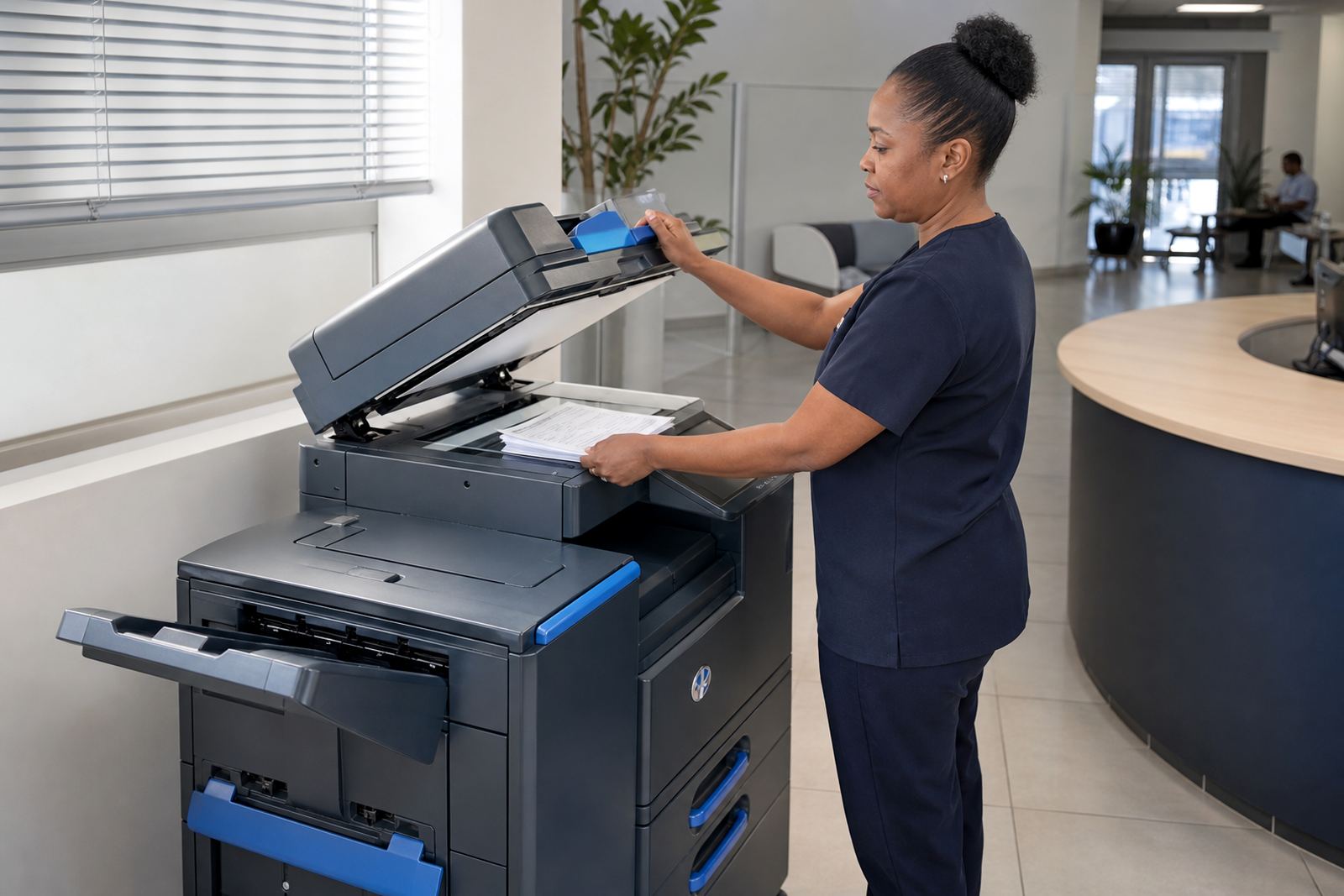
Paper handling matters more than people expect. A machine with a decent tray count and a proper bypass feed copes better with mixed jobs, from folded forms to letterhead stock. If your team scans regularly, the feeder and glass section should be checked against the type of records you handle, because crumpled scripts and multi-page forms need steadier feeding than a one-page copy.
- A4 footprint for smaller reception counters
- A3 option for larger document work
- Mono for high-volume admin pages
- Colour for patient notices and clearer presentation
- Paper trays matched to daily page volume
Installation details that matter in a practice
Printer rental for a clinic is never only about the box itself. The unit needs a sensible position near a power point and a network connection, with enough room for paper loading, front access and service checks. If the office uses scan to message, the settings must fit the practice network, mailbox rules and the way staff send documents to consulting rooms or outside specialists.
We also look at user handover on site, because reception teams work faster when the basic steps are clear: loading paper, clearing a feed issue, releasing secure print jobs and checking the metre. If the machine sits in a shared admin area, the first setup should suit the room flow, not force people to bend around a tray or reach across a crowded counter.
- Power point and network access required
- Space for trays, service access and paper loading
- Scan to message setup matched to the office network
- User handover for reception staff and administrators
- Secure print settings where required
Care, servicing and the way the plan runs
Clinics and consulting rooms work best with a machine that stays predictable. That means toner replacement on time, cleaner scans, trays that do not jam on thin paper, and service visits that deal with worn rollers or feed issues before the day turns into a pile of manual copies. Coastal humidity can also affect paper and feeding, so storage of reams and sealed toner packs should be part of the routine.
The account side is just as practical. Metre reading support keeps the billing line accurate and helps avoid confusion around colour pages, which are often used less often but cost more per click than mono output. When a contract reaches its end term, the machine can be swapped for a different size or output mix, which is useful if the practice has grown or moved from a basic front counter setup to a busier admin room.
- Toner supply managed under the plan
- Service calls for feed faults and scan issues
- Metre reading support for clean billing
- End term swaps for changing office needs
- Paper storage guidance for humid sites
Details to confirm before the machine is placed
To match the right copier to a clinic, the ordering details should cover the number of users, whether the office needs mono or colour, and how many pages move through the machine in a normal month. It also helps to note if there are referrals, forms, statements or patient packs that need A3 size, and whether the front team wants secure print on by default.
Network access, scan destinations and paper type should be checked at the same time. A shared medical practice may need one machine for reception and another for records, while a smaller room may only need a single multifunction unit with the right tray size and regular toner supply. If the machine must be moved between rooms or branches, that should be part of the brief from the start so the cabling and placement suit the site layout.
- User count and expected monthly volume
- Mono or colour preference
- A4 or A3 size needed
- Scan to message and secure print settings
- Paper types, trays and site layout
Key facts
| Product type | Managed multifunction rental for clinic admin use |
|---|---|
| Formats | A4 and A3 options |
| Print modes | Mono or colour |
| Core functions | Print, copy, scan to message, secure print |
| Billing model | Monthly rental plus click charges by metre reading |
| Included support | Toner supply, on-site servicing, relocations, end term swaps |