A managed print setup for school office work
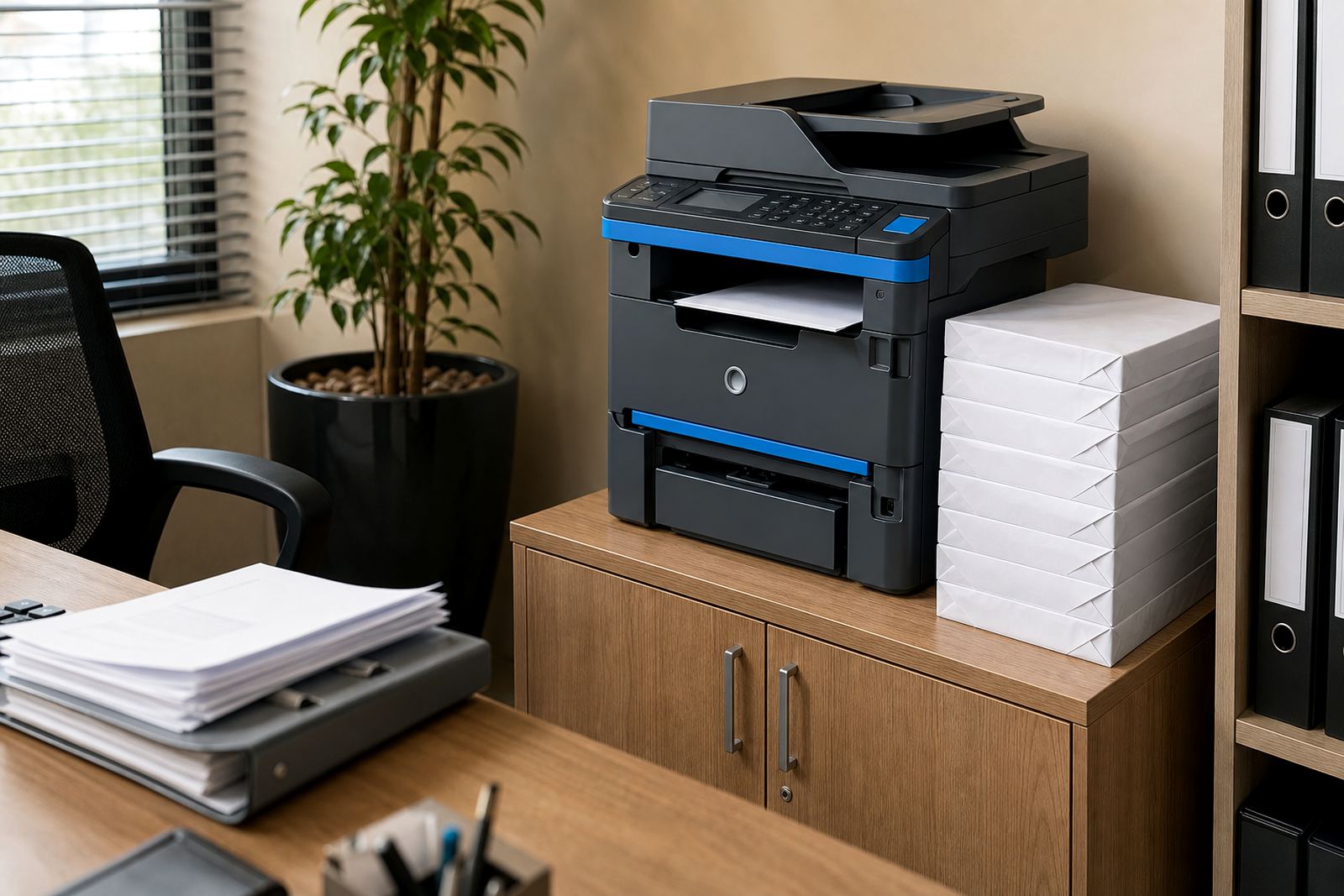
This plan puts an A4 or A3 multifunction machine into the admin flow on a rental basis, with monthly rental and click charges separated in a way that makes usage easier to track. The machine can print, copy, scan and send documents through our contact form, which helps when staff need pupil records, circulars, assessments or committee packs moving through the office in a hurry.
Mono units suit heavy text work where the main job is clean black printing. Colour machines are useful when reports, class notices or marketing sheets need logos, charts or colour coding. Schools with several admin users often go for a device that can handle secure print, shared access and steady volume across the week.
Sizes and functions that fit a school admin room
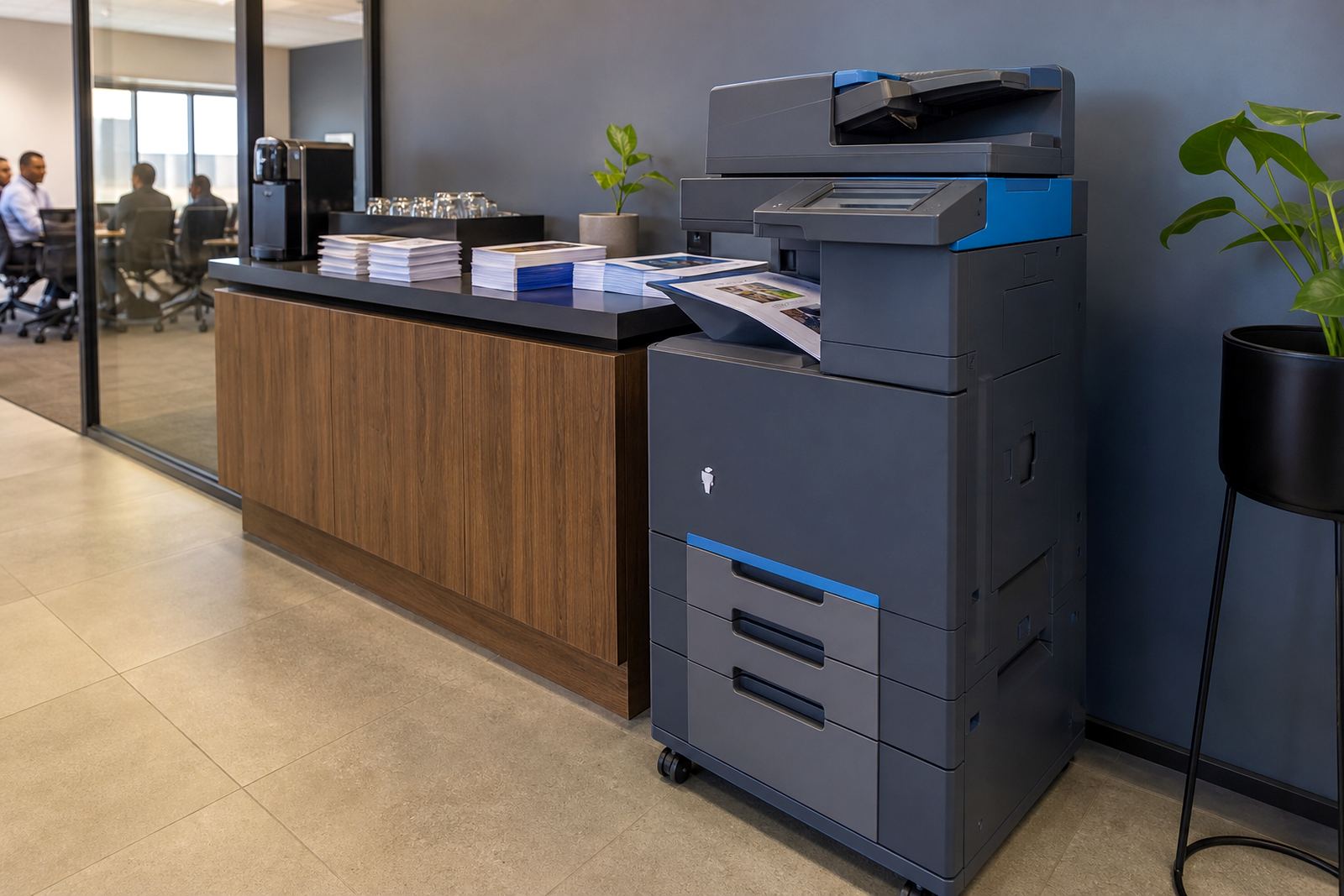
Most school offices work best with A4 units for day to day administration, while A3 machines suit campuses that print larger registers, notices or planning sheets. Paper handling can be set for mixed trays, higher capacity drawers and stapling on selected models, depending on the workflow.
- A4 mono multifunction: suited to letters, forms and record copies
- A4 colour multifunction: suited to notices, class sheets and reports
- A3 mono multifunction: suited to larger registers and admin packs
- A3 colour multifunction: suited to schools that print more visual material
- Scan-to-message and folder scanning for record keeping
- Secure print for staff documents that should not sit in the tray
We also look at whether the office needs automatic duplex printing, document feeder capacity and larger trays for longer print runs. Those details matter when one machine has to serve reception, finance and the principal’s office without constant manual resets.
Where the plan fits into daily school admin
The plan suits primary schools, high schools, private education offices, training centres and support departments that handle a mix of internal notices and parent-facing paperwork. It also works for schools that need scanned records stored neatly, especially where files move between reception, admissions and accounts.
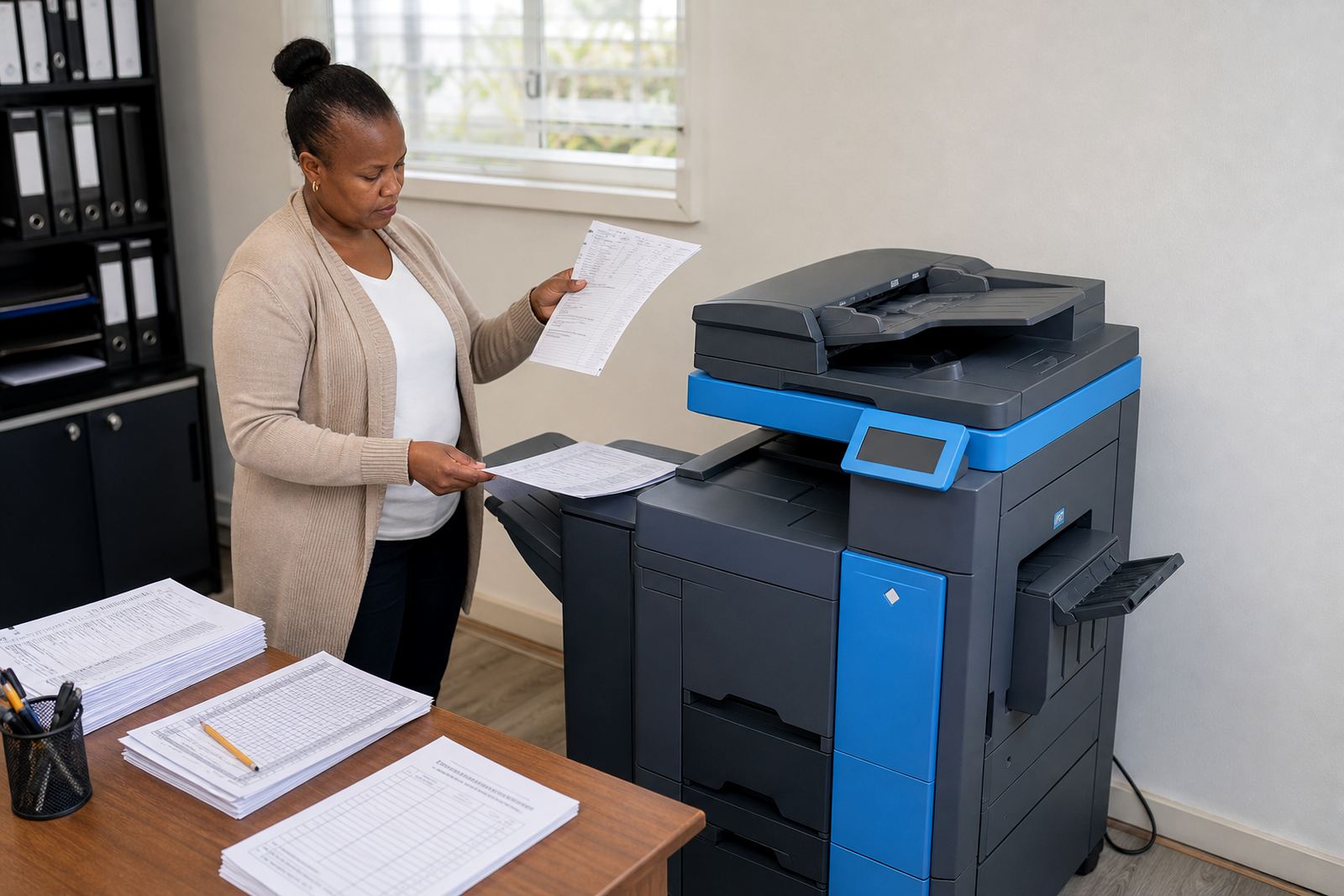
In practice, it helps with term calendars, permission slips, parent letters, disciplinary records, fee reminders and reports that must be printed in good volume. Offices that need copies for teachers or councillors often prefer a managed rental arrangement because toner supply, metre readings and service calls stay linked to one account rather than being chased separately.
- School administration offices
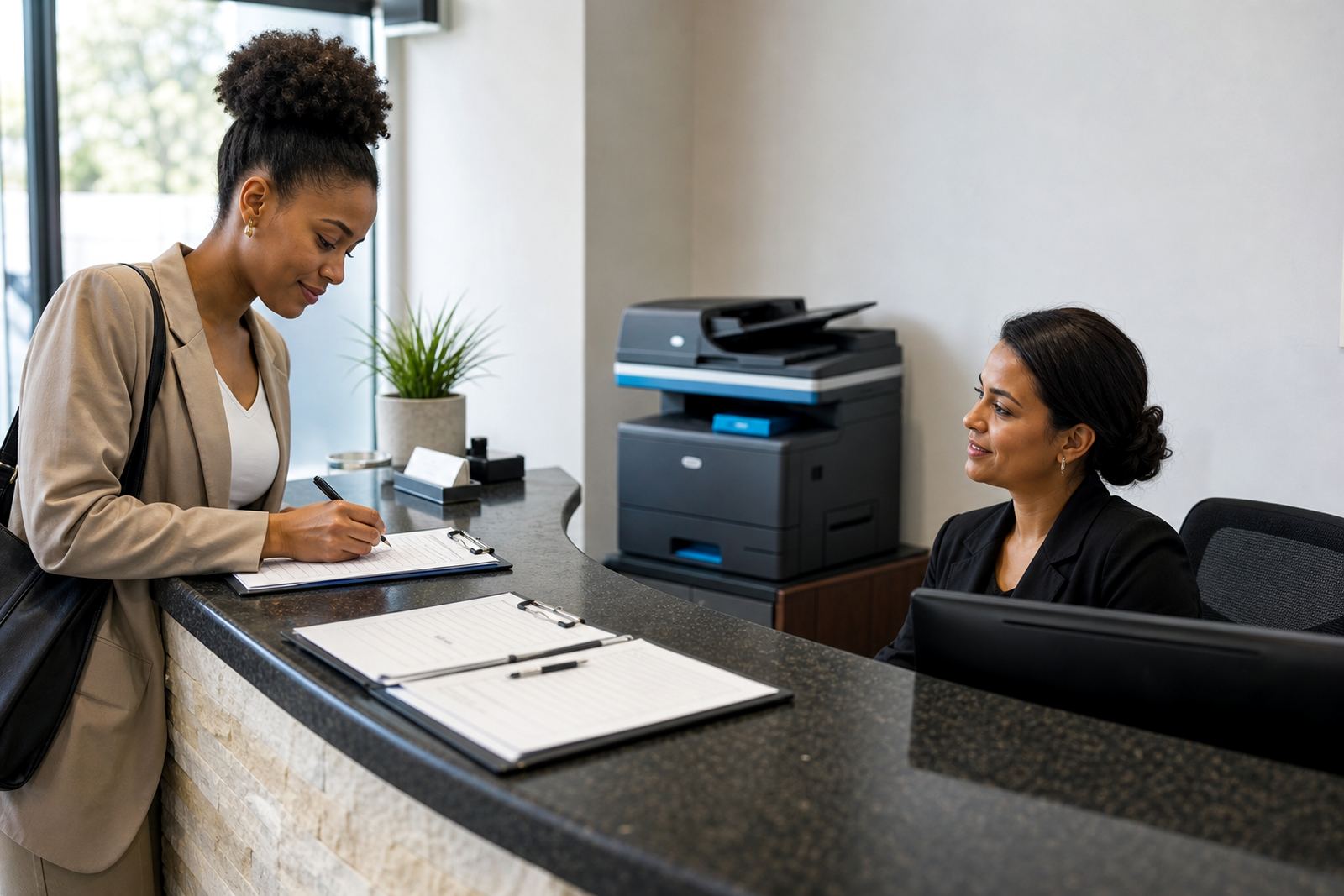
- Admissions and reception counters
- Finance and debtor follow-up teams
- Teaching support and records rooms
- Multi-campus education offices
Installation, network setup and user handover
These machines need a proper setup on site, including placement, power connection, network joining and print driver installation on the office computers. Where the school wants scanning to message, we set the address book and scan destinations so the right staff receive the right files without extra steps.
Secure print can be enabled for staff records and exam papers, while user access can be kept tighter on shared devices. If the machine needs to move between rooms, or if the admin office is being rearranged, machine relocations and user handover can be handled as part of the plan. In larger schools, the copier may also need a clearer print policy so the metre charges reflect actual use and not random printing from every workstation.
Care, servicing and the sort of wear schools put on a copier
School printers work hard on Monday mornings, before reports go home and during parent meeting weeks, so upkeep needs to be practical. Toner supply is included in the managed plan, and on-site servicing covers routine faults, paper feed issues, image quality concerns and parts that have simply worn out through regular use.
We also deal with metre reading support, breakdown response and fleet review if the school has more than one device across different offices. That makes it easier to see whether one copier is carrying too much of the load, or whether a smaller unit should be moved to a quieter department. On coastal routes like Durban, humidity can affect paper and toner storage, so the room where the machine sits should stay dry and tidy.
- Keep paper in sealed packs and off the floor
- Clear staples, clips and torn sheets from the trays
- Use the correct paper weight for letters and reports
- Keep scan folders and message destinations up to date
- Request a fleet review when print volumes shift
What to confirm before the rental starts
To set up the School Admin Plan properly, the office should confirm whether it needs mono or colour output, A4 or A3 paper handling, and which staff must print or scan from their computers. It also helps to know if the machine will sit in one office or serve several rooms, because that affects the installation, networking and the type of secure print setup required.
Metre billing needs a clear starting reading, and the plan should show whether monthly rental and click charges are separate or combined in the agreement. If the school wants end-of-term swaps, machine relocations or a second device later on, those details should be recorded at the start so the account follows the real working pattern. Our contact form can be used when the office wants to send the machine count, paper size and user list in one place.
- Mono or colour requirement
- A4 or A3 format
- Expected monthly print volume
- Number of users and computers
- Need for scan-to-message or secure print
- Whether an end-of-term swap may be needed
Key facts
| Plan type | Managed office printer rental for school administration |
|---|---|
| Machine format | A4 and A3 multifunction printers and copiers |
| Output modes | Mono and colour options |
| Billing model | Monthly rental plus metre-based click charges |
| Included consumables | Toner supply under the managed plan |
| Service cover | On-site servicing, metre support and breakdown response |