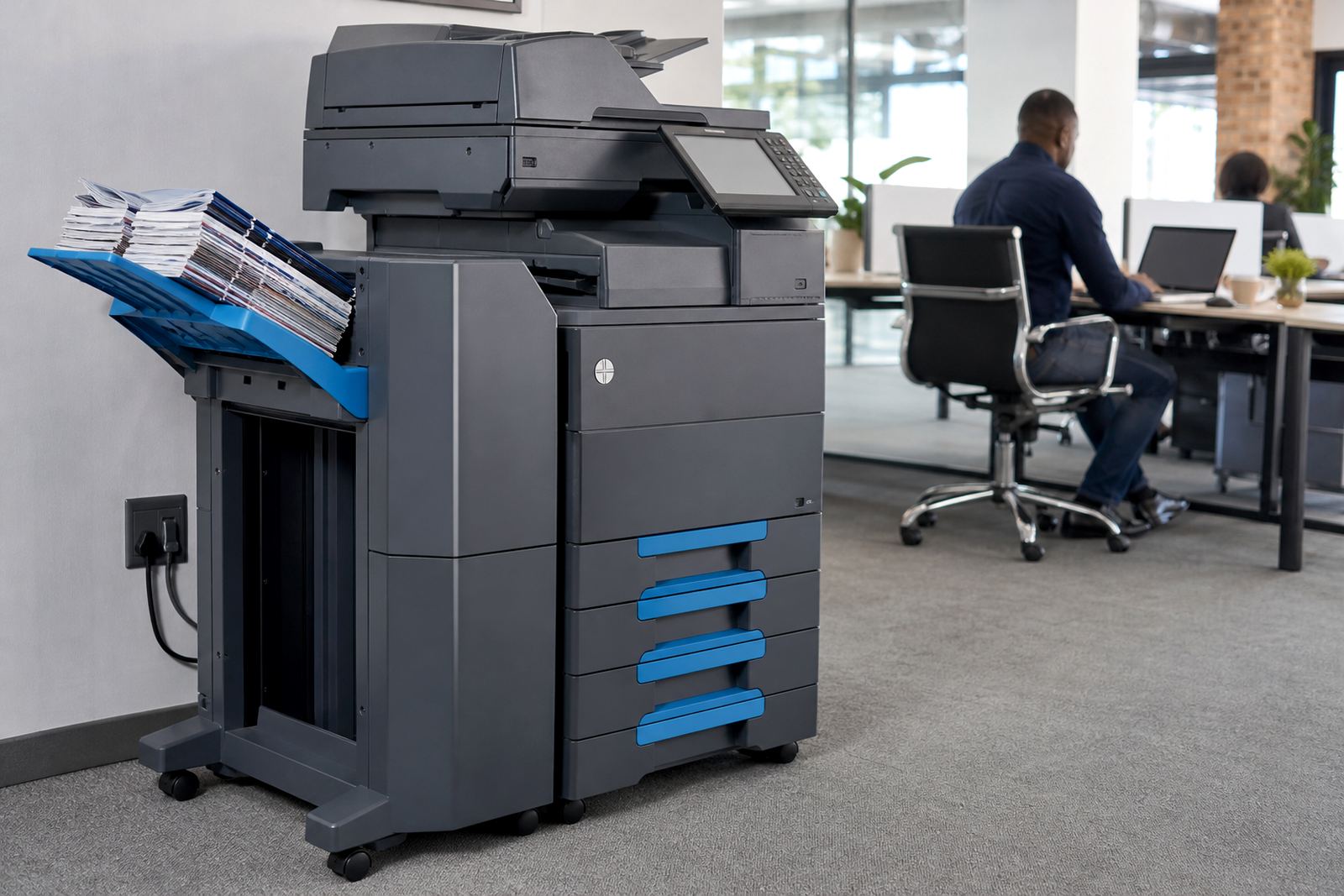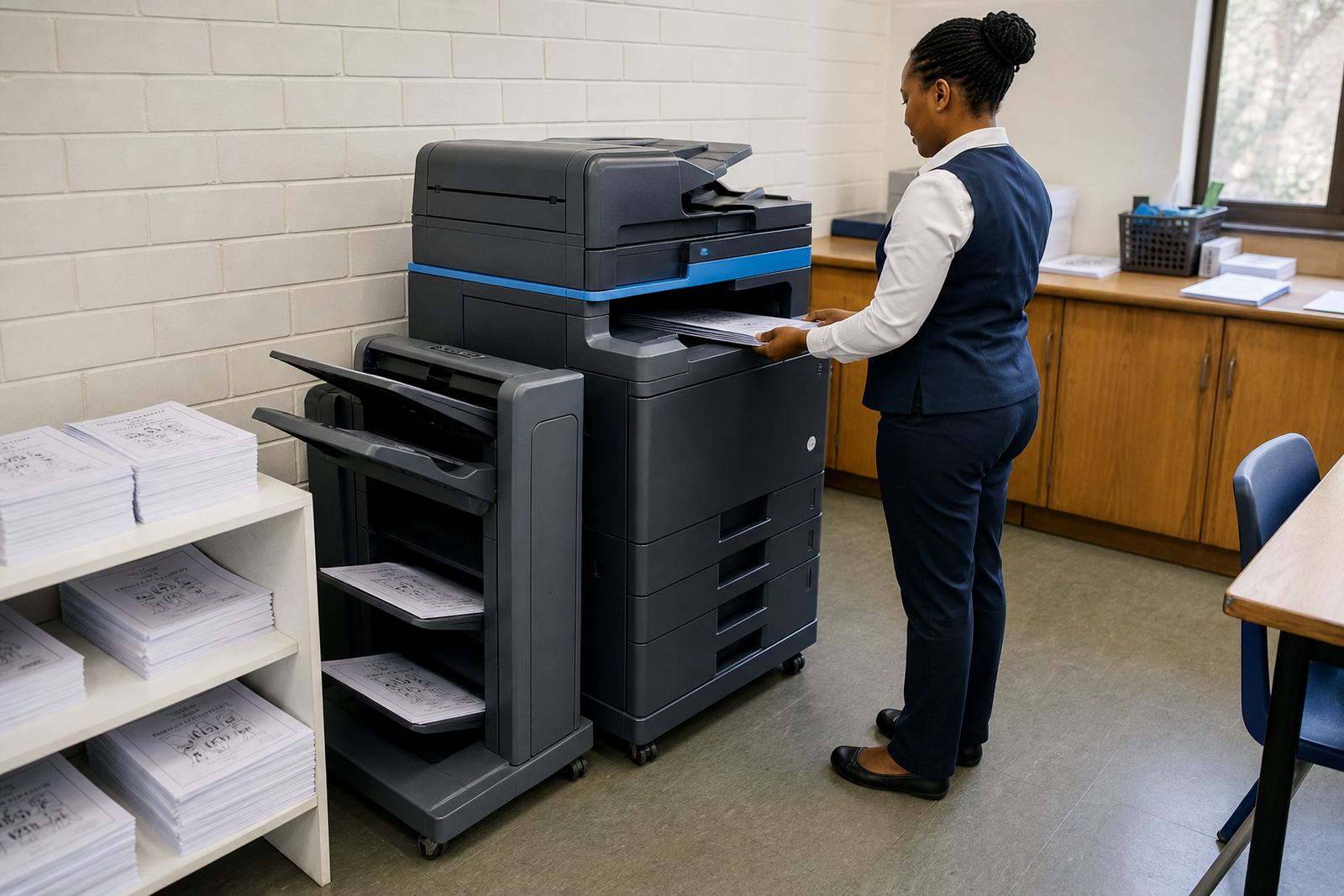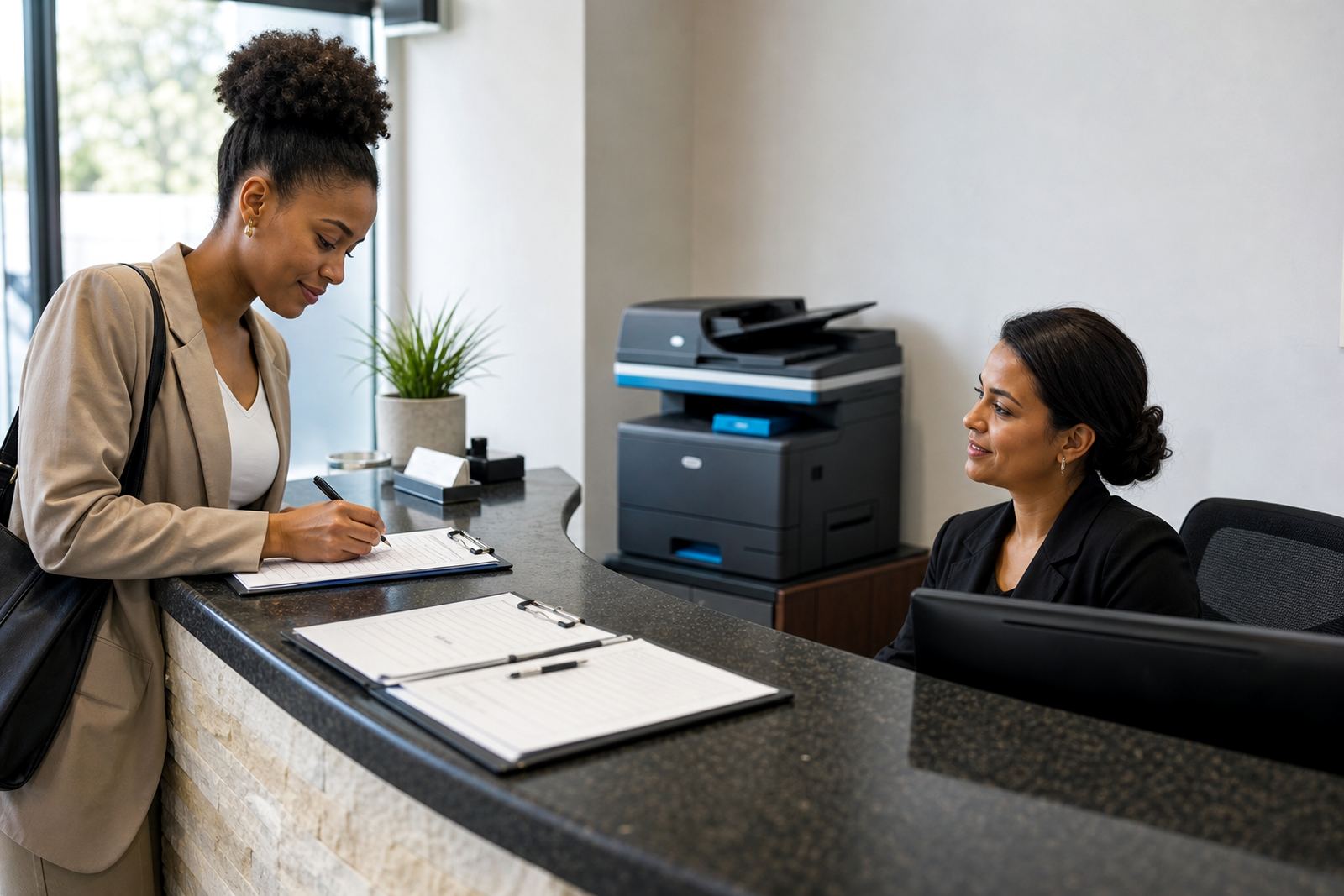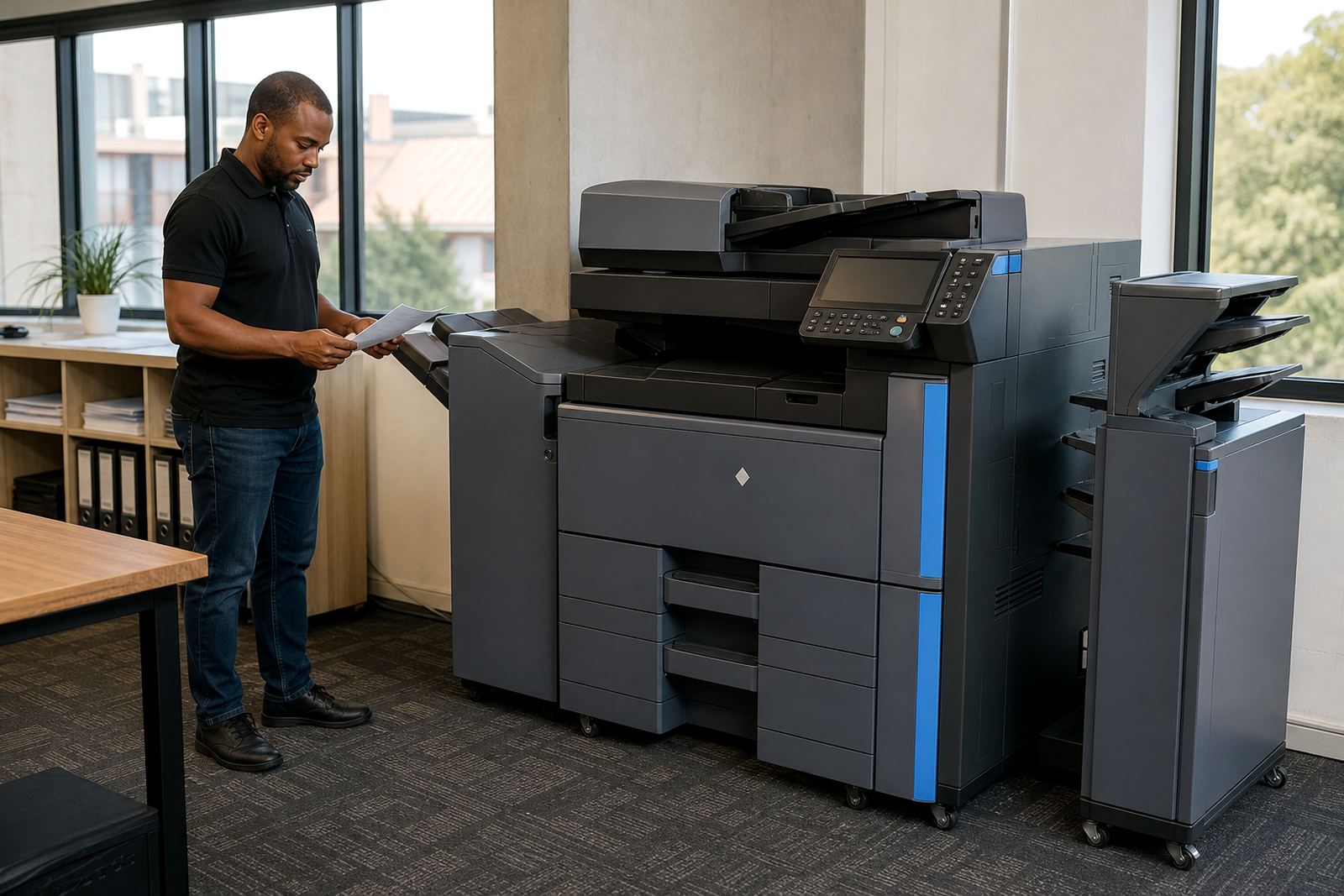
Built for heavier colour work across shared teams
This rental option suits offices that print longer runs of A3 and A4 colour output through the week, often from several users at once. It is the right size for departments that need sharper presentation packs, internal notices, training handouts and drawings without buying a machine outright.
Our A3 colour high volume plans cover the machine, toner supply, metre-based billing and on-site servicing. That keeps the monthly cost tied to what the device actually produces, with mono and colour click charges set separately where the plan calls for it.
- A3 and A4 paper handling for mixed office work
- Mono and colour printing on one device
- Copy, print and scan functions in one unit
- Monthly rental with metre readings for billing
- Toner included as part of the managed print plan
Options that shape the machine to the job
Not every office needs the same finish or paper path. Some teams want a faster mono count with colour only for selected departments, while others need a full colour fleet member for marketing, procurement or management packs. We set the machine up around the number of users, the paper sizes in use and the print mix on the floor.
A3 colour high volume machines can usually be set with trays for A4, A3 and mixed media work, plus duplex printing for two-sided output. Finishing options may include stapling for internal sets, secure print release for sensitive work and scan-to-send us a message for quick document flow.
- A3 and A4 paper sizes, depending on the tray setup
- Mono and colour click rates for mixed usage plans
- Duplex printing for reports and draft packs
- Secure print for documents that should wait at the device
- Scan-to-send us a message for office sharing and filing
Where this rental earns its keep
Busy branches, schools, medical rooms, legal offices and regional admin teams often need colour output that does not stall when several people send work at once. This format handles timetables, policies, diagrams, letters, invoices and presentation pages with more headroom than a small office unit.
In Gauteng, coastal cities and inland centres alike, managed print helps when the office cannot afford downtime around billing packs or client documents. Where more than one user prints to the same device, the metre count and service plan need to be clear from the start, because colour use can rise fast in shared environments.
- Reception and admin areas with shared printing
- Schools printing notices, worksheets and packs
- Professional practices with regular colour output
- Branch offices with A3 reports and forms
- Teams that need controlled access to colour pages
Installation, network setup and handover
An A3 colour high volume machine normally needs proper positioning, network setup and user handover before it goes live. We arrange the unit so it sits on a level floor, has enough space for tray access and can connect cleanly to the office network for print and scan functions.
For offices that use scan-to-message or secure print, the setup work matters just as much as the physical placement. User profiles, scan destinations and print release settings must be checked so the machine matches the way staff actually work. If the office is moving from another location, machine relocations and end-term swaps can be built into the plan too.
- Device installation and network setup
- Scan-to-message configuration for shared filing
- Secure print setup for confidential documents
- Machine relocations for office moves
- End-term swaps when the rental term changes
Care on a managed print plan
High volume colour devices need routine attention, not just toner top-ups. Rollers, paper paths, scan glass and feed points should be checked as part of service visits, especially where humidity, dust or heavy daily use start to affect output quality.
Our managed plan covers toner supply, metre reading support, breakdown response and on-site servicing. If a fault appears, the issue may be in the paper feed, network connection, scan function or a worn part that needs replacement on site. That practical servicing keeps the machine in step with the office rather than left to drift.
- Toner supply matched to the machine model
- Metre reading support for accurate billing
- On-site servicing for faults and wear items
- Breakdown response for print, copy or scan issues
- Fleet review when usage changes over time
What to confirm before the rental starts
Before a high volume A3 colour plan is set in place, the office should confirm the number of users, the expected colour count, the paper sizes in use and whether secure print or scan-to-message is needed. It also helps to know if the team wants mono and colour billed separately or blended into a single click structure.
Halfway House, Midrand is our base, and we support offices, schools and practices across Johannesburg, Pretoria, Durban, Cape Town, Bloemfontein, Centurion and Sandton. The contact details, metre reading process and user handover all need to be clear, so the machine lands in the right spot and fits the day-to-day print load.
- Monthly rental amount and click charge structure
- Expected mono and colour volume per month
- A4 only or A4 plus A3 paper needs
- Scan-to-message and secure print requirements
- Site address, floor access and network contact point
Key facts
| Format | A3 colour multifunction rental |
|---|---|
| Functions | Print, copy, scan and network support |
| Paper sizes | A4 and A3 |
| Billing method | Monthly rental plus metre-based click charges |
| Toner | Included on the managed print plan |
| Service | On-site servicing, metre support and breakdown response |