Stapled output that leaves the tray ready for signing
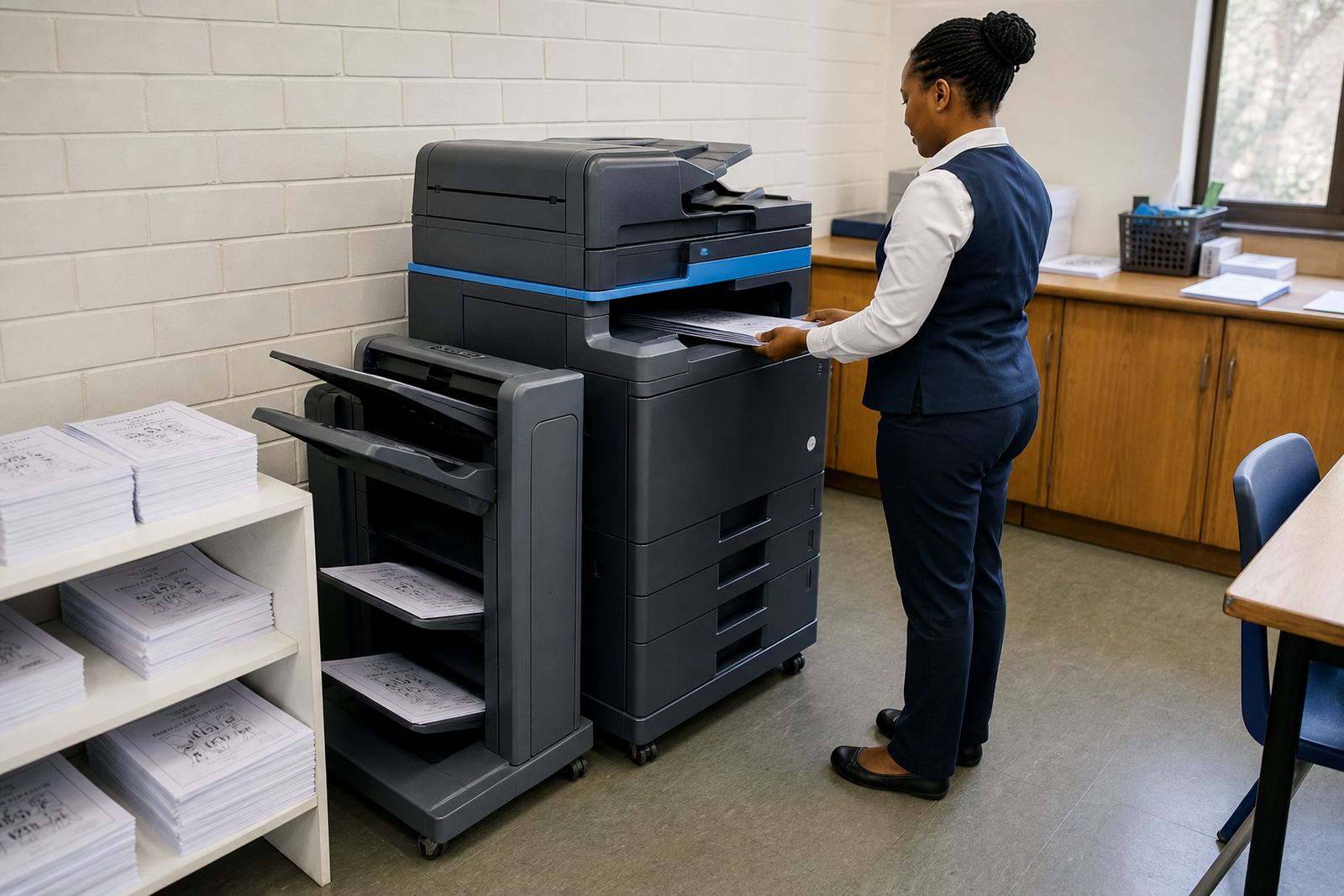
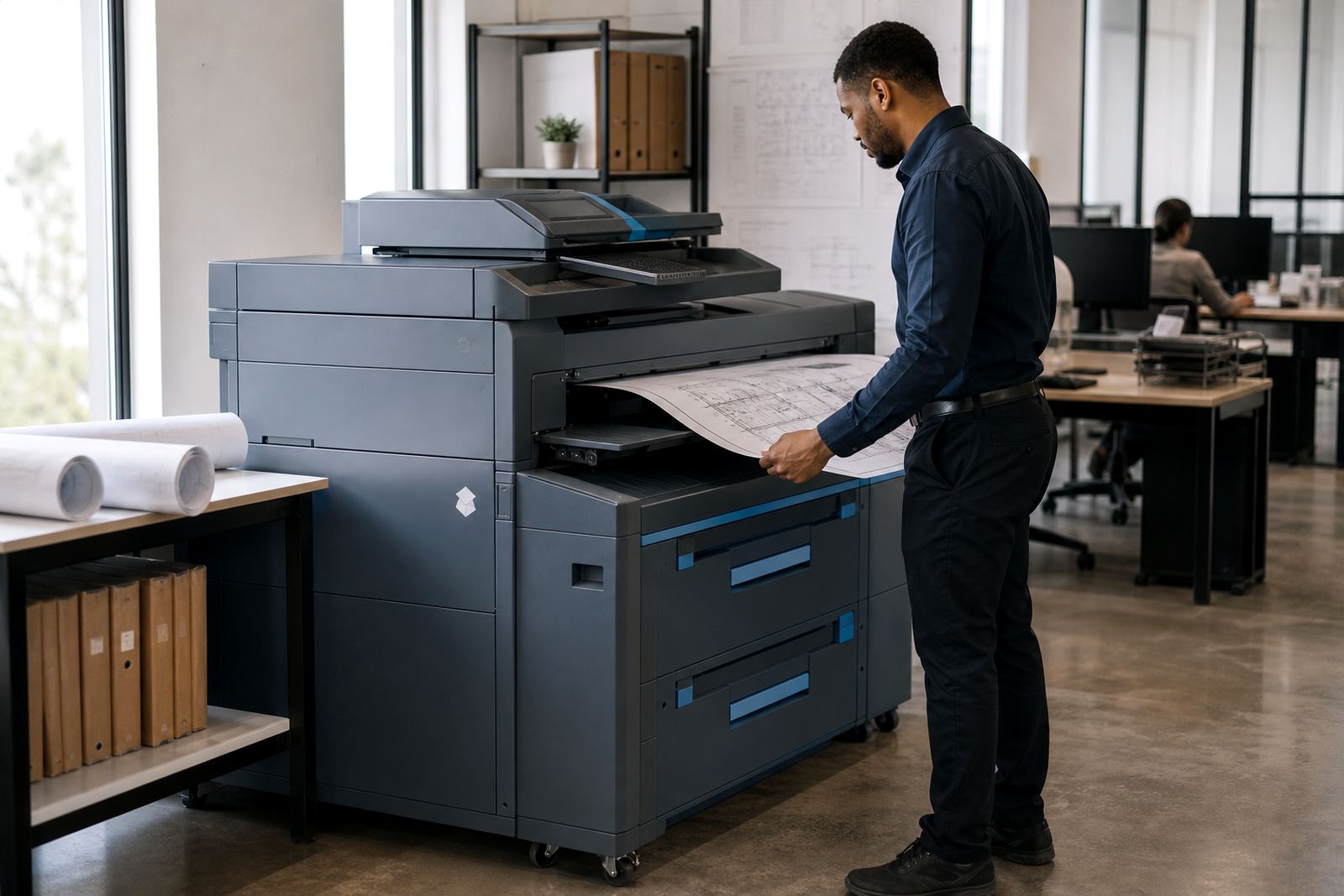
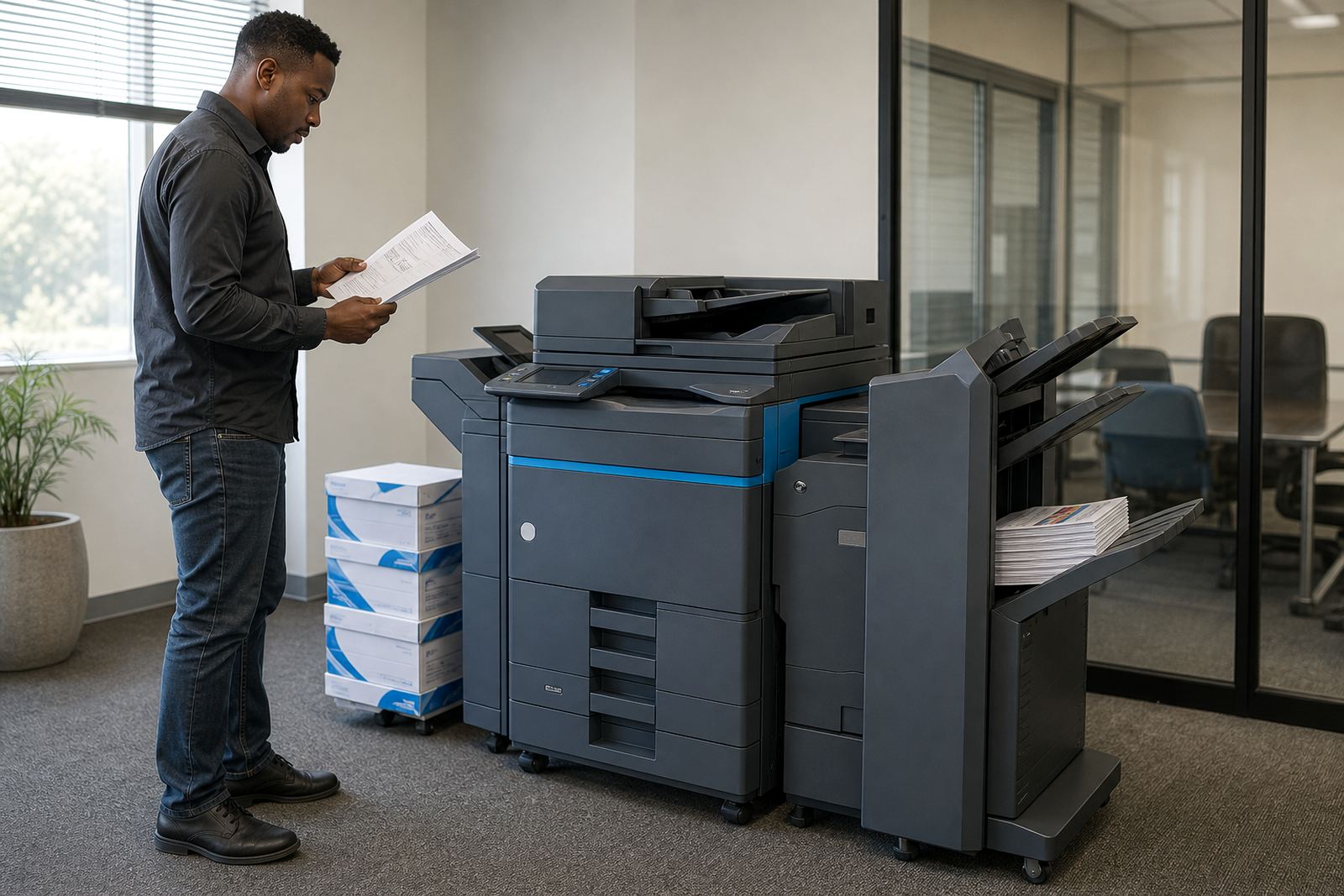
This plan is built around an office multifunction printer or copier fitted with a stapling finisher, so sets leave the machine grouped and tidy. It works well for monthly reports, board packs, training notes, audit files and clinic paperwork where loose pages waste time at the printer. The machine can be set up for A4 work, with A3 support where the office needs larger layouts, and mono or colour output depending on the document mix.
The finisher gives a cleaner handover at the end of the run, especially where staff print several copies of the same pack. In busy offices it cuts the stop-start rhythm of sorting pages by hand, and that matters when the printer sits near reception, admin or finance. The plan is managed on metre counts, so billing follows use rather than guesswork.
- Suited to A4 and A3 multifunction devices
- Mono or colour options available
- Stapled sets for reports, packs and internal files
- Monthly rental plus click charges by metre reading
Where this plan fits the day-to-day office flow
Staple finishing is most useful where document sets move from print to review to filing with very little delay. Accounting rooms, medical practices, schools, legal offices and branch admin teams often print in bundles that need to stay together, and a finisher helps keep those pages in order. For teams in Johannesburg, Pretoria, Sandton, Centurion, Durban, Cape Town and Bloemfontein, the plan can be matched to local branch volume and the way staff collect documents through the day.
Colour is worth considering when charts, teaching notes or client packs need clear separation. Mono usually suits forms, letters and statement batches, while colour is a better fit for presentation material and internal packs with graphics. If the office shifts between both, the machine can be configured around the larger share of work instead of forcing every job through the same setting.
- Common in finance, admin, education and medical practices
- Useful for branch offices and reception print points
- Mono set-ups suit text heavy output
- Colour suits charts, covers and client-facing packs
What the managed print plan includes
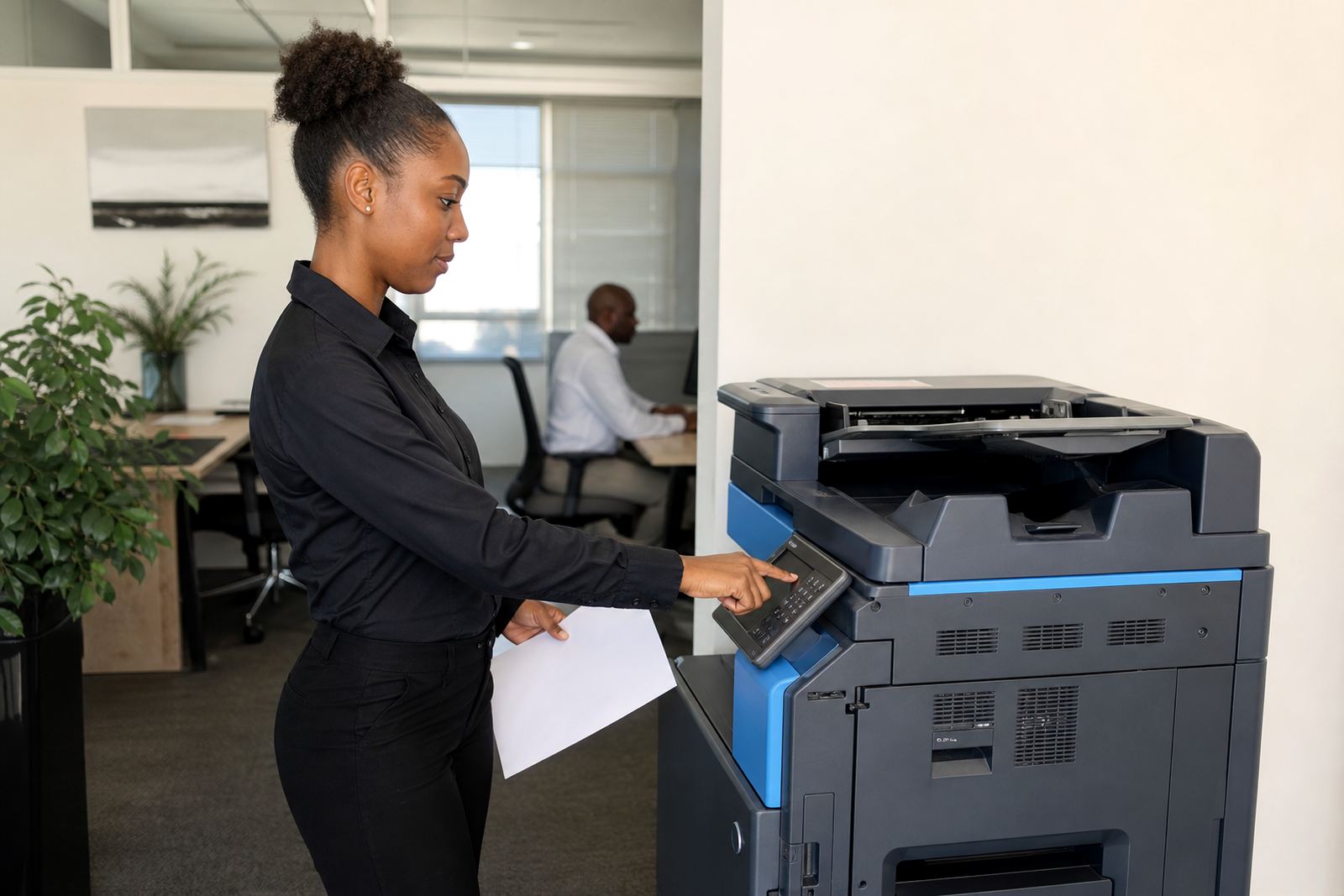
The rental includes toner supply, metre-based billing, service visits and breakdown support, with the machine set up as a working part of the office rather than a purchase sitting in the corner. A reading from the device keeps billing aligned to usage, and toner replenishment is handled through the plan so staff are not left chasing cartridges in the middle of a print run. The service side covers installation, user handover, network setup and the setting of print functions like scan to message and secure print where required.
Where offices need file control, secure print can hold a job until the user releases it at the machine. Scan to message helps move signed documents into circulation without extra scanning stations. A fleet review can also show whether one stapling unit is enough or whether the work calls for a second device in another part of the office.
- Toner included under the managed print arrangement
- Metre reading support for accurate billing
- On-site servicing and breakdown response
- Scan to message and secure print setup
Installation, placement and the practical fitout work
These machines need a proper site on a level surface, with space for the finisher tray, paper access and safe opening of covers during service. Most office installs also need power, network connection where scanning or shared printing is used, and enough room for staff to collect finished sets without crowding the exit path. In a mixed office, the fitter will usually check the route for delivery, the lift size if there is one, and the turning space at doors and corridors before placing the unit.
Machine relocations and end term swaps are part of the plan when the office layout changes or the print profile grows beyond the first set-up. User handover matters here too, because a stapling finisher is only useful if staff know how to select the correct tray, paper size and finishing option. Smaller offices often want one central device, while larger teams may need a main machine plus a second shared unit for high volume areas.
- Level floor space with tray clearance
- Power and network access where required
- Delivery route checked for access and turning room
- Handover covers paper size, stapling and scan functions
Sizes, capacities and finish settings to ask for
Before placing the order, it helps to pin down the paper sizes, monthly volume and the kind of stapled output the office needs. Some teams print short sets of 5 to 10 pages while others run longer reports, and that changes the finisher choice. A compact A4 device can suit a tighter office bay, while an A3-capable machine is the better match when larger documents or wider layouts are part of normal work.
Capacity also matters in the trays and in the finisher itself. If the office prints multi-copy packs through the day, the machine should be set to handle that pace without constant reloading. Where the document mix changes between mono forms and colour reports, the plan can be set around the larger load so the office is not paying for features it barely uses.
- A4 only or A4 plus A3
- Mono or colour print profile
- Stapling for short sets and longer reports
- Monthly print volume and tray capacity
Care, servicing and the end of term swapover
Office copiers and printers run better when paper is stored dry, trays are loaded to the correct guide marks and staff avoid forcing folded stock through the feed path. Dust, humidity and paper dampness can affect feed quality, especially in coastal offices or rooms with open windows, and the finisher needs a clear path so stapled sets do not snag. Routine servicing keeps rollers, feed paths and finishing parts in working order, while toner supply stays aligned to the metre count and actual use.
At the end of the term, the machine can be swapped out for a different model if the office size or work mix has moved on. That may mean a higher output unit, a different colour mix or a second finisher set-up for a busier department. The aim is to keep the print room matched to what staff actually print, not to a machine that no longer fits the load.
- Keep paper dry and stored flat
- Service covers rollers, feed paths and finishing parts
- Swaps can follow a changed office volume
- Humidity control helps in coastal or open-plan offices
Key facts
| Product type | Managed print rental for office multifunction printer or copier with stapling finisher |
|---|---|
| Formats | A4 and A3 options |
| Print mode | Mono or colour |
| Billing model | Monthly rental plus click charges by metre reading |
| Included support | Toner supply, installation, on-site servicing, breakdown response |
| Setup features | Scan to message, secure print, network setup, machine relocation and end term swaps |