A4 release printing for controlled collections
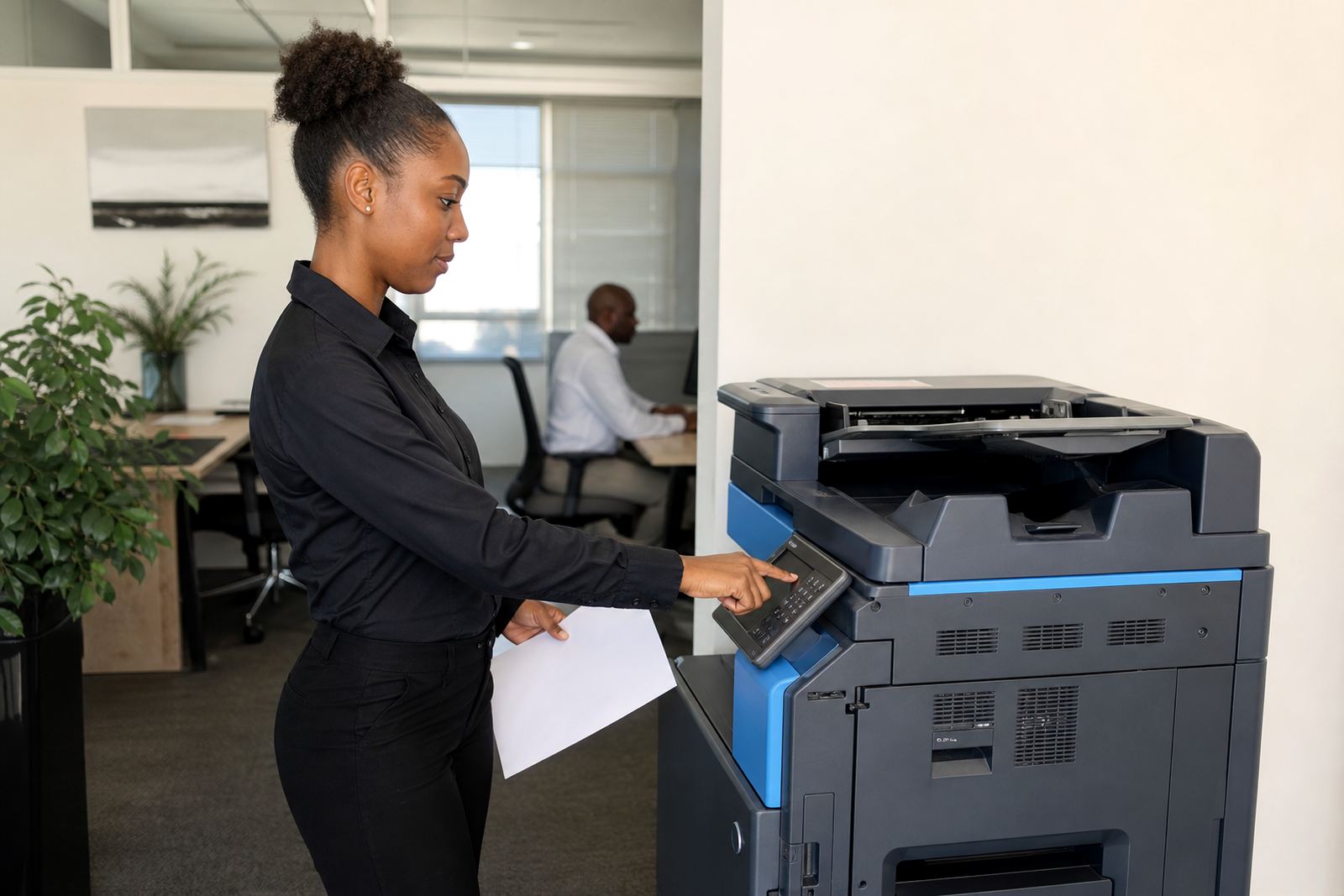
Secure Print A4 keeps ordinary office printing tighter at the device. A job sits in the queue until the user enters a code, badge or approved login at the machine, then the pages release in one batch. That helps with payslips, quotes, HR files, medical notes and legal paperwork where a printout should not sit visible on the output tray.
The format is built around A4 pages, which is still the standard for most office work in Midrand, Sandton and the wider Gauteng corridor. It suits reception areas, shared admin teams and smaller branches where staff members move between counters and printers during the day. The machine can be set for mono or colour output, with print rules set for individuals or departments where needed.
- User release can be set by PIN, card or login controls.
- Jobs stay held until the user is at the machine.
- Print activity can be tracked by user, department or device.
- A4 mono is often used for higher-volume internal work.
- A4 colour suits client packs, forms and branded documents.
How the rental and click billing work
The plan is built around monthly rental plus click charges, so the office pays for the machine and the pages it produces. Toner is included in the managed arrangement, and metre readings are used to keep usage accurate. That suits teams that need steady access to printing without buying a copier outright and then carrying the whole maintenance load themselves.
For a secure print setup, the rental usually covers the device, installation, toner supply, metre reading support and on-site servicing. The click rate structure depends on mono or colour use, the expected monthly volume and the type of A4 machine placed at the office. A few offices run light shared printing, while others need a busier machine with stronger duty handling and larger paper capacity.
- Monthly rental covers the hardware on site.
- Click charges follow actual page use from metre readings.
- Toner supply is managed through the plan.
- Service work is handled on site where possible.
- End-of-term swaps can be arranged if the office changes volume.
Where Secure Print A4 fits best
This option works well in offices that handle personal records, internal reports or client files that should not sit in the output tray. It is also useful in schools, practices and shared admin spaces where several users print to one device, but each print job must be released by the right person. In a busy Johannesburg office, that can reduce the pile-up of mixed pages at the copier area.
Secure print is also useful when branches share one A4 multifunction machine and different teams need their own controls. A finance team may print schedules, HR may print forms and front office staff may print customer packs. The setup can be adjusted for a single branch in Pretoria or for a wider fleet spread across Durban, Cape Town and Bloemfontein.
- Shared offices that want tighter document control.
- Medical and professional rooms handling private paperwork.
- School admin areas with several users on one device.
- Branch teams that need logs and controlled release.
- Sites with mixed mono and colour document needs.
Machine fit, network setup and user controls
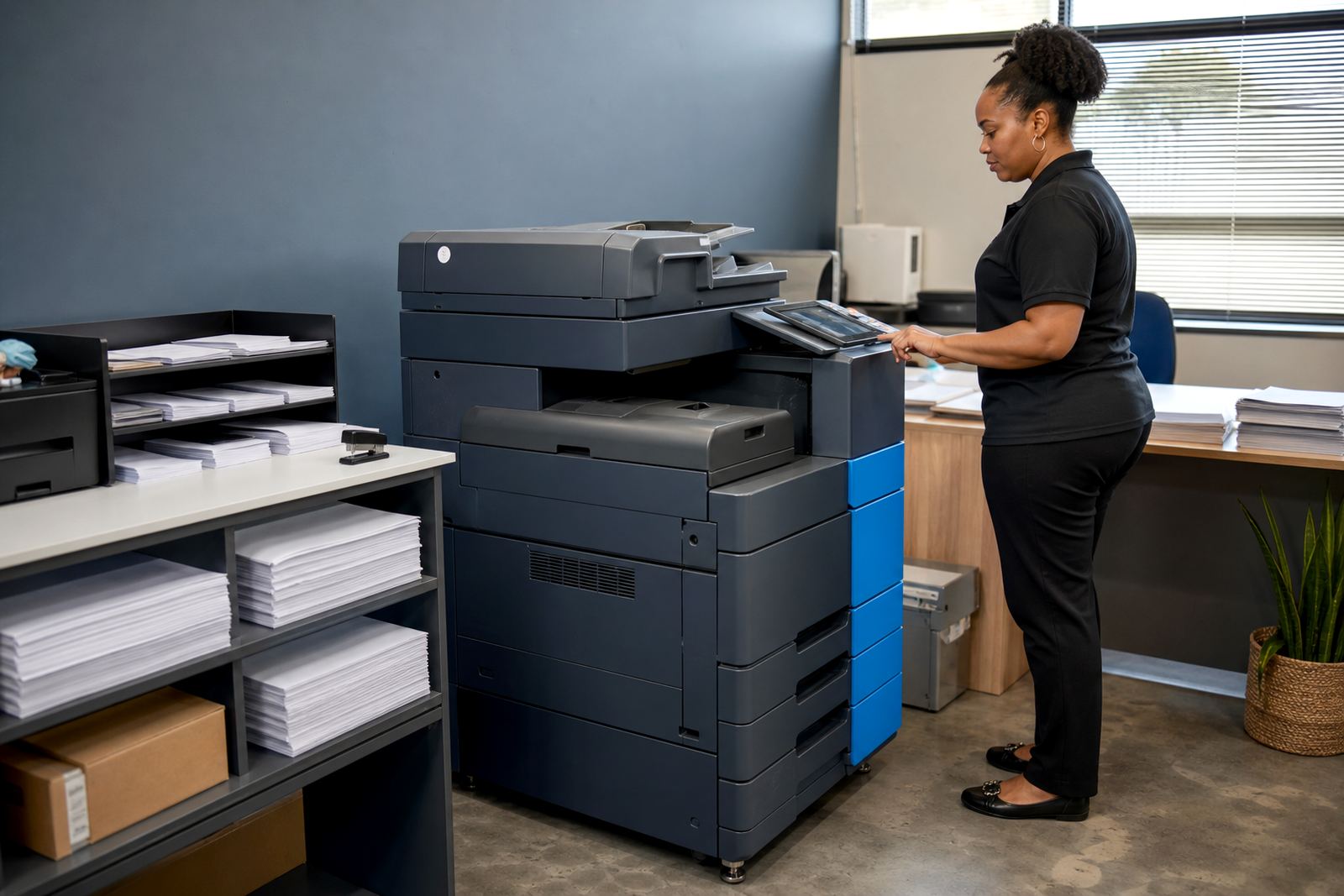
Secure Print A4 normally needs proper placement, network setup and user access settings before the office can use it fully. The machine can be connected to the office network for print release, scan-to-message functions and user authentication. Where the office uses card readers, PIN release or login-based controls, those settings are set up during installation or on a later visit.
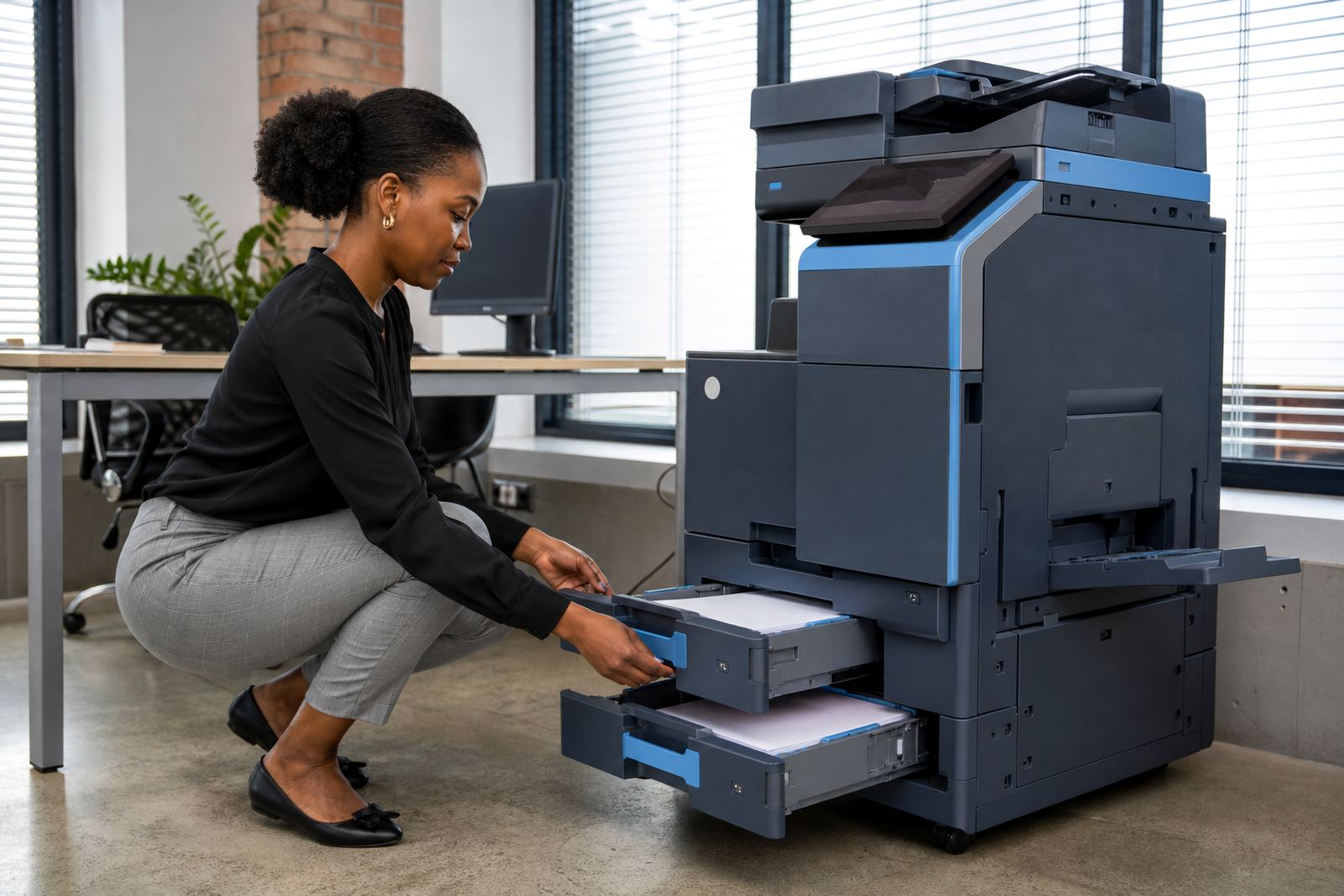
The machine also needs enough space for paper trays, access to power and a stable table or floor position that suits daily use. In some offices the device is placed near reception so staff can release jobs where they are collected, while other teams keep it in a back office with controlled access. A clean network path helps when staff scan signed forms, release confidential pages or move between departments during the day.
- Network setup for print release and scan functions.
- User access can be configured by department or person.
- Secure print release can be tied to PIN or card controls.
- Scan to message setup is available where the office needs it.
- Secure print logs can support internal record keeping.
Care, servicing and daily use
Like any office copier, a secure print machine needs paper loading, toner management and routine care to stay in step with daily use. On-site servicing covers paper feed faults, image quality issues, sensor errors and general wear that builds up in busy offices. If the machine is used hard each week, it benefits from proper cleaning and periodic checks on rollers, trays and the release settings.
Staff also need a short handover so the office knows how to release a held job, cancel the wrong print, replace paper and read the metre properly. When a branch moves or the layout changes, the device can be relocated and the user settings updated. That matters for offices in Sandton or Centurion where the machine may move after a replan of the front office or admin area.
- Paper path and tray care for steady feed performance.
- Roller, sensor and imaging checks during servicing visits.
- Metre reading support for clean billing records.
- User handover for staff who will run the device.
- Machine relocations when office layouts change.
Details to settle before the order goes in
To place the right Secure Print A4 machine, the office should confirm the expected mono and colour split, the number of users, the paper size range and whether scan-to-message is needed. It also helps to know if the device is for one room, one floor or several departments. A file-heavy office may need stronger memory and a larger paper drawer, while a smaller branch may only need a compact A4 unit with release printing and standard scanning.
Metre billing works best when the starting read, the expected monthly page volume and the print rules are clear from the start. If the office wants secure print plus controlled scanning, that should be part of the brief. If a department wants separate access control or a second device later, the plan can be set up with that in mind. The more exact the usage picture, the easier it is to match the machine to the work.
Key facts
| Format | A4 multifunction copier or printer on managed print |
|---|---|
| Output modes | Mono or colour, depending on office need |
| Billing model | Monthly rental plus metre-based click charges |
| Security options | PIN release, card release or user login |
| Functions | Print, copy, scan to message and secure release |
| Service support | Toner supply, on-site servicing and breakdown support |