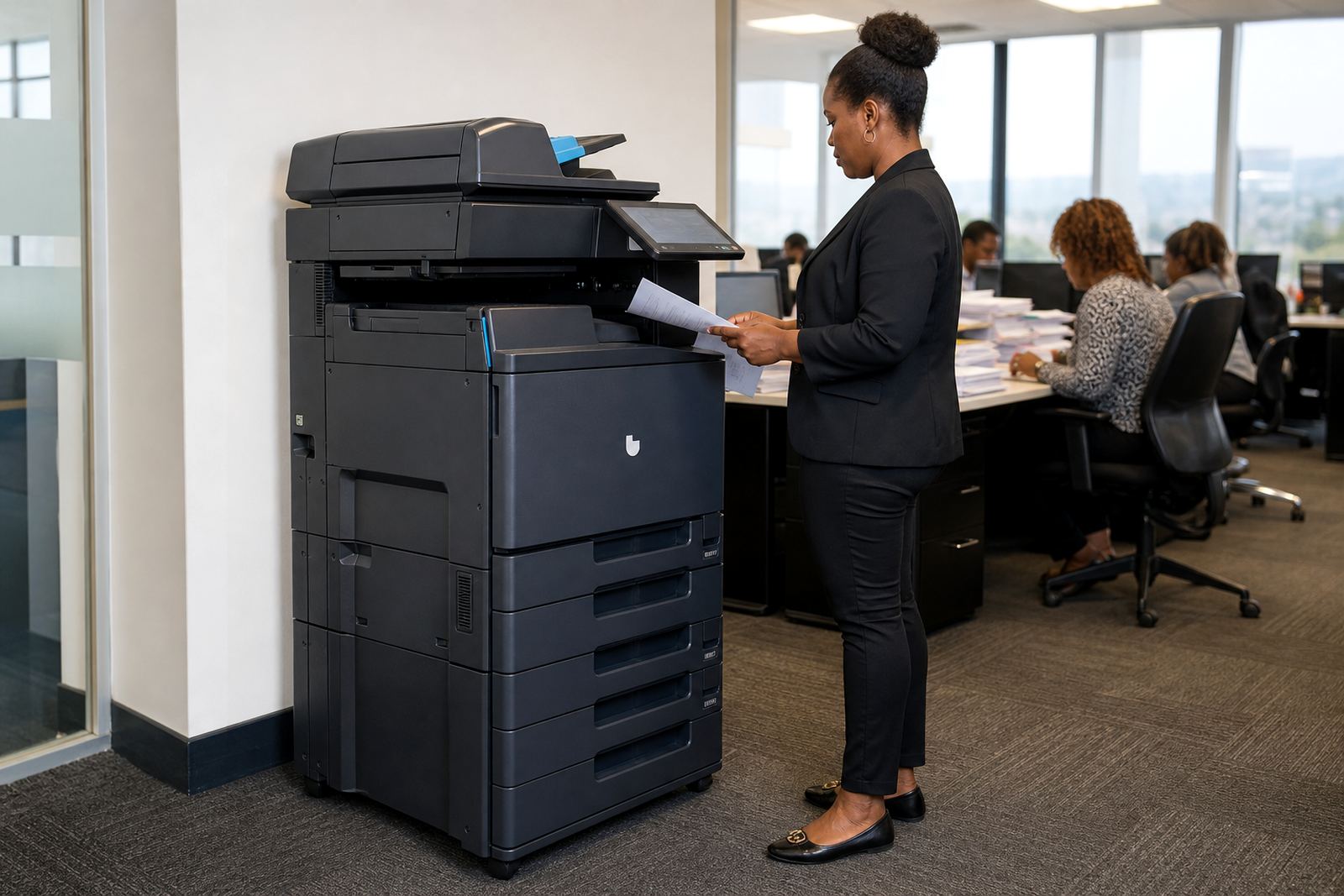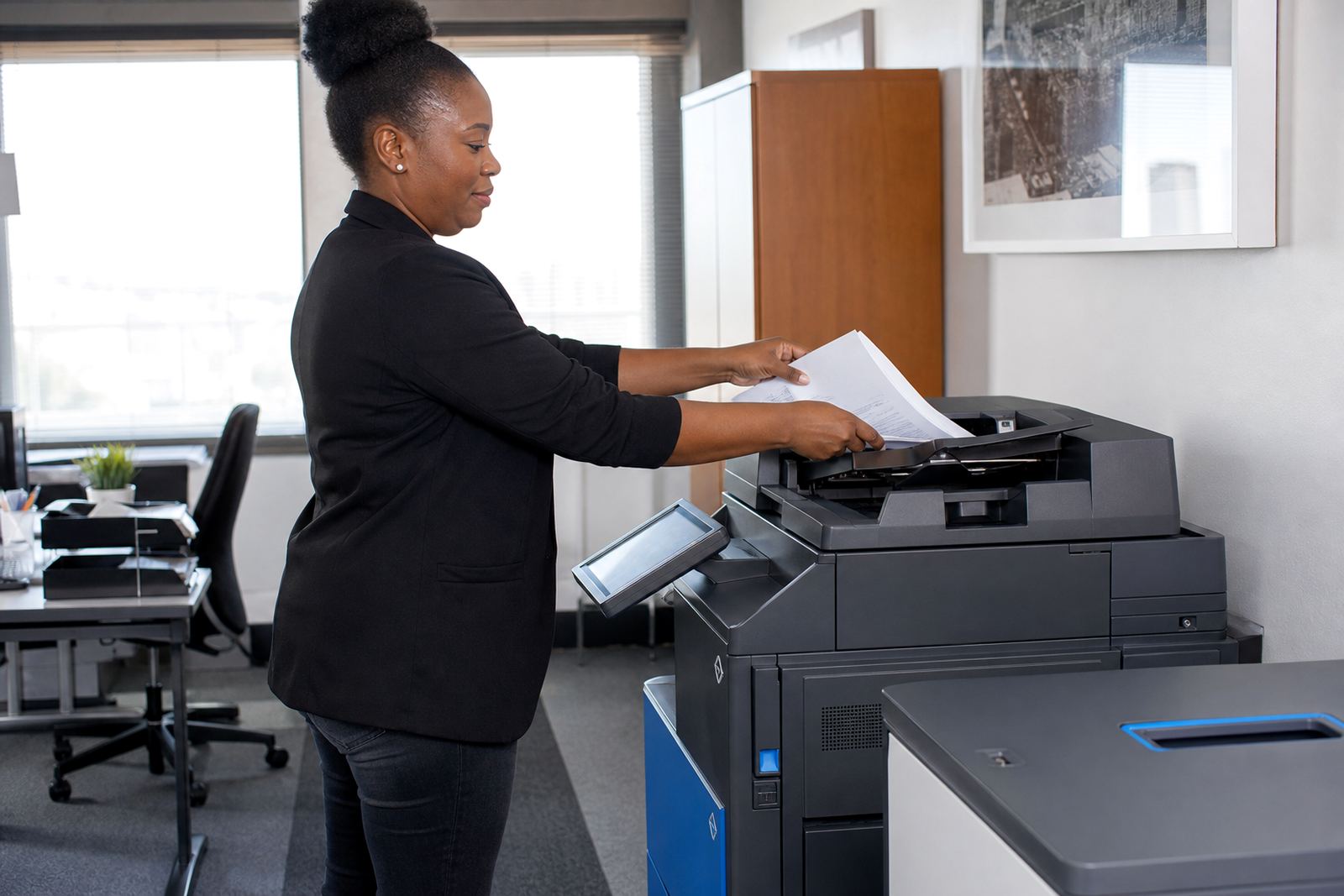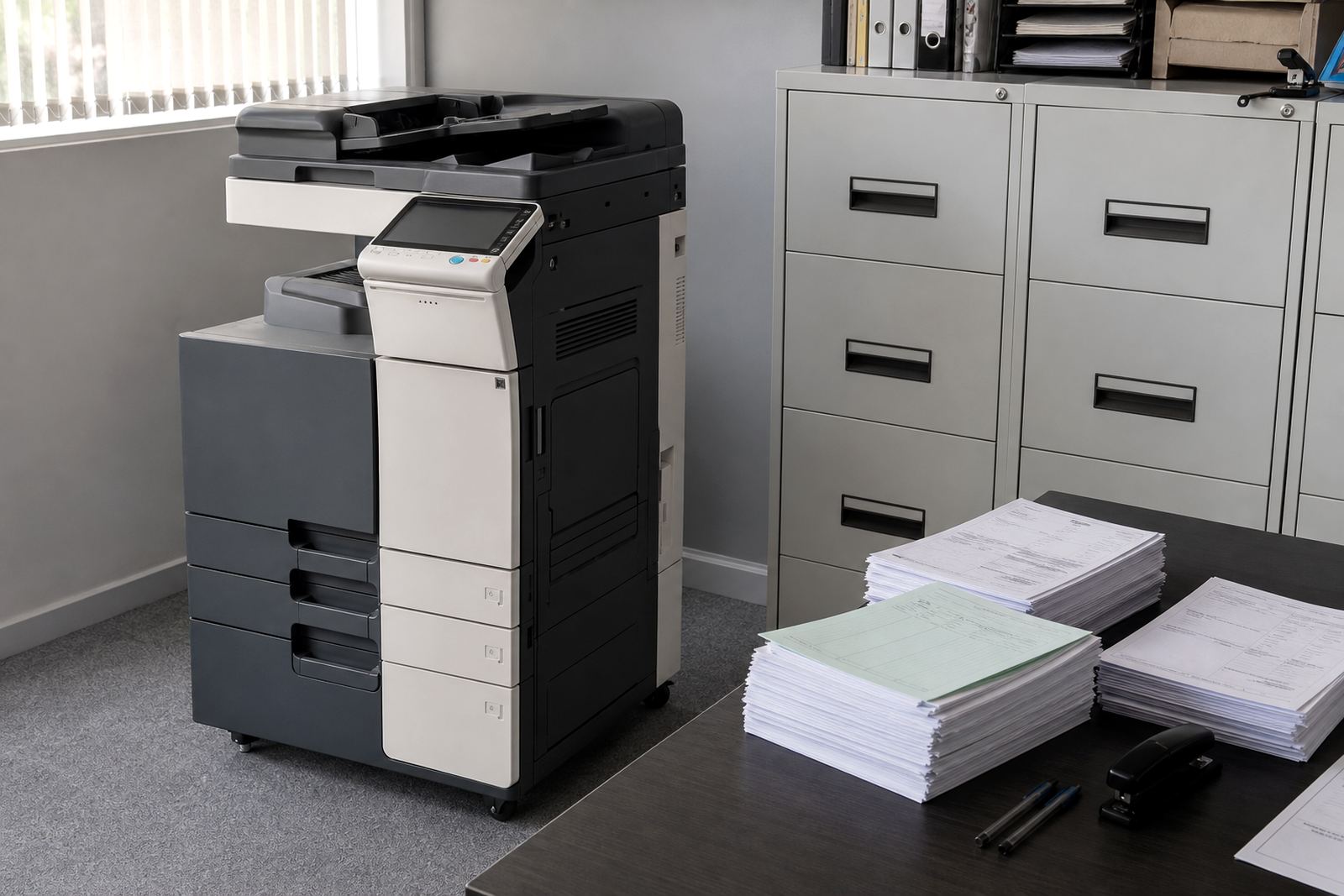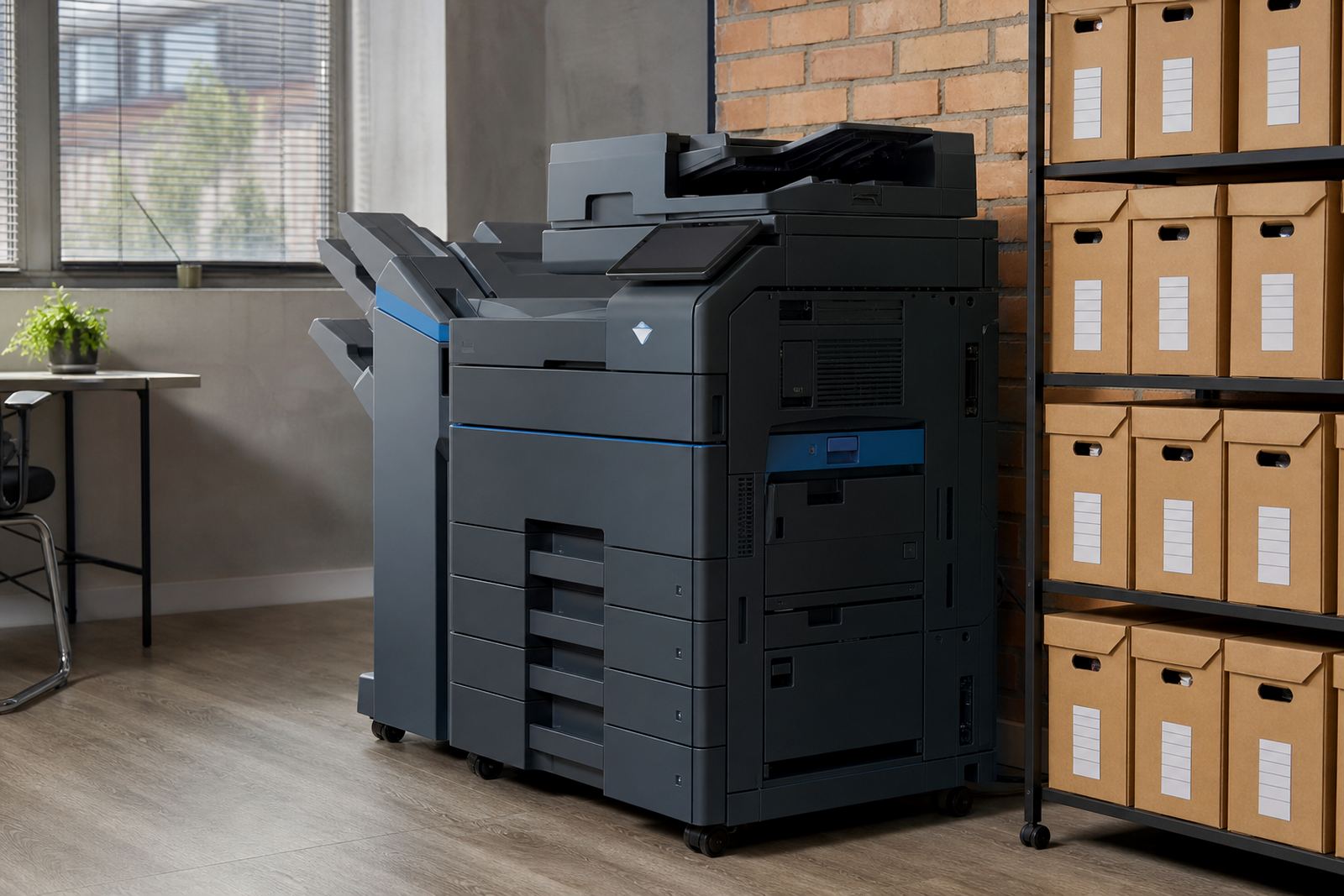
Built for paper that lives in trays and folders
An A3 mono department unit is made for steady black-and-white output where paper flow matters more than colour. It gives you A4 and A3 printing from the same machine, with scanning, copying and network use on one shared device, which keeps the print point sensible for busy admin teams.
Departments use this type of machine for audits, interoffice records, training packs, waybills, claims files and forms that need clean text and readable barcodes. It suits schools, practices, logistics offices, body corporates and branch teams that need volume without buying the machine outright.
- A4 and A3 print sizes on one device
- Mono output for text, tables and line work
- Copy and scan functions in the same footprint
- Shared use across a department or floor
Options that shape the monthly plan
The plan can be set up as a rental with click charges, or with a monthly arrangement that covers the machine and the running pages. Mono units are usually the right fit where the job is text heavy and the volume is high. If there is a small need for colour elsewhere, that is usually handled on a different device instead of pushing the department unit into a colour role it does not need.
We match the machine to the paper size, average monthly volume and the kind of work moving through the office. An A3 mono device can be supplied with a single paper drawer or extra cassettes, plus a bypass tray for thicker stock, dividers or letterheads. For teams that scan client files or send internal packs through our contact form, scan-to-message setup is part of the handover.
- Monthly rental with metre-based billing
- Click charges for mono pages used
- Extra paper trays for larger runs
- Bypass tray for thicker paper stock
- Scan-to-message and network print setup
Where this machine earns its keep
Department print rooms, accounts teams and records counters often need one dependable machine that can cope with peaks and still keep pages neat. A3 mono is a practical choice where the office prints statements, registers, compliance packs, invoices and bound packs with section dividers. It also works well in consulting rooms and school administration areas where paper handling has to stay orderly.
Because the machine handles copying and scanning too, staff do not have to move between small benchtop devices when an A3 form or a multi-page file lands on the worktable. In Midrand, Sandton, Centurion, Johannesburg and Pretoria, we see these units used in offices that want one central machine rather than several smaller points that each need toner and attention.
- Branch admin and records rooms
- Schools, clinics and professional practices
- Internal documents, forms and reports
- Shared print areas with controlled access
Fitting the unit into the office layout
Installation starts with the floor space, power point position and the route the machine will take into the room. An A3 mono device is larger than a benchtop printer, so door widths, lifts and passage turns matter. If the machine will sit near a reception area or a busy internal corridor, the placement needs enough clearance for trays to open and for users to reach the control panel without crowding.
Our team handles installation, network setup and user handover, then checks that the printer can see the office network and that scan destinations are correct. Where secure print is required, users collect jobs at the device with a code or login step, which helps when several people share one machine and sensitive pages should not sit on the output tray.
- Power point and cable route checked on site
- Network setup for shared office use
- Secure print for confidential documents
- User handover for daily operation
Care, servicing and the monthly rhythm
Managed print works best when toner supply, metre readings and servicing are handled in a steady rhythm. That means the office keeps printing while we track usage, replace consumables and attend to faults on site. If the machine starts feeding badly, drops lines or shows a paper path issue, the service process is logged against the unit and the field technician works through the fault on site where possible.
For departments with a hard working week, the useful habits are plain: keep the paper dry, close trays properly, do not overfill the bypass tray and send metre readings when requested. A3 paper is heavier and less forgiving in humid coastal areas, so neat storage matters in Durban and Cape Town where stock can curl if it sits badly. Toner should stay sealed until use, and the front cover and paper path area should be kept free of dust.
- Toner supply included on managed plans
- Metre reading support for billing control
- On-site servicing and breakdown response
- Paper storage matters in humid conditions
Details to line up before the order lands
To match the right A3 mono department machine to the office, we look at the monthly page count, the number of users, whether A3 is needed often or only now and then, and whether scanning is part of the daily routine. It also helps to know if the team needs a finisher, extra trays, booklet-style packs or just straightforward mono output for forms and records.
The branch or office location matters too, because machine relocations, end term swaps and service visits are planned around the site. If the device will move between floors or offices, the lift and corridor width should be checked before the install day. For a larger team, a brief about who prints what helps us set the right access, drawer setup and monthly billing method.
- Average monthly mono page volume
- A4 only or A3 and A4 use
- Number of shared users on the network
- Need for secure print or scan-to-message
- Whether a finisher or extra trays are needed
Specs for a department workhorse
An A3 mono department model typically offers print, copy and scan in one unit, network connectivity for office sharing and paper handling that supports mixed A4 and A3 use. It is the right shape for offices that want one larger machine rather than several small ones, and it can move with the branch as the team changes layout or floors.
Our team in Halfway House, Midrand supports offices across Johannesburg, Pretoria, Centurion, Sandton, Durban, Cape Town and Bloemfontein, with managed print plans that include toner, servicing and metre tracking. The machine itself is only part of the picture, the rest is keeping the daily print flow steady without forcing the office to buy and maintain the unit outright.
Key facts
| Product type | A3 mono multifunction printer for department use |
|---|---|
| Functions | Print, copy and scan |
| Paper sizes | A4 and A3 |
| Output | Black and white only |
| Billing model | Monthly rental with metre-based click charges |
| Included support | Toner supply, on-site servicing, metre reading support |