Built for file-heavy offices, not loose benchtop printing
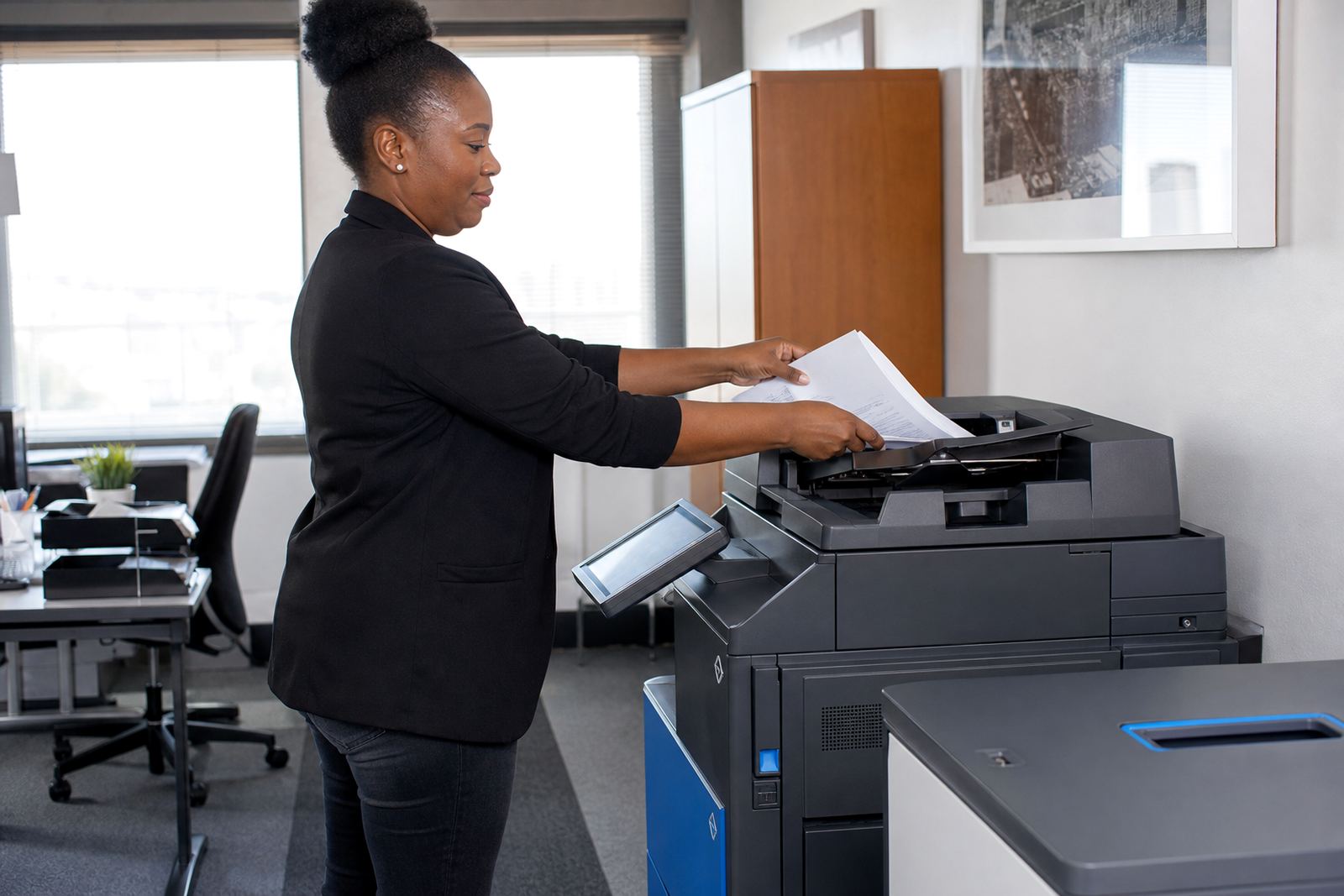
A legal office usually needs more than basic printing. The machine must pull double-sided pages cleanly, handle stapled sets after finishing, and keep scanned records legible when they are sent to message folders or case management workflows. That is where a proper multifunction unit earns its place.
- A4 and A3 multifunction printers and copiers
- Mono or colour print options
- Copy, scan and print functions in one unit
- Scan to message setup for file movement
- Secure print for confidential documents
- Metre-based billing linked to real usage
What the machine handles in a real office week
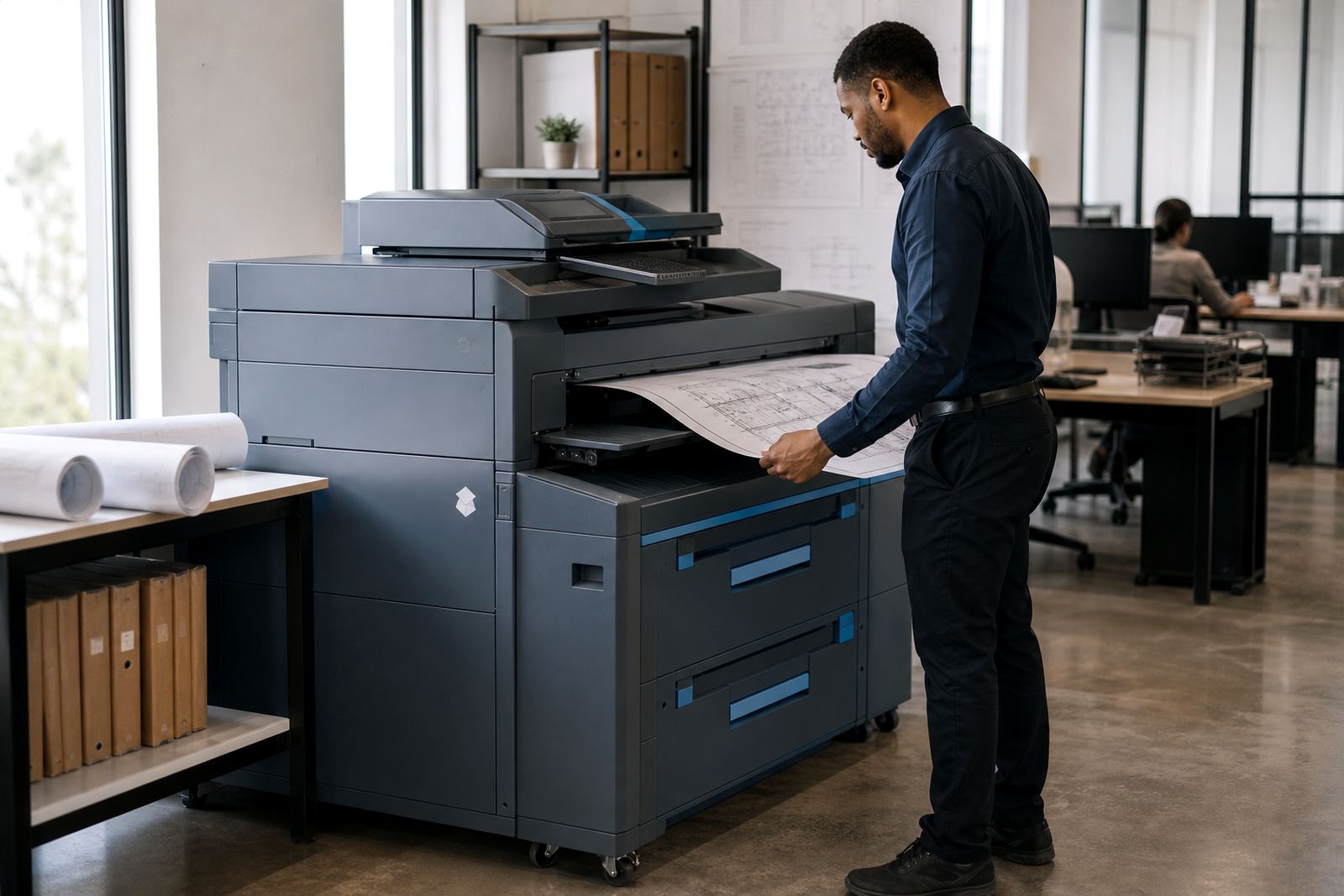
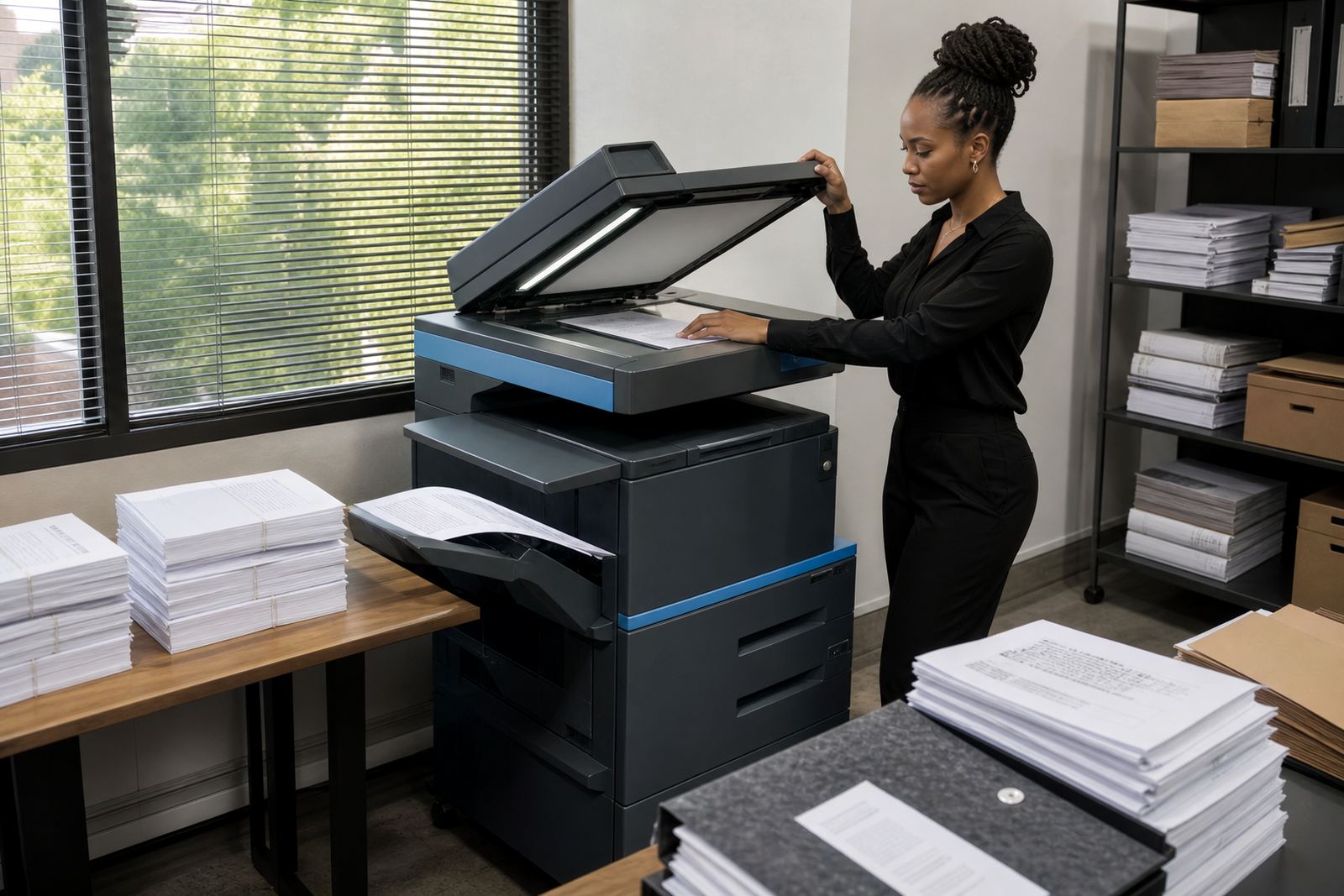
In practice, the work is mixed. One hour the machine is copying witness statements, the next it is scanning signed pages into message, then it is running a batch of invoices or affidavits. A legal or admin office often needs a printer that can shift from small A4 jobs to wider A3 copying without making the staff change routines every time the file changes.
Secure print helps when several people share the same device. Jobs can be held until the user is at the machine, which is useful where confidential correspondence, salary records or client papers should not sit in the tray. Scan-to-message also matters because it gives a simple route from paper to inbox, especially when documents must be saved under a matter name and sent on for review.
For many offices, mono output is the main economy choice, while colour is reserved for forms, charts, stamped copies or presentation packs. We match the machine to the paper load, not the other way around, so the rental plan reflects the actual pattern of use.
- High-volume text printing for matter files
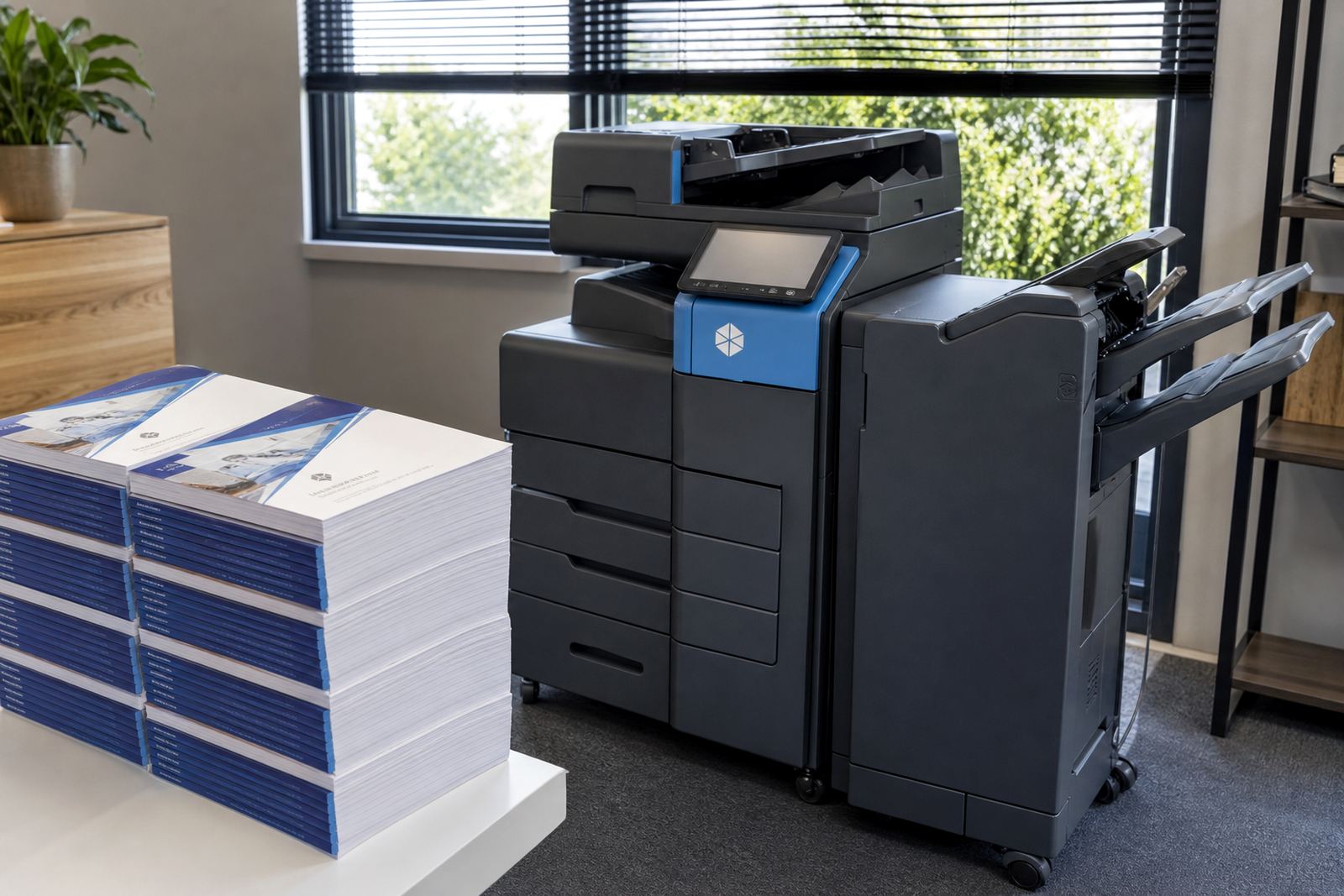
- Double-sided copying for thick bundles
- Secure release for sensitive pages
- Scan workflows for message and digital filing
- Mixed mono and colour use where needed
Sizing the plan around your page volume
Common size choices include compact A4 benchtop-style units, mid-range floor-standing machines, and larger A3 devices for heavier file work. A legal file plan normally sits somewhere between clean office printing and more demanding document handling, so the machine has to cope with repeated copying, batch scans and regular toner demand.
- Entry A4 units for smaller teams and reception work
- Mid-volume A4 machines for daily office output
- A3 machines for wider documents and larger copying
- Mono plans for text-first printing
- Colour plans for selected client and file pages
Installation details that keep the copier usable
Installation starts with the space, the network and the paper path. The machine needs a sensible position near the users, with enough room for trays, access panels and day-to-day paper loading. For networked offices, we set up print access, scan destinations and user routing so the device fits the office structure rather than sitting there as spare hardware.
Power is part of the setup for any multifunction printer or copier, and the socket position should suit the cable run and the machine footprint. In offices with strict access control, the unit may also need placement where the correct staff can reach it without interrupting reception flow or file handling.
Machine relocations are sometimes necessary when the office grows, a floor changes, or the legal team changes rooms. In those cases we move the unit carefully, reset the connections and make sure the scan and print functions still line up with the office network.
- Network setup for printing and scanning
- Scan to message configuration
- User handover for staff who share the device
- Machine relocations within the office or branch
- Paper tray, stacker and finisher alignment
Care, toner and metre reading support
We keep the service plan tied to the actual device in use, with toner supply, metre reading support and servicing arranged around the office load. That keeps the printer working as part of the file room rather than as a separate problem for staff to chase.
- Toner included in the managed plan
- Metre readings recorded for billing control
- On-site servicing for faults and wear
- Breakdown support for office continuity
- End-term swaps when the rental term closes
Details to pin down before the paperwork moves
Confirm the following when setting up the plan.
- Mono or colour requirement
- A4 only, or A4 and A3 mix
- Approximate monthly page volume
- Need for secure print and user access control
- Scan to message and document routing details
- Branch location and machine placement
Key facts
| Machine type | Managed multifunction printer or copier |
|---|---|
| Paper sizes | A4 and A3 options |
| Print mode | Mono or colour |
| Billing model | Monthly rental plus click charges |
| Included service | Toner supply, metre reading support and on-site servicing |
| Workflow features | Scan to message and secure print setup |