Office printing that joins the network without fuss
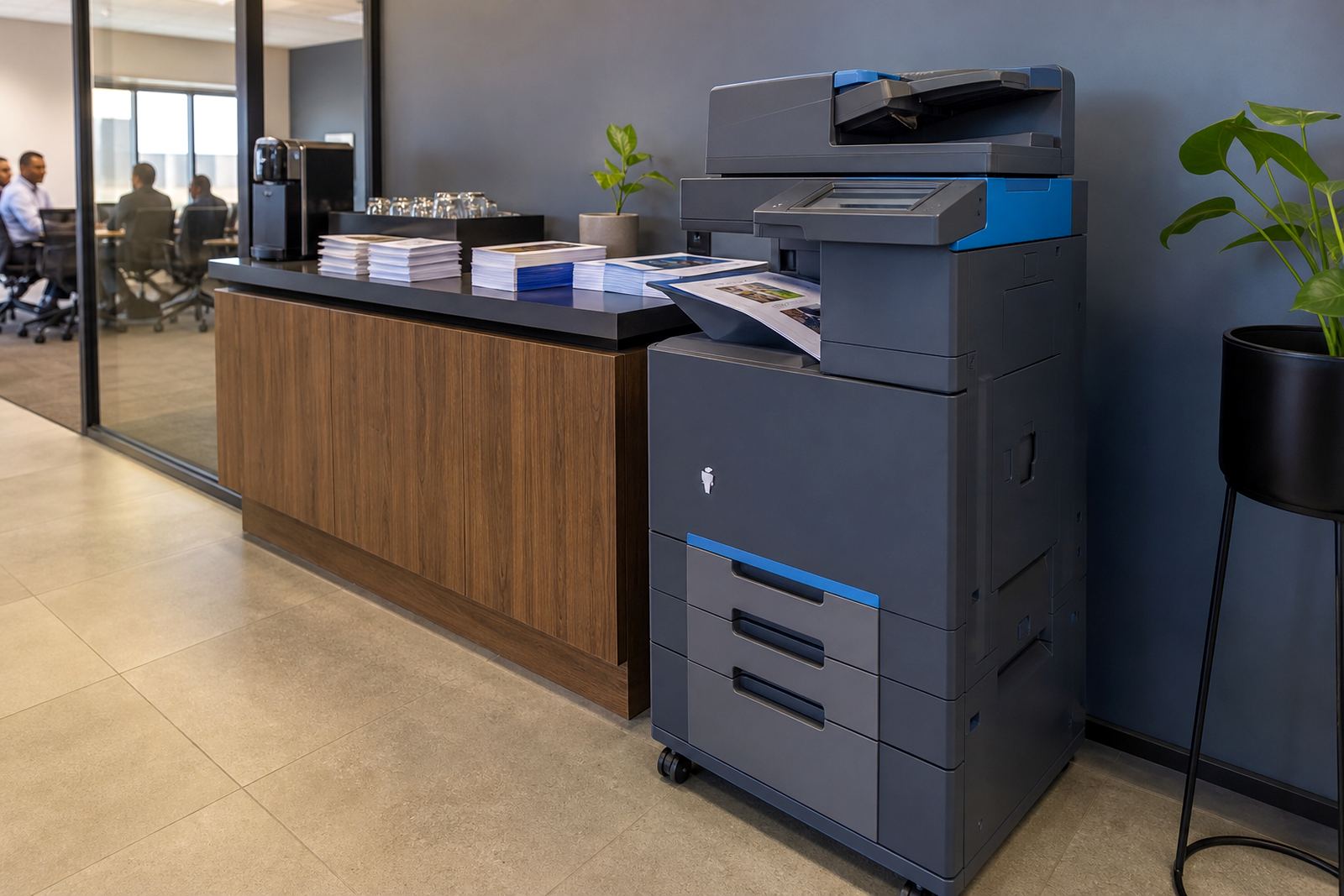
The WiFi Office Plan is built for workplaces that want a printer or copier to sit on the office network and serve everyday printing, copying and scanning without a pile of separate arrangements. It works well where staff move between shared work areas, meeting rooms and private offices, because the machine can be placed where the workflow suits the floor rather than where a cable run happens to land.
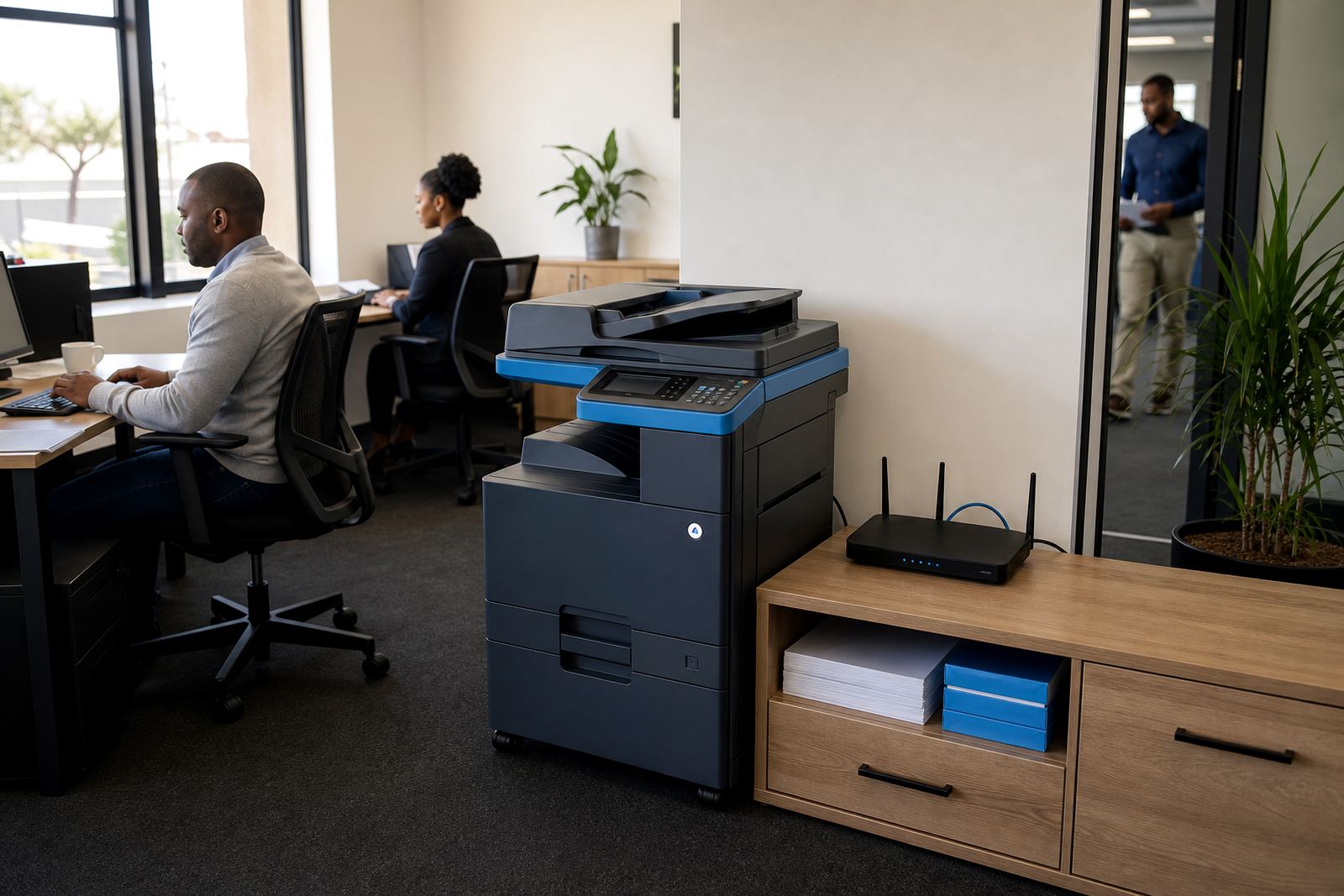
Within the managed print plan, the machine is set up to connect through the office WiFi or a network port, with print access controlled through the usual office rules. That can include scan-to-message, secure print release and user access settings, so the machine handles regular document traffic without becoming a free-for-all at the tray.
- A4 and A3 multifunction options
- Mono or colour output, depending on the monthly mix
- Scan, copy and print in one unit
- Network connection through WiFi or LAN where needed
How the plan is put together in practice
This plan is for offices that prefer predictable monthly rental with click charges set against metre readings, rather than paying upfront for equipment and sorting toner, parts and servicing separately. The billing model is straightforward: a monthly rental for the machine, then copy or print usage measured on the metre, with toner supplied as part of the managed arrangement.
That structure suits legal practices, schools, property offices, accounting firms and shared admin spaces that print in mixed volumes. A mono device usually fits heavier black-and-white document traffic, while colour makes sense where presentations, client packs or learner material need a cleaner finish.
- Monthly rental for the device itself
- Metre-based billing for actual usage
- Toner supply included in the plan
- Suitable for both steady and seasonal print volumes
Sizes, output and connection choices
Smaller teams often need an A4 unit with print, copy and scan functions in one cabinet-sized footprint. Larger offices may need an A3 machine with higher paper capacity, faster output and finishing options that keep internal packs neat. The right fit depends on how many people use the device, how often colour is needed and whether the office scans files into message folders or document systems.
Connection can be handled through office WiFi for convenience, or through network cabling where the IT setup prefers a fixed link. For some sites, secure print is worth adding so staff release documents at the machine rather than letting pages sit in the tray after printing.
- A4 multifunction units for compact office use
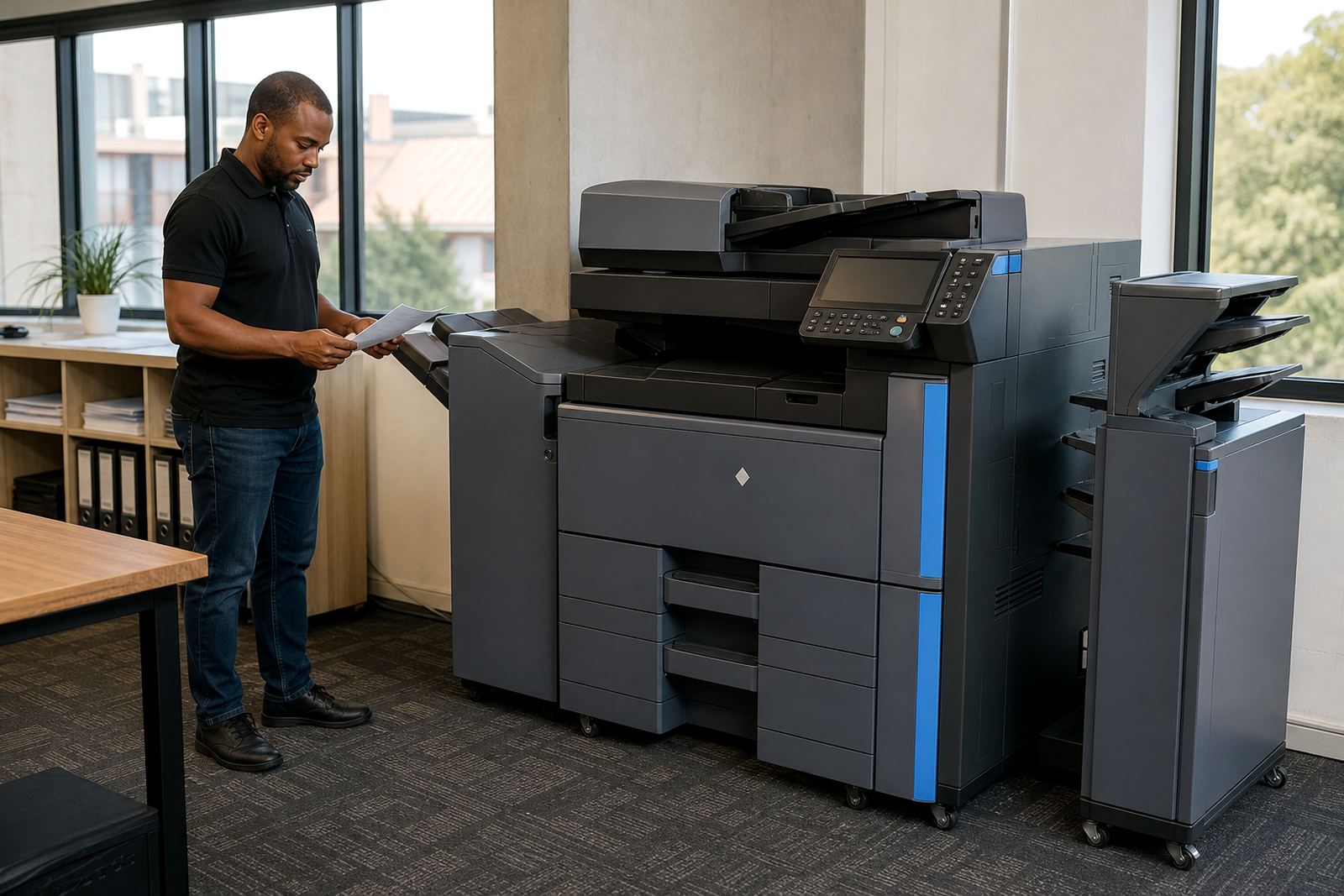
- A3 multifunction units for larger document runs
- Mono options for plain black output
- Colour options for client-facing and training material
- Scan-to-message and secure print setup available
Installation days and office fitting work
Once the machine is on site, installation includes positioning, connection to the network, paper setup and basic user handover. If the office has a busy reception, a separate admin room or a finance team with tighter access, the machine can be configured to suit that layout. Where needed, we also handle machine relocations if a branch moves floors or the printer bay changes.
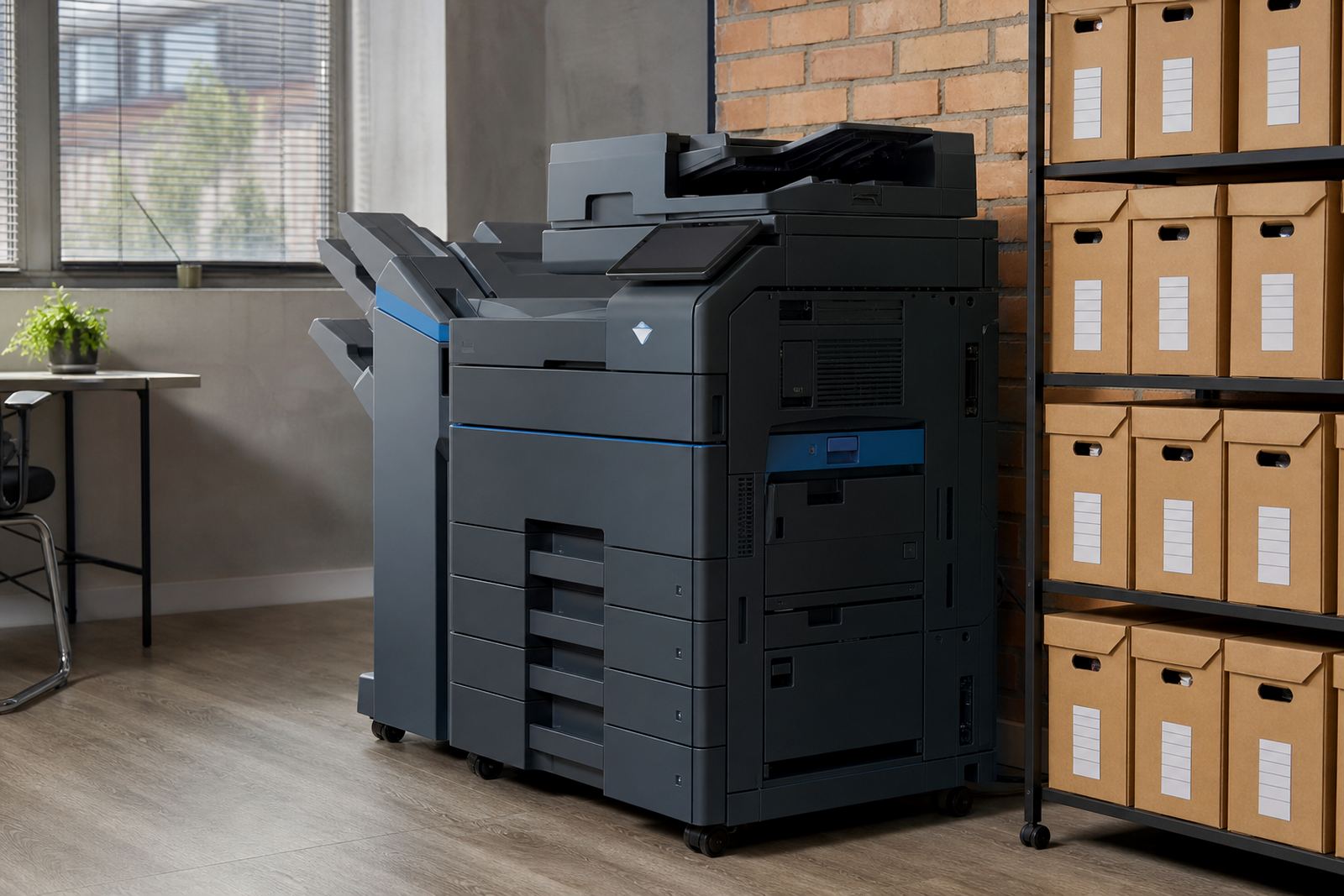
Power point placement matters for any office printer, especially where the machine needs a stable spot near the network point and enough room for trays, covers and servicing access. For larger A3 units, it helps to leave space around the cabinet for paper drawers and clear opening on the side or rear. In buildings with shared tenant areas, the printer position should also fit the landlord rules on equipment placement and access.
- Network setup during installation
- Scan-to-message configuration for office users
- Secure print setup for controlled release
- Machine relocations for office moves or floor changes
Care, toner and service work after install
The plan stays practical because toner is supplied under the managed arrangement and metre readings guide the billing, so the office does not need to keep juggling emergency cartridge runs. Routine servicing keeps the feed paths, rollers and scan glass in order, while breakdown support handles faults that interrupt daily output. In humid coastal areas like Durban or the Western Cape, regular care also helps with paper handling and toner storage.
If the office runs a steady print mix, simple care habits make a clear difference: keep paper sealed until needed, avoid overfilling the trays and leave the machine room free of dust from nearby filing or packaging work. A planned service visit is better than waiting for streaks, jams or faint output to build into a bigger interruption.
- Toner supply built into the rental plan
- Metre readings used for click billing
- On-site servicing for faults and wear items
- Breakdown response for active office machines
What the office should confirm before the order goes in
A clear brief helps the rental setup land properly. The office should decide whether mono or colour suits the daily work, whether A4 is enough or A3 is needed, and how many users will share the device. It also helps to know if scan-to-message is required, whether secure print should be switched on, and whether the machine will sit near a reception point, a shared admin area or a private office cluster.
At go-printers.co.za, clients in Halfway House, Midrand, Johannesburg, Pretoria, Centurion, Sandton, Durban, Cape Town and Bloemfontein use the enquiry form on our contact page when they want a managed print plan shaped around office use. The same brief can include metre support, toner supply, end-term swaps and user handover, so the machine arrives as part of the office routine rather than as a loose box in the corner.
- Mono or colour requirement
- A4 or A3 format
- Estimated monthly print volume
- Need for scan-to-message or secure print
- Office layout and network connection point
Key facts
| Format | A4 and A3 multifunction printers and copiers |
|---|---|
| Output | Mono or colour, depending on office use |
| Billing | Monthly rental plus metre-based click charges |
| Supply | Toner included under the managed print plan |
| Connectivity | WiFi or network cable setup |
| Service | On-site servicing, breakdown response and end-term swaps |