Built for HR rooms that handle private paper trails
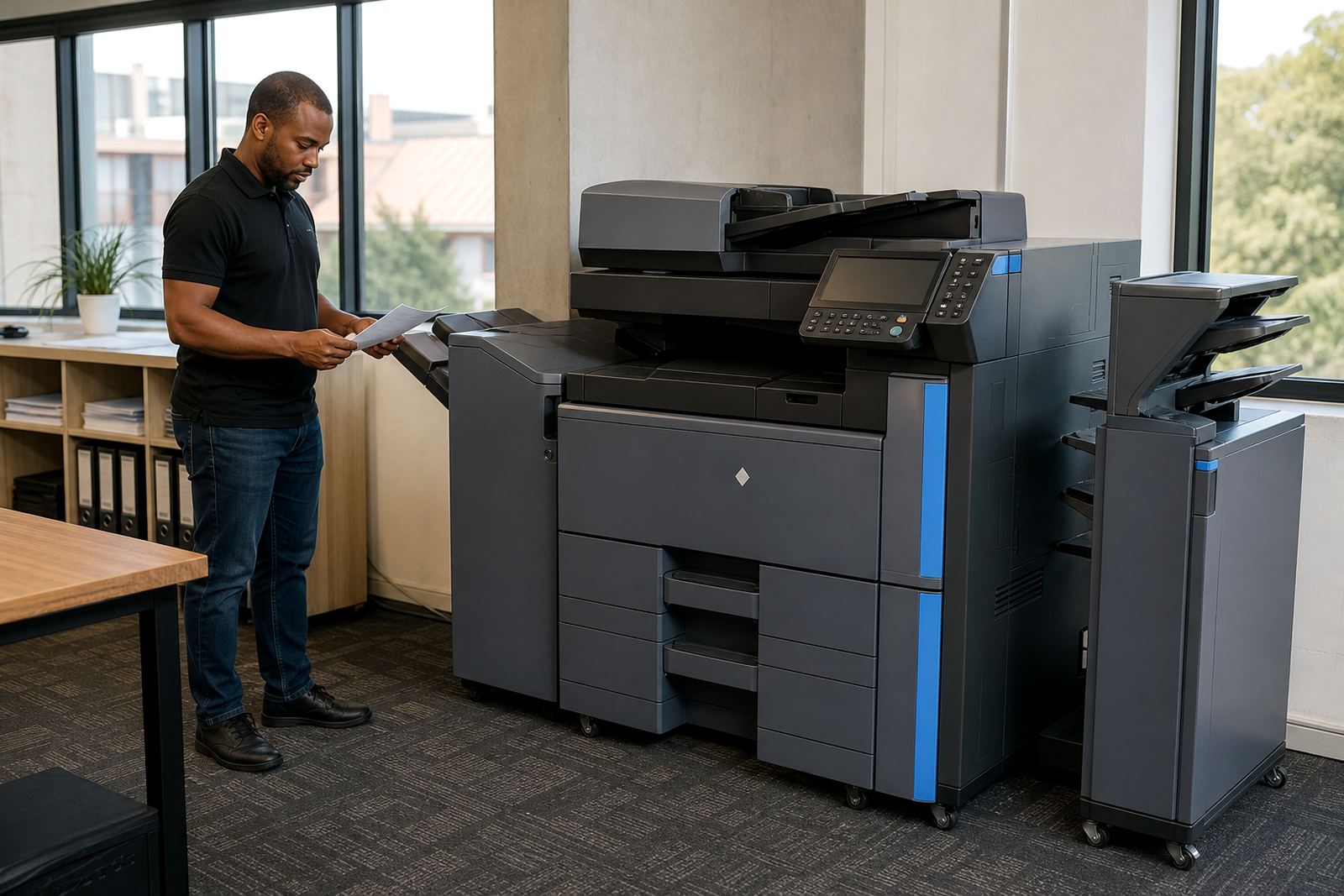
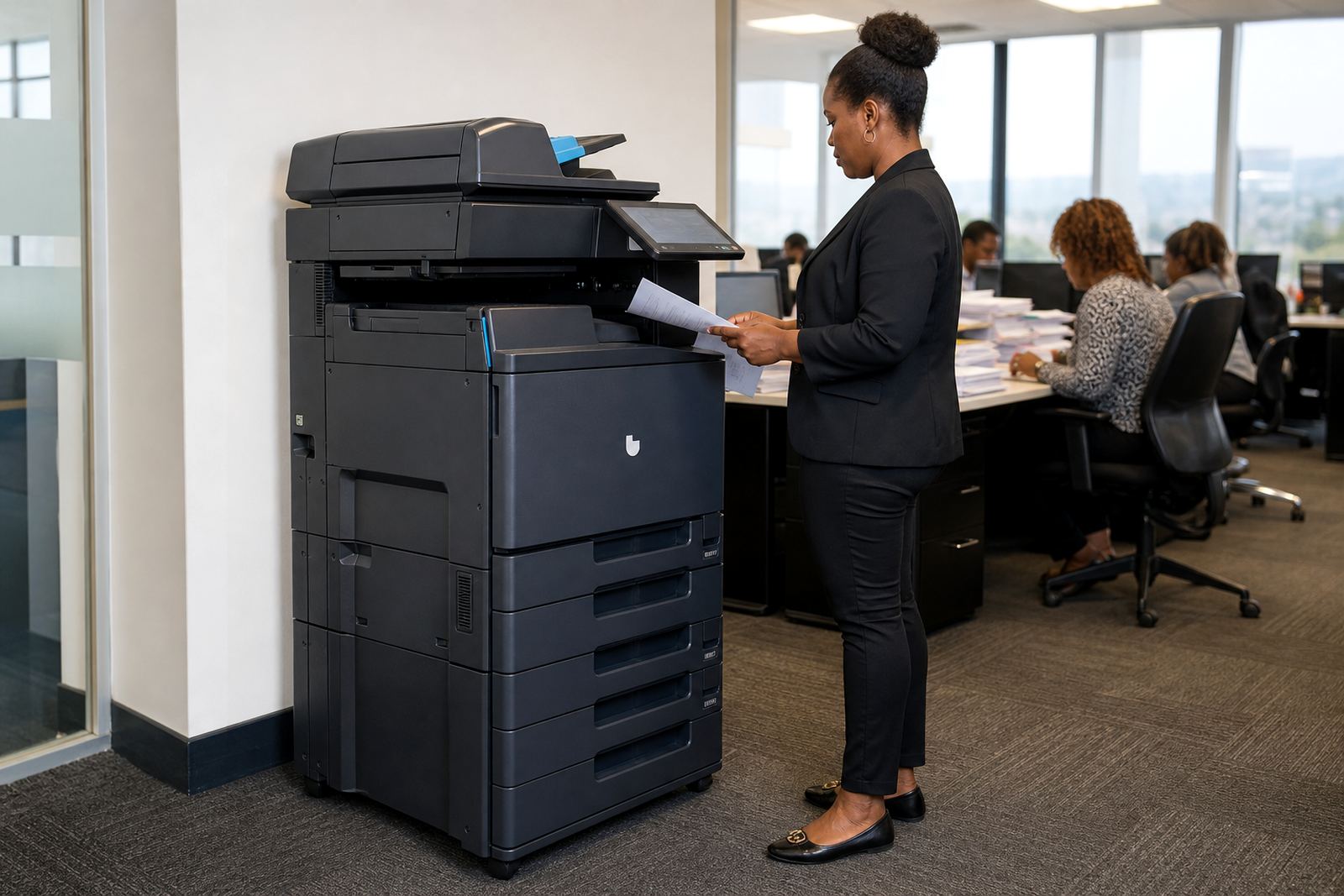
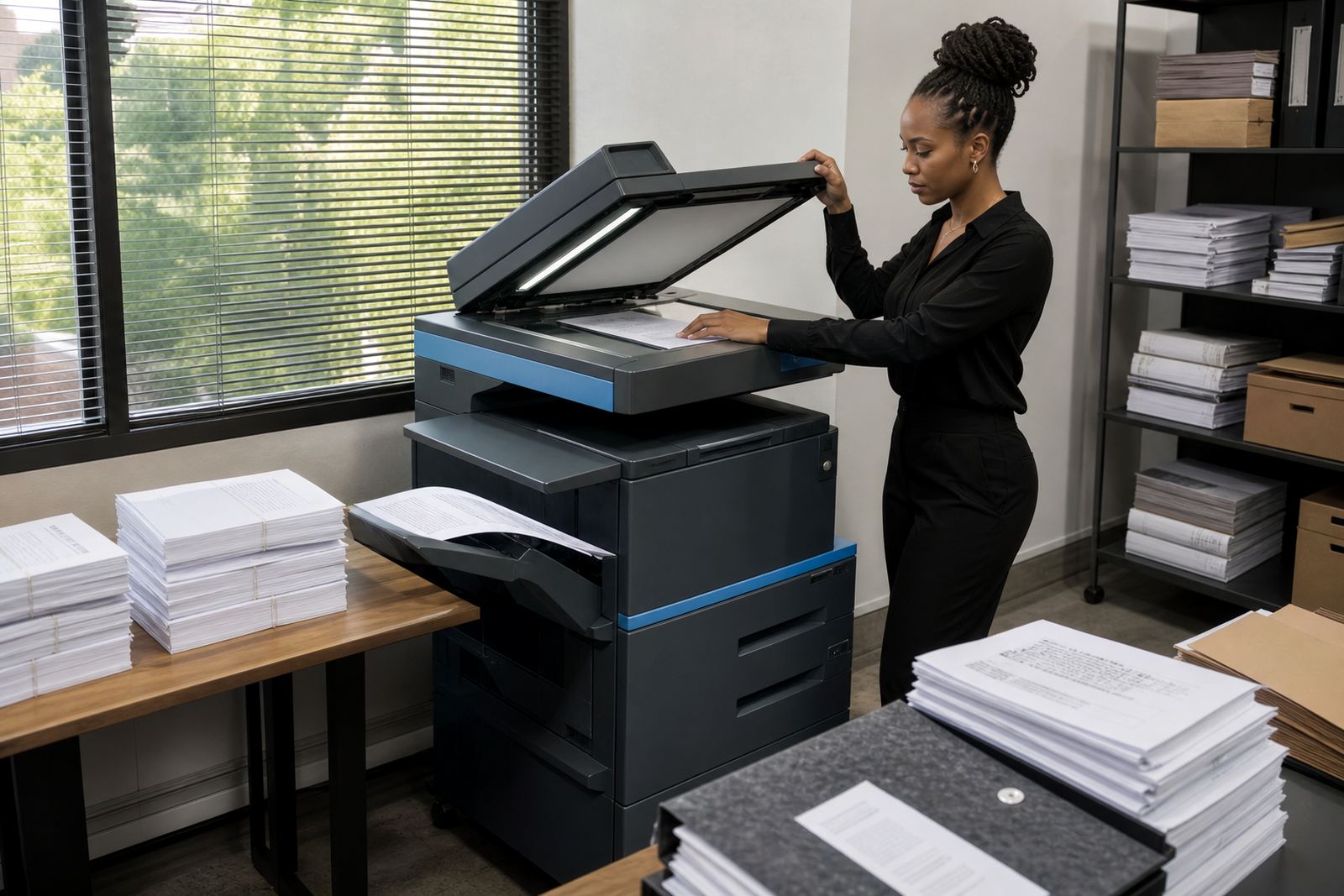
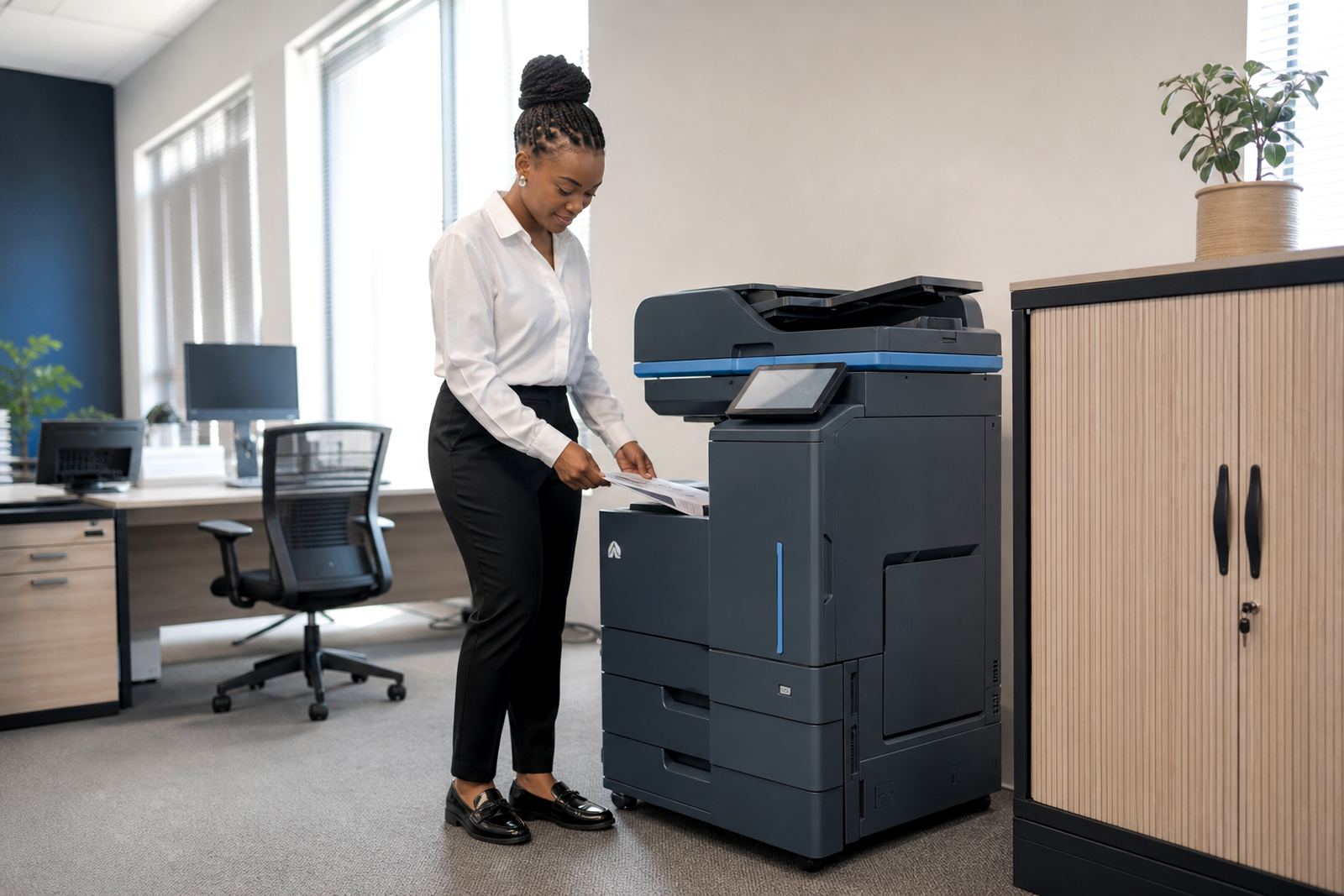
The HR Team Plan is a managed print rental for offices that need reliable copying, printing, scanning and secure output in one unit. It is set up for personnel files, disciplinary packs, contracts, leave forms and induction bundles, with the print environment shaped around privacy and regular usage rather than one-off, ad hoc printing.
We place the machine on a monthly rental plan with click charges linked to metre readings, so the office pays according to real use rather than carrying the upfront cost of buying hardware. Toner is included in the plan, and the service cover keeps the machine working through normal wear, paper dust and the sort of daily handling that HR teams put on a device near reception or records storage.
- A4 or A3 multifunction copier and printer formats
- Mono or colour set-ups, depending on document mix
- Print, copy and scan in one managed unit
- Metre-based billing for clear monthly tracking
- Toner supply included under the plan
Sized for small HR offices and larger admin floors
This plan works well where one machine must carry the load for a small HR office, a regional branch or a shared back office. A compact A4 model suits teams that mostly print letters, forms and scans, while an A3 unit helps where onboarding packs, training registers or policy documents move through the office in larger batches.
Colour is useful for organograms, branded forms and documents that need visual separation, but many HR teams keep the main device mono and use colour only where it adds value. The billing can follow either a monthly rental plus click charge model or a print-inclusive structure, depending on monthly volumes and the mix between black and colour pages. On paper-heavy floors, that split matters because a file cabinet full of forms still has to move through the machine cleanly, not in batches that jam or fade.
- Compact benchtop-style footprint for tighter office rooms
- Floor-standing units for heavier monthly volumes
- Monochrome options for text-heavy admin work
- Colour options for forms, charts and branded packs
- A3 support where larger copies or layouts are needed
Security details that matter in personnel work
HR teams often deal with salary slips, identity copies and medical or disciplinary documents, so the security settings need to be practical rather than decorative. Secure print holds a job at the machine until the user enters a code or card method, which reduces the risk of papers sitting in the tray when several people share the same office.
Scan-to-message is useful for sending signed forms to branches, payroll or management without creating extra file handling steps. User controls can also be arranged for department access, usage logs and basic print restrictions, depending on the office structure. Where a team shares one device across reception, admin and HR, the machine can be configured to keep private documents from sitting in plain view, which is a small detail but it matters on a busy day.
- Secure print release to protect private documents
- Scan-to-send us a message for HR records and approvals
- User logins for department control
- Usage visibility for shared office environments
- Options for black-only or controlled colour access
Installation, network setup and handover at office level
The plan includes device installation and network setup so the machine links into the office print flow properly. That covers adding users, setting the correct paper trays, checking scan destinations and testing the machine with the office network before the team relies on it for daily work. If the copier moves between floors or from one branch to another, machine relocation and end term swaps can also be arranged as part of the managed service.
For offices in Midrand, Johannesburg, Centurion, Pretoria, Sandton, Durban, Cape Town and Bloemfontein, the setup needs may vary a little depending on room size, cabling and the way documents are handled at reception. A proper handover helps staff understand where to collect output, how secure print release works and when to request a metre reading or toner top-up.
- Initial installation and placement in the chosen office area
- Network setup for print and scan functions
- Scan folder or message destination setup
- End term swaps for changing volumes or office layouts
- Machine relocations for branch moves or internal reconfigurations
Care, servicing and what the plan covers in practice
Managed print only works well when the machine is kept in step with daily use. Toner supply is part of the arrangement, and on-site servicing covers breakdowns, paper feed issues, image quality faults and routine maintenance linked to the duty cycle of the device. The point is to keep the office from holding stock, calling around for consumables or losing time when a tray, fuser or scanner issue interrupts a queue of work.
We also handle metre reading support, because accurate counts are the basis for fair billing. If the office prints heavily at month-end or uses the copier for a training intake, the counts still need to match the activity on the machine. That gives accounts a clear trail and helps HR avoid disputes over usage. It is the practical side of the plan, and it keeps the paperwork clean on both sides.
- Toner supply included under the managed plan
- On-site servicing for faults and wear items
- Metre reading support for accurate invoicing
- Breakdown response for urgent machine issues
- Fleet review support where more than one unit is in play
The details to settle before the machine goes in
Before an office signs off on the HR Team Plan, a few details need to be set clearly. That includes the expected monthly page volume, whether the team needs A4 or A3, whether colour is required, and how many users will send jobs to the machine. It also helps to know whether secure print is required for all staff or only for selected users, because that affects the set-up and the way the office works with the device day to day.
It is also worth confirming where the machine will sit, who will take stock of toner levels, and how the office wants scan-to-message handled for HR records. Some teams want one central copier near admin, while others need a device closer to records or a branch manager’s office. The choice changes the paper path, the access points and the servicing routine, so the layout should be clear from the start. If the machine must cover reception and HR together, the seating and workflow around it need a little thought as well.
- Monthly print volume and mono versus colour split
- A4 or A3 format required for the office work
- Secure print settings and user access needs
- Site location, floor position and access for servicing
- Scan-to-message destinations and document handling rules
Key facts
| Plan type | Managed rental for multifunction office printing and copying |
|---|---|
| Machine formats | A4 and A3 options |
| Print mode | Mono or colour depending on office use |
| Billing method | Monthly rental plus metre-based click charges |
| Consumables | Toner included in the plan |
| Included setup | Installation, network setup and user handover |