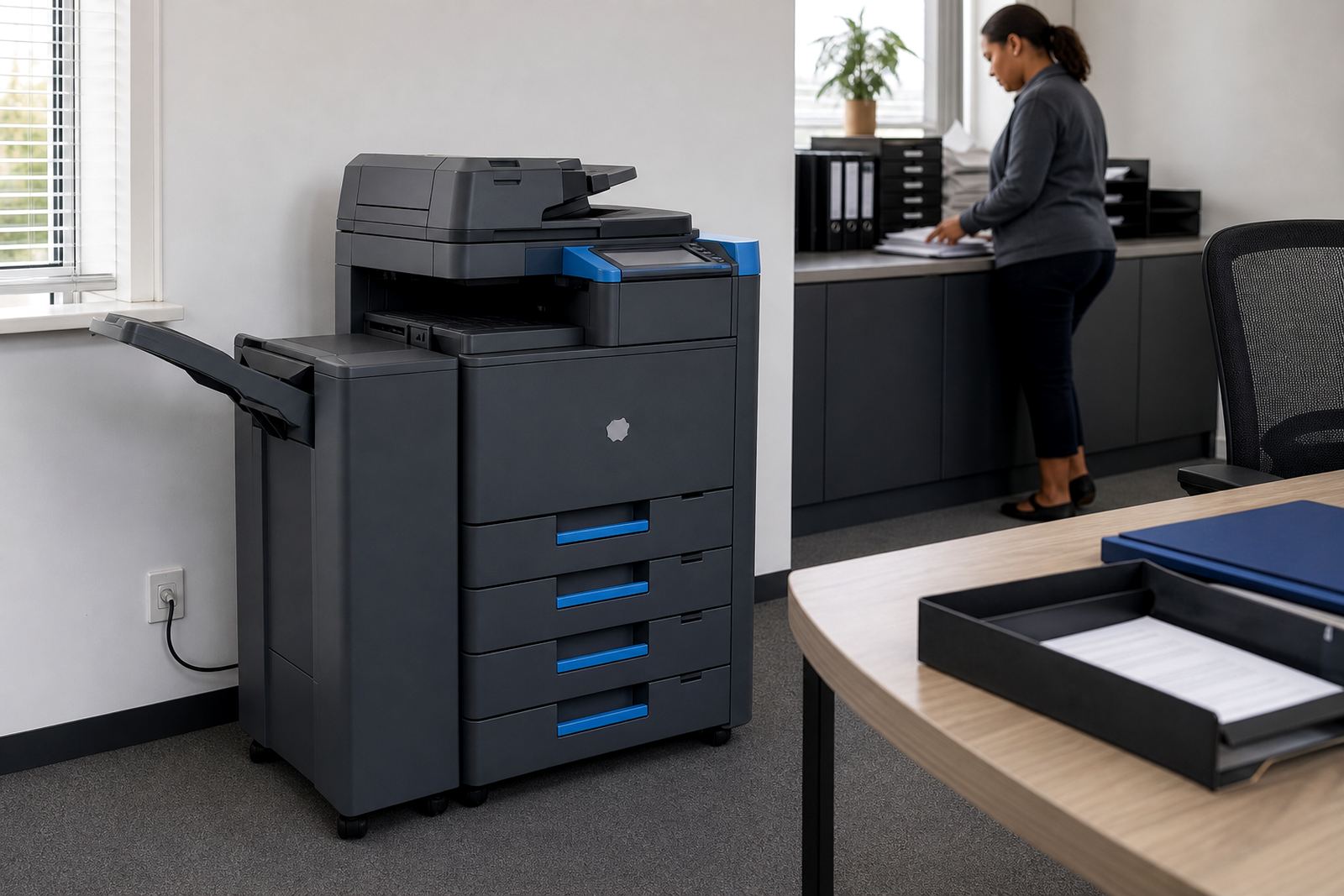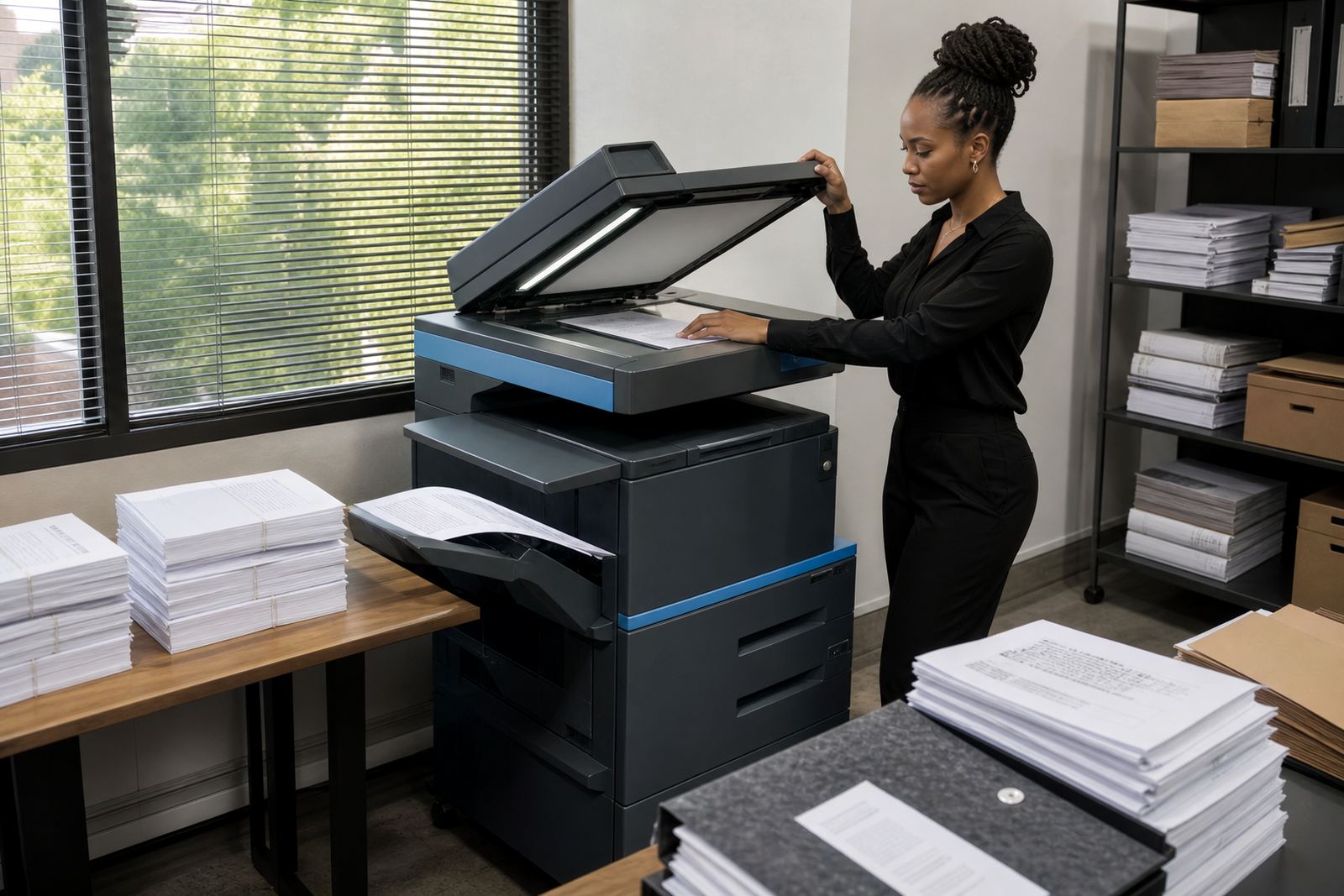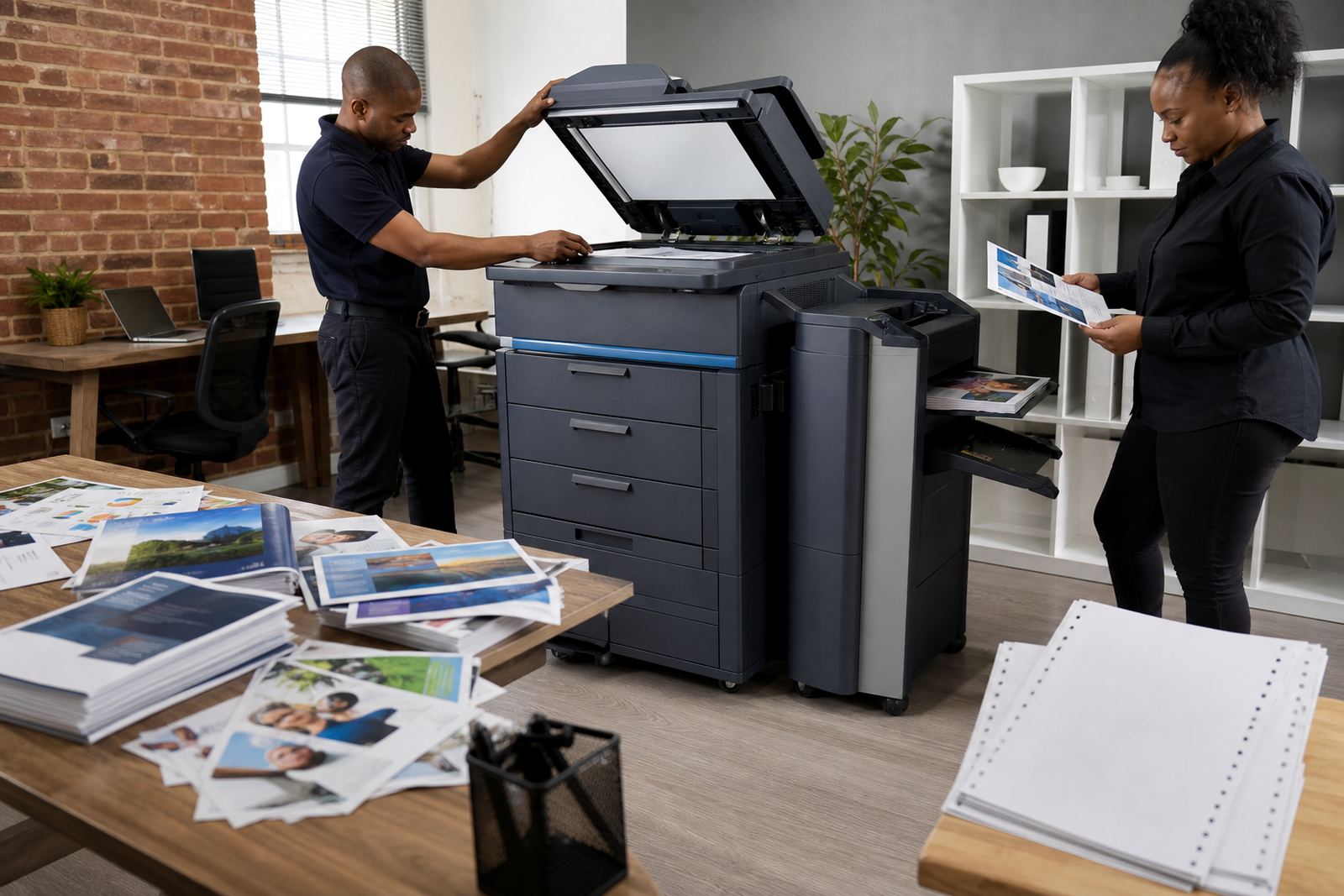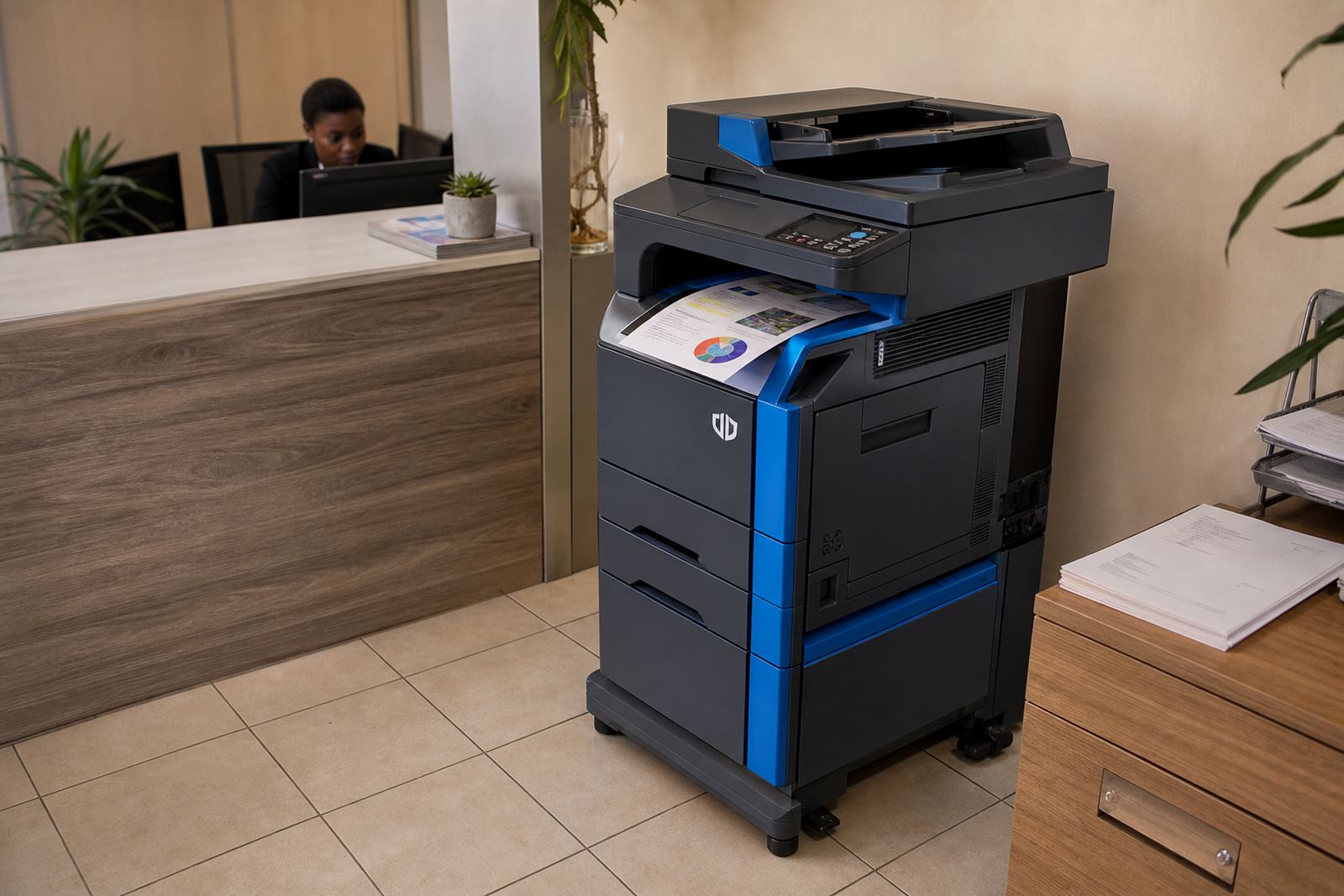
A small colour unit with office-grade habits
This rental option centres on an A4 multifunction machine for copying, printing, scanning and sending files from one device. It is a sensible fit when teams handle letters, invoices, forms, internal packs and the odd colour chart, but do not need a larger A3 footprint on every floor. Mono pages are still handled cleanly, while colour pages stay available for covers, charts, client-facing packs and scanned documents that need a bit of emphasis.
The starter profile usually suits a front office, a professional practice, a branch room or a small accounts team. It is built for regular office use rather than heavy production work, so the page volumes, paper paths and finishing choices stay practical. In Midrand and other busy business nodes, that means less clutter around the machine and fewer moving parts to manage in a tight space.
- A4 print, copy and scan in one device
- Mono and colour output on the same machine
- Metre-based billing for tracked usage
- Toner included under the rental plan
Where this starter model fits without overbuying
Many teams need colour only for reports, training notes or the occasional presentation pack. This is where an entry A4 colour unit earns its keep, because the rental stays aligned to actual use instead of paying for extra size that sits idle. It is often placed in firms that want dependable scanning, simple printing and tidy monthly control over costs.
It works well in offices that run mostly on A4 paper and need scan-to-send us a message for sending documents straight from the device. Secure print is useful when several people share the same machine, especially where client records, personnel papers or accounts sheets should not sit in the output tray. For practices, schools and admin teams, those features reduce confusion at the machine and keep paper moving through the right hands.
- Small to medium office teams
- Shared printing points in reception or admin areas
- Branches that need one managed device rather than several benchtop printers
- Workflows that rely on scanning and electronic filing
How the rental is usually structured
The plan normally combines a monthly rental with click charges linked to metre readings. That gives a clearer split between access to the machine and the pages it produces. Monthly rental covers the equipment arrangement, while the click rate tracks usage, toner consumption and servicing support under the managed print agreement.
Metre readings are central to this kind of rental because they keep billing tied to the real output from the machine. That suits offices that want a paper trail for usage and a neater way to budget for print costs. The structure also helps when several departments share one device and pages need to be attributed to the actual machine rather than guessed at month end.
- Monthly rental for the machine itself
- Click charges for printed and copied pages
- Toner supply included under the agreement
- Metre reading support for accurate billing
Installation and setup on a working office floor
Installation includes getting the unit into position, connecting it to the office network and setting up the core functions people use every day. That may include scan-to-message setup, user permissions, secure print functions and basic routing for shared printing. In a real office, the setup has to suit the way staff already move between filing, scanning and sending documents, not the other way around.
Where the machine will sit matters too. A copier in a small corner room needs enough clearance for paper trays, covers and maintenance access, and the cable path should be neat enough for daily use. For sites in Johannesburg, Pretoria, Durban, Cape Town or Bloemfontein, we also factor in building access, lift availability and the route from the vehicle to the machine, because an awkward install slows the whole room down.
- Network setup for office sharing
- Scan-to-message configuration for common workflows
- Secure print setup for confidential output
- User handover so staff know the basic functions
Keeping the machine in shape during the term
Office copiers work best when paper quality, tray loading and toner handling stay consistent. Dust, humidity and rough paper stock can all show up in print quality, especially in coastal areas such as Durban and Cape Town where paper storage needs a bit of attention. A clean feed path and sensible use of the trays will usually keep jams down and output neater.
On a managed print plan, servicing is part of the arrangement, so wear items and faults are not left to drift until the machine struggles. When a device starts feeding badly, scanning poorly or leaving marks on the page, the service path matters more than guessing at the cause. That is why regular metre checks, toner supply and on-site servicing sit together in one plan rather than being handled as separate errands.
- Routine checks for feed, scan and print quality
- Toner supply matched to the machine and usage
- On-site servicing for faults and maintenance
- Breakdown support when the device needs attention
Details worth lining up before the rental starts
Before a unit is placed, it helps to know whether the office needs mostly mono pages with occasional colour, or a steadier colour mix. Paper size matters too, because some teams stay firmly on A4 while others only need a simple colour unit for selected reports. Duty cycle, scan speed and tray capacity should also match the rhythm of the office rather than a generic guess.
It also helps to confirm how many people will print to the device, whether secure print is required, and if the machine must sit on a shared network or a single department line. If the unit will move between offices during the term, machine relocations and end term swaps should be built into the arrangement from the outset. That keeps the handover neater when the office grows, shifts or changes layout.
- A4 only or mixed A4 and A3 needs
- Mono versus colour page mix
- Expected monthly metre volume
- Network, scan and security settings required
Key facts
| Format | A4 multifunction colour rental unit |
|---|---|
| Functions | Print, copy, scan |
| Billing | Monthly rental plus click charges |
| Toner | Included under the managed print plan |
| Connectivity | Network setup for shared office use |
| Options | Scan-to-message, secure print, user handover |