Placing the machine where the work flows
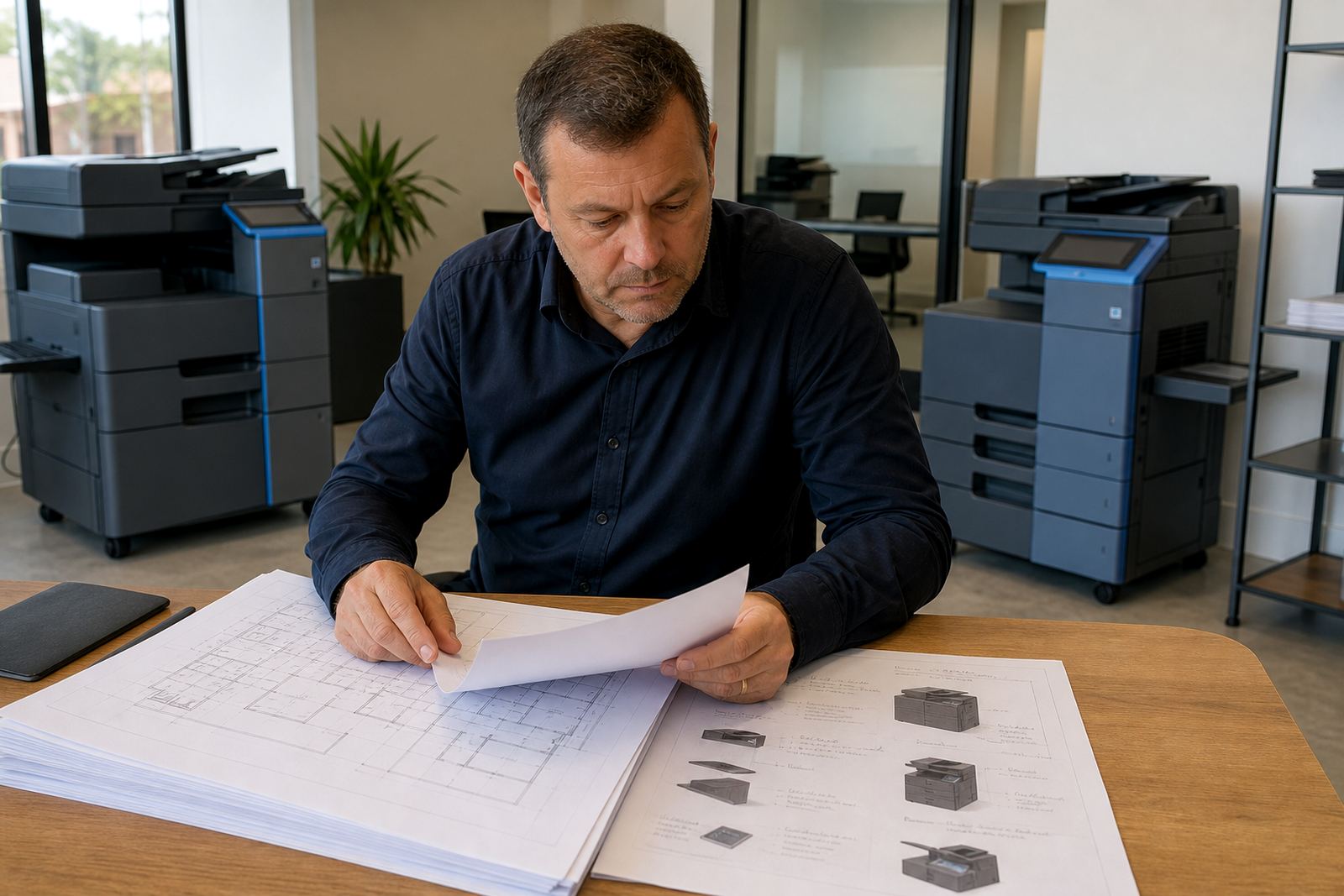
Device installation starts with the room, not the machine. We look at door widths, floor space, cable runs, paper movement and the path staff take when collecting printouts. A4 and A3 multifunction printers need enough breathing room for trays, side access and service checks, especially where the copier sits near reception or a shared admin area.
We also factor in the type of office using the device. A legal practice in Sandton may need secure print and quiet scanning, while a school office in Pretoria may need heavier mono print volume and simple walk-up copying. In Durban or Cape Town, humidity and coastal air can affect paper handling, so placement near windows or damp walls gets a second look.
- Positioning for safe access to paper trays and output areas
- Alignment for scanner lids, finisher units and bypass trays
- Room for cable management and routine technician access
- Checks on visibility for the control panel and user access
Network setup for offices that print through a shared line
Most office installations need the machine joined to the network so staff can print from desktops, laptops and shared accounts. We set up basic print pathways, scanning destinations and user permissions where the site has a managed print plan. If the office runs a mixed environment, we keep the setup tidy enough for reception, accounts and directors to use without confusion.
Scan to message is often the first feature people ask about after the machine is installed. Secure print can also be added where confidential documents move through several hands. For larger teams, we map out mono and colour printing rules so the monthly click charges match the way the office actually works.
- Network print setup for shared office use
- Scan to message configuration for everyday document sending
- Secure print options for confidential files
- User handover for staff who manage the machine day to day
What the installation visit covers on site
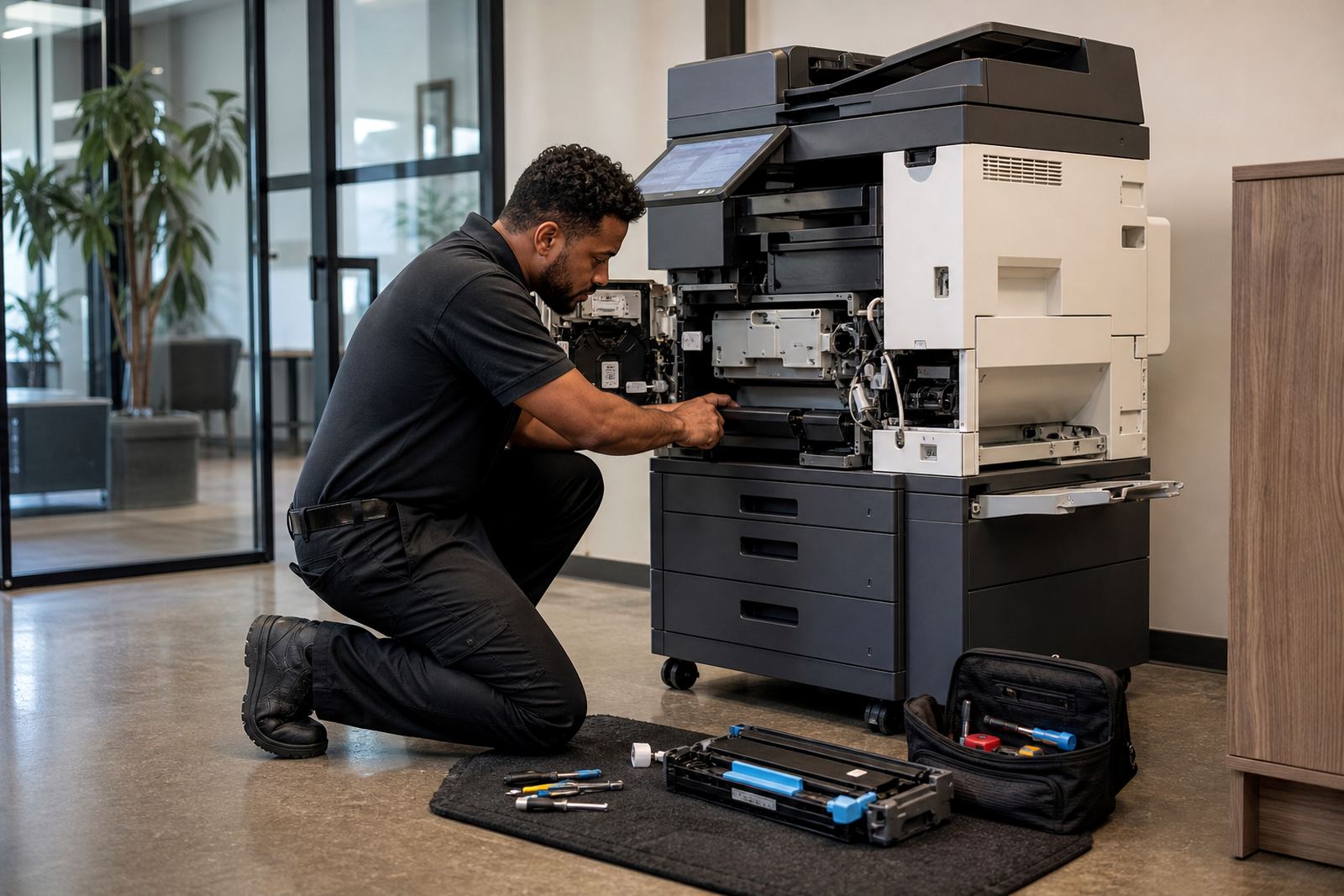
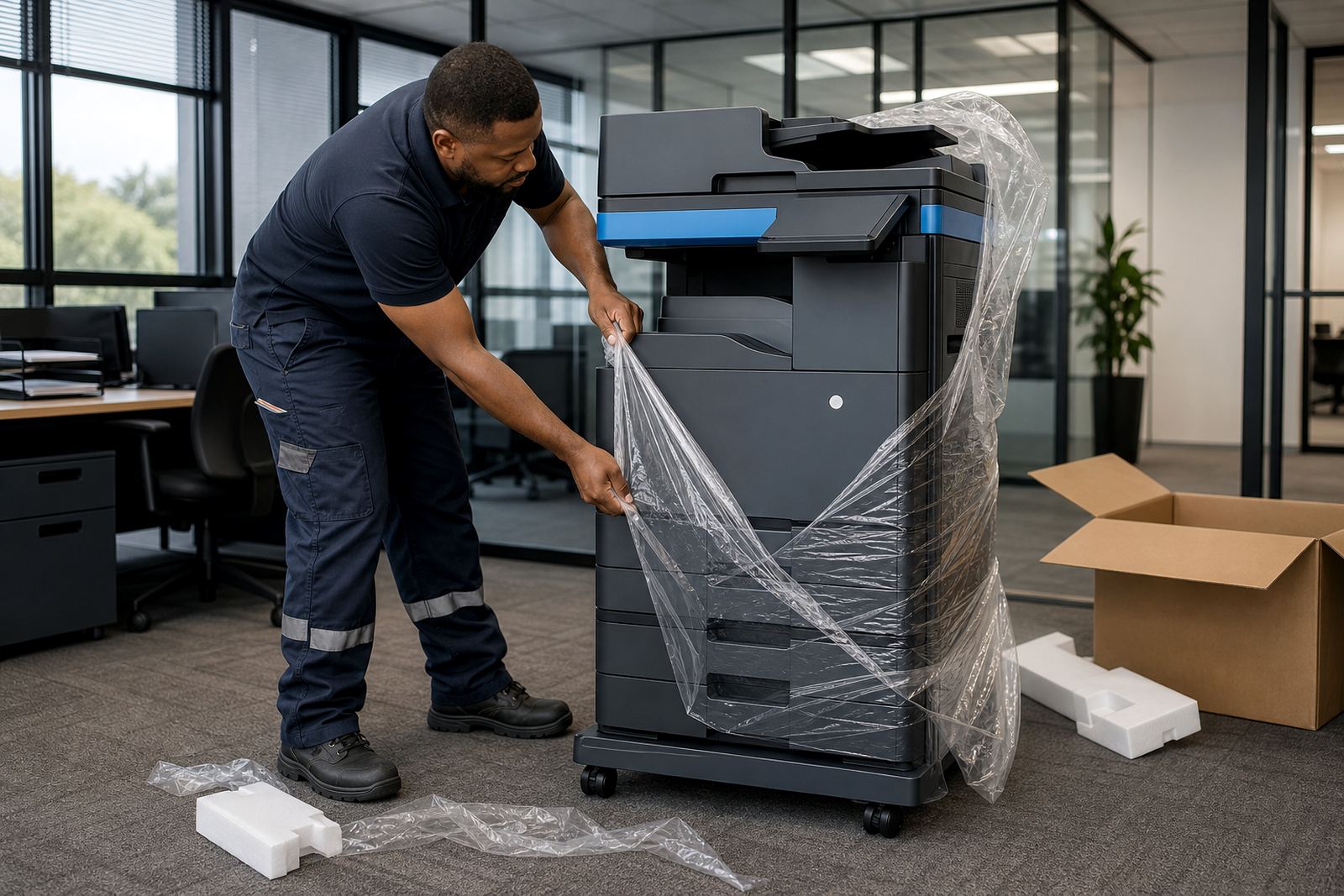
The visit is practical and direct. We place the machine, unpack the consumables, check paper size settings and make sure the drawers suit the office's main job types. If the machine is part of a managed print rental plan, we also confirm metre reading capture, toner supply steps and the correct contact path for support requests.
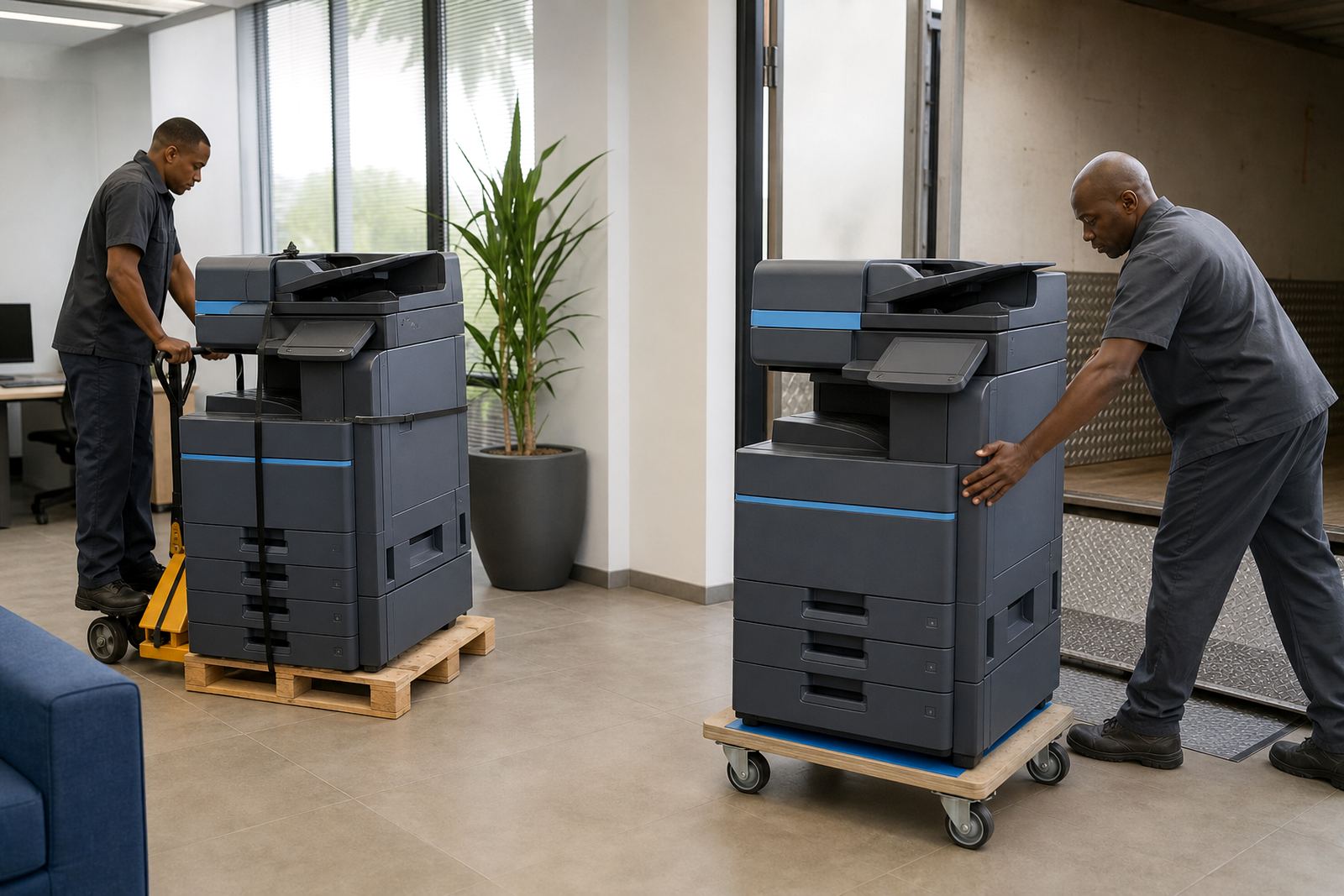
Where a site needs a swap from a smaller unit to a larger A3 copier, we handle the physical move and the handover of the old position. If the device is going into a branch in Centurion or Bloemfontein, the same basics apply, though the paper volumes and user count may differ. The goal is a clean first day, not a pile of unfinished settings left on the counter.
- Unpacking and placement of the rented machine
- Paper size and tray configuration
- Basic user setup and test prints
- Metre reading capture and service record setup
Timelines, access and the order of work
Installation timing depends on the site size, access points and whether the machine is a fresh placement or part of an end-term swap. Smaller office installs can move quickly once the space is ready, while larger fleets may need a staged approach with network work, test pages and user training spread across more than one room. We plan around building access rules, reception hours and the usual traffic in places like Midrand and Johannesburg.
Before the visit, it helps to have the office point of contact available and the final room cleared. That avoids wasted lifts, blocked passages and machines sitting in corridors while furniture is moved around. When the unit arrives, the work sequence stays simple: place, connect, test, configure, hand over.
- Site access and room readiness
- Machine placement and connection
- Print, copy and scan testing
- User handover and function checks
Rental pricing shaped around metres, not guesswork
Device installation sits inside the broader managed print plan, so the pricing approach usually separates monthly rental from click charges. The rental covers the machine on site, while the click rate covers the pages produced, with mono and colour tracked separately where the contract is built that way. Toner supply is included under the plan, which helps offices avoid the upfront cost of buying a copier and then carrying the consumable bills alone.
We also look at the machine type, because A4 and A3 devices serve different workloads. A small office may only need mono printing with scanning and copying, while a larger team might need colour output, larger paper trays and secure print. The installation discussion is where those choices are matched to the office pattern, rather than forcing a one size fit.
Metre readings matter here. They keep billing tied to actual use, which is the cleaner way to manage a fleet when several departments share one device or when branches need separate tracking.
Aftercare once the first pages start moving
After installation, the same team stays linked to the machine through support, toner supply and breakdown response. If a user hits a scan issue or a tray setting is wrong, the setup record already shows the device details and the installed features. That matters in offices where several people use the same copier and nobody wants to guess which menu was changed.
We also handle relocations, end term swaps and user handover when the office structure changes. A device may move from one floor to another, or a larger unit may replace a smaller one after the first contract period. The handover note keeps the basics clear: paper sizes, scan paths, secure print settings and the right contact for metre updates.
- On site servicing when a fault interrupts work
- Toner supply matched to the installed machine
- Support for relocations and end term swaps
- User handover for new staff or changed teams
Halfway House base, national office reach
Our base is in Halfway House, Midrand, and installations run across Johannesburg, Pretoria, Durban, Cape Town, Bloemfontein and surrounding office areas such as Sandton and Centurion. That matters when a branch needs a copier placed in one office, then configured for a team that shares files across locations.
The same service works for schools, firms and medical rooms that need reliable document handling without buying equipment outright. For a branch network, the setup can also be planned so each site has the right machine size, the right billing method and a clear path for readings, toner and service calls.
Key facts
| Machine formats | A4 and A3 multifunction printers and copiers |
|---|---|
| Print types | Mono and colour setup options |
| Included supply | Toner included on managed print plans |
| Billing method | Monthly rental plus metre-based click charges |
| Setup features | Scan to message and secure print |
| Support scope | On-site servicing, relocations and end-term swaps |