What an end term swap covers in a live office
An end term swap is the planned changeover from an old rental unit to a newer office multifunction printer or copier when the contract reaches its end. The point is to keep the print room steady, with the next machine sized for the actual monthly volume, the paper sizes in use and the people who scan, copy and print every day.
We look at whether the office needs a compact A4 device, a larger A3 machine, or a mixed-use unit with mono and colour output on separate cost structures. Many teams want scan to message, secure print, duplex printing and a feeder that handles mixed batches without constant intervention. The new machine is then matched to the office flow, not just to the old unit that happened to be there before.
End term swaps suit firms that want to replace ageing hardware before breakdowns start eating time. A swap can also tidy up the print fleet if one branch has grown, a department has changed, or the old machine no longer suits the monthly volume. In Midrand, Sandton and Centurion, that usually means a cleaner print room and fewer surprises during month-end runs.
- Replacement planning around contract end and handover dates
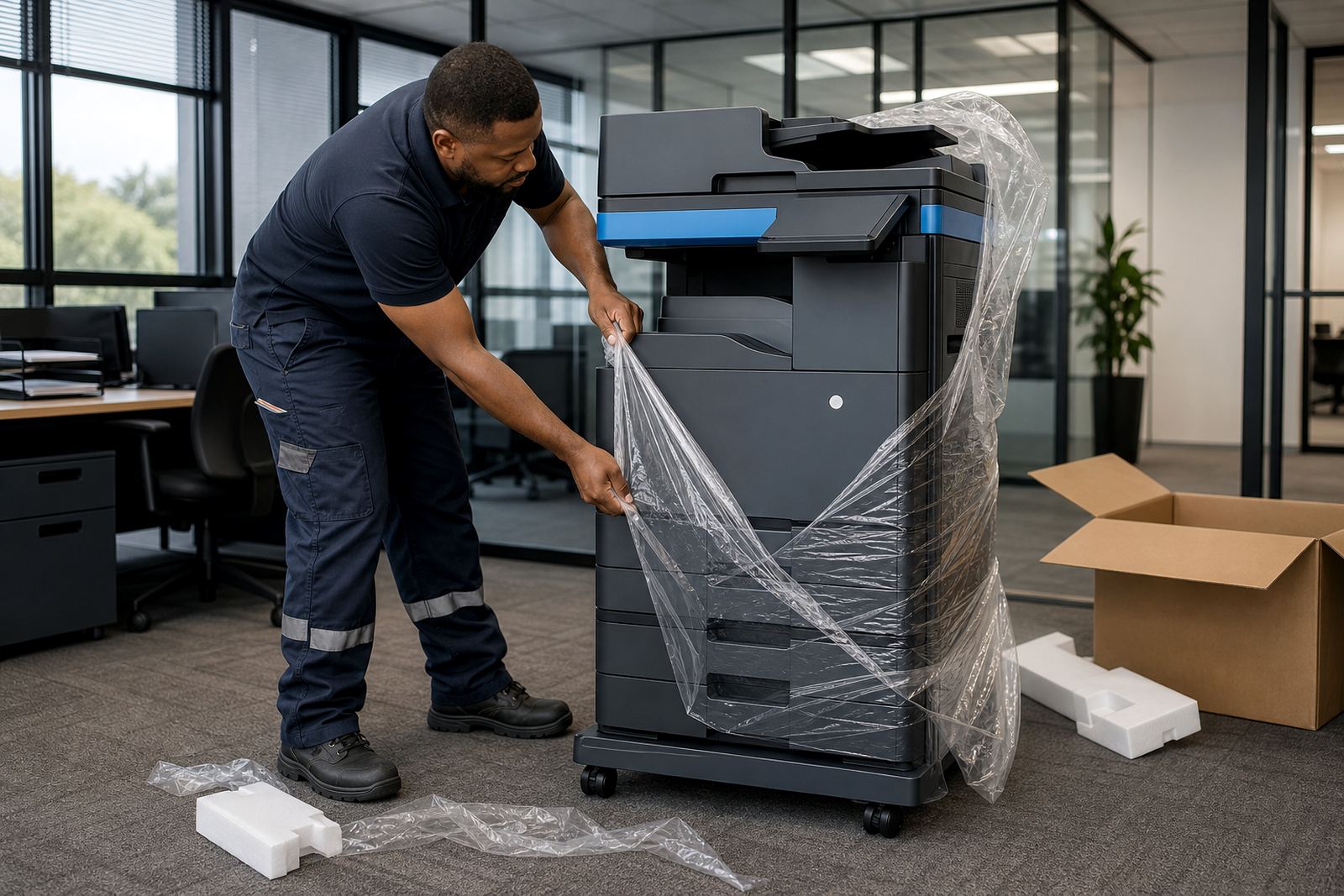
- Removal of the outgoing rental machine
- Installation of the new multifunction printer or copier
- Network setup, scan to message and secure print setup
- Metre reading support so billing starts on the correct counter
How the swap is planned around your metre and volumes
We start with the live metre, the print mix and the paper sizes the office actually uses. That tells us whether the next unit should be mono only, colour capable, or split into a heavier mono machine and a colour device for reports and presentations. It also tells us whether the office needs a fast document feeder, bigger paper trays, stapling options or stronger scan handling.
Metre billing matters here because the outgoing machine has to be closed off cleanly and the incoming one must begin on a fresh counter. That keeps monthly billing honest and avoids confusion when toner and clicks are tracked across two different units. If the office prints across departments, we can also separate user access so staff print to the right device and the wrong queue does not fill up with stray jobs.
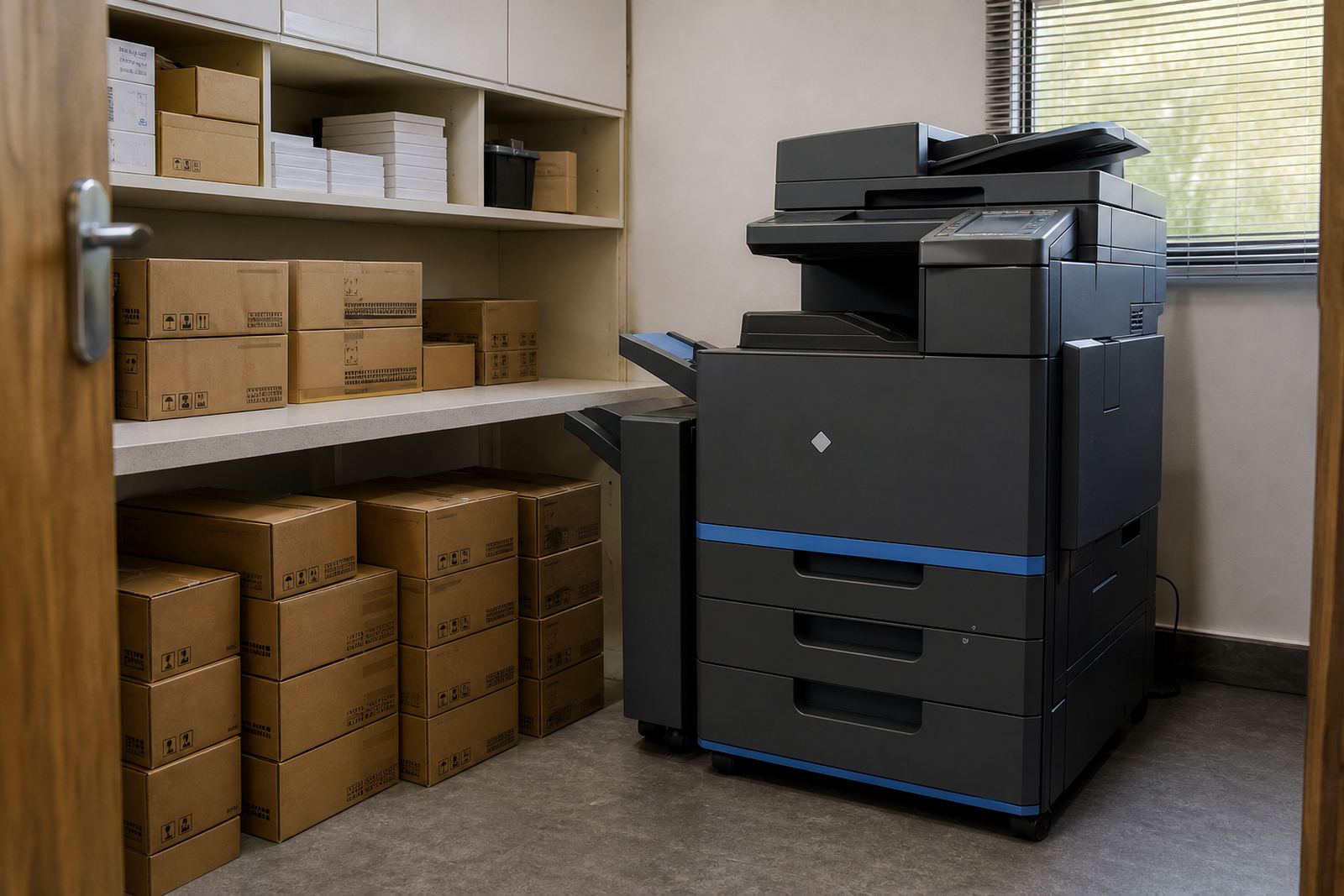
For schools, practices and firms with more than one branch, the swap often includes a quick fleet review. That way the old unit leaving one office and the new unit arriving in another are both matched to the daily load, not just to the original rental note.
- Mono or colour decision based on actual document use
- A4 or A3 format matched to filing, reports and forms
- Feeders, trays and finishing options checked against the office routine
- Counter readings recorded before the outgoing unit leaves
The actual handover on site
On the day of the swap, the outgoing machine is removed with care and the new one is positioned where the team can reach trays, scanners and the control panel without reshuffling the whole office. We then set up the network connection, add the scan to message profiles, confirm secure print rules and test standard copy and print jobs. If the office has shared folders or specific user groups, those settings are carried over where practical.
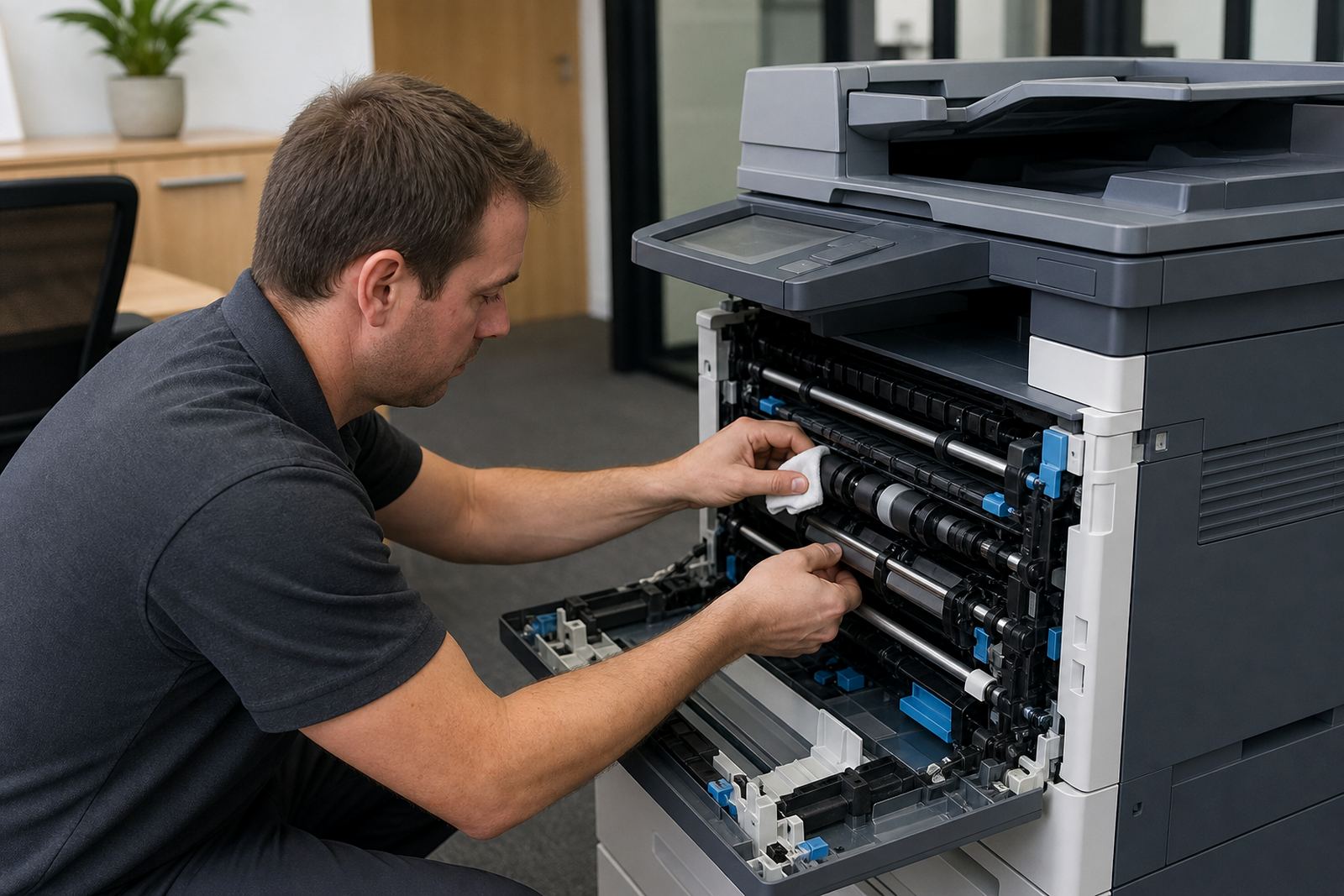
We also check the small details that save time later: paper guides, tray sizing, default paper type, black and white defaults, colour restrictions and user codes if the office uses them. In a busy office in Pretoria or Bloemfontein, those details are usually what keeps the machine useful after the first few days. A tidy handover means fewer calls about a tray set for the wrong size or a scanner addressed to the wrong inbox.
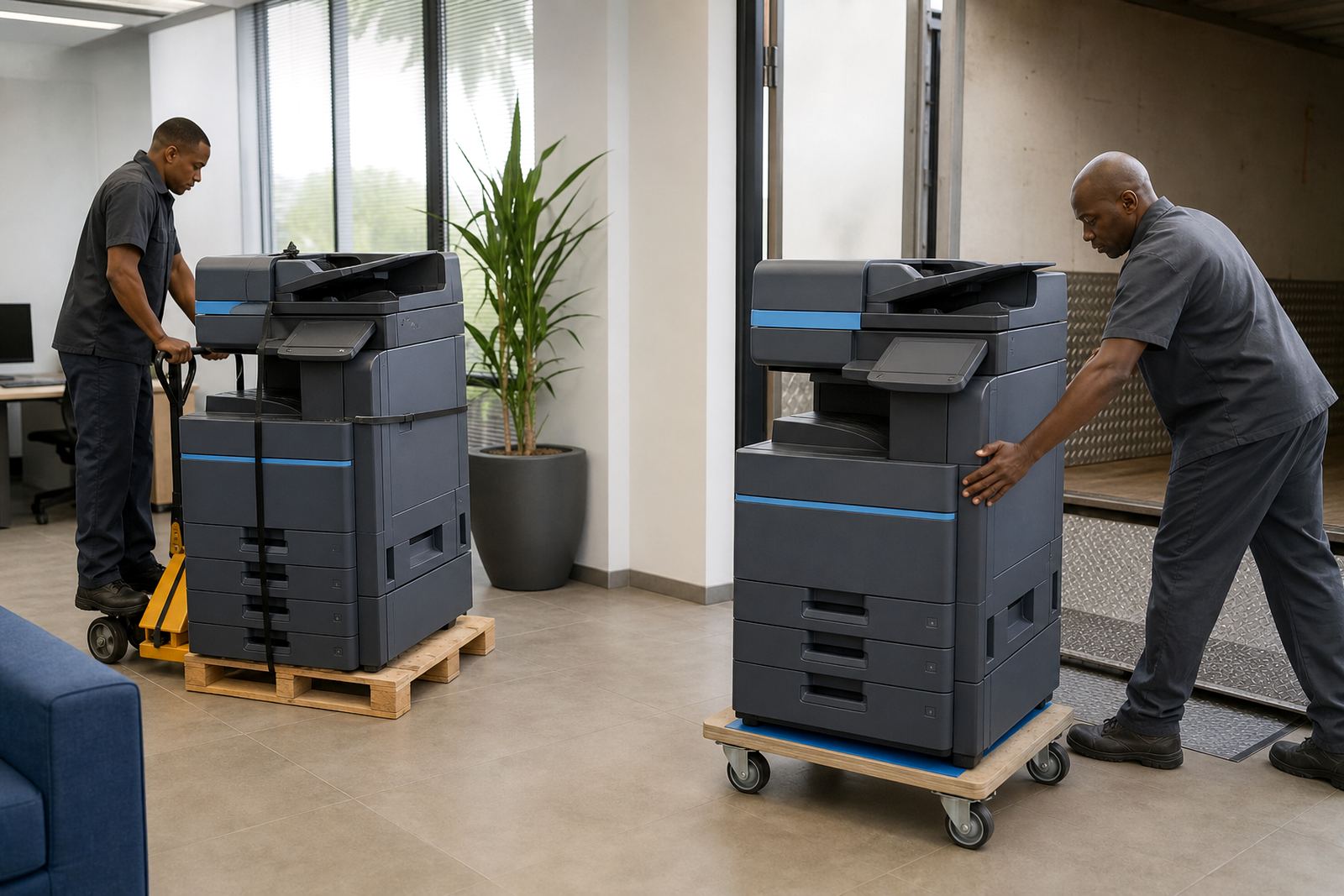
Some swaps involve moving the machine between floors, buildings or branches. In that case, relocation is planned with the same care as the replacement itself, because a multifunction printer is not only a box on wheels, it is part of the daily admin flow.
- Careful removal and placement of the machines
- Network and scan setup checked on site
- Secure print rules set for users or departments
- Basic user handover for the people who operate the unit
Pricing that follows the contract, not the guesswork
End term swaps are usually priced as part of a managed print plan, with monthly rental or click charges set according to the machine, its duty cycle and the print mix. The main variables are the format, colour requirement, scan functions and the monthly volume that moves through the device. Toner supply is included where the plan calls for it, so the office is not left trying to source consumables around the swap.
Where a replacement machine is larger or more specialised than the outgoing unit, the billing structure may shift to suit the new use. That can include a different rental amount, adjusted click rates or a revised service arrangement for multiple departments. The aim is to keep the plan aligned with the real workload, not to force the office into a machine that is too small or too expensive to run.
For many clients, the best cost control comes from matching the right device to the right queue. A colour unit used for all printing is rarely the best answer, and an undersized mono machine can cost more in wear than it saves in rental.
Key facts
| Service area | Halfway House, Midrand, Johannesburg, Pretoria, Durban, Cape Town, Bloemfontein, Centurion and Sandton |
|---|---|
| Machine formats | Office multifunction printers and copiers in A4 and A3 |
| Print modes | Mono and colour options under managed print plans |
| Billing method | Monthly rental with metre-based click charges |
| Included support | Toner supply, metre reading support and on-site servicing |
| Setup features | Scan to message, secure print, network setup and user handover |