What the servicing covers on a rented machine
Our on-site servicing covers the day to day faults that slow an office down, from paper feed problems and poor print quality to scanner errors, connection faults and repeated jams in the A4 or A3 path. We work on mono and colour multifunction machines, with the same attention paid to the copier section, the printer engine and the scan-to-message setup.
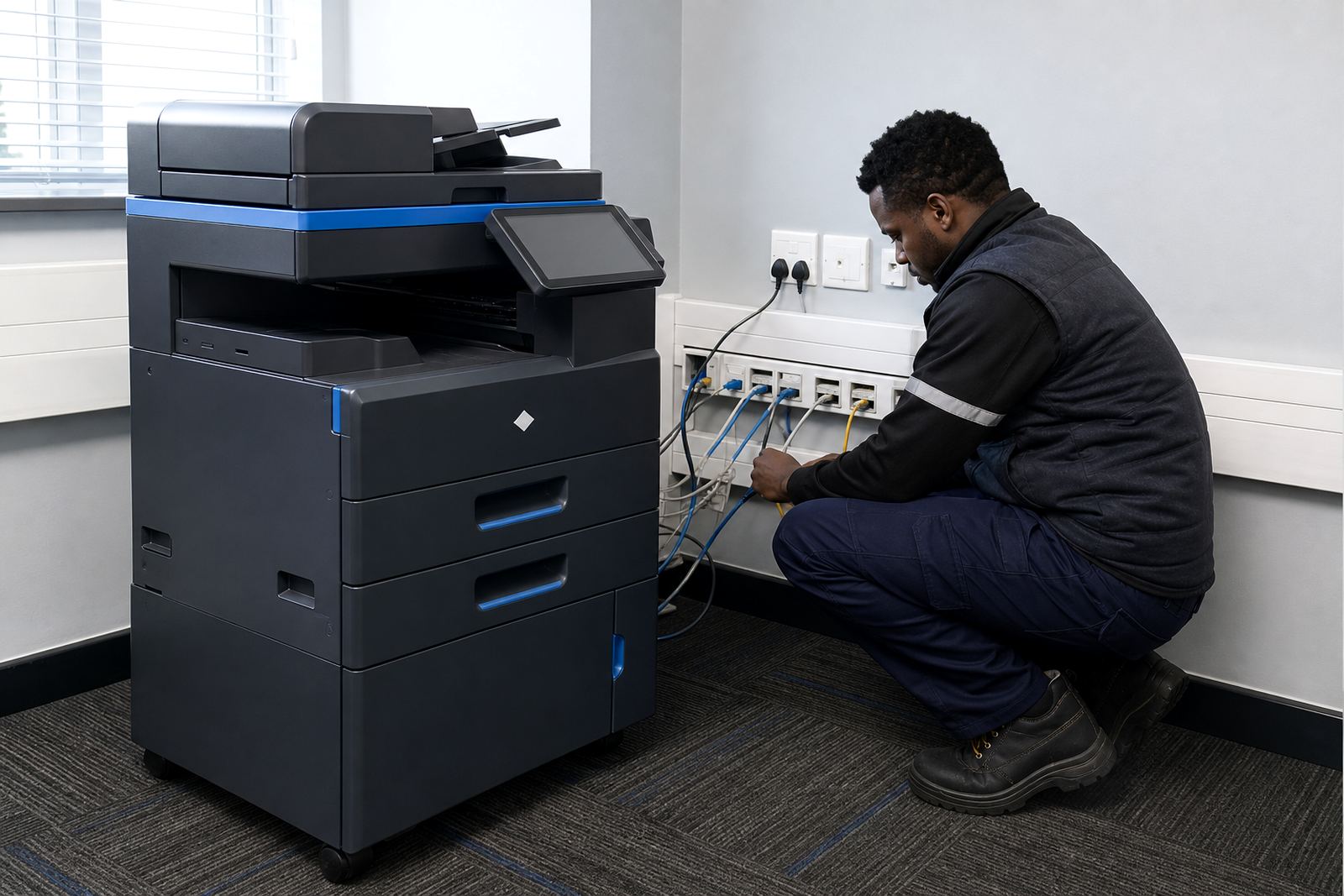
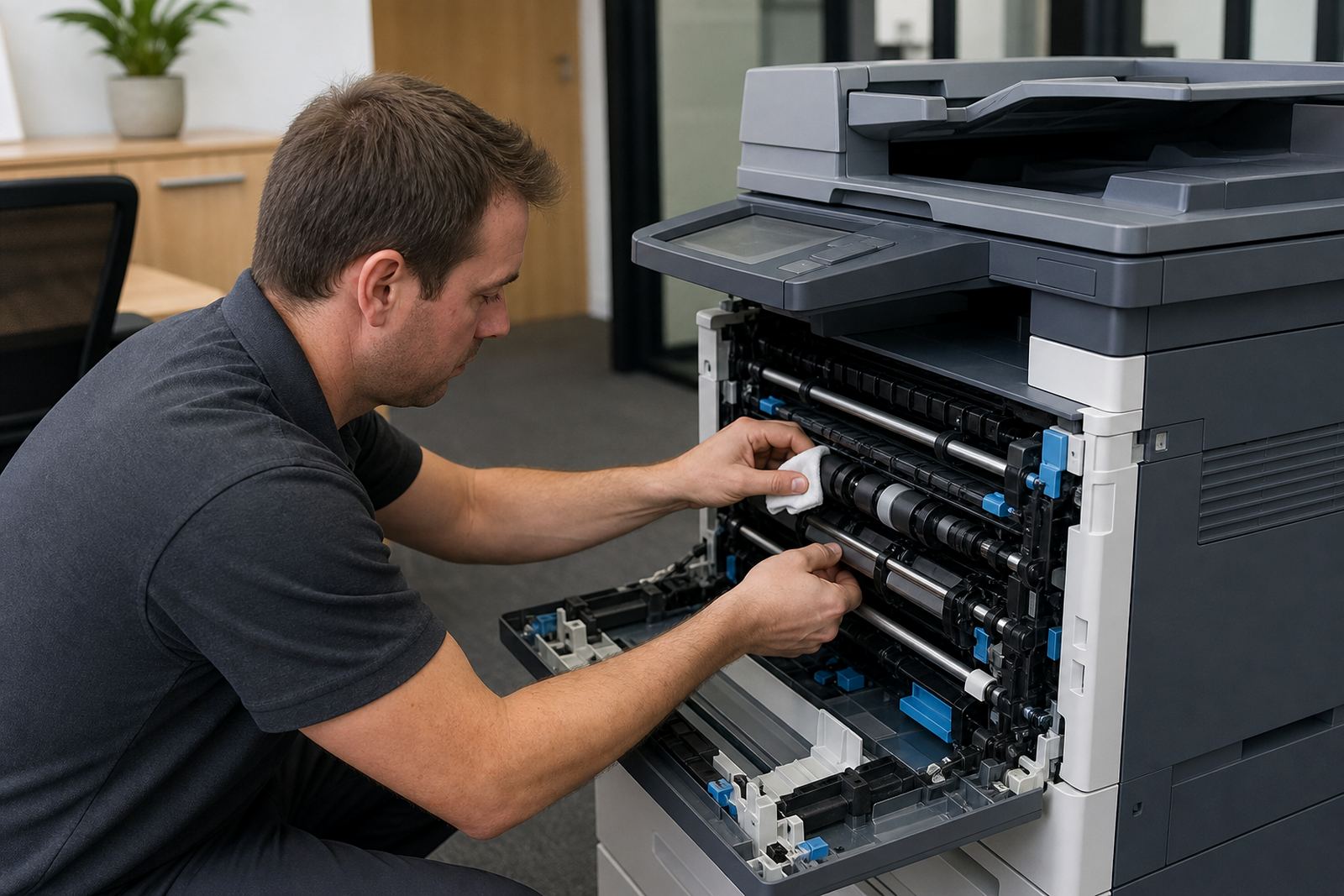
Where the fault sits in the machine, we inspect the tray path, rollers, fuser area, toner delivery and the network settings that let the unit speak to the office computers. If a secure print function is active, we also check that jobs are releasing properly and not sitting in the queue. For multi-user offices, that little bit of sorting saves a lot of walking back and forth.
- Paper jams, misfeeds and double feeding
- Lines, smudges and weak print output
- Scan-to-message and address book faults
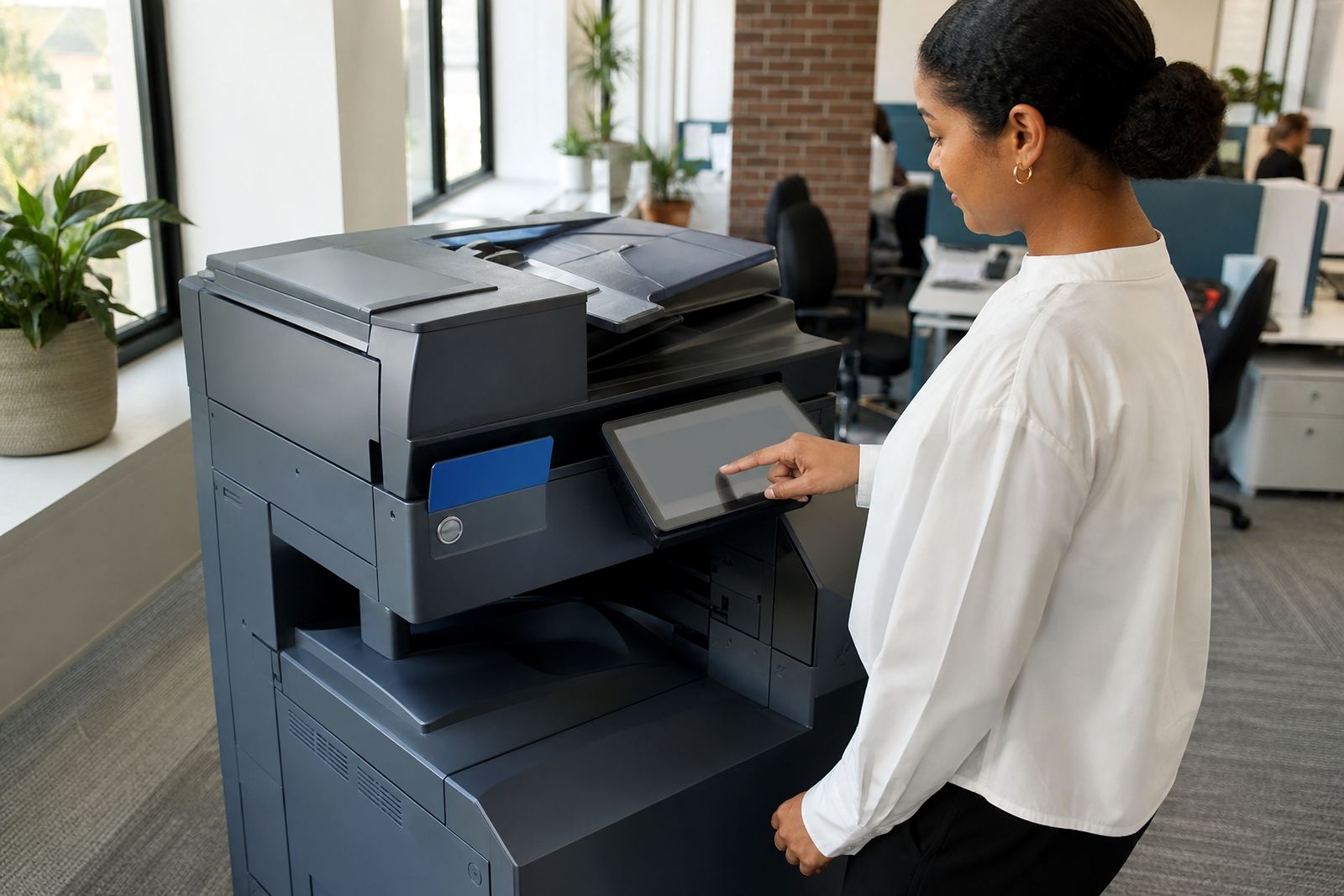
- Secure print release problems
- Network and driver checks on office systems
How a callout is handled on site
A service visit starts with the machine model, the fault note and the metre reading, then we look at what the unit is doing in real use. That can mean a copier showing an error code, a printer stopping at the same page count each time, or a scanner that sends mail from one workstation but not another. The technician checks the settings first, then the hardware, and if a part is worn we replace it on site where the fault allows.
For rented fleets, the aim is to keep the machine under one managed print plan rather than leaving staff to improvise. If the issue is tied to toner supply, paper settings or a user change, we put that right and explain what was changed. If the unit needs deeper work, the office is told what is being done and the machine is left in a sensible state for the next user.
- Fault logged with metre reading and location
- On-site inspection and test prints
- Correction of settings or replacement of worn parts
- Final checks on copy, print and scan functions
Service levels for offices, schools and practices
Different spaces need different service patterns. A school in Pretoria may push volume through shared devices all morning, while a legal or medical practice in Sandton may need quiet, secure output and steadier scan workflow. We work with rental fleets that include benchtop units for smaller teams and larger floor-standing A3 machines for heavier print rooms.
That means servicing is not treated as a generic visit. We look at the volume, the paper sizes in use, whether the office prints mostly mono or a mix of mono and colour, and whether scan-to-message or secure print is part of the normal routine. The machine needs to match the room it sits in, not just the brochure spec.
- A4 and A3 multifunction machines
- Mono and colour print environments
- Shared offices and front-of-house reception counters
- Sites with heavier document handling and scanning
Turnaround on fault work and routine checks
Some jobs are sorted during the visit with a clean feed path, a sensor reset or a fresh setup on the network. Other faults need a return call with parts, especially where rollers, imaging components or a scanner assembly have worn past sensible repair. We keep the visit focused so the office knows what is being done, what still needs attention and whether the machine should stay in service or sit out for a little while.
For managed print clients, scheduled servicing sits alongside metre reading support, toner supply and end term swaps. That keeps the fleet under one rhythm instead of a pile of separate calls. When a machine has reached the point where repair is no longer sensible, we handle the swap and user handover so the office is not left wondering what to press next.
- Minor faults dealt with on site where practical
- Parts-based follow up where a repair needs extra work
- End term swaps when a rented machine is due out
- Relocations and reconnects for office moves
What the pricing approach looks like
Servicing sits inside the wider rental structure rather than being treated as a random add-on. Offices usually pay a monthly rental for the machine, with click charges or metre-based billing for the pages used, and toner included in the plan. That makes the print cost easier to read, especially where usage shifts from month to month.
On-site servicing is handled according to the rental agreement and the condition of the machine, so the office is not guessing what the visit will involve. If a fleet review shows the unit is the wrong size for the department, we can move the arrangement toward a better fit instead of forcing the same machine to keep doing a job it has outgrown.
- Monthly rental for the machine
- Click charges based on metre readings
- Toner supply included under the plan
- Fleet review for usage changes or machine mismatch
Aftercare that keeps the office moving
After a service visit, we leave the machine with the correct settings in place and make sure users understand what was changed. If scan-to-message was rebuilt, the address book is checked. If secure print was adjusted, the release process is tested from a user account. If a copier was moved between rooms, the reconnect and paper settings are confirmed before the job is handed over.
That aftercare matters because offices do not run on one person alone. Staff change, teams move around and a busy room can lose track of the details fast. Our contact form is the route for new servicing work, metre reading support or a machine relocation where the office needs the fleet organised more neatly.
- User handover after a repair or adjustment
- Scan and secure print checks after setup work
- Relocation support for counters, branches and shared rooms
- Ongoing fleet care across Midrand and other major centres
Key facts
| Service type | On-site servicing for rented multifunction printers and copiers |
|---|---|
| Machine range | A4 and A3 devices, mono and colour |
| Billing model | Monthly rental plus click charges or metre-based billing |
| Consumables | Toner included under managed print plans |
| Setup support | Network setup, scan-to-message and secure print |
| Coverage | Halfway House, Johannesburg, Pretoria, Durban, Cape Town, Bloemfontein, Centurion and Sandton |