Destination setup that fits the way offices file
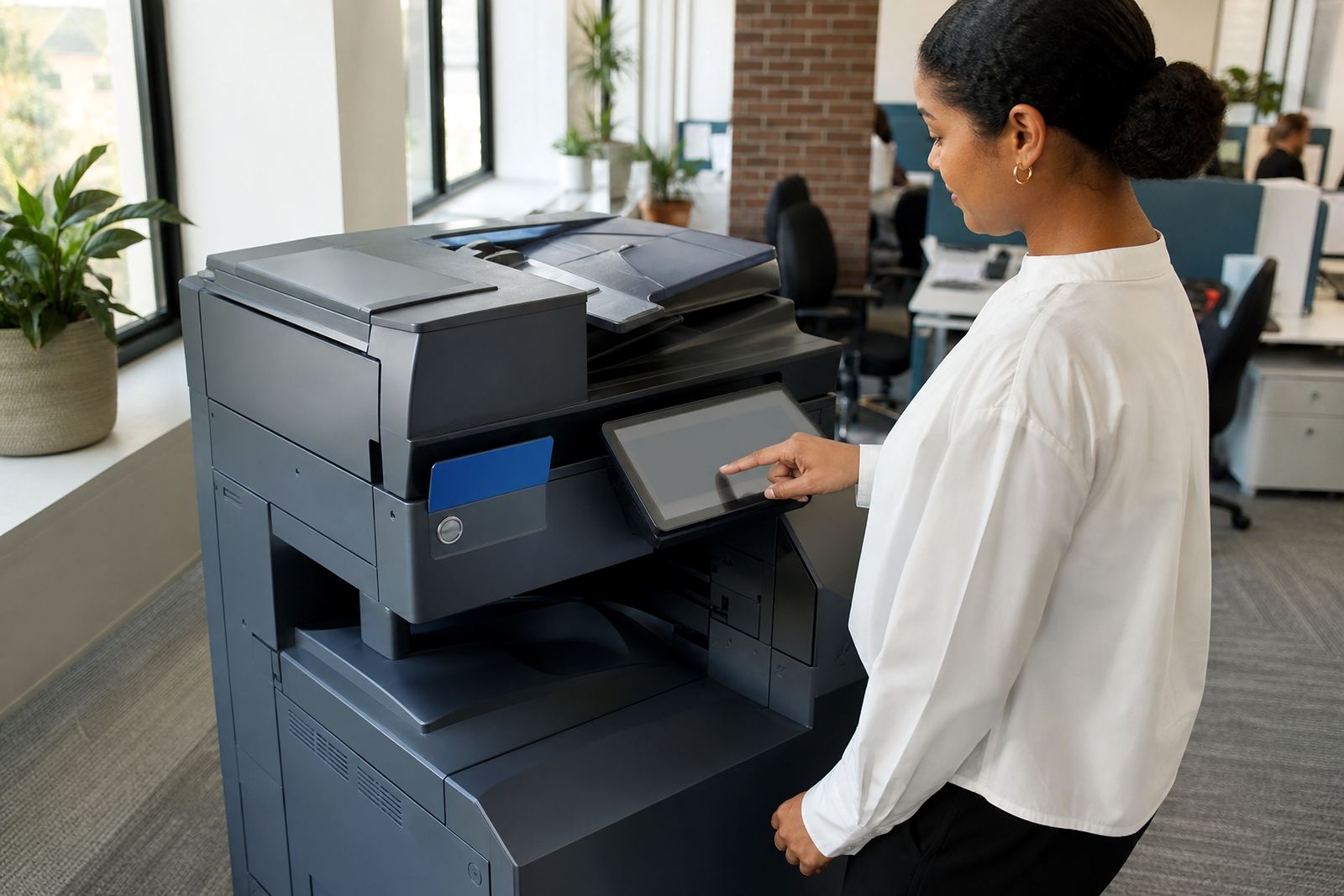
Scan to message is usually the first digital step on a multifunction machine, and it needs more than a quick button press. We set up the scan destinations your team actually uses, whether that is a finance mailbox, a shared admin inbox, or named addresses for managers, directors and branch teams. On A4 and A3 office machines, we work through the address book, file naming rules and basic scan options so the machine suits routine office capture rather than just one person’s habit.
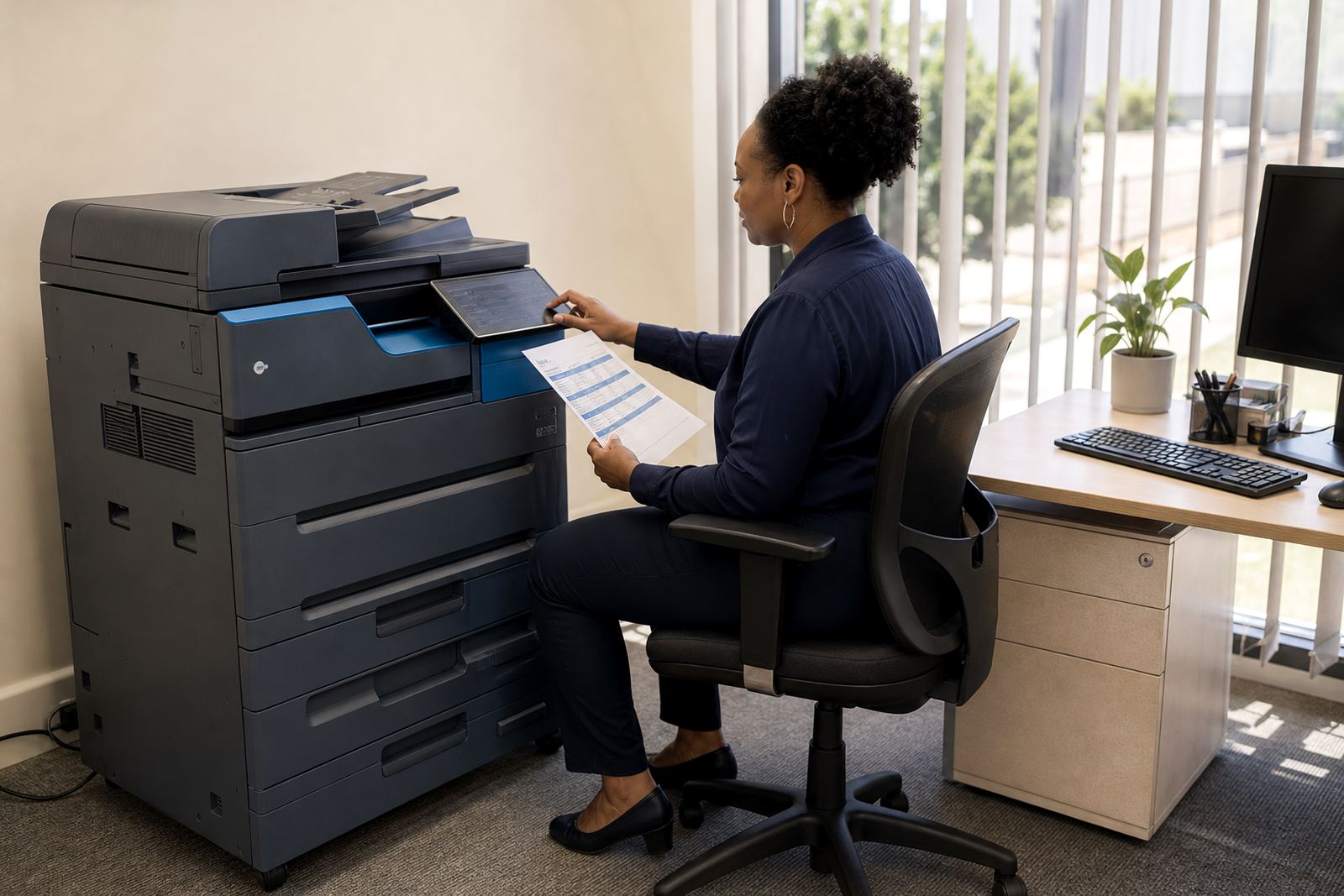
For schools, practices and busy admin teams, this also helps reduce paper handling at the device. Staff can scan client forms, letters, invoices and records directly from the panel, then send them to the right person or shared folder-linked message destination. That keeps the process tidy and reduces repeat scanning at the machine.
- Shared and individual scan destinations
- Address book entry setup and sorting
- Scan file type and resolution settings
- Basic naming rules for easier filing
What the service includes on site
The setup is done on the machine itself and tied to the office network setup already in place. We work through the scan menu, message authentication details where required, and the folder of everyday destinations the office needs. If secure print is already in use, we make sure the scan workflow does not clash with user access or PIN habits at the device.
Where the printer or copier is part of a managed print plan, the scan setup is aligned with the wider fleet so the machine behaves the same way as the other units in the office. That matters when one branch uses mono for record work and another needs colour scan copies for client packs. A mixed fleet still needs the same basic logic at the panel.
- Scan-to-message destination setup
- Message sender details and authentication support
- Panel testing from the device screen
- Workflow alignment across a managed fleet
The steps we follow at the machine
We start by checking the model’s scan options, the office network details and who needs access to each destination. Then we configure the device, test a small set of scans, and check whether the message lands where it should. If a department needs a different scan resolution or file type, we adjust that at the panel instead of leaving staff to guess later.
Once the setup is stable, we show the team how to choose a destination, start the scan and check the sent item if the office uses that function. The handover is practical and suited to the people standing in front of the machine, not a one-size-fits-all note left on a counter. Small offices in Midrand, Centurion or Sandton often need fewer destinations, while larger branches in Johannesburg or Pretoria may want a fuller address list.
- Check the current machine and network settings
- Set up the scan destinations and sender details
- Run test scans and confirm delivery paths
- Handover with the staff who use the machine
Turnaround, access and the usual technical details
The timing depends on whether the machine is already in place, how the network is set up, and whether the office needs one destination or several. Some setups are straightforward, others need a bit more sorting because the device has older address book entries, a changed mailbox or a mixed user list. We also deal with scan settings on A4 and A3 machines, including colour or mono output where the office wants different types of files for internal use.
Typical specifications we work with include standard office multifunction printers and copiers, scan-to-message destinations, secure print access, user address books and output formats such as PDF or similar common file types. If a site has machine relocations or an end-term swap under the rental plan, scan setup can be carried across to the replacement unit where the model supports it.
Pricing approach on managed print plans
Pricing is usually linked to the rental plan and the level of setup required, rather than being treated as a loose add-on with no reference to the machine. If the office is already on monthly rental with metre-based billing, scan setup is often folded into the managed print scope alongside toner supply, service support and metre reading. If a site needs changes after a relocation or a swap at the end of term, that is handled as part of the service discussion.
We do not quote from thin air. The machine type, number of users, destination count and network condition all affect the work involved. Offices across Durban, Cape Town and Bloemfontein often run slightly different workflows, so the better starting point is the actual device and the way staff use it.
- Linked to the managed print plan where relevant
- Based on machine type and setup scope
- Works with monthly rental and click charges
- Can include follow-up changes after a swap
Aftercare for staff, branches and changing routines
After the scan setup is in place, the office still needs a sensible handover path. New staff members, branch changes and mailbox updates can all affect where scans should go. We help keep the destination list sensible, tidy and practical for the people using the machine every day. That is useful for reception counters, accounts teams, medical rooms and school admin offices where the flow of paperwork changes through the month.
If a destination stops working, a mailbox changes, or the office expands its use of the device, we can revisit the scan setup as part of the broader service on the machine. The aim is to keep the function usable without overloading the panel with destinations nobody uses. That keeps the device proper for the office instead of turning it into a confusing menu tree.
- Support for new destinations and user changes
- Adjustment after relocations or replacement units
- Practical handover for office staff
- Ongoing fit with rental and service arrangements
Key facts
| Service area | Halfway House, Midrand and offices across South Africa |
|---|---|
| Machine types | A4 and A3 multifunction printers and copiers |
| Scan output | PDF and other common office file formats |
| Setup scope | Destinations, sender details, user access and panel testing |
| Commercial model | Monthly rental with metre-based click billing where applicable |
| Related services | Network Setup, Secure Print Setup, Fleet Review and End Term Swaps |