Metre counts that match the machine on the floor
Metre Reading Support is the practical side of managed print. Each machine records how many pages it has produced, usually split between black and white and colour. Those counts are used to calculate click charges, so the reading must match the device, the date and the billing period. When a fleet has A4 benchtop units and larger A3 copiers mixed together, the readings need a tidy paper trail or the account drifts off course.
We help offices in Halfway House, Midrand and other South African branches keep those numbers clean for monthly billing. That includes collection guidance for users, checks on unusual jumps, and clear handover notes when a machine has been relocated or swapped at end of term.
What this support covers in day-to-day use
Metre reading support is not only about typing a number into a form. It also covers the way the count is collected, what gets recorded, and how the figures are matched to the correct machine and contract. A copier in a legal practice may run mostly mono pages, while a school office can push more colour through notices, forms and learner packs. The reading should reflect that split.
- Guidance on where to find the mono and colour counters
- Help recording readings after machine moves or swaps
- Checks for skipped digits, typing slips and mismatched serial numbers
- Support for billing periods that run across month end
- Record keeping for fleets with several offices or departments
The process from reading to invoice check
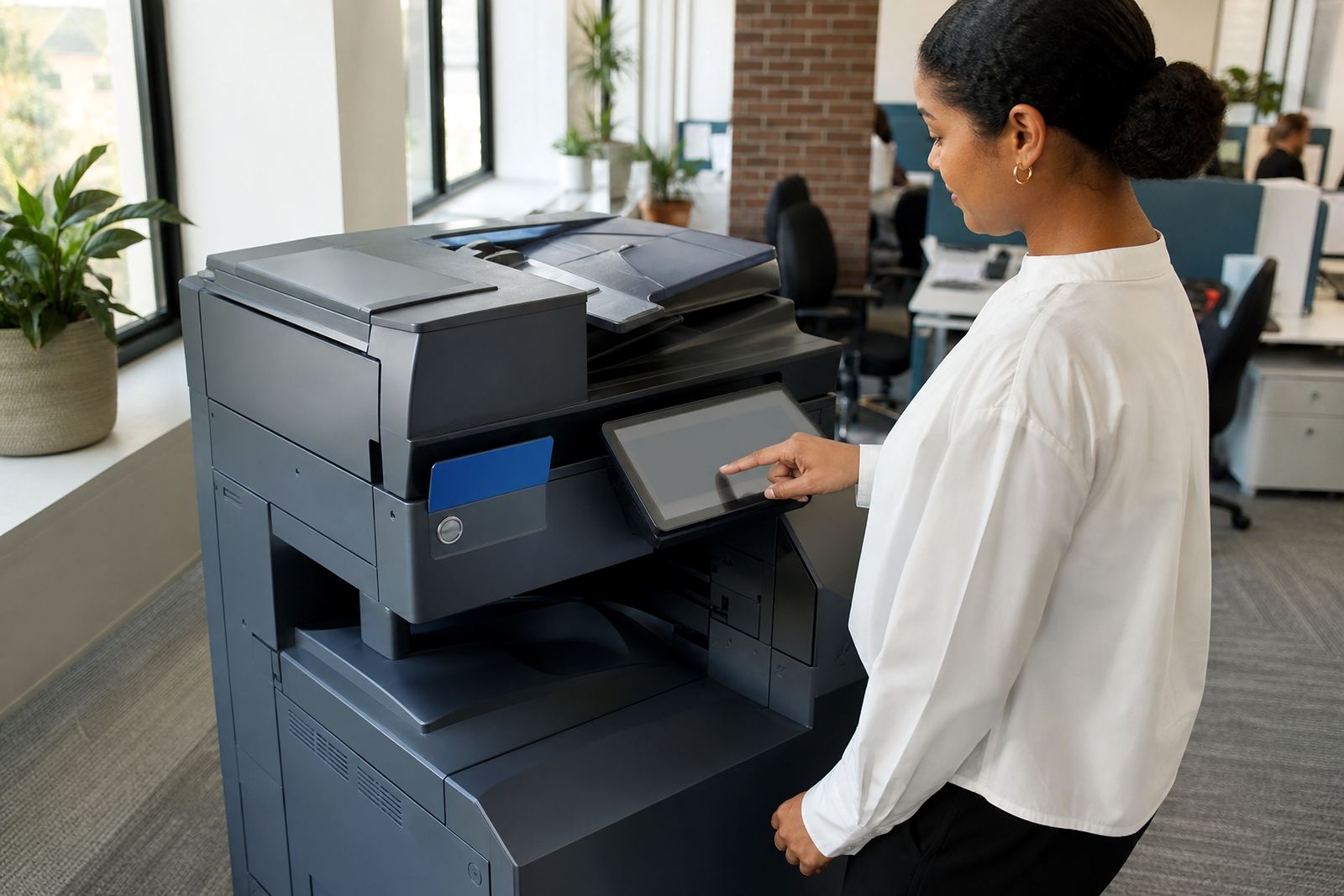
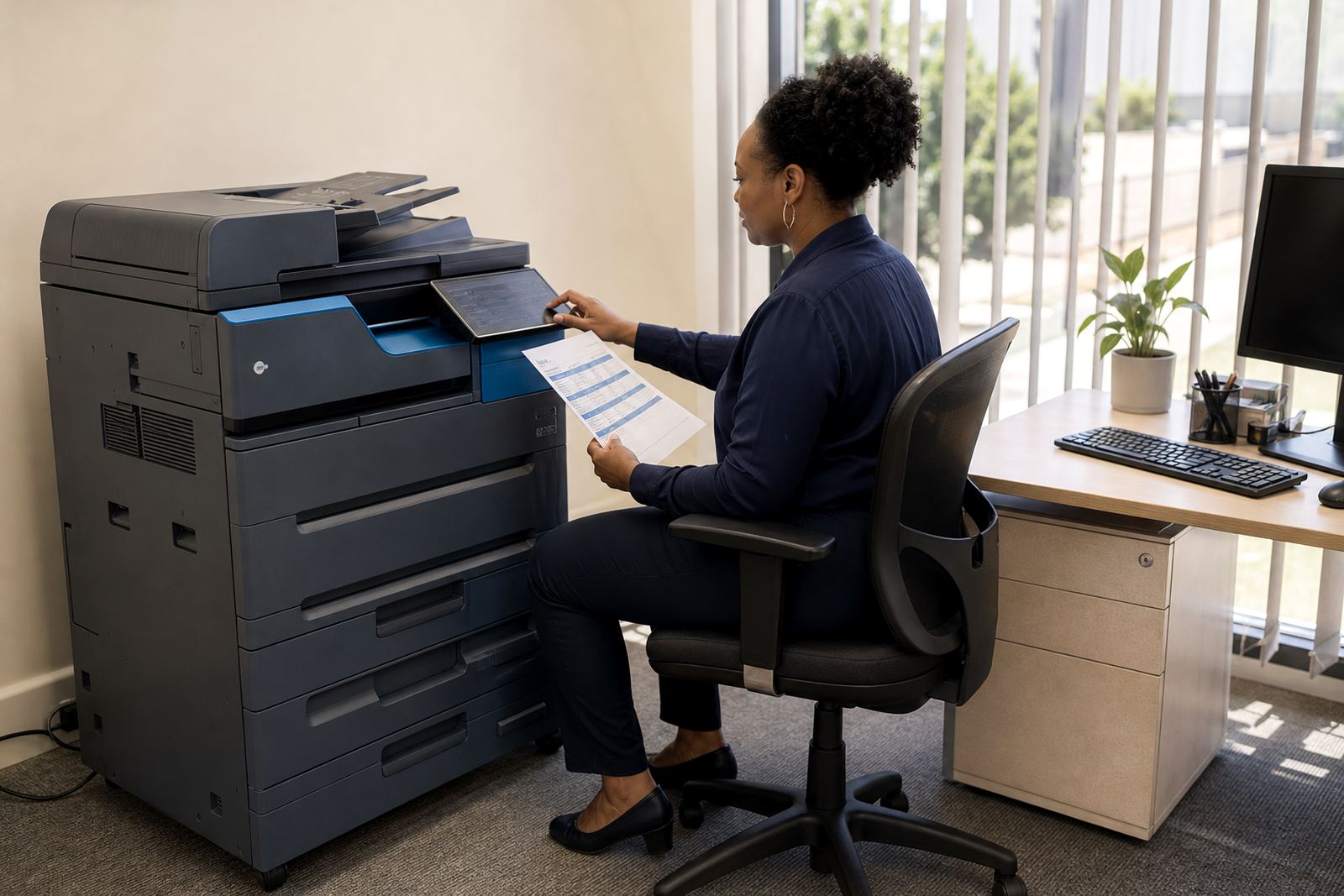
The process is straightforward, but it works best when the same steps are followed each month. An office user, reception team or branch manager captures the machine count from the display or report page. That number is then compared with the previous reading, the current contract and the device type. If a machine has separate mono and colour totals, each one is kept apart so the billing line stays accurate.
For larger fleets, we can help set a simple internal routine. That might mean one nominated person per site, one reading date across the branch list, and one clean submission for all printers and copiers. It saves time later when accounts need to reconcile rental, click charges and toner use.
- Step 1: identify the correct device and counter type
- Step 2: capture the reading exactly as shown on the panel or report
- Step 3: send the figures through the agreed channel for billing use
- Step 4: compare the new count with the previous period
- Step 5: flag any machine that shows a sudden rise or unreadable count
How billing stays fair on mono and colour fleets
Most managed print plans separate the monthly rental from the click charge. The rental covers the machine itself, while the click charge follows actual page volume. That is why metre reading support matters. If the count is wrong, the invoice can overstate use or miss a spike that should be noted. For offices that print forms, memos, plans or patient records in different volumes each month, a neat metre record keeps the account balanced.
We also look at whether the office uses secure print, scan to message or shared user logins, because those features can affect how often people release jobs and how the counters move. With a clear reading history, it is easier to spot a machine that is under strain, overused or simply not set up for the branch’s daily pattern.
Turnaround, reporting and account handover
For many offices the reading itself is quick, but the real value sits in how the figures are handed over and stored. We support readings for single machines, mixed fleets and branch accounts spread across Johannesburg, Pretoria, Durban, Cape Town and Bloemfontein. Where a device has been serviced on site or moved between floors, the record is updated so the next billing cycle starts on the right footing.
Our account team keeps the reading trail tied to the correct site, machine and contract. That helps when a branch manager changes, a copier is relocated, or a new A4 or A3 device is added to the fleet. It also helps during end of term swaps, when the outgoing machine must be closed cleanly before the replacement starts counting.
What happens after the reading has been submitted
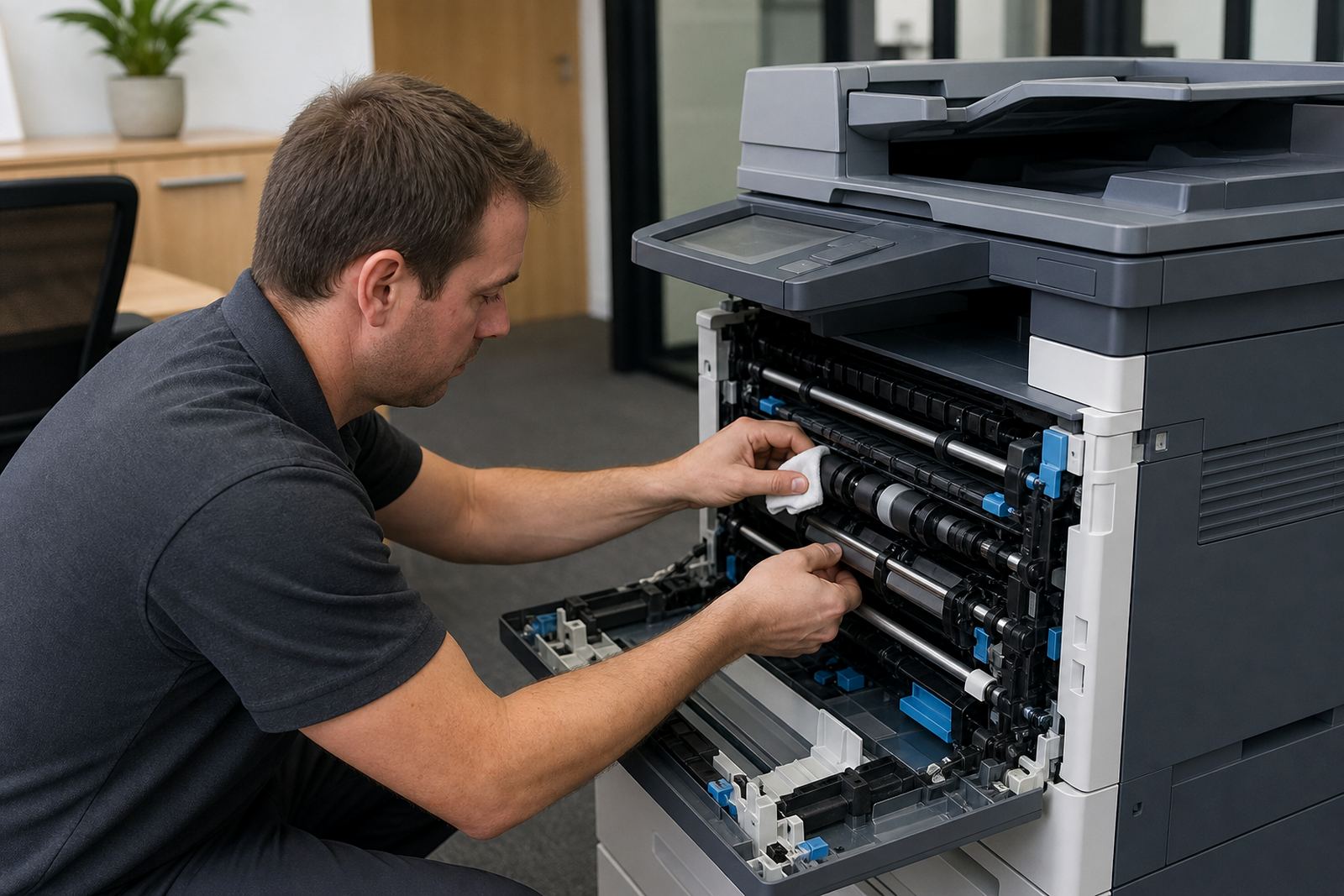
After the reading is in, the next job is to keep the account usable. If a count looks out of step with the branch’s normal print volume, we can check whether the issue sits with user input, a reset after servicing, or a device that needs attention. The same support is useful when an office has several staff members sending jobs to one copier and no one is sure which number was last recorded.
Aftercare also includes practical help with user handover notes, so the people in the office know how to find the counter next time. That matters in schools, medical rooms and law firms where staff changes happen and a reading routine can slip if it is not written down clearly.
- Keep one nominated person responsible for each site reading
- Store the latest count against the correct machine number
- Separate mono and colour totals where the device shows both
- Record any machine move, swap or servicing event
- Use the same date pattern each billing period for cleaner checks
Key facts
| Service type | Metre Reading Support for office multifunction printers and copiers |
|---|---|
| Billing model | Supports metre-based click billing and monthly rental accounts |
| Machine types | A4 benchtop units and A3 floorstanding copiers |
| Counters covered | Mono and colour page counts |
| Related features | Scan to message and secure print setups |
| Coverage | Halfway House, Midrand and branches across South Africa |