Moves planned around the device, not around guesswork
A multifunction printer or copier is a heavy, sensitive machine with trays, rollers, scanners and network settings that can be disturbed by a rough move. Our relocation work covers A4 and A3 devices used for mono or colour printing, whether the unit is on a rental plan or part of a wider managed print fleet.
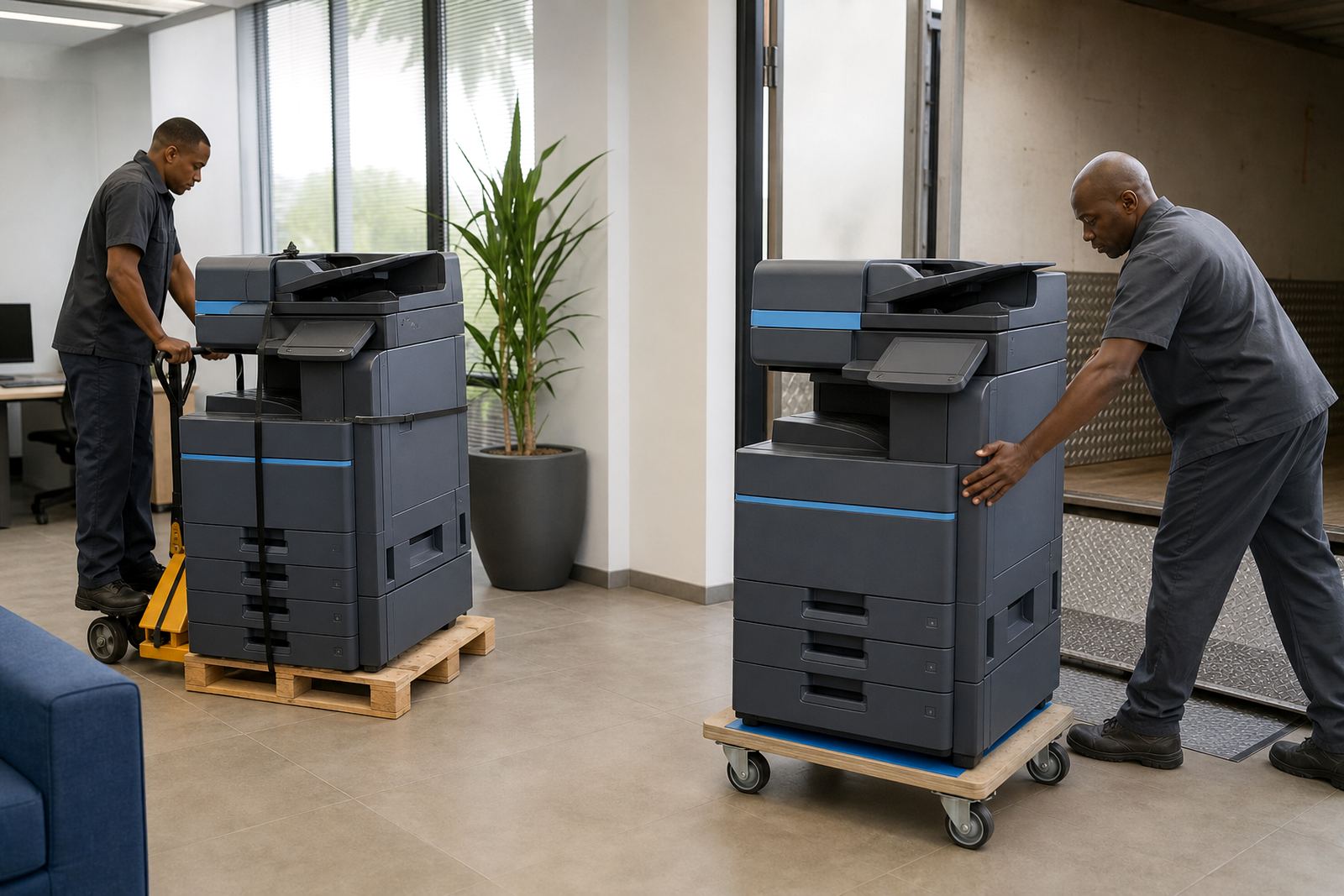
We map the new position, check access routes, note stairwells and lift sizes, then prepare the machine for travel. That includes securing paper paths, removing loose consumables where needed, protecting scanner glass and making sure the device is ready for re-installation without unnecessary handling.
- Shared office printers and departmental copiers
- Moves within the same building or to another site
- Repositioning during office reconfiguration
- Transfers tied to lease changes or team reshuffles
What the relocation work includes on site
The service starts with a practical check of the machine and the destination. We look at network points, wall sockets, paper storage, user access and the space around the device so the new position suits printing, copying and scanning without crowding the area.
Once the unit is moved, we reconnect print drivers, scan-to-message settings, secure print functions and any user codes that need to carry over. If the machine is linked to metre billing, we also record the reading so the rental account stays accurate after the move.
- Preparation and safe packing of the machine
- Disconnection and reconnection of data and power
- Network setup at the new point
- Function testing for print, copy and scan
- Metre reading support for billing continuity
How the move process usually runs
First, we gather the details of the current setup and the new floor plan. That gives us a clear view of where the machine sits now, where it needs to land and whether any counters, partitions or storage units need to shift first.
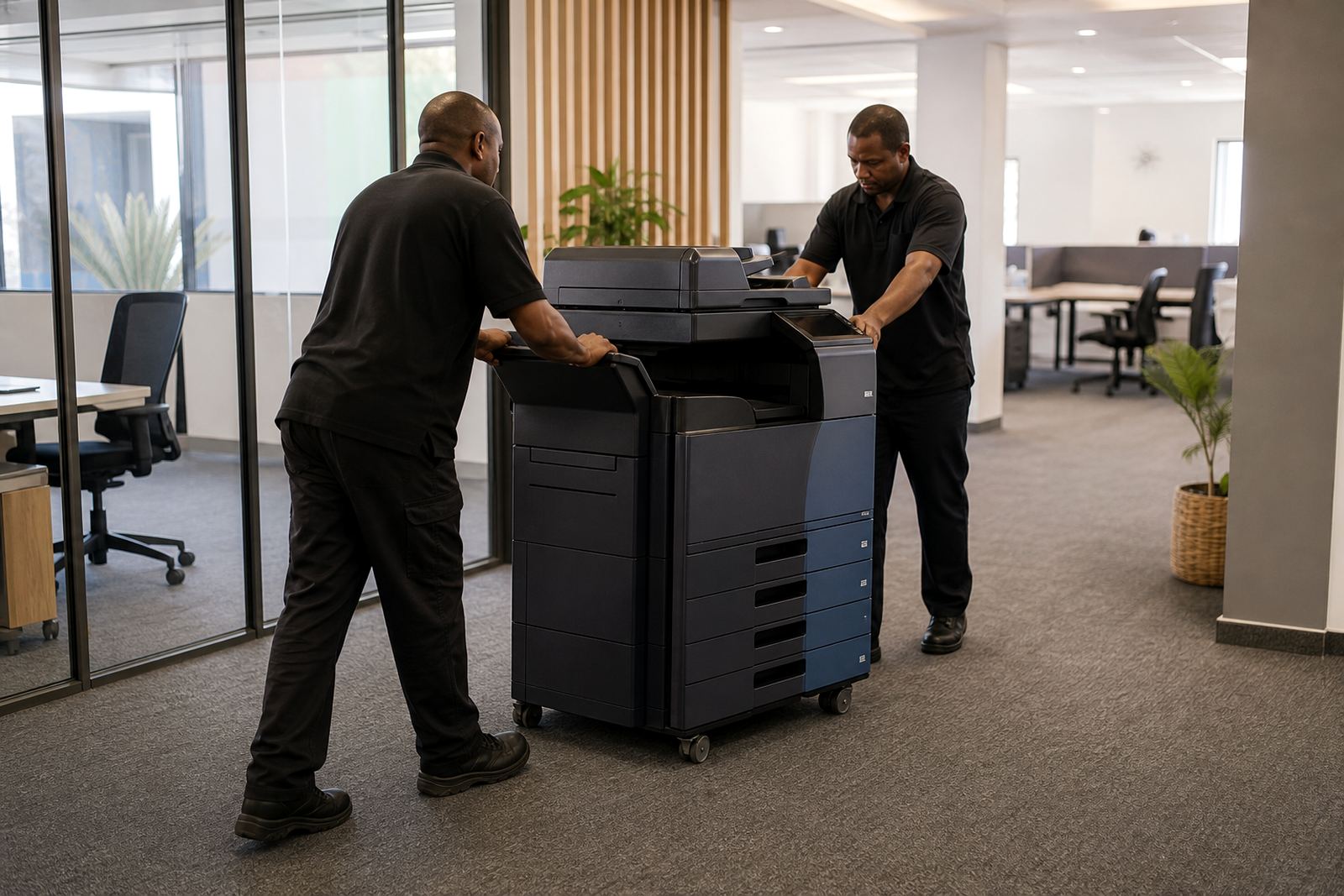
On the move day, the machine is made safe, lifted correctly and transported with care. After placement, we check paper feed, duplex settings, tray alignment, scan-to-message delivery and secure print access. If the unit is due for an end-of-term swap, we can fold that into the same visit where possible.
- Site check and relocation plan
- Safe disconnection and movement
- Placement at the new point
- Network and user setup
- Testing and handover
Turnaround depends on the site, not just the machine
Relocations in the same building are usually simpler than moves across towns or between branches. A small office in Sandton with a single shared copier needs a different plan from a multi-floor practice in Pretoria or a school admin block in Bloemfontein. Access, parking, lift use and the number of devices all shape the schedule.
We also factor in whether the machine stays on the same network, needs a fresh IP setup or is moving into a room with tighter security controls. The aim is to place the device properly the first time, not shift it twice because the cable route or print queue was ignored.
Pricing follows the move, the distance and the setup work
Machine relocation pricing is shaped by the number of devices, the travel involved, the building access and the amount of reconfiguration needed after placement. A move that only changes one floor in the same office block is priced differently from a transfer that needs network rework, user handover and testing for several departments.
Where a machine sits on a managed print plan, the monthly rental and click charges continue in the normal way unless the account changes. If the relocation affects metre billing, we make sure the readings are captured cleanly so the account remains straight and there is no confusion over usage after the move.
- Single machine or full fleet moves
- Same-site, same-building or cross-city relocation
- Basic repositioning or full setup work
- Rental fleet adjustments where needed
Aftercare once the printer is in its new place
After the machine is settled, we check that staff can print, scan and release secure jobs without running into driver errors or wrong tray settings. If the office has changed how it works, we can update the user handover so the people at the new site know which tray holds A4, which one takes letterhead and where to send scan jobs.
If the move exposed worn rollers, a sticky tray or a network setting that needs attention, we deal with it during the follow-up support around the relocation. That keeps the printer usable in its new setting and avoids the common problem of a device being moved, then left half configured on a busy floor.