Release printing that stays with the right person
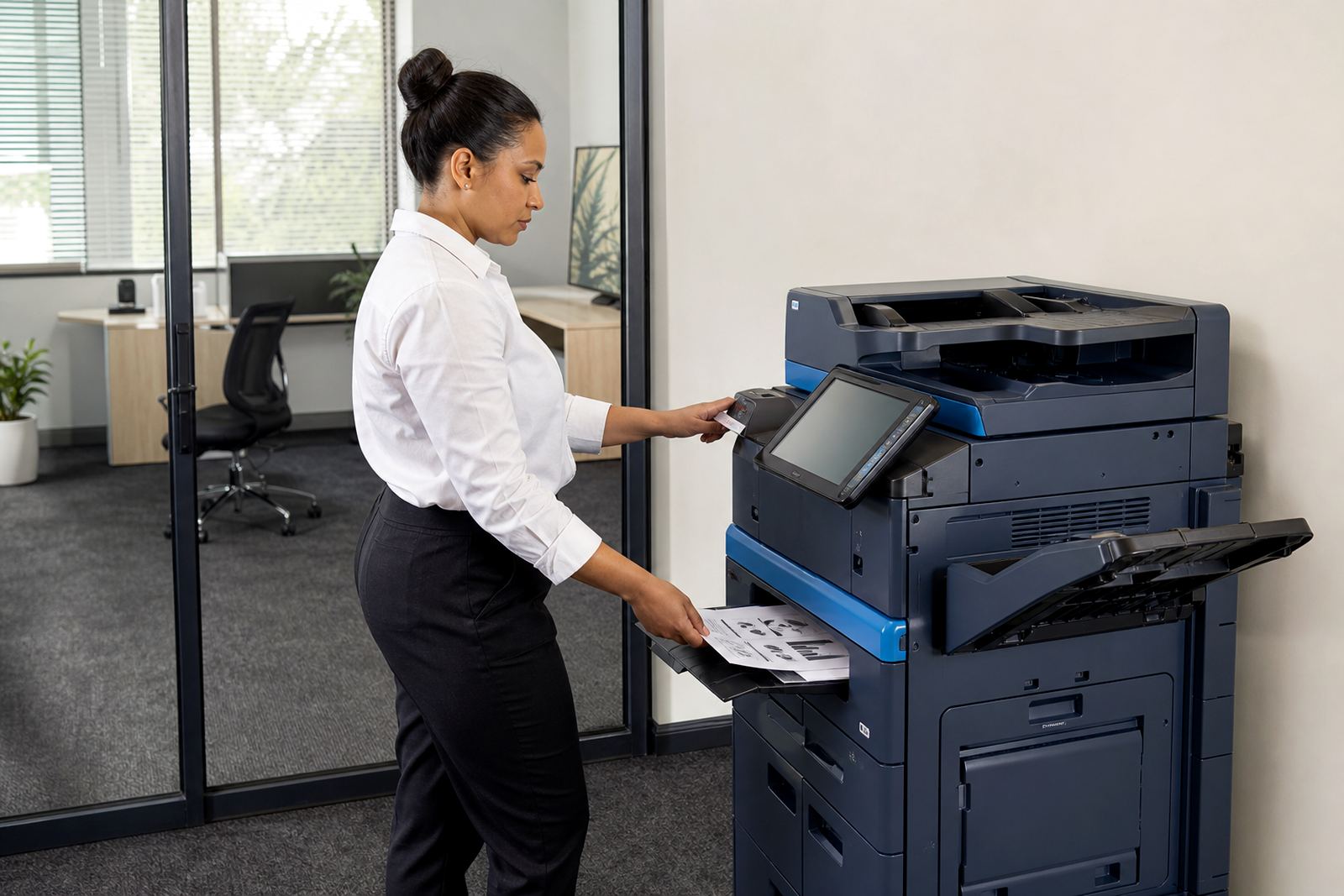
Secure print holds a job on the device until the user enters a PIN, taps a card or signs in at the panel, depending on the machine and the access method chosen. That means a report, wage slip or legal brief does not sit face up in the tray where anyone walking past can take it.
We set the release flow around how your office actually moves. Some teams want every job held until release, while others only lock down colour prints or named departments. The setup can cover A4 and A3 multifunction machines, mono devices, and colour fleets where document control matters more than print speed.
- PIN release for individual users
- Card or badge release where the device supports it
- Panel login linked to user groups
- Optional hold on mono, colour, or both
What goes into the setup on site
The work starts with the machine or fleet layout, user count and the way documents move through the office. We map who prints, who releases and which teams need tighter controls, then configure the device settings, print driver options and user access rules to match.
If you already have scan-to-message, shared folders or network printing in place, we work around those settings so secure print does not upset the rest of the workflow. For offices with more than one branch, the same policy can be rolled out across multiple sites so the settings do not drift from floor to floor.
- Device installation and network setup
- User or department mapping
- Driver settings for secure release
- Hand over notes for admins and key users
How the rollout is handled on the day
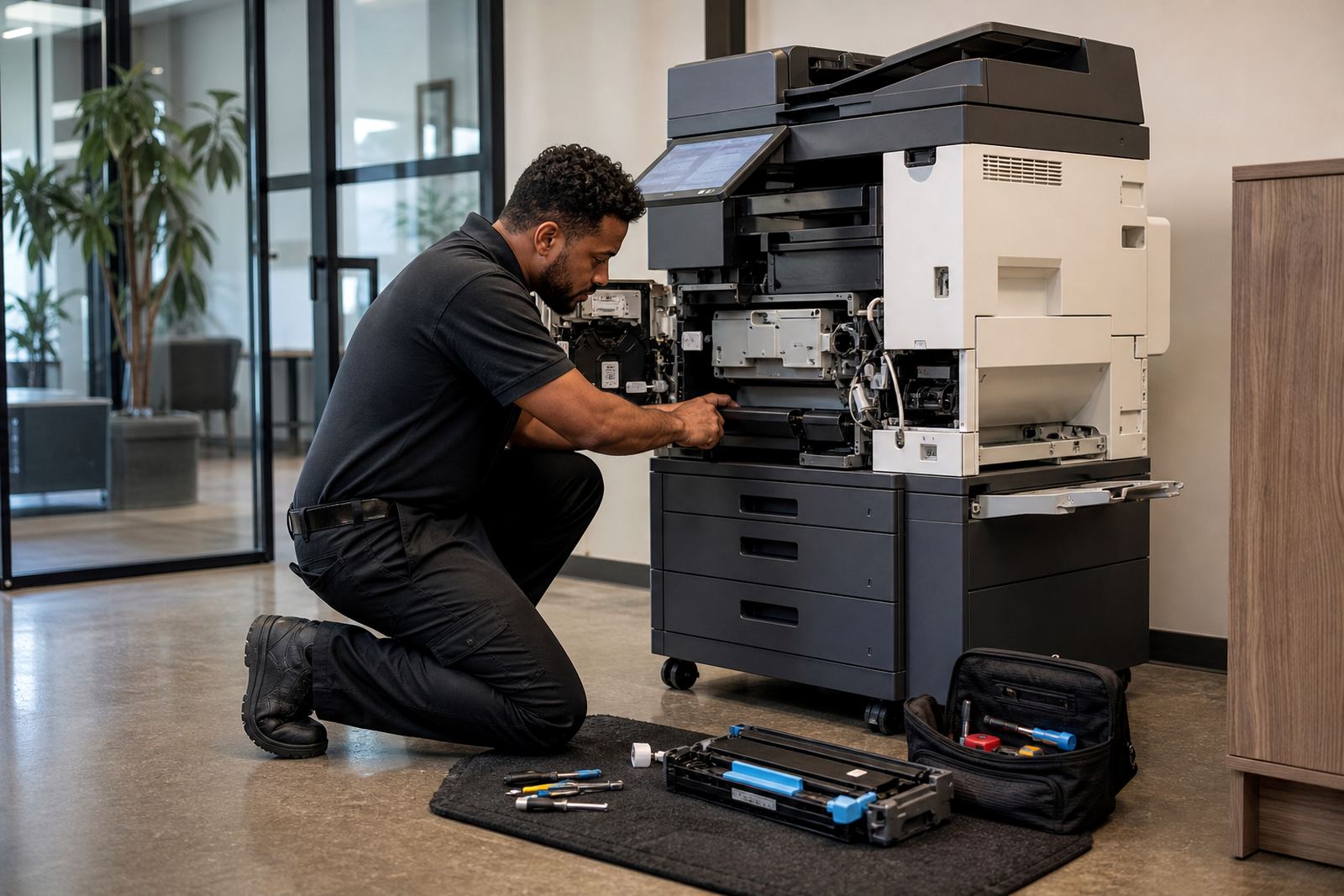
Once the order is confirmed, the secure print project is planned with the team responsible for the machine, the network and the users. Our field work covers the device itself, the print queue settings and the small details that matter later, like what happens when someone changes a password or moves to another workstation.
We test real jobs at the panel before the setup is signed off. That includes mono pages, colour pages and mixed documents with attachments or cover sheets, because the way a queue behaves with a five page letter is not always the same as a forty page board pack.
- Printer and copier configuration
- Test release from the control panel
- Checks for scan-to-message links where needed
- User handover for day-to-day use
Monthly rental and click charges made plain
Secure print setup is usually part of a managed print plan, so the rental for the machine and the usage charges sit in the same structure. The rental covers the device itself, while click charges track the pages printed and copied, which keeps billing tied to real metre readings rather than guesswork.
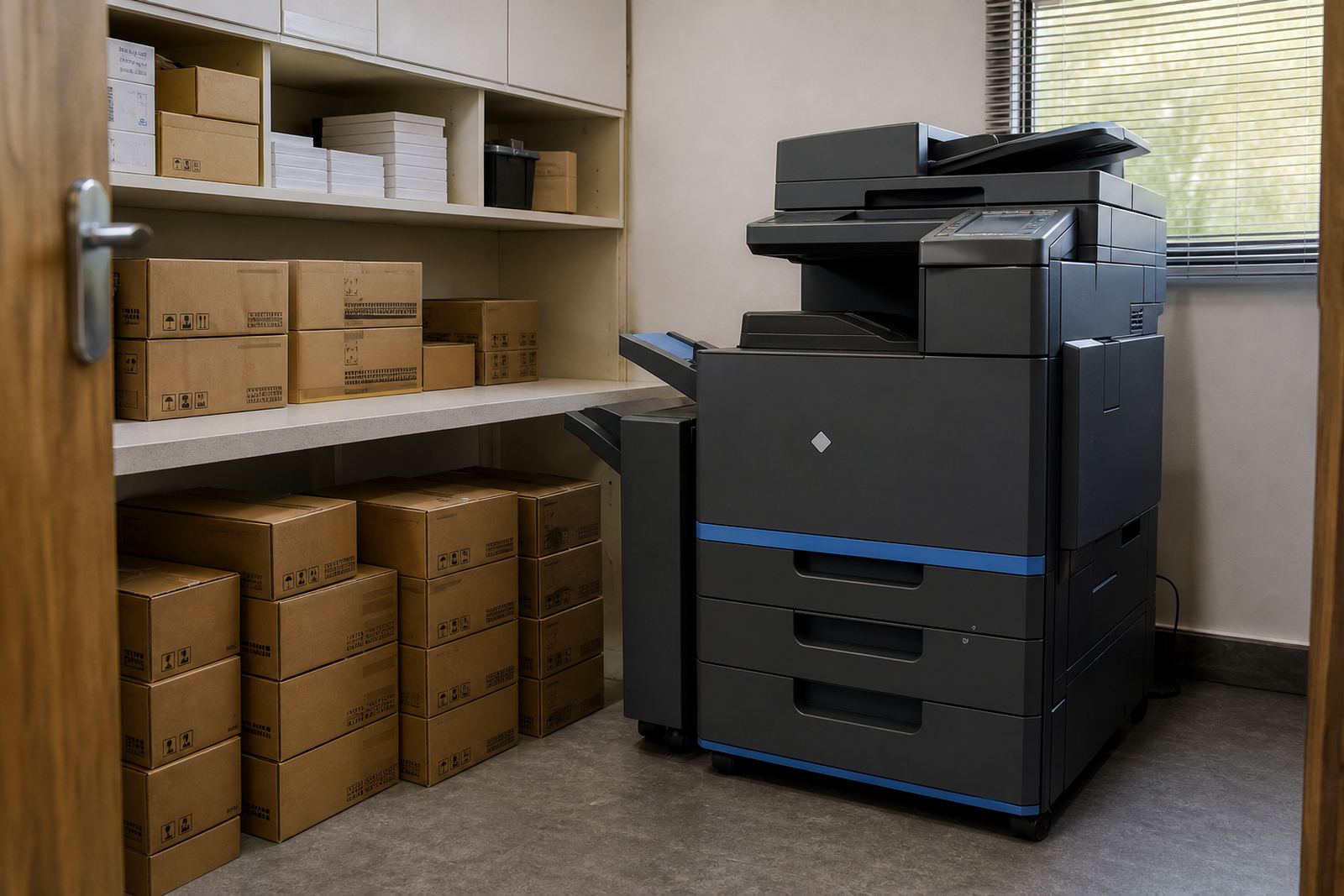
We explain the difference between mono and colour charges, and how a shared office can keep costs steadier by limiting who can release colour pages. Toner supply is included on managed plans, so the device is stocked to match the pages moving through it, not left to whoever remembers to order supplies.
For offices in Midrand, Johannesburg, Pretoria, Durban, Cape Town and Bloemfontein, that mix of rental and usage billing helps with budgeting across branches without buying machines outright.
Specs that matter for shared document control
Secure print works across standard office multifunction printers and copiers, including A4 and A3 units, mono and colour models, and networked devices used by teams rather than one person at a time. The exact setup depends on what the machine supports and how the office wants users to identify themselves at release.
It can sit alongside scan-to-message, secure folder routing, user codes and departmental print rules. In a busy office, that mix gives managers more control over who sees what, without forcing everyone into the same print habit.
- A4 and A3 multifunction machines
- Mono and colour printing controls
- PIN, card, or panel login release
- Works with shared network queues
- Supports scan-to-message and user codes
- Useful for contracts, patient notes and exam papers
Aftercare when users, queues and needs shift
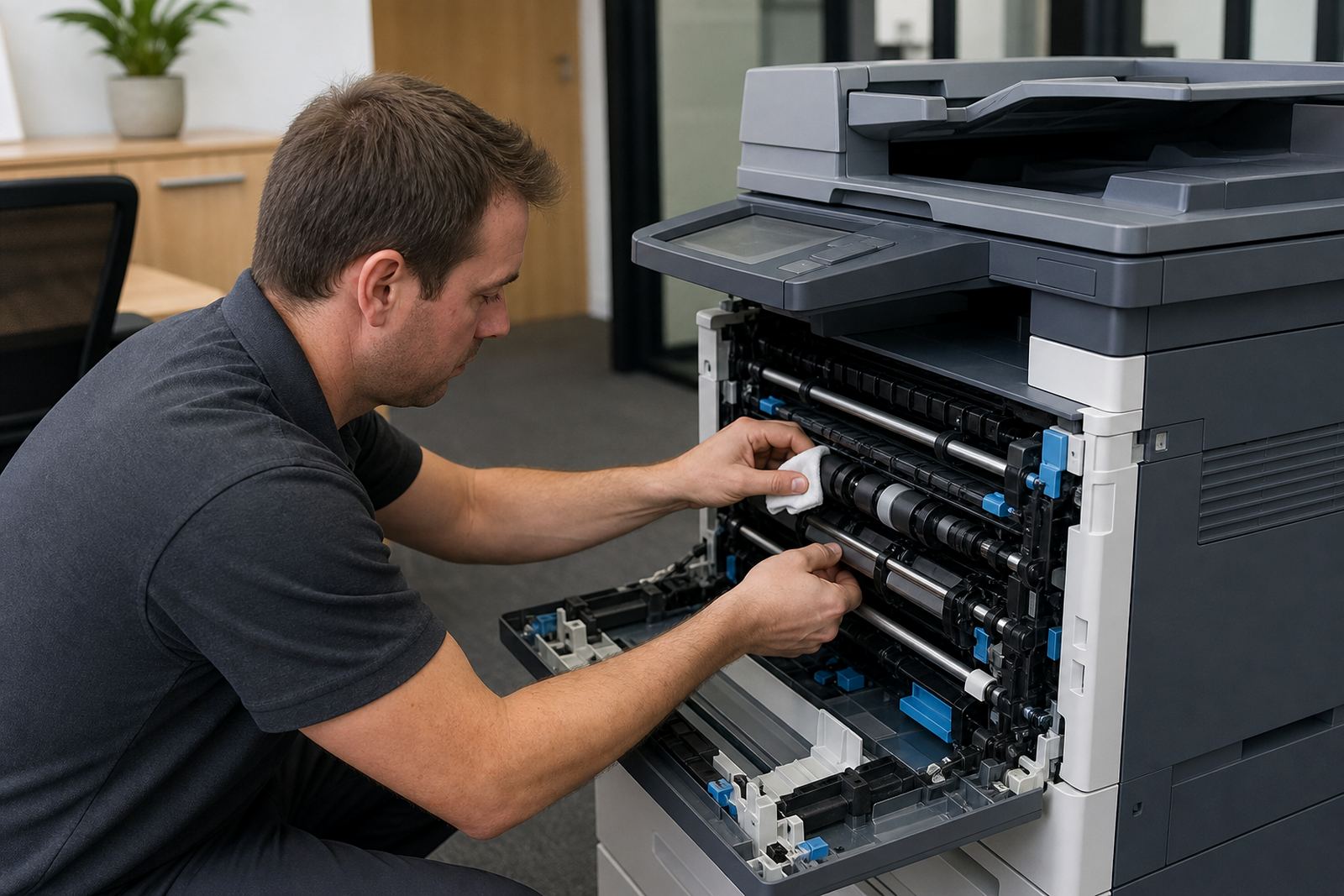
Once secure print is in place, we stay involved when a department changes, a machine is relocated or new staff need their access reset. The service side covers on-site servicing, metre reading support, breakdown response and end term swaps when the machine no longer fits the office.
If a branch grows or the print pattern changes, the secure settings can be adjusted rather than starting over. That includes adding users, tightening release rules for a sensitive team, or loosening them where a front office only needs basic control.
For larger fleets, a review of the print environment can also flag where mono devices are enough and where colour release should stay restricted. It keeps the plan practical and helps the office avoid paper waste where it is not wanted.
Key facts
| Service type | Secure print setup for office multifunction printers and copiers |
|---|---|
| Compatible devices | A4 and A3 mono or colour networked machines |
| Release methods | PIN, card or panel login depending on device |
| Billing model | Monthly rental plus metre-based click charges |
| Included support | Toner supply, on-site servicing and metre reading support |
| Coverage | Halfway House, Johannesburg, Pretoria, Durban, Cape Town, Bloemfontein, Centurion and Sandton |