First, the machine gets a proper move plan
Every copier move starts with the machine type, the floor it sits on and where it needs to go. An A4 unit on a single stand is one thing, an A3 floor model with drawers and a finisher is another. We look at door widths, staircases, lifts, carpet edges and tight turns before anything is shifted.
For offices in Midrand, Sandton, Centurion or a branch further out, the move may be within the same building or across town. The plan changes if the machine is going to a new office, storage room or shared work area. We also check whether the unit needs to stay on the same network, or be set up fresh at the new site.
What gets packed, tagged and protected
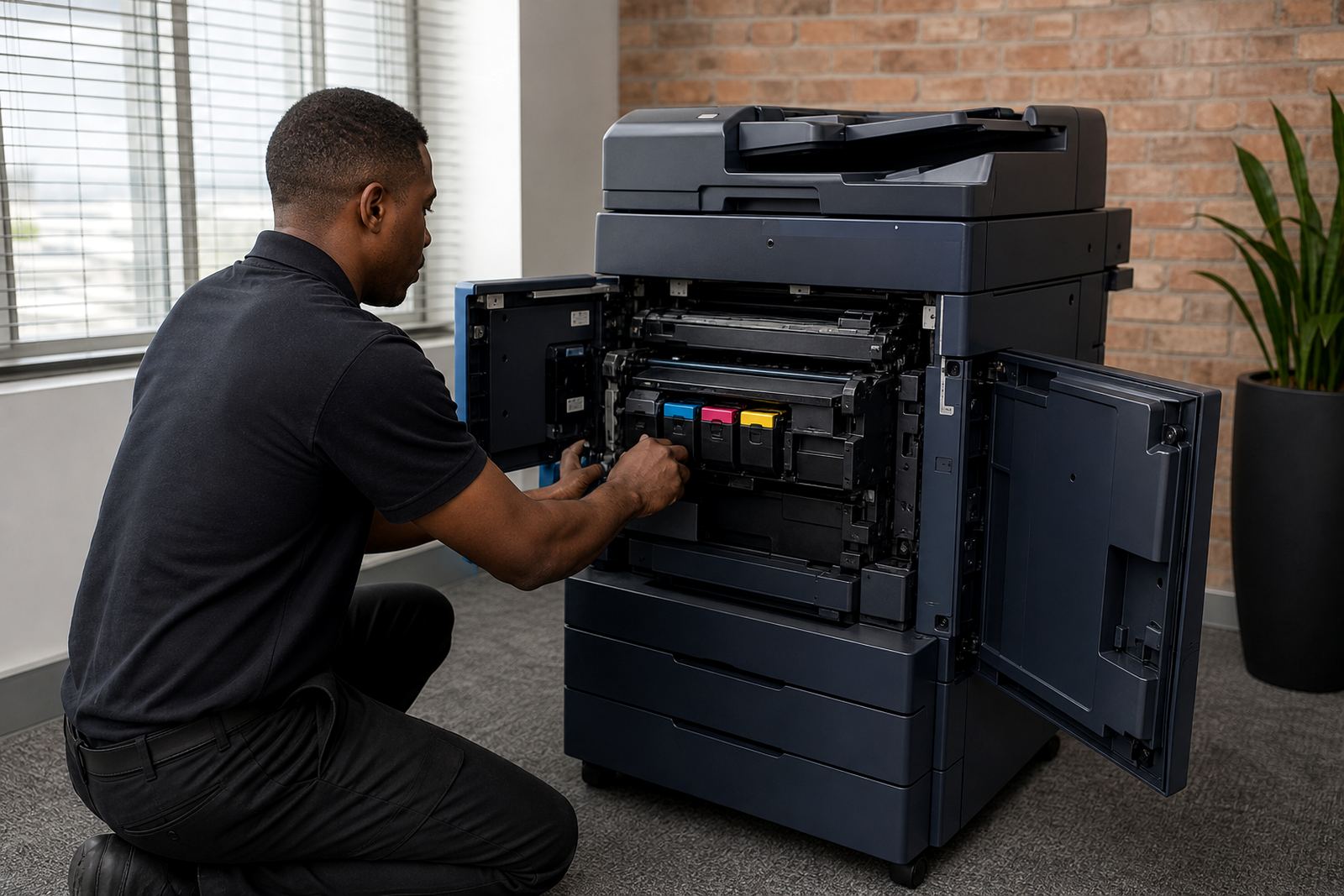
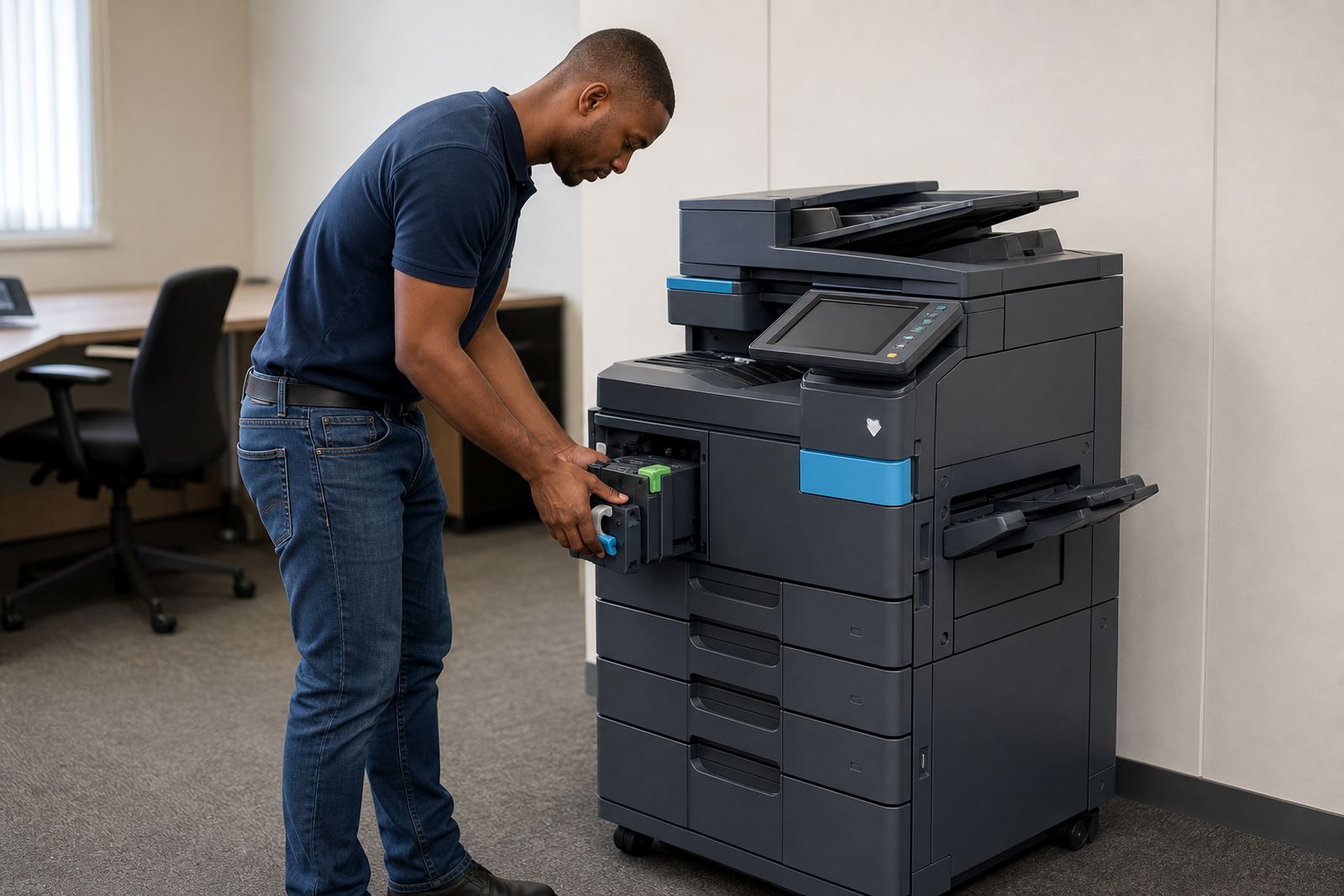
Copiers do not travel well when trays, toner and accessories are left loose. Paper trays, finisher units, cables and spare consumables are removed and packed so they do not break during transport. If a device has scan-to-message settings or secure print profiles, those details are noted first so they can be restored later.
We keep the original cable path in mind too, because a machine that sits in a new corner may need a longer data cable or a cleaner route to the wall point. Dust and humidity can affect equipment in coastal areas like Durban and Cape Town, so the unit needs proper cover while it is in transit.
The actual move inside the building or across town
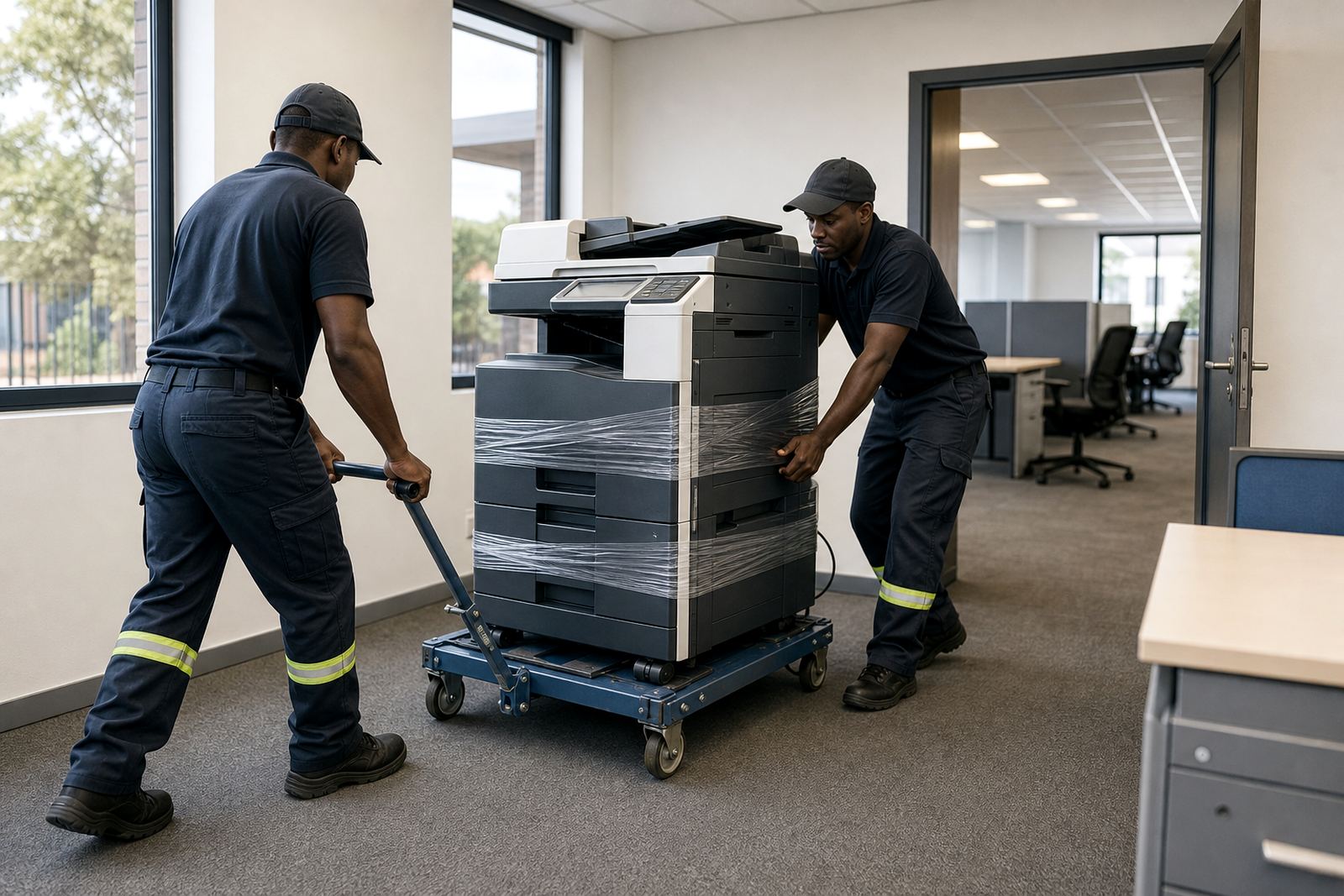
Inside a building, the move usually follows a careful lift, roll and position routine. Across town, the copier is secured for transport so drawers do not slide and panels do not take a knock. A machine that looks solid on the floor can still shift in a van, so tie-downs and padding matter.
When a fleet has several units, it helps to move them in a set order. Smaller devices can go first while the heavier A3 machine follows once the route is clear. If the office is busy, we can work around the room layout so counters, filing and reception flow are not disrupted more than necessary.
Set-up after the move is where errors show up
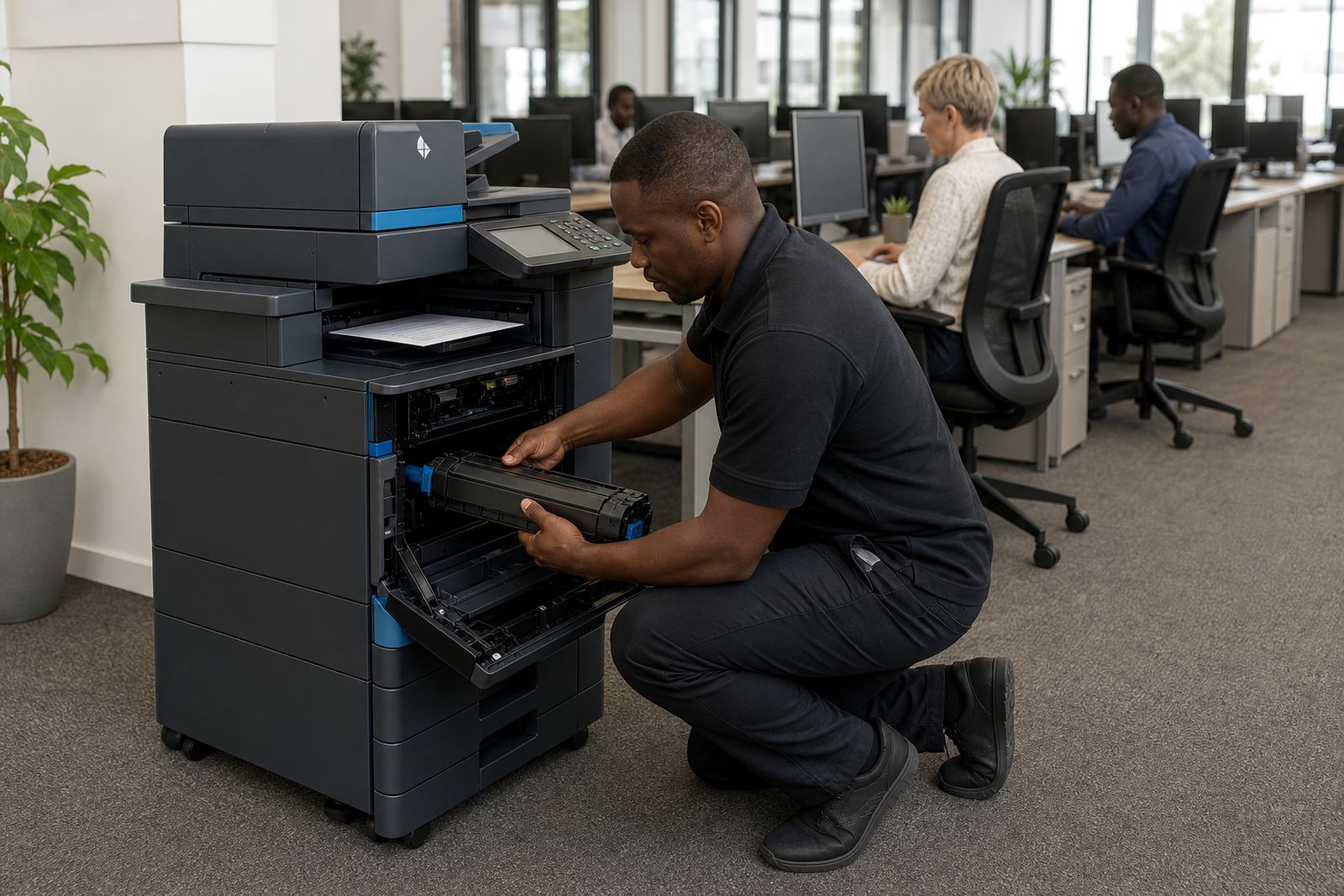
Once the machine reaches its new place, the level base, plugs and network connection are checked. If the copier supports scan-to-message, secure print or user codes, those functions are tested with a short run. Paper drawers are loaded and the first test prints confirm that the machine feeds cleanly.
Some offices only need the copier shifted a few metres, while others are moving to a new site in Johannesburg, Pretoria or Bloemfontein. In both cases, the aim is the same: print jobs must land where users expect them and the machine should not sit crooked or throw feed errors after the move.
When the move links to a rental or managed print plan
If the machine is part of a monthly rental or click-charge plan, the move needs a record of metre readings and the current machine status. That helps keep billing clean and avoids confusion when the unit changes room, floor or address. Toner supply and service coverage also need to follow the machine to the new site.
For offices that are replacing a unit at the end of term, we can remove the old machine and place the swap-in unit where it belongs. That keeps the fleet tidy and reduces the time staff spend waiting around a box in the passage. If the office uses multiple devices, we can also review whether a heavier mono unit or a colour machine fits the new layout better.
Handover, staff notes and the last check
Before we leave the site, users should know where the machine sits, which tray to load and who to call when a fault appears. A short handover also helps with scan destinations, secure print codes and any changed user habits after the move. Even a small shift can confuse staff if the machine has been turned to face a different wall or moved to another office zone.
Our contact form is the cleanest way to send a relocation request for Halfway House, Midrand and nearby areas. Mention the current machine type, the new address if it is moving site, and whether the move includes installation, network setup or removal of an older unit. That lets the job be planned as one sequence instead of a rush of separate tasks.