What to record on the machine screen
Most office multifunction printers show separate counters for mono and colour output, and those two figures are the ones we need for billing. Please note the full reading from the panel, not an estimate, and include any leading zeros if they appear on the display.
If your fleet includes A4 and A3 machines, each unit needs its own reading. A single copier may also carry copy, print and scan counters, but the mono and colour print totals are the core figures used on managed print plans.
- Write down the mono count exactly as shown.
- Write down the colour count exactly as shown.
- Check the machine ID or asset label.
- Note the date the reading was taken.
How to send the reading through our contact form
Use our contact form on the contact page and include the machine details with the metre counts. That lets the accounts team match the reading to the correct rental file without having to guess which device is which.
For mixed fleets, it helps to send one machine per line. If your office has several floors, a reception copier, a boardroom unit and a back-office printer, separate entries make the record cleaner and reduce follow-up.
- Company name and site location.
- Machine model or asset number if you have it.
- Mono reading and colour reading.
- Any note about a new install, relocation or end-term swap.
Billing when usage changes through the month
Managed print plans usually combine a monthly rental with click charges based on metre readings. The rental covers the device on site, toner supply and service cover, while the click figures track actual use through the month.
If one team in Sandton prints mostly black-and-white reports and another branch in Pretoria uses colour for client packs, the counters will move differently. That is normal. A current reading helps keep invoicing tied to the real usage pattern rather than an old estimate.
Where colour output is heavy, the colour metre matters just as much as mono. For many practices and schools, that balance changes from month to month and the figures need to reflect that shift properly.
When a metre reading helps service planning
A current metre reading can also point to wear on rollers, feed paths and imaging parts before a breakdown grows into lost time. If a machine is printing more than usual, or the counters jump after a busy period, that gives the service team useful context.
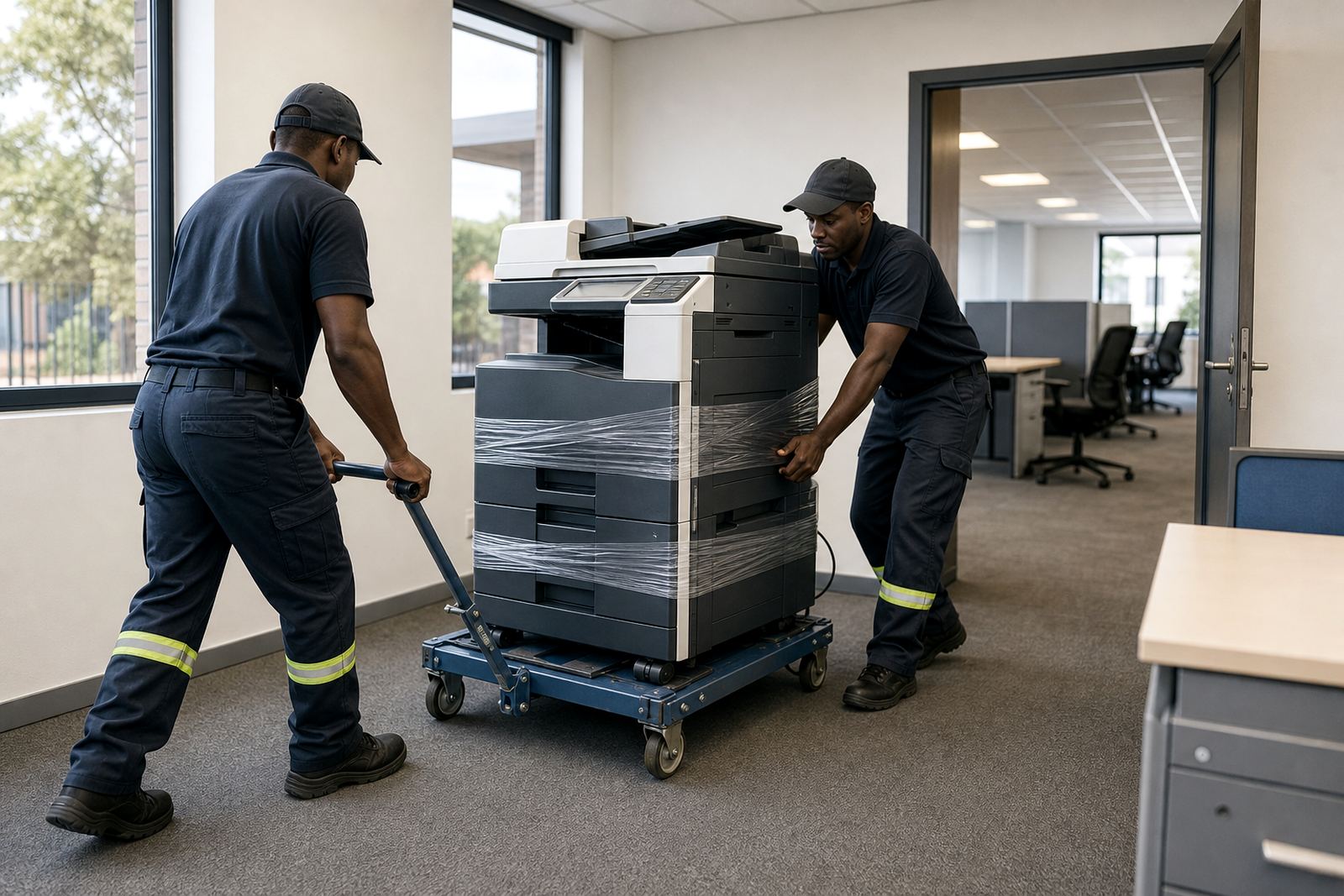
It also helps when there has been an on-site servicing visit, a machine relocation or a user handover. The reading closes off the old location cleanly and gives the new site a clear starting point.
- After a move between branches, send the updated reading at the new site.
- After a repair, note whether the counter was checked before or after the visit.
- After an end-term swap, record the outgoing and incoming unit separately.
If the screen shows more than one counter set
Some devices show total prints, copies, scans and fax activity in separate menus. For billing, the important counts are usually the mono and colour print totals, although a service technician may ask for other figures when diagnosing a fault or checking usage.
If the numbers look unusual, do not reset anything unless our team has asked you to do so. A reset can make later billing harder to match, especially on shared devices used by several departments in one office.
When the display is dim, cropped or hard to read, send a clear photo through the contact form with the machine label visible. That makes it easier to identify the exact unit and confirm the right counter set.
Short checklist before you send it
A clean metre submission saves time at month end and keeps the rental record tidy. It also helps when toner supply, secure print setup or scan to message settings are linked to the same device, because the whole fleet file stays in step.
- Read the mono and colour counts from the screen.
- Check that the site name matches the machine.
- Include the date of the reading.
- Add any move, swap or service note.
- Send everything through our contact form.
For offices in Midrand, Johannesburg, Pretoria, Durban, Cape Town, Bloemfontein, Centurion and Sandton, the same process works across the fleet. A clear metre note keeps the records usable, especially when several multifunction printers are on one managed print plan.