Start With The Machines Already On The Floor
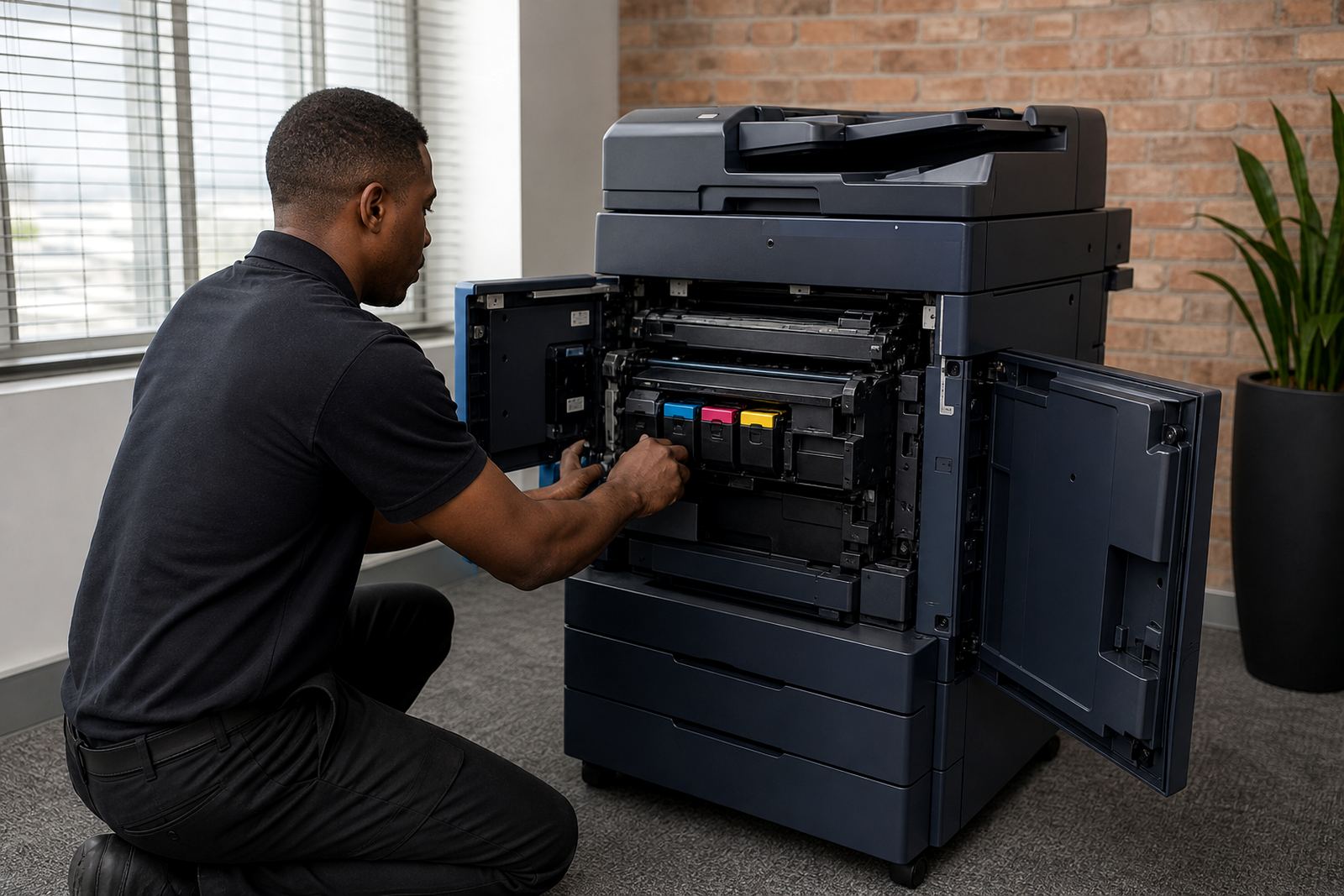
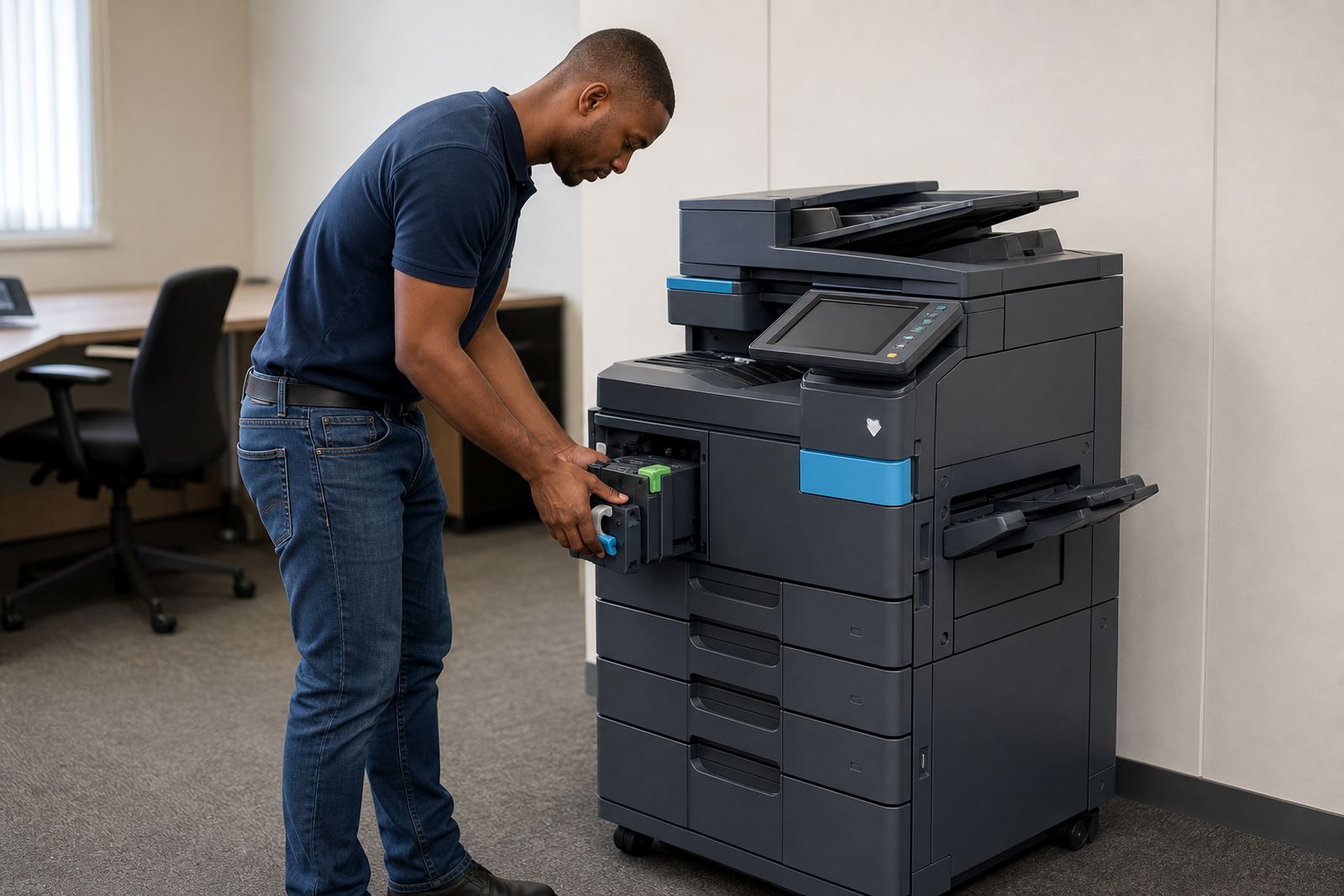
Begin with a plain list of every multifunction printer or copier on site, including A4 and A3 units, mono machines and colour devices. Note where each one sits, which department uses it and whether the monthly duty feels light, steady or too heavy for the model in place.
This is also where you check scan-to-message use, secure print settings and any paper size demands that have crept in over time. A machine that looked fine for a small office can feel tight once teams grow, and the review should show that clearly.
- Record the machine count by site and floor.
- Separate mono, colour and mixed-use units.
- Mark the machines that cause frequent walk-ups or repeat calls.
Read The Metre Pattern Before You Talk Swap
Metre readings tell a better story than a rough guess. They show whether a copier is doing the work it was rented for, or whether clicks have drifted far beyond the original plan.
Look at monthly volume, the share of colour pages, and any sharp peaks around month end or school exam periods. In office settings around Midrand, Sandton and Pretoria, those peaks often point to one team carrying too much print load while another machine sits underused.
- Compare the last few metre cycles side by side.
- Check if colour pages are being printed where mono would do.
- Flag any device that now needs a larger monthly allowance.
Service Calls Tell You More Than Sales Talk
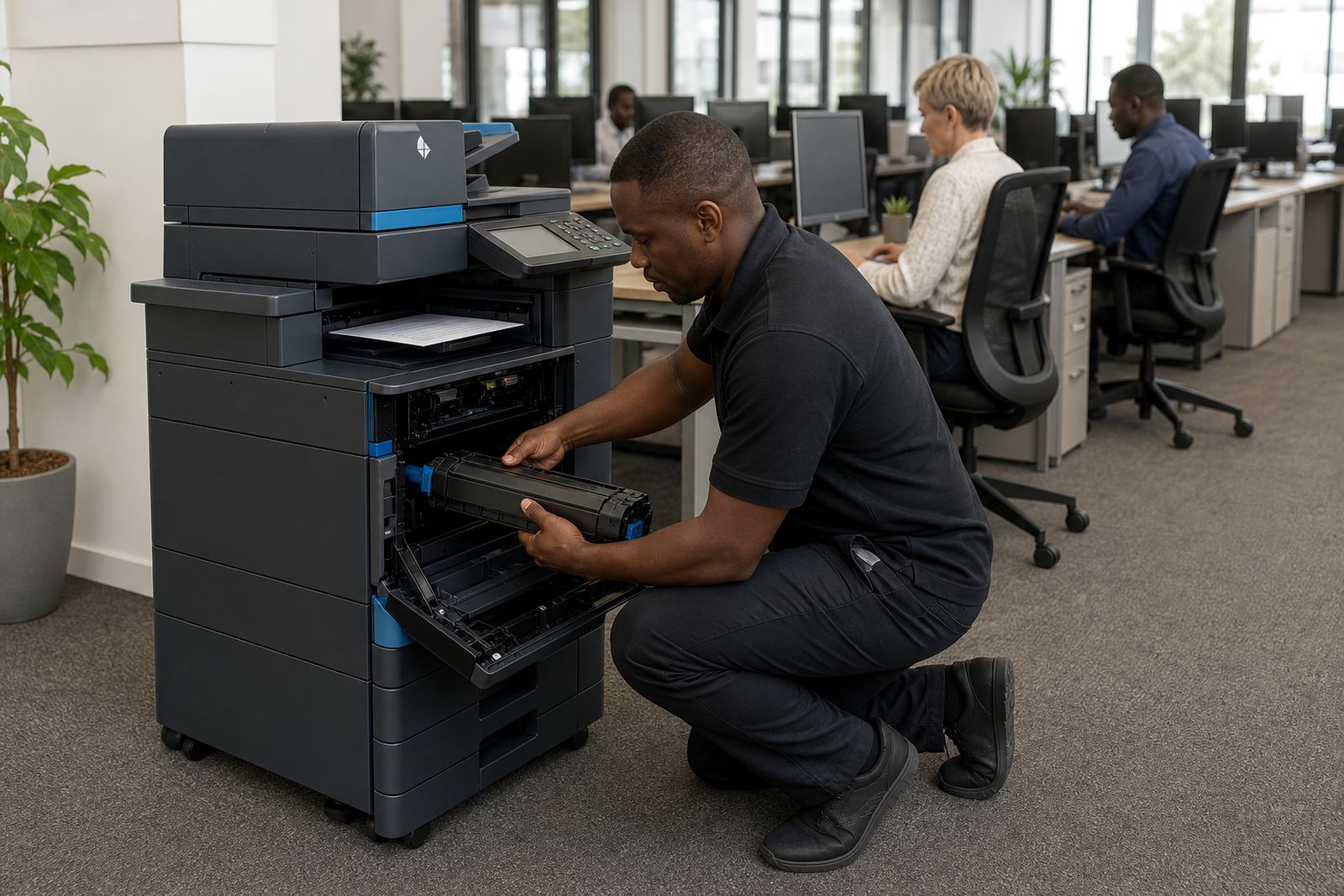
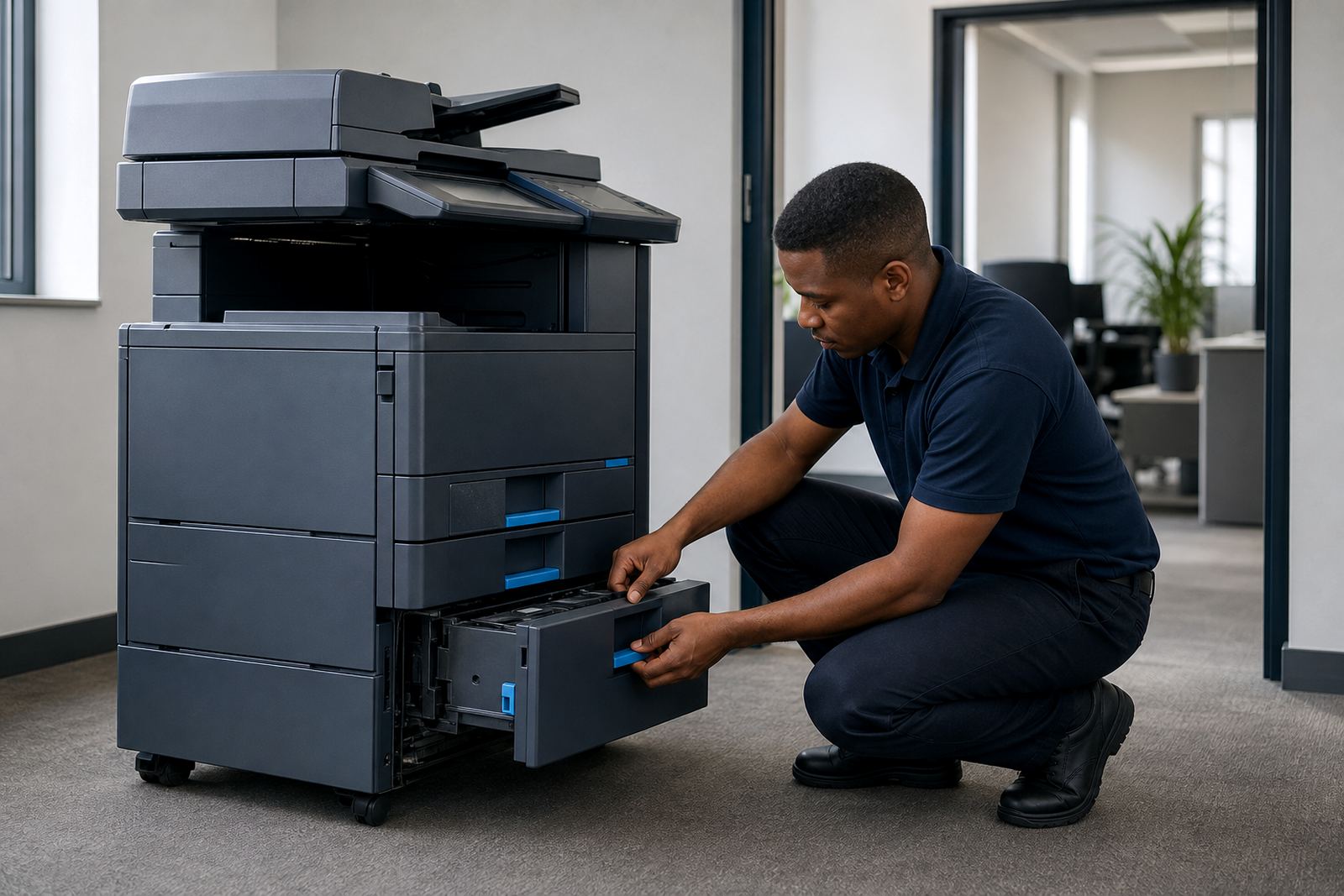
Breakdown history matters because it shows how hard the fleet has become to keep in order. If one device has repeated paper feed issues, slow warm-up times or regular scan faults, that machine deserves a closer look during the review.
Also check whether the current setup still matches the way people use it. A practice that now relies on secure print, or a school office that sends more scan-to-message jobs than before, may need a different model mix rather than another short fix.
Our team often looks at these signs together rather than in isolation, because one fault on its own can be minor while three faults in the same quarter point to a machine that has reached the edge of practical use.
Work Out Whether Renewal Or Replacement Makes More Sense
Once the usage and service notes are clear, the next step is to decide whether the current rental plan still fits. Some fleets only need a rental reset with adjusted clicks and toner supply, while others need end term swaps to change machine size or move from mono to colour in a few rooms.
Think through the working pattern, the number of people sharing each device and the monthly print demand. If the fleet has been patched around for too long, a renewal built on the same machine mix can leave the office paying for features it no longer needs.
- Keep the model if the volume still suits it.
- Swap the machine if duty cycle and usage no longer match.
- Split the fleet if one branch now needs a different print profile.
Check The Hidden Admin Around The Contract
An end term review is not only about hardware. It also helps with the admin that sits around toner supply, billing lines and user handover. If metre readings are late, if users keep raising the same setup questions, or if consumable use is messy, the next term should tidy that up.
This is where account notes, service tickets and delivery records matter. They show whether the plan worked in practice, not just on paper, and they help prevent a renewal that repeats the same weak points.
For offices in Cape Town, Durban and Bloemfontein, where sites can be spread across several branches, that paperwork often decides whether the next fleet feels easy to run or awkward from the first month.
Turn The Review Into A Cleaner Next Term
When the review is done, the next step is to set out what should stay, what should move and what should be removed. That may include a smaller mono device for reception, a colour unit for marketing or a larger A3 machine where scanning and copying are heavier.
At this stage, our contact form is the place to send the fleet details, current metre readings and the notes from your end term review. We use that information to map the next setup around your office, school or practice rather than forcing a one size answer.
- List the machines that should be renewed.
- Mark the sites that need end term swaps.
- Note any relocation or user handover work.