Start with the print queue, not the paper tray
Most offices lose pages before the job even reaches the machine. Drafts, duplicate copies, wrong page ranges and forgotten test prints all add up, especially where several people share one multifunction printer. A managed print plan gives you a clean view of usage by machine, so the noisy habits stand out fast.
Begin by checking who prints what, and in which format. An A4 mono device may handle contracts, forms and internal notes neatly, while an A3 colour machine should be reserved for plans, proposals and presentation sets. When every team prints on the nearest device by default, colour pages often get used where black toner would do the job just fine.
- Set black-and-white as the default for internal printing.
- Move bulky colour jobs to a named device or print queue.
- Review repeated jobs that are printed, then printed again.
- Use metre readings to spot sudden jumps in usage.
Use scan-to-send us a message for papers that only need a quick send
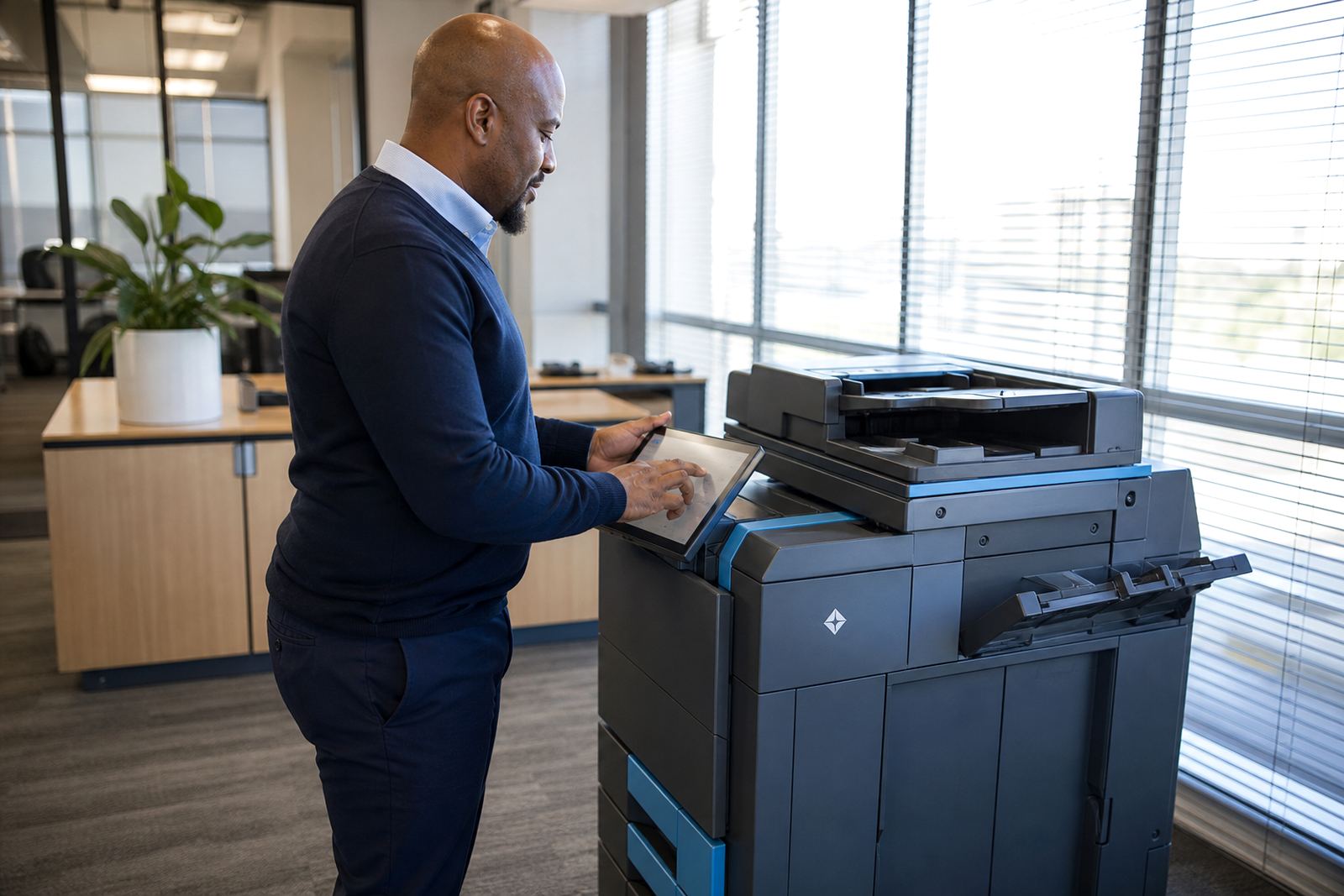
Many documents only need to be read, approved or filed. Printing those pages for a short review and then scanning them back to message creates avoidable toner use and extra handling. Scan-to-message setup helps staff move papers into a digital trail without changing the way the office works day to day.
For practices, schools and admin teams, this matters where forms circulate between counters, classrooms or consulting rooms. A clear scan routine also cuts the number of copies made for internal sharing. If the file can be signed, checked or stored on screen, the paper copy can stay in the tray.
- Scan incoming forms instead of copying them for each person.
- Save common scan destinations for finance, HR and filing.
- Use searchable file names so staff do not print again to find a page.
- Keep a simple rule for what must stay on paper.
Keep secure print turned on for shared offices
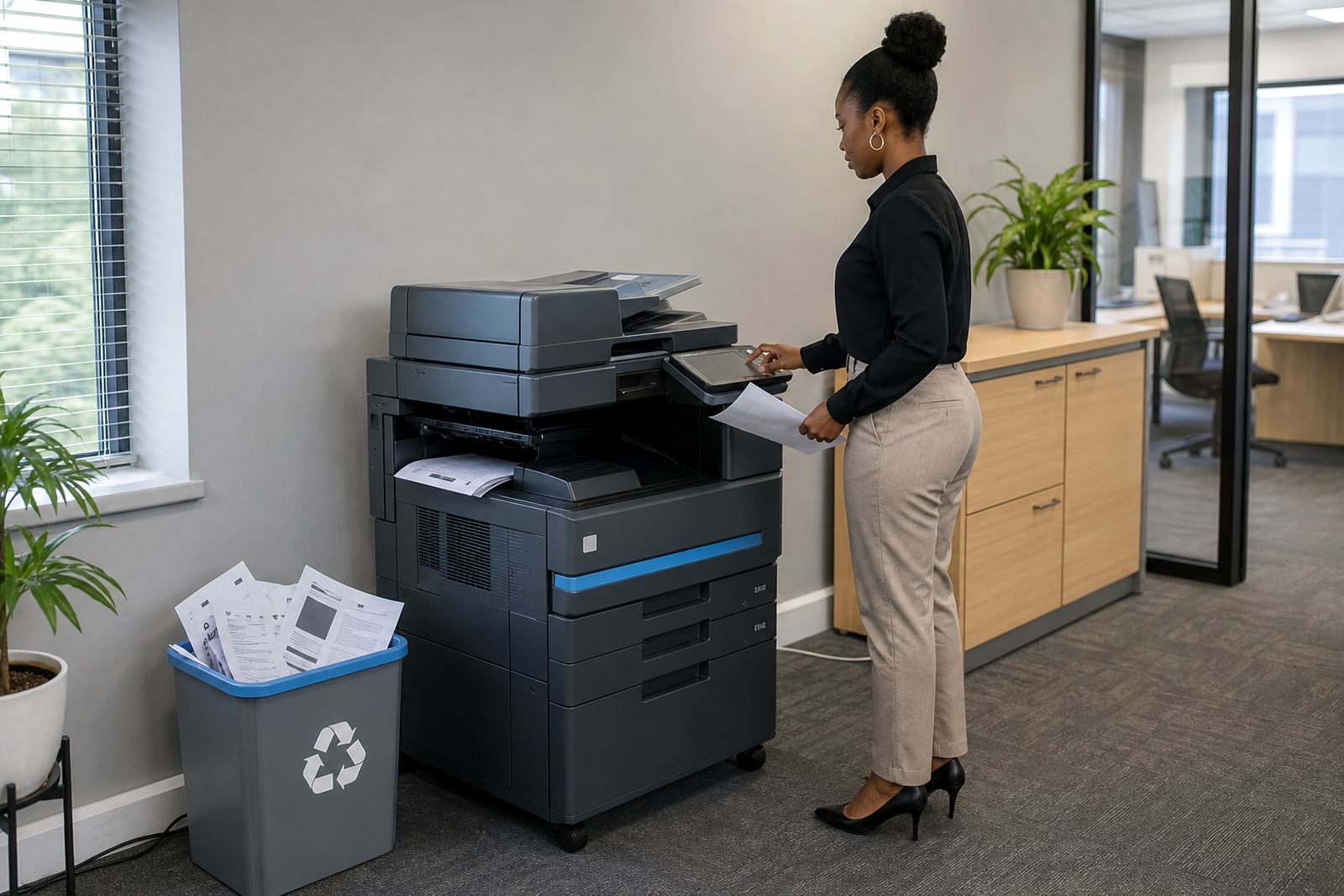
Secure print is one of the easiest ways to cut waste. When users send a job and release it at the machine, the paper does not sit on the output tray, waiting to be thrown out or printed over. It also reduces the pile-up of mistaken copies from jobs sent to the wrong device.
This setting suits open-plan offices in Johannesburg, Pretoria and Sandton where several people share the same copier. It helps with sensitive material too, because payroll, patient notes and client records are less likely to be picked up by the wrong set of hands. The change is small but the paper savings can be steady.
- Enable release-at-device printing for shared queues.
- Use user codes where departments need separate usage records.
- Set confidential jobs to print only when collected.
- Remove old print jobs that never got released.
Match the machine to the job
Wasteful printing often starts when the wrong device does the wrong work. A compact mono printer is fine for routine office pages, while a fuller A3 machine belongs where larger documents and mixed print runs are normal. Colour should be available, but it should not be the default answer for every form, draft or handout.
A fleet review helps when an office has grown in bits and pieces. One team may need faster duplex output, another may need larger paper sizes, and a front office may only need a simple copier with scan functions. When the fleet matches the job, there is less reprinting, less paper waste and fewer service callouts caused by overworked machines.
Relocations and end term swaps are also a chance to reset the setup. A moved machine should land in the right place, with the right users and the right settings, not just plugged in and left to drift.
Keep toner use honest and easy to track
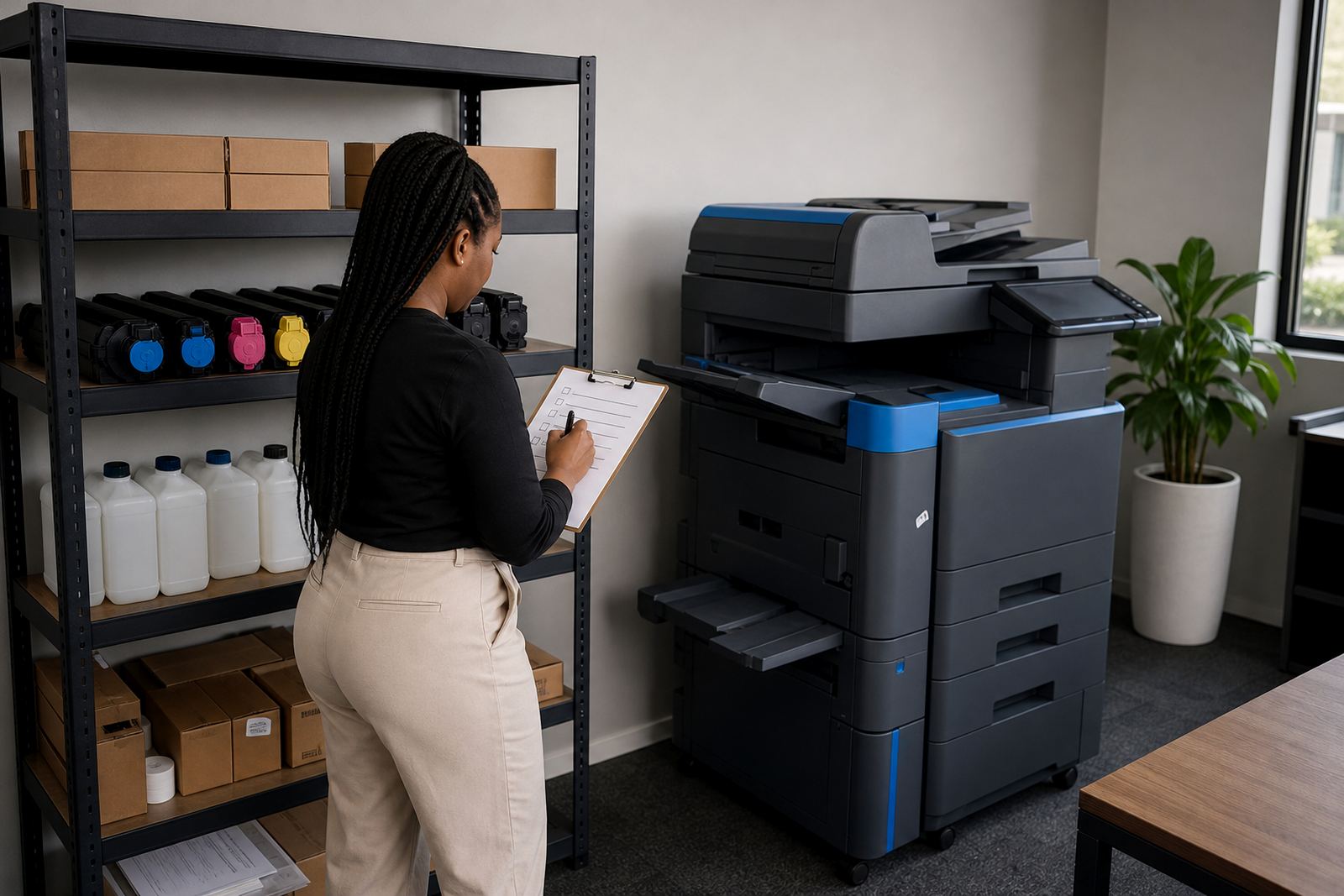
Toner supply on a managed plan should support the office, not hide waste. If cartridges or toner bottles are going through faster than expected, the cause is usually somewhere in the workflow. Heavy coverage, repeated internal printing and colour jobs used for rough notes all push costs up without adding value.
Metre-based billing makes the pattern visible. Once the office starts reading metres regularly, it becomes easier to separate normal volume from wasteful use. That is useful for finance teams in Midrand and Centurion where costs need to be predictable and tied to actual output rather than guesswork.
- Check mono and colour usage separately.
- Keep one person responsible for metre reading support.
- Compare monthly usage with known busy periods.
- Replace setting changes before replacing the machine.
Make the day-to-day habits count
Small habits do most of the work. Staff who print final versions only, use duplex where possible and choose the right tray will save more paper than any one-off clean-up. User handover helps here too, because new staff need the same printing rules from the start or they create their own habits and the waste creeps back in.
In Durban, Cape Town and Bloemfontein, offices often run mixed teams and shared printers across different rooms. That makes plain guidance useful. Keep instructions near the machine, set the defaults once and review the fleet when the office layout changes. A simple setup is easier to keep under control than a clever one that nobody follows.
If the printing pattern is not making sense, our contact form is the right place to start a fleet review or machine relocation discussion. The goal is not to stop people printing, just to make each page earn its place.
A short checklist for leaner office printing
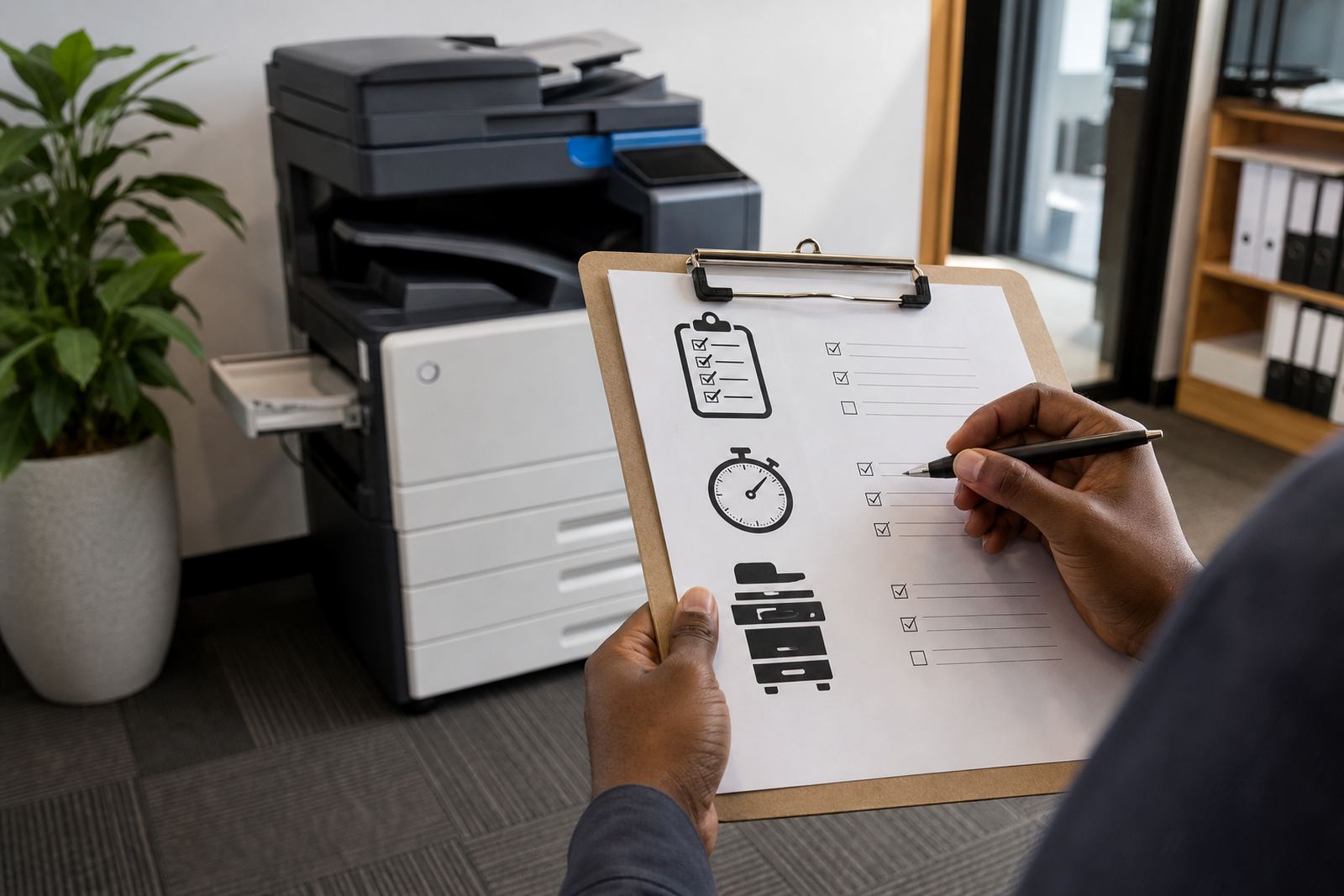
Use this as a monthly walk-through for your copier or printer setup. It works whether the office runs one shared multifunction machine or a fuller fleet across several rooms.
- Are colour jobs being used where mono would do?
- Is secure print active on shared devices?
- Are scan-to-message settings used for internal sharing?
- Are metre readings matched to expected volume?
- Are the right users tied to the right machines?
- Are old print habits creating repeat jobs?
- Does the office have a clear rule for draft printing?
When those points are under control, printing usually becomes calmer and cheaper without turning into a project of its own.