Start with the machine count, not the toner box
A proper toner plan begins with the number of machines on site, the monthly print load and whether each unit is mono or colour. An A4 mono device in accounts will usually behave differently from an A3 colour machine in a front office, and the toner draw will follow that pattern. If one branch prints mostly internal reports while another handles client packs and scanning, the stock plan should reflect that split.
Keep a list of every printer and copier in the fleet, together with its current metre reading and the consumables it uses. That record helps the team see which unit is consuming fast, which one is underused and which branch in Halfway House, Sandton or Centurion needs a top-up before month end.
Build a toner check that staff can actually follow
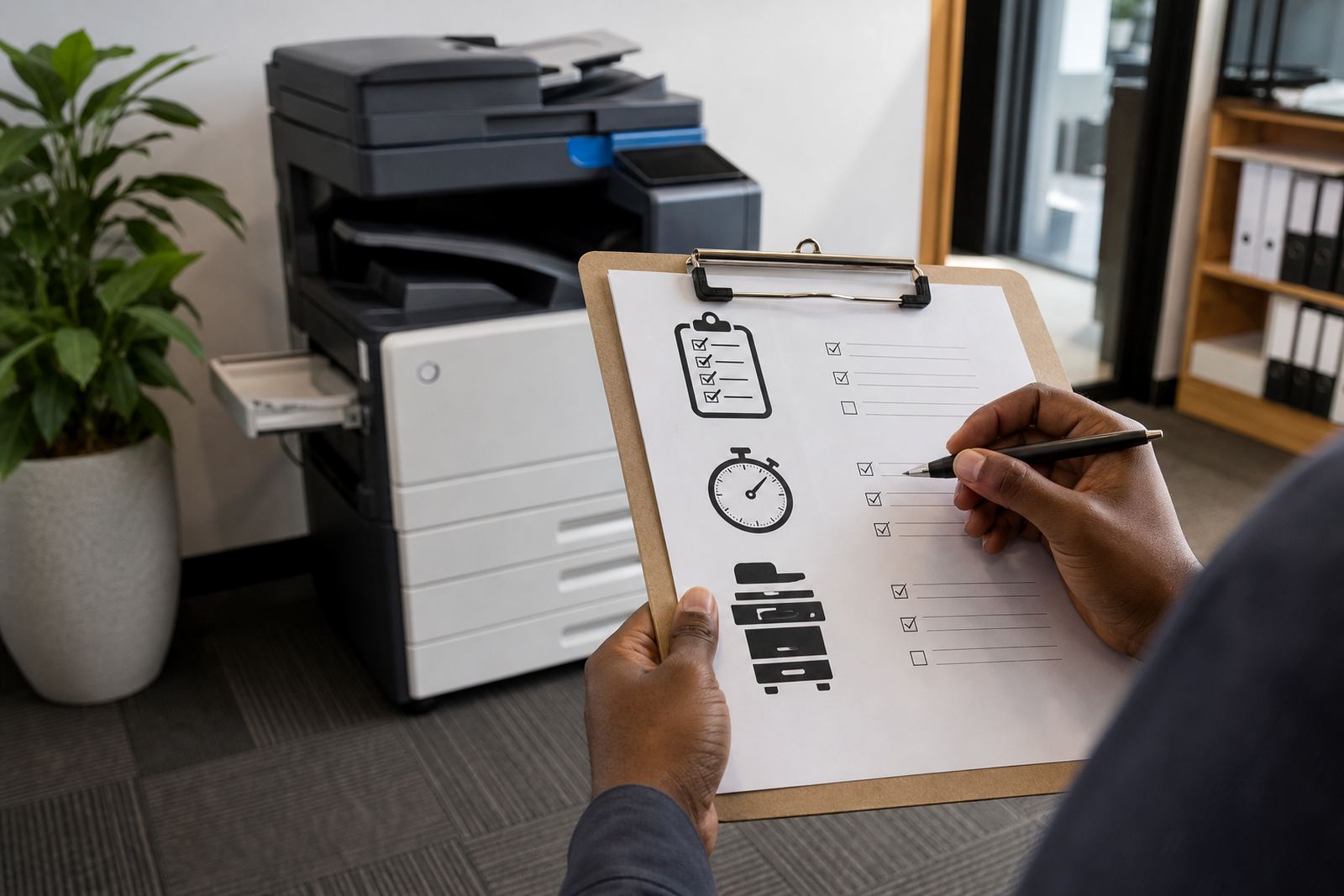
The best process is the one reception, accounts and the office manager can work through without searching for a manual. Smaller sites usually manage well with a weekly walk-through, while busier offices may need a set check on a fixed day each week. Keep the check plain, visual and written down.
- Open the printer status panel and note any low-toner warning.
- Check for faded text, pale blocks or streaks on recent prints.
- Compare the reading with the usual monthly volume.
- Confirm whether the spare cartridge is the correct type for that device.
- Log the result in a shared file or notice board.
When more than one person handles the fleet, a shared log avoids the usual confusion where one department thinks another has already placed the order. It also helps when machines move between floors or when a unit is relocated from Pretoria to another branch.
Use metre readings to guide ordering
Metre-based billing and toner supply work best when the readings are taken on schedule. A current metre reading tells you how much the machine has printed, which helps match toner use with the billing cycle and the service record. That matters for offices that print steadily all month, and for teams whose volume jumps during board packs, invoices or enrolment periods.
With a managed print plan, toner ordering should follow real usage instead of guesswork. If a colour device is printing mostly black pages, or a mono machine is handling more than expected after a relocation, the figures will show it. That makes it easier to set a sensible reorder point and avoid an empty cartridge on a busy Tuesday in Durban or Bloemfontein.
Keep a small buffer without letting stock sit too long
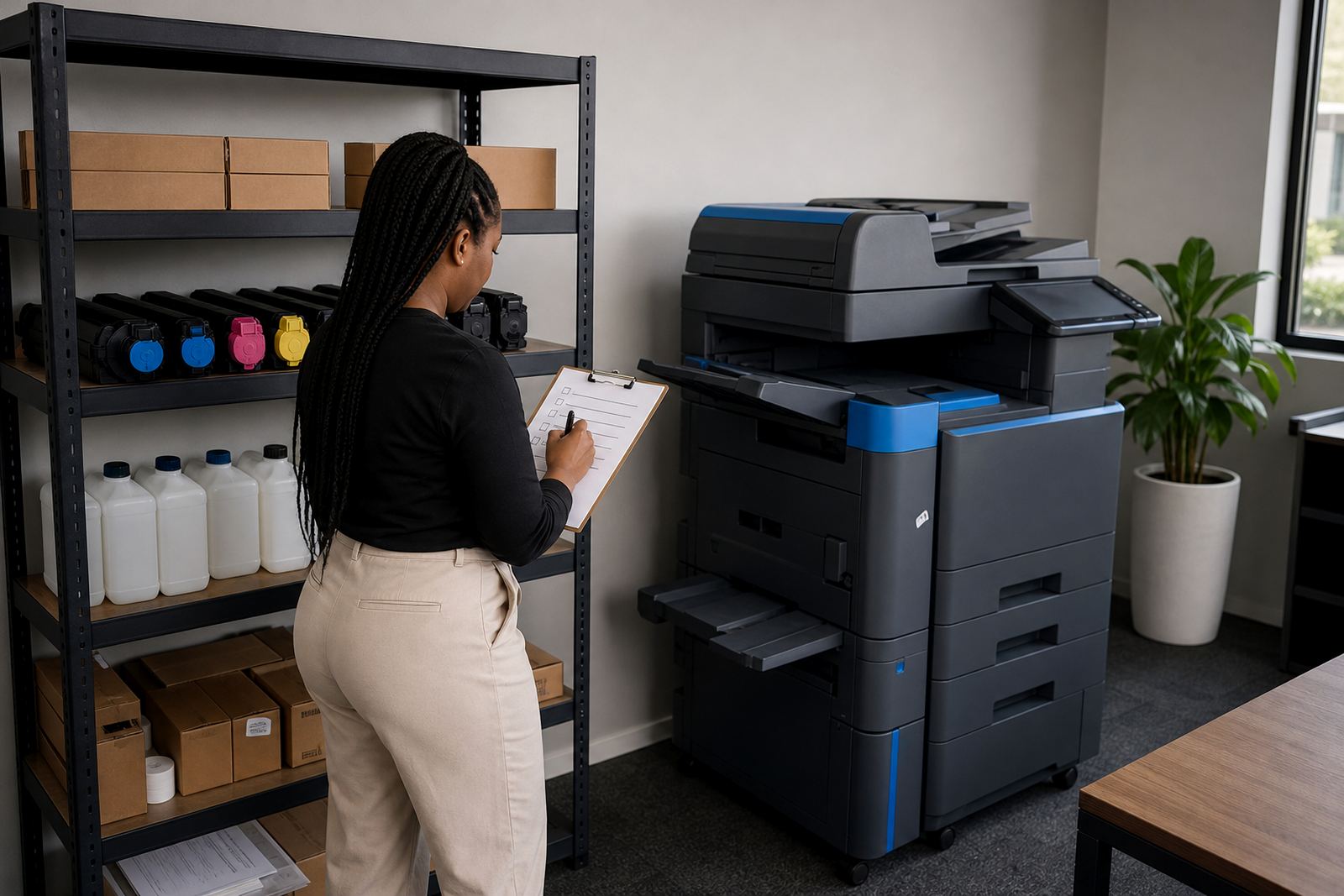
Most offices do better with a modest spare cartridge on hand than with a cupboard full of old stock. Toner stored in a dry room away from direct heat and dust tends to stay usable longer, while cartons left near windows or in humid coastal conditions can suffer from rough handling and poor storage. The aim is a buffer, not excess.
If the business runs several multifunction printers, the buffer should match the fleet mix. Keep the cartridges clearly labelled by machine type and colour so nobody puts the wrong unit into a tray during a rush. In practice, a neat shelf with marked boxes works far better than loose stock in a filing cupboard.
- Store cartridges flat where possible.
- Keep the packing label visible.
- Separate mono stock from colour stock.
- Record who took the last spare.
- Rotate older stock to the front.
Know when the issue is not toner at all
A faded page does not always mean the cartridge is empty. The problem may sit with the drum, a worn roller, a blocked paper path or a settings change after scan-to-message or secure print setup. Staff sometimes swap toner first, then discover the fault was mechanical or related to the print driver. That is why the service record matters as much as the stock room.
If a machine produces repeated streaks, ghosting or patchy blocks, log the fault and keep the metre reading ready. On-site servicing can then focus on the right part of the device rather than replacing supplies without cause. For busy offices, that saves time and stops unnecessary panic ordering.
Make toner ordering part of the office routine
The easiest toner process is one that sits beside other monthly admin tasks. Pair the stock check with metre readings, invoice review and a quick glance at machine placement. When a copier moves from one department to another, or an end-of-term swap is planned, the consumables list should move with it. That prevents the classic problem of a device arriving with no matching toner on site.
For offices in Johannesburg, Cape Town, Pretoria and the surrounding areas, a managed approach keeps the printing fleet steadier. Our contact form is the place to send your machine count, current readings and the branch details, then the team can match toner supply to the devices already in use.
A practical handover list for the person who orders toner
Every office needs one clear person to track the consumables, even if the work is shared across reception, operations and accounts. A short handover note helps when someone is on leave or a branch manager changes. The note should show what is in use, what is stored in reserve and what needs attention before the next service visit.
- List each printer and copier by room or floor.
- Note mono or colour and the current metre reading.
- Write down the spare toner count.
- Mark any device that has had recent servicing.
- Include the contact form route for new requests.
That small record keeps the office from relying on memory. It also makes machine relocations, user handover and fleet review work a lot cleaner when the team changes or the print load shifts.