What secure print changes at the device
Secure print keeps a job in the printer queue until the user is at the machine and ready to release it. That matters in offices where contracts, payroll sheets, medical records or legal papers move through shared A4 and A3 devices all day.
Instead of pages landing in an output tray for anyone to pick up, the job waits behind a PIN, card, username or a similar release method. Mono jobs and colour jobs can both sit in the queue, and the billing still follows the normal metre count once the pages print.
Match the release method to the office pattern
The release method should suit the way people move around the building. A small practice in Centurion may prefer a PIN on the keypad, while a multi-floor office in Sandton may want user login on the screen or networked release from a workstation.
- PIN release works well for shared users and temporary staff
- Card release suits teams already using access cards
- Username release helps when users print from different counters or hot counters
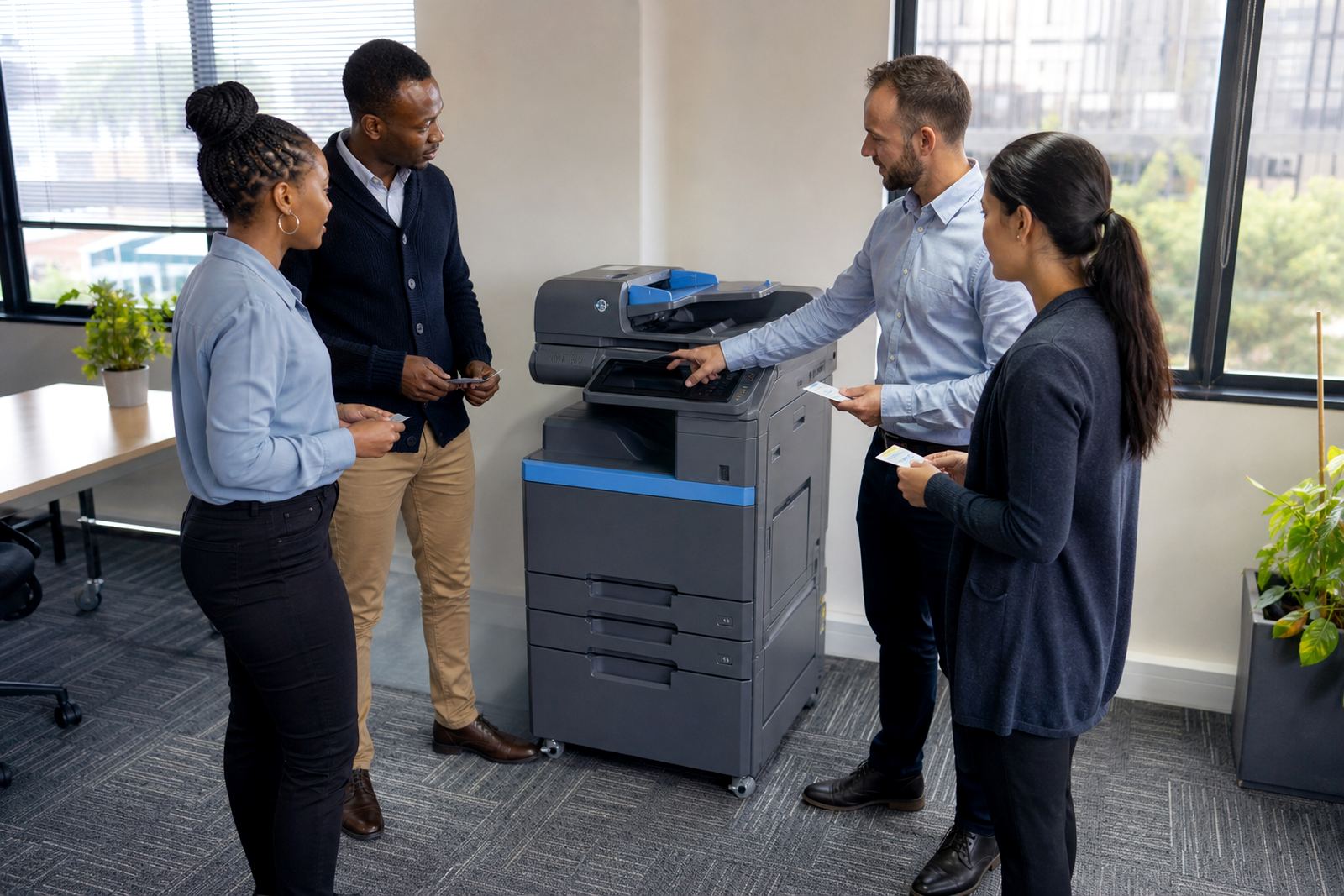
- Screen release on the device keeps the process simple for walk-up printing
Keep the method practical. If staff need three steps before a page prints, they will avoid the feature and send work to the nearest open tray instead.
Set the copier or printer up before rollout
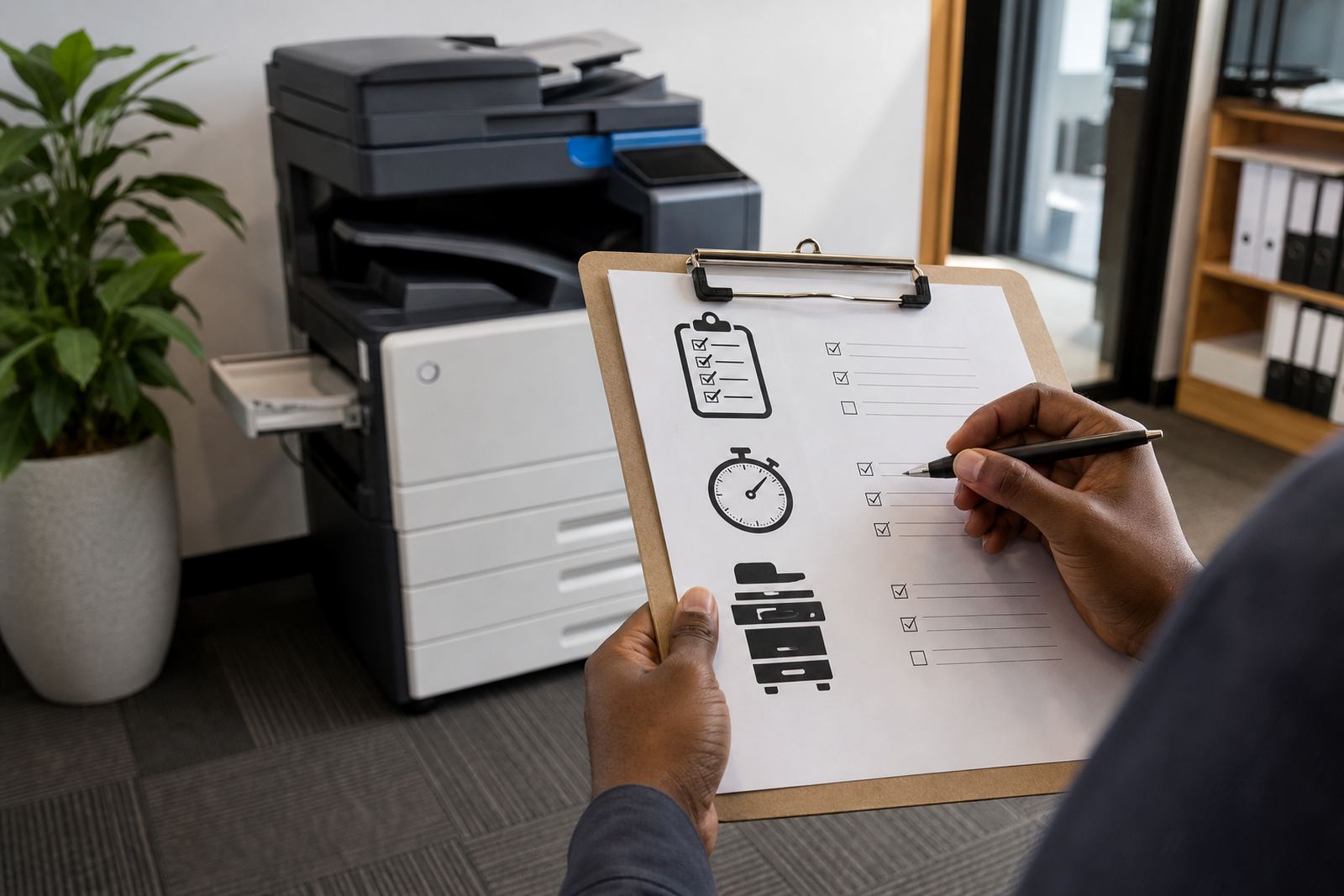
A proper setup starts with the machine, the network and the user list. The device needs secure print enabled, scan-to-message settings checked, and the right folders or address book entries loaded where needed. If the office uses a mixed fleet of mono and colour machines, each one should be set in a consistent way.
- Confirm network access and print queue routing
- Set the release method on every shared device
- Load user or department permissions
- Test scan-to-message alongside print release
- Check that secure jobs clear properly after release
That early testing avoids confusion later. A job that prints twice, or sits in the queue after release, creates noise in the office and extra calls for the service team.
Train users without overcomplicating the process
Users do not need a long briefing. They need to know where the queue is, how to hold a job, how to release it, and what to do if they walk away from the machine mid-process. A short handover works better than a thick manual nobody opens.
Good training also covers secure print habits. Staff should know not to leave original copies face-up on the glass, not to re-send the same file if the first release is still pending, and not to print sensitive material from a shared account unless that is the office rule.
- Show one normal print job from a workstation
- Show one reprint from the secure queue
- Explain what happens when a user enters the wrong code
- Point out where finished pages land after release
- Tell staff who to contact if the queue behaves oddly
Keep metre billing and secure print in step
Managed print plans rely on metre readings, click charges and clear usage records. Secure print should not hide the numbers or make billing messy. Each released page still counts toward the device metre, whether the office prints internal memos in mono or client packs in colour.
When the plan is set up properly, your monthly rental stays separate from the click charge. That helps accounts teams read the invoice without chasing every page by hand. If the fleet includes multiple branches, the readings need to stay consistent across each site so the office in Durban does not get mixed up with the office in Pretoria.
Handle exceptions before they become office clutter
Secure print works best when the edge cases are sorted early. Think about visitors, temporary staff, late document changes and jobs that need urgent release at a different machine. The office should know whether a user can move a job from one copier to another, or whether the original device keeps the file until it is cleared.
- Set a rule for visitor printing
- Decide who can release colour jobs
- Agree what happens when a user forgets a code
- Define the process for machine swaps or relocations
- Keep a note of any department that needs tighter controls
These rules stop the queue from becoming a dumping ground. They also make end-of-term swaps easier, because the secure settings can move with the new machine rather than being rebuilt from scratch.
What our team checks during a secure print rollout
For offices in Halfway House, Midrand and across Johannesburg, Pretoria, Durban, Cape Town and Bloemfontein, the rollout has to fit the machine count, the user mix and the way documents move through the building. Our team checks the device list, the print path, the release method and the user handover before the office settles into normal use.
We also look at related items such as toner supply, on-site servicing, breakdown response and fleet review, because secure print sits inside the wider managed print setup. If the office needs scan-to-message setup at the same time, that can be folded into the same visit rather than handled in bits and pieces.
The useful test is plain enough: can a staff member send a sensitive file, walk to the device, release it cleanly, and leave with the right pages in hand. If the answer is yes, the secure print setup is doing its job.