Start With the People Who Use It Most
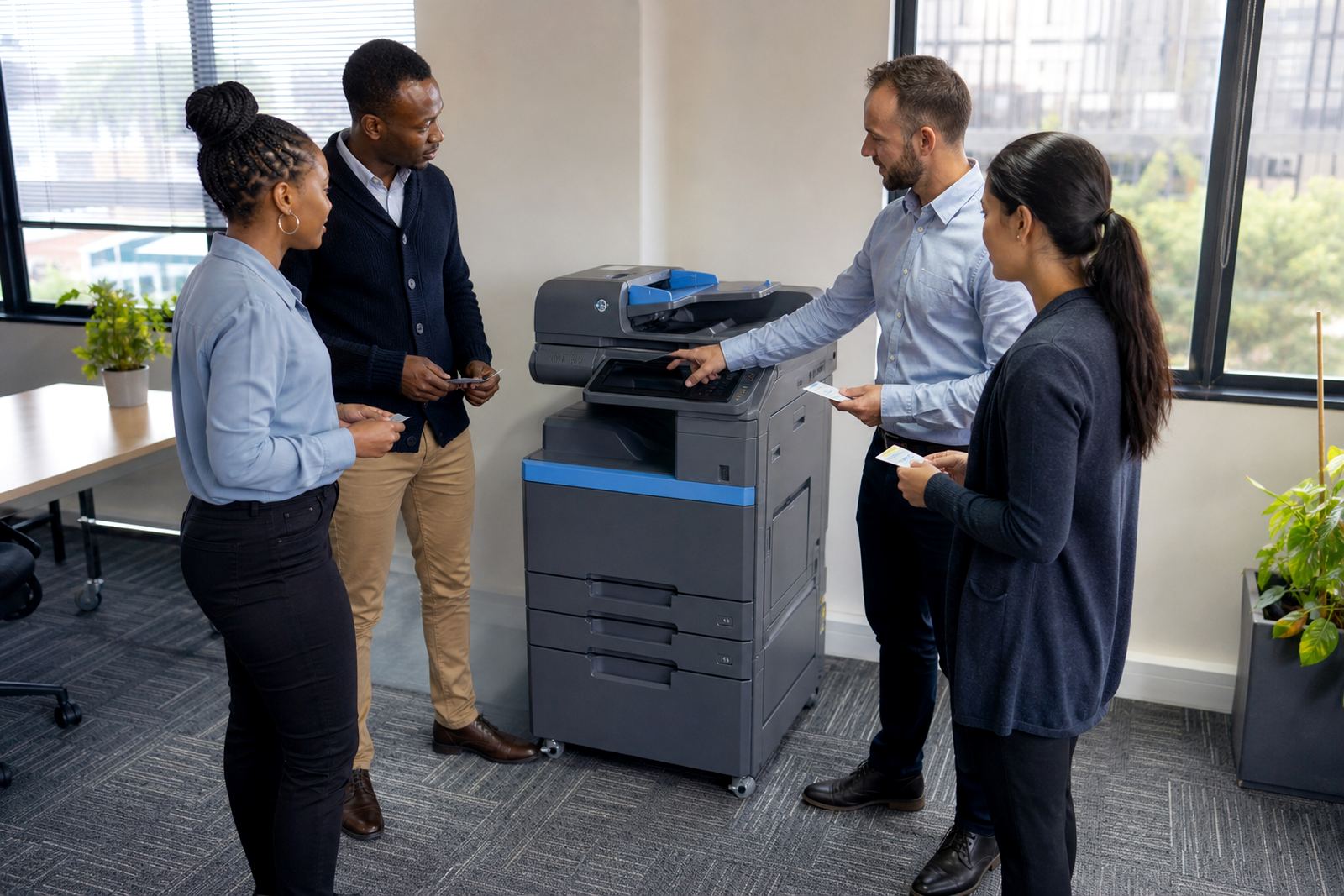
Place the machine where the heaviest group of users already passes through during the day, not where there is an open corner. That usually means near admin, reception, finance, or the copy point used by several teams. For a smaller office, one shared multifunction printer can sit between departments and still stay convenient if the route to it is clear.
Think about the flow of documents. A printer tucked behind a row of cupboards may look neat, but staff will crowd into the passage and leave trays standing open. If scan-to-message is part of the plan, the device should also be easy to reach for the people who scan most often. That reduces unnecessary walking and keeps printing from turning into a stop-start errand.
- Keep the device close to regular users, not hidden away
- Leave enough room for trays, lids and paper handling
- Position it where staff can queue without blocking a doorway
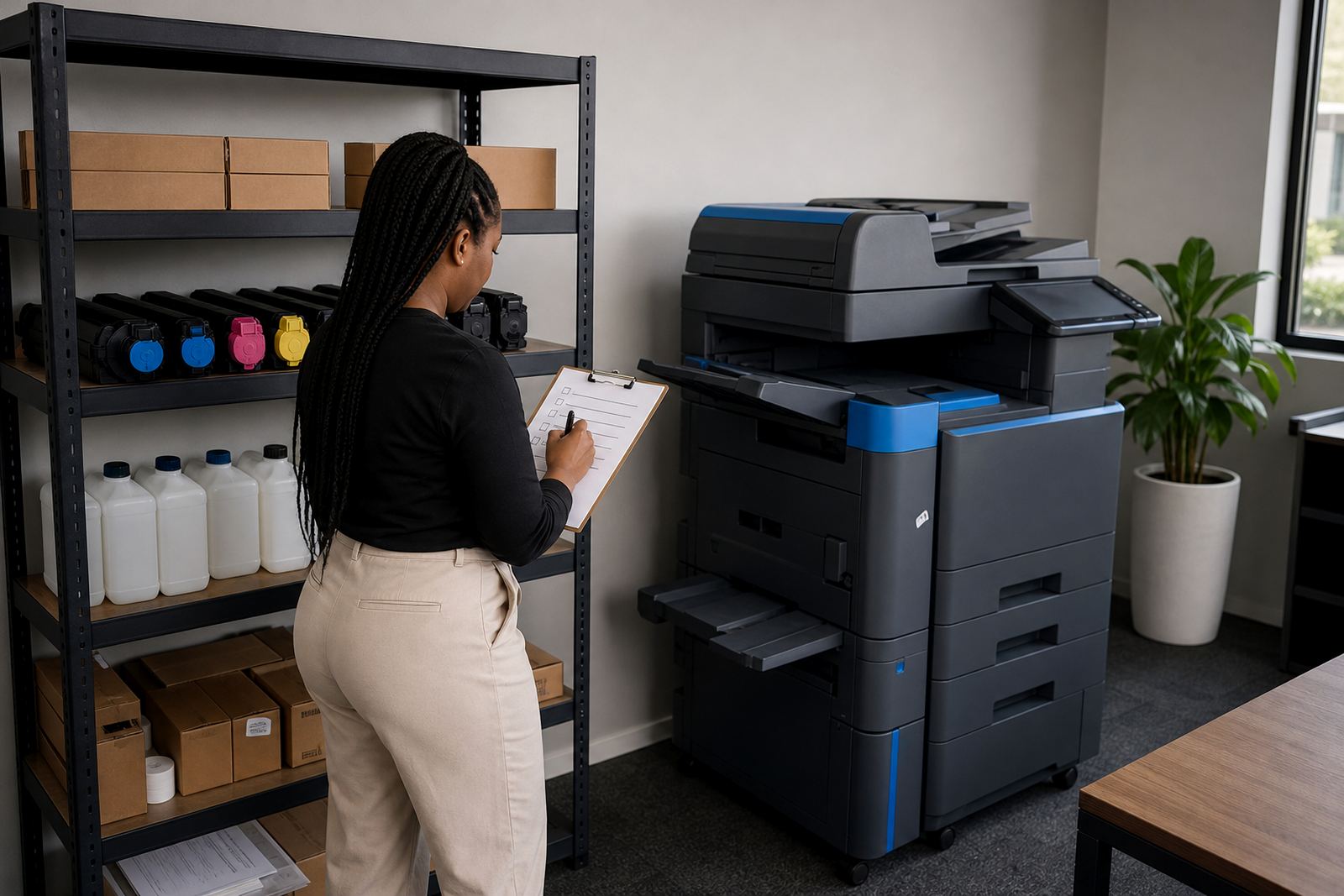
- Allow access for metre reads, toner changes and servicing
Match the Printer Size to the Room, Not the Wish List
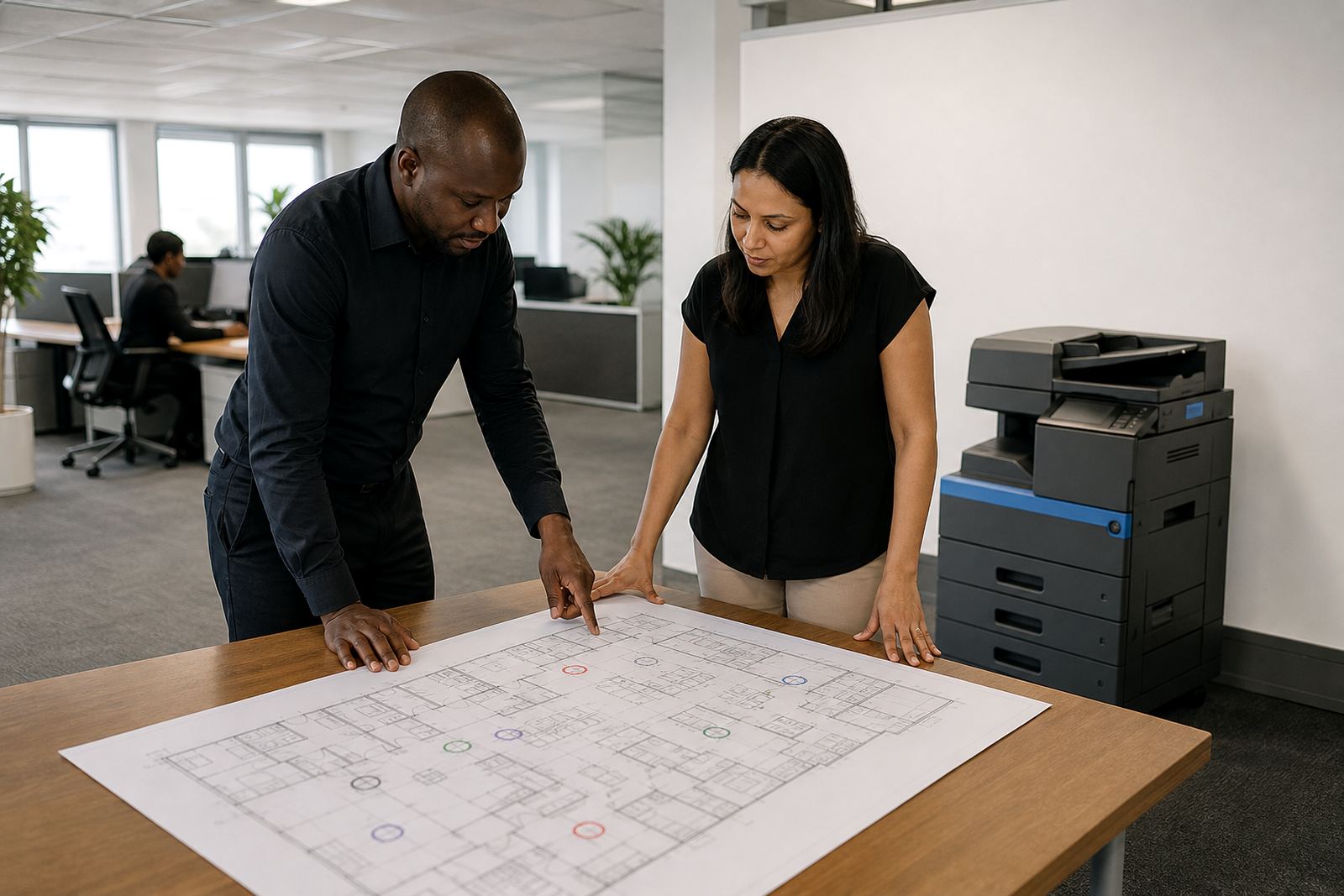
An A4 device suits many offices where printing stays mostly on standard paper, forms and invoices. An A3 machine is better when plans, spreadsheets or wider layouts move through the business often. The placement has to reflect that size too, because a larger unit needs more breathing room and better support around the paper trays.
Colour devices often sit in a shared area because more people need access for presentations, brochures or client packs. Mono machines can be placed closer to operations teams that print in volume and want lower click charges. If the floor is cramped, avoid pushing the unit into a corner where the service doors cannot open properly. A machine that cannot be reached cleanly soon becomes a headache for both users and technicians.
- A4 units suit general office printing and scanning
- A3 units need extra clearance for trays and covers
- Mono devices are useful where text output dominates
- Colour devices work well near sales, marketing or client-facing teams
Keep Power, Network and Access in the Same Conversation
Printer placement should be planned with the network point, power outlet and user access together. A neat-looking corner is not much use if the cable run crosses a walkway or the machine sits too far from the network point. Shared devices need stable connectivity for scan-to-message, secure print and user authentication, so the position must suit the office layout and not force awkward workarounds.
It also helps to place the device where a technician can reach the back, side panels and consumables without moving furniture. That matters for managed print plans, where toner supply, metre-based billing and service visits all depend on clear access. If the printer is squeezed beside a filing cabinet, the first paper jam will expose the problem. A better spot saves time and keeps the area safer.
Paper Pathways, Safety and Everyday Noise
Shared printers should not sit where people constantly brush past hot surfaces, swinging doors or stacked boxes. Keep the area open enough for safe use, especially if staff collect print jobs in bursts. Paper is lighter than many office supplies, but it still needs a dry, stable place. Coastal humidity can curl stock and dusty interiors can work their way into feed rollers and trays.
Noise matters too. A printer next to a meeting room or beside a quiet call area can become distracting, especially when large jobs run through the day. If the office has a reception area, the machine should not dominate the first impression. A side room, shared print nook or central workstation usually works better than a corridor that doubles as a shortcut.
- Keep the machine away from drinks, sink splashes and open windows
- Do not block exits, door swings or emergency routes
- Use a level floor so the unit feeds paper correctly
- Leave space for paper stock, toner and service access
Plan for Metre Reads, Toner and End-of-Term Swaps
Managed print works best when the placement makes routine admin easy. If metre readings are taken on site, the display should be visible without moving the machine. Toner supply also runs more smoothly when the device is not packed into a tight alcove. Small details matter here, because a printer that is hard to reach tends to interrupt the very people meant to use it most.
When a rental term ends, the machine may be swapped or replaced with a different size or volume class. That is easier when the original position already has room for removal and installation. A wise layout leaves a little extra space at the start, not just enough for the current model. It avoids damage to walls, skirting and cabling when the unit changes over.
A Practical Check Before the Printer Lands
Before the installation, walk the route from the entrance to the chosen spot and check what stands in the way. Tighter offices often look manageable on paper but feel cramped when a device arrives. A good placement balances convenience with service access, and it should suit the work done by the people using it each day.
Use this short check:
- Is there clear access for installation and later servicing?
- Can staff reach it without crossing a busy doorway?
- Is the floor stable and dry, with room for paper stock?
- Will scan-to-message and secure print be easy for the team to use?
- Does the position suit the monthly rental and click-charge setup?
For offices in Midrand, Johannesburg, Pretoria, Durban, Cape Town and Bloemfontein, the best location is usually the one that reduces friction for staff and service teams alike. That is what keeps the machine useful through ordinary week after ordinary week, with less fuss around toner, metre readings and handovers.