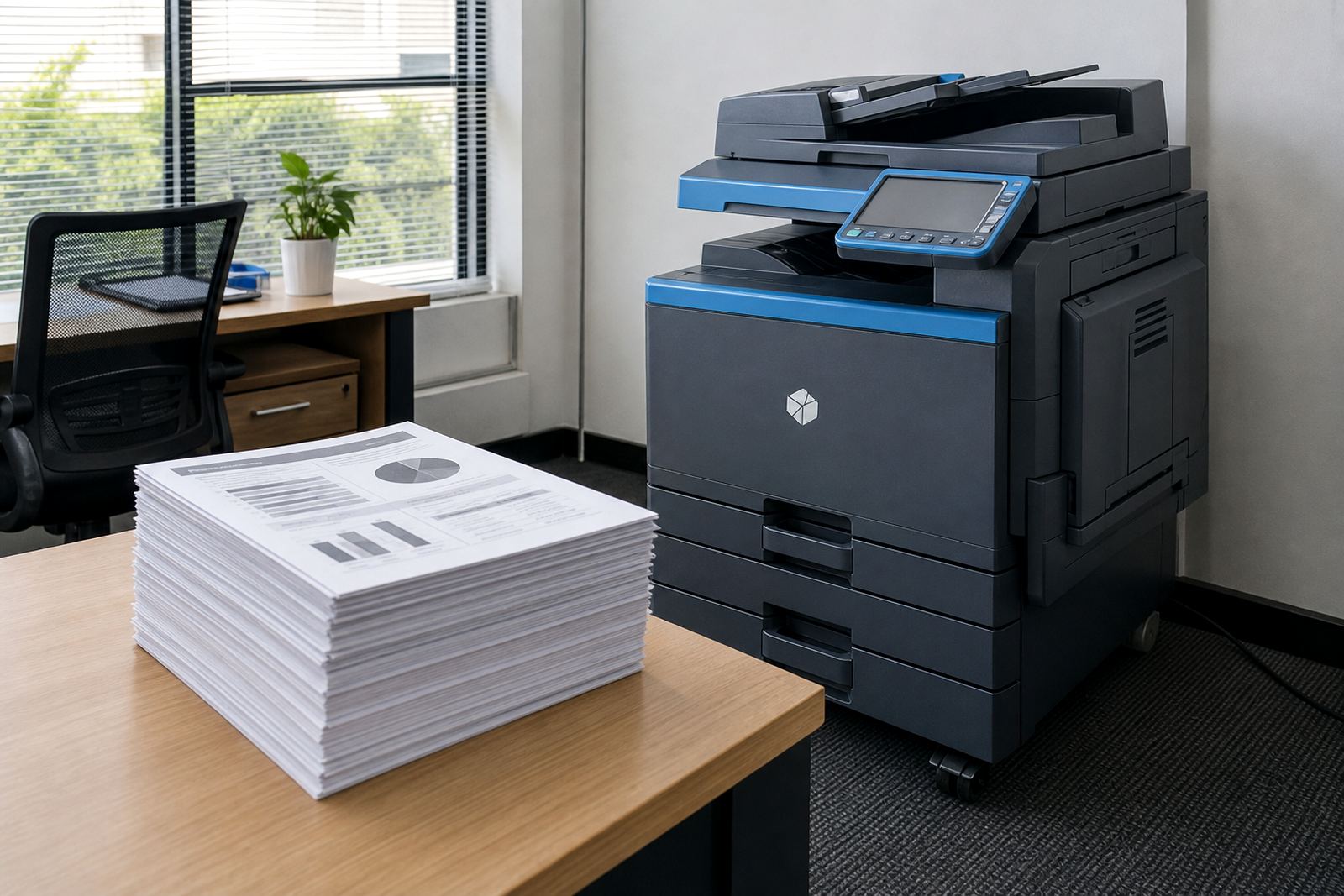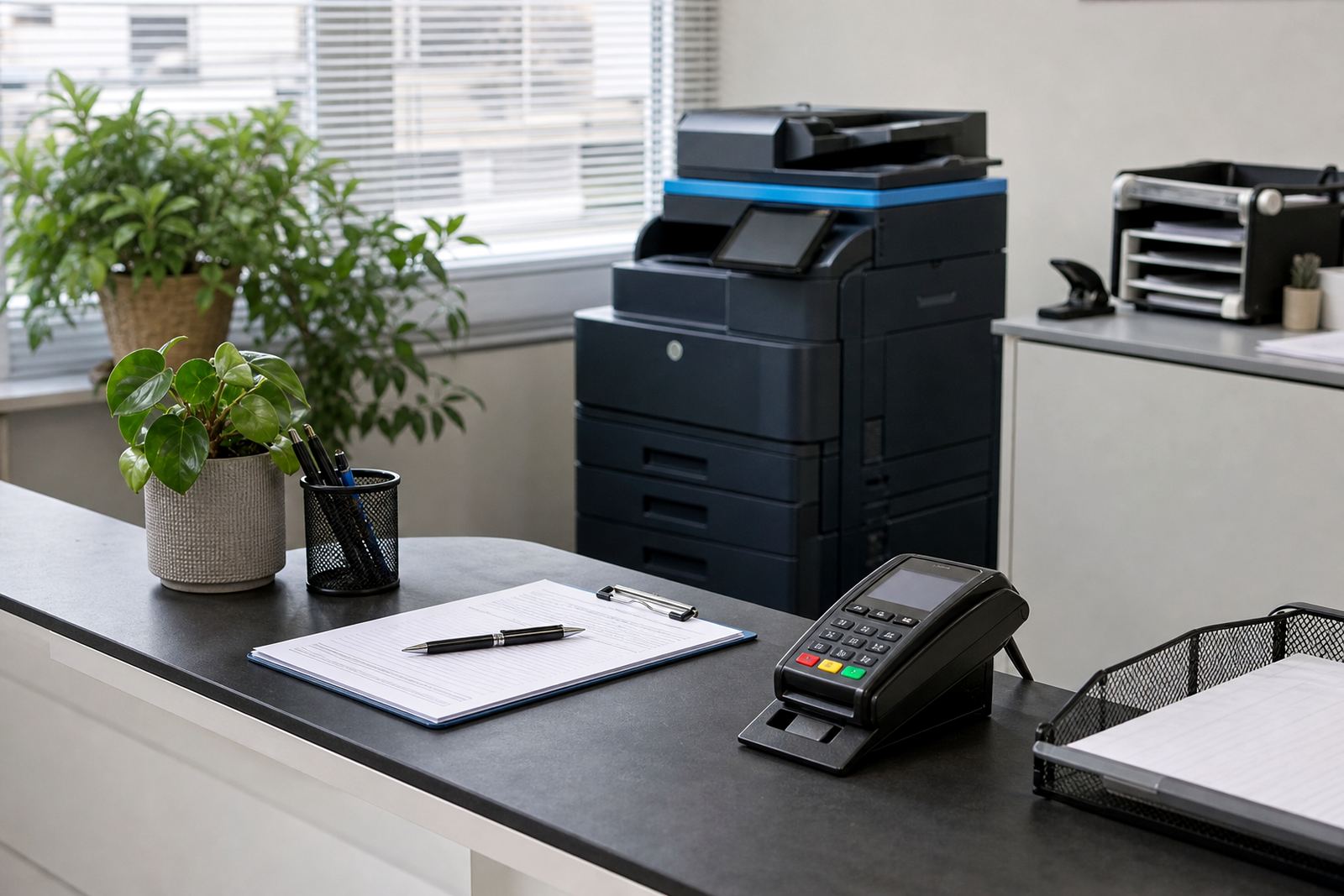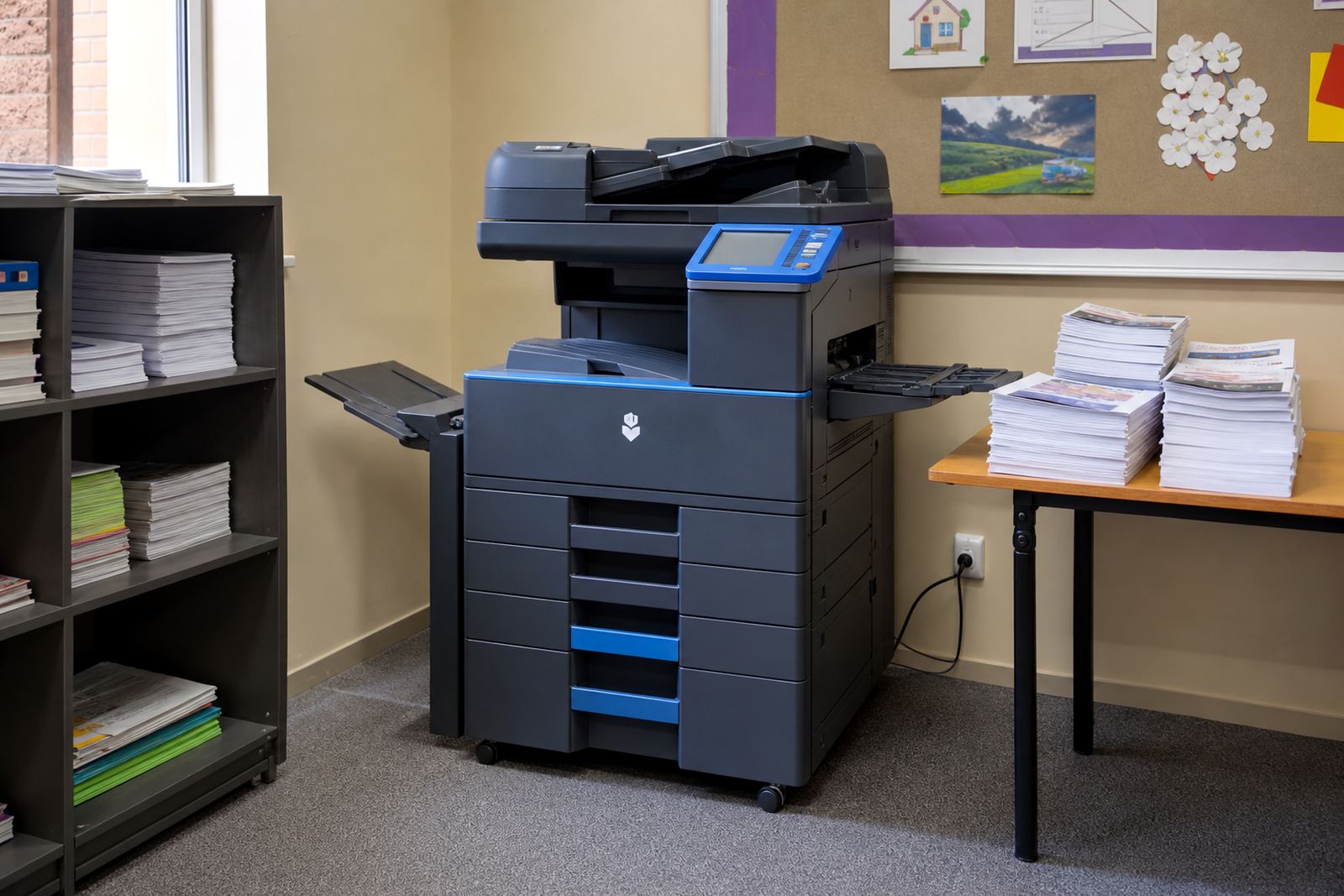
Start with the pages, not the machine
Most offices do not need colour for every page. They need colour for a few specific jobs that would look flat or unclear in mono. Think of proposals with charts, training packs with diagrams, client reports with redline changes, and learner packs where colour helps people find the right section fast.
A managed print plan works best when the volume is understood first. If most output is internal notes, invoices, forms, and black text reports, a mono multifunction printer usually keeps monthly rental and click charges lean. If the office prints client-facing material every week, then colour starts to make sense as a working tool rather than a nice extra.
Where colour earns its place in an office
Colour is not about printing everything in bright shades. It earns its place when it improves reading, sorting, or presentation. A school office may use colour for notices, class packs, and admin sheets. A legal or property practice may need it for signed packs, marketing inserts, or marked-up scans. An accounting team may only need colour on the occasional board pack, not every day.
- Use colour when a graph, highlight, or warning needs to stand out.
- Use it when external clients see the page before your team does.
- Use it for forms where colour codes sections or actions.
- Avoid it for long mono documents that only need clean text.
Monthly rental and click charges should match the page mix
Colour plans usually split the cost into two parts. There is the monthly rental for the machine, then the click charges tied to actual use. Mono clicks are usually lower than colour clicks, which is why a mixed office needs a realistic page split before choosing a device. If only a small share of pages need colour, a mono fleet with one colour unit can be a better fit than putting colour on every floor.
The right setup also depends on A4 and A3 use. A3 matters for larger charts, site plans, and presentation boards. A4 is enough for most daily admin. A plan that matches both sizes avoids paying for features that sit idle while the office still pays for them each month.
Scan-to-message and secure print change the daily rhythm
Colour is only part of the picture. A multifunction machine should also support scanning, copying, and document control. Scan-to-message matters when teams move paperwork into digital folders for approvals or record keeping. Secure print matters where documents are left on shared trays and should not sit there waiting for the wrong pair of hands.
These features become more important in offices with reception traffic, finance teams, and shared work areas. Once staff can release jobs at the device, colour output is less wasteful because fewer sheets are abandoned or printed twice. That does not make colour essential, but it does make the print room easier to manage.
A Midrand office with mixed print needs
A small consulting office in Halfway House may print mono letters, attendance sheets, and reports all week. Then month end arrives and the same team needs a full colour pack for a client meeting, a few branded handouts, and a marked-up copy for internal review. That is the point where a managed print plan matters more than owning a machine outright.
In a setup like that, the office can keep a mono device for day-to-day work and add a colour unit where it is truly needed. Toner supply, metre reading support, and on-site servicing all sit inside the same arrangement, so the team is not juggling separate purchase orders every time a cartridge runs low or a fault appears.
- Mono handles steady internal printing at lower click cost.
- Colour handles client packs, charts, and branded material.
- Metre billing keeps usage tied to the pages actually printed.
- End-term swaps let the fleet change when the work changes.
When colour is probably overkill
If the office mostly prints plain text, forms, and black-and-white copies, colour can become a quiet drain. It is easy for a team to say it wants colour, then discover the machine is used for a few pages a month and still carries the higher rental. In that case, the better move may be a stronger mono unit with scanning, secure print, and enough speed for the real workload.
Relocations also matter. Some offices move between Sandton, Centurion, and Pretoria with new staff and different floor plans. A proper fleet review can show whether colour belongs in every branch, only in head office, or not at all. That decision is easier when the machine mix is reviewed against actual metre readings, not memory.
The decision comes down to work, not preference
Colour should solve a document problem. If it helps a reader act faster, understand a chart, or trust the page in front of them, it earns its keep. If it is only there because the office assumes colour looks more professional, the extra click charges may not be worth it. That is usually the fault line in managed print.
Go-Printers Rental works with offices, schools, and practices that need office multifunction printers and copiers on a managed basis, with toner supply, service visits, metre-based billing, machine relocations, and end-term swaps built into the arrangement. For teams in Johannesburg, Pretoria, Durban, Cape Town, Bloemfontein, and around Midrand, the better question is not whether colour is nice. It is whether the pages leaving the tray actually need it.