Reception work is not light print work
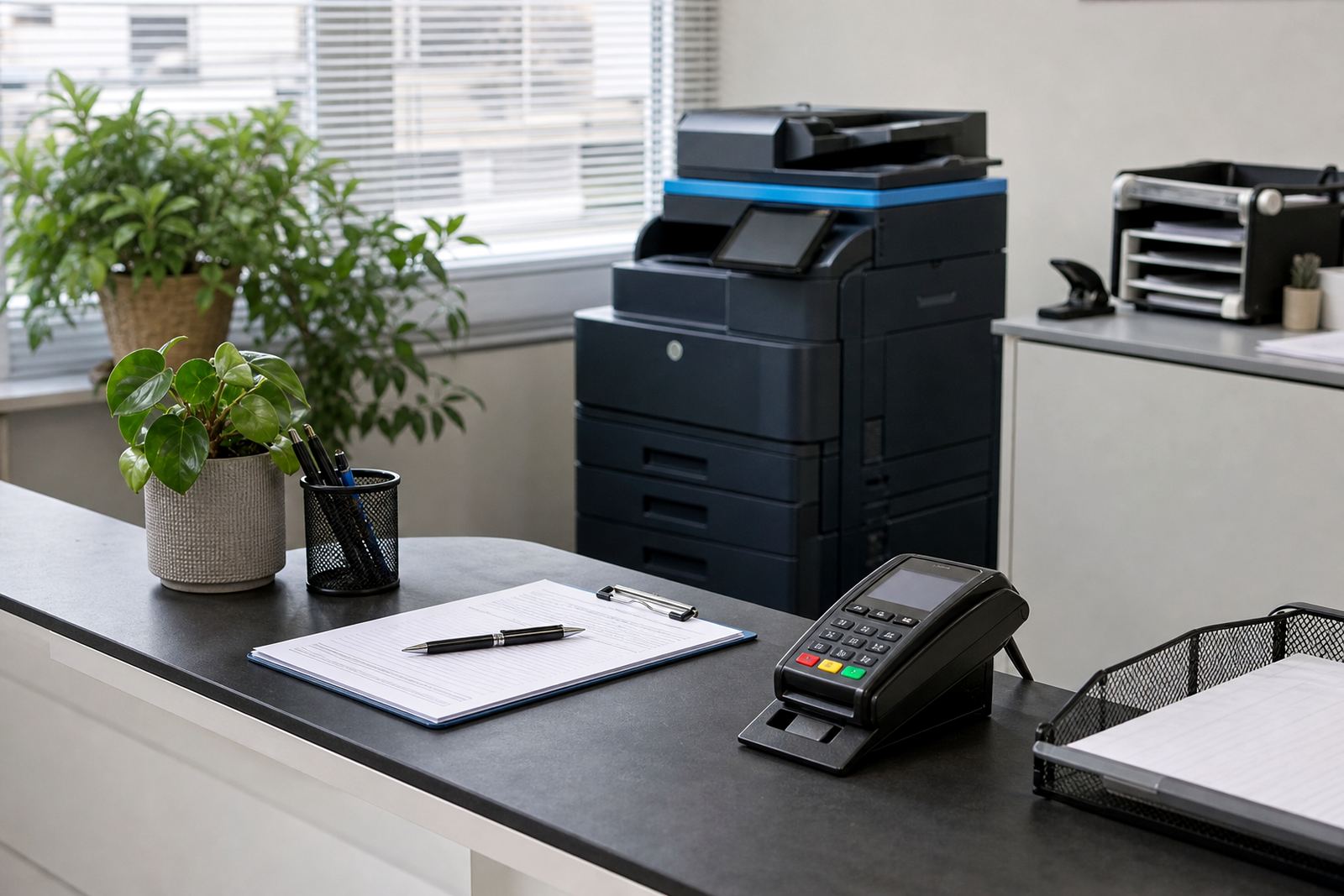
A practice front office handles appointment slips, referral letters, consent forms, invoices and scanning from the first patient through to the last. The machine at reception has to move between mono and colour jobs, cope with repeated scanning and keep paper paths clean when the day gets busy. That is where office multifunction printer rental makes sense, because the equipment, toner and servicing sit inside one managed plan instead of landing as separate headaches.
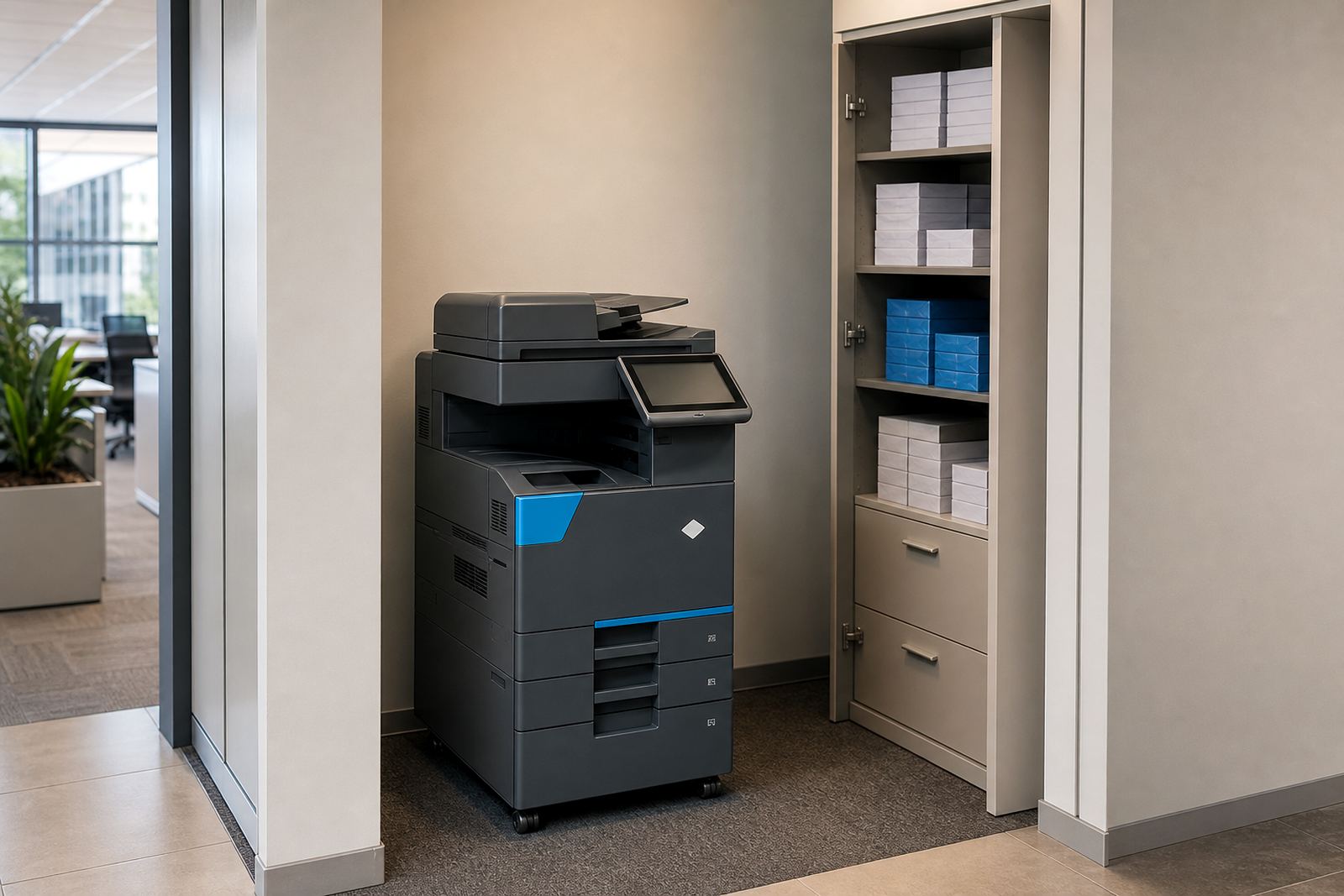
In clinics, physiotherapy rooms, dental rooms and medical admin spaces, the printer is not there for occasional use. It sits beside phones, files and a reception queue, so there is value in a unit that can print, copy, scan to message and handle secure print settings without making the team chase a technician every time a tray jams or a setting goes missing.
A3 or A4, mono or colour, each room uses differently
Some practices only need A4 mono printing for scripts, letters and internal records. Others need colour for patient education sheets, diagrams or branded handouts. A larger office may want an A3 multifunction machine for layout work, larger forms or staff notice boards. The right fit depends on page volume, scan use, and whether the machine stands with reception or in a back office that serves several rooms.
- A4 mono suits lean admin rooms and low colour use.
- A4 colour helps when forms, charts and patient guides need clarity.
- A3 works better for larger practices with heavier admin flow.
- Network setup matters when several staff send work to one device.
In Halfway House and the wider Midrand area, many practices prefer one central device with user access set by role, rather than several small machines spread across the office. It keeps toner usage easier to follow and makes metre readings less messy at month end.
Metre billing keeps the paperwork honest
Managed print plans usually separate the monthly rental from the click charge. Rental covers the machine, and the click charge tracks the pages printed or copied. That structure suits practices because toner supply, regular maintenance and metre-based billing can be planned around actual use instead of guesswork.
For a front office manager, the detail that matters is not the label on the invoice. It is knowing that the machine can be monitored by metre reading, that toner supply follows the same plan, and that the practice does not have to buy cartridges every time the counter runs low. It also helps when the accounts team needs a cleaner record for admin costs across rooms or branches.
- Monthly rental fixes the machine cost.
- Click charges follow real usage.
- Toner supply sits inside the plan.
- Metre reading support avoids loose estimates.
Scan to message and secure print are not extras anymore
Many practices now move more paper than they print. Scanning referral letters, lab results and signed forms into message folders is part of the daily rhythm. Scan to message setup needs to be practical, with the right address book and sensible file naming so staff can send records without hunting through menus each time.
Secure print also matters in a shared office. A document should wait until the right user enters the release code or card, especially where patient information passes between reception, nurses and accounts. Small controls like this reduce accidental viewing and keep forms from sitting in the output tray longer than needed.
We also see practices ask for user handover after installation, because the machine only works properly when the reception team knows where to scan, how to release a secure job and when to flag a paper feed issue before it grows into a bigger stoppage.
Service matters more when the diary is full
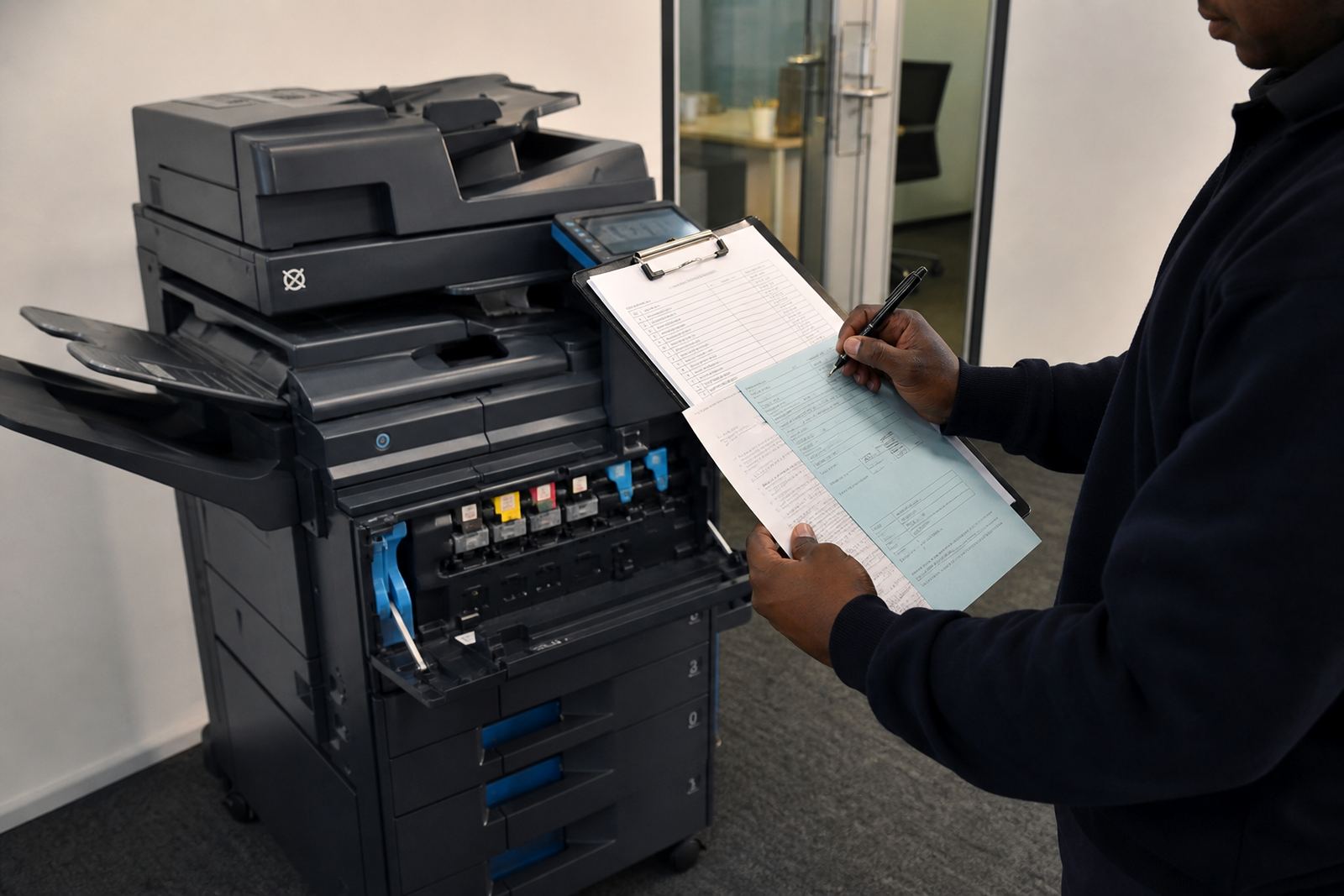
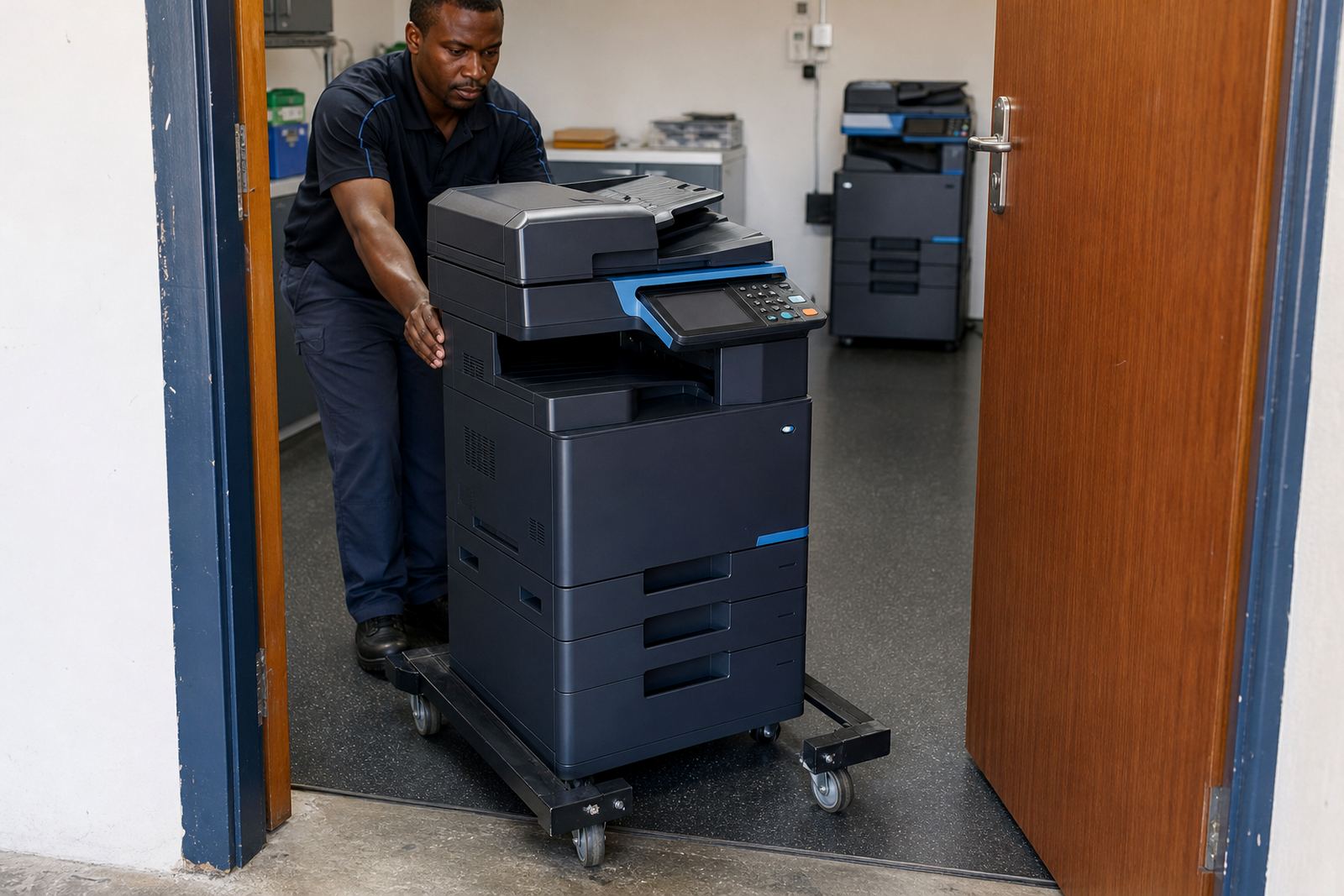
On-site servicing is part of the practical side of managed print. A practice cannot always stop the front counter to wait for a slow fix, and a copier with a paper feed issue can hold up billing, filing and patient intake. Breakdown response, machine relocations and end term swaps all sit within the same working pattern, because offices change layout, staff numbers and usage over time.
In a real Midrand practice, a common issue is a machine that starts well in the morning and then begins feeding poorly once the tray is half empty and the queue grows. That is why service visits, toner checks and a clean handover at installation matter. The aim is not fancy features, just a printer that stays ready for admin work and does not create extra calls for the receptionist.
A local example from Midrand reception space
A small allied health practice near Halfway House may use one A4 colour multifunction machine for appointments, client notes and scanned forms, with a second mono unit in the back office for bulk records and accounts. The reception team wants easy copying, secure print for private records and a simple way to send documents to message without leaving the counter.
When that setup is managed properly, the front office stays cleaner and the staff stop working around the machine. Toner supply is planned, metre readings are recorded, and if the practice later shifts rooms or grows into a second branch, the equipment can be reviewed and swapped at the end of term instead of being left in the wrong place for another year.
That is the value of a managed print plan for professional practices in Johannesburg, Pretoria, Durban, Cape Town and Bloemfontein too. The machine is only one part of the picture. The service, access controls and billing structure have to suit a front counter that works with people, files and time pressure every day.
What practice teams usually ask us to set up
Different rooms need different settings, but the requests tend to repeat in a useful way. A good practice setup usually asks for network setup, scan to message setup, secure print setup and toner supply linked to the machine’s metre readings. From there, the office can decide whether it needs mono or colour, A4 or A3, and whether one central unit or two smaller units will work better.
- Device installation in the correct room or reception point.
- On-site servicing for paper feed, scan and print faults.
- Fleet review when the office grows or moves rooms.
- End term swaps when a different machine size is needed.
At Go-Printers Rental, we work from Halfway House, Midrand and support offices across South Africa with managed office multifunction printers and copiers. Practice teams reach us through our contact form when they want a plan that fits front office work rather than a machine that only looks suitable on paper.