The charge starts with the machine, not a surprise bill
A monthly rental plan usually begins with the physical device in the office and the right to use it under agreed terms. For many teams that means an A4 multifunction unit for printing, copying, scanning and sometimes fax, while bigger offices may need an A3 machine for heavier paper handling or mixed page sizes.
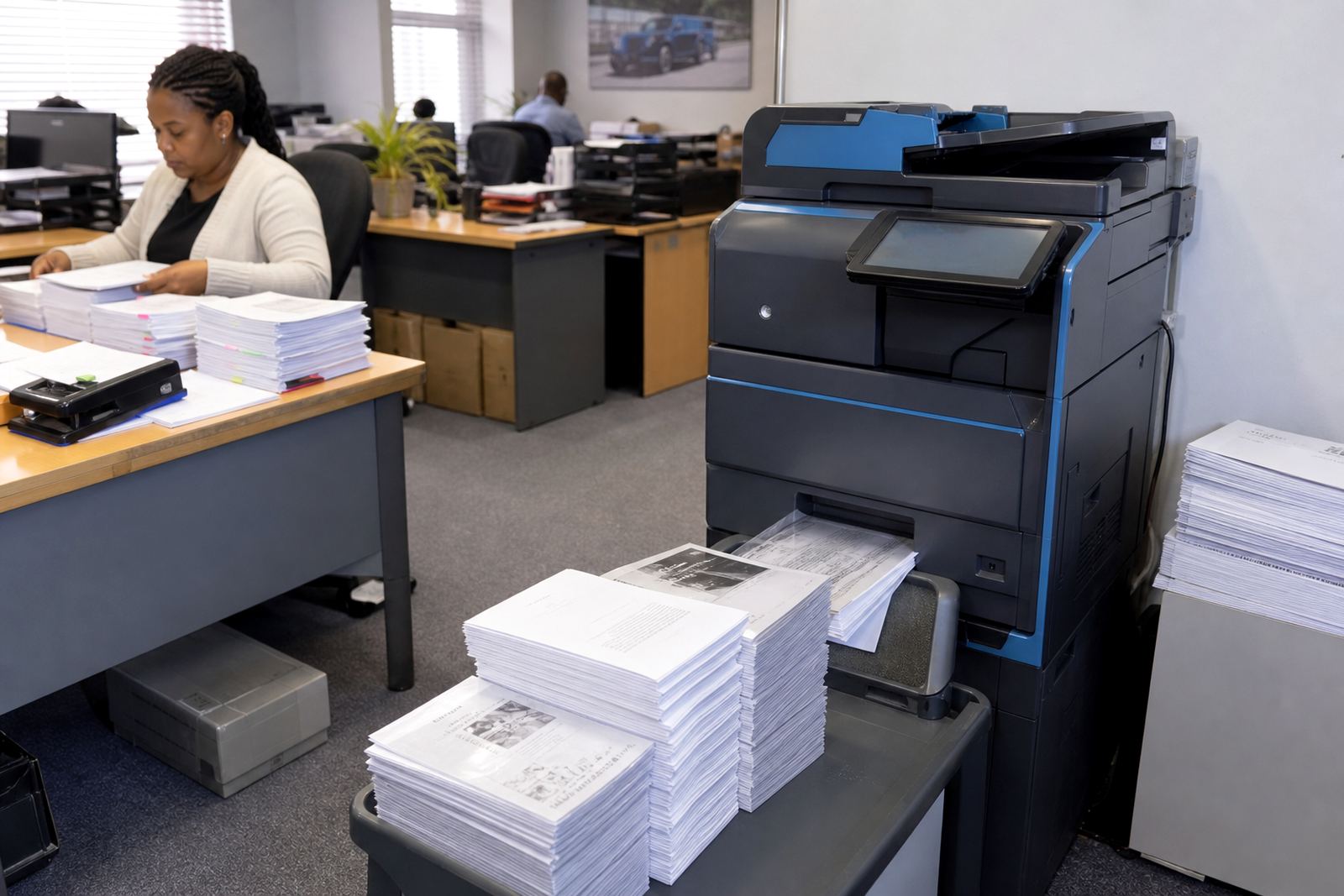
The rental line on its own is not the full story. In a proper managed print plan, the monthly amount often sits beside click charges based on metre readings, so the office pays for the output it actually uses. That keeps the cost tied to real traffic instead of a guess, which matters when one branch prints 2,000 pages and another pushes through far more.
What toner and click charges usually cover
Toner supply is one of the main parts of a managed rental plan. The office should not be left to hunt for cartridges or handle the stock on its own, because toner levels, page yield and print volumes all affect the running cost.
- Toner supply for normal office use
- Metre-based billing for pages printed or copied
- Support for black-and-white and colour output where agreed
- Consumables planning around the expected monthly volume
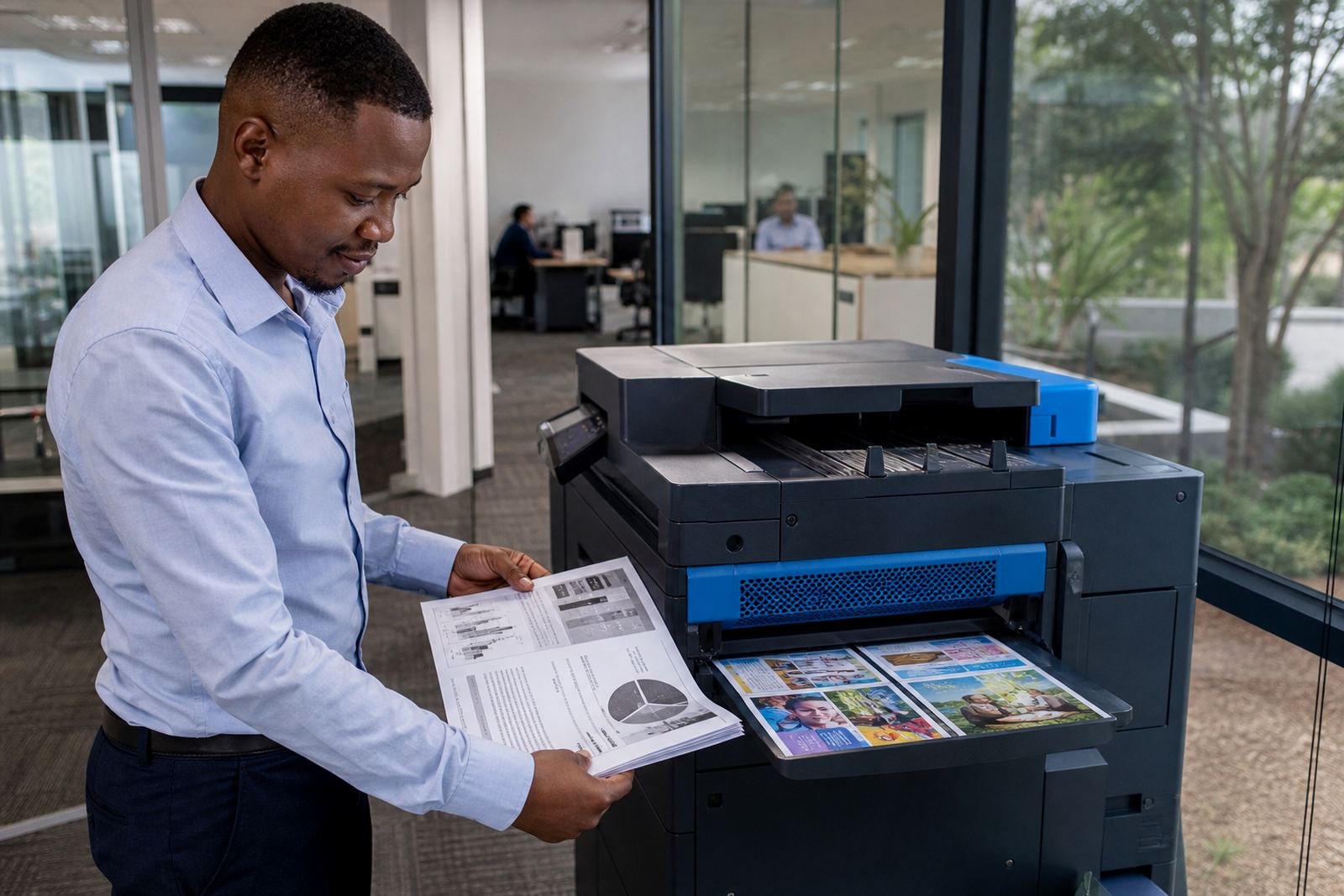
Mono printing is usually the lower-cost route when most pages are text, statements or internal forms. Colour adds value for charts, training packs and branded documents, but it also lifts the click charge. That is why many offices split the fleet, with one mono unit for general work and one colour device for the rooms that need it.
Service cover is part of the monthly value
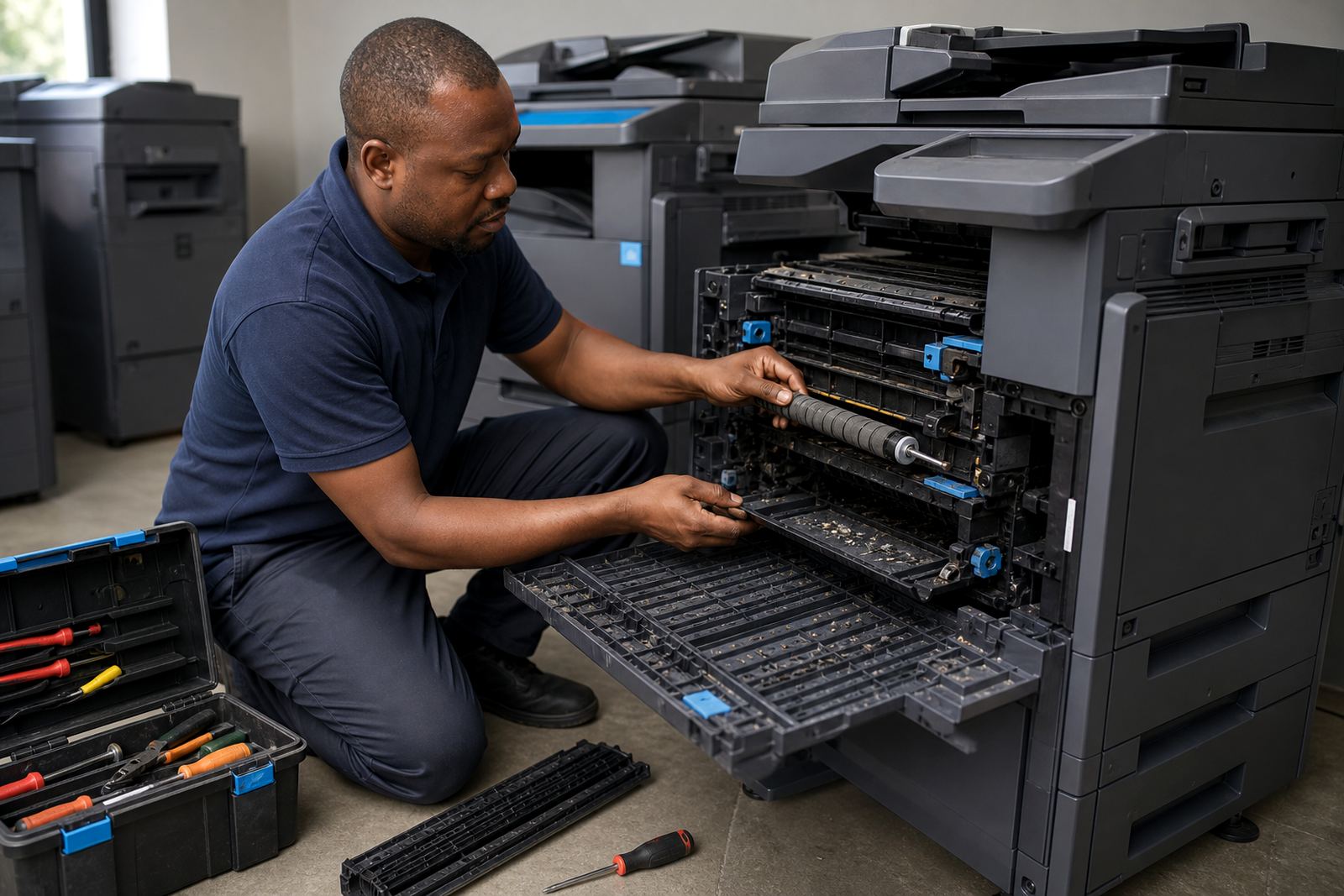
A rental figure has more meaning when it includes on-site servicing and breakdown handling. Printers in offices get hard use, paper dust builds up, rollers wear and settings drift after frequent changes in users or paper types. A plan that includes servicing keeps those faults from sitting on the work queue for too long.
Support should also cover basic setup tasks that keep the machine useful in the day-to-day routine. That includes scan-to-message setup, secure print settings, network setup and user handover when the device is first installed or when the office team changes. In a branch office in Sandton or a school in Pretoria, those small items make the difference between a machine that works and one that simply sits in the corner.
Metre readings are the part that keeps billing honest
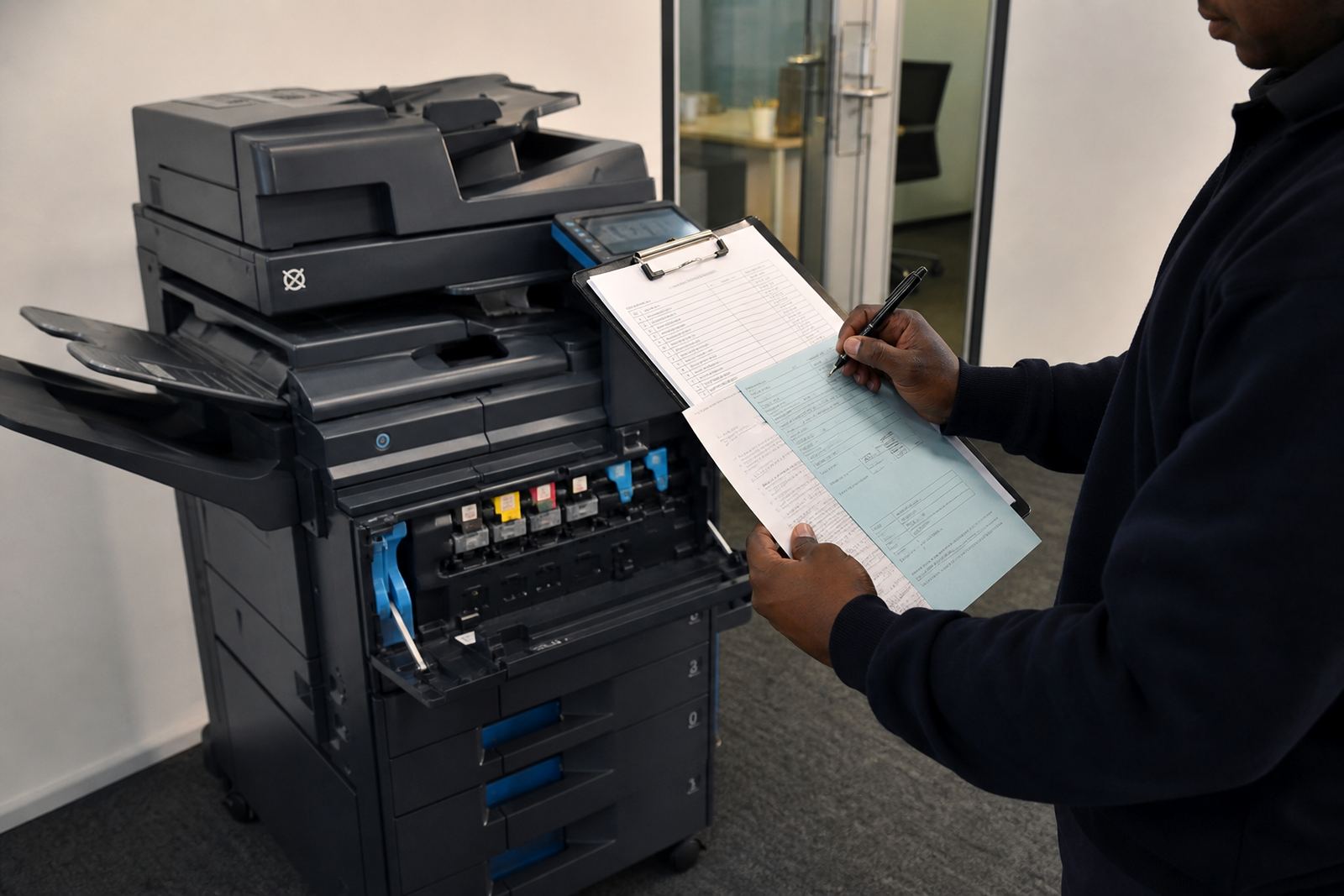
Monthly rental is easier to manage when the metre reading is clear and checked on a regular cycle. The reading shows how many pages passed through the machine, and that figure drives the click cost. It also helps spot unusual spikes, like a copied pack for a board meeting or a sudden run of colour jobs from one department.
For finance teams, this structure is easier to reconcile than a loose supply invoice every few weeks. The office knows what the base rental is, what the usage charge means, and where the totals came from. A practical setup also helps with fleet review, because an old machine that keeps missing the mark can be moved out and replaced with a better fit.
- Base rental for the machine itself
- Monthly metre reading or usage capture
- Click charges linked to actual output
- More control over high-volume departments
End-of-term swaps and relocations need to be built in
A rental arrangement is not only about the machine in place today. Good planning also covers what happens when the office grows, the floor plan changes, or the device no longer matches the load. End-term swaps are useful when an A4 mono unit must make way for a colour model, or when a larger A3 machine becomes the better fit for a busy admin team.
Machine relocations are another part of the picture, especially for companies with more than one office across Johannesburg, Centurion or Cape Town. A clean handover and proper move reduce downtime and help the next site start with the right device layout. When the plan includes this from the start, the office does not have to treat every change as a fresh project.
A Midrand example from an office that prints all week
Picture a growing office in Halfway House with HR, finance and reception sharing one print room. Finance uses mono pages for reconciliations and invoices, while HR needs colour for policies, forms and training packs. The office may not need to buy machines outright, but it still needs dependable printing, copying and scanning every day.
On a monthly rental plan, that office can place a smaller mono device near the finance team and a colour multifunction unit in the shared space. Toner supply is managed under the plan, metre readings feed the billing, and on-site servicing keeps the queue moving when a paper path jams or a scan profile needs attention. The arrangement suits the pace of a real office where different teams use the same equipment in different ways.
The useful checks before you sign a rental plan
Before a plan is put in place, the office should be clear on the work pattern, the paper sizes, and how many people will use the machine. A school admin room has different needs from a legal practice, and a clinic needs a different setup again. The monthly figure should reflect that difference rather than flatten everything into one generic cost.
- How many pages the office prints in a normal month
- Whether mono or colour output carries most of the load
- Whether A4 only is enough, or A3 is required too
- Where the machine will sit and who will use it
- Whether scan-to-message and secure print are needed
That kind of clarity makes the rental line easier to read and easier to manage. It also gives the office room to plan the next move, whether that is a machine swap, a relocation, or a cleaner setup for the next branch.