Start with the pages that leave the tray
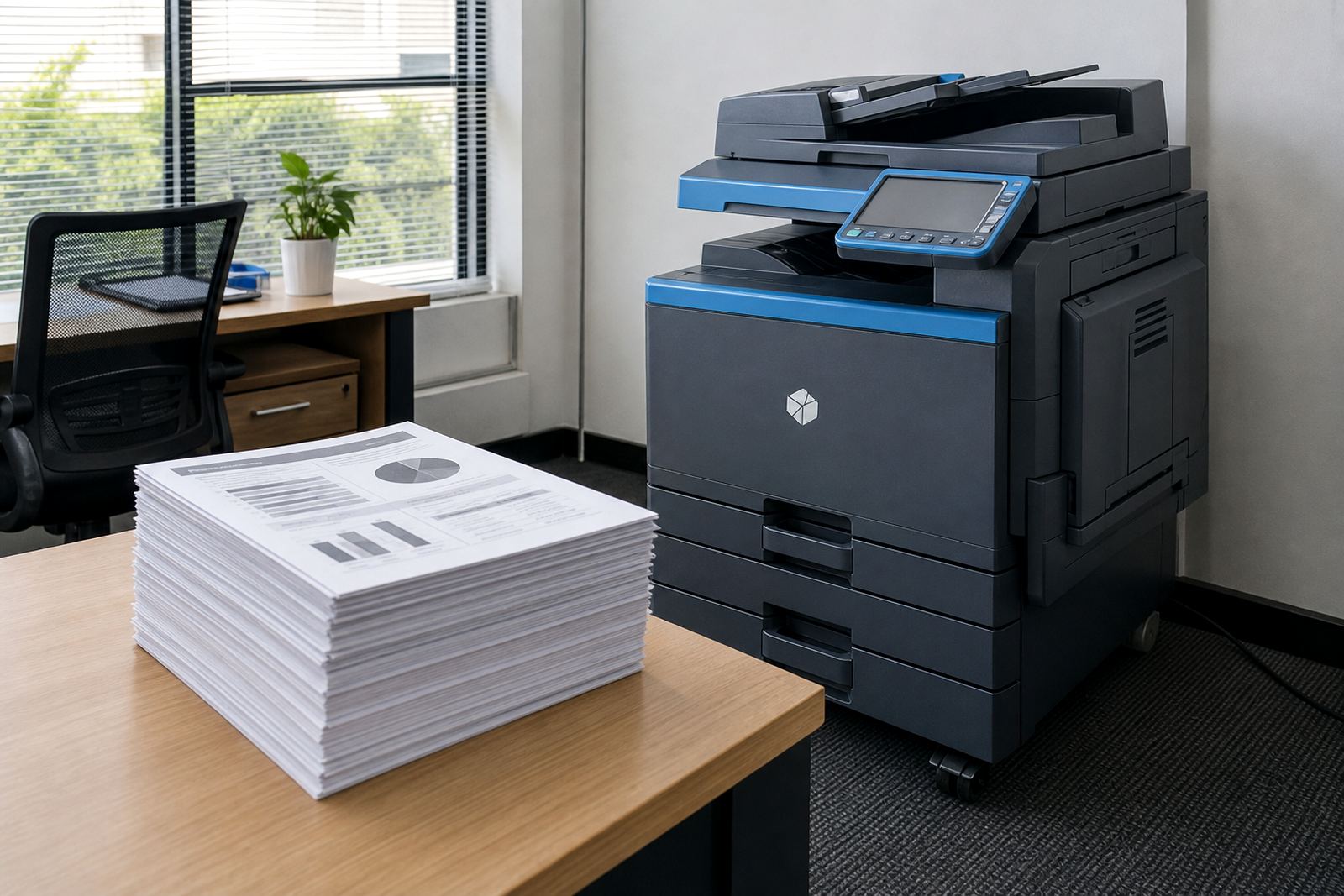
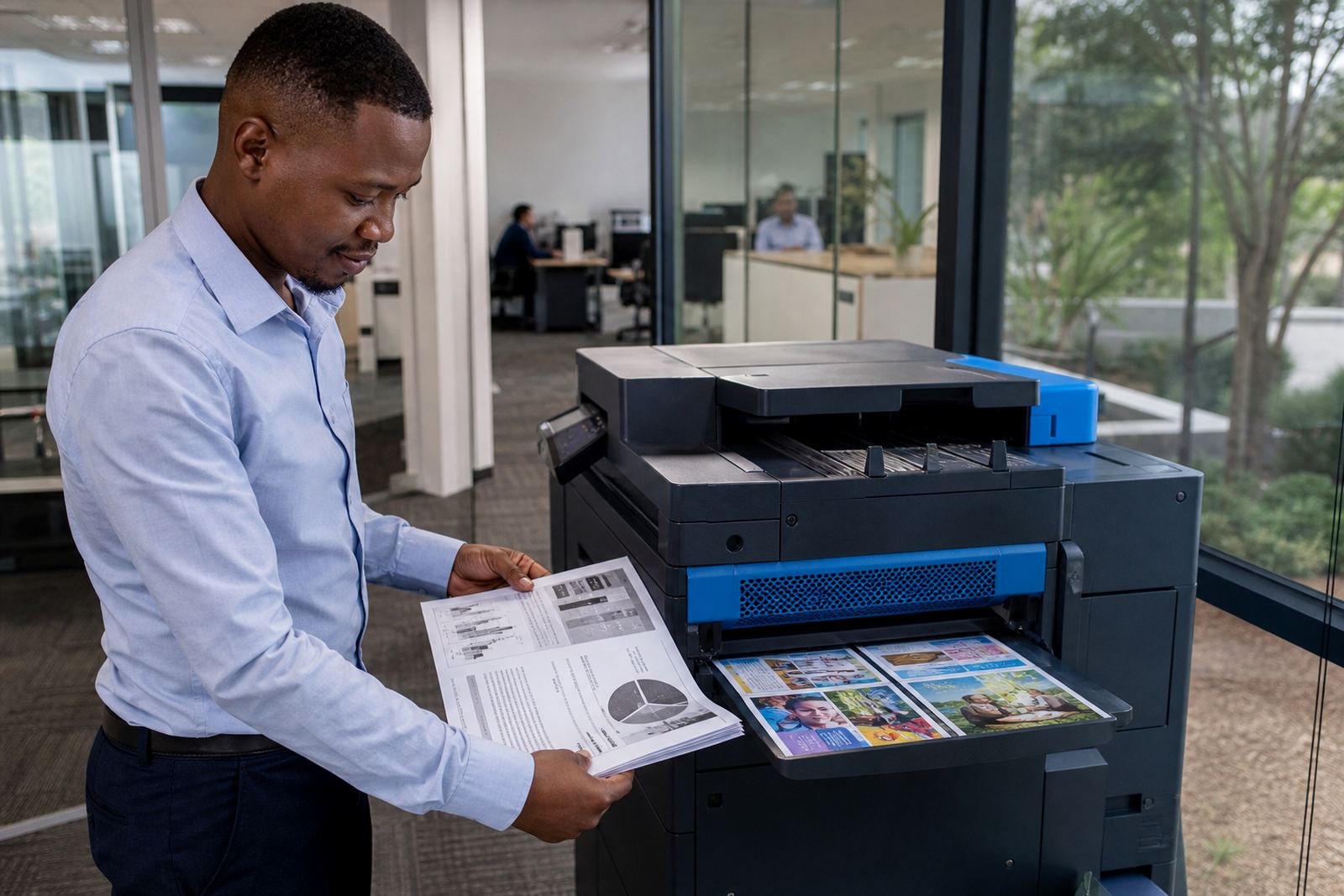
Most offices print more plain internal paperwork than polished external documents. That mix matters, because a mono device is usually the lower-cost route when the daily load is letters, invoices, contracts, reports and internal forms. Colour becomes useful when charts, product sheets, training packs or client-facing proposals need to carry more than black text.
On a managed print plan, the monthly rental and the click charge sit together as one working decision. A mono machine often gives a lower click charge on black pages and keeps the monthly line easier to justify when output is steady. Colour adds value when your team needs occasional impact, but it only pays when those pages are part of the real workflow, not a rare novelty.
Halfway House offices often split their print work between finance, admin and client service. In that setting, the main question is not whether colour looks better, but whether it earns its place on the monthly metre.
Where mono pays for itself without fuss
Mono multifunction printers are a strong fit for offices that care more about speed, document discipline and cost control than presentation. They handle A4 and, on some models, A3 paper sizes too, which helps when the office needs statements, bulk forms or larger internal schedules. The page stays clean, the toner footprint stays lower, and the cost per black page is usually easier to track.
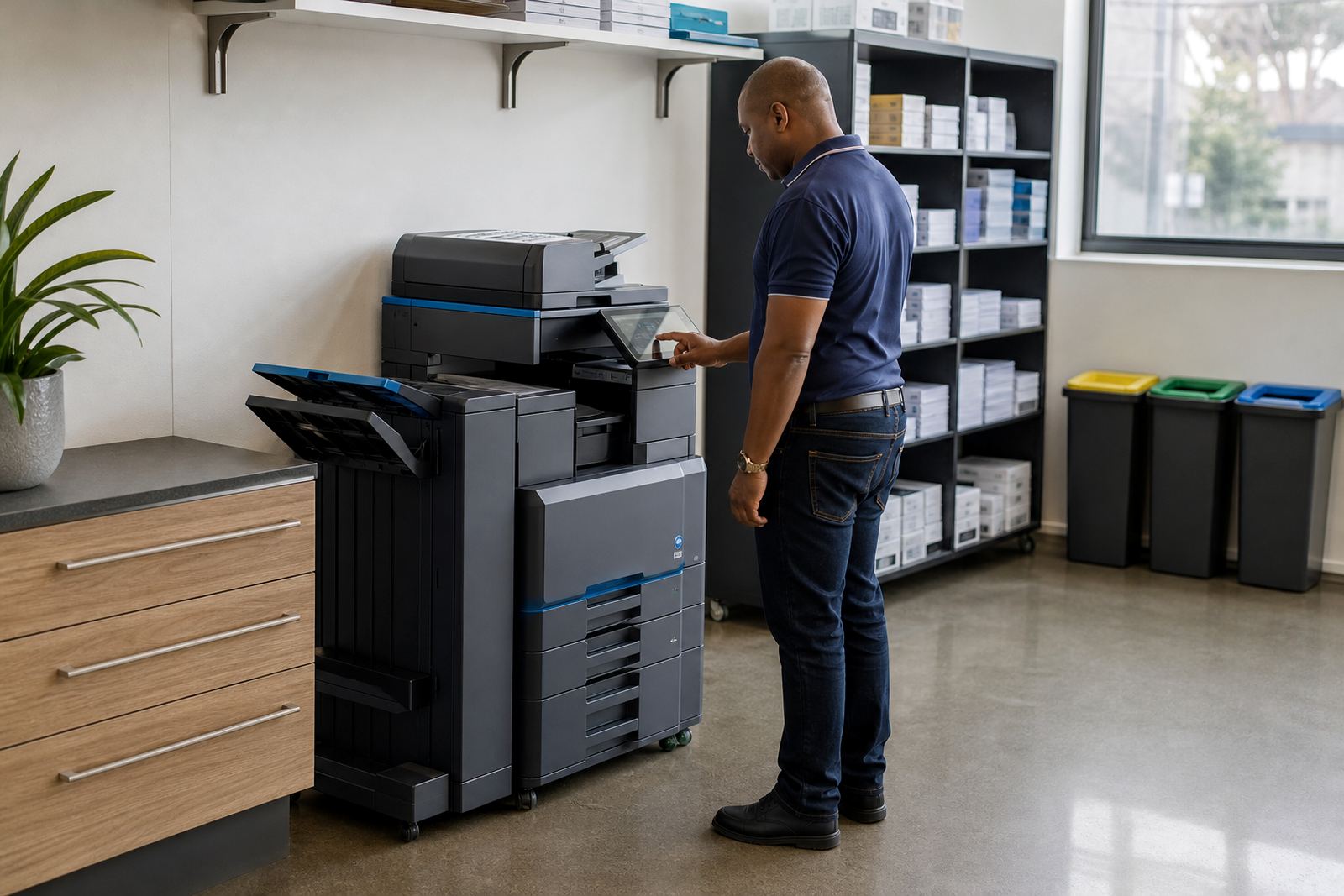
Mono also suits environments where people scan, copy and message documents all day. Secure print and scan-to-message are standard asks in many South African offices, especially where files move between managers, bookkeepers and front counter staff. If the machine spends its life producing forms, memos and audit files, colour can become an extra cost without much gain.
- Internal letters and notices
- Invoices, statements and purchase paperwork
- Contracts, compliance packs and HR files
- High-volume black-and-white copying
When colour earns a place on the floor
Colour makes sense when the office presents information to clients, parents, patients or suppliers and the document needs to read well at a glance. A few coloured charts in a report can make the page easier to follow, while branded forms and training handouts often look clearer when headings, warnings and diagrams carry colour.
Some teams print in colour only for selected departments. A reception area may need occasional colour brochures while the accounts team prints mostly mono. A rental plan can still suit that mix, provided the monthly usage is watched carefully and the colour output does not drift into casual printing for every memo and draft.
In Durban, for example, a practice near the coastal belt may use colour for patient handouts and appointment packs, while the back office stays on mono for records. Humidity is part of the local reality too, so toner handling, storage and regular servicing matter when the machine is expected to work through steady monthly use.
Metre billing changes the decision more than most people think
Buying a printer can make the first invoice look smaller than it really is over the life of the machine. A rental plan shifts the thinking: monthly rental covers the equipment, while the metre charge tracks actual use. That is why mono versus colour should be decided from output patterns, not from the feeling that one machine is simply better.
Black pages and colour pages are not priced the same in most managed print plans. A team that prints mainly internal text will usually see better control with mono, while a team that presents to clients or uses visual documents may accept higher colour clicks because those pages do more work. Metre readings keep the billing linked to real use, which helps the office avoid guessing.
- Check how many pages are black text only
- Separate client-facing print from internal drafts
- Keep colour for pages that need visual impact
- Review the metre pattern before changing the fleet
The service side matters after the machine is in place
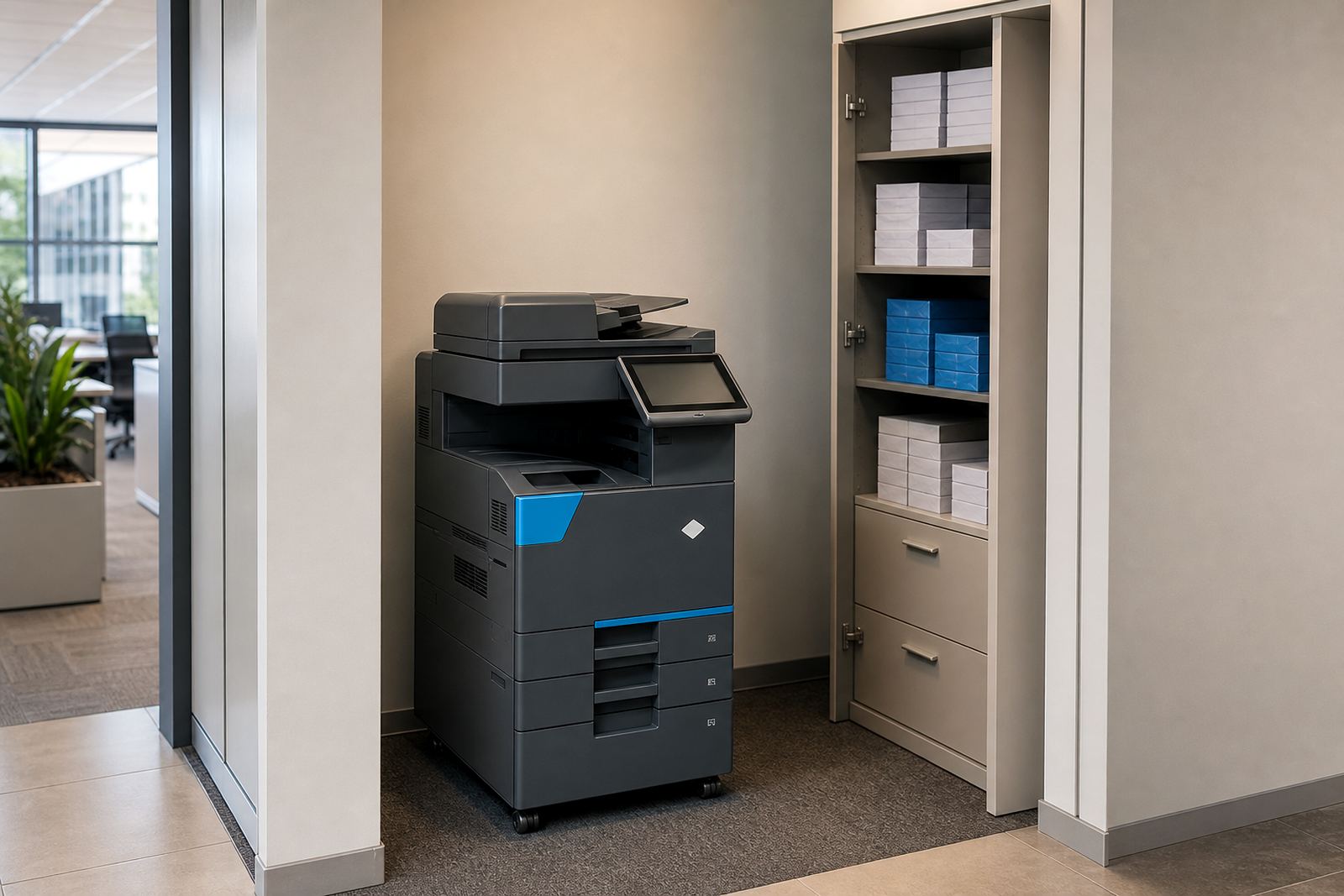
Office printer rental is not just about the box on the floor. Toner supply, on-site servicing, metre reading support and breakdown response all shape the day-to-day experience. If the office relies on scan-to-message, the network setup has to be right from the start. Secure print also needs proper user settings so confidential files do not sit on the tray.
A good managed print plan makes room for user handover too, especially when staff change or a branch grows. That is often where a colour decision gets tested. If the machine is too complex for the team, the features stay unused. If it is too small for the workload, queues form and the office starts looking for workarounds.
For offices in Johannesburg, Pretoria, Centurion or Sandton, the service question often comes down to fit across multiple users and departments. A mono unit can be the right workhorse for one branch, while a colour device suits another branch with client presentations and printed visuals.
A Midrand example that feels familiar
Picture a law office in Halfway House with six staff, a steady stream of scanned documents and plenty of black-and-white printing. The admin team needs reliable A4 output, secure print for confidential papers, and scanning straight to message. In that case, mono usually makes the cleaner business case because the monthly bill follows the real output and the machine stays focused on the work.
Now compare that with a training office in Bloemfontein that prints workshop notes, diagrams and learner packs for different groups each week. Colour can lift the material and reduce confusion on forms where headings, warnings and icons matter. The office may still keep a mono device in the back office, but the front-facing machine earns its place by handling colour pages that are genuinely useful.
That is the real decision point: not taste, but use. If colour is only decorative, mono usually carries the job better. If colour helps people read, act or present, it belongs in the plan.
What to line up before the rental starts
A clean decision needs a few practical details. Page counts, paper size, scan habits and the number of users all matter. So does the balance between monthly rental and click charges, because a low rental can still become expensive if the office prints heavily in colour without planning for it.
It also helps to think about the end of term. Some offices need a machine swap when the team grows, while others only need a smaller shift in specification. Relocations, fleet reviews and end term swaps are easier when the output history is clear and the site has settled into a pattern.
- List the main document types the office prints
- Note whether colour pages are routine or rare
- Check A4 versus A3 needs for the department
- Include scan-to-message and secure print in the plan
- Keep room for future swaps or relocations
For offices across South Africa, from Midrand to Cape Town, the right answer is often less about preference and more about workload. Mono keeps cost control tight. Colour adds value where the document needs it. The best rental plan is the one that matches the pages leaving the tray, not the ones people imagine they might print later.