Where the paper disappears first
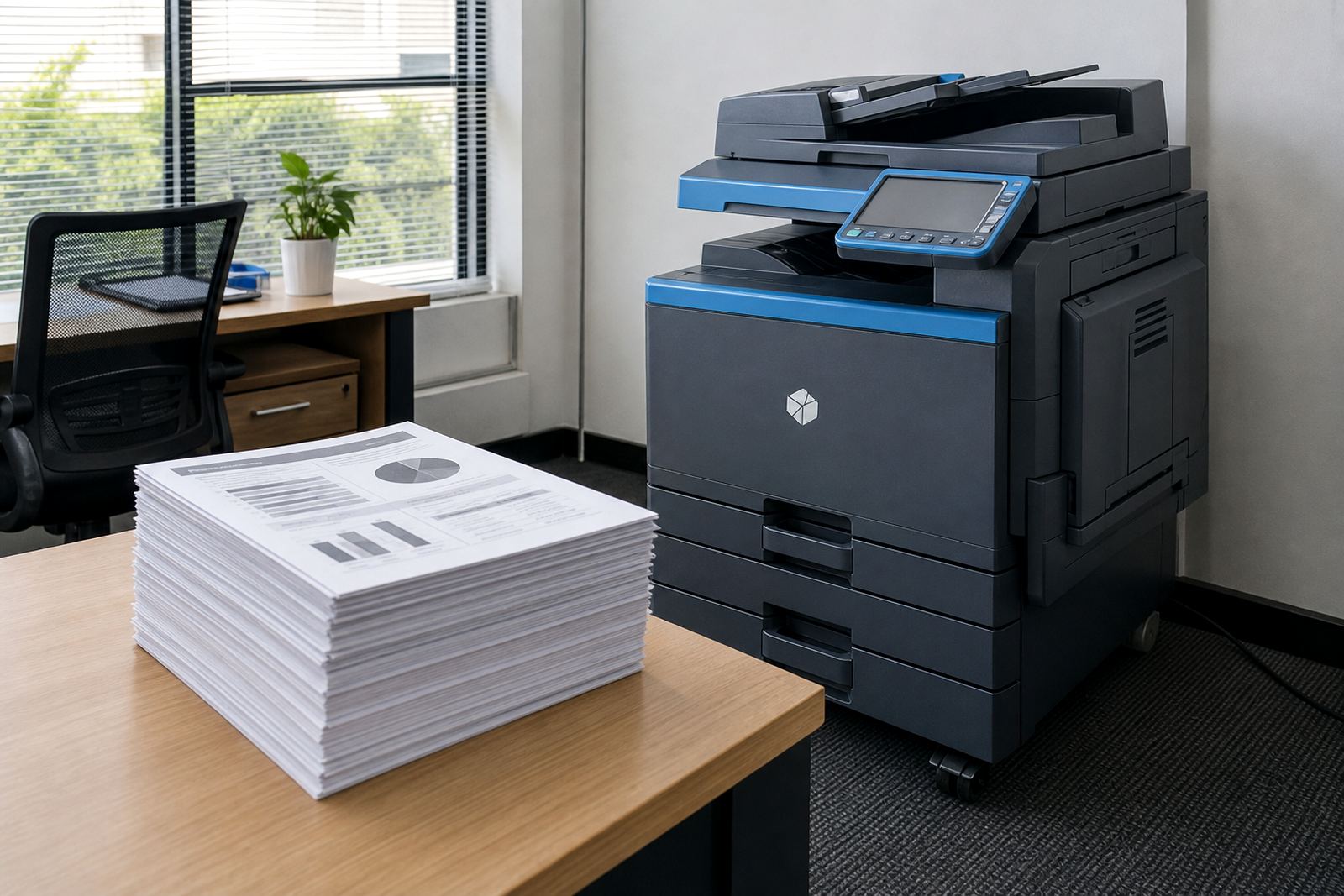
Most offices do not waste paper in one dramatic pile. It happens in reports, drafts, internal packs, meeting notes and the pages people print because a file is easier to read on paper. Duplex printing cuts that waste by putting two pages of content on one sheet, which matters more when several teams share the same A4 or A3 machine.
On a managed print plan, that reduction shows up in metre readings and click charges. If the office prints fewer sheets, the machine records fewer pages and the monthly paper spend eases too. A finance team in Midrand may barely notice the change in one week, but over a month the difference is visible in reams, storage and reorder cycles.
The settings that need to be fixed properly
Many offices say they print double sided, then find half the users still send single-sided jobs from the wrong driver setting. That is usually a setup issue, not a machine issue. The print policy, driver defaults and user handover need to line up so the setting stays in place across common jobs.
- Set duplex as the default on shared workstations where practical.
- Check whether the machine should flip on the long edge or short edge.
- Match letterheads, internal forms and templates to the same setting.
- Show staff how to switch off duplex for invoices, inserts or odd stock.
When scan to message and secure print are part of the same environment, the office gains better control too. Jobs land in the tray only when the user releases them, and pages are not left sitting on the output tray where anyone can read them.
Mono pages, colour pages and the real savings
Duplex printing is not only about paper. It also changes the way mono and colour jobs are handled. A lot of offices keep colour output for charts, plans and customer-facing material, while using mono for long internal documents. That split keeps colour usage under control and makes the savings easier to track.
In practical terms, a duplex policy works best when the office knows which jobs need colour and which do not. An A3 copier used for proposals, training packs or property documents can still be tuned for black-and-white work most of the time. The less unnecessary colour that goes through the fleet, the easier it is to keep monthly rental and click charges within reason.
- Use mono for internal memos, minutes and drafts.
- Reserve colour for client work, graphs and signage proofing.
- Print long meeting packs with duplex turned on by default.
- Review templates that still force single-sided output.
A Midrand office that changed one setting and kept the habit
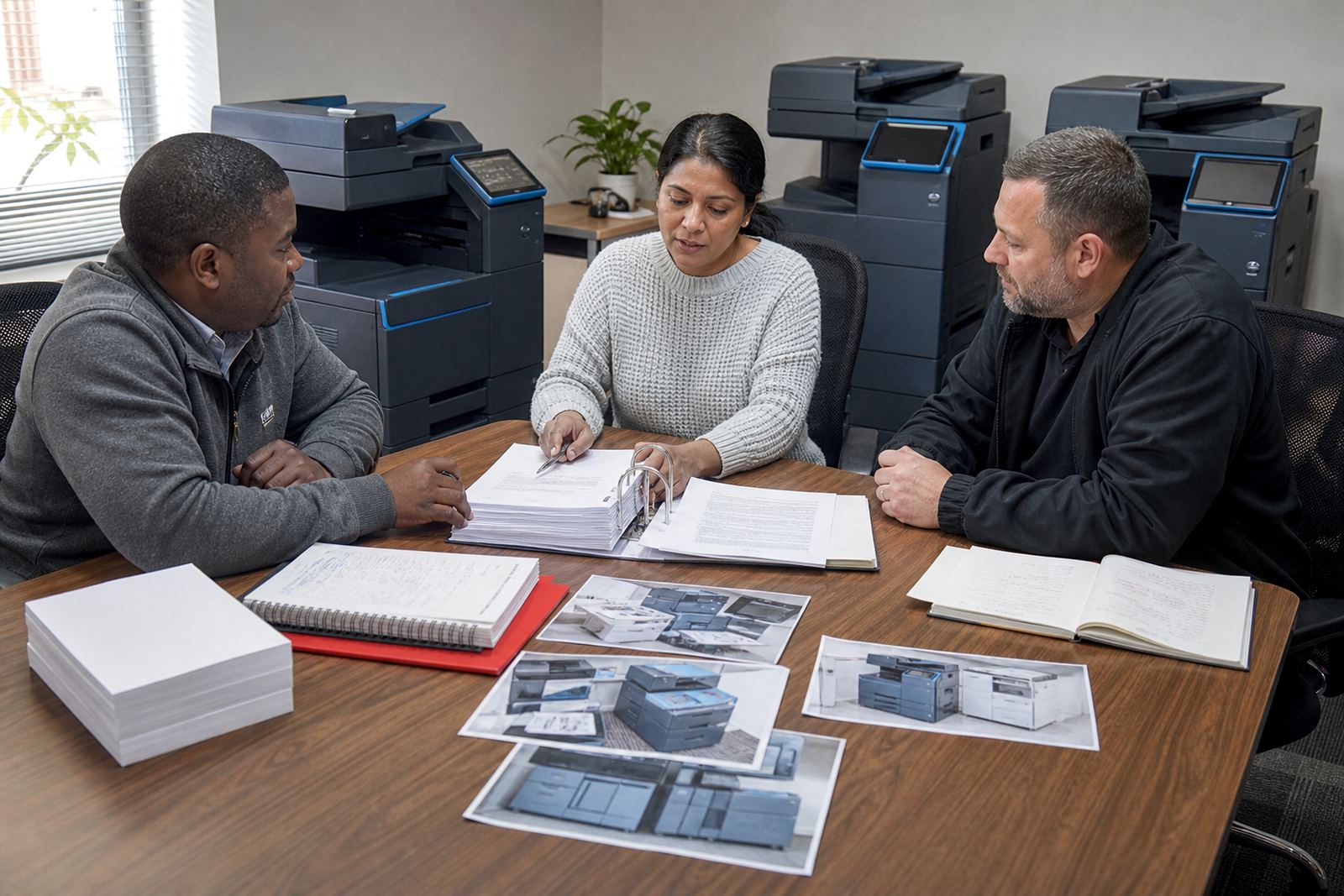
A professional office in Halfway House was running a mixed fleet for administration, client files and scanning. Staff often printed single sided because the old defaults had never been reset. After a fleet review, the managed print setup was adjusted so duplex became the standard on everyday workstations, while the finance room kept a single-sided option for forms that needed it.
The change was not dramatic in the first afternoon, and it did not need to be. What mattered was that paper ordering settled down, filing cabinets filled more slowly and the machine trays were not being topped up so often. For a branch office that already has enough moving parts, less paper handling is one less thing to chase.
How rental plans make duplex easier to police
When an office owns a machine outright, nobody is checking whether the settings still match the way staff work. On a rental plan, there is room to revisit the machine mix, the user permissions and the print habits that have crept in over time. That is where end term swaps and machine relocations help, especially if the office grows or moves departments around.
Go-Printers Rental works with offices, schools and practices that want toner supply, metre reading support and on-site servicing without the buying cost up front. If duplex usage is falling because the fleet is wrong for the workload, a different A4 or A3 unit can be placed into the branch and the policy reset for the new layout. That is often better than forcing one tired machine to carry every department on its back.
What staff actually need to remember
People do not need a lecture on printing, they need a short pattern they can use under pressure. Once duplex is part of the habit, the office should keep it plain and repeatable. The trick is not to make every job double sided, but to stop wasting sheets where it serves no purpose.
- Choose duplex for reports, minutes and internal packs.
- Leave one-sided printing for signed forms and special inserts.
- Check the preview before sending a long document.
- Report tray faults or misfeeds before staff start bypassing the setting.
That small routine helps the machine last better too. Less paper through the rollers, fewer forgotten jobs, fewer unnecessary reprints and fewer calls about output that could have been set correctly at the start.
A cleaner print room is not only about paper
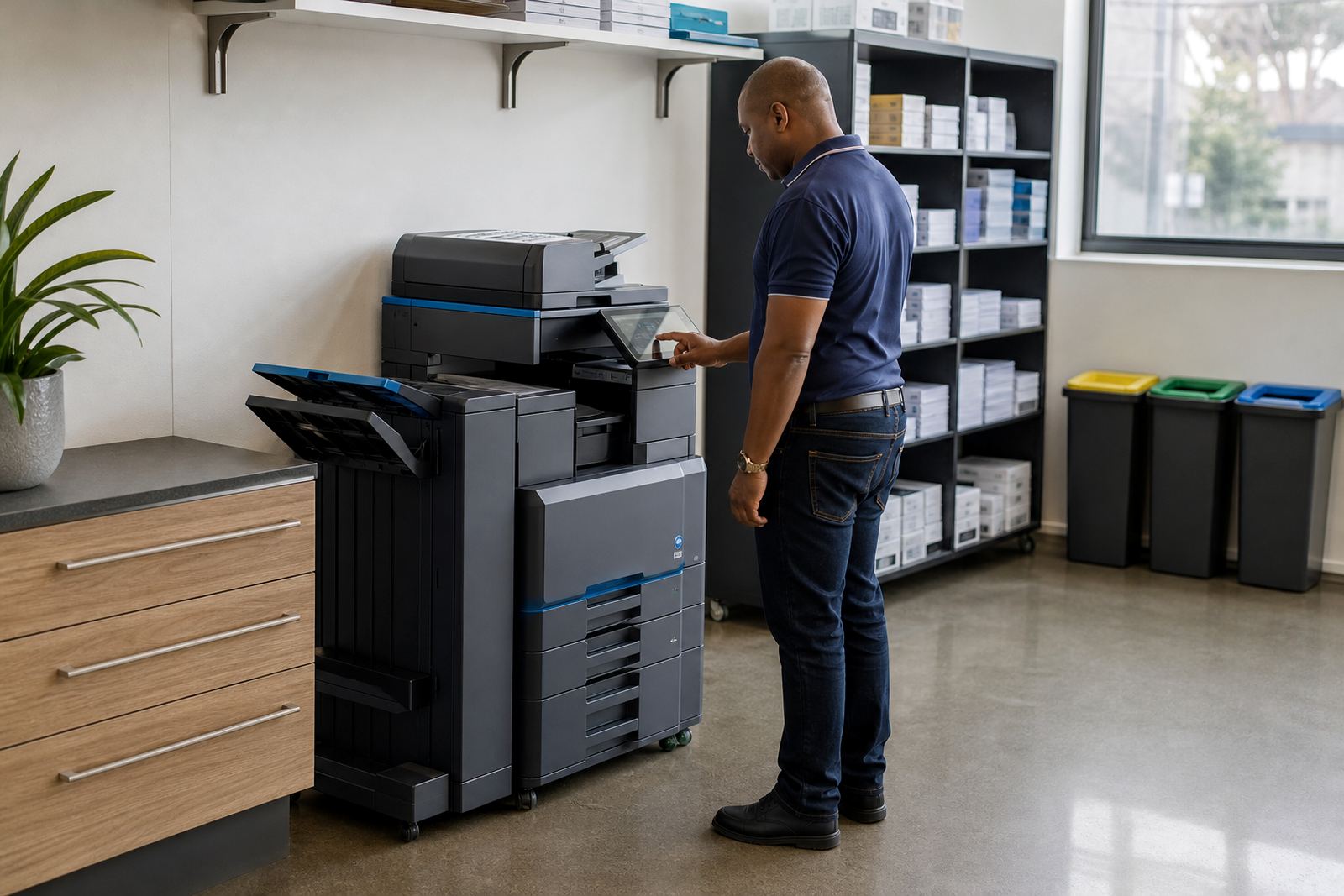
Double-sided printing keeps the print room tidier because there are fewer loose sheets, fewer half-used reams and less overflow from the supply shelf. In offices across Johannesburg, Pretoria, Durban, Cape Town and Bloemfontein, that matters when space is tight and several teams share one print point.
Duplex savings work best when toner supply, metre billing and user habits are treated as one system. The machine, the settings and the people all have a part in it. When those pieces match, the office stops paying for paper it never needed in the first place.