Different sites, one printing language
Branch standardisation is less about making every office look identical and more about giving each site the same print rules. A head office in Sandton, a practice in Pretoria and a branch in Durban may all need the same basics: reliable mono printing for admin, colour where it matters, and a clear way to track usage across the fleet.
When devices are chosen as a group, the day to day work gets easier. Staff move between branches and find the same menu layout, the same scan to message steps and the same secure print process. That cuts down on training time and avoids the small errors that build up when every site works differently.
What a standard fleet usually includes
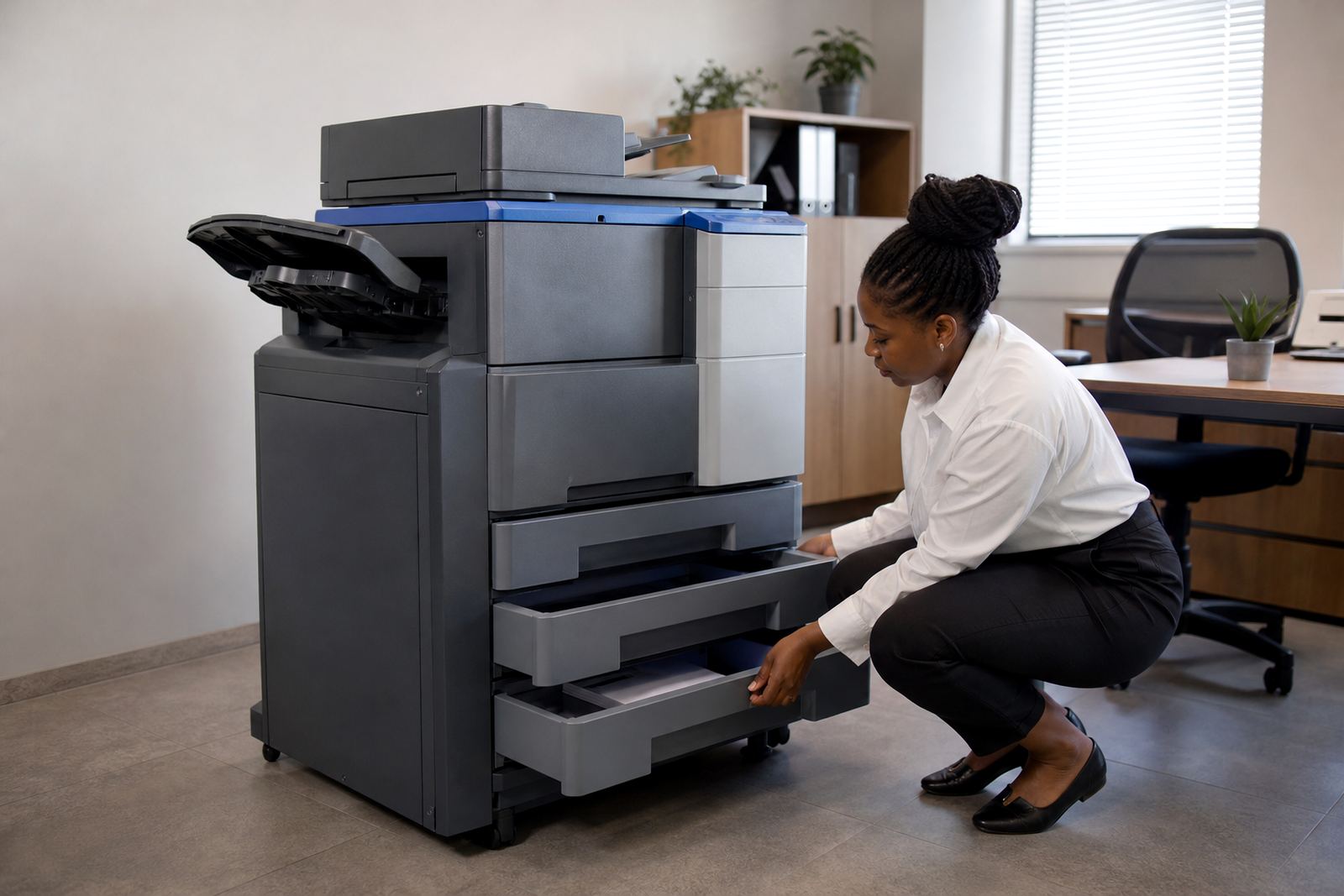
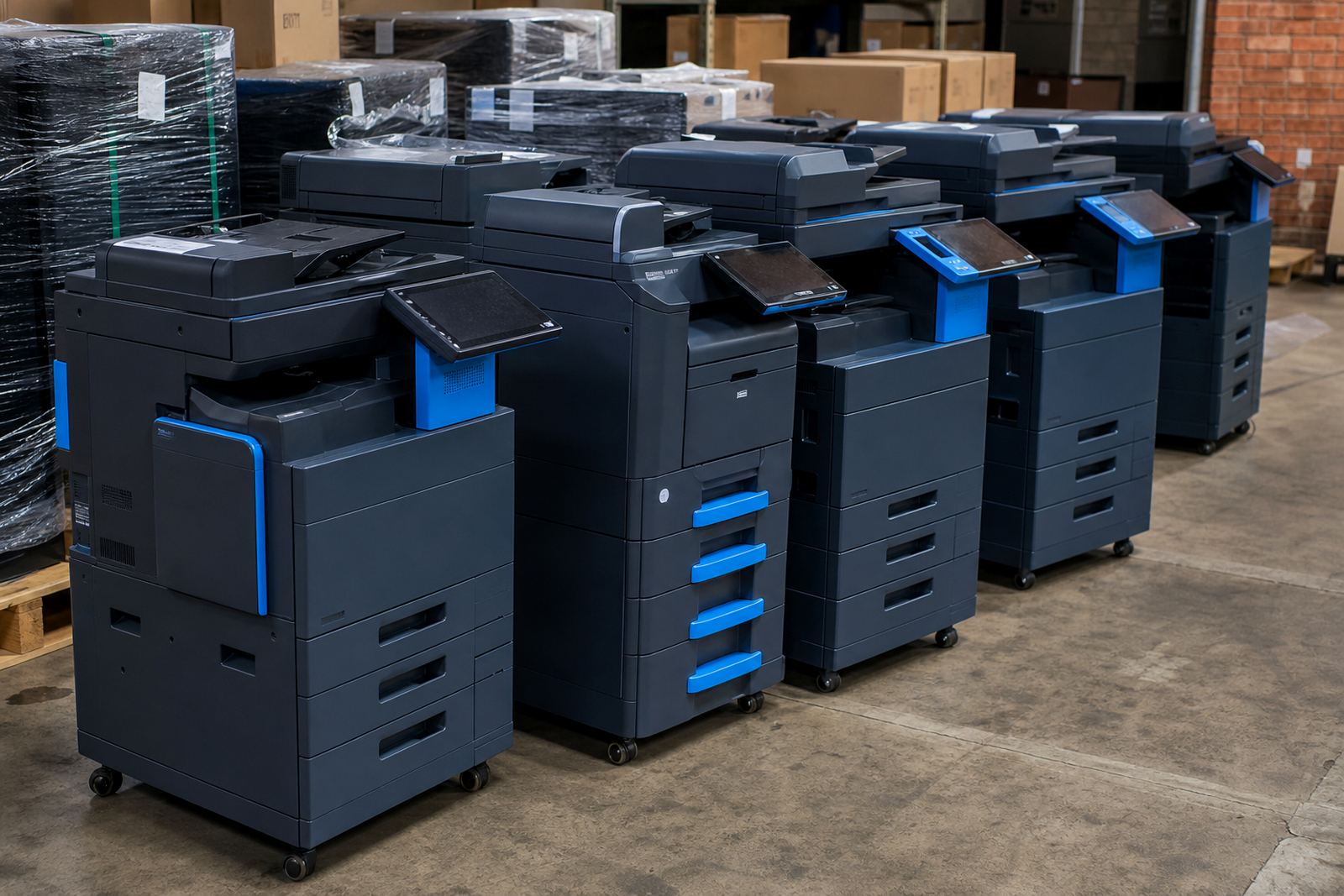
Most multi branch offices do well with a mix of A4 and A3 multifunction machines rather than a random collection of printers. A4 units cover letters, invoices and general office printing, while A3 machines suit teams that handle plans, reports or wider documents. Mono units keep running costs steady, while colour units are kept for jobs that need presentation quality.
- One print method across sites, usually with shared scan to message rules.
- Monthly rental matched to the device mix at each branch.
- Click charges linked to mono and colour metre reads.
- Toner supply built into the managed print plan.
- Secure print for offices handling confidential paperwork.
Why metre billing suits a multi site setup
Metre billing gives finance teams a clearer view of what each office is actually doing. Instead of buying toner in different places and handling repair calls branch by branch, the business works from usage. A branch that prints heavily pays for that output, not for a machine sitting in a room. That makes budget planning steadier, especially where one site is busy with client files and another only prints forms and labels.
It also helps during reviews. If a Centurion branch is burning through colour pages while the Midrand office is mostly mono, the fleet can be adjusted before costs drift too far. That kind of adjustment is easier when the same reporting format is used across the full group.
Local branch detail matters more than people think
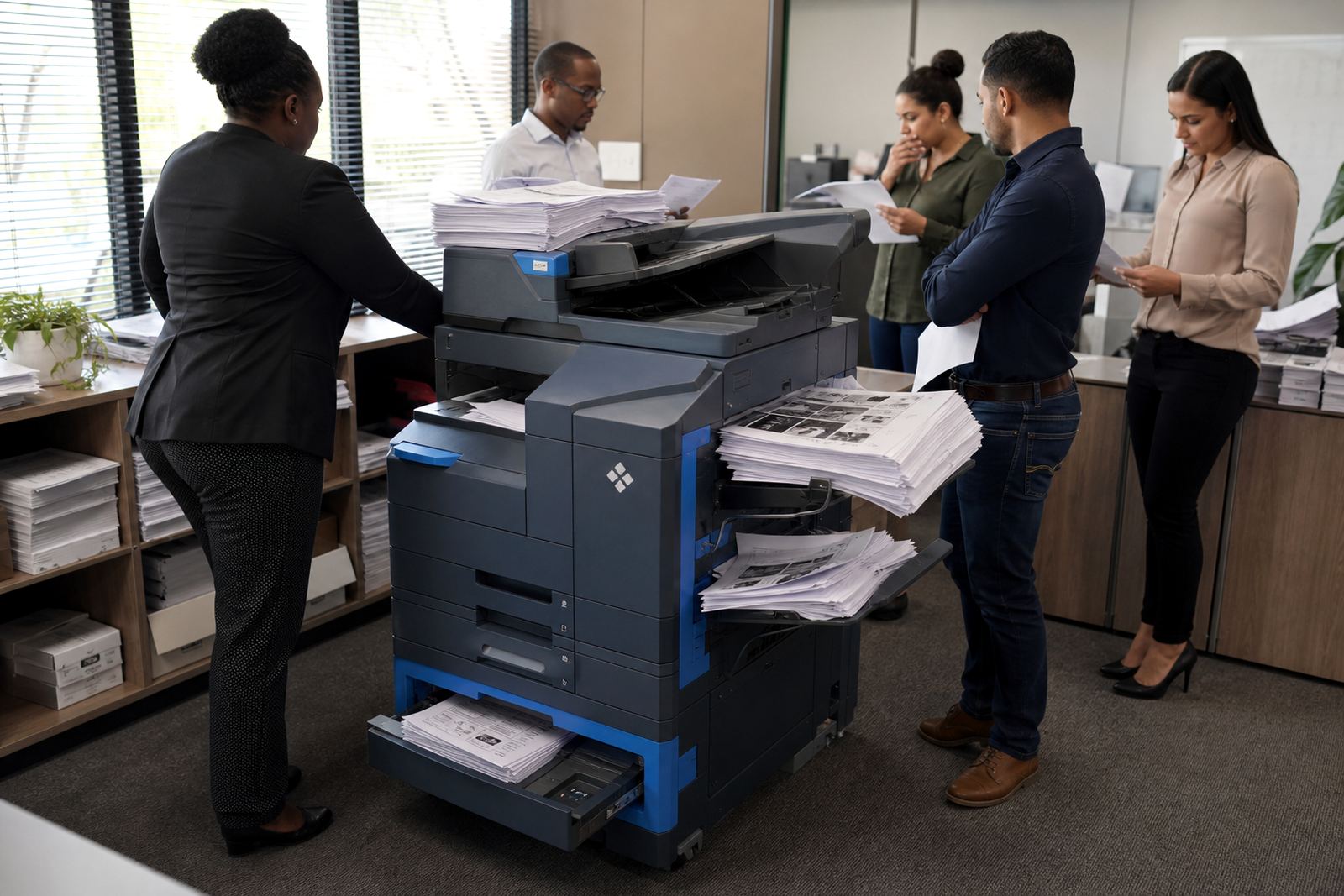
Managed print works best when the office conditions are taken seriously. A branch near the coast in Durban deals with more humidity, so paper handling and machine placement need attention. A finance team in Bloemfontein may want one secure print queue and a quieter device. A busy reception area in Johannesburg may need a machine that handles constant walk up use without becoming the centre of the room.
Halfway House in Midrand is a useful base for coordinating these different needs because many organisations run from there while keeping offices spread across Gauteng and beyond. Standardisation does not mean ignoring local conditions, it means giving each site the same framework and then tuning the setup to the room, the team and the volume.
The service side has to match the hardware
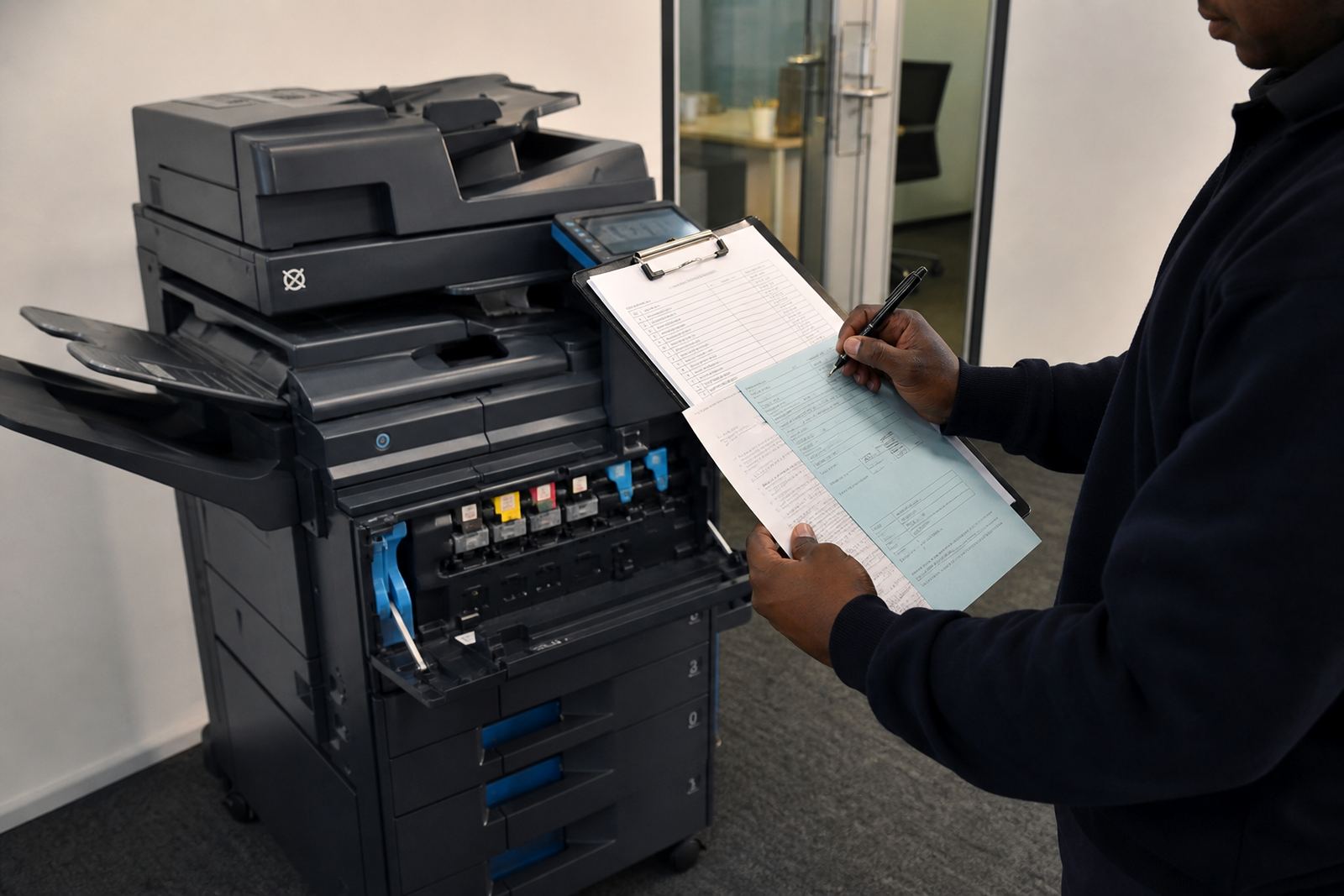
Printer rental only stays useful when servicing is planned properly. A business with several branches needs one support method for installations, metre reading support, relocations and end term swaps. If each branch phones in problems in a different way, records get patchy and faults take longer to trace.
- On-site servicing for routine maintenance and faults.
- Breakdown response arranged around the site list.
- Machine relocations when offices move floors or buildings.
- User handover so local staff know the basics.
- Fleet review to remove devices that no longer fit the workload.
That structure is especially useful when a business grows through new branches. The print plan does not need to be reinvented each time, it can be copied, adjusted and kept consistent.
A Midrand example with branches across the country
Take a group with a head office in Halfway House and smaller teams in Pretoria, Sandton, Cape Town, Durban and Bloemfontein. One branch wants strong scan to message use, another needs secure print for client files, and a third needs an A3 device for regular document packs. If every office buys its own machine, the group ends up with different toner types, different call out habits and different monthly costs.
With a standard managed print plan, the business can set one approach for rentals, clicks and support. The devices may not all be identical, but the rules around them are. That makes reporting cleaner and gives each office a familiar way to work, whether the team is small or the floor is busy.
What an aligned print plan should cover
A good branch standard does not stop at the machine itself. It should include network setup, metre reading support, toner supply, secure print setup and a clear process for swapping devices at the end of term. If a branch starts with the wrong paper size or the wrong finish for its workload, the plan should allow for that correction without turning the whole fleet into a patchwork.
For offices, schools and practices, the value is in consistency. Staff know where to scan, how to release a job and who handles a fault. The business knows which branch is using what, and the accounts team can work from one pattern instead of many small exceptions.