When a tray map stops waste before it starts
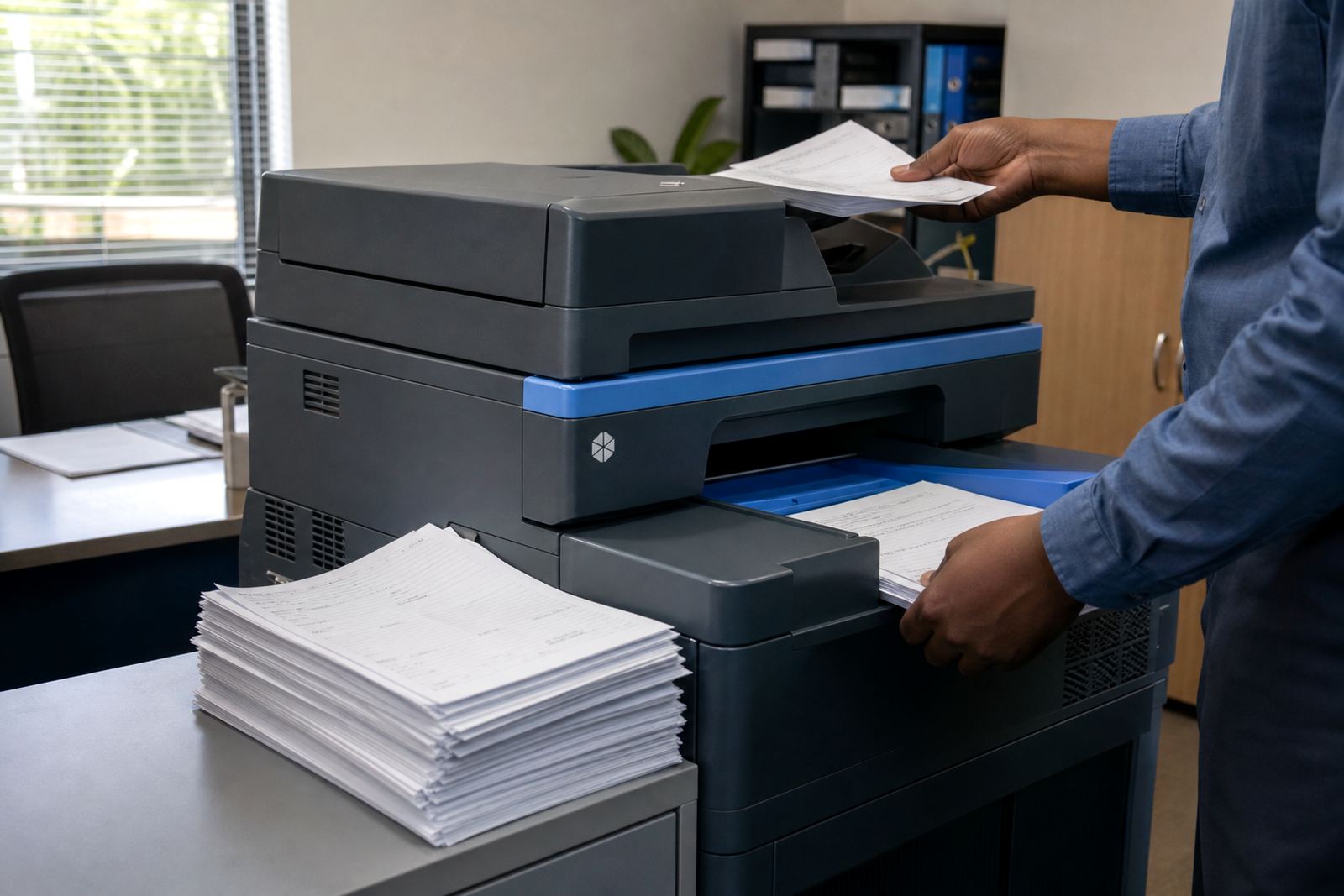
Most office multifunction printers and copiers have more than one paper source, and that is where tray planning begins. One tray can hold plain A4 for day-to-day printing, another can carry letterheads, and a bypass feed can be reserved for envelopes or thicker paper. If those trays are not set up properly, staff pick the wrong source on the screen, or the machine defaults to stock that should have been kept for signed documents.
In Halfway House and other busy office areas, the issue usually shows up after a move, a fleet swap, or a new team member taking over reception printing. A simple tray label and the correct paper size setting save time later, and they also reduce those awkward stacks of half-used letterhead sitting next to the machine.
Plain paper in one tray, letterheads in another
The cleanest setup is usually a split between everyday paper and branded paper. Plain sheets handle invoices, internal notes, scan copies and draft packs. Letterheads should stay in a dedicated tray that is set to the exact size and type, so the printer does not keep guessing and so the first page of a letter lands correctly.
- Keep the plain tray for bulk mono printing.
- Load letterheads in a tray that staff do not use for rough copies.
- Match the paper size setting to the actual paper in the tray.
- Reserve the bypass feed for special stock, not daily print runs.
That split matters even more when a practice or school office has several users. One person prints a letter, another prints a meeting pack, and a third sends scan-to-message jobs from the same machine. Without a clear tray plan, the office wastes stock and spends time correcting jobs that should have been straightforward.
A3 work needs its own paper habit
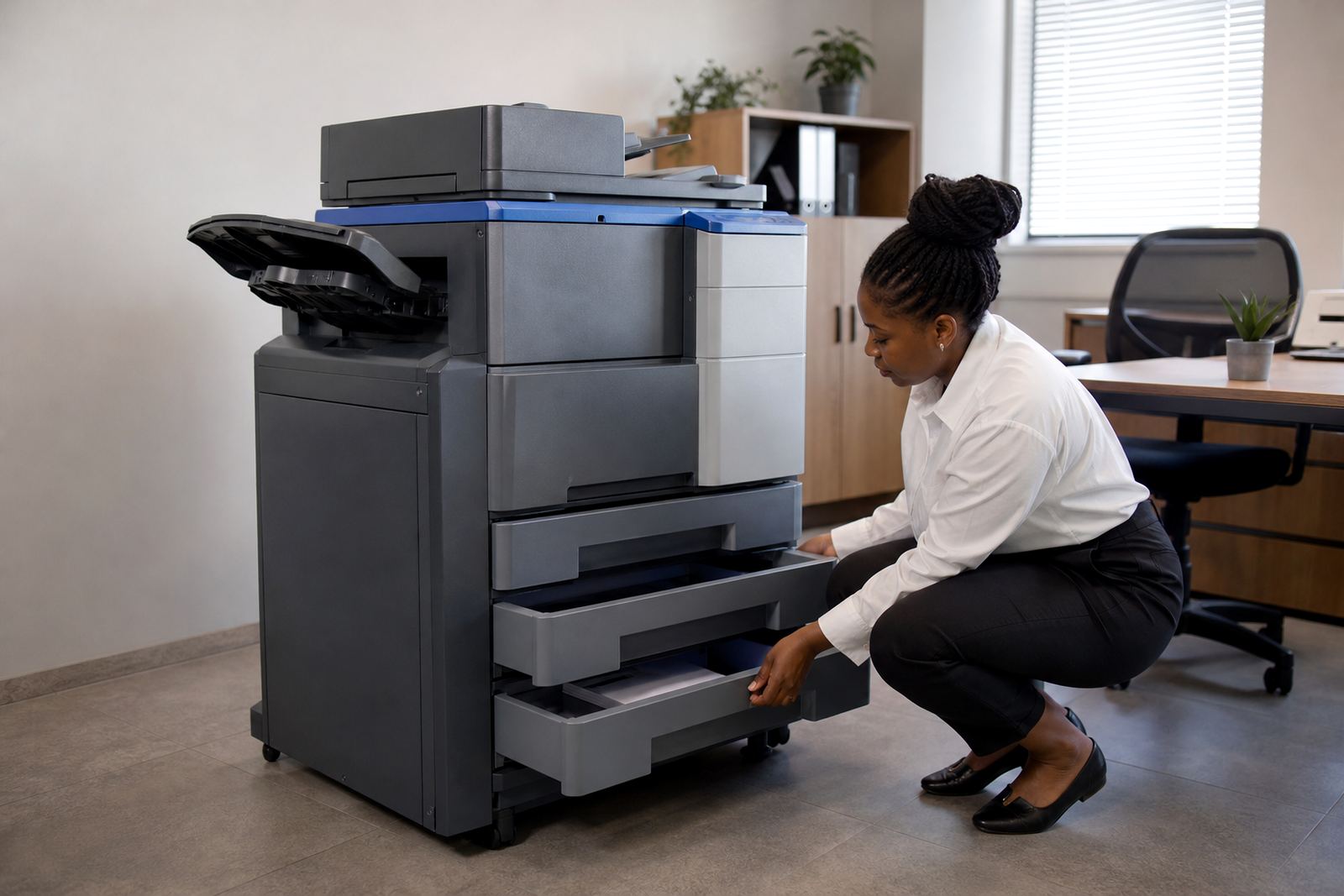
A3 machines are commonly set up for plans, spreadsheets, posters and larger internal paperwork, yet the tray layout is easy to miss. In some offices, A3 sits in a lower drawer while A4 stays in the top drawer, and staff move between sizes through the week. If that change is not managed, the machine keeps requesting size confirmation or sends the job through the wrong paper path.
For offices in Johannesburg or Pretoria that print mixed work, the paper habit must be consistent. The tray labels should match the actual drawer contents, and the team should know which jobs belong on A3 and which stay on A4. It sounds small, but it saves the front office from repeated stops and restarts when a stack feeds badly.
How metre billing links to the paper in the drawers
Managed print plans often use metre-based billing, so every printed page is counted. That makes tray planning part of the cost conversation, not just a convenience issue. Mono pages are generally used for routine office output, while colour is better saved for pages where it adds real value. If letterheads are loaded carelessly, colour pages can be used where mono would have done the job just fine.
A practical print plan usually checks three things at the same time: paper type, print mode and user habits. When those align, the metre readings make more sense, toner lasts as expected, and the office avoids the common problem of paying for colour output that was never needed.
- Review which tray feeds daily mono jobs.
- Keep colour printing for client-facing documents or internal packs that need it.
- Use tray settings to reduce accidental letterhead use.
- Match paper stock to the job, not only to the machine.
A Midrand office example with mixed printing needs
A professional office in Midrand may print quotations, letters, forms and board packs from the same device. Reception needs letterheads ready for outgoing mail, accounts wants plain paper for billing, and the director’s office may only use colour for selected pages. If the machine is not mapped properly, people start pulling sheets from the wrong tray, and the print room becomes a bit untidy very quickly.
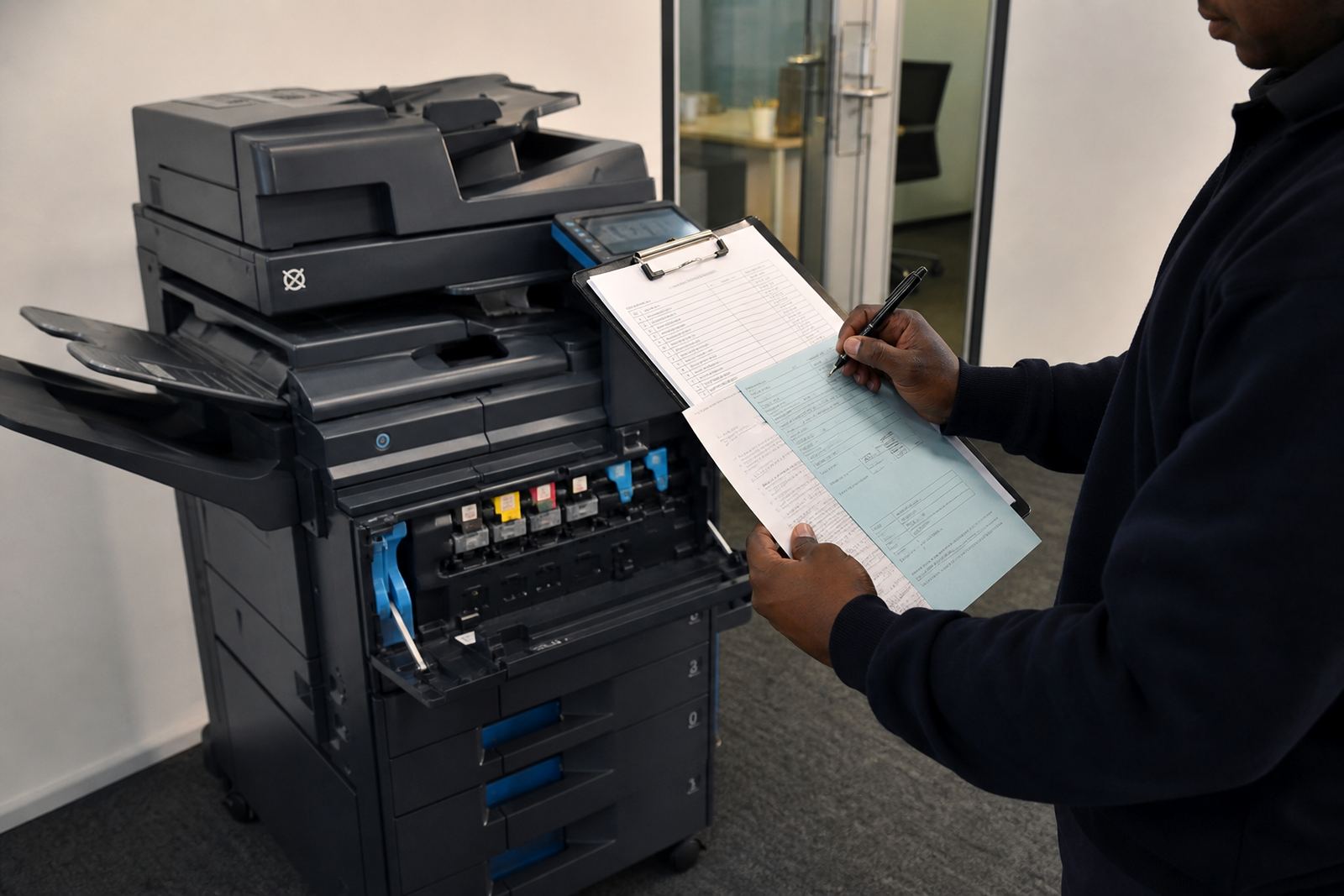
That is where a managed service helps. The tray setup is reviewed during installation, the metre reading process is made clear, and toner supply is aligned with the actual volumes leaving the machine. On-site servicing also becomes easier when the technician knows exactly how the paper path has been arranged.
When a fleet review finds that one machine is being used for too many paper types, the answer may be a tray change, a new paper rule, or an end term swap to a model with a better drawer layout. The fix does not need drama, just a sensible setup and steady user handover.
Small habits that keep the paper path calm
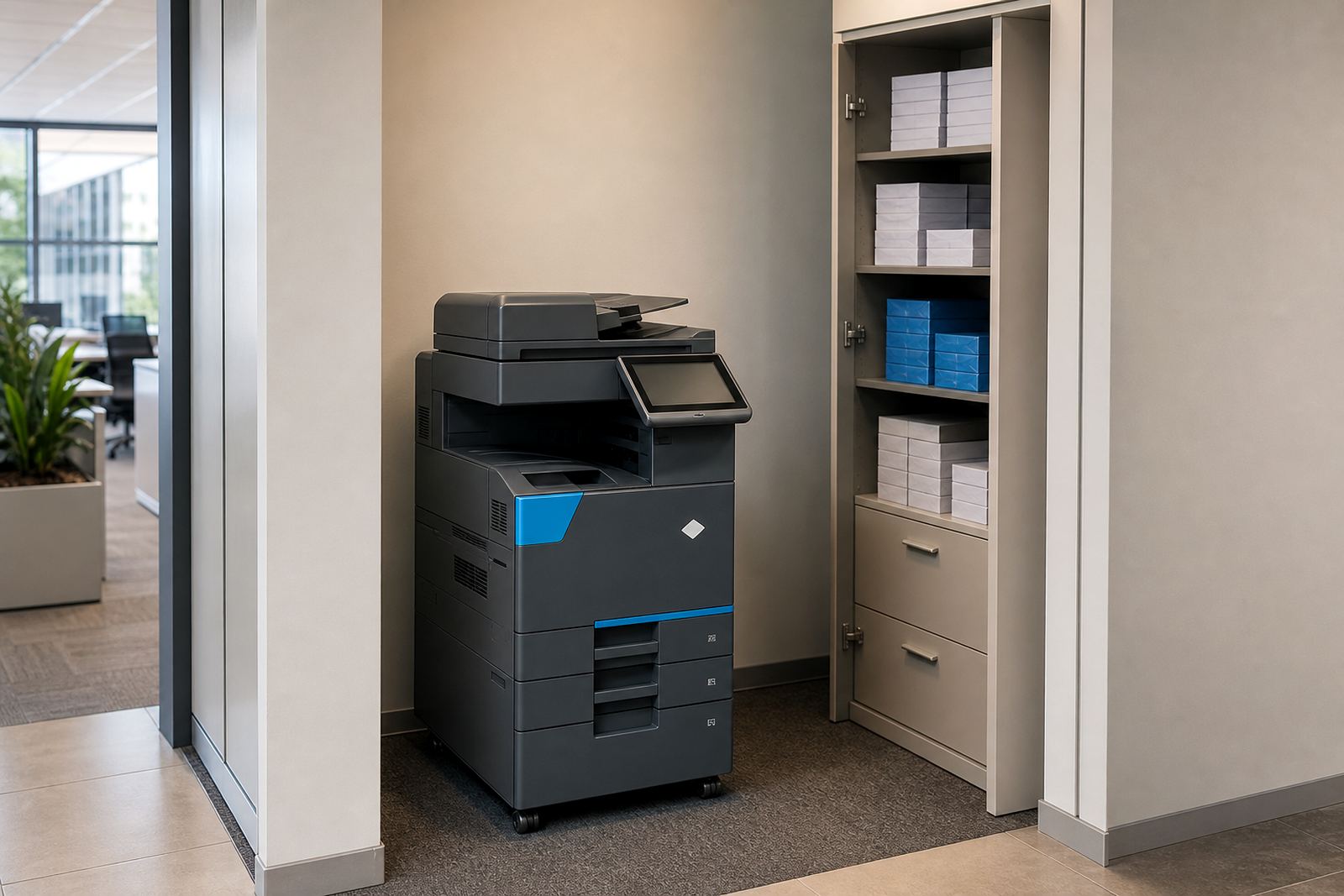
Paper tray planning works best when staff follow a few simple habits. The machine should not be treated as a storage point for loose reams, and old letterhead should not be mixed with fresh stock. In coastal cities such as Durban and Cape Town, paper can pick up moisture if it sits open too long, so sealed packs and tidy storage matter more than people often think.
- Store letterheads flat and sealed until use.
- Check tray labels after machine relocations.
- Keep one person responsible for paper replenishment.
- Use secure print where confidential pages must not sit in the output tray.
If the machine starts feeding badly, or the screen keeps prompting for size confirmation, the tray setup usually needs attention before the next busy week. A clean paper path supports scan-to-folder, secure print and general office copying, and it makes the whole fleet easier to manage.