Scanning is where the paperwork actually moves
Printing still matters, but a lot of office work now starts with a paper document and ends as a digital file. A lease, ID copy, invoice, signed order form or medical consent sheet often needs to be scanned, named and sent to more than one person. If that workflow is clumsy, the machine will be blamed even when the print side is fine.
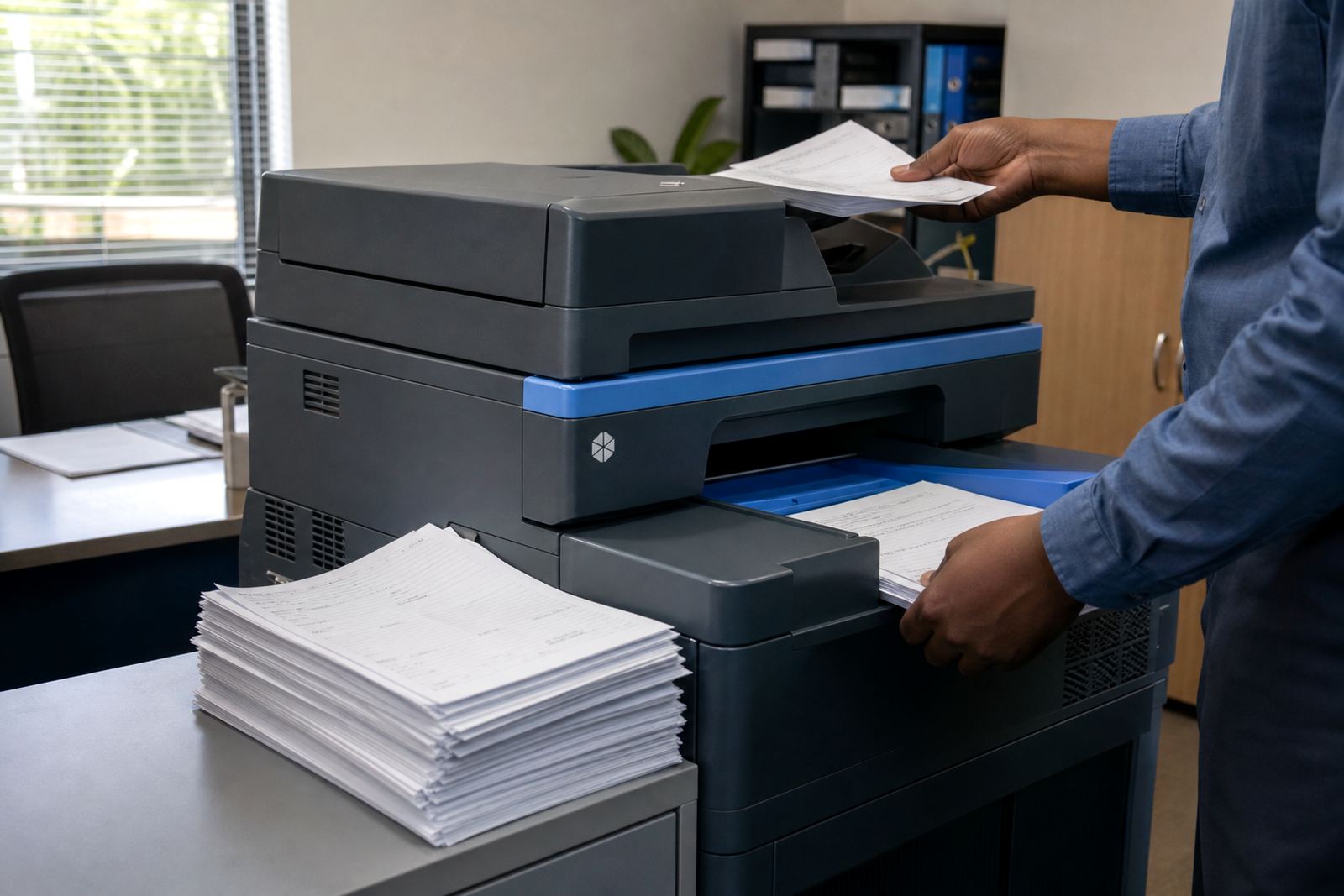
In a Midrand office with a steady flow of client forms, the scanner often gets used more times than the copier tray. That is why we look at feeder speed, image clarity and the way the machine handles mixed pages, because a scanner that jams on a 12 page set can slow a whole front office down.
- Check whether the feeder handles single pages and mixed stacks well
- Look for scan-to-message, scan-to-folder and searchable PDF options
- Ask how the machine handles ID copies, receipts and smaller slips
- Make sure the scanner can keep pace with your daily admin flow
The scan habits that change the machine choice
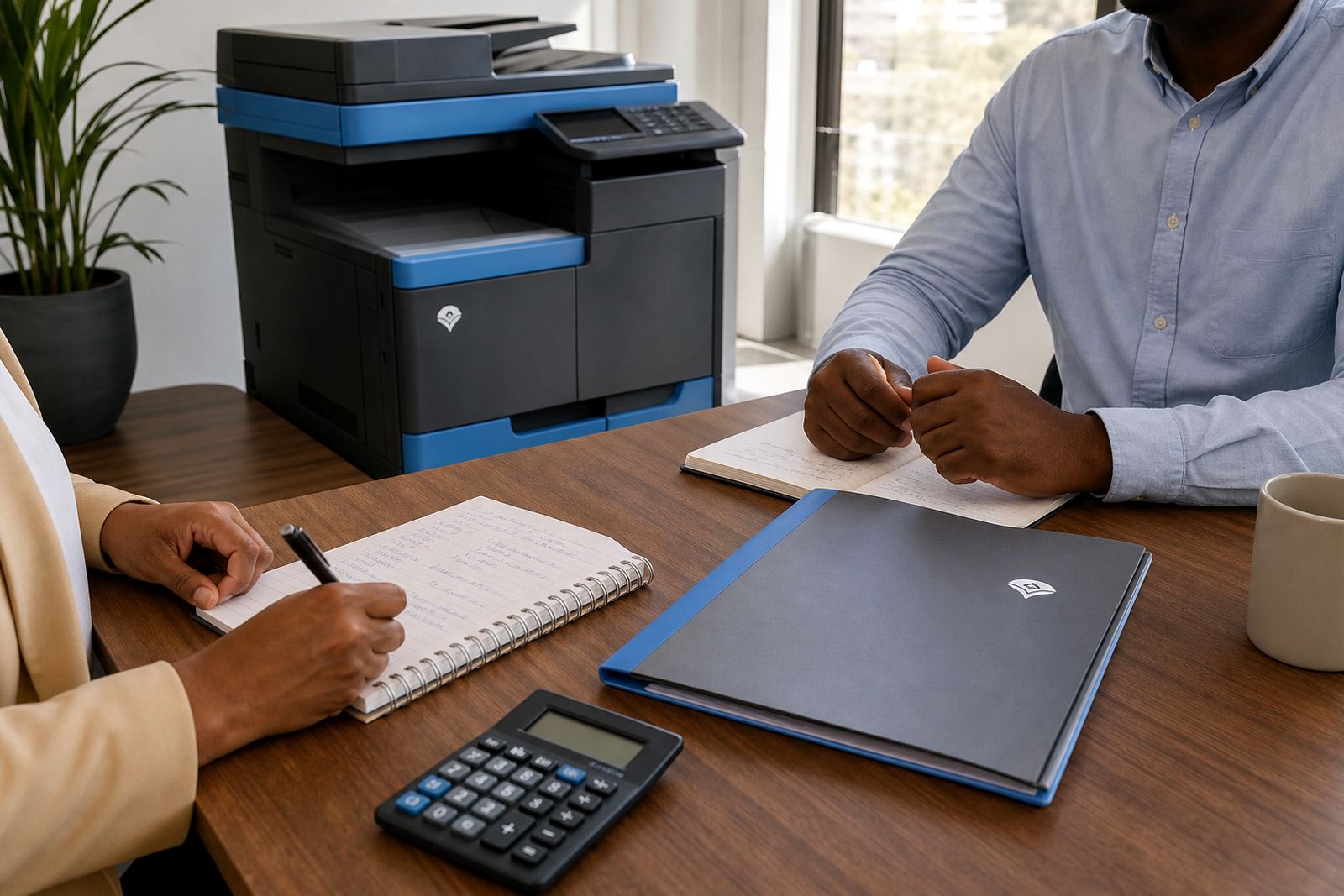
A law practice, school office and property team do not scan in the same way. One group may need quick scan-to-send us a message for signed pages, while another wants named folders for filing, and another needs secure access for records that must not sit open on the glass. The machine choice changes once those habits are clear.
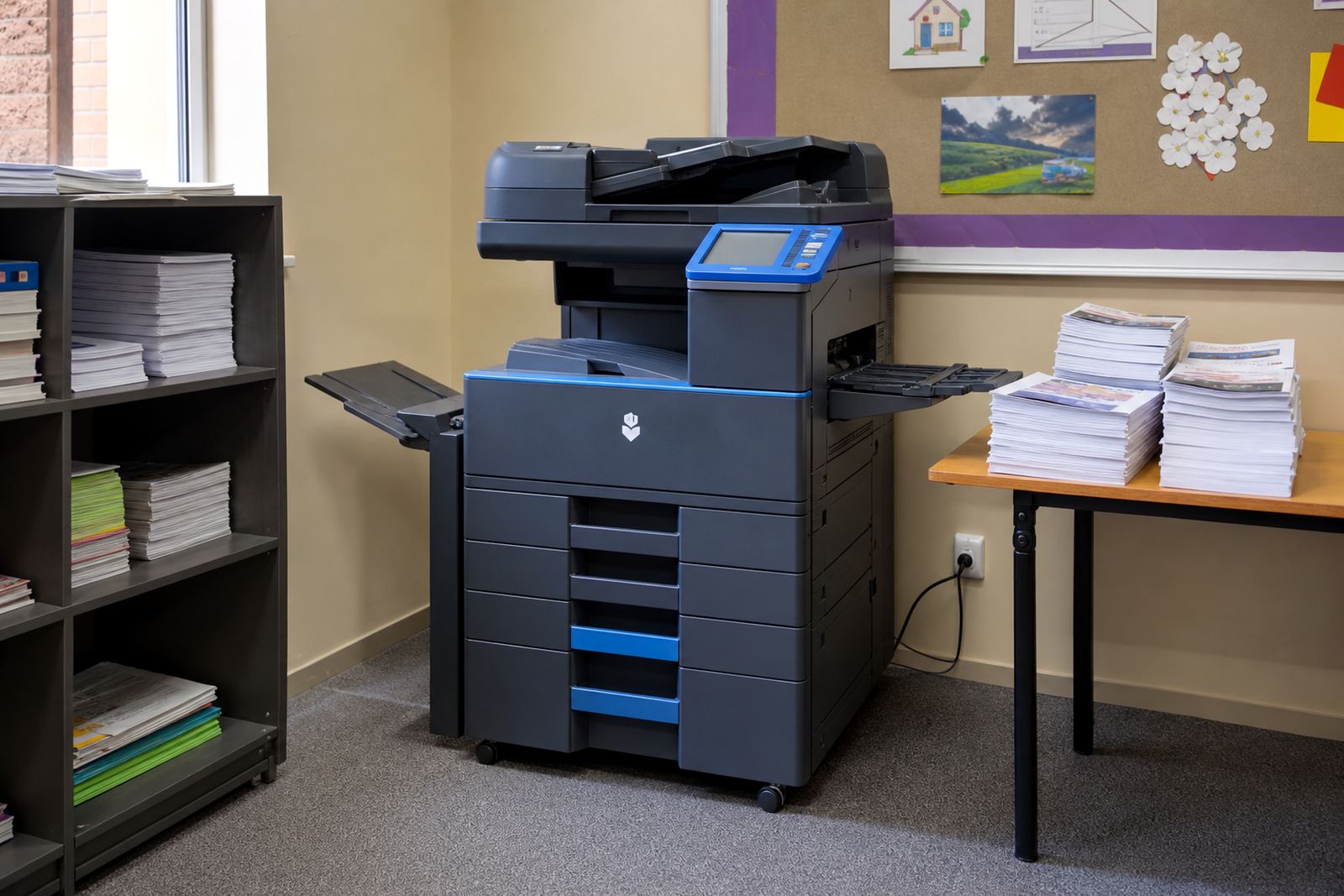
For a school admin office in Pretoria, scanning class registers and parent letters is usually a routine task. In a finance team in Sandton, the same device may spend its day feeding batch invoices into a document system. Those are different pressures on the same machine, so the scan path should be tested before a rental plan is set.
- Volume of scans per day matters, not just print count
- Shared admin teams need easy file naming and simple send options
- Confidential rooms benefit from secure print and user access controls
- Small offices may need compact A4 units, while larger teams often need A3 capability
Mono, colour and the scan side of the bill
When offices compare monthly rental and click charges, they often focus only on printed pages. That leaves out the scan side, where a machine that is cheap to place can still cost time if it lacks proper document handling. Mono units suit many black-and-white offices, while colour devices are useful when scanned documents, diagrams or presentation pages need clear output.
The monthly rental usually covers the machine and the managed print setup, while metre-based billing tracks usage. Toner supply, servicing and metre reading support sit inside the plan, so the office is not trying to manage those pieces separately. The aim is not just to print fewer surprises, it is to keep document flow steady from intake to filing.
- Mono works well for heavy text, forms and bulk admin
- Colour helps when charts, marked-up pages and graphics matter
- Scan quality should stay clear even when the print side is busy
- Metre-based billing is easier to track when usage is checked regularly
Why scan-to-message still needs proper setup
Scan-to-message sounds straightforward until the settings are wrong, the address book is incomplete or the file size is too large for the mailbox. Then staff start walking pages to another person instead of using the machine properly. A solid setup makes the scan path feel ordinary, which is exactly what an office needs.
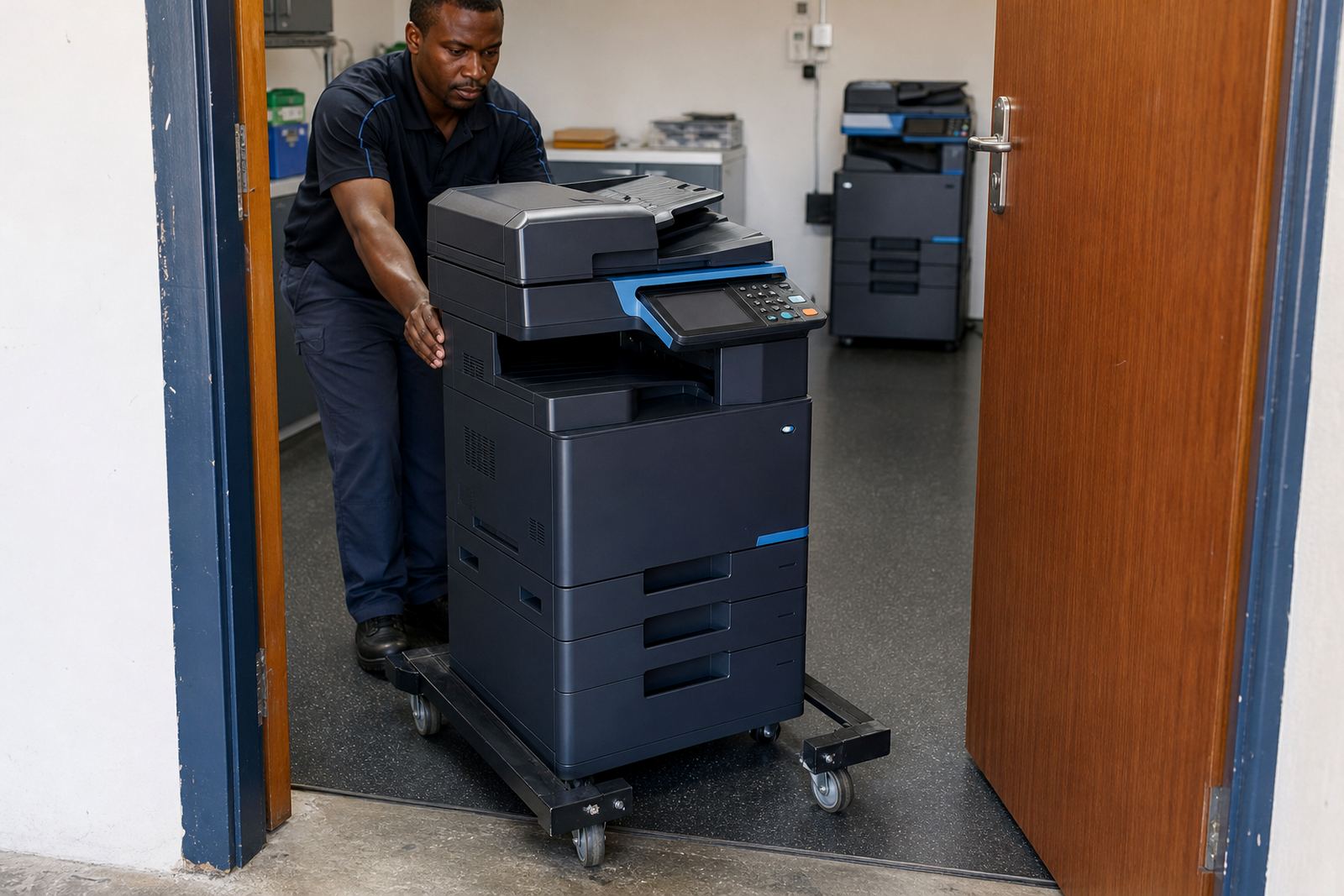
We often see this in firms that relocate between Centurion and Johannesburg branches. The machine may be capable, but if the scan profiles are not loaded properly, staff end up saving files in odd places or sending the wrong format. User handover matters here, because the best device on paper can still be awkward on the counter.
- Confirm the message profiles match the office structure
- Set file types that suit filing, sharing and archiving
- Keep folder names and login access simple for the team
- Make sure the scanner sends readable files, not oversized ones
Secure print belongs in the same conversation
Scanning and secure print are linked more often than people think. If staff use the same multifunction machine for incoming scans and confidential output, access control matters on both sides. Secure print helps keep client files, payroll pages and internal reports from sitting in the output tray.
In shared offices, especially where reception and back office staff use the same unit, the machine should support code release or user authentication. That keeps sensitive print jobs from being mixed with ordinary copies. It also gives a cleaner handover when staff rotate, because the system is tied to people not loose habits around the printer.
Good document control does not need a large footprint. It needs the right settings, a sensible machine location and enough support to keep the basics consistent when the office gets busy.
A Midrand example: one machine, many document paths
A professional services office in Halfway House may print letters, scan signed forms and file client documents every day. The print count can look moderate, yet the scan load is constant. That is where fleet review becomes useful, because a machine selected only for volume may miss the real pressure points.
For a site like that, we would look at feeder reliability, scan-to-message setup, on-site servicing access and how often the office needs end term swaps. If the old unit has slow scanning or poor feeder performance, the issue is not just wear, it is workflow. A machine change should fix the bottleneck instead of shifting it around the room.
- Review how many pages are scanned, not only printed
- Map where documents go after scanning
- Check whether staff need A4 only or A3 support too
- Plan relocations and swaps around office movement and growth
That practical view is what keeps a managed print plan useful. The office gets toner supply, metre reading support, machine relocations and breakdown response, but it also gets a scanner that fits the way work actually moves.