The number that sits on the quote is not the whole story
Buying a multifunction printer outright feels tidy at first. You pay once, the machine lands in the office, and the asset sits on your books. The trouble starts when toner runs low, maintenance becomes irregular, and a small fault keeps staff queuing at one device. In a busy Midrand office, the real cost is usually spread across the year, not the day of purchase.
Rental changes the shape of that spend. Instead of one large capital outlay, the office pays a monthly rental and then a click charge or metre-based charge for pages printed. Toner supply and servicing sit inside the agreement, which makes it easier to plan cash flow and keep a handle on usage. For many teams, that balance matters more than ownership.
Where buying still makes sense, and where it does not
Some offices print lightly, keep one machine, and have a staff member who can live with the odd call to a service line. In that setting, buying can work if the unit is kept for a long period and the monthly volume stays low. The picture changes when several departments print daily, scan to message, and need secure print for confidential files.
- Buying suits offices that want full asset ownership and rare usage.
- Rental suits teams that want toner, support and maintenance in one plan.
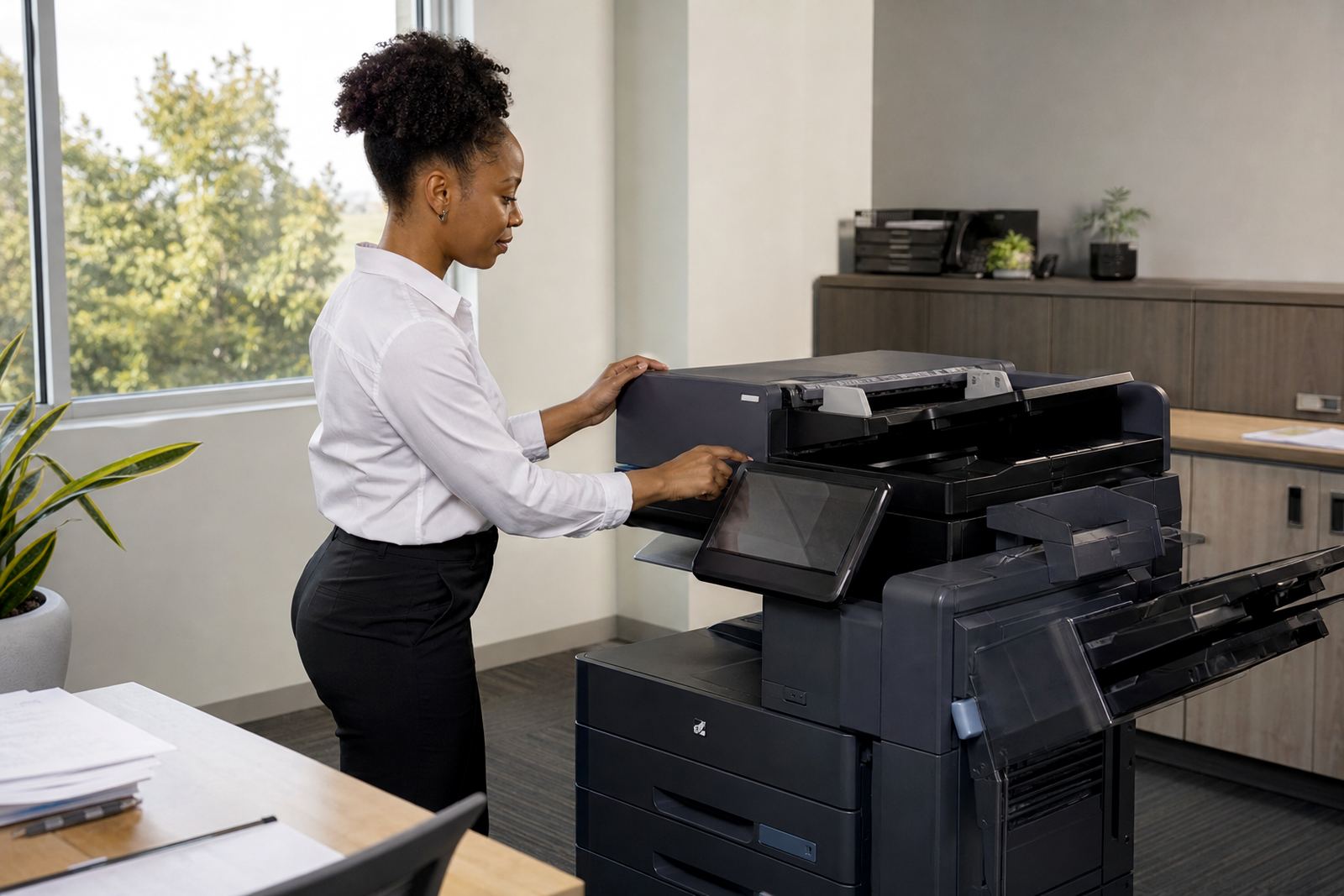
- A3 devices often suit accounts, legal and design work better than small benchtop units.
- Mono devices usually fit heavier internal printing, while colour matters for client-facing work.
- Rental also helps when the office expects the print load to change over time.
In practice, the wrong machine is more costly than the wrong payment model. A compact unit pushed beyond its duty cycle will wear out early, and a colour device used only for the odd presentation can sit underused for years.
How managed print changes the office rhythm
A managed print plan is not only about the machine. It includes toner supply, metre reading support, on-site servicing, breakdown response and user handover when the device arrives. That means the office does not have to track separate invoices for cartridges and emergency callouts every time something jams or fades.
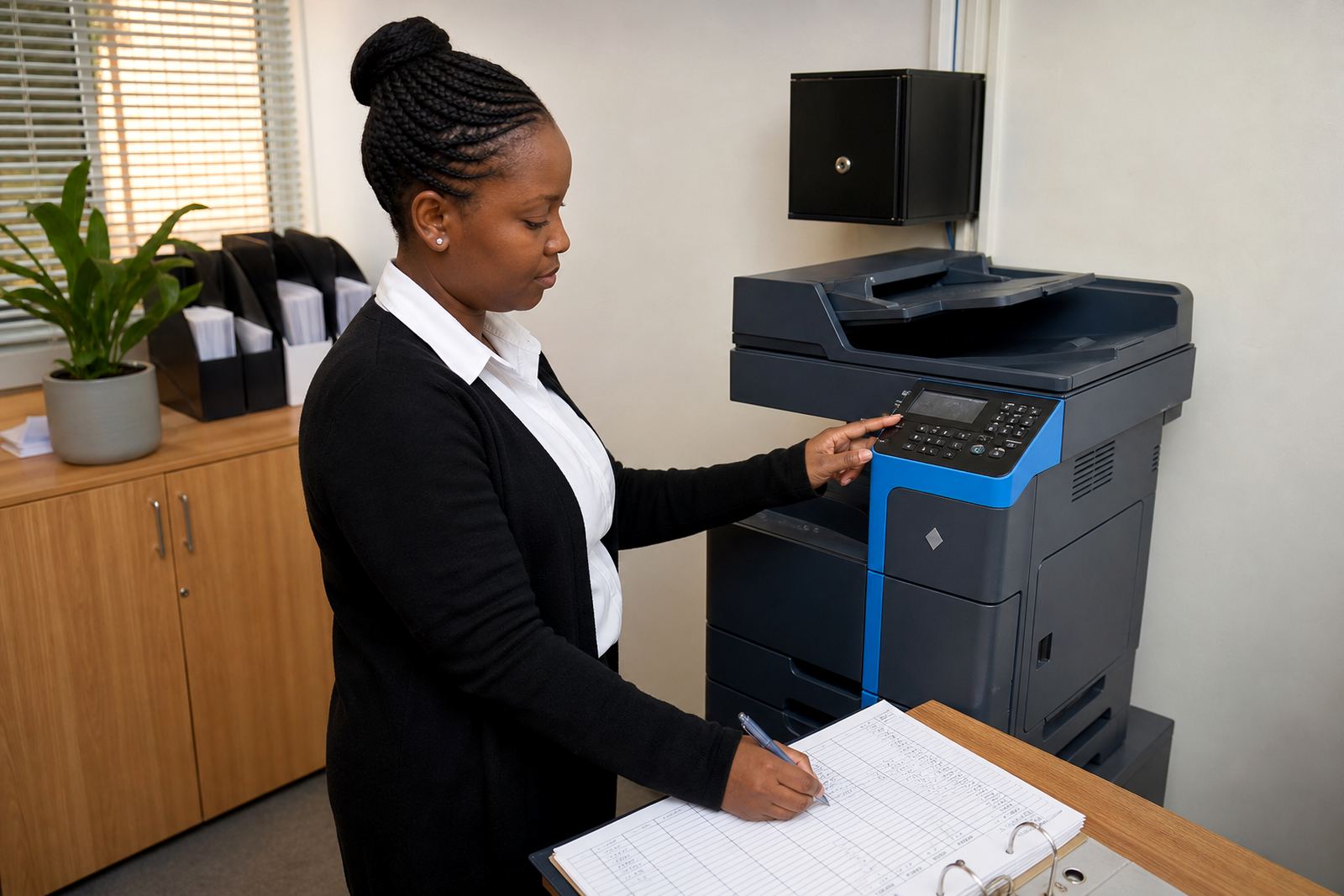
Features such as scan to message and secure print matter too. Scan to message reduces paper handling for invoices, contracts and HR records. Secure print keeps documents in the queue until the user walks to the machine and releases them, which helps in open-plan offices or shared reception areas. Those functions are easy to overlook when comparing purchase prices, yet they shape daily use far more than a glossy brochure does.
- Toner included keeps supply planning straightforward.
- Metre readings support fair billing based on actual use.
- On-site servicing limits the need to move heavy machines around.
- End-of-term swaps let the office move to a better fit if volumes change.
- Machine relocations help when the office layout shifts or expands.
A Midrand example from a mixed office
Take a professional office in Halfway House with staff in administration, finance and field work. Finance prints mono reports in volume, the front office needs colour for client packs, and managers want scan to send us a message for signed paperwork. Buying two separate machines can tie up capital and leave one device idle while the other carries the load.
Under rental, the office can place a suitable A4 mono unit for day-to-day printing and a colour A3 multifunction machine for the client-facing team. Monthly rental keeps the equipment cost steady, while click charges track the pages that actually move through the devices. If the branch in Sandton grows, the fleet can be reviewed and adjusted rather than replaced in one expensive step. That kind of change is practical for offices that do not want to overbuy on day one.
The local point is simple enough. Offices in Johannesburg, Pretoria, Durban, Cape Town and Bloemfontein face different print patterns, but the same question keeps coming up: is it better to own the machine, or pay for the service around the machine as well?
What the office should measure before it signs
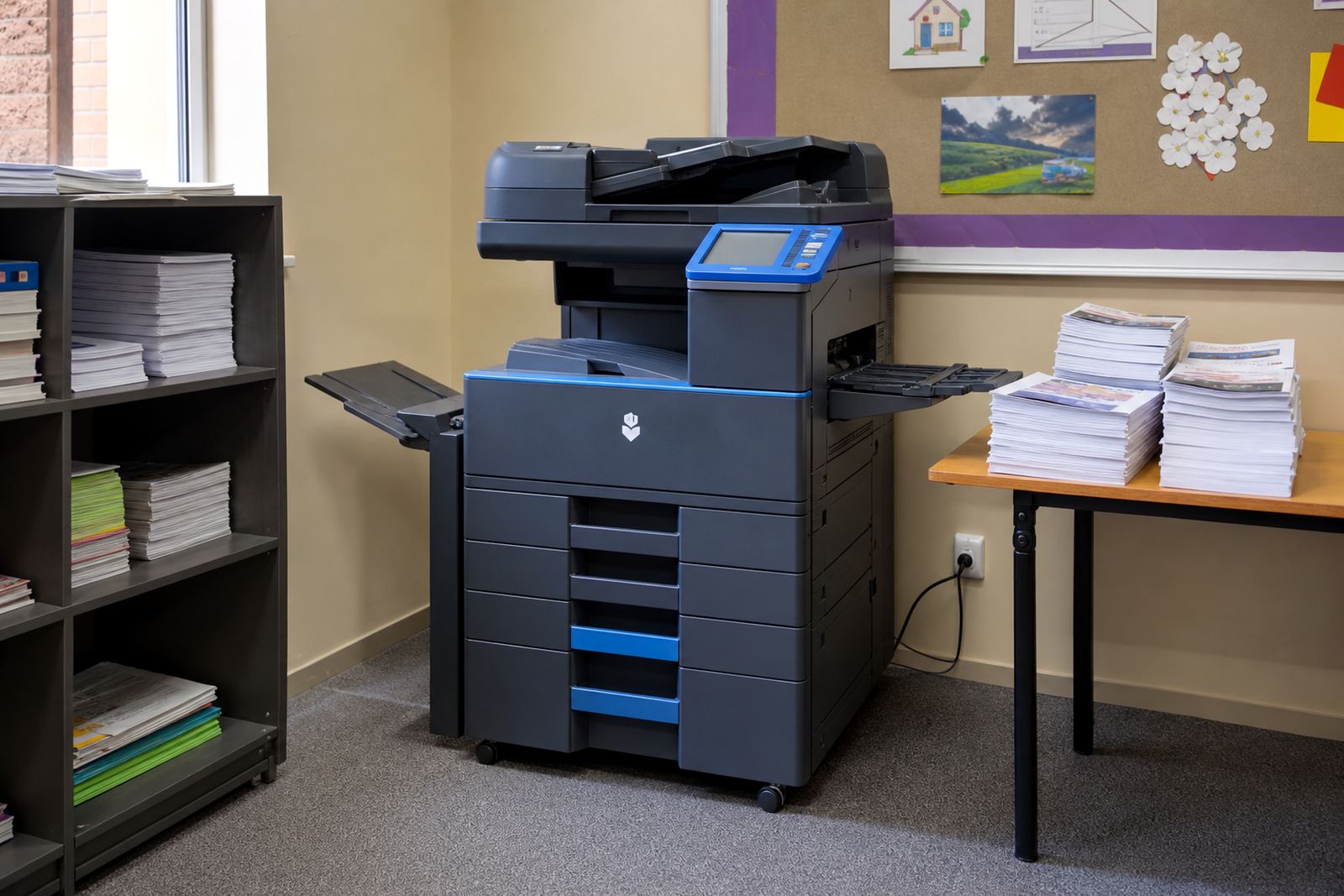
The comparison works best when the office looks at usage, not just price. Count mono pages, colour pages, scans and the number of users touching the device. Then look at the type of work being produced. A school office has different needs from a medical practice, and both differ from a law firm or a sales team with heavy proposal printing.
- Monthly page volume, split between mono and colour.
- Need for A4 only, or A3 as well.
- Requirement for secure print, scan to message or user codes.
- How often the device will need movement or relocation.
- Whether internal staff can manage toner and basic faults.
Once those details are clear, the gap between buying and renting becomes easier to read. A low purchase price can hide uneven servicing costs, while a rental plan can look expensive until the toner, labour and downtime are counted properly.
End-of-term swaps and the value of not staying stuck
One of the quieter advantages of rental is the end-of-term swap. Offices are not locked into a machine that is too slow, too small or too costly to run. If the team grows, prints in colour more often, or starts scanning more records than before, the fleet can be reviewed and adjusted.
That flexibility matters in South African offices where leases change, departments move and working patterns shift. A machine bought three years ago may still run, but it may no longer suit the volume, the security needs or the paper size in use. Rental keeps the discussion practical: what is the office printing now, and what should the next setup look like?
For many teams, that is the real difference between the two options. Buying gives ownership. Rental gives a working print setup with toner, service and metre billing folded into the month, which is often the cleaner fit for a live office.