When a document should not sit in the tray
Open-plan offices move fast, and printer trays do not care who the pages belong to. If a salary schedule, tender pack or client record lands in the output tray, anyone passing by can read it, copy it or walk off with it.
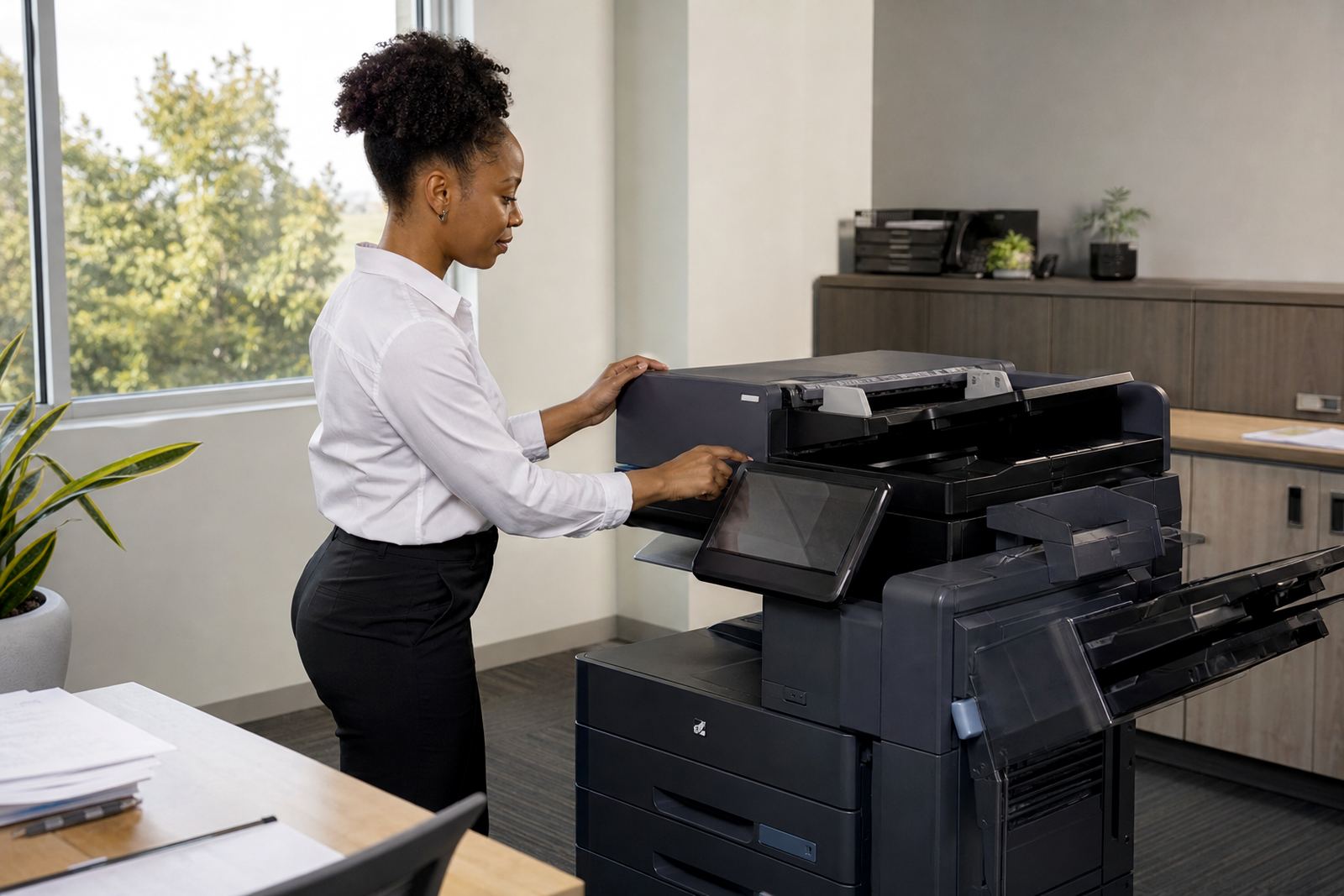
Secure print changes that habit. The user sends the file to the machine, then releases it at the device after entering a PIN or using an access token. That small step keeps confidential work out of sight and reduces the common problem of forgotten pages sitting on the machine through lunch, meetings or a busy afternoon.
For many offices in Midrand, Sandton and Pretoria, the value is not dramatic on paper, but it is practical every day. You keep personal information private, and you lower the chance of a mixed stack of invoices, HR forms and board papers ending up on the wrong table.
How secure release works on a shared copier
Most managed print setups use the same pattern. A user prints from a workstation or laptop, the job waits in the queue, and the machine holds it until release. Some offices use a PIN, some use a swipe card, and some use both for tighter control across departments.
- Private documents stay in the queue until released at the device.
- Prints are less likely to be taken by the wrong person.
- Staff can collect pages when they are ready, not when the machine finishes.
- Uncollected jobs can be cleared instead of left lying around.
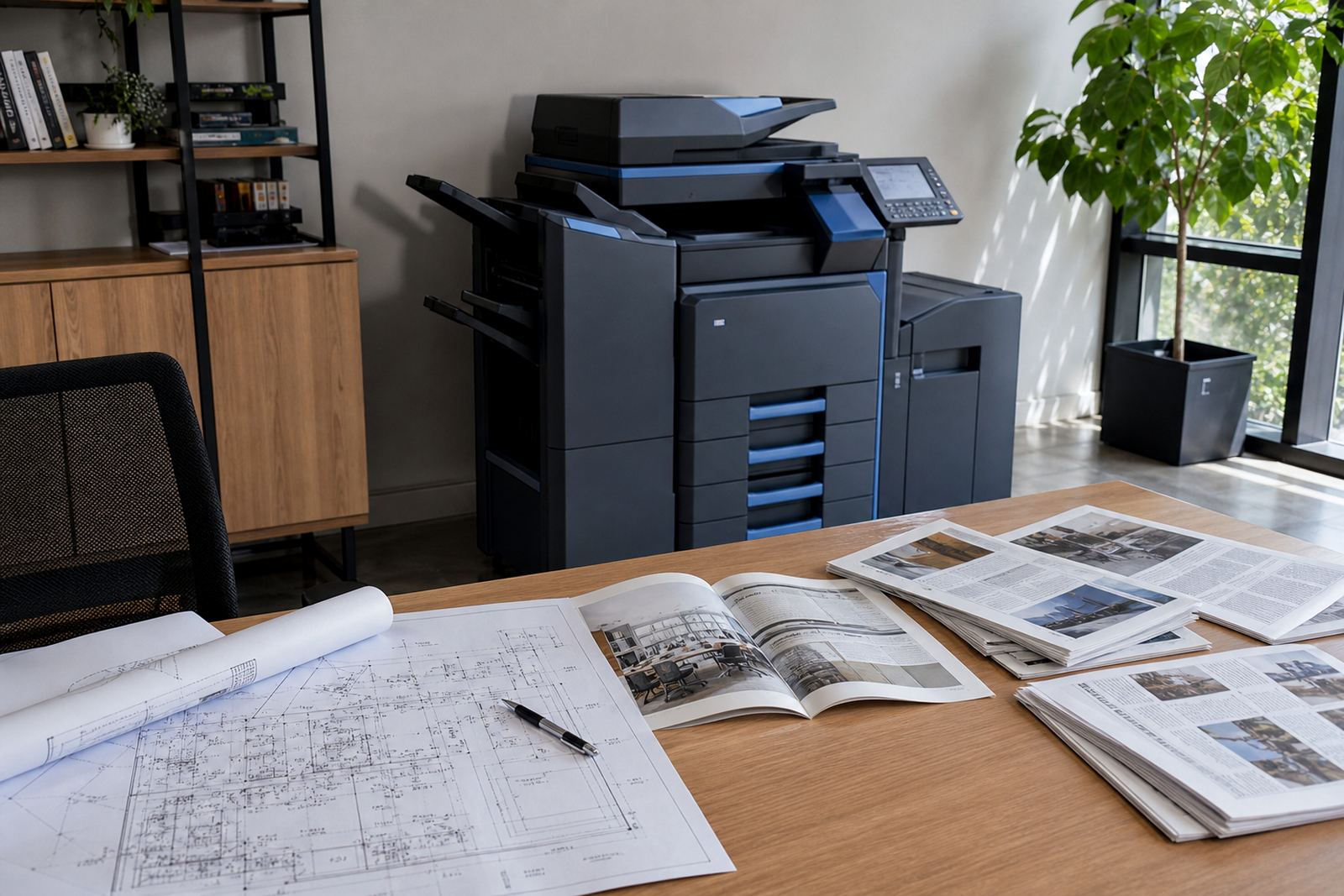
This works well on multifunction A4 and A3 machines where many people share one copier. It also helps on colour devices, where a single misfiled report can expose more detail than a plain black and white copy.
Where secure print fits into a managed print plan
Secure print is only one part of a broader office setup. The machine still needs toner supply, metre readings, on-site servicing and user handover so staff know how to release jobs without wasting time. If the device is not configured properly, people bypass the feature and the whole benefit drops away.
That is why many offices pair secure print with scan-to-message setup, user access control and sensible print defaults. A school office may want different permissions from a legal practice, while a medical room may need tighter release settings for private files and patient records.
In a rental plan, the monthly rental and the click charges are usually separated from the security settings, but the two still work together. A cleaner release process can reduce accidental reprints, cut paper waste and keep the monthly running of the machine easier to read from the metre.
Local office habits that make the feature worthwhile
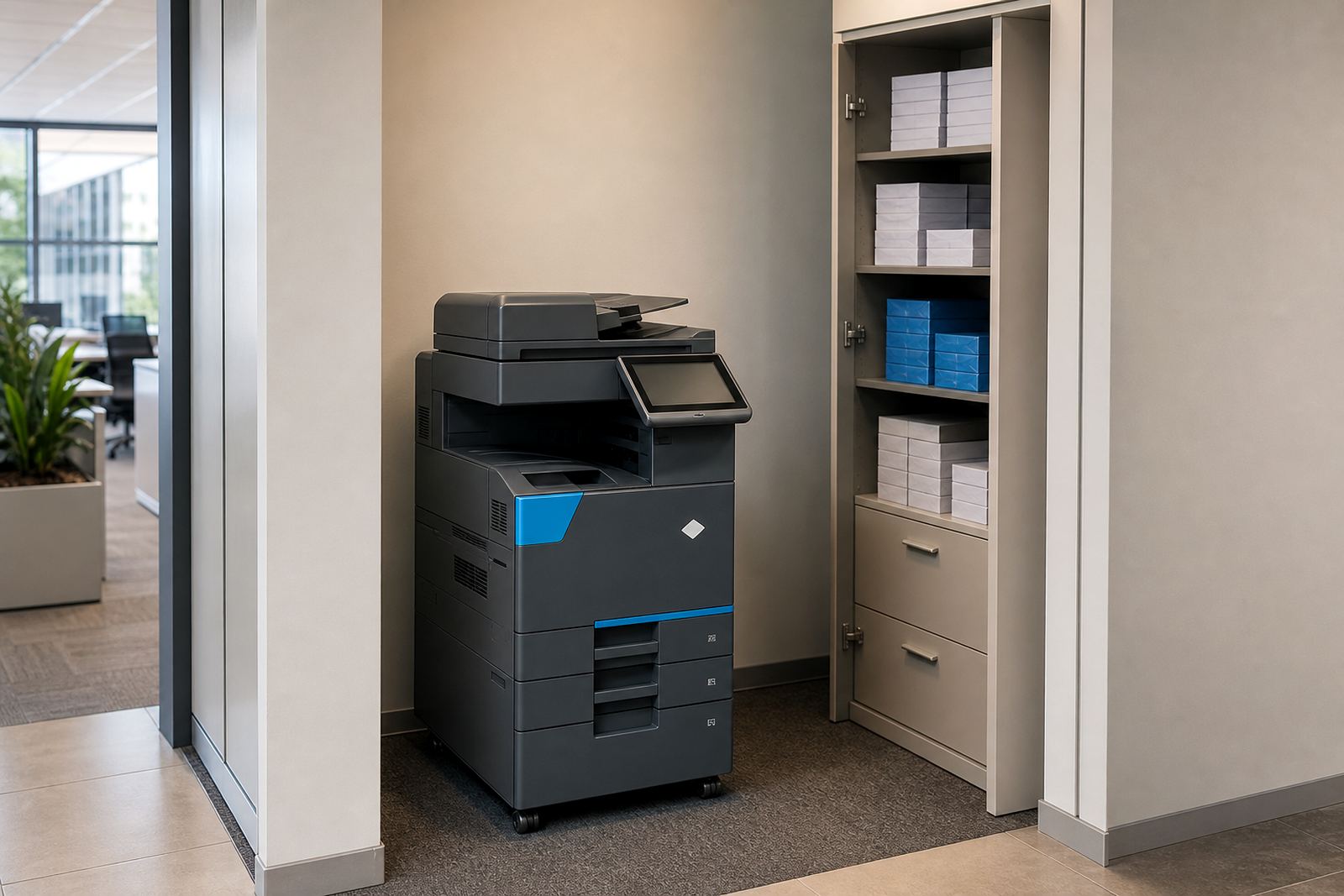
In Halfway House and across Johannesburg, many teams share one copier for the whole floor. That is where secure print earns its place. Reception may print visitor lists, finance may print remittance advice, and directors may send board packs through the same device before coffee is finished.
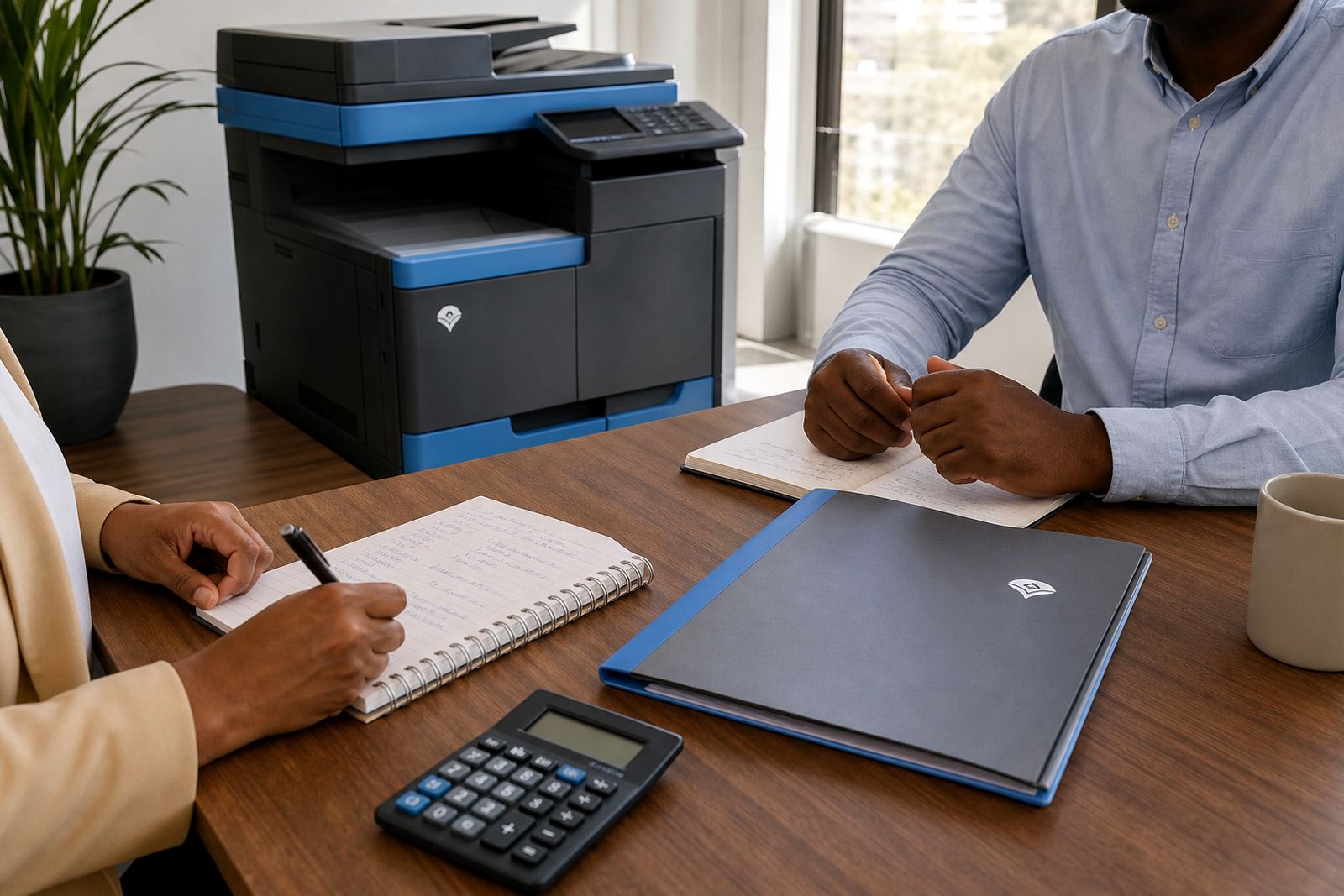
A concrete example: a Midrand accounting office with a busy front counter uses secure release for payslips, tax records and client letters. Without it, the printer tray becomes a holding area for private paper. With it, staff collect only what they need, and the rest stays locked in the queue until claimed.
- Payroll pages stay private at collection time.
- Client information is less exposed on shared floors.
- Shorter tray dwell time means fewer missing sheets.
- Staff can check the job before releasing extra copies.
That kind of control suits offices, schools and practices that have regular visitor traffic or shared support staff. It is a small feature, but it changes daily printer behaviour in a noticeable way.
The small controls that matter more than people think
Secure print works best when the settings match the way the office runs. If every user has a different method, support calls multiply and people avoid the feature. A steady setup with clear handover notes is easier to keep in place and far less frustrating for staff.
Useful settings often include colour permission rules, duplex defaults, job retention limits and secure release by department. Some offices also want scan-to-message profiles locked by team, so confidential scans do not drift into the wrong inbox. On larger fleets, end-of-term swaps or machine relocations are also a good moment to review those permissions and tidy up old user profiles.
When the copier is part of a managed print plan, the service coordinator can keep the security settings aligned with the rest of the fleet. That matters when a branch in Cape Town runs different document flows from a head office in Sandton, or when a practice in Bloemfontein needs tighter handling than a school admin office.
The practical benefit is fewer accidents, not more drama
Secure printing is not about making office life complicated. It is about reducing the ordinary mistakes that happen when people are rushed, distracted or sharing equipment all day. A locked release queue gives staff a little more control without changing the whole rhythm of the office.
It also supports cleaner billing on a rented machine, because people print with more intention when they know a job must be released. That can make monthly usage easier to understand, especially on fleets where mono and colour volumes are tracked separately through metre-based billing.
For many workplaces, the benefit is plain: fewer confidential pages left on top of the machine, fewer awkward questions from the wrong reader, and a printer area that feels more orderly. On a busy floor, that is worth having.