Put the machine where people already pass through
The best spot is usually close to the teams who use the machine most, but not right in the middle of a walking route. Staff need to reach it without squeezing past a reception counter or blocking a corridor, and visitors should not have to cross a busy work zone just to pick up a print job. In many Midrand and Johannesburg offices, that means a shared passage, a copy point near administration, or a print room that stays easy to reach.
It helps when the device sits near the people who print, scan and copy every day. That cuts the number of steps to the tray and makes metre reads, toner checks and user handover easier. For larger teams, one machine near accounts and another near operations is often cleaner than forcing everyone to queue at one point.
- Keep walkways clear for people carrying files or boxes.
- Leave space for the front tray and side panels to open fully.
- Place the unit where staff can collect prints without crowding one another.
Airflow matters more than most offices expect
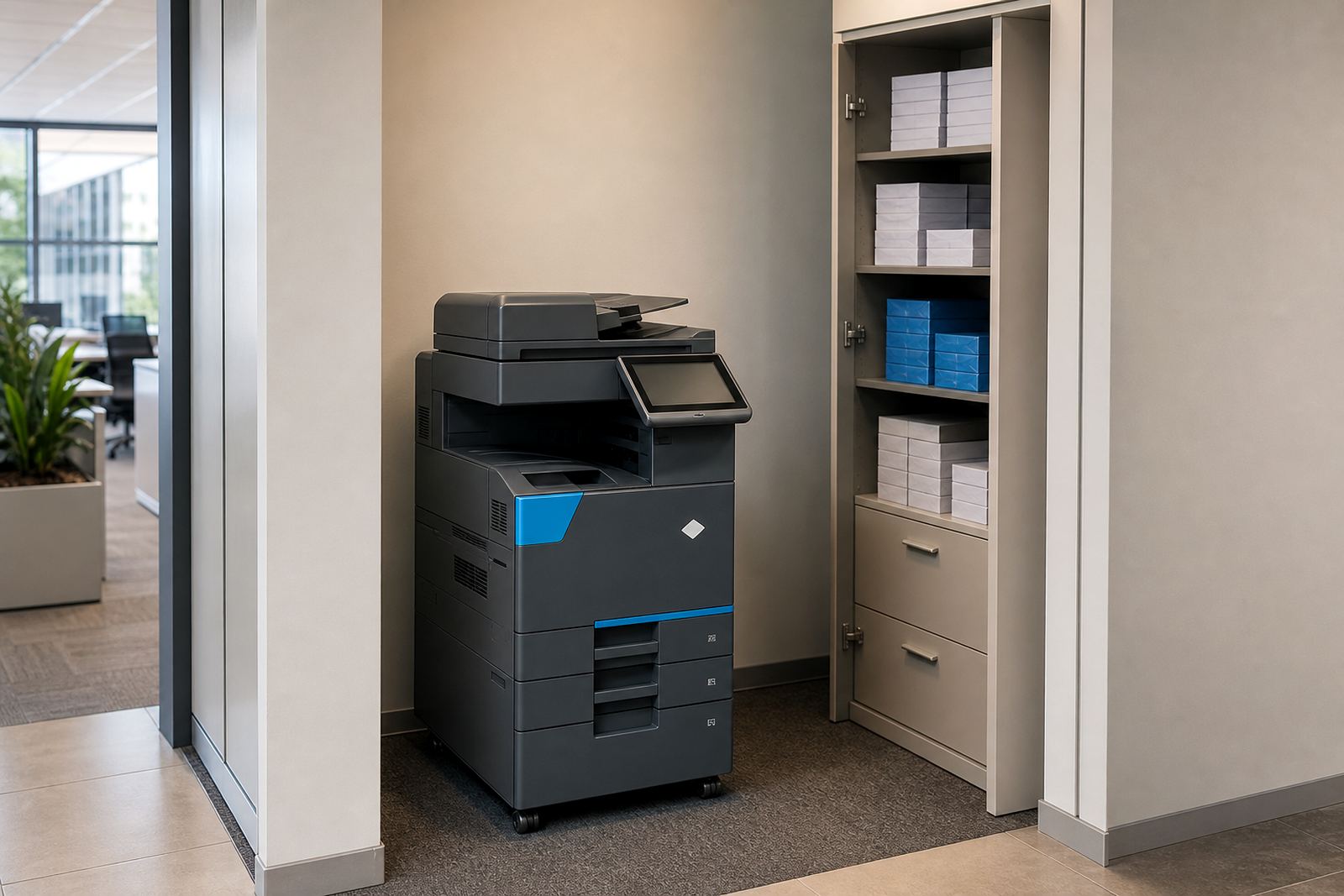
Multifunction machines need breathing room. Tightly boxed corners trap heat and dust, and that is hard on rollers, fans and paper paths. A copier placed against a wall with no clearance can also make servicing awkward, which turns a quick check into a slow job. In coastal cities like Durban and Cape Town, where humidity can affect paper curl, a drier corner away from open windows is often a better call.
Keep the machine off direct sun, away from kettles and away from doors that stay open to wind. Paper stored next to the machine should stay dry and flat. When a team uses A3 sheets for drawings or reports, the stock should not sit where it picks up moisture from a damp floor or a cold wall.
- Leave a gap around the sides and rear for airflow and access.
- Keep paper boxes off the floor and clear of moisture.
- Do not place the device next to heat, steam or strong draughts.
Match the spot to the workflow, not the floor plan
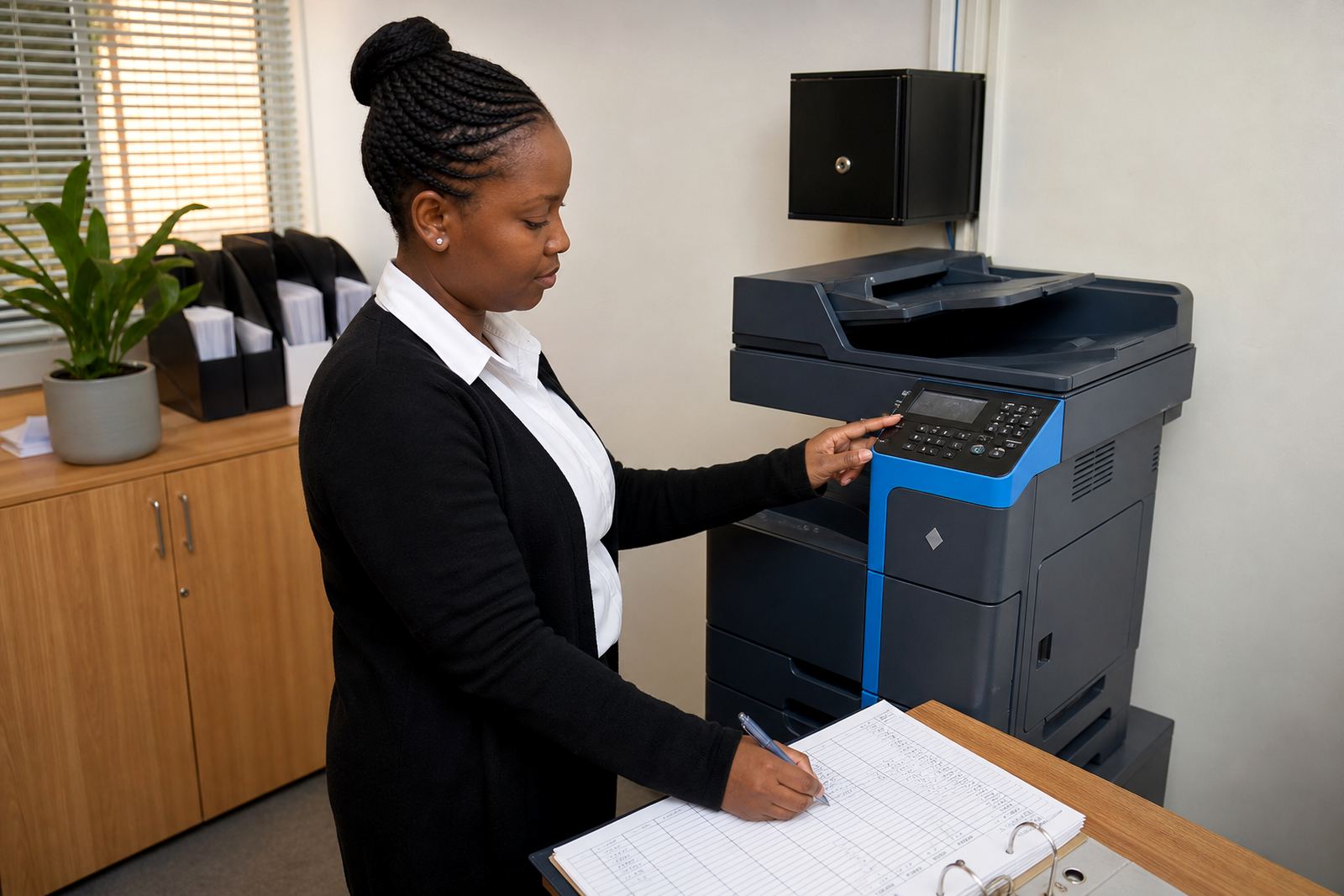
Some offices need the copier beside administration because invoices, leave forms and filing move through that counter area every day. Others need it closer to a sales team or a practice manager who scans documents into client records. The right position depends on where paper enters the office, where it gets signed and where it leaves again.
If scan-to-message is used often, the machine should sit where staff can stand and work without disrupting others. If secure print is part of the setup, place the device where a person can collect a document without exposing it to a passing crowd. That matters in legal, medical and finance environments, where privacy is part of the routine.
- Put the copier near the main document flow.
- Separate public waiting areas from private print collection points.
- Keep scan, copy and handover tasks close to the teams that use them.
Floor strength, power points and cable routes need a look first
Copiers are heavier than many offices expect, especially A3 devices with trays, cabinets and finishing units. Before placement, check that the floor is level and firm enough for the weight. A wobble can affect alignment, paper feed and the way doors close. In older buildings around Pretoria and central Johannesburg, uneven tiles or raised thresholds can also make moving the machine harder than planned.
The power point should be close enough that cables do not stretch across a walkway. Network cabling should follow a clean route as well, especially where scan-to-message and print release are used. If the machine is on an island or in a narrow room, a poor cable run can create a trip risk and make servicing awkward when the field technician arrives.
- Check for a level base before the machine is set down.
- Keep power and network leads neat, short and protected.
- Avoid placing the unit where doors, trolleys or chairs will strike it.
Choose one copier for the room, not one copier for every habit
Many offices ask for a machine in the nearest open space, then find that the space creates more noise, traffic and frustration than expected. A better approach is to place one good device where the most common jobs happen, then set the rest of the office around that choice. That may mean a mono unit for internal forms and a colour unit for presentations, or one shared machine that handles both where the monthly rental and click charges suit the print mix.
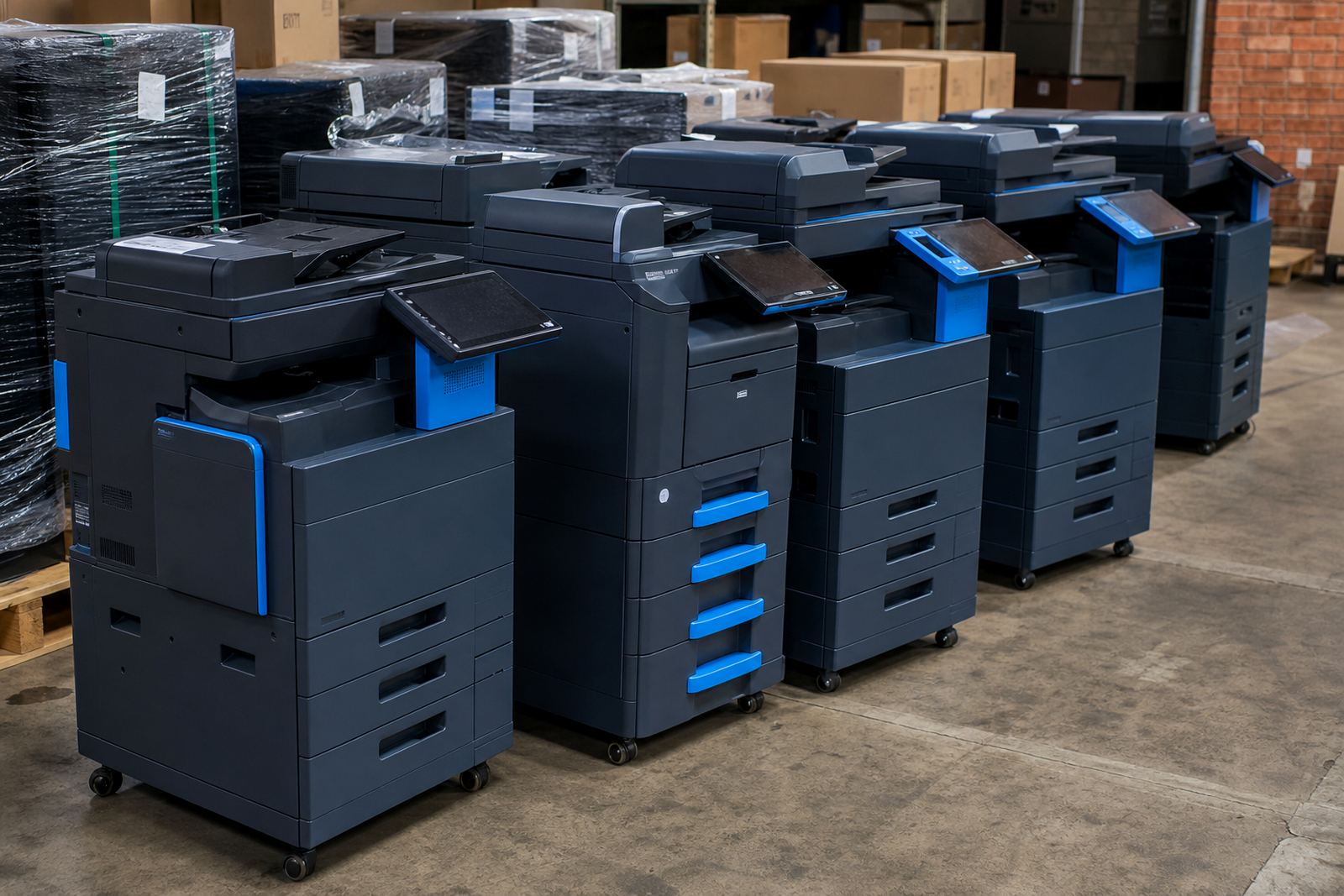
When a fleet has more than one device, each unit should have a clear role. One copier may serve directors and finance, another may serve reception and admin, and a third may stay near a training room. That layout keeps queues short and makes metre readings cleaner because the usage pattern is easier to follow.
- Use mono where black and white work dominates.
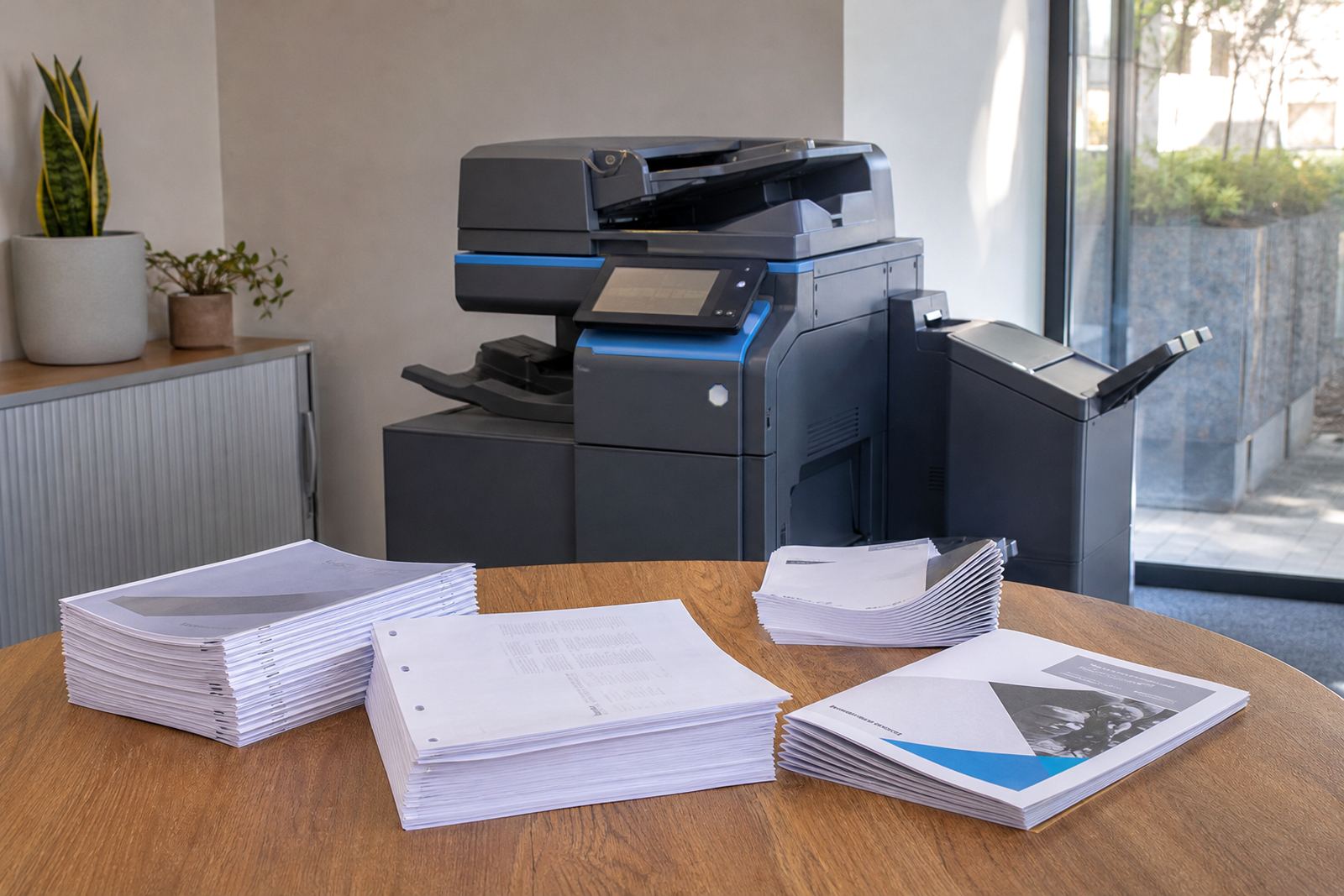
- Use colour where charts, photos or client material matter.
- Set each machine up for a clear purpose and location.
Plan for servicing, swaps and the odd relocation
A copier should be placed where it can be reached by a technician without dragging it through a maze of counters and storage boxes. On-site servicing works best when the machine has a clear approach from the doorway and enough space for panels to open. That same space also helps when toner is supplied, drums are checked or a unit needs to be swapped at the end of term.
In schools and busy practices, machine relocations happen more often than people expect. A room changes purpose, a department grows, or a copier must move closer to a new team. A practical spot is one that still works if the office layout changes later. That makes user handover easier too, because the next person is not left standing in a cramped corner with no room to read the control panel.
- Leave access for servicing and end term swaps.
- Choose a spot that can handle a future move if needed.
- Make sure staff can read the display and reach the trays comfortably.
A Midrand office that got the placement right
A mixed office in Halfway House had one copier parked in a tight corner near stationery shelves. Staff from accounts used it, but so did reception and a small project team, and the result was a constant shuffle around the door. The machine also sat close to a wall, which made toner changes and maintenance clumsy. When the office shifted to a managed print plan, the unit was moved to a shared document area with better access and a cleaner cable path.
The difference was practical rather than dramatic. People reached the copier without blocking each other, scan-to-message became easier to use, and the service checks were less disruptive. The office also had a clearer view of metre readings and supply levels, which helped with planning and made the monthly print pattern easier to follow.
Good placement does not need a grand setup. It just needs enough space, the right route for people, and a spot where the machine can do its work without getting in the way.