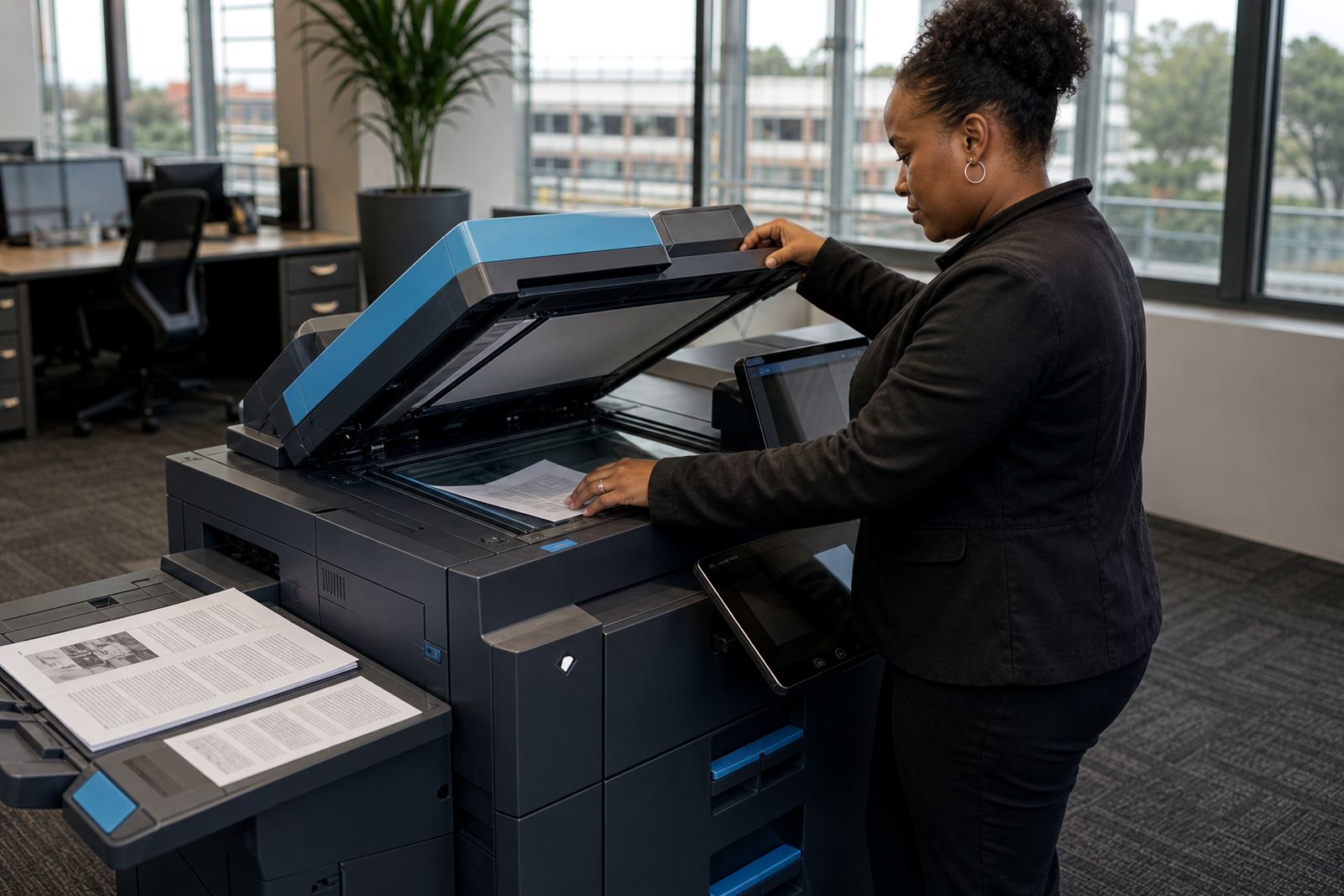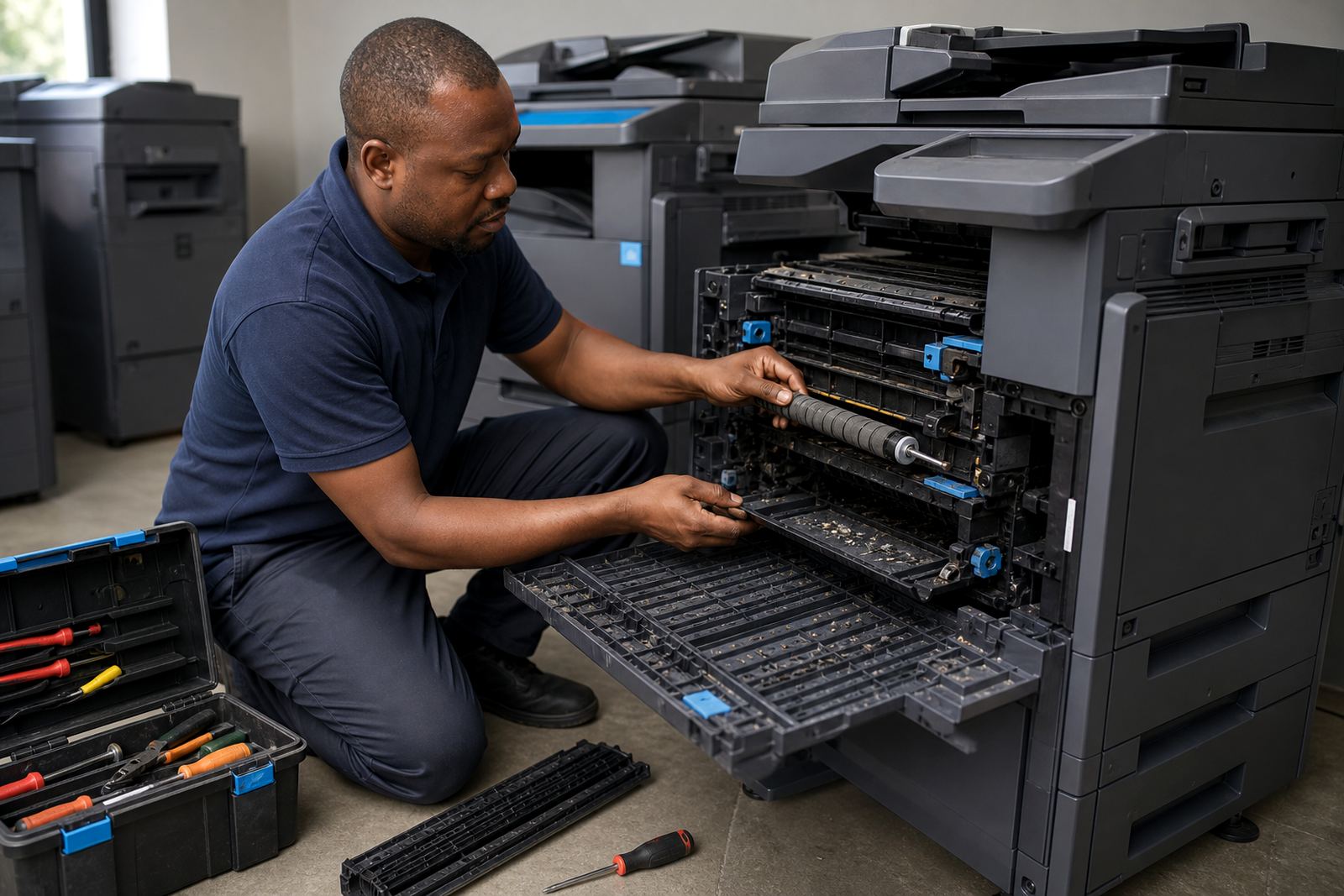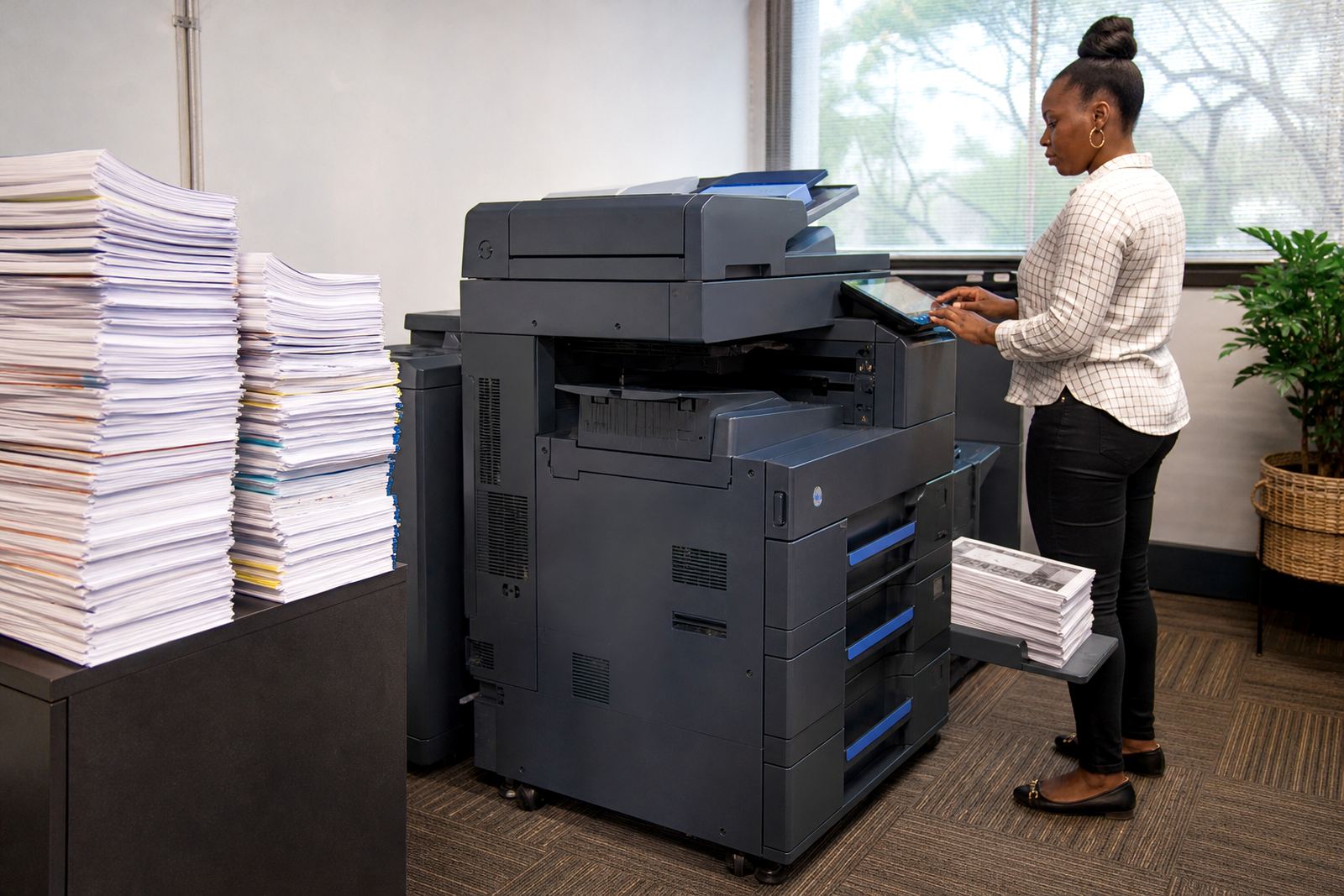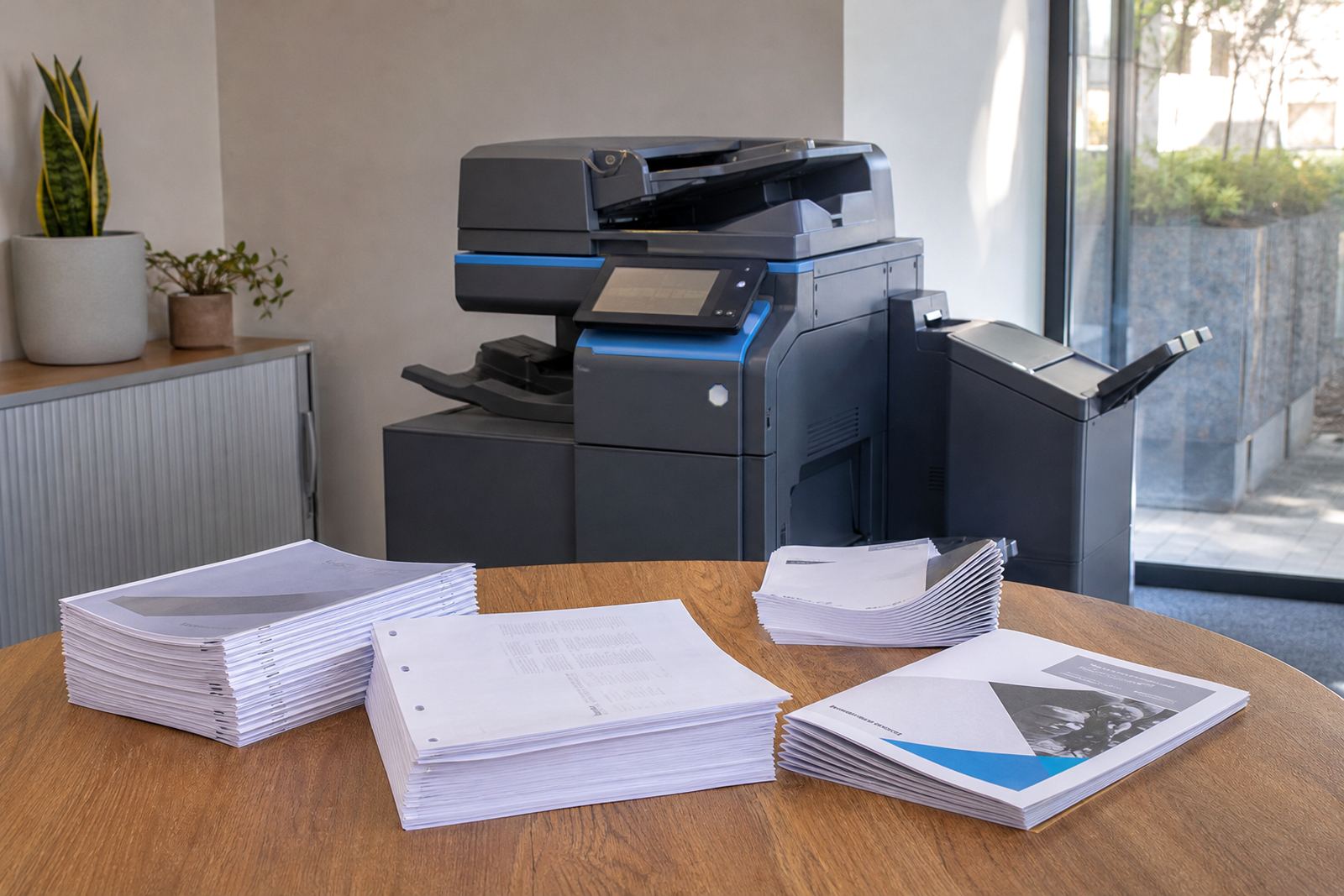
When the copier must finish the job, not just print it
Most offices think about print speed first, then paper size, but finishing changes the whole workflow. A multifunction machine that can staple, punch or fold sheets keeps admin moving without someone standing at a separate binding table, sorting pages by hand.
That matters in Halfway House and across larger office nodes too, where one machine may serve reception, finance, HR and a boardroom. If the copier can finish standard reports, training packs and proposal sets on its own, staff spend less time reworking output. It also reduces the pile of loose pages that ends up on a counter or in a tray near the kettle.
- Stapling suits invoices, quotations and internal packs.
- Hole punching helps when files are stored in lever arch folders.
- Booklet output works for training notes, product sheets and event handouts.
Stapling that matches the way offices file work
Stapling sounds basic, yet the wrong staple position can slow everyone down. Some teams need a top corner staple for quick reading, while others prefer a side staple for document filing. On a managed print plan, the staple unit should be set up around the way your office actually handles paper, not around a generic default.
For schools and professional practices, staple output is useful where multiple people review the same pack. A finance team in Sandton may need monthly reports stapled in sets of 20 or 30 pages, while a legal office in Pretoria may want shorter files grouped by matter. The copier should handle those sets without leaving pages skewed or partly attached.
- Corner staple for board packs and short reports.
- Side staple for filing into folders or archive boxes.
- Dual staple for longer document sets where page order matters.
If the machine runs both mono and colour output, keep the staple settings aligned with the job type. Colour packs often leave the office in presentation form, while mono sets are more often filed, marked up or scanned later.
Hole punching for files that stay neat after printing
Hole punching is one of those finishing options that seems minor until the filing cabinet fills up. Offices that keep supplier records, patient notes, case files or school administration paperwork usually want every set punched in the same place. That keeps documents square inside the file and reduces the chance of torn paper when people open and close the folder often.
Not every multifunction copier handles punching the same way, so it helps to check the paper sizes you use most. A4 is common, but some teams work with A3 when drawings, schedules or meeting packs need more space. A machine that can manage both sizes properly gives your office more room to deal with different jobs without moving paper through another device.
- Use punching when filing hard-copy records for regular access.
- Match the punch pattern to your folder type.
- Check that the machine handles heavier paper without scuffing the edges.
In coastal offices such as Durban and Cape Town, paper can curl slightly when the air is damp, so neat punching and correct tray handling become part of the job. That sounds small, but neat filing saves time every week.
Booklet output for training notes, proposals and handouts
Booklet output is useful when loose pages would feel untidy or hard to carry. The copier arranges pages so they can be folded and stapled into a small booklet, which suits training manuals, event notes, product guides and internal reference sheets. It gives a more polished result than handing out a stack of single pages.
This option works best when the content is planned for booklet layout from the start. Page count matters, as does image placement and margin space. If the file is set up badly, text can sit too close to the fold or images can cut across the crease. A solutions consultant should help match the machine settings to the document format before the job starts.
- Training packs for staff onboarding.
- Client information sheets for reception areas.
- Event handouts that need to stay compact.
Booklet output is also handy when an office wants to keep a neat record of policies or procedures. Instead of loose sheets moving between departments, the whole set stays together and is easier to store.
Mono, colour and finishing do not always mean the same thing
Finishing options are often discussed separately from print quality, but the two work together. A mono machine may be enough for routine internal work, while a colour machine becomes more useful when the output is shared with clients or used in meetings. The question is not just how the page looks, but how it leaves the tray.
Managed print plans usually track metre readings, click charges and toner supply, so finishing should be considered alongside monthly usage. If your team prints large packs with staples and punch holes every week, the machine should be set up to cope with that volume. If the output is lighter and mostly for scanning, secure print and occasional booklet runs may matter more than heavy finishing.
For offices in Centurion or Bloemfontein, where document handling can vary between departments, a mixed fleet may make more sense than one all-purpose machine. One copier can handle heavy admin, while another supports colour presentations and booklet jobs.
A Midrand example: the office that stopped re-sorting pages
A professional office in Midrand may start with a simple pattern. Reception prints visitor packs, accounts runs monthly reports, and operations issues internal checklists. If every stack arrives loose, someone has to staple pages, punch holes, check order and separate mixed jobs by hand. That work disappears into small interruptions all day.
Once a multifunction copier is set up with the right finishing features, the process becomes tidier. Reception can print a stapled booklet for visitors, accounts can produce punched files for archive use, and management can send secure print jobs that are only released when needed. The office still needs metre readings, toner supply and service cover, but the paper trail becomes easier to live with.
- Short sets move straight into filing.
- Booklets leave the copier ready for meetings.
- Staff spend less time reshuffling mixed pages.
That is the practical side of finishing options. They are not a luxury extra, they are part of how a copier fits into the day. For offices across Johannesburg, Pretoria, Durban, Cape Town and Bloemfontein, the right finish can save more time than a faster print speed ever will.