When copying carries the bigger load
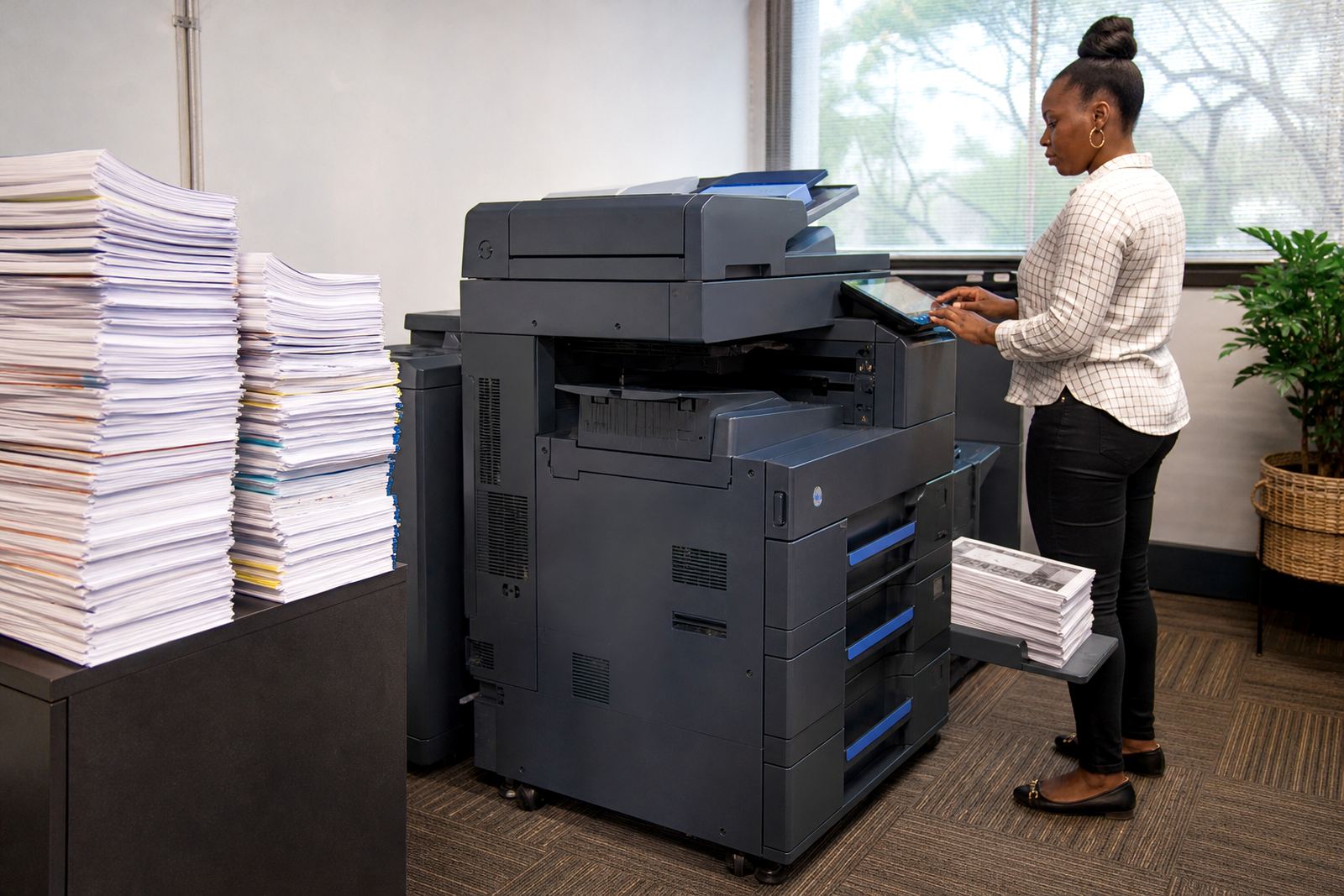
Copy-heavy offices usually work from a small set of paper files, signed forms, training packs or client packs that move across counters all day. The machine spends more time scanning, copying and refeeding sheets than it does printing from computers, so the monthly pattern tells you a lot about the right device.
In that setting, a compact A4 multifunction printer can be enough for front office work, but a larger A3 copier starts to make sense once you need stapled sets, mixed paper sizes or longer run lengths. If the room handles board packs, school notices or practice files, the extra paper trays and faster duty cycle matter more than flashy print speed claims.
- Heavy copying often means more wear on paper paths and feeders.
- A3 handling helps when originals are mixed, folded or oversized.
- Scan and copy functions should feel familiar to every user on shift.
Print volumes tell a different story
Print-heavy offices often send jobs from several computers, with reports, letters, quotations and invoices landing in the queue through the day. Here the question is less about copying speed and more about paper handling, secure print and how the machine behaves when multiple users send work at once.
Mono machines suit offices that live on internal documents, black text reports and simple forms. Colour becomes useful when a team needs client-facing packs, presentations or plans with charts, but colour clicks must be watched more closely because they change the monthly bill quickly if the office prints too freely.
A good rental plan separates the cost of having the machine in the room from the usage cost on the metre. That keeps budgeting clearer, especially where one branch prints lightly and another pushes a much higher page count.
Mono or colour, and why the answer is not fixed
There is no single answer for every office in Midrand, Sandton or Pretoria. A conveyancing team, a medical practice and a school admin office can all use the same general machine class, yet their paper flow and colour needs are completely different.
- Mono works well for text-first paperwork and internal admin packs.
- Colour helps when charts, branding or marked-up drawings matter.
- Colour should be set by actual use, not by a guess at the start.
- Shared devices need secure print if documents must wait for the right person.
Where copy work is more common than print work, it often pays to keep colour on a smaller subset of the fleet. That way the teams that truly need colour can use it, while the main device stays focused on high-volume copying and daily black-and-white output.
What managed print changes in practice
Managed print is not only about a machine on rent. It includes toner supply, metre readings, service scheduling and a clearer view of what each department uses. For offices in Johannesburg, Durban or Bloemfontein, that matters because each branch may behave differently even when the paperwork is similar.
Monthly rental covers the machine itself, while click charges track what runs through it. Toner supply is included in the plan, so the office does not need to buy cartridges piecemeal or chase stock when the levels fall. On-site servicing keeps the fleet in working order, and breakdown response matters when the device is shared by several people who cannot wait around for paperwork to clear itself.
Our team also handles device installation, network setup, scan to message setup, secure print setup, machine relocations, user handover and end-term swaps. Those items matter because a copier in the wrong place, or on the wrong network, can create more friction than the machine saves.
How one Midrand office split the workload
A Halfway House office with a busy admin counter and a smaller accounts team had a simple issue. Most of the daily movement was copying signed forms and scanning them into message, while only a smaller share was original print work. The first instinct was to fit a large colour unit in every corner, but that would have added cost where the usage did not justify it.
Instead, the fleet was shaped around the real split in tasks. One multifunction machine handled the front counter copying and scanning, while a second unit was set for the team that produced reports and notices. The branch kept secure print on the shared device, and the monthly metre readings showed which side of the office was carrying the load. The result was not about buying less for the sake of it, but about matching the machine to the paper trail on the floor.
- Front counter work needed quick copy and scan access.
- The back office needed better control over print queues.
- Usage checks helped separate busy departments from lighter ones.
- End-term swaps gave the office room to adjust as needs changed.
A sharper brief makes the fleet easier to match
When an office is deciding between copy-heavy and print-heavy use, the useful detail is not a sales pitch, it is the daily pattern. How many pages move through the machine, whether they are mostly mono or colour, whether A3 is needed, and whether one person or ten people are sending jobs all shape the right plan.
That is where a fleet review helps. A small practice in Centurion may need a different setup from a school office in Cape Town, even if both ask for rental and toner supply. The right answer usually sits in the paper mix, the number of users, and whether the machine must also scan to message, hold secure jobs and handle regular metre readings without fuss.
If the office understands its own copy habits, the rental plan becomes easier to shape and the copier stops feeling oversized or underused.