The shared tray is not a safe place to leave a file
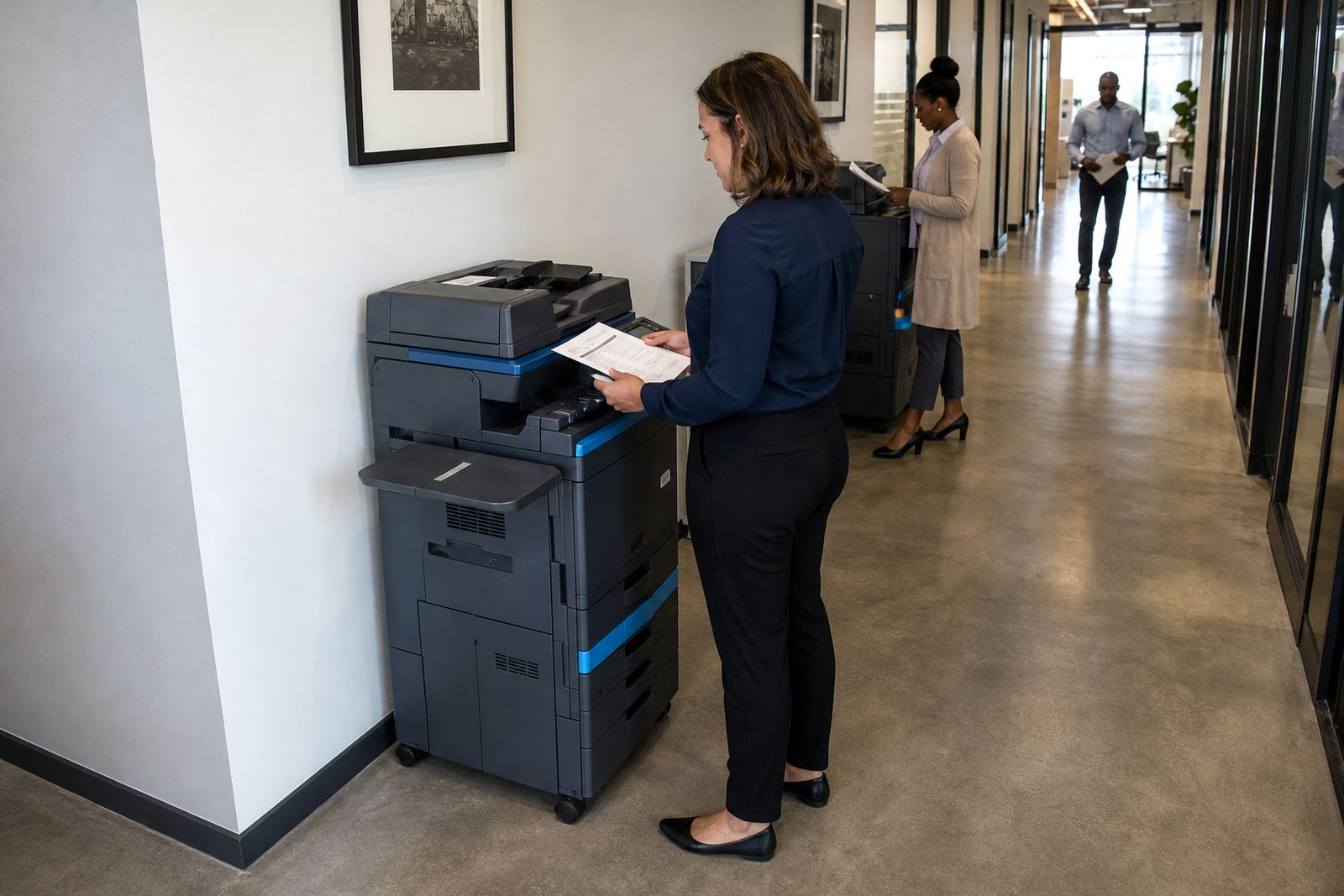
A copier tray looks harmless until a payslip, exam paper, lease, medical note, or supplier document lands there and sits in view. In a busy office, people move past the machine with coffee, phones, and other work in hand, so the paper becomes part of the scenery and not a controlled handover.
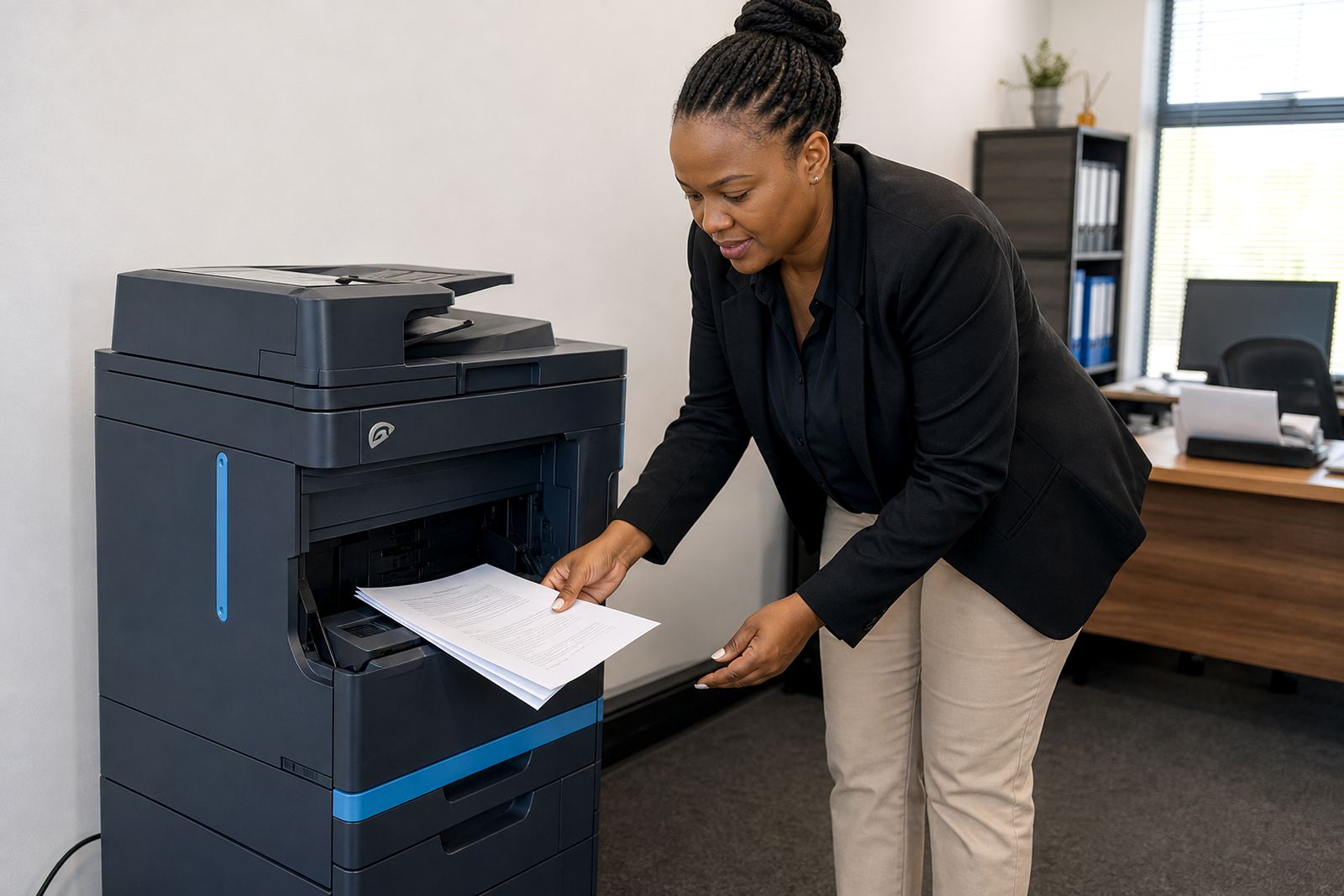
Secure document collection means treating every print run as something that should be collected, sorted, and filed straight away. That is more than a courtesy. It protects confidentiality, keeps the floor tidy, and cuts the chance of pages going missing between the machine and the right person.
In practices and admin rooms, the problem is often small but repeated. One unattended pile each day can turn into a steady leak of names, ID numbers, account details, or internal notes.
What a better collection routine looks like at the machine
The fix is usually simple. Put one person in charge of the tray for each busy period, keep a clear pickup point near the device, and separate print runs by department or user before anything leaves the machine area. A printer with secure print helps as well, because the job stays in the queue until the user enters a code at the device.
- Set a clear owner for large print jobs before they are released.
- Use secure print for payroll, HR, finance, and pupil records.
- Keep face-down output only where it can be watched properly.
- Remove old pages from the tray before the next batch lands there.
- Use scan-to-send us a message for documents that do not need paper at all.
When the flow is organised, the machine stops acting like a public shelf. Staff know where to collect, who to ask, and how to move the pages into a file without delay.
How managed print supports a tidier handover
Managed print plans help because toner supply, metre billing, service visits, and user support all sit under one arrangement. That makes it easier to keep the device working as expected, instead of leaving staff to improvise when a tray is jammed, toner is low, or scan settings need attention.
For offices using A4 or A3 multifunction machines, the right setup also matters. A mono device may suit routine internal documents, while colour is better for client packs, diagrams, or branded sheets. If the machine is set up properly, users spend less time standing around it and less paper gets abandoned near the output tray.
- Metre reading support keeps the billing record accurate.
- On-site servicing reduces the temptation to leave a fault unresolved.
- End-of-term swaps let the fleet match changing work patterns.
- User handover helps new staff use the tray, code and scan settings correctly.
A Midrand office lesson from a busy front counter
In Halfway House, Midrand, a growing office can have visitors, couriers, reception staff, and back-office teams crossing paths all day. That is exactly where printed pages start drifting away from their owner. A statement left on top of a copier can be lifted by mistake, while a stack of forms can be shuffled with unrelated paperwork before anyone notices.
One local team reduced the problem by setting a collection shelf beside the device and restricting who could collect from the machine during peak times. They also split their setup so internal documents used secure print, while front-facing material was released directly for same-room pickup. It did not change the amount they printed, but it changed who could see each page and when.
That sort of arrangement matters across Johannesburg, Pretoria, Durban, Cape Town and Bloemfontein too. The building may be different, yet the risk is the same whenever multiple people share the same printer area.
Small habits that make private pages less visible
Collection discipline is not only about software or the machine model. It also depends on habits around the office. If staff print, walk away, and return later, the chance of another person seeing or taking the pages rises straight away. A short, consistent routine helps more than most people expect.
- Pick up sensitive jobs immediately after release.
- Do not leave stamped, signed, or client-facing pages beside the device.
- Keep rejected prints in a locked shred bin or secure basket.
- Train reception and admin staff to notice stray pages on counters.
- Check whether every user still needs access to colour output.
These habits are practical in schools, legal rooms, medical offices, and finance teams. They also cut waste, because forgotten pages are often reprinted and refiled, which adds cost and confusion.
Keeping collection secure when the copier is shared by many people
A shared device needs clearer rules than a single-user office. When a copier serves several departments, people should know whether the output is face-up or face-down, which tray belongs to which job, and who clears the area at closing time. If those points are left to memory, the system starts slipping.
Good setup work also helps the hardware side of the process. A proper network setup, secure print configuration, and scan-to-message setup reduce the number of loose pages circulating around the office. Where machines are moved between rooms or replaced at the end of term, the new arrangement should include the collection routine, not only the cables and toner.
For businesses on managed print plans, the aim is not just to keep the machine running. It is to make the full print path more controlled, from release at the device to the final file cabinet or archive. That is how printed pages stop lingering where anyone can pick them up.
If you need a copier or multifunction printer plan that fits shared offices, schools, or practices, our contact form is the place to start the discussion.